Barracuda Blacklist Removal: The 2026 Sender's Recovery Guide
Stuck on Barracuda's reputation block? Here's exactly how to diagnose the listing, submit a removal request, and stop it from happening again in 2026.
Your emails stopped landing. Bounce logs mention barracuda or b.barracudacentral.org, and your open rates fell off a cliff. You've been added to the Barracuda Reputation Block List (BRBL), and until you get off it, a large slice of your B2B recipients will never see your messages.
This guide walks you through Barracuda blacklist removal end to end: how to confirm the listing, how to file the delisting request, how long it takes, and — most importantly — how to fix the root cause so you don't land back on the list next month.
TL;DR#
- Barracuda blacklist removal starts with confirming the listing at
barracudacentral.org/lookupsusing your sending IP, not your domain. - File the removal request through Barracuda's official form; most clean IPs are delisted within 12–48 hours.
- A delisting only sticks if you fix what caused it: bad list hygiene, a spam trap hit, a compromised account, or a poorly warmed IP.
- The single biggest preventive lever is list verification — scrub invalid and risky addresses before you send.
- Treat removal as step one of a reputation-recovery program, not a one-time fix.
What is the Barracuda blacklist (BRBL)?#
The Barracuda Reputation Block List is a real-time DNS blocklist (DNSBL) maintained by Barracuda Networks. Think of it like a bouncer's "do not admit" list at a club: when a receiving mail server gets a connection from your IP, it asks Barracuda "is this sender on the list?" If yes, the message is rejected or quarantined before it ever reaches the inbox.
Barracuda appliances and cloud filters protect a huge number of corporate mailboxes, which is why a BRBL listing hits B2B senders especially hard. Unlike content filters that score individual messages, the BRBL blocks at the IP-reputation layer — your copy can be perfect and you'll still be stopped at the door.
Barracuda builds the list from spam traps, honeypots, user complaint feedback, and traffic patterns across its sensor network. A listing is a symptom. The disease is whatever sending behavior triggered it.
How do you check if your IP is on the Barracuda blacklist?#
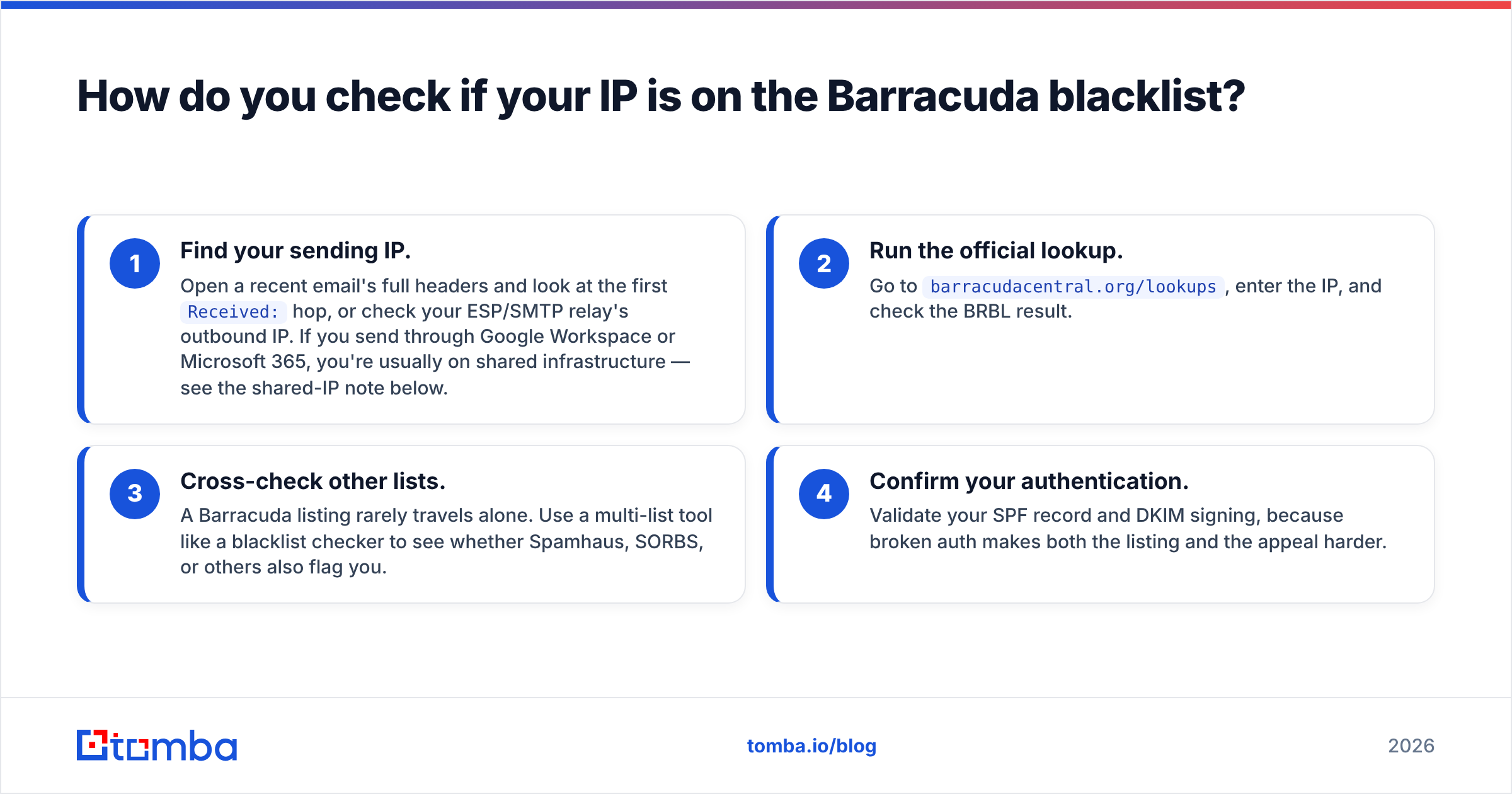
Confirm the listing before you do anything else. You delist an IP address, not a domain, so start by finding the IP your mail actually leaves from.
- Find your sending IP. Open a recent email's full headers and look at the first
Received:hop, or check your ESP/SMTP relay's outbound IP. If you send through Google Workspace or Microsoft 365, you're usually on shared infrastructure — see the shared-IP note below. - Run the official lookup. Go to
barracudacentral.org/lookups, enter the IP, and check the BRBL result. - Cross-check other lists. A Barracuda listing rarely travels alone. Use a multi-list tool like a blacklist checker to see whether Spamhaus, SORBS, or others also flag you.
- Confirm your authentication. Validate your SPF record and DKIM signing, because broken auth makes both the listing and the appeal harder.
If you're on a shared IP (most Google Workspace and Microsoft 365 senders are), you usually can't self-delist — the IP belongs to your provider. Open a support ticket with them and focus your energy on the root-cause fixes below.
How do you remove your IP from the Barracuda blacklist?#
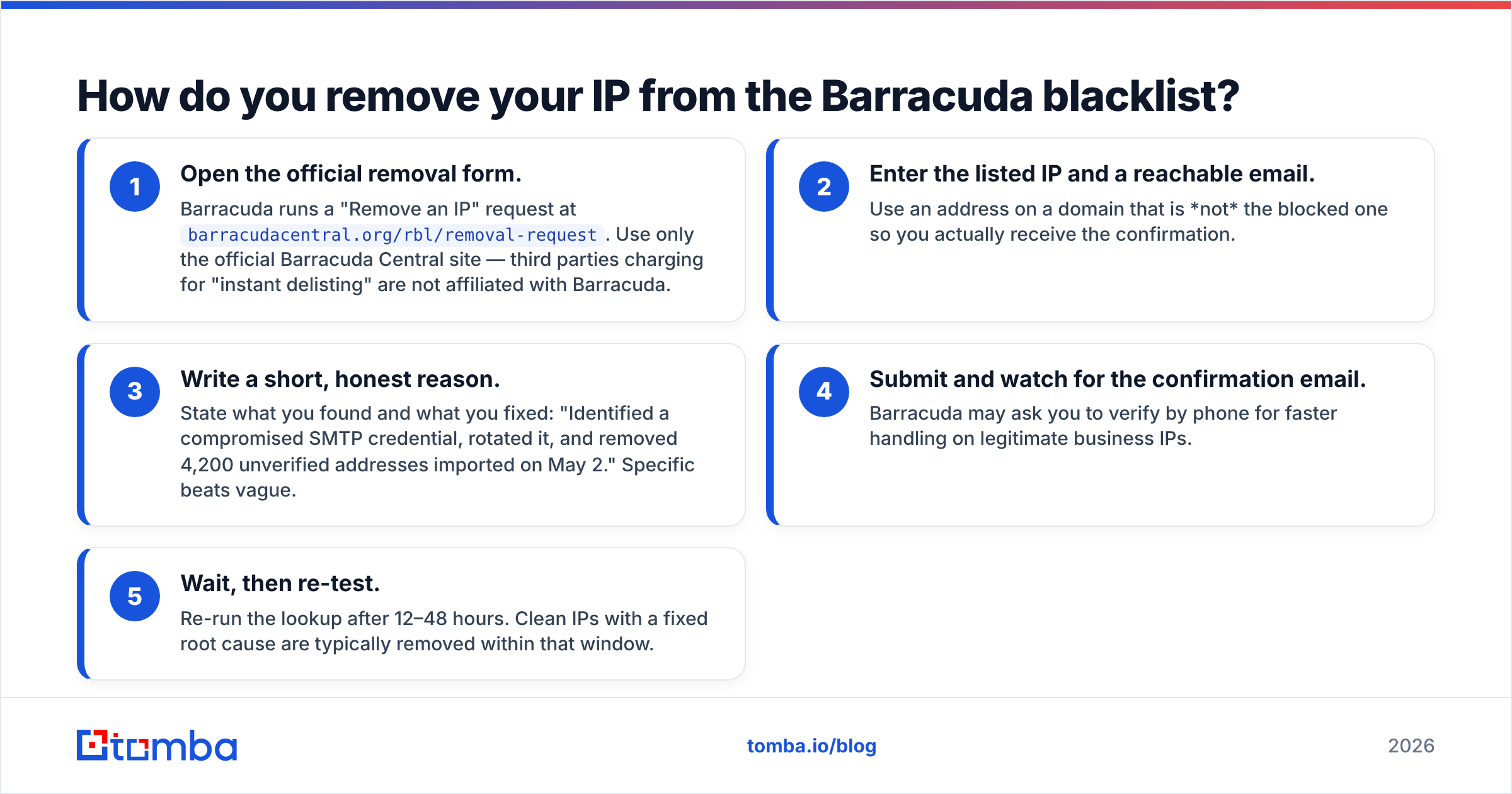
Once you've confirmed the listing on a dedicated IP you control, here's the removal path.
- Open the official removal form. Barracuda runs a "Remove an IP" request at
barracudacentral.org/rbl/removal-request. Use only the official Barracuda Central site — third parties charging for "instant delisting" are not affiliated with Barracuda. - Enter the listed IP and a reachable email. Use an address on a domain that is not the blocked one so you actually receive the confirmation.
- Write a short, honest reason. State what you found and what you fixed: "Identified a compromised SMTP credential, rotated it, and removed 4,200 unverified addresses imported on May 2." Specific beats vague.
- Submit and watch for the confirmation email. Barracuda may ask you to verify by phone for faster handling on legitimate business IPs.
- Wait, then re-test. Re-run the lookup after 12–48 hours. Clean IPs with a fixed root cause are typically removed within that window.
If you get delisted and immediately relist, stop sending from that IP. Re-listing means the underlying problem is still active — keep reading.
Barracuda blacklist removal vs. other major blocklists#
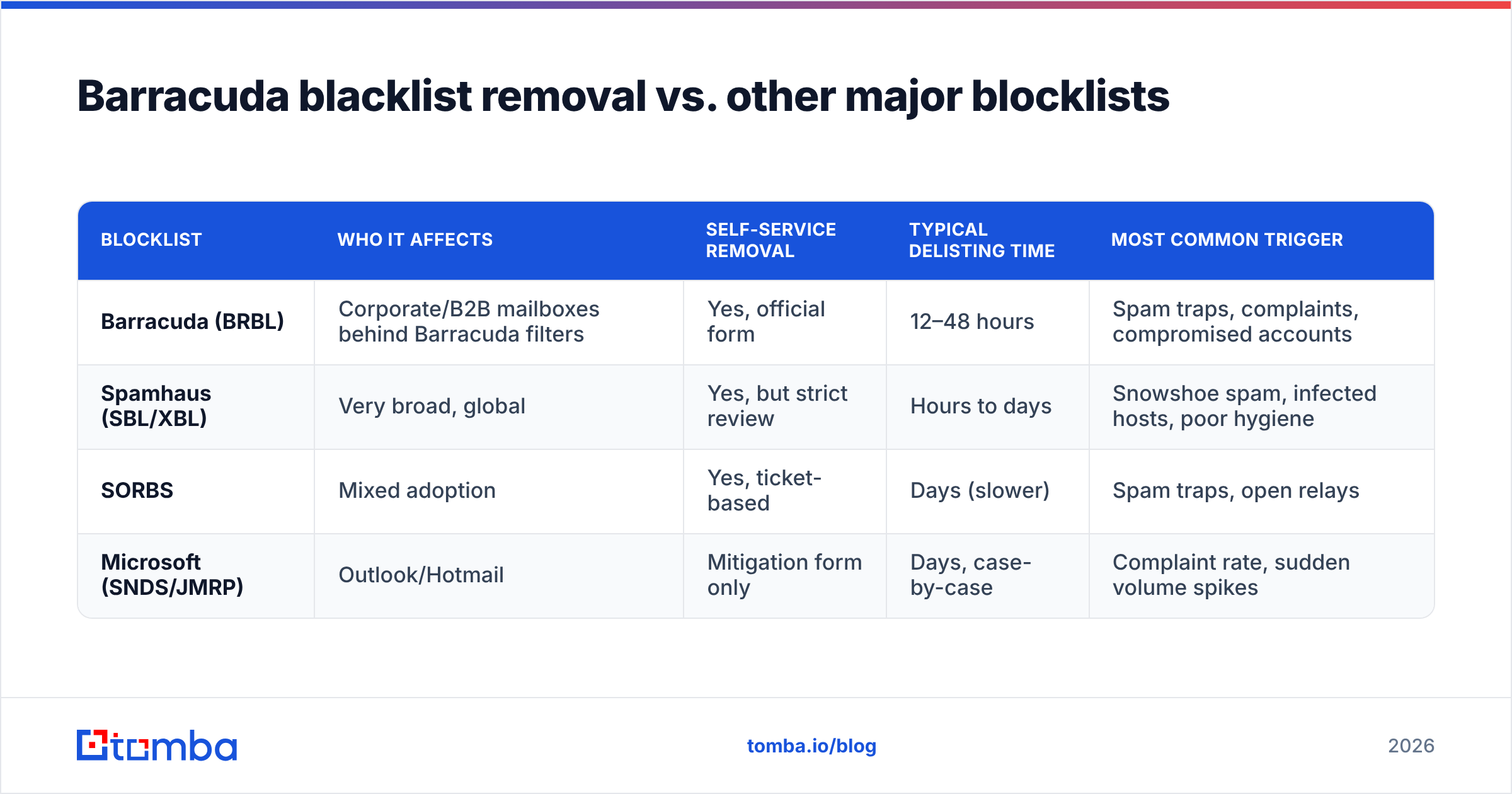
Removal mechanics differ across lists. Here's how Barracuda compares to the other blocklists you're most likely to hit at the same time.
| Blocklist | Who it affects | Self-service removal | Typical delisting time | Most common trigger |
|---|---|---|---|---|
| Barracuda (BRBL) | Corporate/B2B mailboxes behind Barracuda filters | Yes, official form | 12–48 hours | Spam traps, complaints, compromised accounts |
| Spamhaus (SBL/XBL) | Very broad, global | Yes, but strict review | Hours to days | Snowshoe spam, infected hosts, poor hygiene |
| SORBS | Mixed adoption | Yes, ticket-based | Days (slower) | Spam traps, open relays |
| Microsoft (SNDS/JMRP) | Outlook/Hotmail | Mitigation form only | Days, case-by-case | Complaint rate, sudden volume spikes |
The pattern is clear: nearly every listing traces back to list quality and sending discipline. Fix those once and you reduce your risk across every list at the same time.
Why did you end up on the Barracuda blacklist?#
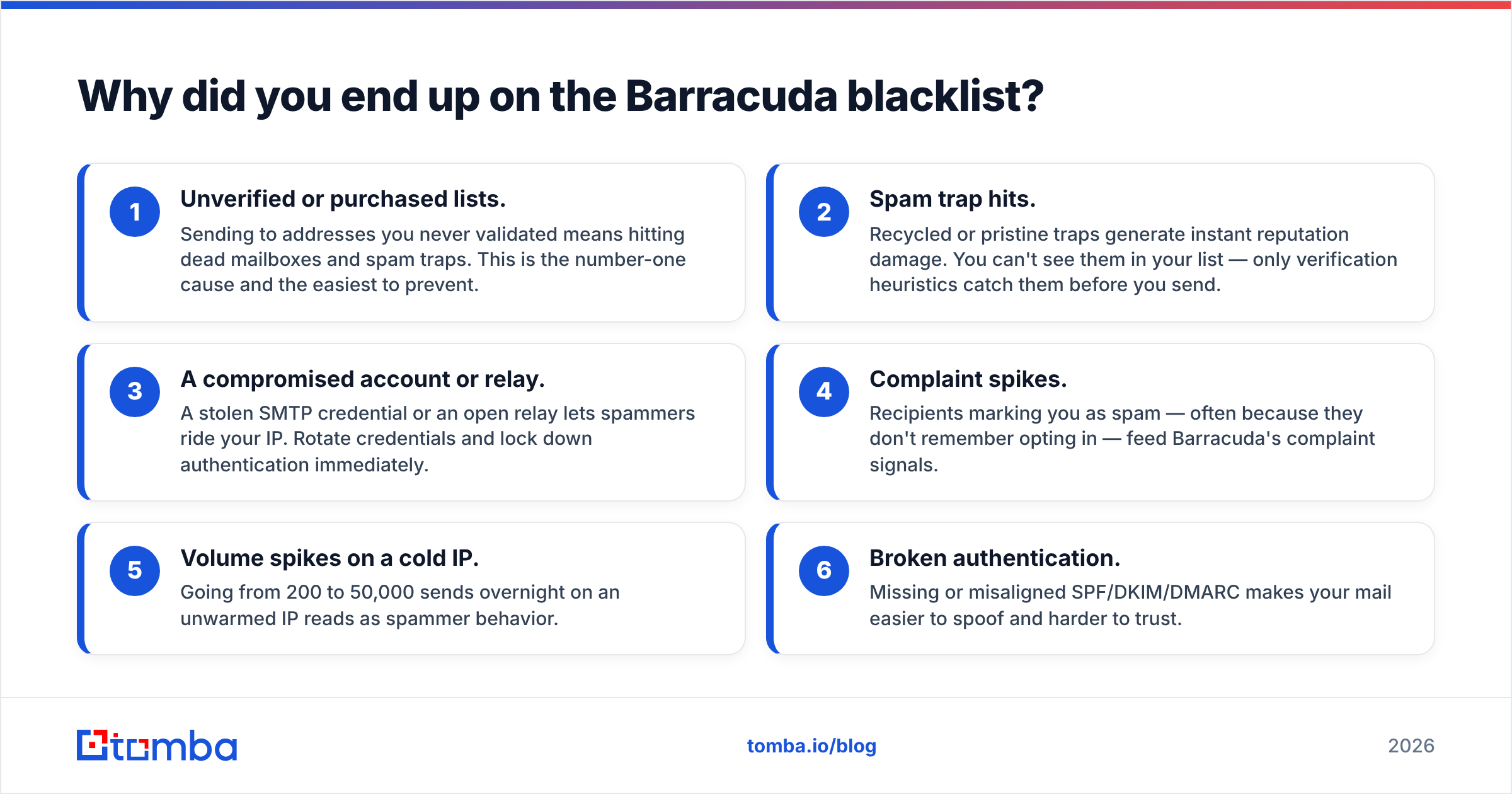
Removal without root-cause analysis is a revolving door. These are the usual culprits, roughly in order of how often they show up for B2B senders:
- Unverified or purchased lists. Sending to addresses you never validated means hitting dead mailboxes and spam traps. This is the number-one cause and the easiest to prevent.
- Spam trap hits. Recycled or pristine traps generate instant reputation damage. You can't see them in your list — only verification heuristics catch them before you send.
- A compromised account or relay. A stolen SMTP credential or an open relay lets spammers ride your IP. Rotate credentials and lock down authentication immediately.
- Complaint spikes. Recipients marking you as spam — often because they don't remember opting in — feed Barracuda's complaint signals.
- Volume spikes on a cold IP. Going from 200 to 50,000 sends overnight on an unwarmed IP reads as spammer behavior.
- Broken authentication. Missing or misaligned SPF/DKIM/DMARC makes your mail easier to spoof and harder to trust.

How do you stay off the Barracuda blacklist for good?#
Getting delisted buys you a clean slate. Keeping it requires turning these into standing habits.
- Verify every address before you send. Run new lists and your existing database through an email verifier to drop invalid, role-based, and risky addresses. This is the highest-leverage habit on this list because it kills the spam-trap and hard-bounce problems at the source.
- Handle catch-all domains carefully. Catch-all servers accept everything, so a plain syntax check tells you nothing. Use a catch-all verifier to gauge real deliverability before you mail them.
- Warm new IPs and domains slowly. Ramp volume over weeks, not hours. Start with your most engaged recipients so early signals are positive.
- Authenticate properly. Publish SPF, sign with DKIM, and enforce a DMARC policy. Monitor reports for spoofing.
- Watch complaints and bounces. Set thresholds. If hard bounces exceed ~2% or complaints exceed ~0.1%, pause and re-clean before continuing.
- Source contacts from accurate data. Starting from verified, real contacts beats scraping and guessing. A precise email finder gets you valid addresses from the start instead of after a bounce storm.
For the deeper mechanics of how reputation is scored, Google's Postmaster Tools documentation and the M3AAWG sender best practices are both worth reading. Vendor-neutral review sites like G2's email deliverability category also help you benchmark tooling.
How long does Barracuda blacklist removal take?#
Short answer: 12 to 48 hours for a clean IP once you submit the official request, assuming you've actually resolved the trigger.
A few realities to set expectations:
- First-time, legitimate IPs with a fixed root cause are usually fastest. Phone verification can speed up legitimate business requests.
- Repeat offenders face more scrutiny. If you've been listed and delisted before, expect a slower, more skeptical review.
- Shared IPs depend entirely on your provider's timeline, which you don't control.
- Re-listing within days means your fix didn't hold. Don't re-submit — stop sending, find the real cause, then try again.
While you wait, don't keep blasting from the listed IP. Pause campaigns, segment down to your most engaged contacts, and resume slowly once you're confirmed clean.
What's the fastest workflow for diagnosis and recovery?#
Put the pieces together into a repeatable runbook you can hand to anyone on your team:
- Confirm the listing with the Barracuda lookup and a multi-list blacklist checker.
- Contain by pausing sends from the affected IP and rotating any exposed SMTP credentials.
- Clean your list with an email verifier and quarantine everything risky.
- Fix authentication — re-check SPF, DKIM, and DMARC alignment.
- Request removal via the official Barracuda form with a specific root-cause note.
- Re-test after 24–48 hours, then resume sending gradually.
Bookmark that sequence. The first time you're listed it feels like an emergency; the second time it's a 30-minute checklist.
Conclusion: clean data is the real cure#
Barracuda blacklist removal is the easy part — fill in a form, wait a day or two, and a clean IP usually comes off the BRBL. The hard part is never going back. Every listing you'll ever get traces to the same root: sending to addresses you should have verified first.
That's where Tomba fits. Start from accurate contacts with the Tomba Email Finder, then keep your database clean with built-in verification so spam traps and dead mailboxes never enter your sending stream. Plans run from a free tier (25 searches/month) up through Starter at $49/mo and Growth at $99/mo — see full Tomba pricing for details. Get the data right at the source, and the blocklists mostly take care of themselves.
// get started
Find, verify and enrich your first contacts today
Start on the free plan with 25 searches a month, then scale when your team is ready.
Free plan · No credit card required · GDPR & CCPA
// about the author