7 Best Campaign Cleaner Alternatives for Cold Email in 2026
Campaign Cleaner cleans messy email HTML to dodge spam filters—but it is not the only option. Here are 7 alternatives that clean code, check spam words, and protect deliverability.
TL;DR
- Campaign Cleaner strips bloated HTML out of emails so spam filters stop punishing your code — but the same job can be done by cheaper or free tools.
- The best campaign cleaner alternatives fall into three buckets: HTML cleaners, spam-word/content scorers, and full deliverability testers (inbox placement + blacklist checks).
- If you only need clean code, a free HTML-to-text tool plus a spam checker covers most of what Campaign Cleaner does.
- If you run real cold campaigns, pair a cleaner with verification and warmup so you are not cleaning HTML that lands on dead inboxes anyway.
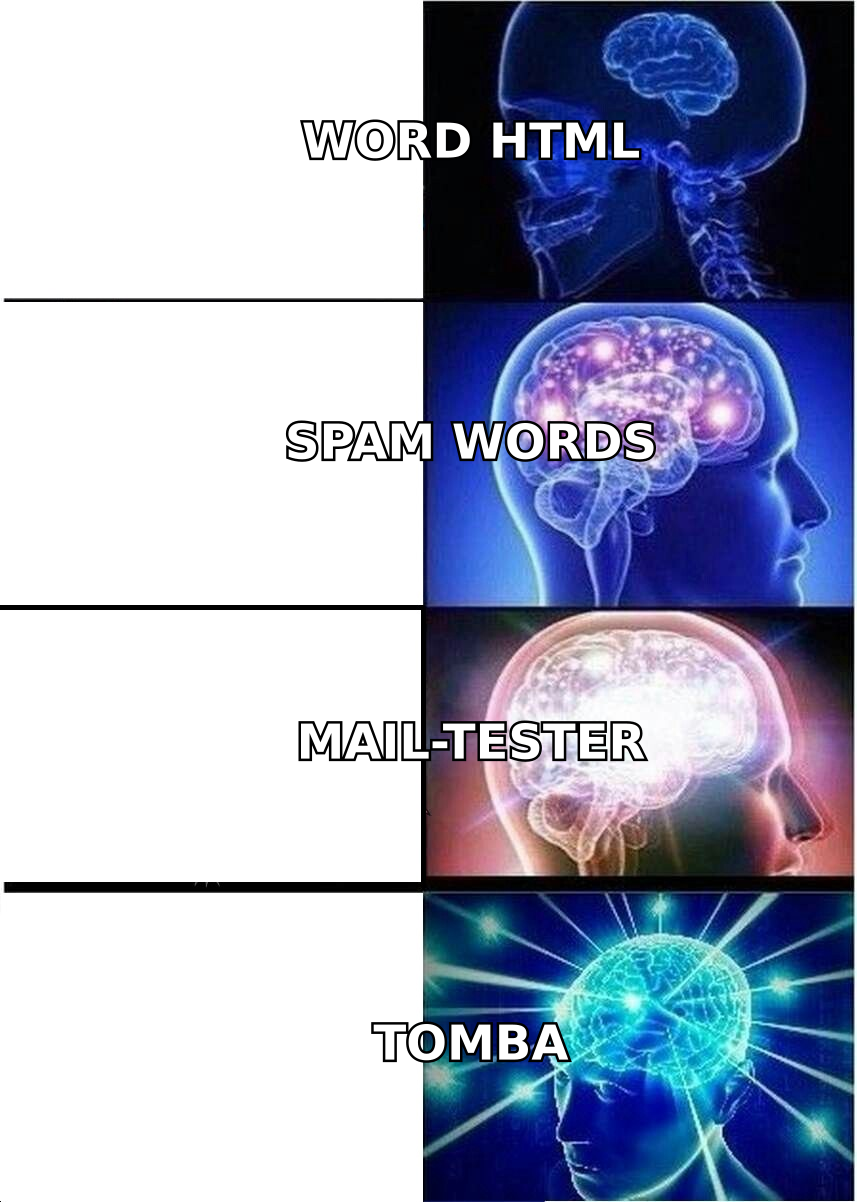
- Our pick for most teams: stack free Tomba utilities (HTML cleaning, spam scoring, reputation checks) on top of a verified contact list instead of paying for a single-purpose cleaner.
What does Campaign Cleaner actually do?#
Campaign Cleaner solves one narrow problem: messy HTML kills deliverability. When you paste a message from Microsoft Word, Google Docs, or a drag-and-drop builder, the underlying code carries invisible junk — nested <span> tags, inline styles, MSO conditional comments, and broken markup. Spam filters read that bloat as a low-quality or templated blast and quietly route you to the promotions tab or the spam folder.
The tool cleans that code, flags spam-trigger words, and hands you a leaner HTML file that renders the same but weighs less. Think of it like a dry cleaner for your email: the suit looks identical, but all the lint and wrinkles that made you look sloppy are gone.
That is genuinely useful. The catch is that Campaign Cleaner charges for a feature set you can assemble from free and low-cost tools — which is exactly why people search for campaign cleaner alternatives in the first place.
What should a Campaign Cleaner alternative replace?#
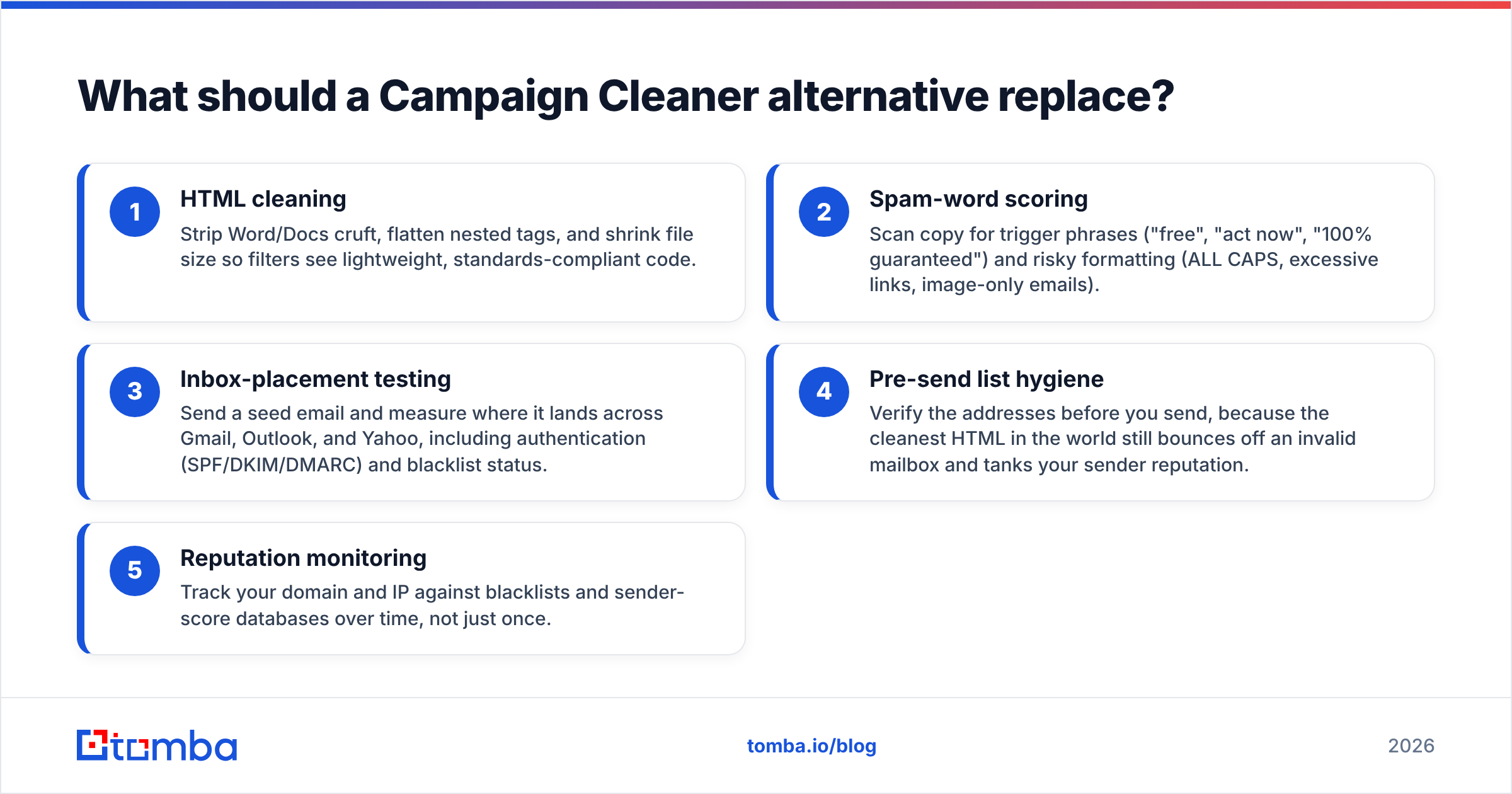
Before you compare tools, separate the three jobs Campaign Cleaner bundles together. Most "alternatives" only do one or two of these well, so knowing which you need saves money.
- HTML cleaning — Strip Word/Docs cruft, flatten nested tags, and shrink file size so filters see lightweight, standards-compliant code.
- Spam-word scoring — Scan copy for trigger phrases ("free", "act now", "100% guaranteed") and risky formatting (ALL CAPS, excessive links, image-only emails).
- Inbox-placement testing — Send a seed email and measure where it lands across Gmail, Outlook, and Yahoo, including authentication (SPF/DKIM/DMARC) and blacklist status.
- Pre-send list hygiene — Verify the addresses before you send, because the cleanest HTML in the world still bounces off an invalid mailbox and tanks your sender reputation.
- Reputation monitoring — Track your domain and IP against blacklists and sender-score databases over time, not just once.
If your only pain is "my pasted HTML looks dirty," a free HTML to text converter plus a spam checker replaces Campaign Cleaner outright. If you are running volume, you need the deliverability layer too.
What are the best Campaign Cleaner alternatives in 2026?#
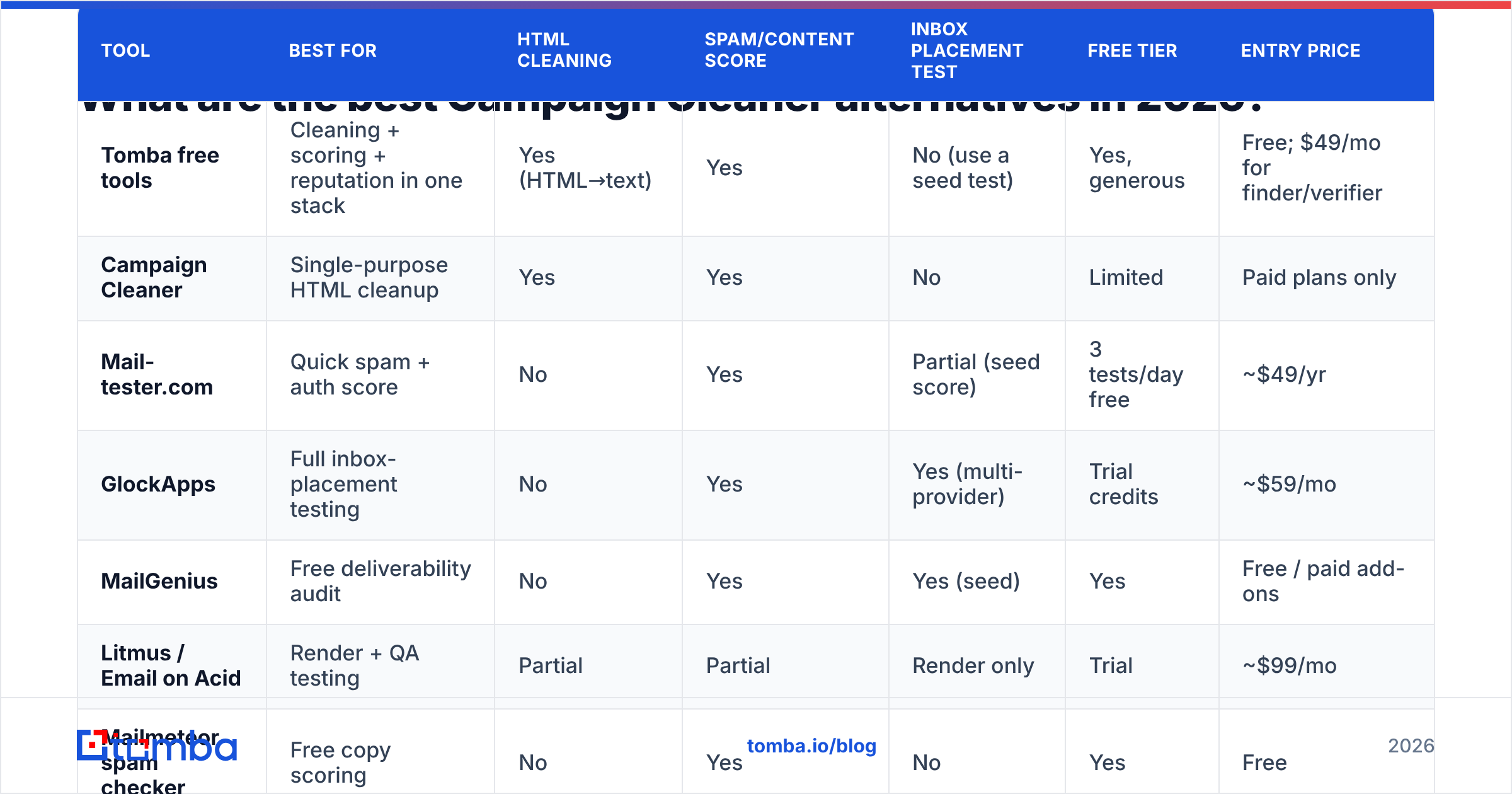
Here is how the leading options compare on the jobs above. Pricing reflects publicly listed plans at the time of writing; always confirm on the vendor's site.
| Tool | Best for | HTML cleaning | Spam/content score | Inbox placement test | Free tier | Entry price |
|---|---|---|---|---|---|---|
| Tomba free tools | Cleaning + scoring + reputation in one stack | Yes (HTML→text) | Yes | No (use a seed test) | Yes, generous | Free; $49/mo for finder/verifier |
| Campaign Cleaner | Single-purpose HTML cleanup | Yes | Yes | No | Limited | Paid plans only |
| Mail-tester.com | Quick spam + auth score | No | Yes | Partial (seed score) | 3 tests/day free | ~$49/yr |
| GlockApps | Full inbox-placement testing | No | Yes | Yes (multi-provider) | Trial credits | ~$59/mo |
| MailGenius | Free deliverability audit | No | Yes | Yes (seed) | Yes | Free / paid add-ons |
| Litmus / Email on Acid | Render + QA testing | Partial | Partial | Render only | Trial | ~$99/mo |
| Mailmeteor spam checker | Free copy scoring | No | Yes | No | Yes | Free |
A few takeaways from the table:
- No single competitor matches Campaign Cleaner's HTML-cleaning niche cheaply except a free HTML-to-text converter — which is why the "alternative" is usually a stack, not a one-to-one swap.
- Mail-tester and MailGenius are the fastest free ways to get a spam/authentication score without paying anything.
- GlockApps and Litmus solve a bigger problem (placement and rendering) and price accordingly; they are overkill if you only wanted clean code.
Is a free tool stack better than paying for Campaign Cleaner?#
For most senders, yes — assembling free tools beats paying for a single-purpose cleaner. The reason is leverage: HTML cleaning is a commodity, so paying a subscription for it alone is poor value when the same output is available for free.
A practical free stack looks like this:
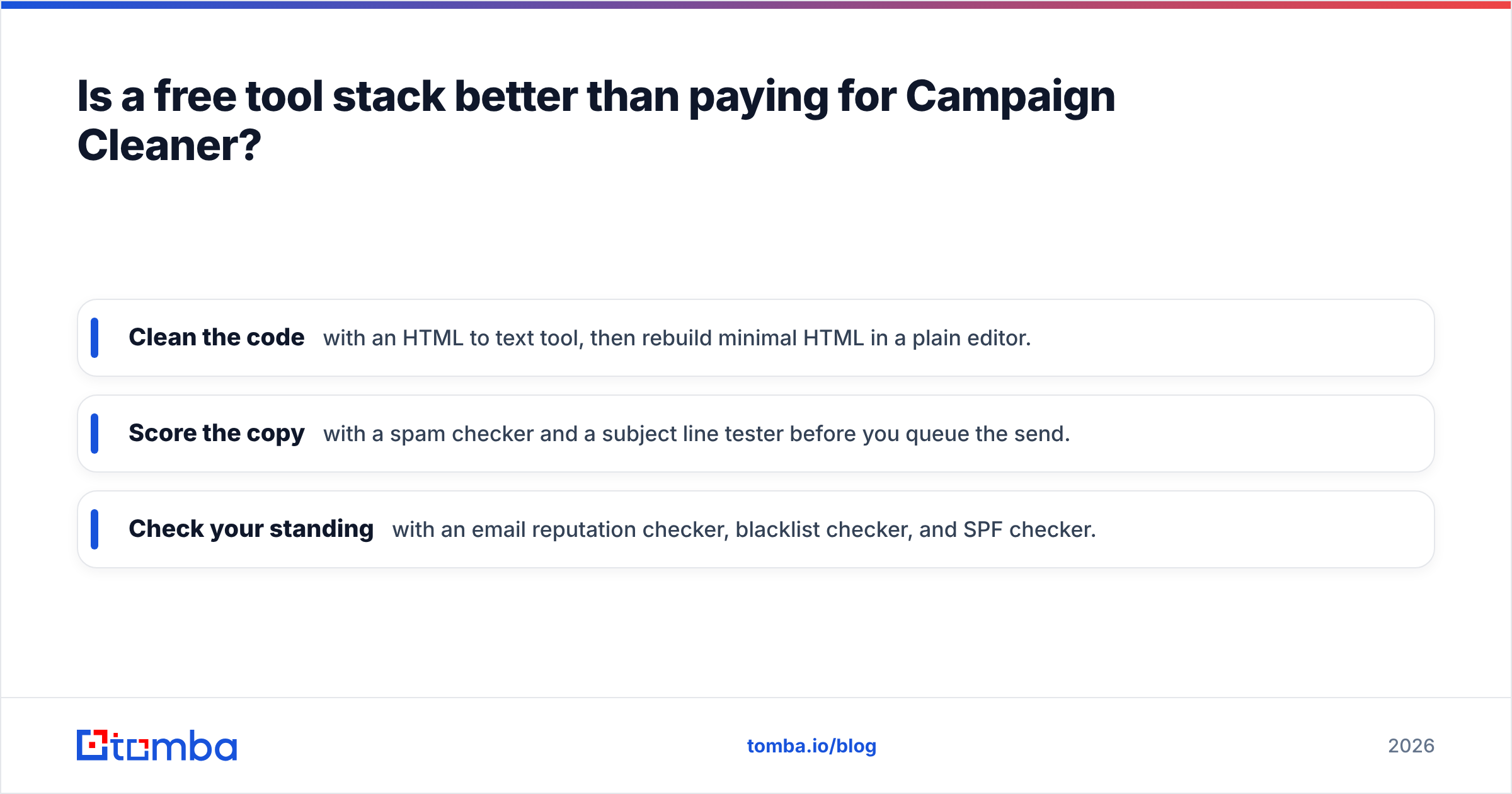
- Clean the code with an HTML to text tool, then rebuild minimal HTML in a plain editor.
- Score the copy with a spam checker and a subject line tester before you queue the send.
- Check your standing with an email reputation checker, blacklist checker, and SPF checker.
That combination covers cleaning, content scoring, and reputation — the three things that make Campaign Cleaner worth using — at zero cost. You only start paying when you need volume (bulk verification, full inbox-placement seed tests) or automation.
The honest counterpoint: a paid tool bundles these steps into one dashboard, and convenience has real value when you are sending daily. If your time is worth more than the subscription, a paid cleaner or a GlockApps plan can be the right call. Just don't pay for cleaning alone.
Why clean HTML is not enough on its own#
Here is the trap with every Campaign Cleaner alternative: cleaning HTML treats a symptom, not the disease. You can ship perfectly minified code and still land in spam if the underlying fundamentals are broken.
Two factors outrank HTML cleanliness almost every time:
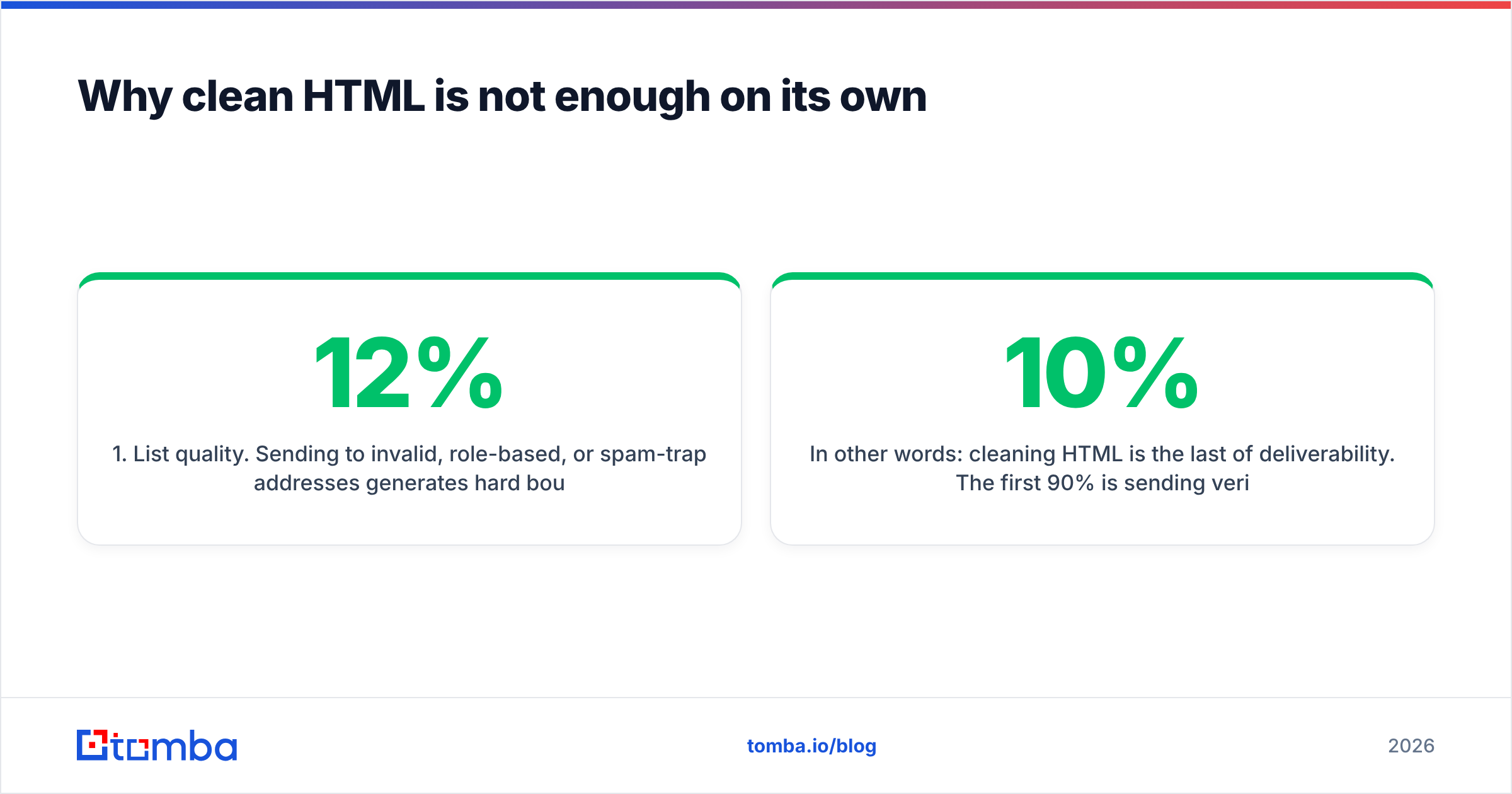
1. List quality. Sending to invalid, role-based, or spam-trap addresses generates hard bounces and complaints that destroy your sender reputation. No amount of HTML polish survives a 12% bounce rate. Run every list through an email verifier before the first send. According to deliverability guidance from providers like HubSpot, keeping bounce rates under 2% is the single biggest lever on inbox placement.
2. Authentication and warmup. SPF, DKIM, and DMARC tell mailbox providers you are who you claim to be. A cold domain with no sending history looks suspicious no matter how clean the email is. Use a warmup ramp — the free email warmup calculator shows how slowly to scale — so providers learn to trust you before you push volume.
In other words: cleaning HTML is the last 10% of deliverability. The first 90% is sending verified contacts from an authenticated, warmed domain. Tools like Campaign Cleaner are valuable, but only after the foundation is solid. If you skip the foundation, you are detailing a car with no engine.
How do these tools handle spam-word scoring?#
Spam-word scoring is where alternatives diverge most. Older tools rely on static keyword lists that flag words like "free" or "discount." Modern filters at Gmail and Outlook barely use keyword lists anymore — they weight engagement, authentication, and sending patterns far more heavily. So a tool that only counts trigger words gives you false confidence.
Use spam scoring as a sanity check, not gospel:
- Mailmeteor's free checker and Mail-tester both surface obvious keyword and formatting risks.
- Tomba's spam checker scores content and flags structural issues (image-to-text ratio, link count, missing unsubscribe).
- Pair any of them with a real seed test in GlockApps or MailGenius to confirm placement, because content score and actual inbox placement often disagree.
If a tool tells you your copy is "100% clean" but your seed test still lands in spam, trust the seed test. Placement is the only metric that pays.
Which Campaign Cleaner alternative should you choose?#
Match the tool to the job, not the brand:
- You paste from Word/Docs and want clean code, fast: A free HTML-to-text converter. Zero cost, no signup.
- You want a quick spam + authentication grade: Mail-tester or MailGenius. Free, instant, good enough for solo senders.
- You run agency-scale cold email and need real placement data: GlockApps. It is the closest thing to a full deliverability cockpit.
- You care about render testing across clients: Litmus or Email on Acid. Different problem, but adjacent.
- You want cleaning, scoring, reputation, and a verified list in one ecosystem: Tomba's free tools plus its verifier and finder.
For cold outreach specifically, the bottleneck is rarely HTML — it is reaching real people at all. The cleanest email still fails if the address is wrong. That is where the workflow should start.
The bottom line#
Campaign Cleaner does a real job well, but it is a single tile in a larger deliverability mosaic. You can replicate its HTML-cleaning and spam-scoring features with free tools, and you should spend the money you save on the parts that actually move inbox placement: verified lists, authentication, and warmup.
Start at the source of the problem. Before you clean a single line of HTML, make sure you are emailing real, reachable people — use the Tomba Email Finder to build accurate, deliverable contact lists, then verify them, warm your domain, and only then sweat the code. Check current Tomba pricing to see how the free tier and the $49/mo Starter plan stack up against paying for a cleaner alone. Clean HTML is the easy part — a clean list is what gets you to the inbox.
// get started
Find, verify and enrich your first contacts today
Start on the free plan with 25 searches a month, then scale when your team is ready.
Free plan · No credit card required · GDPR & CCPA
// about the author