Best Cloudoffix Alternatives in 2026: Top CRM Suites Compared
Cloudoffix bundles CRM, marketing, and HR into one suite, but the price and lock-in do not fit everyone. Here are seven Cloudoffix alternatives that may fit your stack better.
Cloudoffix sells one promise: run sales, marketing, HR, helpdesk, and invoicing from a single no-code suite so you stop paying for a dozen point tools. That promise is genuinely attractive for a small team that wants one login. It is also the reason a lot of teams start looking for Cloudoffix alternatives within a year — because "all-in-one" often means "good enough at everything, best at nothing," and switching later is painful once your data lives inside one vendor.
This guide compares seven alternatives on the things that actually matter: price, depth per module, how easy it is to leave, and where your contact data comes from. If your real bottleneck is finding and verifying the people to sell to — not managing them — the last section matters most.
TL;DR#
- Cloudoffix is a solid all-in-one for teams that want CRM, marketing, and HR under one roof, but heavy bundling makes migration and per-module depth a real trade-off.
- HubSpot and Zoho CRM are the strongest all-in-one replacements; HubSpot wins on polish and ecosystem, Zoho wins on price-to-features.
- Pipedrive and Freshsales are better if you mostly need a fast, focused sales CRM without the HR/helpdesk baggage.
- Bitrix24 and Odoo are the closest "everything suite" clones, and Odoo is open-source if you want zero lock-in.
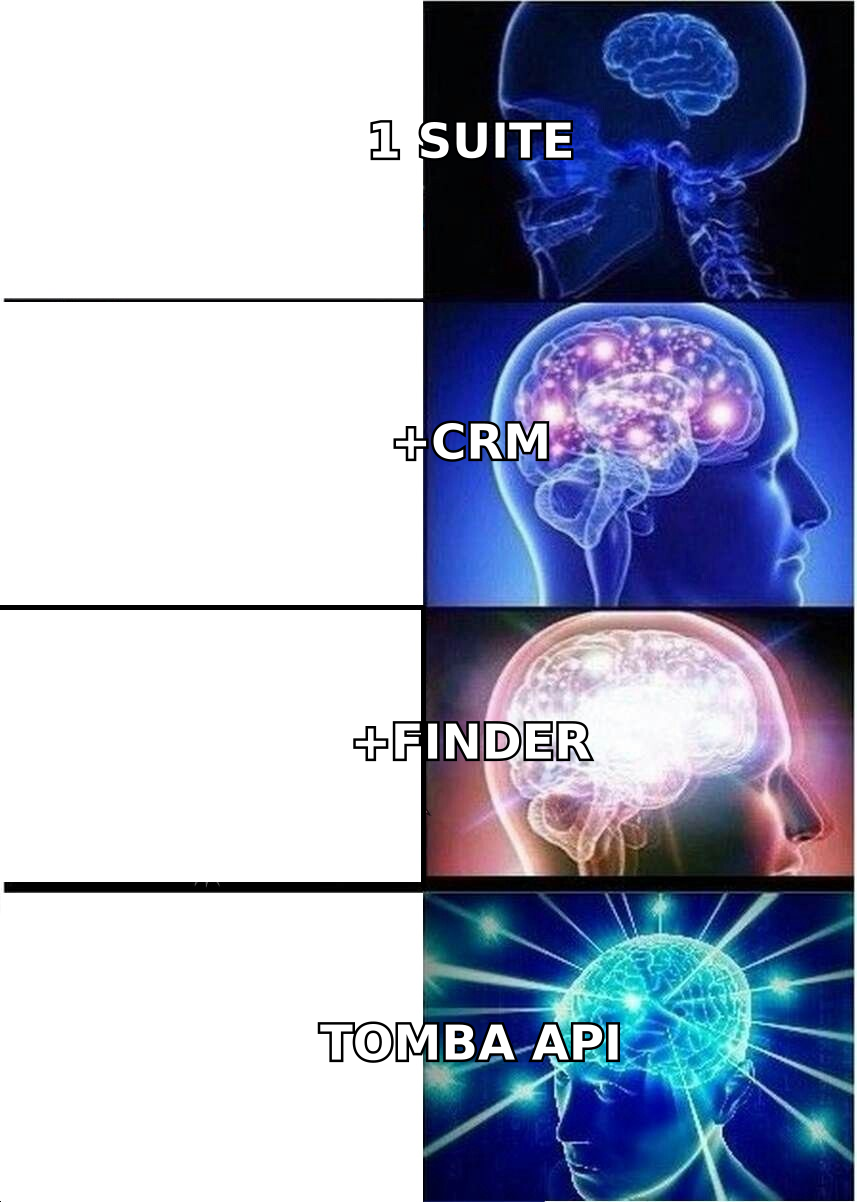
- No CRM finds contacts for you. Pair whichever suite you pick with a dedicated email finder so your pipeline is fed with verified, deliverable data.
What is Cloudoffix and why look for alternatives?#
Cloudoffix is a cloud business suite that packages CRM, sales, marketing automation, HR, helpdesk, project management, and e-invoicing into one platform with a low-code builder. Think of it like a Swiss Army knife: one handle, many blades. That is great when you need a blade in a hurry and terrible when you need a real chef's knife.
Teams outgrow it for predictable reasons:
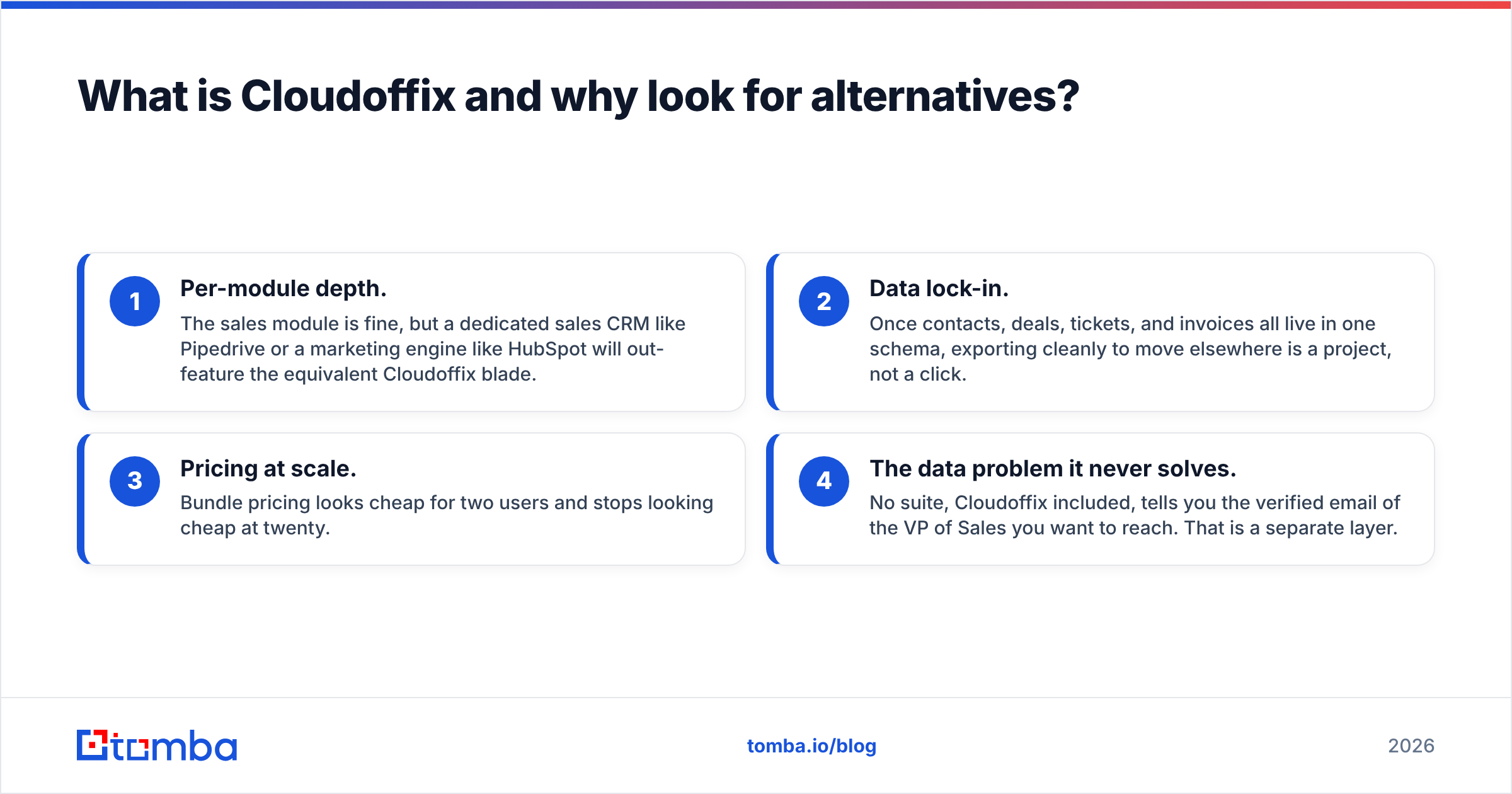
- Per-module depth. The sales module is fine, but a dedicated sales CRM like Pipedrive or a marketing engine like HubSpot will out-feature the equivalent Cloudoffix blade.
- Data lock-in. Once contacts, deals, tickets, and invoices all live in one schema, exporting cleanly to move elsewhere is a project, not a click.
- Pricing at scale. Bundle pricing looks cheap for two users and stops looking cheap at twenty.
- The data problem it never solves. No suite, Cloudoffix included, tells you the verified email of the VP of Sales you want to reach. That is a separate layer.
How should you compare Cloudoffix alternatives?#
Score every option on five axes, not just the feature checklist:
- Breadth vs depth — do you want one suite, or best-in-class per function?
- True cost at your seat count — headline price times realistic users, plus add-ons.
- Exit cost — how hard is it to export and leave? Open-source and open APIs lower this.
- Ecosystem — native integrations and a real app marketplace beat "we have Zapier."
- Data source — where do the actual contacts come from? Most suites assume you already have them.
That last axis is the one buyers forget. You can run the slickest CRM on earth and still have an empty pipeline. Comparison sites like G2 rate the software; they don't fill it with leads.
Which are the best Cloudoffix alternatives in 2026?#
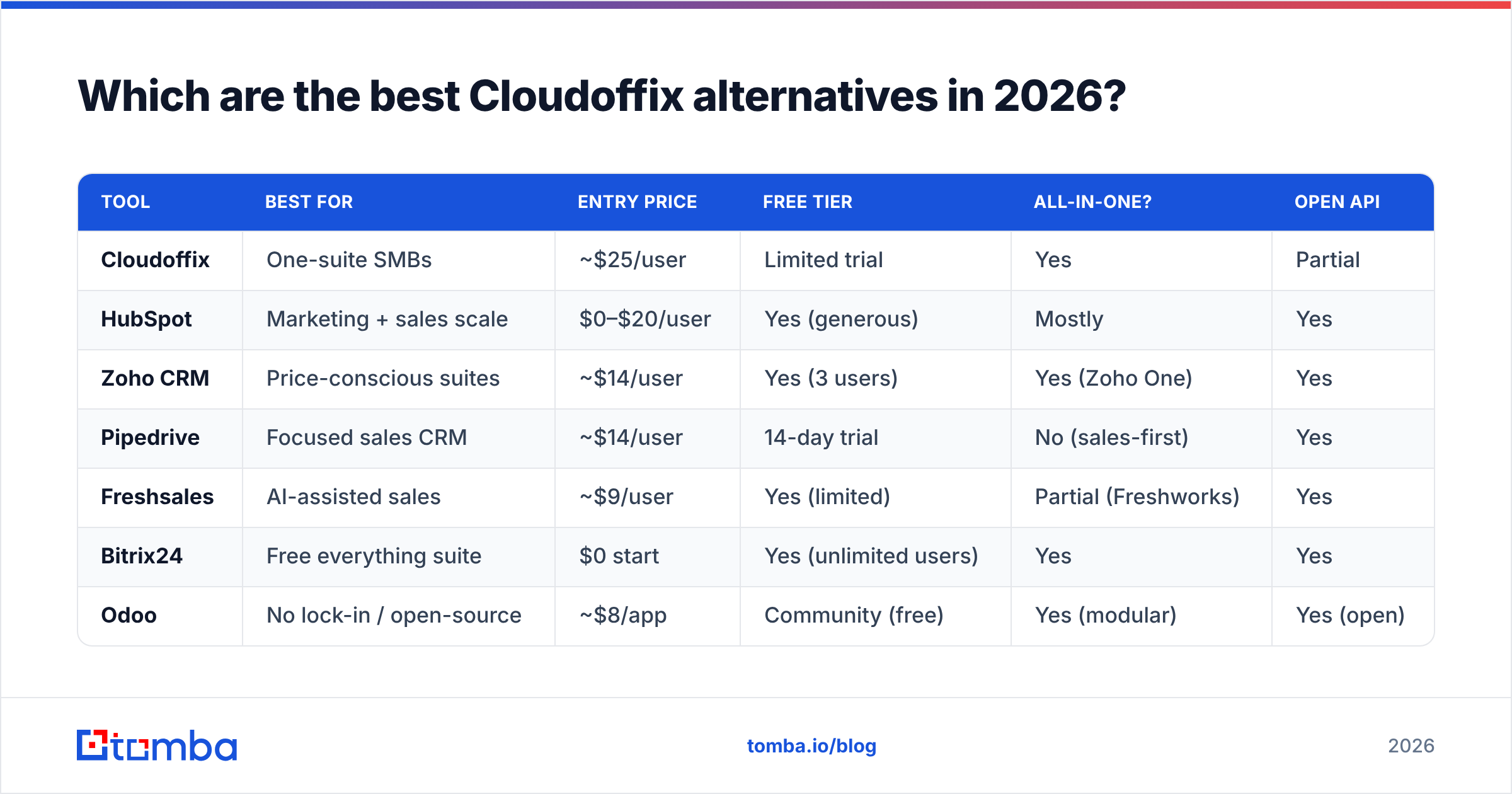
Here is the head-to-head. Prices are entry paid tiers per user per month, billed annually, and rounded — always confirm current pricing on the vendor site.
| Tool | Best for | Entry price | Free tier | All-in-one? | Open API |
|---|---|---|---|---|---|
| Cloudoffix | One-suite SMBs | ~$25/user | Limited trial | Yes | Partial |
| HubSpot | Marketing + sales scale | $0–$20/user | Yes (generous) | Mostly | Yes |
| Zoho CRM | Price-conscious suites | ~$14/user | Yes (3 users) | Yes (Zoho One) | Yes |
| Pipedrive | Focused sales CRM | ~$14/user | 14-day trial | No (sales-first) | Yes |
| Freshsales | AI-assisted sales | ~$9/user | Yes (limited) | Partial (Freshworks) | Yes |
| Bitrix24 | Free everything suite | $0 start | Yes (unlimited users) | Yes | Yes |
| Odoo | No lock-in / open-source | ~$8/app | Community (free) | Yes (modular) | Yes (open) |
1. HubSpot — the polished all-in-one#
HubSpot is the default answer when someone wants Cloudoffix's breadth with better execution. The free CRM is genuinely usable, and you scale into Marketing, Sales, and Service Hubs as needed. The catch is the classic HubSpot story: the free tier hooks you, then contact-tier pricing climbs fast. Best fit for teams where marketing and sales must share one source of truth. If you run HubSpot, push verified contacts straight in with the HubSpot integration.
2. Zoho CRM — the value pick#

Zoho CRM delivers roughly 80% of what most SMBs use Cloudoffix for at a lower price, and Zoho One bundles 40+ apps (HR, books, projects, desk) into a single per-employee license — the truest Cloudoffix analog on this list. It is less slick than HubSpot and the admin console has a learning curve, but on price-to-features it is hard to beat.
3. Pipedrive — when you only need sales#
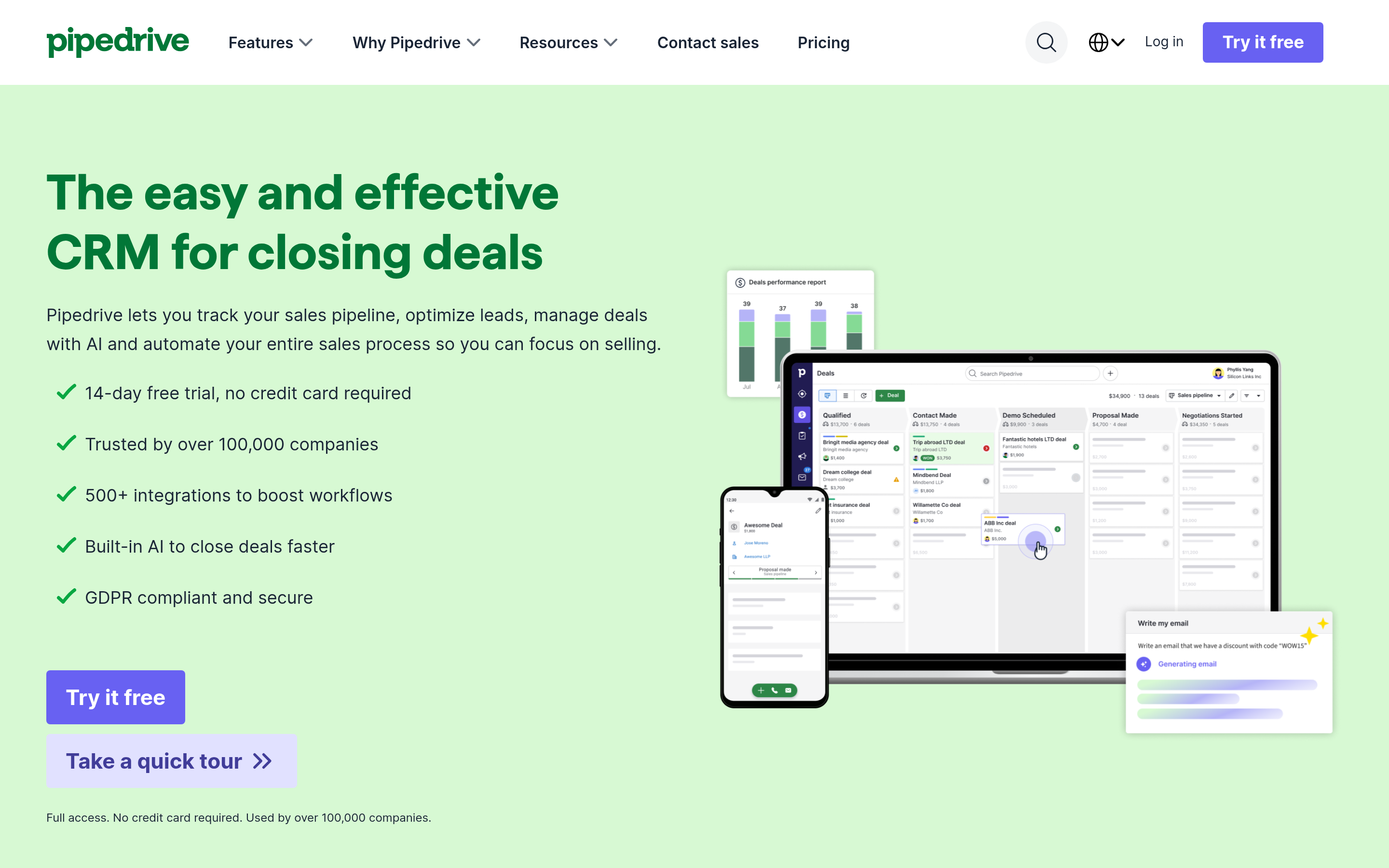
If you realized you bought a suite to use one module, downgrade your ambition and upgrade your sales tooling. Pipedrive is a fast, visual, pipeline-first CRM that reps actually update. It skips HR, helpdesk, and heavy marketing on purpose. Pair it with automation and a data layer and a two-person team can run a real outbound motion.
4. Freshsales — AI-assisted and affordable#
Part of the Freshworks family, Freshsales brings built-in phone, email, and an AI assistant (Freddy) at an entry price that undercuts most rivals. You can graduate into Freshmarketer and Freshdesk for suite-like coverage without committing to it on day one. Strong middle ground between "just sales" and "everything."
5. Bitrix24 — the free everything-suite#
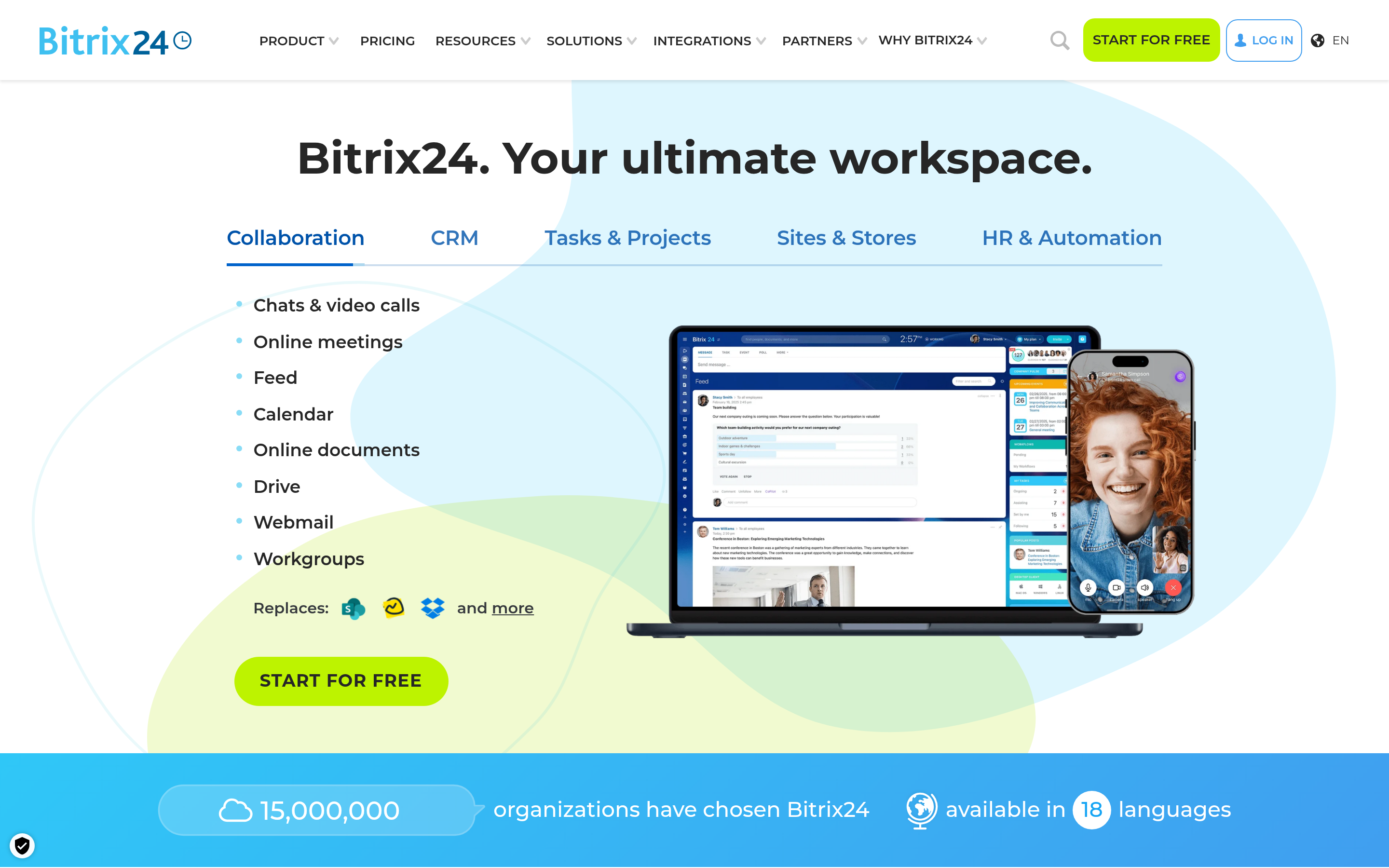
Bitrix24 is the closest free clone of Cloudoffix's ambition: CRM, tasks, telephony, a website builder, and collaboration, with a free plan that allows unlimited users. The interface is dense and can feel overwhelming, but for a bootstrapped team that wants maximum surface area for zero dollars, nothing else competes.
6. Odoo — open-source, zero lock-in#
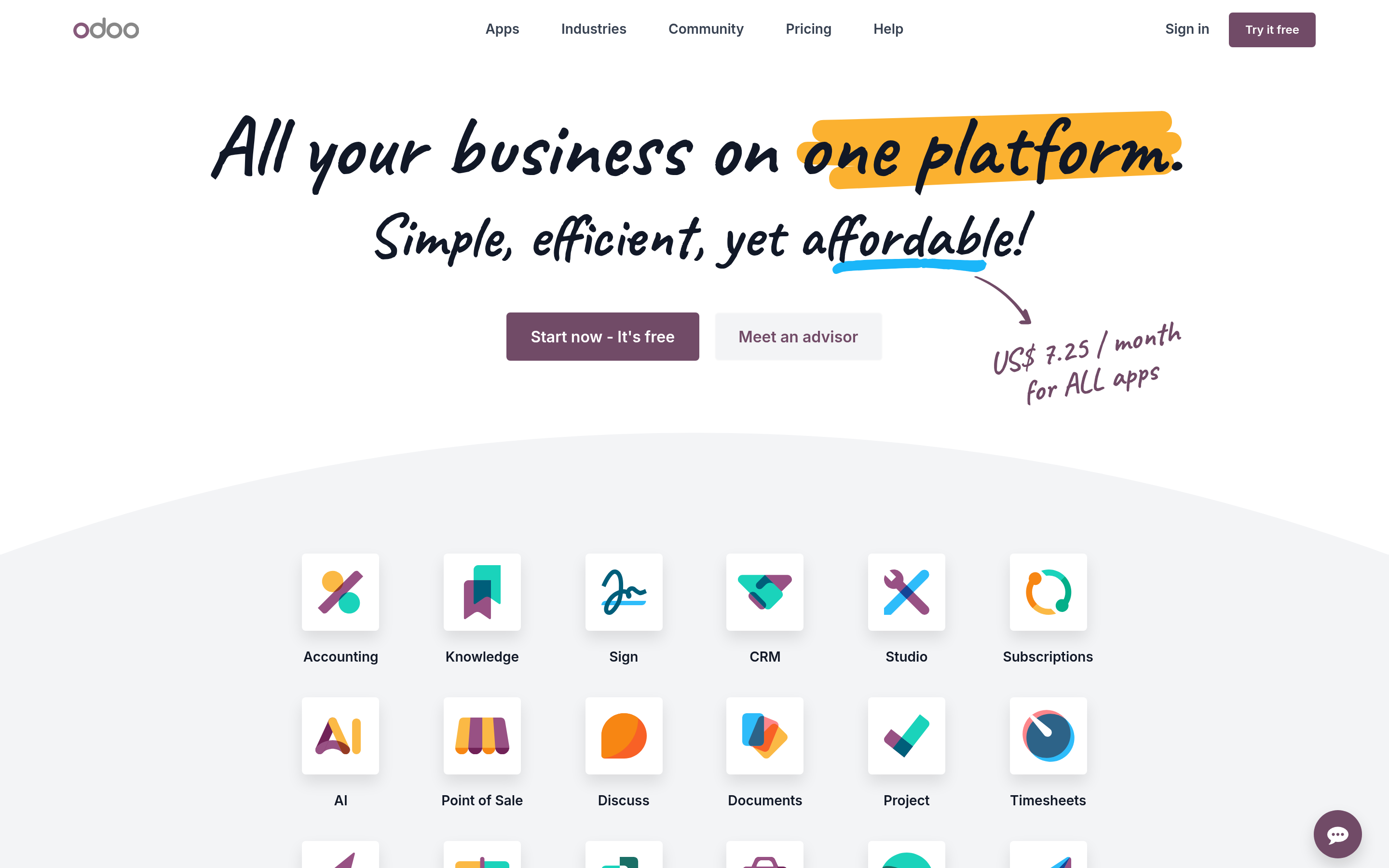
Odoo answers the lock-in objection directly. It is modular and open-source: run the Community edition free and self-hosted, or pay per app for the cloud version. CRM, invoicing, inventory, HR, and e-commerce are all first-party modules. It needs more technical ownership than Cloudoffix, but you own your data and your exit.
7. BookYourData — the data-first complement#
BookYourData is a respected B2B data provider that sells pre-built, verified contact lists by industry, title, and geography — useful when you want ready-made data to load into whichever CRM you choose. It solves a different problem than the suites above: it feeds them. Many teams pair a lightweight CRM with a data source rather than buying one bloated suite that does neither part especially well.

Is an all-in-one suite or a best-of-breed stack better?#
There is no universal winner — it depends on team size and where your pain is.
- Pick an all-in-one (HubSpot, Zoho One, Bitrix24, Odoo) when you are small, want one login, and value "good enough everywhere" over "best somewhere." Lower admin overhead, one vendor relationship, simpler onboarding.
- Pick a best-of-breed stack (Pipedrive or Freshsales + a marketing tool + a data provider) when one function is your core motion and you refuse to compromise on it. More integration work, but each layer is stronger and you can swap any piece without a full migration.
The hidden truth across both paths: the CRM is the container, not the content. A suite organizes contacts you already have. It does not go find the decision-maker's verified email, phone number, and company data for you. That is why the highest-performing outbound teams treat the data layer as a first-class purchase, not an afterthought — and why swapping suites rarely fixes a pipeline problem that is really a data problem.
Where does the contact data come from?#
This is the axis every Cloudoffix-vs-X comparison skips. Whichever suite you land on, you still need to answer: how do these records get created, and are they accurate?
A dedicated data layer covers what no CRM suite does well:
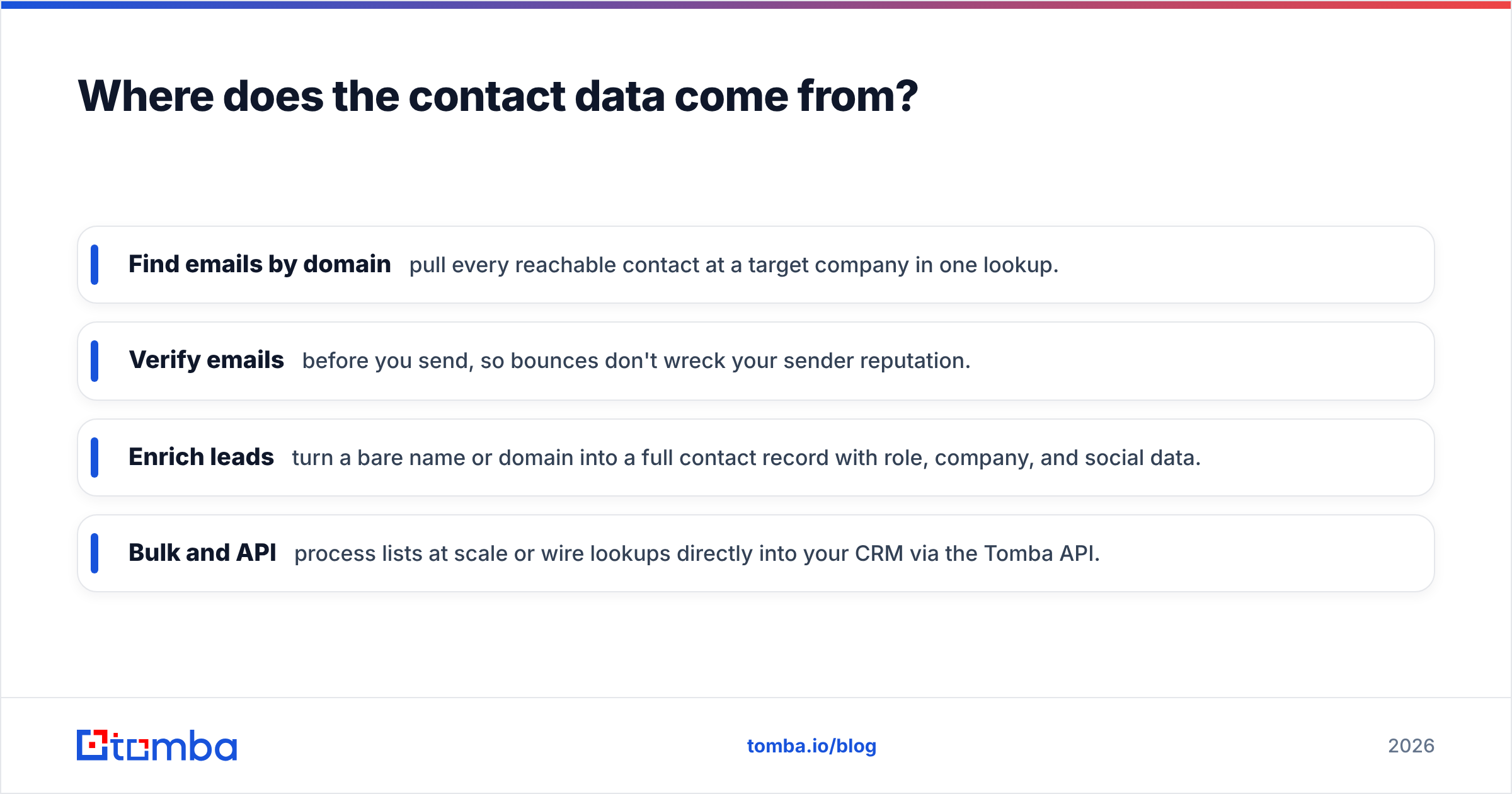
- Find emails by domain — pull every reachable contact at a target company in one lookup.
- Verify emails before you send, so bounces don't wreck your sender reputation.
- Enrich leads — turn a bare name or domain into a full contact record with role, company, and social data.
- Bulk and API — process lists at scale or wire lookups directly into your CRM via the Tomba API.
Accuracy here compounds. A verified, deliverable list feeds cleaner records into whatever suite you chose, which means better segmentation, fewer bounces, and reporting you can trust. Data quality is upstream of everything the CRM does downstream — see how data sources affect accuracy before you commit a stack to any provider.
What does each option cost at real scale?#
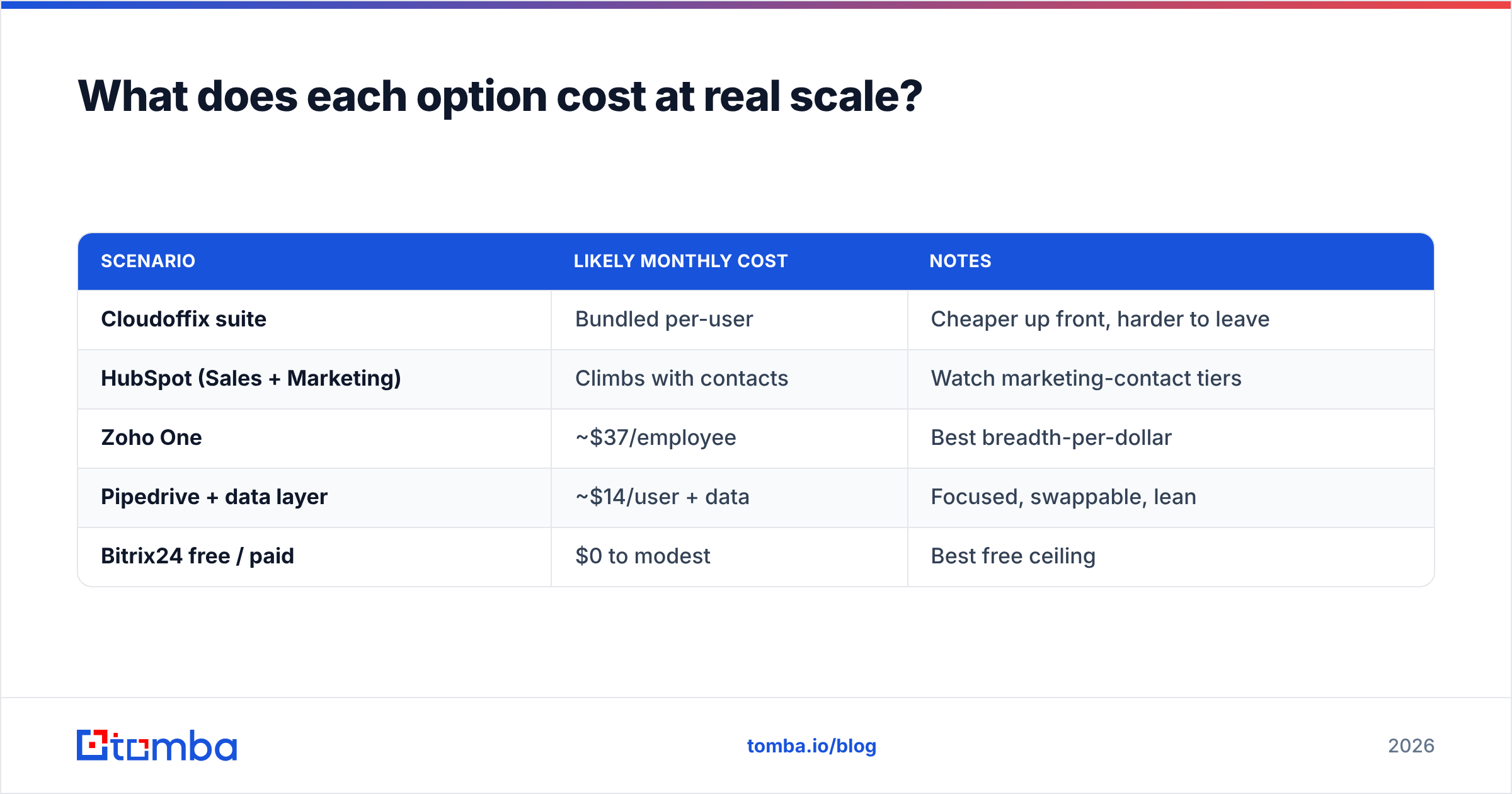
Headline prices mislead because suites bill per module or per user tier. A quick reality check for a 10-seat sales team:
| Scenario | Likely monthly cost | Notes |
|---|---|---|
| Cloudoffix suite | Bundled per-user | Cheaper up front, harder to leave |
| HubSpot (Sales + Marketing) | Climbs with contacts | Watch marketing-contact tiers |
| Zoho One | ~$37/employee | Best breadth-per-dollar |
| Pipedrive + data layer | ~$14/user + data | Focused, swappable, lean |
| Bitrix24 free / paid | $0 to modest | Best free ceiling |
Compare that against a standalone data budget. Tomba starts free (25 searches/month), with a Starter plan at $49/month, Growth at $99/month, and Pro at $249/month — full Tomba pricing is public. The point: your total stack cost is CRM plus data, and pretending the data is free is how pipelines run dry.
Which Cloudoffix alternative should you choose?#
Match the tool to the actual job:
- You want the closest all-in-one with better polish: HubSpot.
- You want maximum breadth for the lowest price: Zoho One.
- You only ever used the sales module: Pipedrive or Freshsales.
- You want it free and unlimited users: Bitrix24.
- You want zero lock-in and own your data: Odoo (open-source).
- You want ready-made verified lists to load in: BookYourData.
Then, whichever you pick, solve the layer none of them own: the data feeding the pipeline.
The takeaway#
Switching away from Cloudoffix is usually the right call when per-module depth, pricing at scale, or lock-in start to hurt — and 2026 gives you strong replacements at every point on the breadth-versus-depth curve. But changing CRMs will not fill an empty pipeline. The container is not the problem; the contents are.
Feed whichever suite you choose with accurate, deliverable contacts. Start with the Tomba Email Finder to find and verify professional emails by domain, name, or company, connect it to your CRM through the Tomba API, and let your new stack run on data you can actually trust. Try it free — 25 searches a month, no card required — and see how much of your "CRM problem" was really a data problem all along.
Related guides#
// get started
Find, verify and enrich your first contacts today
Start on the free plan with 25 searches a month, then scale when your team is ready.
Free plan · No credit card required · GDPR & CCPA
// about the author