Covideo Pricing Reviews Pros and Cons: 2026 Real Costs
Covideo sells video email for sales teams — but the per-seat price, annual contract, and thin free tier make it a bad fit for some teams. Here is the honest breakdown of pricing, reviews, pros and cons.

This is the unfiltered breakdown of Covideo pricing reviews pros and cons: what a seat actually costs in 2026, what G2 and Capterra reviewers really say, and the cases where a cheaper stack beats it outright.
TL;DR
- Covideo is a per-seat video messaging platform for sales and service teams — record, send, track, and land the video inside an email or CRM record. It is not a prospecting tool.
- Public list pricing sits in the $69–$99 per user, per month range (billed annually), with a sales-quoted Enterprise tier. Confirm current numbers on covideo.com before you budget.
- G2 and Capterra reviewers praise ease of use and support; they criticize price, annual contracts, and the gap between demo and base plan.
- The biggest hidden cost isn't the license. A great video sent to a dead address is a wasted seat.
- Best fit: 5–50 quota-carrying reps with clean pipeline. Bad fit: solo founders, agencies, and anyone who mostly needs screen recording (Loom is cheaper and free).
What is Covideo, and who actually uses it?#
Covideo is a video messaging platform built for outbound sellers, account managers, and service teams. You record from a webcam or screen (desktop app, Chrome extension, or mobile), the tool generates an animated GIF thumbnail, and that thumbnail drops into your email as a clickable image. When the recipient clicks, they land on a branded landing page that plays the video and shows your CTA.
The pitch is straightforward: a face beats a wall of text. Reps who have said the same three sentences a thousand times can now say them once, on camera, and get watch-time analytics back.
Who it's for in practice:
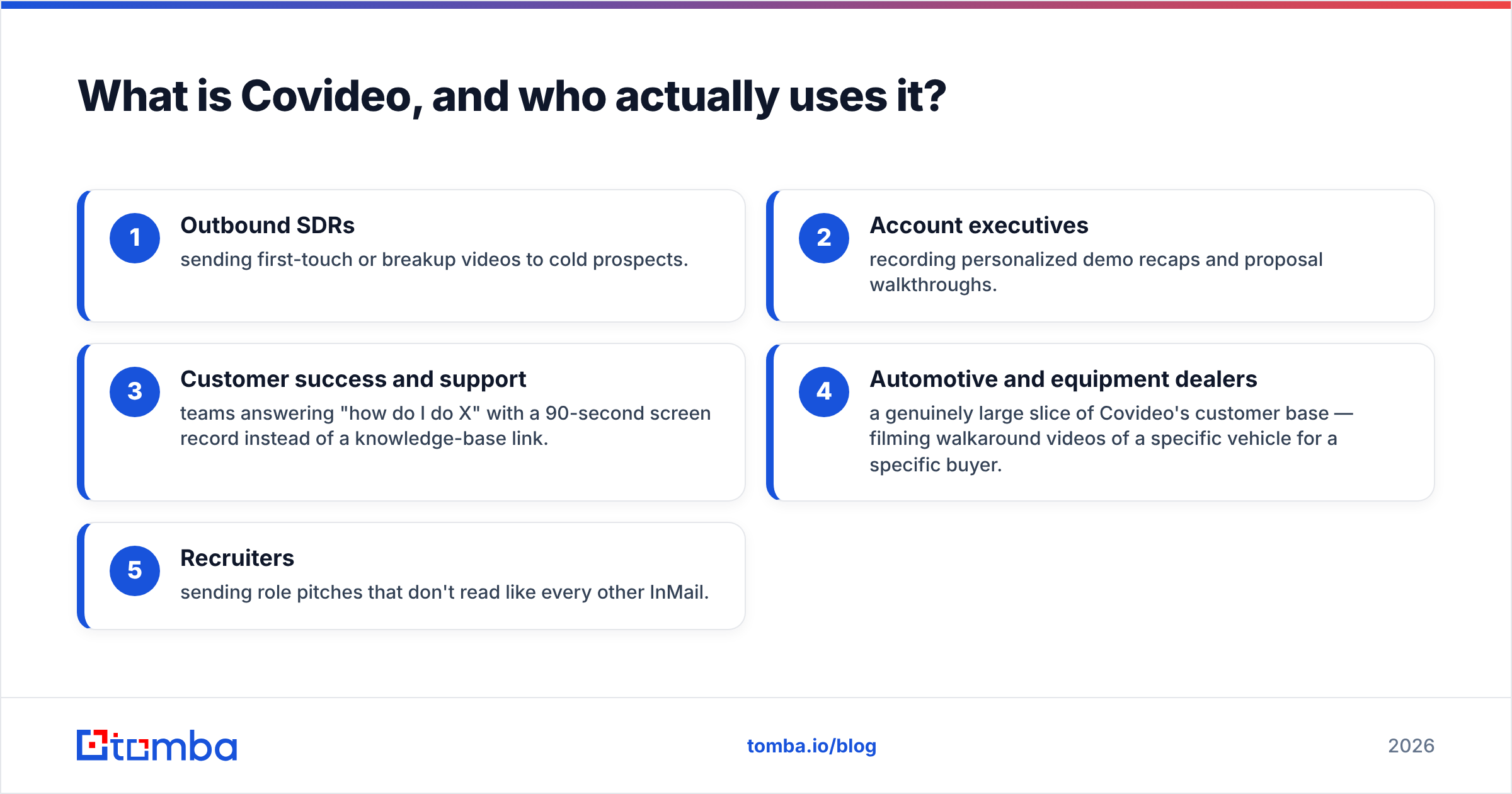
- Outbound SDRs sending first-touch or breakup videos to cold prospects.
- Account executives recording personalized demo recaps and proposal walkthroughs.
- Customer success and support teams answering "how do I do X" with a 90-second screen record instead of a knowledge-base link.
- Automotive and equipment dealers — a genuinely large slice of Covideo's customer base — filming walkaround videos of a specific vehicle for a specific buyer.
- Recruiters sending role pitches that don't read like every other InMail.
That automotive concentration matters. Covideo's product decisions (mobile-first recording, dealership CRM integrations, DMS hooks) reflect it. If you're a SaaS team, you're using a tool that was partly shaped by a very different buyer.
How much does Covideo pricing actually cost in 2026?#
Covideo does not run a self-serve credit-card checkout the way Loom does. Pricing is published in tiers, but the real number depends on seat count and contract length, and most buyers end up on a call.
At the time of writing, the published structure looks like this:
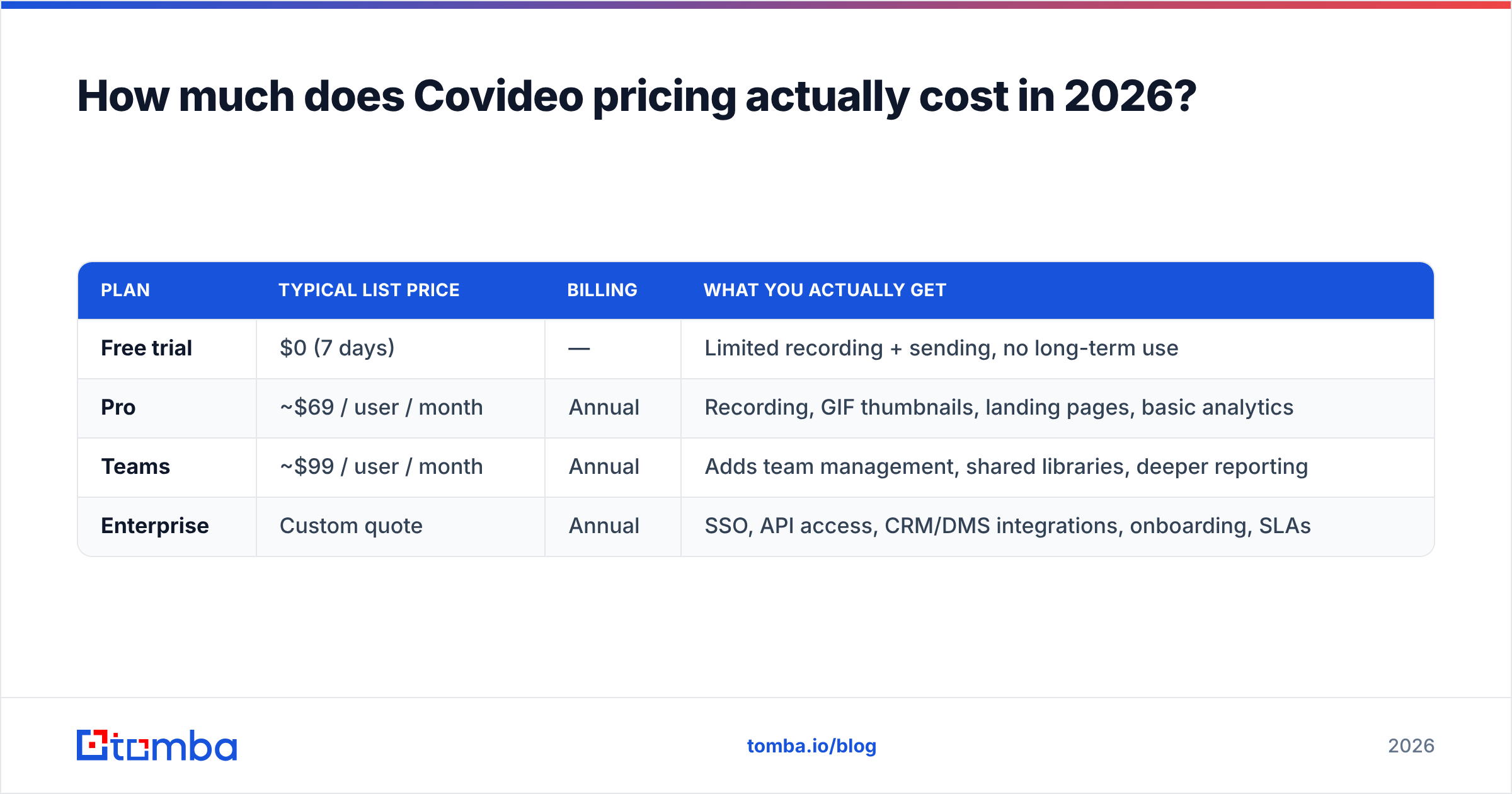
| Plan | Typical list price | Billing | What you actually get |
|---|---|---|---|
| Free trial | $0 (7 days) | — | Limited recording + sending, no long-term use |
| Pro | ~$69 / user / month | Annual | Recording, GIF thumbnails, landing pages, basic analytics |
| Teams | ~$99 / user / month | Annual | Adds team management, shared libraries, deeper reporting |
| Enterprise | Custom quote | Annual | SSO, API access, CRM/DMS integrations, onboarding, SLAs |
Three things buyers consistently get wrong about that table:
- The "per user, per month" number is an annual commitment. A 5-seat Pro team is roughly $4,100+/year up front, not $345 you can cancel next month. Month-to-month, where offered, prices higher.
- The features in the demo usually live in Enterprise. API access, Salesforce/HubSpot write-back, and SSO are the classic three that get quoted separately.
- Onboarding and training are sometimes a line item, especially on larger deals. Ask.
Compare that to the rest of your stack. A Tomba plan that finds and verifies the actual contacts your reps email starts at $49/mo for the whole account, not per seat. Video is the last 10% of the outbound problem; data is the first 60%. Budget accordingly.

What do Covideo reviews actually say?#
Pull the reviews on G2 and Capterra and a consistent shape emerges. Covideo rates well — generally in the 4.4–4.7 band — but the praise and the complaints cluster in predictable places.
What reviewers consistently like:
- Support is genuinely responsive. This comes up more often than any feature. Named reps, fast replies, real onboarding help. For a mid-market tool, that's not nothing.
- It's easy enough for non-technical reps. Dealership salespeople and 30-year account managers can record and send without a training deck.
- Reply rates go up. Anecdotal, self-reported, and rarely controlled — but the direction is consistent across categories.
- The GIF thumbnail trick works. An animated preview in the inbox pulls clicks that a static screenshot doesn't.
What reviewers consistently complain about:
- Price versus perceived value. The single most common criticism. Reps who use it three times a week struggle to justify $69–$99/month when Loom's free tier records the same screen.
- Annual contracts and renewal friction. Several reviews mention difficulty downgrading seats mid-term or getting out of an auto-renewal.
- Deliverability of the video email itself. Embedded GIFs and tracked links raise spam-filter risk — more on this below.
- Mobile app stability and occasional sync issues between desktop and mobile libraries.
- Analytics depth. You get views and watch time. You do not get the attribution most RevOps teams want.
Read reviews with the buyer profile in mind. A dealership using Covideo daily rates it a 5. A SaaS SDR who sends four videos a month rates it a 3 and blames the price. Both are telling the truth about their own use case.
What are the pros of Covideo?#
Being fair to the product, here is where it earns its money:
- Purpose-built for send, not just record. Loom is a recorder with sharing bolted on. Covideo is an outreach tool: thumbnails, landing pages, CTAs, and reply capture are first-class, not afterthoughts.
- Branded landing pages. Your logo, your colors, your CTA button under the player. That single feature is why sales teams pay a premium over generic screen recorders.
- CRM and DMS integrations. Salesforce, HubSpot, and the automotive systems most competitors ignore. Video activity logged on the record means managers can actually coach on it.
- Real onboarding. For teams where half the reps are not tool-native, having a human walk them through it is worth real money.
- Team libraries and templates. Record the top-performing intro once, let the team reuse it, and personalize only the first 8 seconds.
What are the cons of Covideo?#
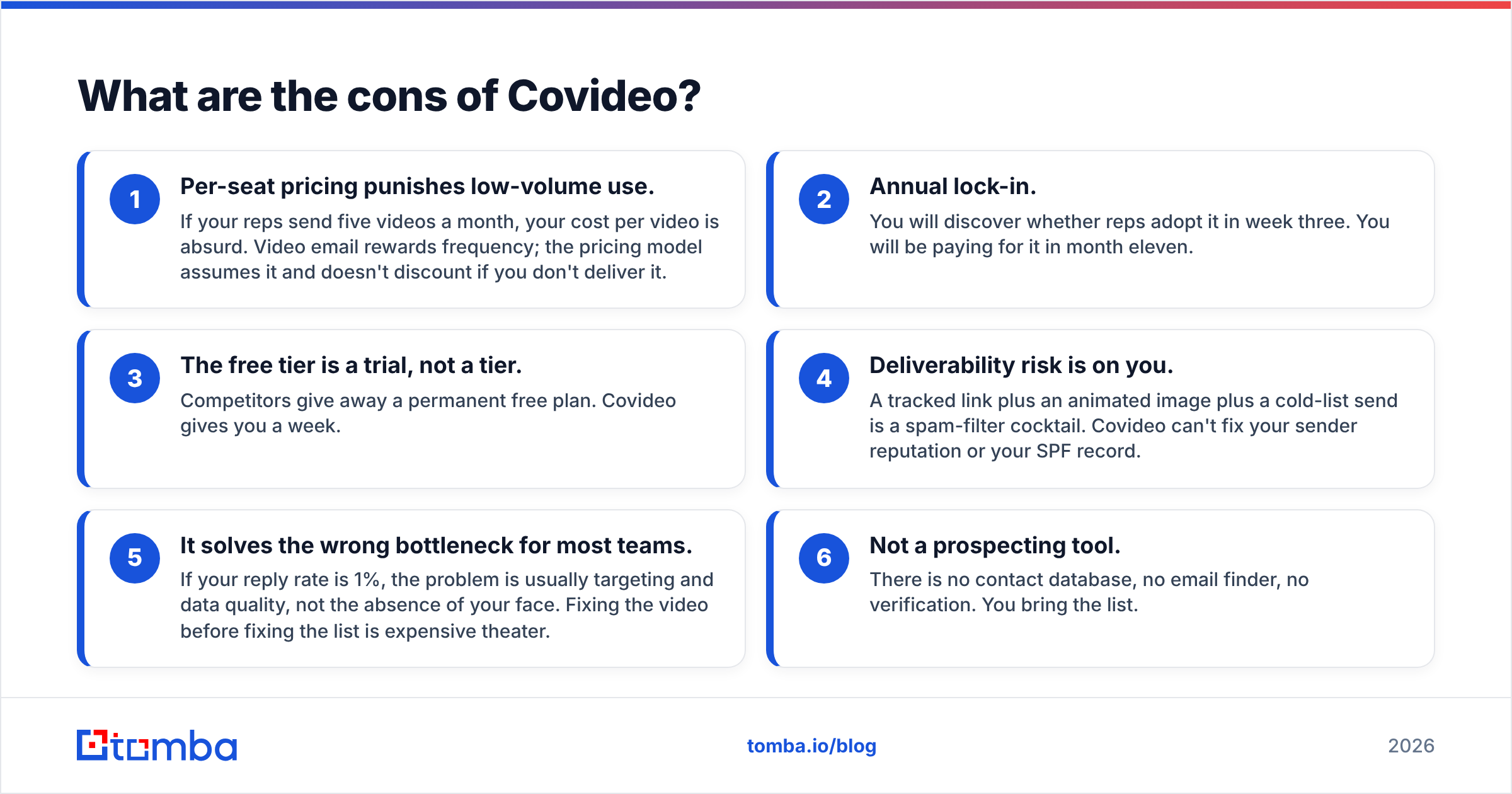
- Per-seat pricing punishes low-volume use. Five videos a month per rep makes the cost per video absurd. The model assumes frequency and doesn't discount when you don't deliver it.
- Annual lock-in. You learn whether reps adopt it in week three. You keep paying for it through month eleven.
- The free tier is a trial, not a tier. Competitors give away a permanent free plan. Covideo gives you a week.
- Deliverability risk is on you. A tracked link plus an animated image plus a cold list is a spam-filter cocktail. Covideo won't fix your sender reputation or your SPF record.
- It often solves the wrong bottleneck. At a 1% reply rate, the problem is usually targeting and data quality, not the absence of your face.
- Not a prospecting tool. No contact database, no email finder, no verification. You bring the list.
How does Covideo compare to Loom, Vidyard, and BombBomb?#
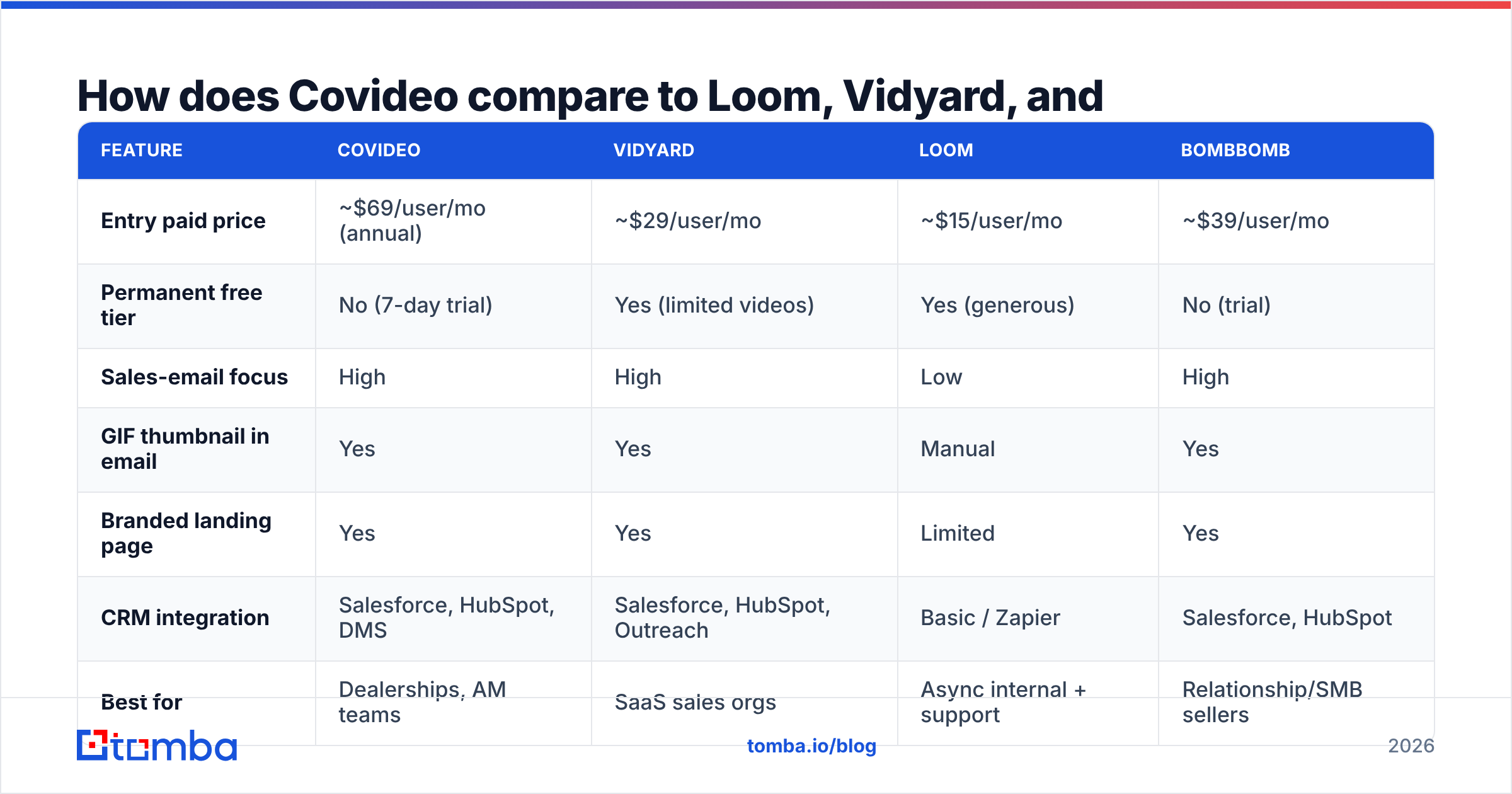
This is the comparison every buyer actually runs. Prices below are indicative list prices for the closest equivalent paid tier at the time of writing — always confirm on the vendor's own site.
| Feature | Covideo | Vidyard | Loom | BombBomb |
|---|---|---|---|---|
| Entry paid price | ~$69/user/mo (annual) | ~$29/user/mo | ~$15/user/mo | ~$39/user/mo |
| Permanent free tier | No (7-day trial) | Yes (limited videos) | Yes (generous) | No (trial) |
| Sales-email focus | High | High | Low | High |
| GIF thumbnail in email | Yes | Yes | Manual | Yes |
| Branded landing page | Yes | Yes | Limited | Yes |
| CRM integration | Salesforce, HubSpot, DMS | Salesforce, HubSpot, Outreach | Basic / Zapier | Salesforce, HubSpot |
| Best for | Dealerships, AM teams | SaaS sales orgs | Async internal + support | Relationship/SMB sellers |
| Contract | Annual, seat-based | Monthly or annual | Monthly | Monthly or annual |
The honest read: Loom wins on price and ubiquity, Vidyard wins on SaaS sales workflow depth, BombBomb wins on relationship selling, and Covideo wins on hand-holding plus vertical fit. If nobody on your team will ever open a support ticket and you just need screen recordings, you are overpaying for Covideo. If you're rolling video out to 25 reps who need to be taught, the onboarding is the feature you're buying.
Is Covideo worth it for your team?#
The honest answer to Covideo pricing reviews pros and cons is that it hinges on volume. Run this test before you sign anything:
- Volume test. Will each seat send at least 8–10 videos per week? Below that, cost per touch gets indefensible. Above it, $69/month is a rounding error against one closed deal.
- Adoption test. Pilot with three reps for the trial period. If two of them stop recording by day five, buying 20 seats will not change that.
- Data test. Pull your last 500 sends. What percentage bounced or went unanswered because the address was wrong? If it's above 5%, you have a list problem, not a video problem. Fix it with an email verifier first — it costs a fraction of a video seat.
- Channel test. Are your buyers even opening email? If your best channel is LinkedIn or the phone, a video-email tool is solving a problem you don't have.
If three of the four come back clean, Covideo is a reasonable buy. If two or more come back dirty, the money is better spent upstream.
What has to be true before video email works at all?#
Video is an amplifier, not a fix. It multiplies whatever your outbound already is. Point it at a bad list and you get a well-produced bounce.
The order of operations that actually works:
- Nail the target account list. Firmographics, trigger events, ICP fit. No tool substitutes for this.
- Find the right person and the right address. Use a domain-level lookup — a domain search returns the people and the email pattern at a company, so you're not guessing
firstname.lastname@and hoping. - Verify before you send. Bounces above 2–3% damage email deliverability and drag every future send down with them, video or not.
- Warm the domain and get SPF/DKIM/DMARC right. A tracked link and an embedded GIF from an unauthenticated domain is exactly what a spam filter is trained to catch.
- Then add video — to the accounts that matter, at the moment in the sequence where a human face changes the odds.
Teams that do steps 1–4 often find their reply rate doubles before they ever record a frame. Teams that skip to step 5 buy 20 seats, see no lift, and blame the tool.
The bottom line on Covideo pricing reviews pros and cons#
Covideo is a good product with a pricing model that only makes sense at high usage and a contract structure that assumes you'll get there. The reviews are honest: people who use it daily love it, people who use it occasionally resent the invoice. Check the current numbers on covideo.com yourself, pilot it with three reps, and be ruthless about the volume test.
And before you spend $69 a seat to make your emails more personal, make sure they arrive. Start with Tomba's Email Finder — find and verify the exact professional addresses behind your target accounts, from $49/mo for the whole account (with a free tier to test the accuracy first). Get the list right, then put your face on it.
Related guides#
Ready to find emails that actually work?
Join 150,000+ professionals who stopped guessing and started sending. Free credits on signup — no credit card required.
Get the Tomba newsletter
Practical outbound tactics and product updates — once every two weeks.
About the author