9 Best Dialpad Alternatives for 2026 (Free & Paid Picks)
Dialpad's AI is slick, but the per-seat pricing and feature gates add up fast. Here are 9 Dialpad alternatives for 2026 compared on price, calling, and CRM fit.
Dialpad built a strong reputation on real-time AI transcription and a clean interface. But once you start scaling seats, layering on a contact center, or unlocking the analytics you actually wanted, the bill climbs and the feature gates get frustrating. If you're shopping for something cheaper, simpler, or better matched to how your sales team really dials, this guide compares the strongest Dialpad alternatives for 2026.
TL;DR — The Fast Answer#
- Best overall value: RingCentral and Nextiva offer deeper feature sets per dollar for full-office phone systems.
- Best for outbound sales teams: Aircall and JustCall have the tightest CRM click-to-dial workflows.
- Best lightweight/startup pick: OpenPhone and Google Voice keep it simple and cheap.
- The hidden cost nobody mentions: a dialer is only as good as the phone numbers and emails you load into it — bad data wastes every seat you pay for.
- Do this first: map your must-haves (SMS, contact center, CRM sync, international) before comparing price, or you'll overpay for features you never touch.
Why Look for a Dialpad Alternative?#
Dialpad is a genuinely good product, so the reasons people leave are usually about fit and cost, not quality. The most common triggers:
- Per-seat pricing scales badly. Small teams live with it; a 40-rep floor does not. Contact-center tiers push the effective per-seat cost well past what a lean team wants to pay.
- Feature gating. Advanced analytics, CRM integrations, and some AI features sit behind higher tiers, so the plan you demoed isn't the plan you end up needing.
- Contact center vs. business phone confusion. If you only need a reliable business phone with SMS, you're buying into an AI-contact-center roadmap you may never use.
- International calling and number coverage can be stronger elsewhere depending on your regions.
- CRM-native dialing. Outbound teams often want click-to-dial that lives inside HubSpot or Salesforce, which some specialized tools do better.
What Should You Compare Dialpad Alternatives On?#
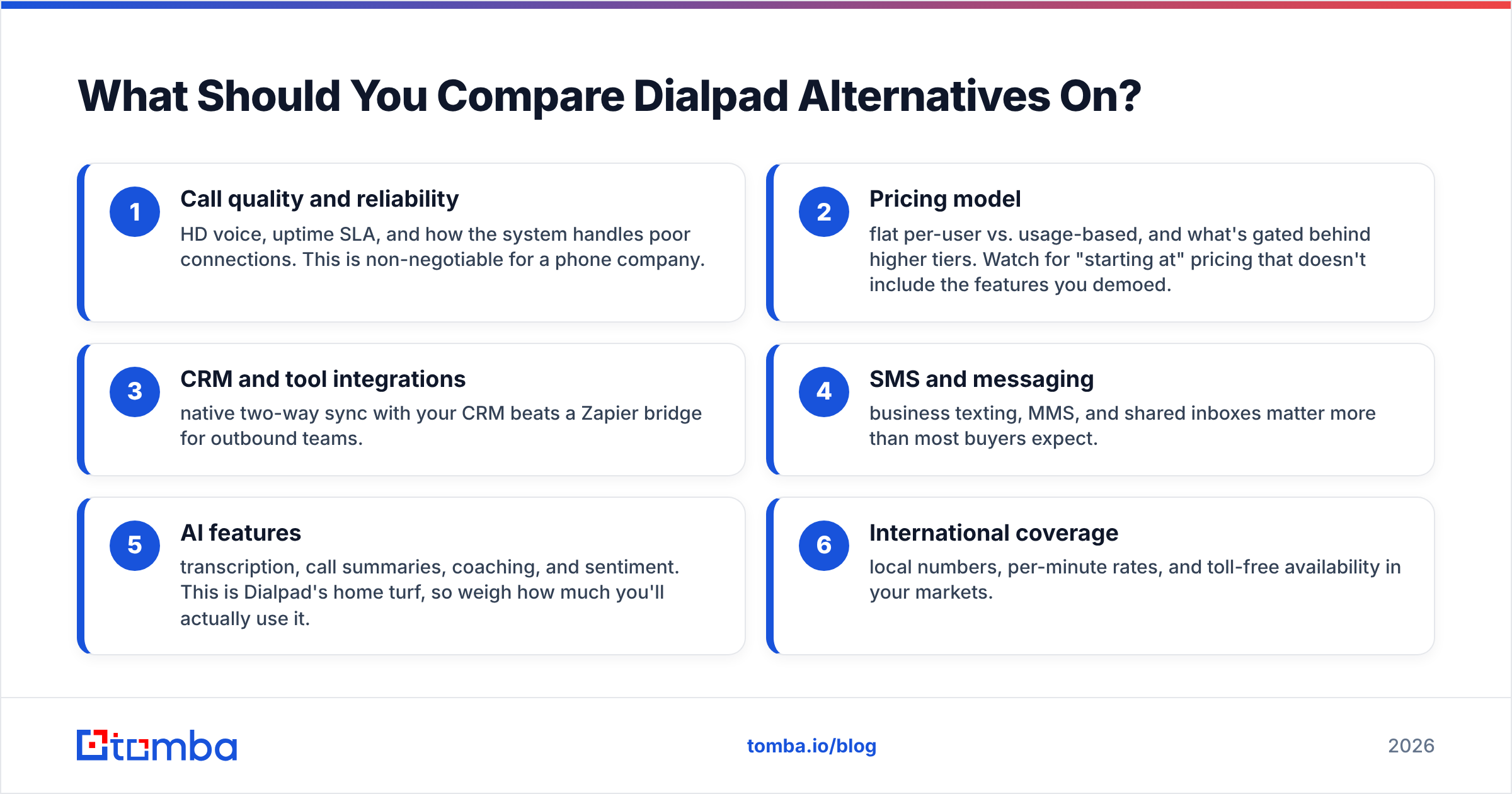
Before you look at a single price tag, score every option against the criteria that actually change your day-to-day. Use these six as leads:
- Call quality and reliability — HD voice, uptime SLA, and how the system handles poor connections. This is non-negotiable for a phone company.
- Pricing model — flat per-user vs. usage-based, and what's gated behind higher tiers. Watch for "starting at" pricing that doesn't include the features you demoed.
- CRM and tool integrations — native two-way sync with your CRM beats a Zapier bridge for outbound teams.
- SMS and messaging — business texting, MMS, and shared inboxes matter more than most buyers expect.
- AI features — transcription, call summaries, coaching, and sentiment. This is Dialpad's home turf, so weigh how much you'll actually use it.
- International coverage — local numbers, per-minute rates, and toll-free availability in your markets.
The point of a structured checklist is that it stops you from anchoring on the flashiest AI demo and ignoring whether the thing rings reliably in the regions you sell into.
Which Dialpad Alternatives Are Best in 2026?#
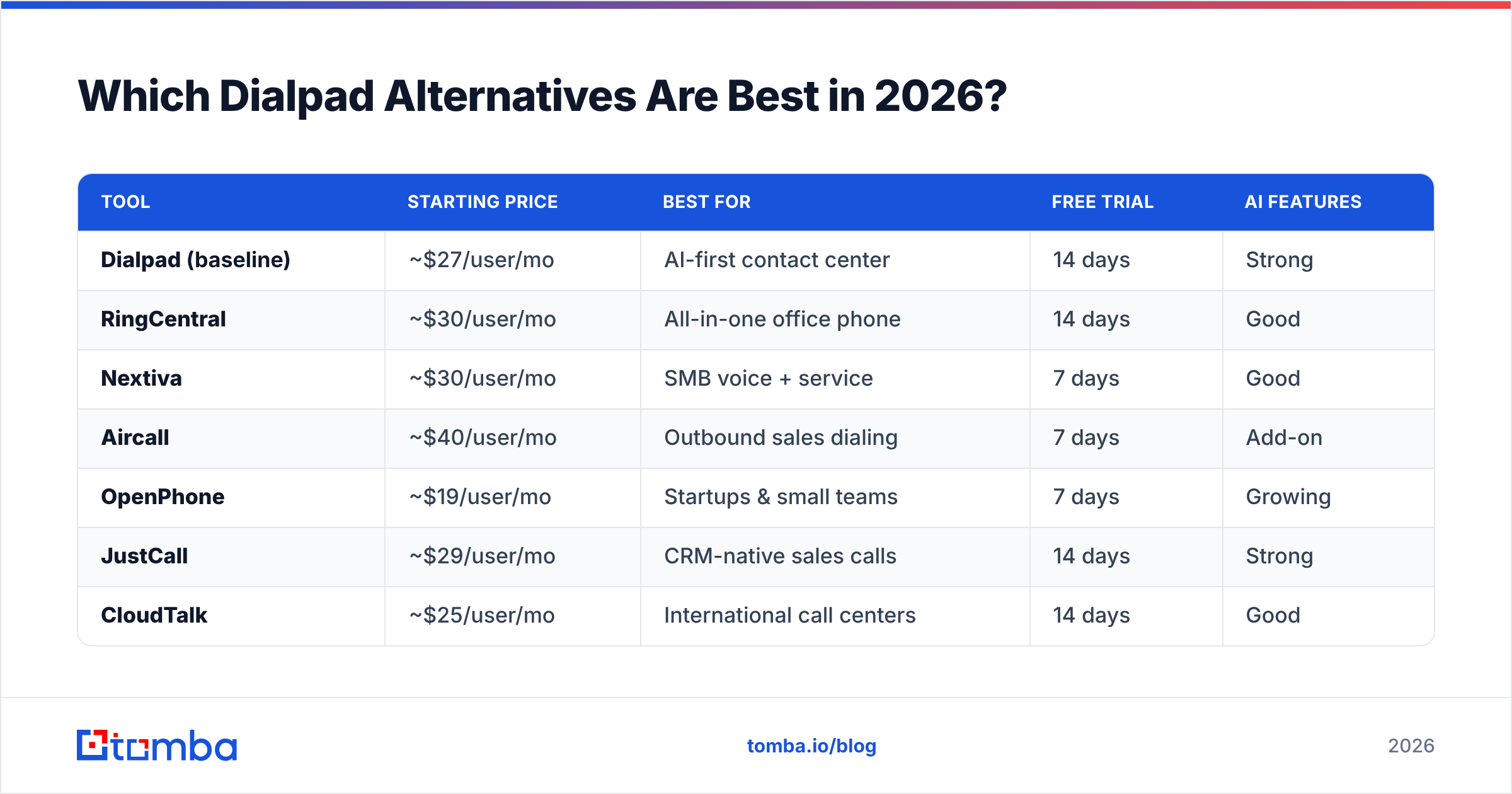
Here's a side-by-side look at the most credible options. Prices are entry-level published rates and shift with billing terms, so confirm on each vendor's site before you commit.
| Tool | Starting price | Best for | Free trial | AI features |
|---|---|---|---|---|
| Dialpad (baseline) | ~$27/user/mo | AI-first contact center | 14 days | Strong |
| RingCentral | ~$30/user/mo | All-in-one office phone | 14 days | Good |
| Nextiva | ~$30/user/mo | SMB voice + service | 7 days | Good |
| Aircall | ~$40/user/mo | Outbound sales dialing | 7 days | Add-on |
| OpenPhone | ~$19/user/mo | Startups & small teams | 7 days | Growing |
| JustCall | ~$29/user/mo | CRM-native sales calls | 14 days | Strong |
| CloudTalk | ~$25/user/mo | International call centers | 14 days | Good |
| Google Voice | ~$10/user/mo | Basic cheap calling | Via Workspace | Minimal |
RingCentral — The Full-Office Standard#
RingCentral is the default "replace everything" pick: voice, video, SMS, fax, and a mature app ecosystem. If you want one platform for the whole company rather than a sales-specific dialer, it's the safest bet. The trade-off is complexity — you're buying a UC platform, so onboarding takes longer than a lightweight tool.
Nextiva — Voice Plus Customer Experience#
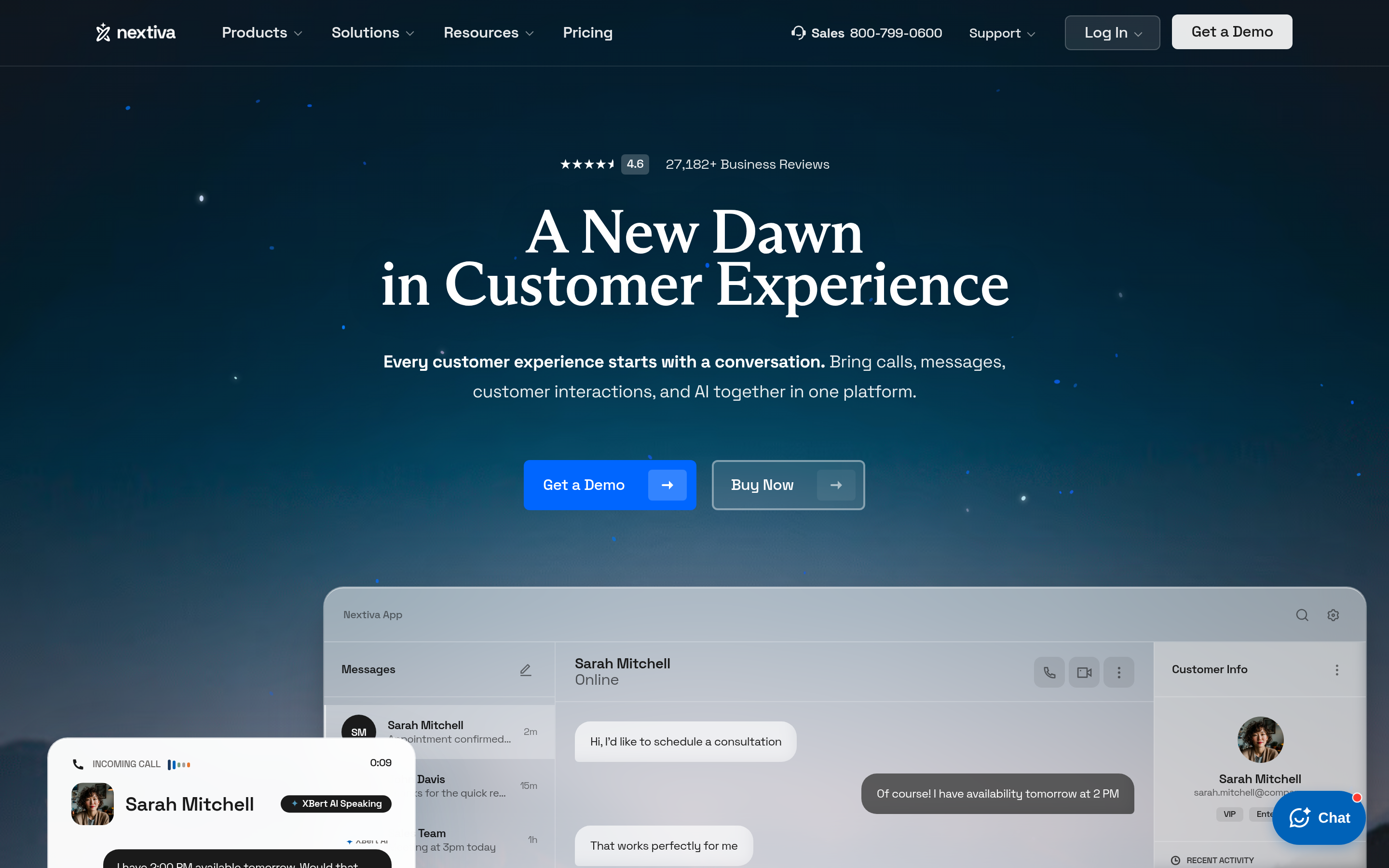
Nextiva pairs a solid business phone with customer-experience tooling (surveys, helpdesk-style workflows). It's a strong SMB choice when support and sales share the same phone system, and its per-user pricing tends to stay predictable as you grow.
Aircall — Built for Outbound Reps#
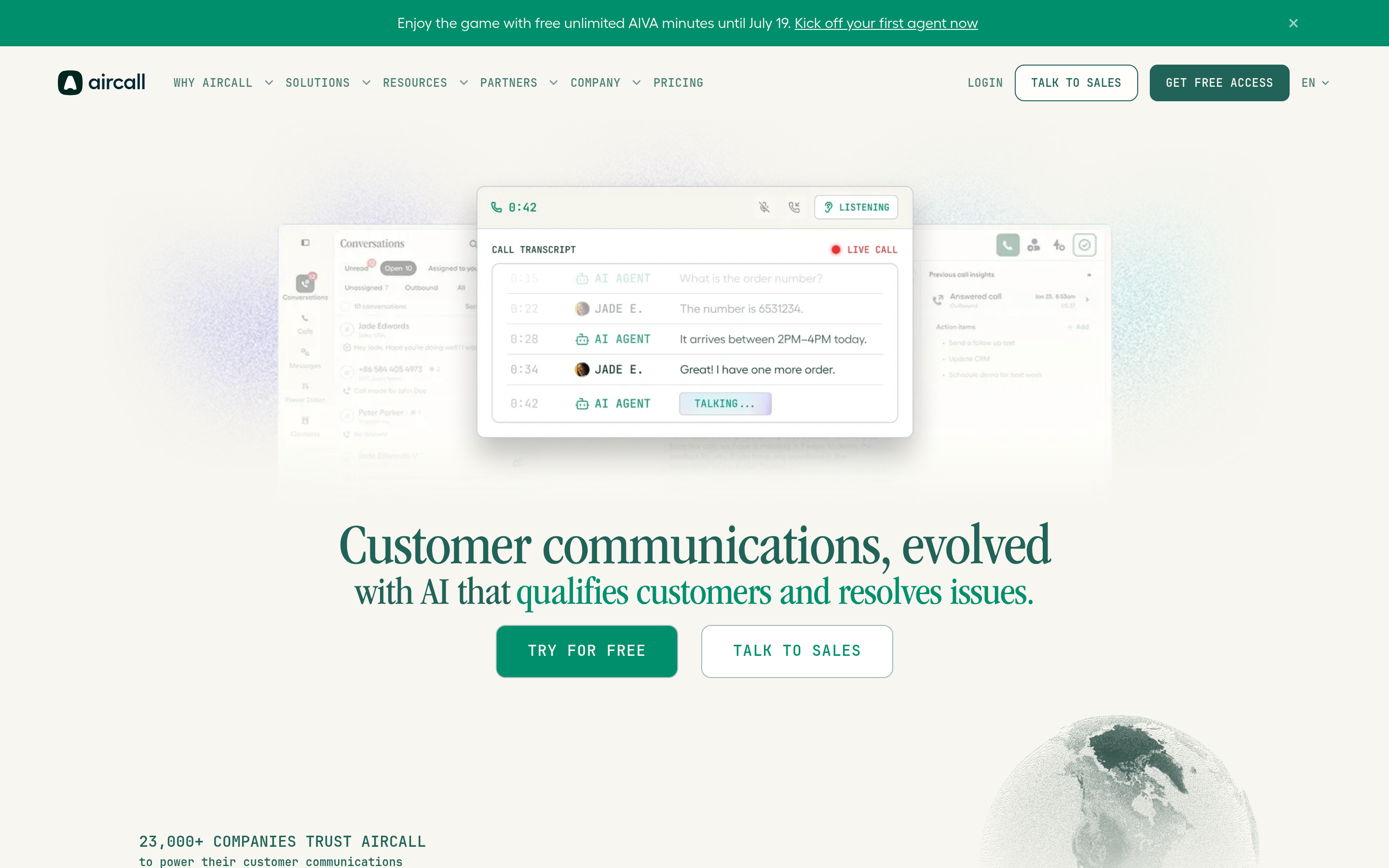
Aircall leans hard into sales and support call workflows: power dialer, shared numbers, and clean CRM integrations. Reps like it because the calling experience is fast and the analytics are rep-friendly. It's pricier per seat, so it earns its keep on teams that live on the phone all day.
OpenPhone — The Startup Favorite#
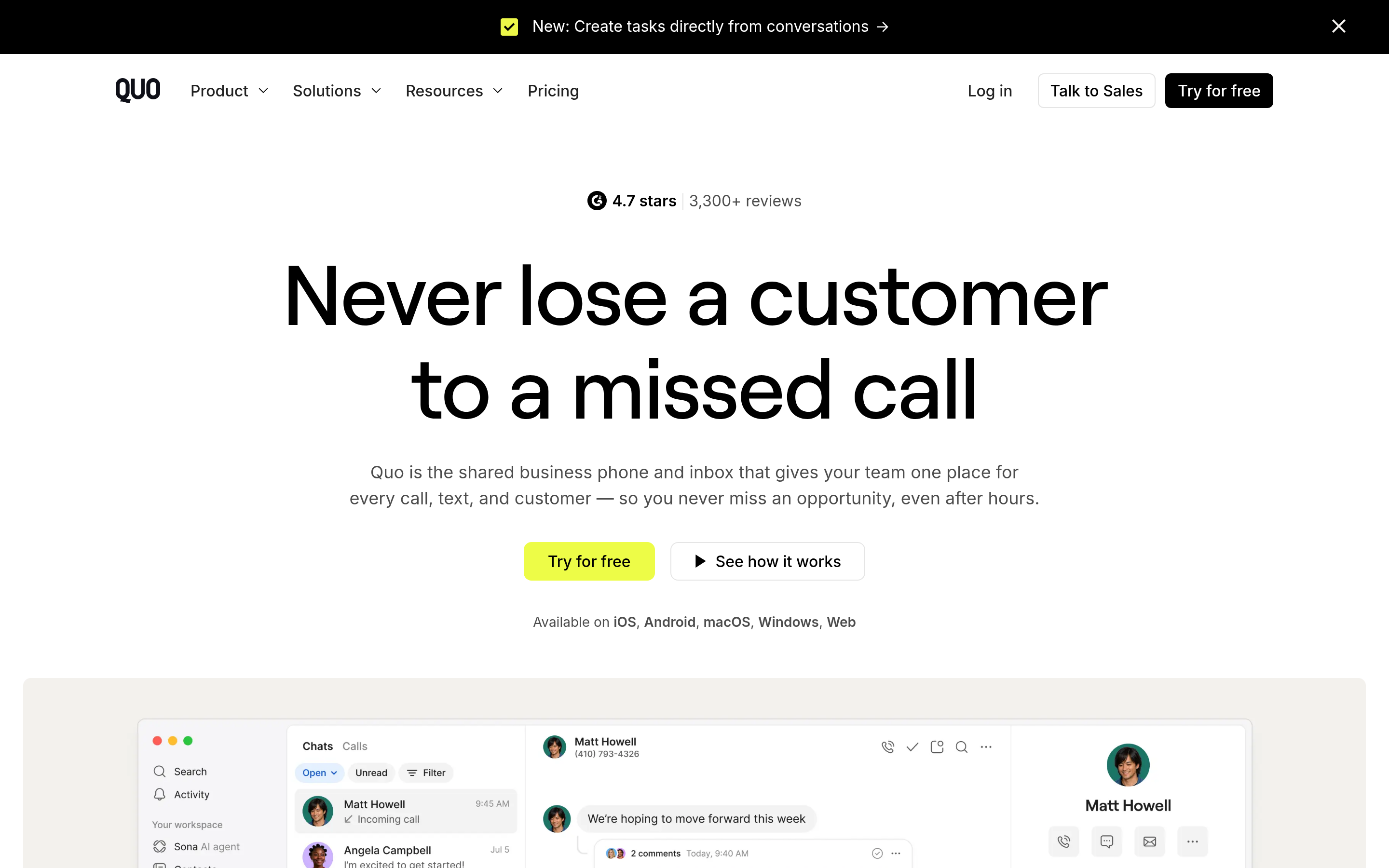
If Dialpad feels like overkill, OpenPhone is the antidote. Shared numbers, a tidy inbox, and a low entry price make it ideal for founders and small teams who need real business texting and calling without a contact-center learning curve.
JustCall — CRM-Native Dialing#
JustCall's pitch is that calling should happen inside your CRM. Its two-way sync, automatic logging, and sales dialer make it a natural Dialpad alternative for outbound teams already committed to a CRM-first workflow.
Is a Cheaper Dialpad Alternative Actually Worth It?#
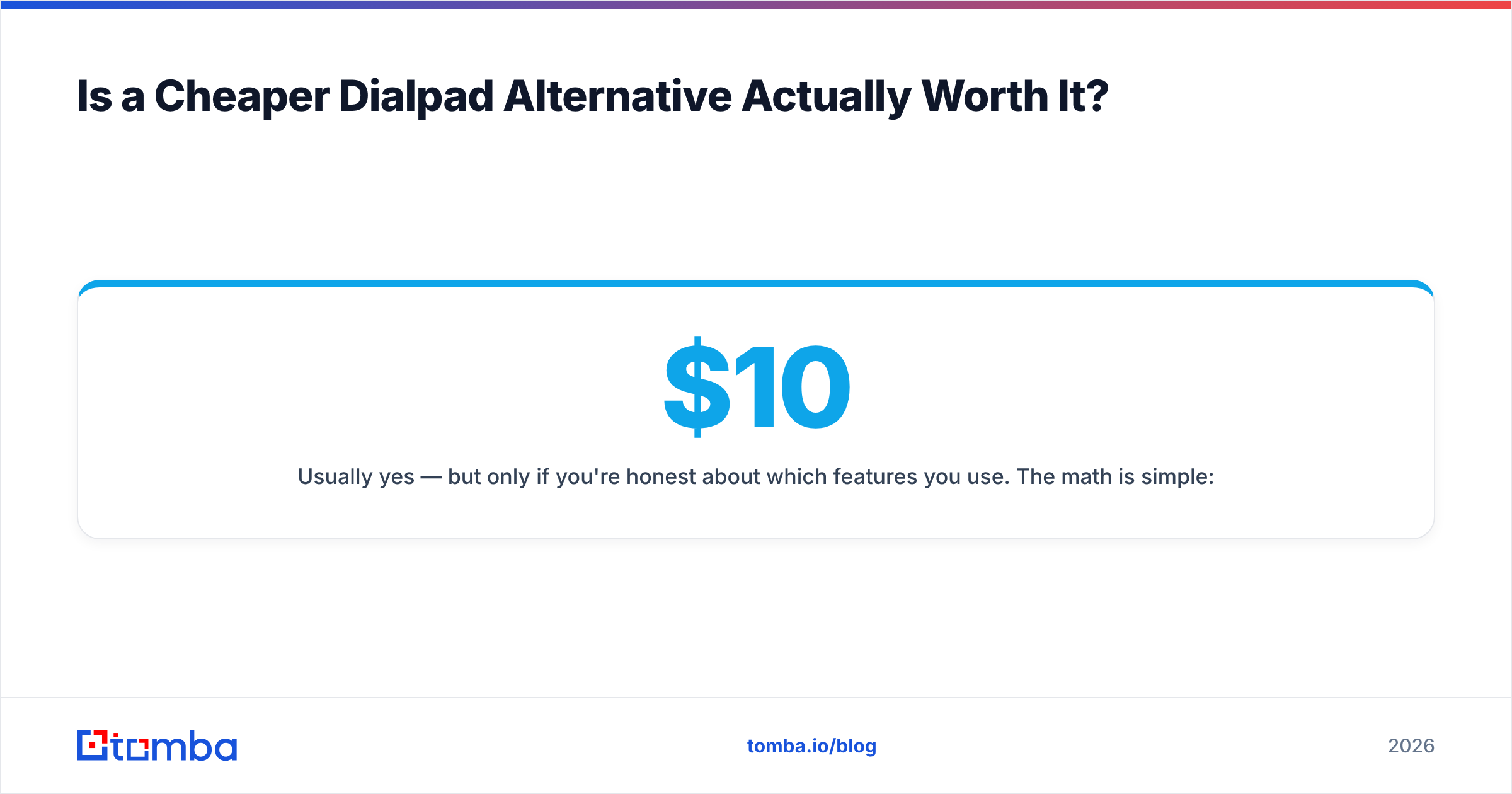
Usually yes — but only if you're honest about which features you use. The math is simple: multiply the per-seat gap by your headcount and your contract length. A $10/seat difference across 25 reps on an annual plan is $3,000 a year. That's real money, and for many teams the cheaper tool covers 95% of what they touched in Dialpad.
Where it's not worth it: if your revenue genuinely depends on live AI coaching, real-time transcription during every call, and sentiment analytics feeding your enablement program, Dialpad's AI depth can justify the premium. Buy the AI if you'll operationalize it. Don't buy it because the demo looked cool.

What Most Buyers Forget: Your Dialer Is Only as Good as Your Data#
Here's the trap. Teams spend weeks comparing call quality, AI features, and per-seat pricing — then plug the shiny new phone system into a contact list full of wrong numbers and dead emails. The dialer isn't the bottleneck. The data is.
No business phone platform on this list finds contacts for you. They dial and log; they don't tell you the mobile number of the VP you're trying to reach, or whether the email you're pairing with that call is still valid. That's a separate job, and it's where a lot of outbound programs quietly leak money.
This is worth solving before you sign a phone contract, because it changes how many seats you even need. A rep working a clean, enriched list connects far more often than one grinding through a stale export. Consider layering these in:
- Accurate direct numbers. A phone finder surfaces B2B mobile and direct-dial numbers so your reps reach humans, not switchboards.
- Verified emails for multi-channel follow-up. Pair every call with a real contact using an email finder and confirm it lands with an email verifier before you burn a touch on it.
- Enriched records. Data enrichment fills in titles, company data, and social profiles so your call opener isn't a cold guess.
The best-run outbound teams treat data and dialer as one system. Pick the phone tool that fits your workflow, then feed it contacts you can actually trust.
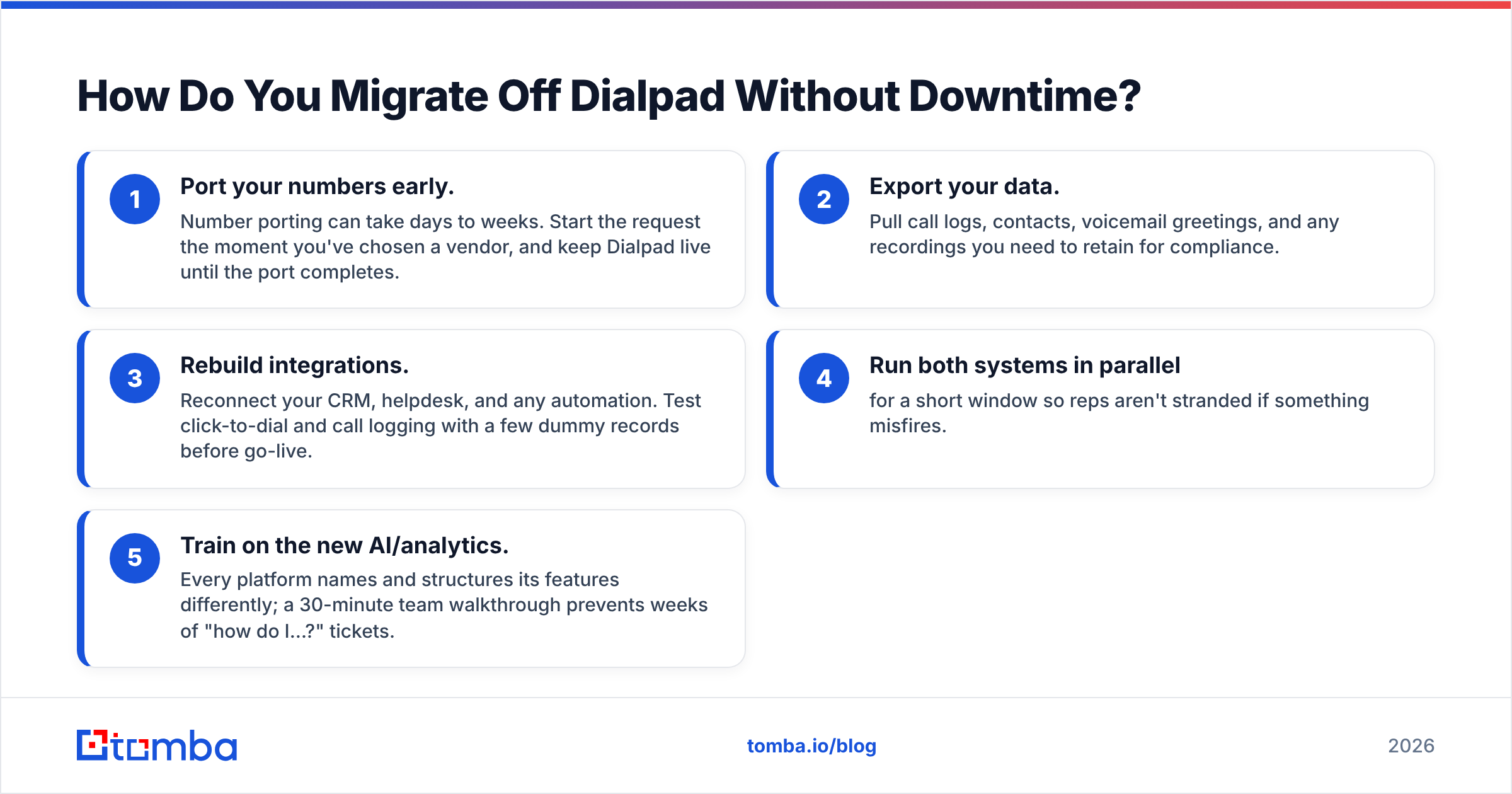
How Do You Migrate Off Dialpad Without Downtime?#
Switching phone systems sounds scary but follows a predictable path. Keep it boring and you'll avoid dropped calls.
- Port your numbers early. Number porting can take days to weeks. Start the request the moment you've chosen a vendor, and keep Dialpad live until the port completes.
- Export your data. Pull call logs, contacts, voicemail greetings, and any recordings you need to retain for compliance.
- Rebuild integrations. Reconnect your CRM, helpdesk, and any automation. Test click-to-dial and call logging with a few dummy records before go-live.
- Run both systems in parallel for a short window so reps aren't stranded if something misfires.
- Train on the new AI/analytics. Every platform names and structures its features differently; a 30-minute team walkthrough prevents weeks of "how do I…?" tickets.
Read reputable third-party reviews on G2 during the shortlist stage — buyer feedback on reliability and support responsiveness catches issues that pricing pages hide.
Which Dialpad Alternative Should You Pick?#
Match the tool to the job:
- You want one platform for the whole company: RingCentral or Nextiva.
- You run an outbound sales floor: Aircall or JustCall for CRM-native dialing.
- You're a startup or small team on a budget: OpenPhone, or Google Voice if your needs are minimal.
- You sell internationally: CloudTalk for local number coverage and call-center routing.
- You genuinely live on AI coaching and transcription: Dialpad may still be the right call — just go in knowing what tier you'll actually land on.
Whatever you choose, remember the ranking above only decides how you call. It doesn't decide who you call — and that's the variable with the biggest impact on pipeline. Compare Tomba pricing against the hours your reps waste on bad numbers and you'll see why data quality belongs on the same shortlist as the phone system.
The Bottom Line#
Dialpad is a strong AI-first phone platform, but it's rarely the cheapest or the best-fit option for every team. RingCentral and Nextiva win on all-around value, Aircall and JustCall win for outbound sales, and OpenPhone wins for lean teams. Score each on price, call quality, integrations, and international coverage against your real needs — not the demo highlight reel.
Then close the loop on your data. The fastest way to make any dialer pay for itself is to feed it verified numbers and emails instead of stale lists. Start free with the Tomba Email Finder and pair it with the phone finder to build clean, enriched call lists your new phone system can actually convert — 25 free searches a month, no card required, and plans from $49/mo when you scale.
Related guides#
Ready to find emails that actually work?
Join 150,000+ professionals who stopped guessing and started sending. Free credits on signup — no credit card required.
Get the Tomba newsletter
Practical outbound tactics and product updates — once every two weeks.
About the author