Dun Bradstreet vs GetProspect: Which B2B Tool Wins in 2026?
One sells firmographic depth to enterprises on annual contracts. The other sells cheap contact emails to SDRs by the thousand. Here's an honest breakdown of where each one actually earns its budget.
Short answer first: Dun Bradstreet vs GetProspect is not a fair fight. The two tools do different jobs. Dun & Bradstreet sells company data to large firms. GetProspect sells contact emails to sales reps. Here is how to tell which one your team needs.
TL;DR
- D&B and GetProspect are not real rivals. D&B sells company data and credit scores to big firms on yearly deals. GetProspect sells contact emails to sales reps, self-serve, by the thousand.
- Pick Dun & Bradstreet if you need a D-U-N-S Number, credit scores, parent-company maps, or supplier checks. You also need the budget to match.
- Pick GetProspect if your job is 'get 2,000 verified emails from LinkedIn this month'. You can start today for under $100.
- Most teams live in the gap between them. They need good work emails and some company context. They do not need a five-figure contract.
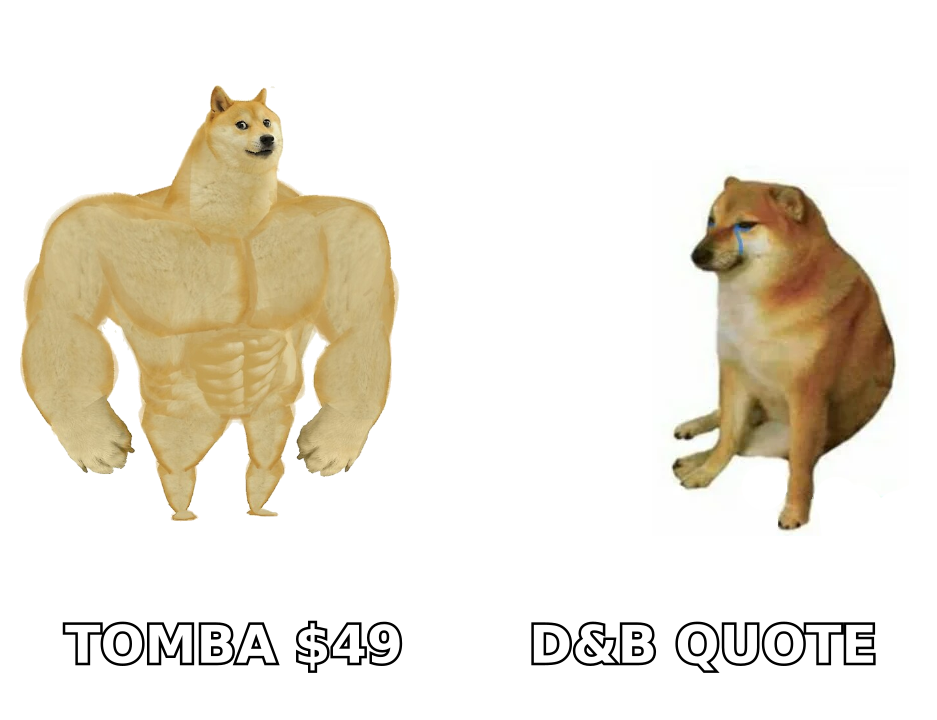
- If you only need the contact layer, a finder like Tomba does the same job as GetProspect's paid tiers. Free tier, then $49/mo, with an API, bulk tools, and catch-all handling built in.
What is Dun & Bradstreet, and what is it for?#
Dun & Bradstreet is not a prospecting tool. It is a 180-year-old business data bureau. Its core asset is the D-U-N-S Number, a nine-digit ID given to each business. Banks, governments, and buying teams treat it as the standard company ID.
What you buy from D&B:
- Entity resolution at scale. Company family trees: which unit rolls up to which global parent. This data is hard to build, and few others do it this well.
- Credit and risk scores. Paydex, failure scores, and stress signals. If your finance team grants payment terms, this is the data they lean on.
- Company traits for segmentation. Revenue bands, headcount, SIC/NAICS codes, industry trees. These feed a real ICP model or a territory plan.
- Compliance and supplier checks. Sanctions screening, ownership records, third-party risk. Some regulated firms buy D&B for this alone.
- GTM activation. Tools like D&B Rev.Up and D&B Connect push that data into CRM and ABM platforms. That is where D&B meets the sales-tech market.
What you do not buy: a fast way to get a named prospect's work email. D&B does carry contacts. But that is not why anyone signs the deal, and the depth per contact is thin next to a purpose-built finder.
What is GetProspect, and who uses it?#
GetProspect is a LinkedIn-first B2B email finder. The workflow is simple. Run a LinkedIn or Sales Navigator search. Click the Chrome extension. Export the profiles with work emails to a CSV or straight into your CRM.
Its buyers are SDRs, founders who run their own outbound, and small agencies. The pitch is speed and price. You can go from 'I need Series B fintech VPs of Engineering in Berlin' to a usable CSV in about twenty minutes. No sales call needed.
GetProspect also ships a contact database with filters, an email verifier, and basic fields: job title, company size, location, LinkedIn URL. It is a good, narrow tool. Nobody uses it to judge supplier credit risk, and that is fine. It never set out to.
Dun Bradstreet vs GetProspect: how do they compare head to head?#
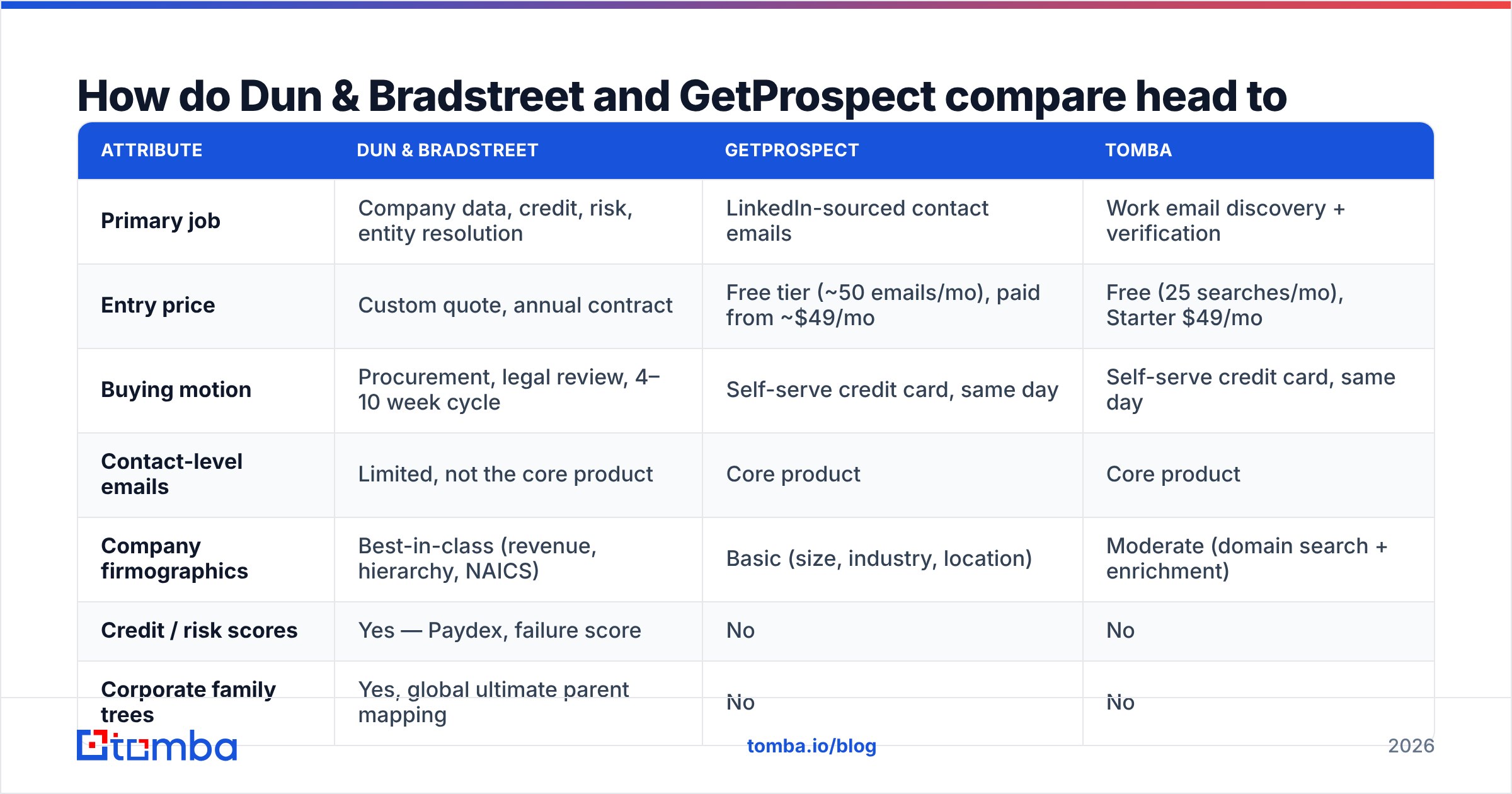
Here is the honest side-by-side, with Tomba as the reference point for the pure contact-data job. Prices reflect public rates at the time of writing. Always check the vendor page. Self-serve tiers change often, and D&B is quote-only.
| Attribute | Dun & Bradstreet | GetProspect | Tomba |
|---|---|---|---|
| Primary job | Company data, credit, risk, entity resolution | LinkedIn-sourced contact emails | Work email discovery + verification |
| Entry price | Custom quote, annual contract | Free tier (~50 emails/mo), paid from ~$49/mo | Free (25 searches/mo), Starter $49/mo |
| Buying motion | Procurement, legal review, 4–10 week cycle | Self-serve credit card, same day | Self-serve credit card, same day |
| Contact-level emails | Limited, not the core product | Core product | Core product |
| Company firmographics | Best-in-class (revenue, hierarchy, NAICS) | Basic (size, industry, location) | Moderate (domain search + enrichment) |
| Credit / risk scores | Yes — Paydex, failure score | No | No |
| Corporate family trees | Yes, global ultimate parent mapping | No | No |
| Email verification | Not a focus | Built in | Built in, plus catch-all verifier |
| API access | Yes, enterprise-tier | Yes, on paid plans | Yes, on all paid plans |
| Bulk processing | Yes, via data feeds | CSV upload | Bulk finder + bulk verify |
| Chrome extension | No | Yes (LinkedIn) | Yes |
| Typical buyer | RevOps, finance, procurement, enterprise marketing | SDR, founder, agency | SDR, growth, dev teams |
| Contract flexibility | Annual, seat + record minimums | Monthly, cancel anytime | Monthly, cancel anytime |
The table makes the real point clear: these tools solve different problems, so ranking them on price is a category error. A $30k D&B deal and a $49 GetProspect plan can both be right at the same company, in the same quarter, for different teams.
Which one has better data accuracy?#
It depends on what you measure. This is where most comparison posts get lazy.
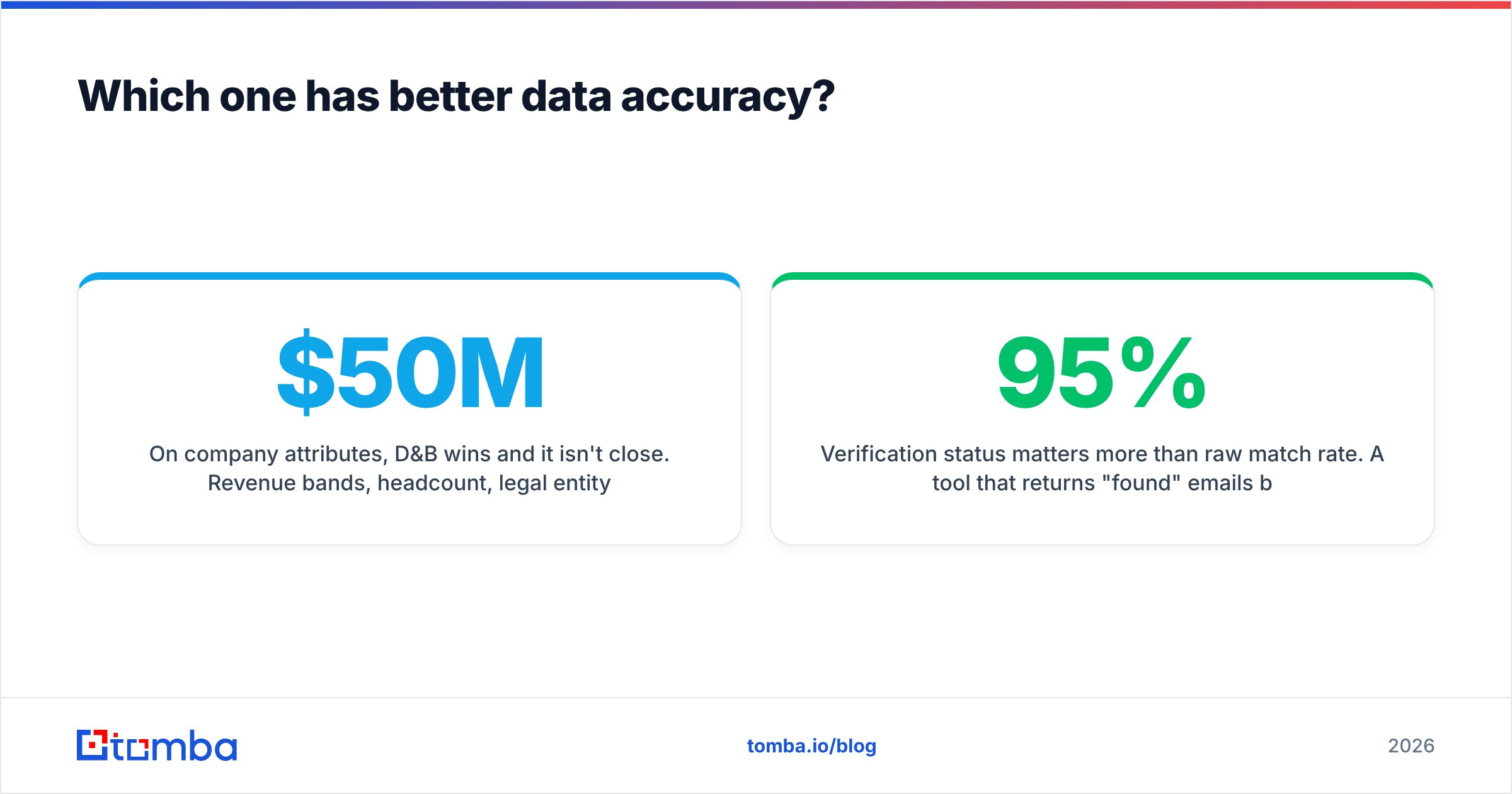
On company data, D&B wins, and it is not close. Revenue bands, headcount, legal status, parent-child links: D&B builds these from filings, trade references, and a global research team. If your segment is 'makers with $50M–$200M in revenue', D&B's list will hold up better than any scraped guess.
On contact emails, GetProspect wins. D&B's email coverage is shallow and often stale. Contact churn is a different problem from company data. People change jobs every 2–3 years, while legal entities last for decades. GetProspect refreshes against LinkedIn activity, which is closer to the truth about where someone works right now.
Two caveats are worth learning by heart:
- Verified rates beat match rates. A tool that returns 95% 'found' emails at 60% deliverable is worse than one at 70% found and 97% deliverable. Compare verified deliverable rates, not coverage claims. Run any list through an email verifier before it touches your sending domain.
- Catch-all domains distort everything. Many B2B domains accept all mail at the SMTP layer. A naive verifier marks them 'valid', and your bounce rate finds out later. If much of your ICP sits behind catch-alls, use a catch-all verifier that goes past a simple SMTP handshake. Neither D&B nor GetProspect is built for this.
Check buyer sentiment on G2 instead of trusting any vendor's own accuracy chart. That includes the ones you will see in posts like this.
What do they actually cost?#
Dun & Bradstreet: quote-only. There is no public price list for the enterprise products. Deals are built from seats, record volume, and modules. Most land in the five- to six-figure range per year. Expect a security review, a data agreement, and a buying cycle of several weeks. Small self-serve products exist, such as credit monitoring and a D-U-N-S business profile. They are not GTM tools.
GetProspect: published and self-serve. The free tier gives a small monthly allowance of verified emails. That is enough to test the extension, not to run outbound. Paid tiers scale by email volume. They start near $49/mo and climb into the low hundreds for a two- or three-person SDR pod. Credits usually do not roll over, and that is the line item people miss.
The hidden costs on both sides:
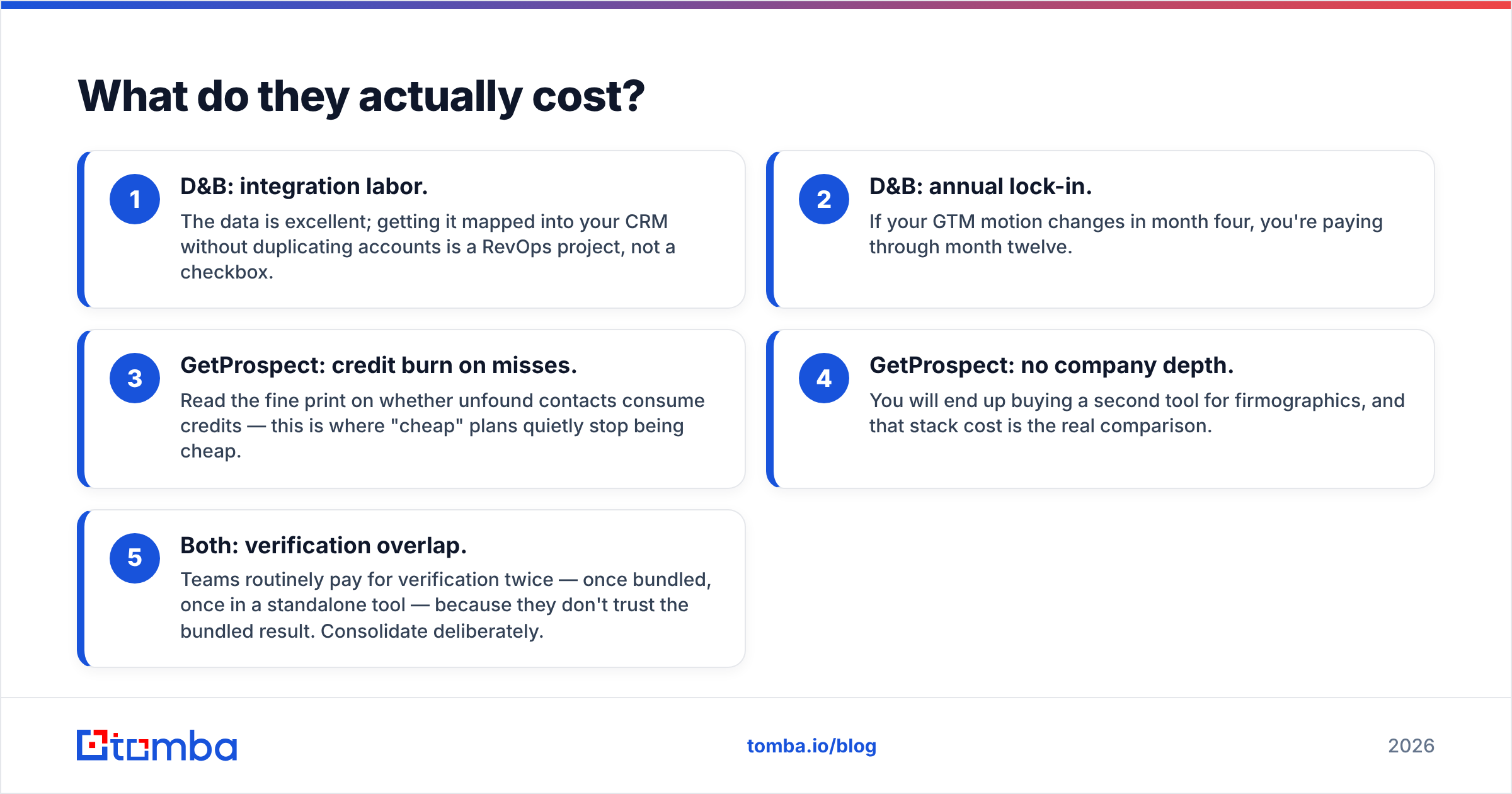
- D&B: integration labor. The data is excellent. Mapping it into your CRM without duplicate accounts is a RevOps project, not a checkbox.
- D&B: annual lock-in. If your plan changes in month four, you still pay through month twelve.
- GetProspect: credit burn on misses. Check whether failed lookups eat credits. This is where cheap plans quietly stop being cheap.
- GetProspect: no company depth. You will end up buying a second tool for company data. That stack cost is the real comparison.
- Both: verification paid twice. Teams often pay for it once bundled and once standalone, because they do not trust the bundled result. Pick one on purpose.
Who should pick Dun & Bradstreet?#
Buy D&B if two or more of these are true:
- You sell into regulated industries and need company data you can audit.
- Your ICP is set by revenue and company structure, not by job title alone.
- Finance or procurement already pays for D&B, so you can join that contract.
- You run ABM across thousands of accounts and need one account ID to dedupe against.
- You have a RevOps team that can put a data feed to work.
If none of those fit, you will pay enterprise prices for data your sellers never open.
Who should pick GetProspect?#
Buy GetProspect if:
- LinkedIn Sales Navigator is already where you prospect.
- You need contact emails this week, not next quarter.
- Your lists start from people, not from accounts.
- You are a team of 1–10, and a buying cycle would kill the project.

Is there a middle option between the two?#
Yes. For most outbound teams it is the more honest answer than either extreme.
The gap here is a team that needs good work emails at volume, plus enough company context to personalize, and no annual contract. That is the job a dedicated email stack does. It is where Tomba sits.
Here is the day-to-day difference:
- Domain-first list building. Start from a company domain rather than a LinkedIn profile with domain search. It returns the email pattern and known contacts for that company. Handy when your list comes from a conference roster, a funding database, or a scraped directory.
- Pattern inference for small firms. A company with two people on LinkedIn is invisible to a LinkedIn-first tool. Pattern-based search still finds them.
- Bulk and API from the first paid tier. The Tomba API ships on paid plans, not just enterprise. That matters if you enrich inside your own product or a workflow tool.
- Verification and catch-all handling in one place. Fewer tools, and no credits paid twice.
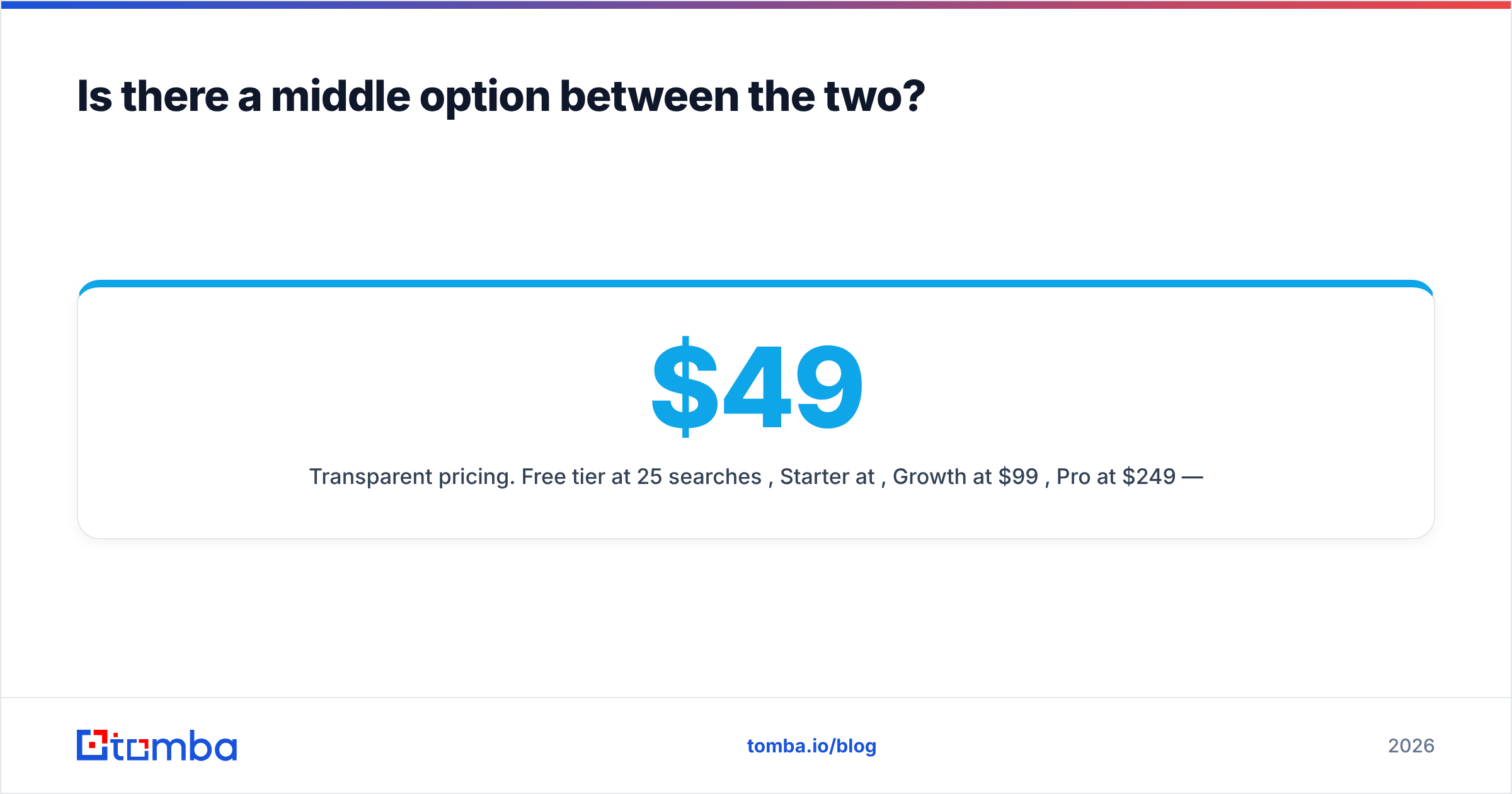
- Clear pricing. Free tier at 25 searches a month. Starter $49/mo, Growth $99/mo, Pro $249/mo. See Tomba pricing for current limits.
None of that replaces D&B. If you need a D-U-N-S Number or a credit score, no email finder will do. But it does replace a common pattern: buying a second contact tool because the enterprise provider's emails bounce. That pattern eats a lot of GTM budget.
Which should you choose in 2026?#
The Dun Bradstreet vs GetProspect call comes down to one question. What breaks first if you buy nothing?
- 'We cannot tell which accounts are real, related, or creditworthy.' → Dun & Bradstreet. Nothing else maps companies to that standard.
- 'We have a target list of people and no way to email them.' → GetProspect, or a similar email finder if you want API access and catch-all checks on the same plan.
- 'Our bounce rate is climbing and our domain is at risk.' → Neither. Fix verification first. That is a delivery problem wearing a data-tool costume.
- 'We have both problems.' → Buy the contact layer first. It is cheaper, it proves the motion works, and it gives you the pipeline evidence you need to get a D&B contract approved next year.
The mistake to avoid is buying enterprise company data to fix a contact-data problem. Sellers do not churn because a revenue band was off. They churn because half their sends bounced.
Start with the layer that touches revenue fastest. If your blocker is turning a list of companies and names into verified work emails, run a test batch through the Tomba Email Finder. The free tier gives you 25 searches. Benchmark match and delivery rates against your current tool before you spend a dollar. Compare the verified hit rate, not the found rate, and let that number decide.
Related guides#
Ready to find emails that actually work?
Join 150,000+ professionals who stopped guessing and started sending. Free credits on signup — no credit card required.
Get the Tomba newsletter
Practical outbound tactics and product updates — once every two weeks.
About the author