FindThatLead vs SMARTe: Which B2B Email Tool Wins in 2026?
FindThatLead is built for self-serve cold email at volume. SMARTe is built for enterprise contact data with mobile numbers. Here is the honest breakdown of pricing, accuracy, and which one your team should actually buy.
FindThatLead vs SMARTe is not really a fair fight. The two tools chase different buyers. One is a cheap, self-serve suite that finds emails and sends them. The other is an enterprise contact database built around mobile numbers. This guide breaks down price, data quality, and fit so you can choose fast.
TL;DR
- FindThatLead is a self-serve prospecting suite: bulk email finding, a Chrome extension, a scraper, and a built-in cold email sender. It's priced for solo founders and small teams who want to go from list to send in one tab.
- SMARTe is an enterprise B2B contact database. Its headline feature is verified mobile numbers, backed by GDPR and CCPA data governance. Pricing is quote-based, so you talk to sales before you see a number.
- They are not really competitors for the same buyer. FindThatLead wins on speed-to-first-send and transparent price. SMARTe wins on phone coverage, compliance paperwork, and CRM-native workflows.
Two more things worth knowing before you read either price card:
- Neither is the cheapest way to verify what you find. Both push you toward their own bundled credits, and both charge you for bad rows the same as good ones.
- If your bottleneck is "find a valid work email for this specific person, at this specific company, fast," a dedicated email finder with a free tier and a public API usually beats a bundled suite on cost per usable contact.
What are FindThatLead and SMARTe, actually?#
They solve overlapping problems from opposite ends of the market.
FindThatLead launched in Spain in 2015 and built its reputation on volume prospecting for small teams. You give it a domain, a name, or a LinkedIn URL, and it returns email addresses. Around that core it stacked a Prospector (search by role, industry, location), a Chrome extension, a scraper, an email verifier, and a sending module for drip campaigns. The pitch is "one subscription, list to inbox."
SMARTe is a different animal. It's a B2B data provider built around a contact and account database. The emphasis is on direct dials and mobile numbers, plus firmographic and technographic attributes. Its go-to-market is enterprise: Salesforce and HubSpot integrations, Outreach and Salesloft push, data-privacy documentation, and a sales-assisted buying process. You don't sign up and start sending. You sign up, get a small credit allowance, then get routed to a rep for anything real.
The practical consequence: FindThatLead is something a founder buys on a Tuesday afternoon. SMARTe is something a RevOps lead buys after a procurement review.

FindThatLead vs SMARTe: how do they compare feature by feature?#
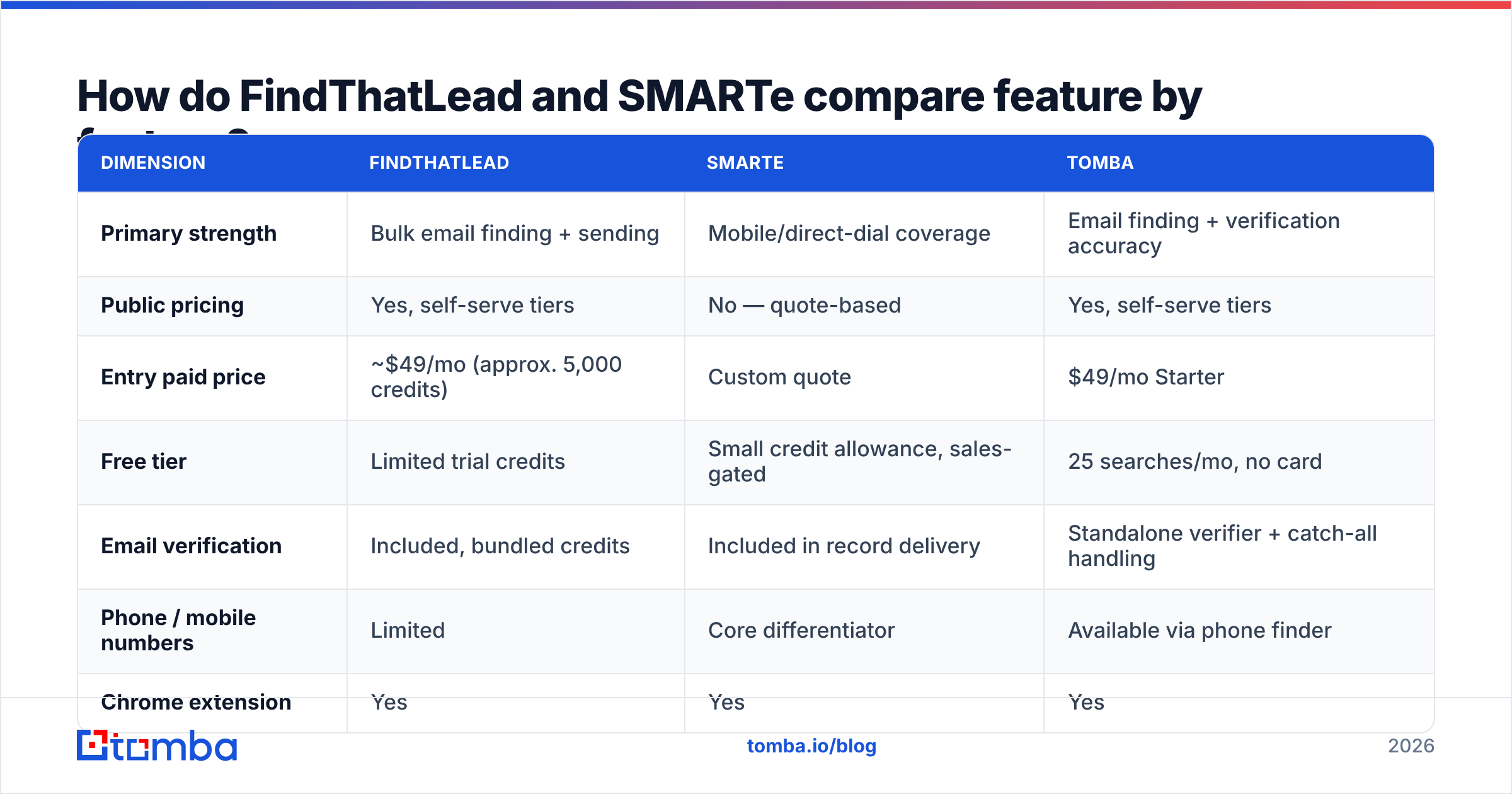
Here's the head-to-head. Treat the pricing rows as directional — both vendors adjust plans, and SMARTe in particular does not publish a public price card. Always confirm on the vendor's own page before you commit.
| Dimension | FindThatLead | SMARTe | Tomba |
|---|---|---|---|
| Primary strength | Bulk email finding + sending | Mobile/direct-dial coverage | Email finding + verification accuracy |
| Public pricing | Yes, self-serve tiers | No — quote-based | Yes, self-serve tiers |
| Entry paid price | ~$49/mo (approx. 5,000 credits) | Custom quote | $49/mo Starter |
| Free tier | Limited trial credits | Small credit allowance, sales-gated | 25 searches/mo, no card |
| Email verification | Included, bundled credits | Included in record delivery | Standalone verifier + catch-all handling |
| Phone / mobile numbers | Limited | Core differentiator | Available via phone finder |
| Chrome extension | Yes | Yes | Yes |
| Public API | Limited | Available on enterprise plans | Full REST API, CLI, MCP |
| Native CRM sync | Basic (Zapier-heavy) | Salesforce, HubSpot, Outreach, Salesloft | HubSpot, Salesforce, Pipedrive, Zapier, Make |
| Built-in cold email sender | Yes | No | No (integrates with your sender) |
| Best fit | Solo founders, SMB agencies | Mid-market to enterprise SDR teams | Teams who need accurate emails at predictable cost |
Two things stand out.
First, the sending module is FindThatLead's real moat, not the data. If you want one login that finds contacts and mails them, that's a genuinely convenient bundle for a two-person team. It's also why FindThatLead loses ground to dedicated senders past a few thousand sends a month. Deliverability tooling in an all-in-one is rarely as deep as in a purpose-built platform.
Second, SMARTe's mobile data is the reason it exists. If your motion is "email opens the door, phone closes it," a database with strong direct-dial coverage is worth paying for. If you never pick up the phone, you're paying for an asset you won't use.
Which one has better data accuracy?#
Neither vendor publishes an audited accuracy figure, so treat marketing claims as claims.
What you can control is your own test. For a fair FindThatLead vs SMARTe read, run the same 100-contact sample through both tools and score four things:
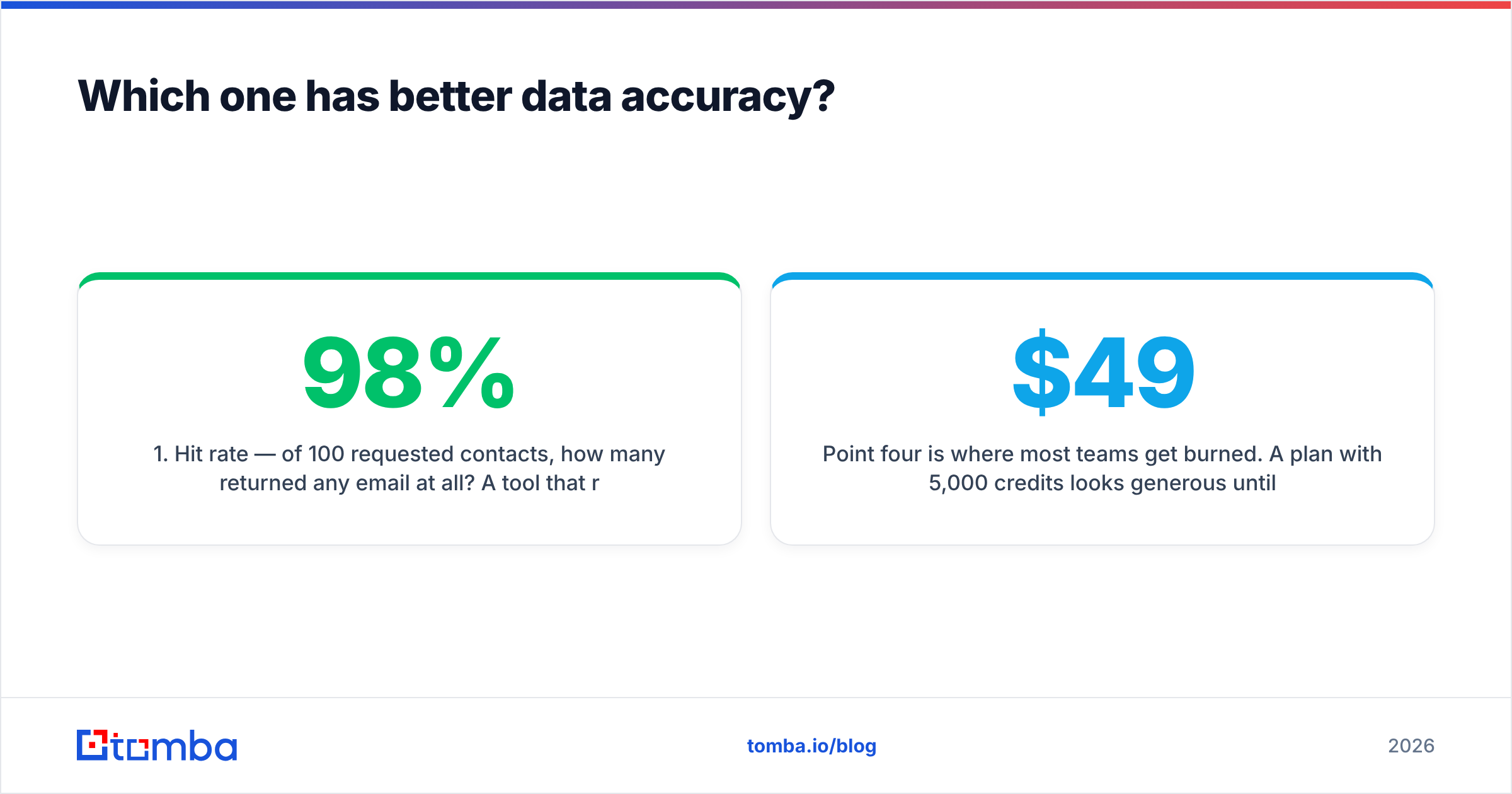
- Hit rate — of 100 requested contacts, how many returned any email at all? A tool that returns 40 emails at 98% validity may beat one that returns 85 emails at 60% validity.
- Verified rate — of the emails returned, how many pass an independent SMTP check? Never trust the finder's own verdict on its own output. That's grading your own homework.
- Catch-all share — how many results land on catch-all domains that accept everything? These are the silent killers of a bounce rate. A dedicated catch-all verifier is the only honest way to score them.
- Credit burn on misses — does the tool charge you when it returns nothing, returns a role address (info@, sales@), or returns a guess? This is where the real cost hides.

Point four is where most teams get burned. A $49/month plan with 5,000 credits looks generous until 30% of lookups return nothing and another 15% return catch-alls you can't safely mail. Your effective cost per usable contact can be triple the sticker rate.
Run the numbers on your own sample before you sign an annual deal. Independent user reviews on G2 help you spot patterns, especially complaints about credit rollover and refund policy. They are still no substitute for a 100-row test on your actual ICP.
Is FindThatLead or SMARTe better value for the price?#
Depends entirely on whether you need phone numbers.
FindThatLead's value case: transparent tiers, month-to-month options, and a sender included. For a solo consultant emailing 500 prospects a month, the bundle genuinely saves money versus buying a finder plus a sequencer separately. The ceiling is low, though. Credits get expensive per unit as you scale, and the sending module won't satisfy anyone running multi-inbox rotation at volume.
SMARTe's value case: you're buying a data contract, not a tool. Quote-based pricing means the deal is negotiable, and enterprise buyers with volume can land a good per-record rate. It also means you can't compare it on a spreadsheet against a public price, and you can't start today. Expect an annual commitment.
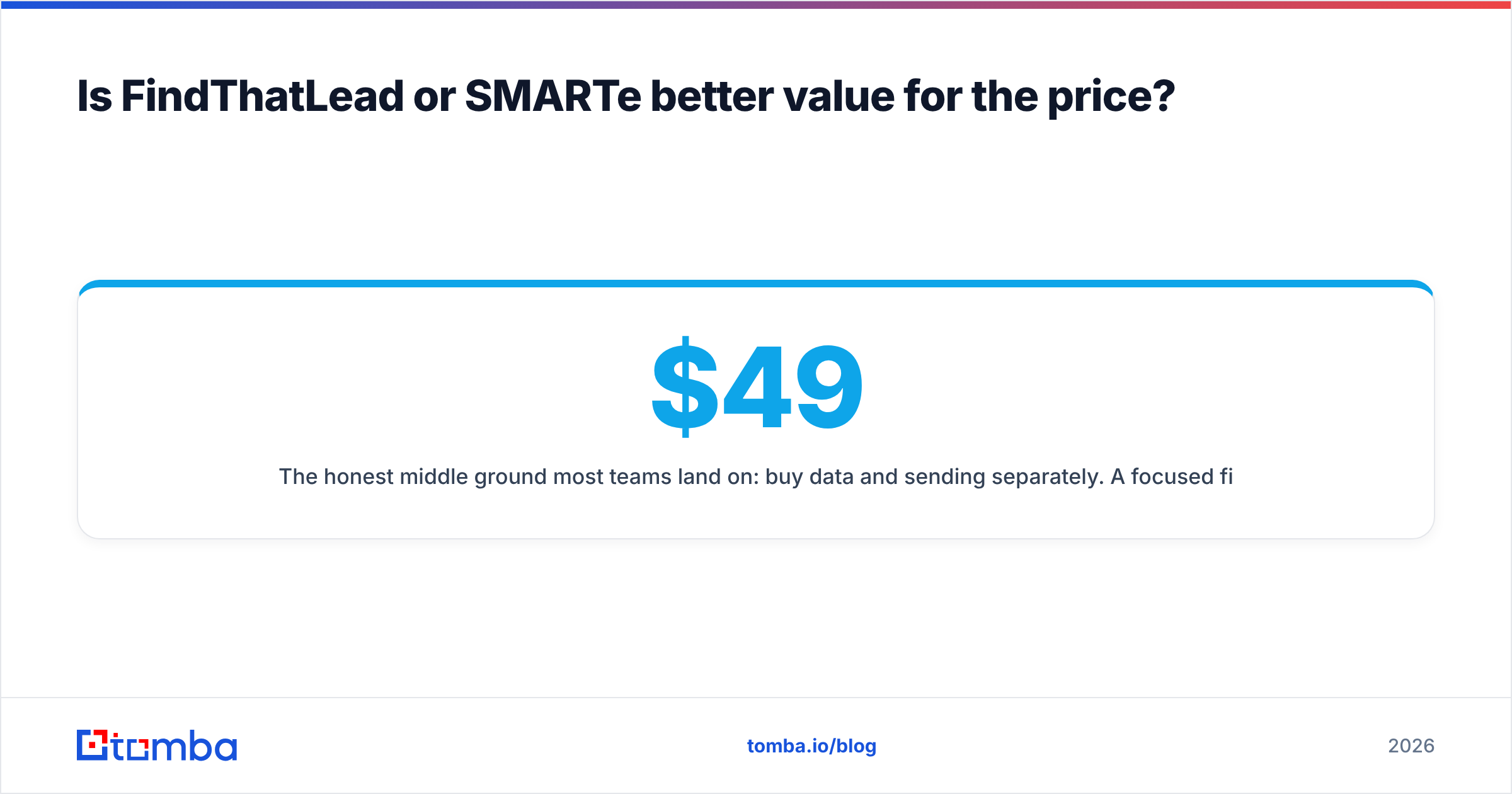
The honest middle ground most teams land on: buy data and sending separately. A focused finder-plus-verifier stack with published Tomba pricing — Free at 25 searches, Starter at $49/mo, Growth at $99/mo, Pro at $249/mo — is easy to model against your pipeline math, and your sequencer stays whatever your team already knows.

What does each tool get wrong?#
Every vendor has a soft spot. Here's where each one tends to frustrate real users.
Where FindThatLead falls short:
- Inconsistent coverage outside its strong regions. European and Spanish-market coverage is a strength. Deep coverage of niche US mid-market verticals is patchier. Test your specific segment.
- The all-in-one tax. The bundled sender is fine for a first campaign and limiting by campaign three. If you outgrow it, you're paying for a module you no longer use.
Where SMARTe falls short:
- The sales gate. No public pricing means no fast evaluation. For a team that needs 200 contacts this week, a two-week procurement cycle is a dealbreaker regardless of data quality.
- Email is the second act. The database is optimized around phone-first workflows. If you're pure email outbound, you're paying an enterprise premium for the half of the product you don't need.
The flaw they share:
- Verification is bundled, not independent. When the same vendor finds and validates the address, you have no second opinion. Cross-check with a standalone email verifier before any list over a few hundred rows hits your sending domain.

That last point matters more than any feature row in the table. Mailbox providers now weigh bounce rate heavily in reputation scoring. A single 8% bounce campaign can suppress inbox placement for weeks. The cost of an independent verification pass is trivial against the cost of a burned domain.
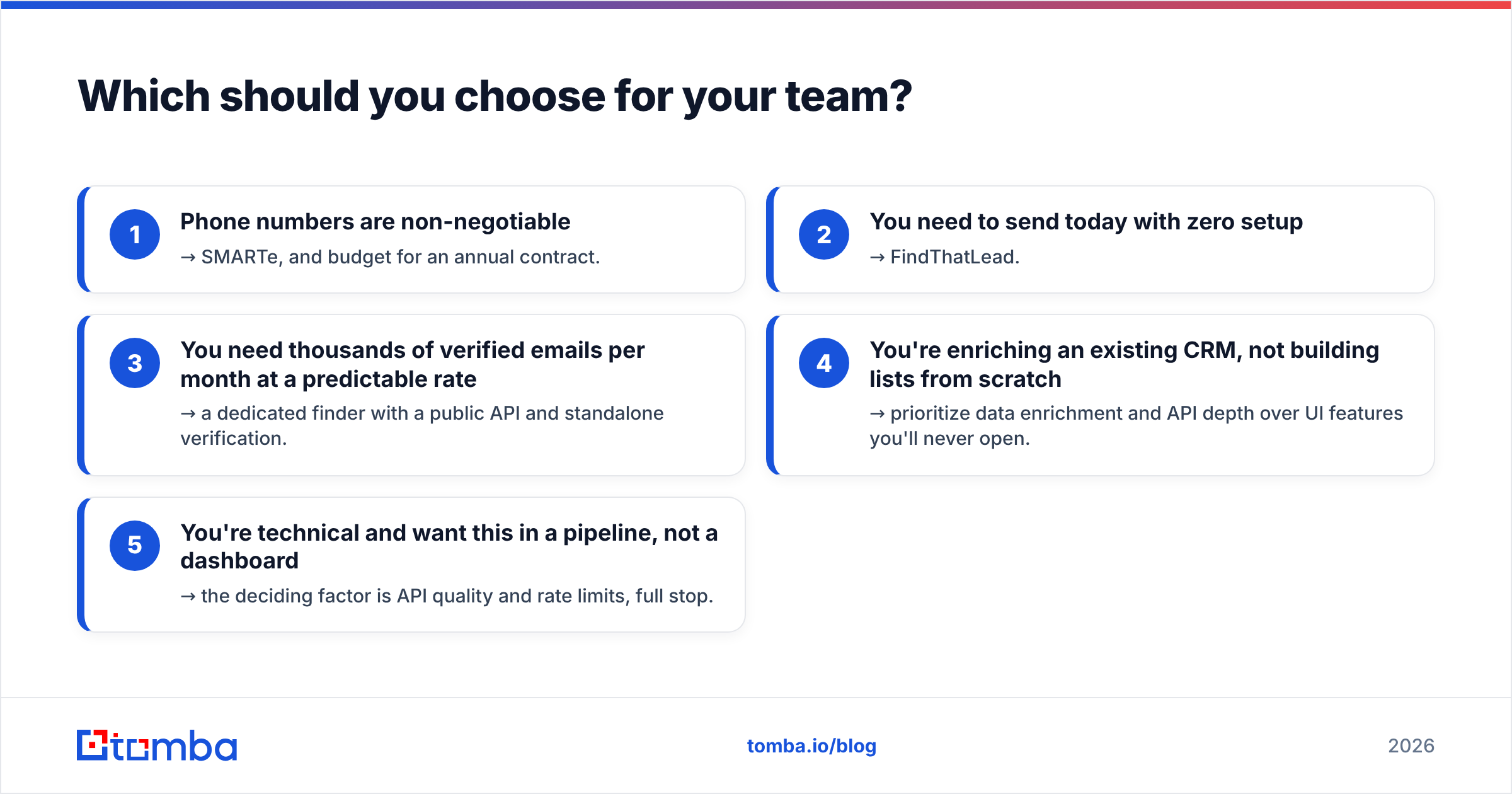
Which should you choose for your team?#
Match the tool to the motion, not the feature list.
Choose FindThatLead if: you're a founder or small agency, you want one subscription that finds and sends, your volume is under a few thousand contacts a month, and your market skews European. The self-serve signup and published price mean you can test the whole thesis in an afternoon.
Choose SMARTe if: you run a phone-heavy SDR team, you need mobile numbers at scale, your legal team requires documented data-sourcing and privacy compliance, and you already live inside Salesforce or Outreach. The procurement overhead is worth it when direct dials are the constraint.
Choose a dedicated finder-plus-verifier stack if: your bottleneck is specifically "get a valid work email for a known person," you want per-lookup cost you can model, and you'd rather keep your sequencer, CRM, and data layer independently swappable. It's also where most GTM teams end up, right after their first all-in-one contract renews at a price they didn't expect.
A quick decision path:
- Phone numbers are non-negotiable → SMARTe, and budget for an annual contract.
- You need to send today with zero setup → FindThatLead.
- You need thousands of verified emails per month at a predictable rate → a dedicated finder with a public API and standalone verification.
- You're enriching an existing CRM, not building lists from scratch → prioritize data enrichment and API depth over UI features you'll never open.
- You're technical and want this in a pipeline, not a dashboard → the deciding factor is API quality and rate limits, full stop.
How do you test all three without wasting a month?#
Take 100 real prospects from your CRM — names, companies, domains. Not a sample list from a blog post; your actual ICP.
Run them through each tool's free or trial tier. Export three CSVs. Then run every returned address through one independent verifier so you're grading with a consistent ruler. Score hit rate, verified rate, catch-all share, and credits consumed. Divide monthly cost by verified contacts to get true cost per usable email.
That number is the only comparison that matters. It routinely disagrees with the marketing page by a factor of two or three, in both directions. Sometimes the "expensive" tool is cheaper per usable row because it wastes fewer credits on misses.
For bulk testing, upload the whole file at once rather than looking up one by one. A bulk email finder turns a two-hour manual exercise into a five-minute upload, and the resulting CSV is directly comparable across vendors.
The bottom line#
The FindThatLead vs SMARTe choice comes down to one question: do you need phone numbers? One tool is a fast, affordable, self-serve suite for small teams that want to find and send in one place. The other is an enterprise contact database whose mobile-number coverage justifies a sales-led buying process. The two rarely land on the same shortlist for the same reason.
If neither profile fits — if what you actually need is accurate work emails, verified independently, at a price you can forecast — start with the Tomba Email Finder. The free tier gives you 25 searches a month with no card, Starter is $49/mo, and every result runs through the same verification layer that powers the standalone verifier. Run your 100-contact test, compare cost per verified contact against your current stack, and let the spreadsheet make the call.
Related guides#
Ready to find emails that actually work?
Join 150,000+ professionals who stopped guessing and started sending. Free credits on signup — no credit card required.
Get the Tomba newsletter
Practical outbound tactics and product updates — once every two weeks.
About the author