Insightly Alternatives: 9 CRMs Worth Switching To in 2026
Insightly works fine until your team outgrows its reporting, its per-seat math, or the quality of the data inside it. Here are nine alternatives compared on price, pipeline depth, and migration pain.
TL;DR
- Most teams leave Insightly for one of three reasons: reporting hits a wall, the per-seat price jumps at the tier boundary, or the CRM is full of stale contact data nobody trusts.
- For SMB sales teams, Pipedrive and HubSpot are the two safest landing spots. For project-heavy services businesses — Insightly's real strength — Copper and monday CRM are closer swaps than either.
- The cheapest credible alternatives are Zoho CRM and Capsule CRM; the most powerful are Salesforce Sales Cloud and Close, and both cost you in setup time.
- Switching CRMs does not fix bad data. If your bounce rate is 12% today, it will be 12% in the new CRM unless you clean and enrich on the way in.
- Budget for migration: field mapping, custom objects, and automation rebuilds usually take longer than the vendor's "import in minutes" page suggests.
Why do teams look for Insightly alternatives?#
Insightly is a decent CRM that sits in an awkward spot. It bundles CRM, project delivery, and a marketing module into one suite, which is genuinely useful if you sell and then deliver the work yourself — agencies, consultancies, systems integrators. But that same positioning creates predictable friction.
The complaints that show up most often in G2 reviews and in migration threads cluster into four buckets:
1. Reporting stops where you need it to start. Insightly's dashboards cover activity and pipeline value well. Cohort analysis, multi-touch attribution, and custom joins across objects are where people hit the ceiling and start exporting to a spreadsheet — which is the classic signal that a CRM has been outgrown.
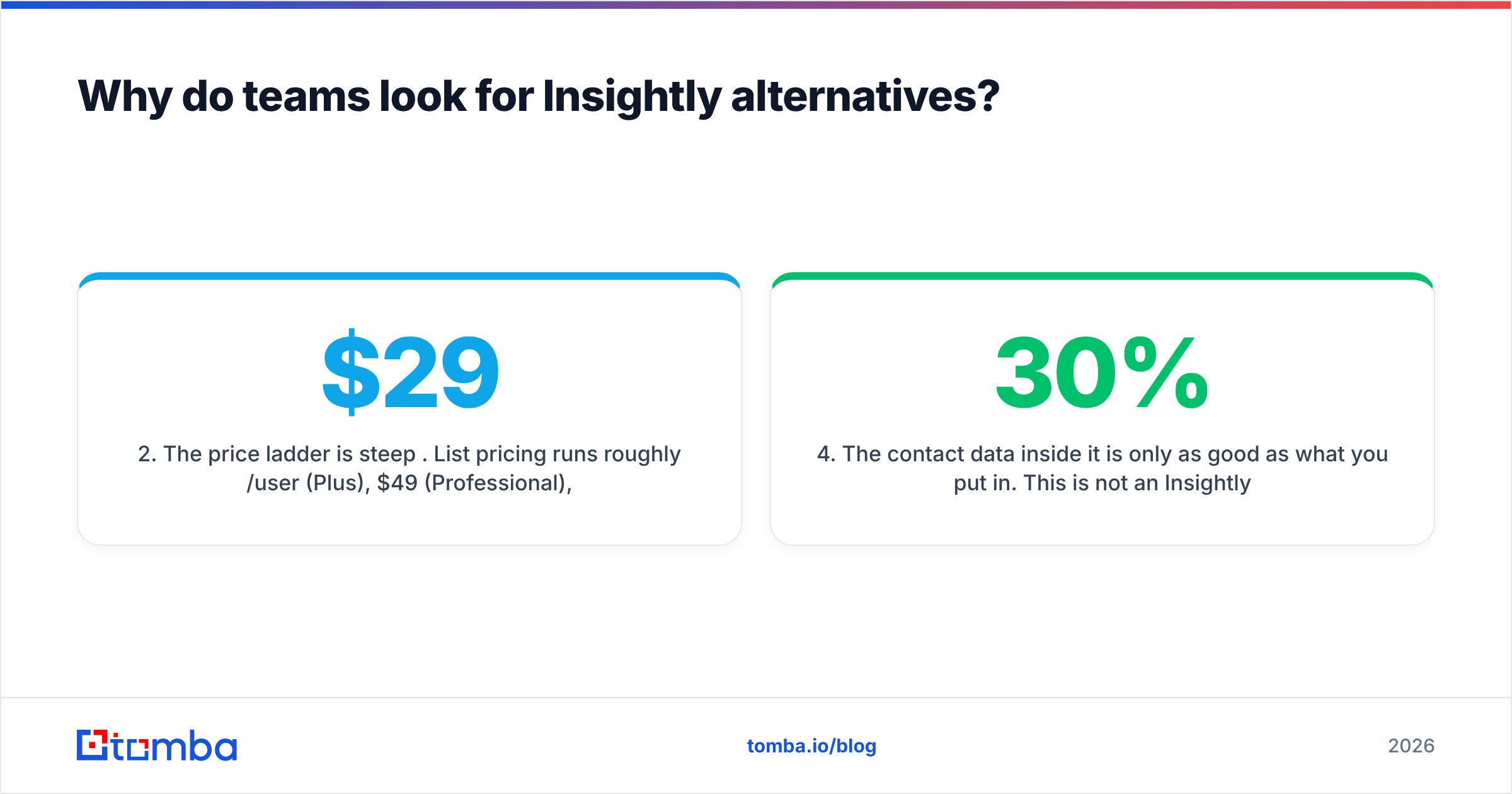
2. The price ladder is steep per seat. List pricing runs roughly $29/user/month (Plus), $49 (Professional), and $99 (Enterprise) on annual billing, and several capabilities people assume are core — advanced workflow rules, custom validation, higher API limits — sit on the upper rungs. Add the marketing and service modules and a ten-person team's bill stops looking SMB-friendly.
3. Modules are priced separately. CRM, Marketing, Service, and AppConnect are sold as distinct products. That is honest packaging, but it means the "all-in-one" benefit only materializes if you buy all of it.
4. The contact data inside it is only as good as what you put in. This is not an Insightly flaw — it is true of every CRM on this list — but it is the reason a lot of migrations disappoint. You move 40,000 contacts, 30% of which have dead emails, and you now have a more expensive place to store dead emails.

What does Insightly actually do well?#
Worth stating plainly, because an alternatives post that pretends the incumbent is garbage is useless for making a decision.
Insightly's project pipeline is the differentiator. When a deal closes, it converts into a project with milestones, tasks, and the same contact records attached. Very few CRMs in this price band do that natively — most expect you to bolt on Asana, Jira, or a PSA tool and sync them. If your revenue motion is sell → deliver → renew and the delivery half lives in the same system, Insightly earns its seat cost.
It also has a clean object model (Leads, Contacts, Organisations, Opportunities, Projects), reasonable customer relationship management fundamentals, and an API that behaves. If your only problem is price, you may find that a different tier of Insightly beats a lateral move to a different vendor.
Leave when the problem is structural: you need deeper reporting, you need a sales-engagement layer, you need a cheaper per-seat model at scale, or you need a CRM your reps will actually open.
Which Insightly alternatives should you shortlist in 2026?#
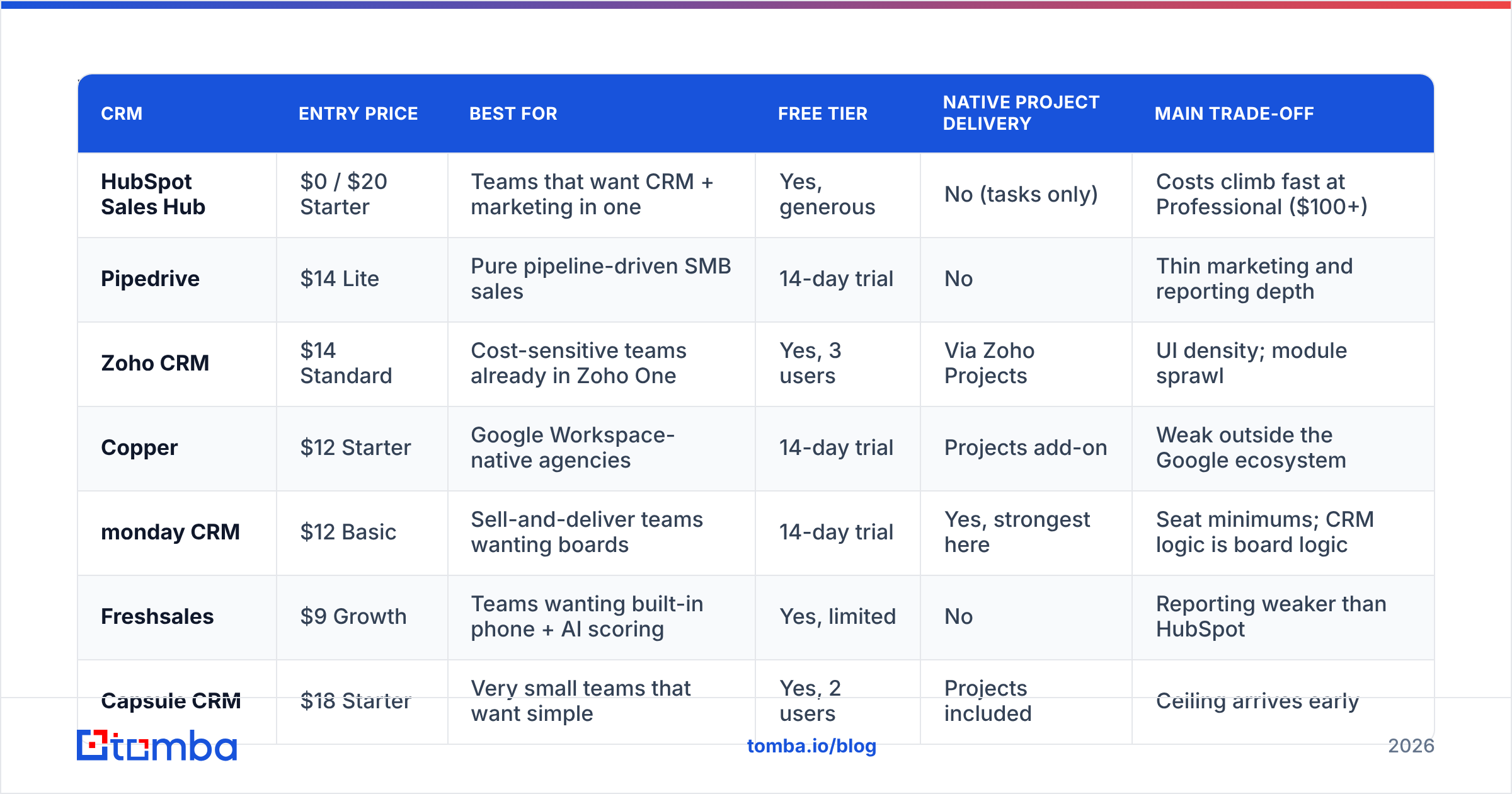
Nine options, grouped by who they suit. Prices are list, per user per month, billed annually, at time of writing — every vendor on this list changes them, so confirm on the pricing page before you budget.
| CRM | Entry price | Best for | Free tier | Native project delivery | Main trade-off |
|---|---|---|---|---|---|
| HubSpot Sales Hub | $0 / $20 Starter | Teams that want CRM + marketing in one | Yes, generous | No (tasks only) | Costs climb fast at Professional ($100+) |
| Pipedrive | $14 Lite | Pure pipeline-driven SMB sales | 14-day trial | No | Thin marketing and reporting depth |
| Zoho CRM | $14 Standard | Cost-sensitive teams already in Zoho One | Yes, 3 users | Via Zoho Projects | UI density; module sprawl |
| Copper | $12 Starter | Google Workspace-native agencies | 14-day trial | Projects add-on | Weak outside the Google ecosystem |
| monday CRM | $12 Basic | Sell-and-deliver teams wanting boards | 14-day trial | Yes, strongest here | Seat minimums; CRM logic is board logic |
| Freshsales | $9 Growth | Teams wanting built-in phone + AI scoring | Yes, limited | No | Reporting weaker than HubSpot |
| Capsule CRM | $18 Starter | Very small teams that want simple | Yes, 2 users | Projects included | Ceiling arrives early |
| Close | $29 Base | High-volume outbound / inside sales | 14-day trial | No | Not a fit for long, complex deliveries |
| Salesforce Sales Cloud | $25 Starter | Teams planning for 50+ reps | No | Via AppExchange | Admin time and implementation cost |
HubSpot#
The default answer, and usually the right one for a 5–30 person revenue team. The free CRM is genuinely usable, the upgrade path is obvious, and the ecosystem means every tool you buy later will integrate. HubSpot's CRM also solves the reporting complaint directly — custom report builder on Professional is a different league from Insightly dashboards.
The catch is well documented: Starter is cheap, Professional is not, and the jump is sharp. Model the two-year cost with your actual seat count and contact tier before you commit.
Pipedrive#
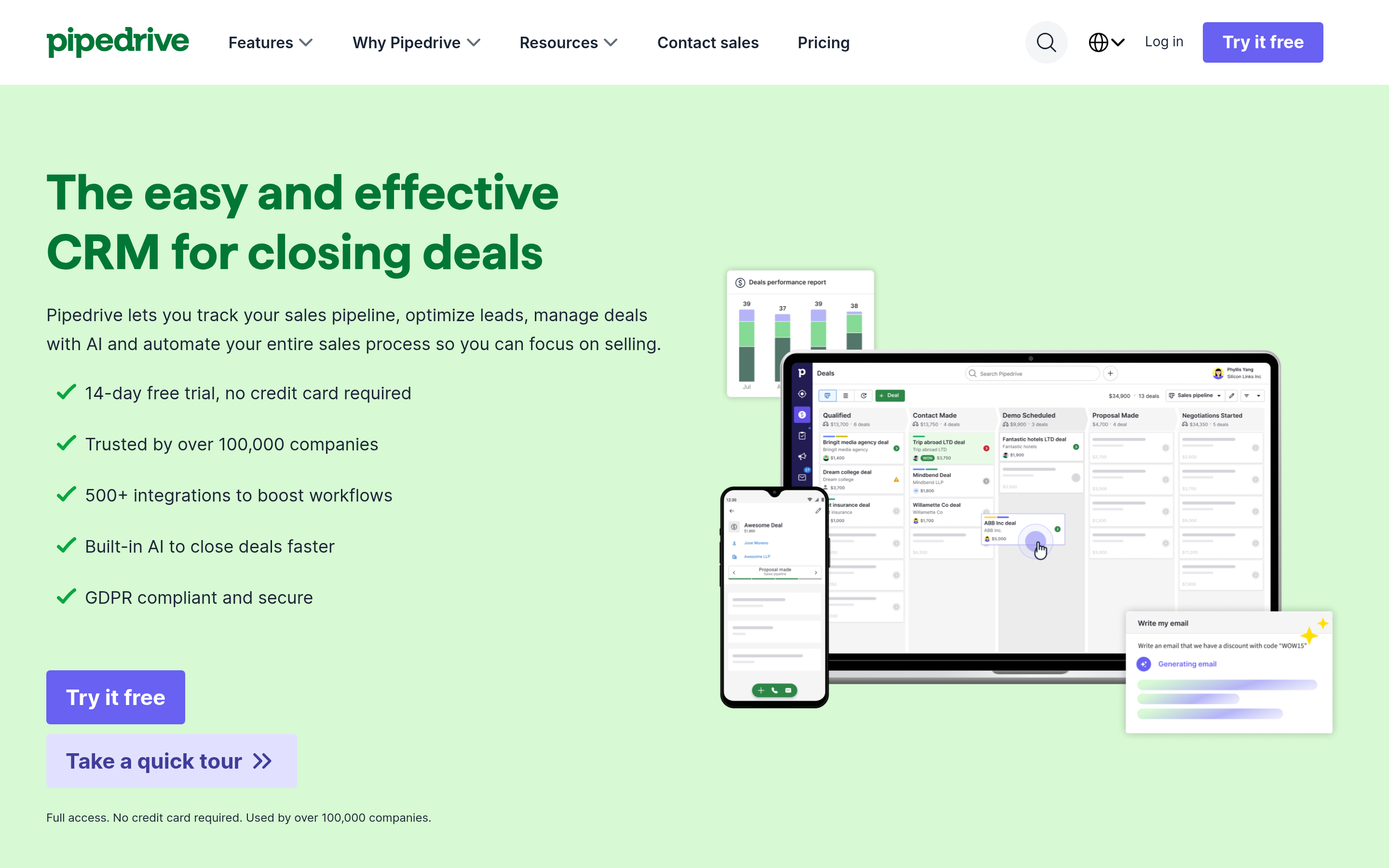
If your team's problem is "reps don't update the CRM," Pipedrive is the cure. The entire interface is a drag-and-drop pipeline, activity reminders are aggressive, and setup takes an afternoon rather than a quarter. It is the least conceptually demanding CRM on this list.
What you give up: marketing automation, project delivery, and reporting sophistication. Pipedrive is a sales tool, not a suite. For a lot of teams leaving Insightly, that narrowing is the point.
Zoho CRM#
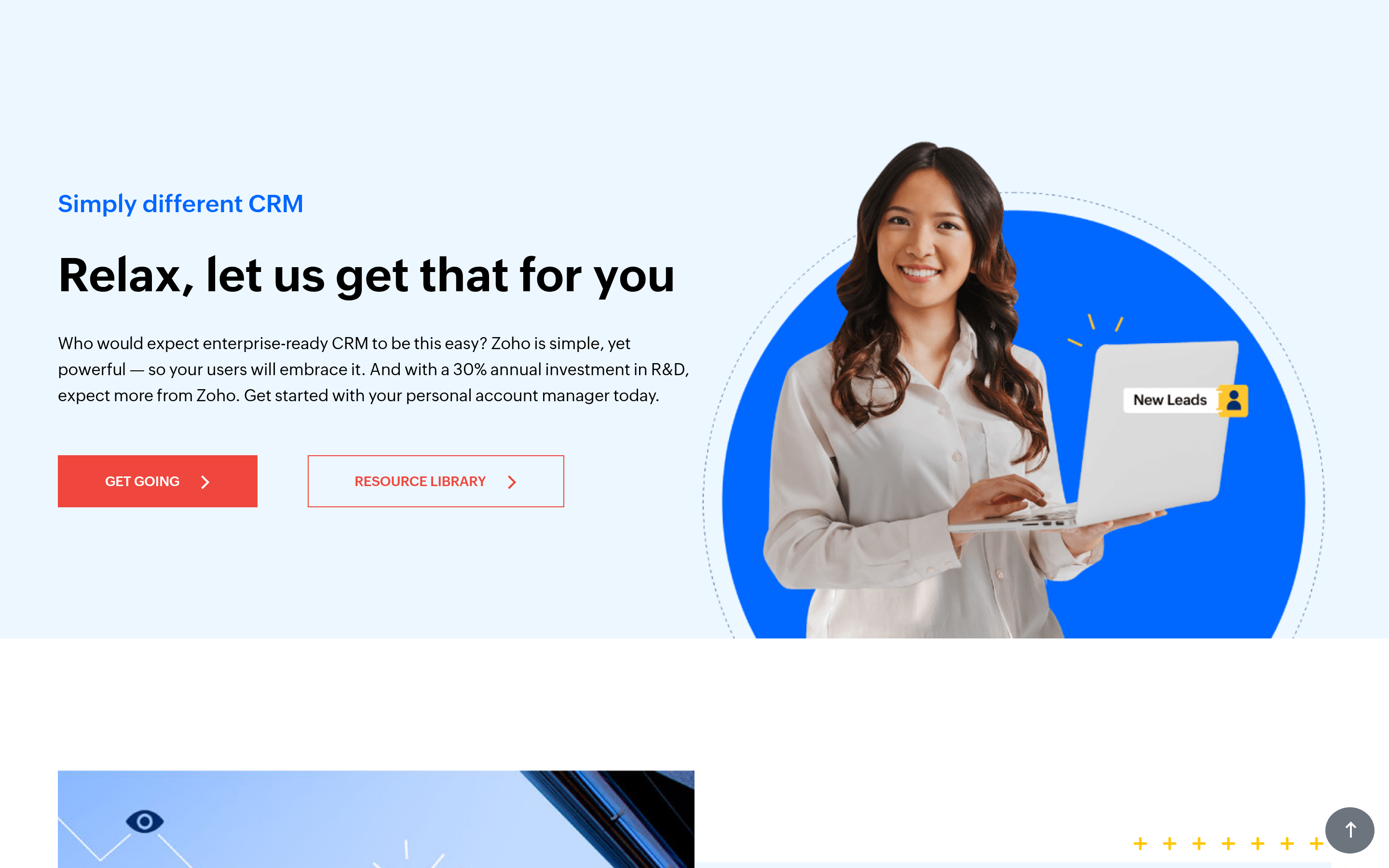
Best price-to-capability ratio, full stop. Standard at $14/user gets you workflows, custom fields, and reports that cost double elsewhere. If you already run Zoho Books, Desk, or Projects, the suite logic is compelling and it mirrors Insightly's sell-and-deliver story closely.
The trade-off is interface density and the fact that "Zoho CRM" and "Zoho One" are different purchases with different economics.
Copper#
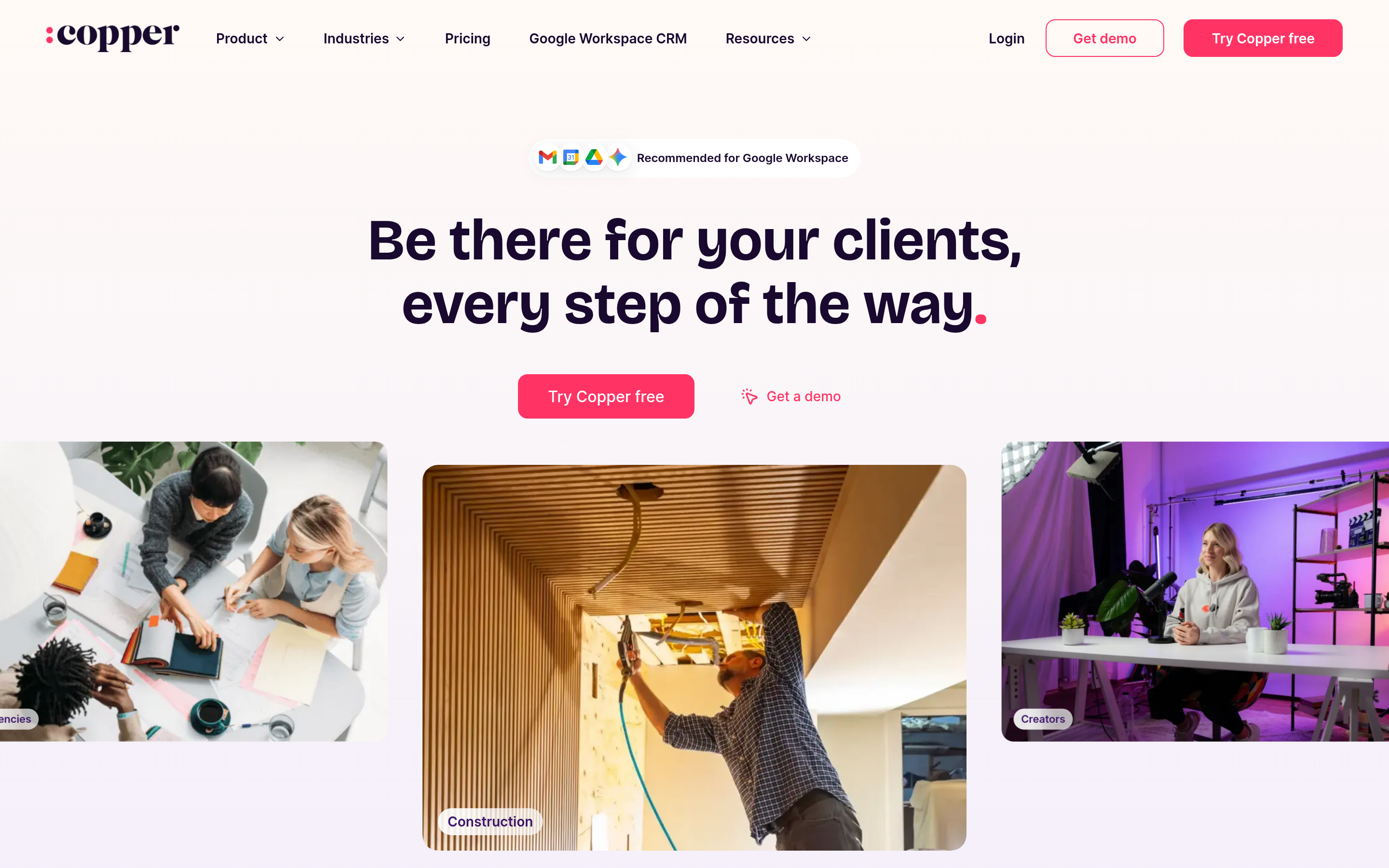
The closest cultural match to Insightly for agencies. Copper lives inside Gmail and Google Calendar — records are created from the inbox sidebar, and there is effectively no "go update the CRM" step. It has a Projects feature for post-sale delivery.
Only pick it if your company is genuinely Google-native. On Microsoft 365 it loses most of its advantage.
monday CRM#
The strongest option if you loved Insightly's project half. monday's boards handle delivery workflows better than any pure CRM here, and the CRM layer sits on the same data. Automation is visual and non-technical staff can build it.
Downsides: seat minimums (usually 3), and the fact that board-based logic can get loose compared with a proper opportunity object. Teams that need strict forecast hygiene sometimes find it too flexible.
Freshsales#
Underrated. Built-in phone, email sequences, and AI deal scoring at a price point where competitors charge extra for each. Good fit if a chunk of your motion is cold calling and you don't want a separate dialer contract.
Capsule CRM#
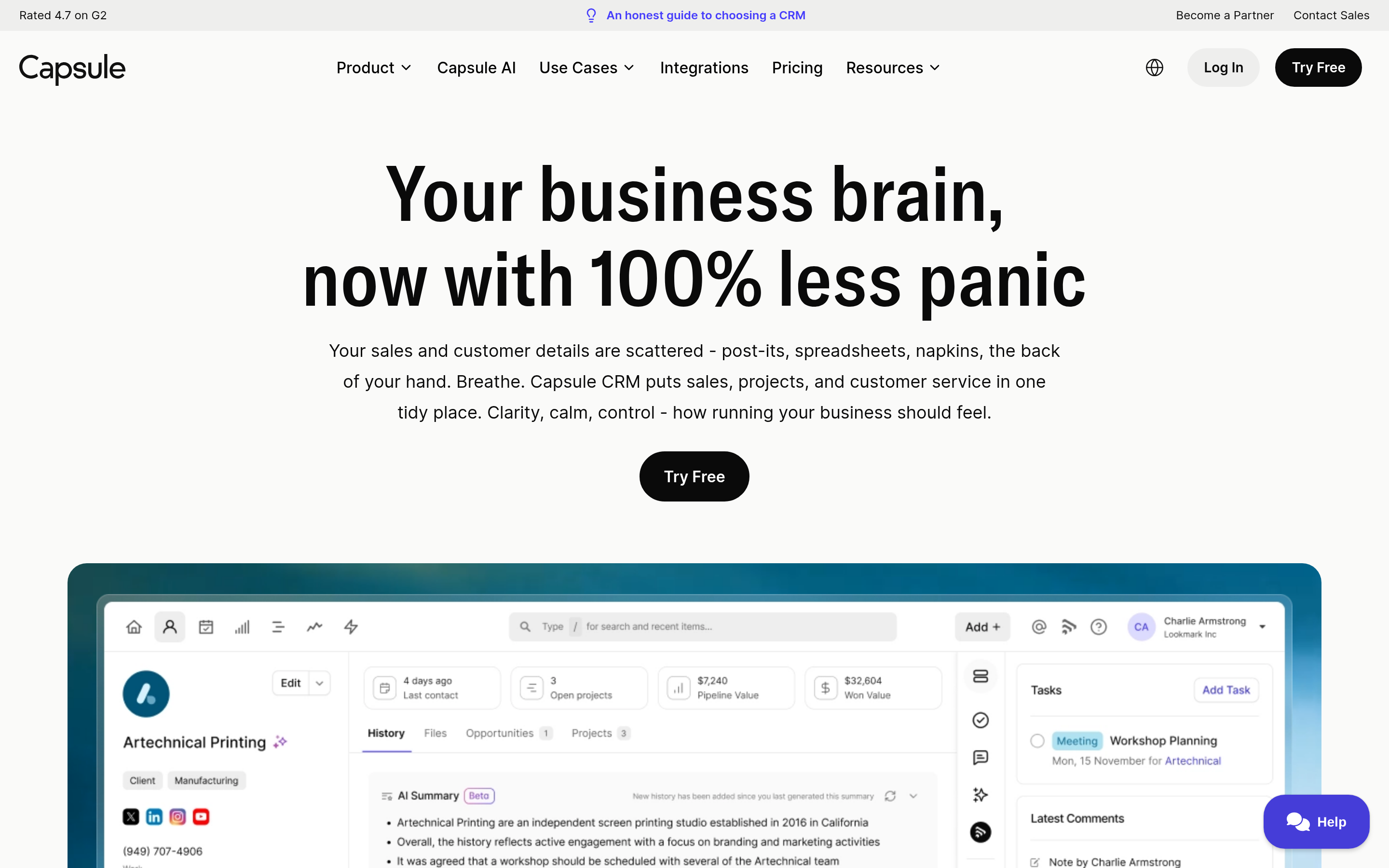
The simplest tool on the list, and a legitimate choice for a 2–8 person team that only needs contacts, a pipeline, and tasks. It includes lightweight project tracking. You will outgrow it, but the two years before that are cheap and frictionless.
Close#
Built for high-velocity inside sales: calling, SMS, and email sequencing native, with a UI designed around working a queue. If your Insightly frustration is "this is a database, not a selling tool," Close is the correction.
It is a poor Insightly replacement for services delivery. No projects, no marketing.
Salesforce Sales Cloud#
Choose it when you can articulate why you need it — complex territory models, heavy forecast governance, an existing Salesforce-shaped org, or a headcount plan north of 50 reps. Starter at $25 is approachable, but the real cost is the admin (part-time at minimum) that Salesforce assumes you have.
How do you decide between them without a three-month evaluation?#
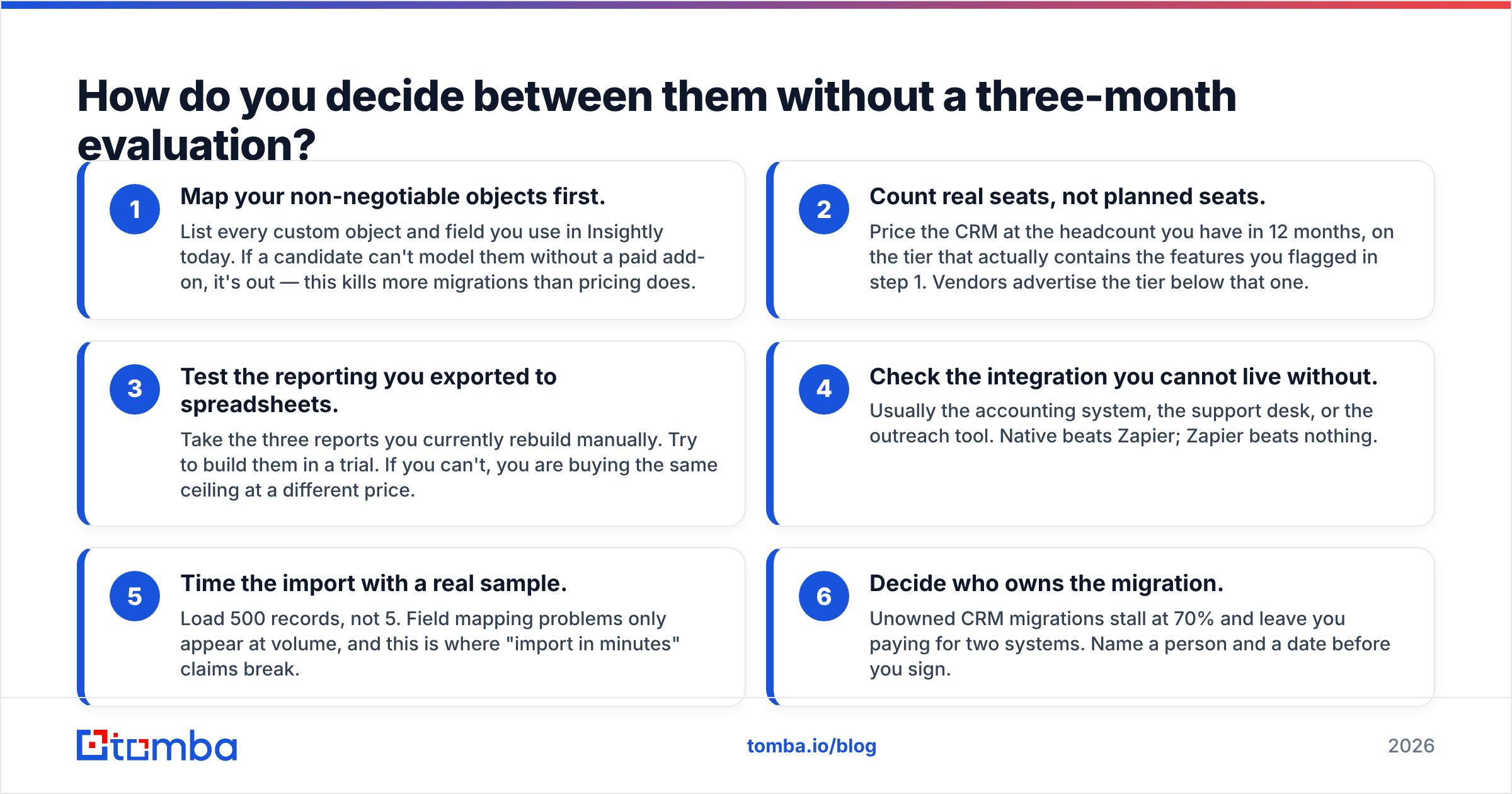
Run this checklist against your top three. It takes a day, not a quarter.
- Map your non-negotiable objects first. List every custom object and field you use in Insightly today. If a candidate can't model them without a paid add-on, it's out — this kills more migrations than pricing does.
- Count real seats, not planned seats. Price the CRM at the headcount you have in 12 months, on the tier that actually contains the features you flagged in step 1. Vendors advertise the tier below that one.
- Test the reporting you exported to spreadsheets. Take the three reports you currently rebuild manually. Try to build them in a trial. If you can't, you are buying the same ceiling at a different price.
- Check the integration you cannot live without. Usually the accounting system, the support desk, or the outreach tool. Native beats Zapier; Zapier beats nothing.
- Time the import with a real sample. Load 500 records, not 5. Field mapping problems only appear at volume, and this is where "import in minutes" claims break.
- Decide who owns the migration. Unowned CRM migrations stall at 70% and leave you paying for two systems. Name a person and a date before you sign.
Does switching CRMs fix your pipeline problem?#
Usually not, and this is the part most alternatives posts skip.
A CRM is a filing cabinet with opinions. It stores what you feed it and reminds you to act. If your pipeline is thin, the bottleneck is almost never the cabinet — it is the quality and volume of contacts going in. Teams migrate, get a three-week dopamine hit from the clean new interface, and land back at the same conversion rate by month two.
Before you import anything into a new system, do three things to the export file:
Deduplicate. Insightly exports commonly carry duplicate contacts created by different reps or by form submissions. Merging in the source is easier than merging after import. A remove duplicates pass on the CSV catches most of it in minutes.
Verify every email. Contact records decay at roughly 22–30% per year as people change jobs. A three-year-old CRM export is majority-stale by volume. Running the list through an email verifier before import means your new CRM starts with deliverable addresses and your bounce rate doesn't torch the sender reputation on a fresh domain.
Enrich what's missing. Half your records probably have a name and company but no direct email, no phone, no job title. That's not a CRM problem — it's a data problem, and it follows you to whichever tool you pick. Contact enrichment fills the gaps at import time so reps aren't hand-Googling prospects in the new system too.
Do this once, at migration, and the new CRM starts life with data your reps trust. Skip it and you have paid a switching cost to relocate the same mess.
What's the cheapest Insightly alternative that still scales?#
Zoho CRM at $14/user, with Pipedrive Lite at $14 close behind for sales-only teams. Both include the workflow automation Insightly reserves for higher tiers, and both have a genuine upgrade path rather than a cliff.
If your headcount is under three, Capsule's free tier or HubSpot's free CRM will carry you for a year or more at zero cost. "Free CRM plus a real data layer" outperforms "paid CRM plus empty records" more often than teams expect.
Is there a direct Insightly replacement for project-based businesses?#
monday CRM and Copper are the two closest. monday wins on delivery workflow depth; Copper wins if you live in Gmail. Zoho CRM plus Zoho Projects replicates the Insightly bundle most literally, and at a lower combined seat cost — at the price of running two apps instead of one.
If none of those fit, the honest answer may be staying on Insightly and fixing the specific thing that hurts — often reporting (add a BI layer) or data (add an enrichment layer) rather than the CRM itself.
Where should you start?#
Pick two candidates from the table, not five. Run the six-step checklist. Clean your export before you import it.
And whichever CRM you land on, the records inside it decide whether it earns its cost. Tomba's Email Finder gives you verified professional emails by name and domain — so the contacts you migrate, and every one you add afterwards, are addresses that actually reach a human. It plugs into HubSpot, Pipedrive, Salesforce and Sheets, and the free tier covers 25 searches a month to test it on a slice of your list before you commit. Paid plans start at $49/month.
Migrate the pipeline. Fix the data on the way through.
Related guides#
// get started
Find, verify and enrich your first contacts today
Start on the free plan with 25 searches a month, then scale when your team is ready.
Free plan · No credit card required · GDPR & CCPA
// about the author