Keap Alternatives: 9 Better CRM Picks for Small Teams
Keap bundles CRM, email automation and payments into one bill — and that bill grows with your contact list. Here are nine Keap alternatives compared on real cost, automation depth, migration pain, and the data quality that decides whether any of it works.
TL;DR
- Keap (formerly Infusionsoft) is an all-in-one CRM, marketing automation and payments platform aimed at small service businesses. Its strength is bundling; its weakness is contact-based pricing that climbs faster than most SMB budgets.
- The best Keap alternatives split into three camps: all-in-one suites (HubSpot, Zoho, EngageBay), automation-first email platforms (ActiveCampaign, Brevo, Ontraport), and sales-first CRMs (Pipedrive, Close).
- Most teams overpay because they buy automation depth they never configure. Audit which Keap features you actually used in the last 90 days before you shop.
- Switching costs are real: expect 2-6 weeks for campaign rebuilds, tag remapping and form/landing-page migration. Nobody ports Keap Campaign Builder sequences one-to-one.
- Whatever CRM you land on, it is only as good as the contact data going in. Verified emails and enriched records matter more to pipeline than which automation builder you picked.
What is Keap, and who is it actually built for?#
Keap is the rebranded Infusionsoft — a single platform that tries to cover CRM, email and SMS automation, landing pages, appointment booking, quotes, invoicing and payments. The target customer is a small service business: a home-services company, a coaching practice, an agency, a clinic. People who want one login and one vendor, not a stack of seven tools stitched together with Zapier.
That bundling is genuinely useful when it fits. If you are a solo consultant who needs a lead form, a nurture sequence, a booking link and an invoice, Keap covers all four and you never think about integrations. Check keap.com for current packaging — the company has simplified its tiers more than once, and list pricing typically starts in the $249-$299/month range for a small seat count and a capped contact list, with overage as your list grows.
Where it stops fitting is usually one of three moments: your contact count triples and the bill follows, you hire a sales team that wants a pipeline view instead of a campaign builder, or you need a specific best-in-class tool (a real sales engagement platform, a real help desk) and discover the bundle is holding you back.

Why do people look for Keap alternatives?#
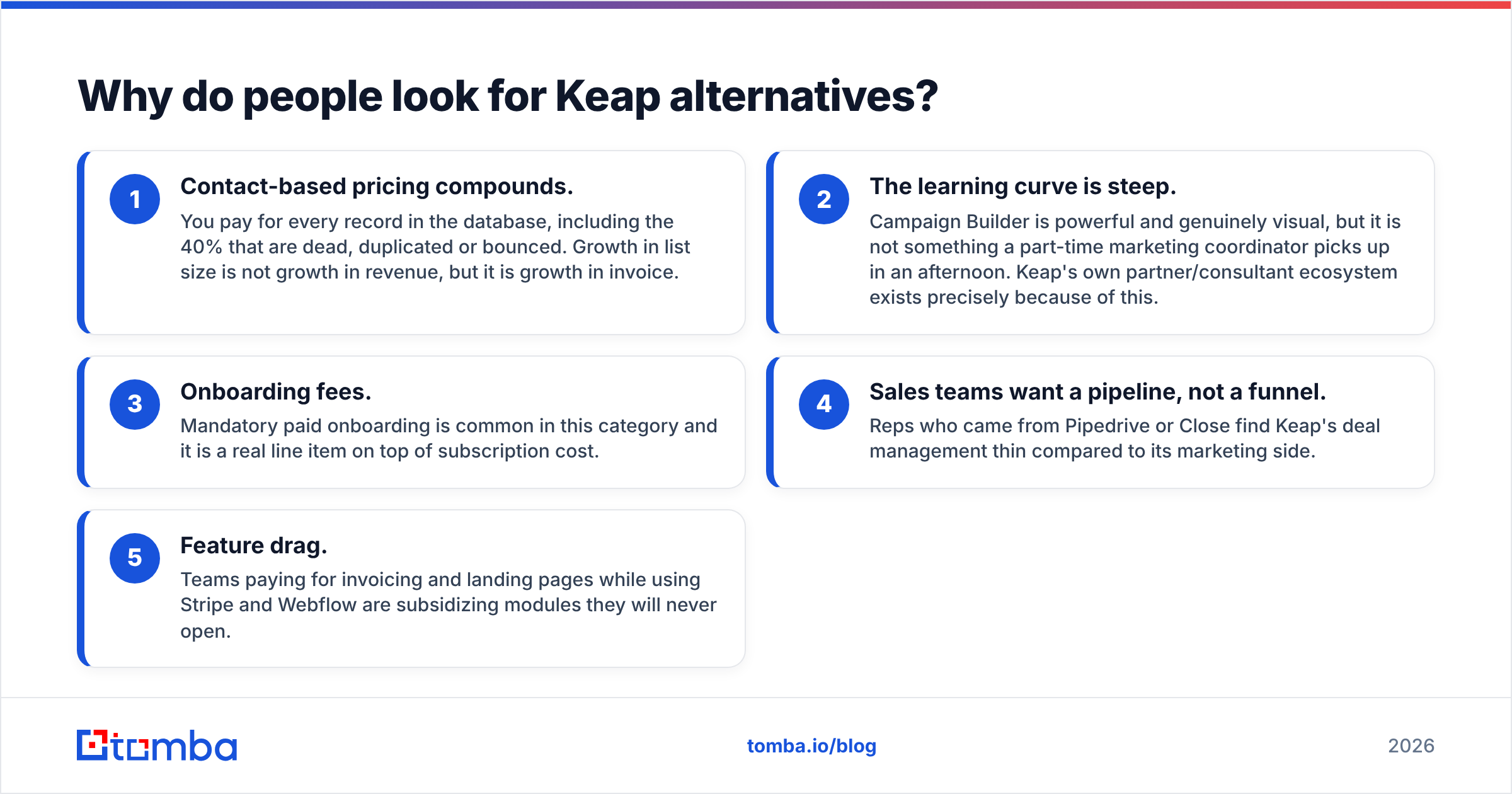
Five reasons show up over and over in G2 reviews and in migration threads:
- Contact-based pricing compounds. You pay for every record in the database, including the 40% that are dead, duplicated or bounced. Growth in list size is not growth in revenue, but it is growth in invoice.
- The learning curve is steep. Campaign Builder is powerful and genuinely visual, but it is not something a part-time marketing coordinator picks up in an afternoon. Keap's own partner/consultant ecosystem exists precisely because of this.
- Onboarding fees. Mandatory paid onboarding is common in this category and it is a real line item on top of subscription cost.
- Sales teams want a pipeline, not a funnel. Reps who came from Pipedrive or Close find Keap's deal management thin compared to its marketing side.
- Feature drag. Teams paying for invoicing and landing pages while using Stripe and Webflow are subsidizing modules they will never open.
None of these make Keap a bad product. They make it a specific product that either matches your shape or doesn't.
What should you compare before switching?#
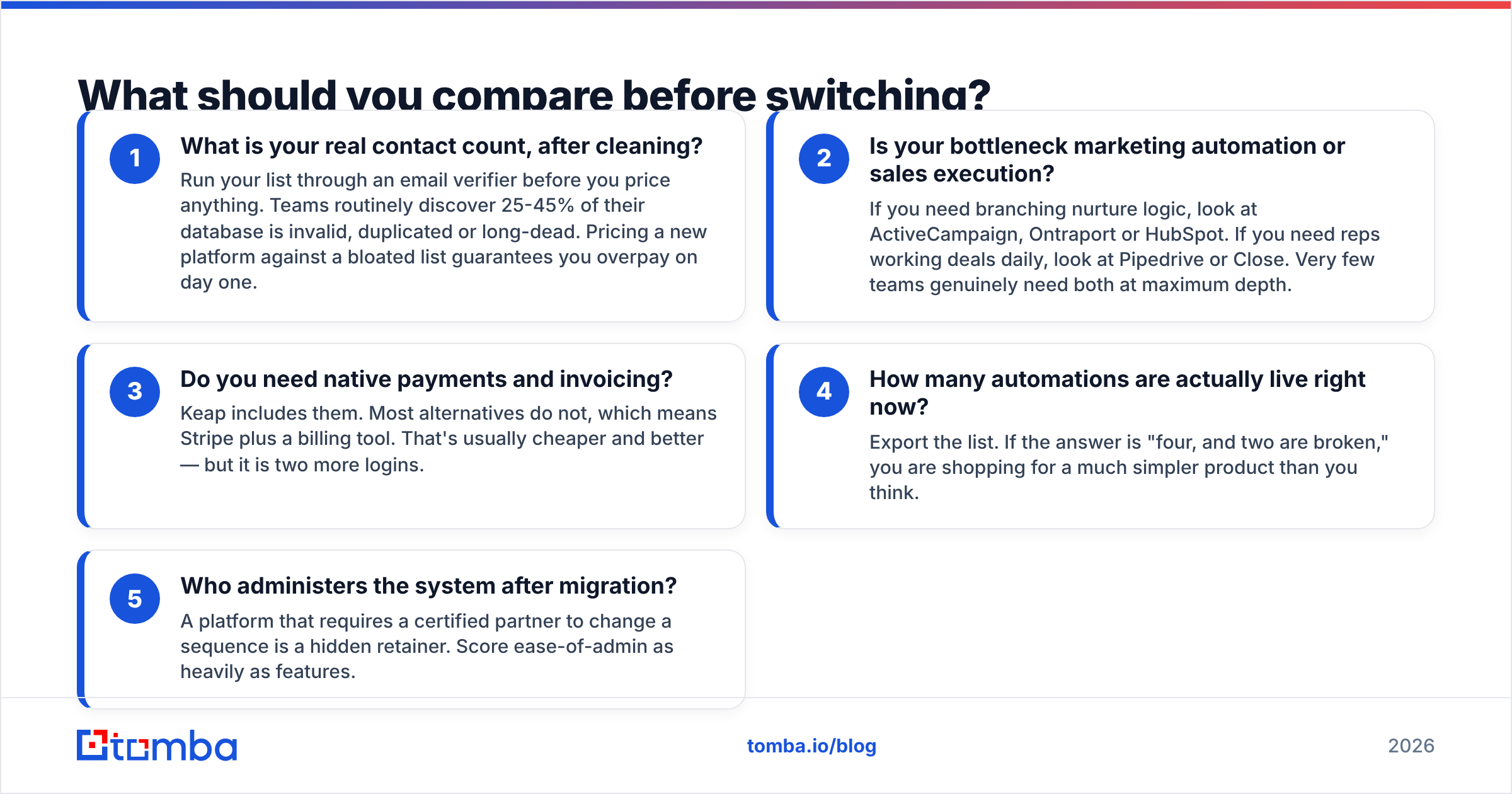
Do not start from a feature grid. Start from these five questions — they eliminate most of the market in twenty minutes.
- What is your real contact count, after cleaning? Run your list through an email verifier before you price anything. Teams routinely discover 25-45% of their database is invalid, duplicated or long-dead. Pricing a new platform against a bloated list guarantees you overpay on day one.
- Is your bottleneck marketing automation or sales execution? If you need branching nurture logic, look at ActiveCampaign, Ontraport or HubSpot. If you need reps working deals daily, look at Pipedrive or Close. Very few teams genuinely need both at maximum depth.
- Do you need native payments and invoicing? Keap includes them. Most alternatives do not, which means Stripe plus a billing tool. That's usually cheaper and better — but it is two more logins.
- How many automations are actually live right now? Export the list. If the answer is "four, and two are broken," you are shopping for a much simpler product than you think.
- Who administers the system after migration? A platform that requires a certified partner to change a sequence is a hidden retainer. Score ease-of-admin as heavily as features.
What are the best Keap alternatives in 2026?#
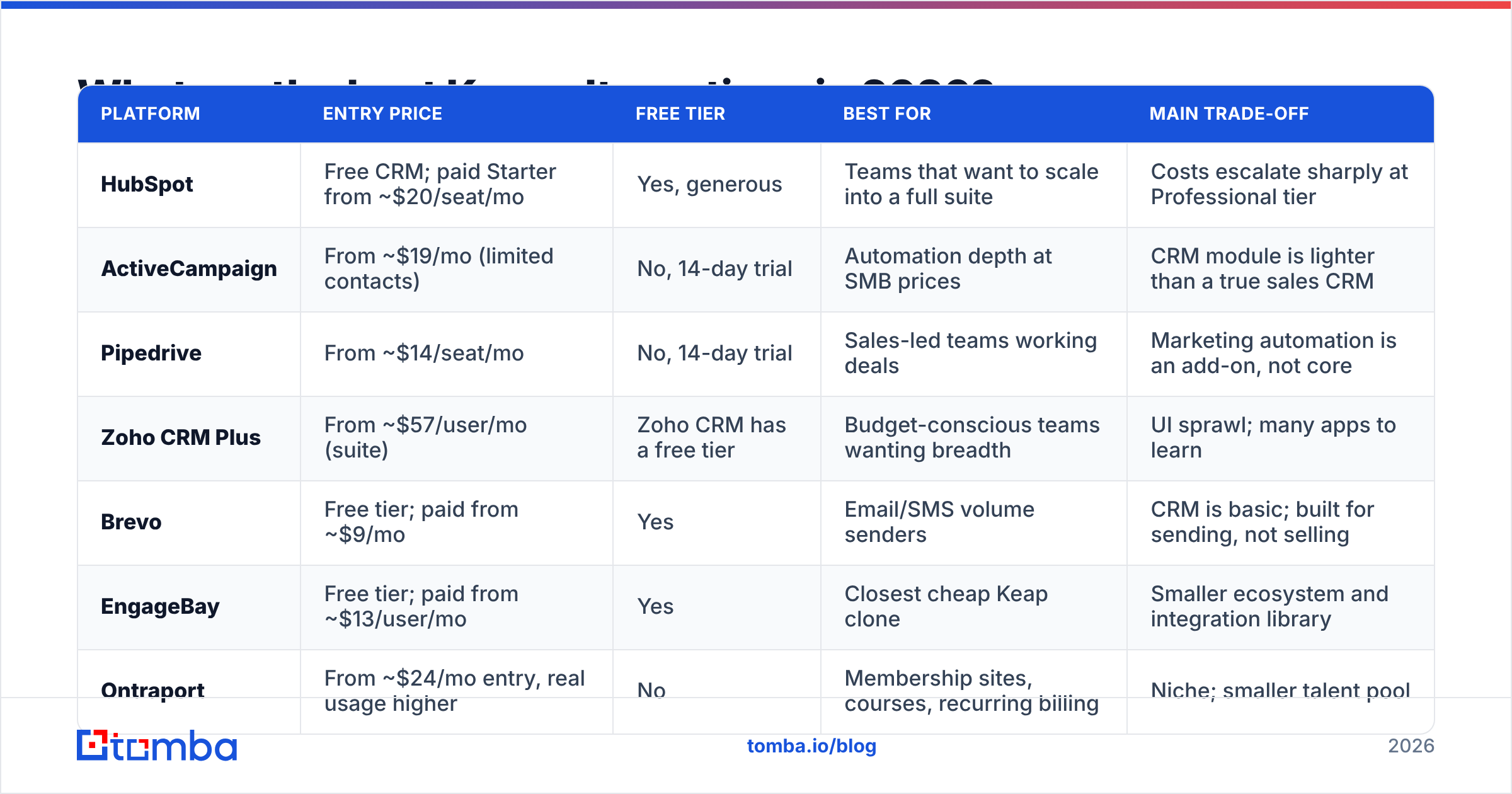
Here is the honest comparison. Prices are entry-level list prices and move constantly — verify on each vendor's own page before you commit.
| Platform | Entry price | Free tier | Best for | Main trade-off |
|---|---|---|---|---|
| HubSpot | Free CRM; paid Starter from ~$20/seat/mo | Yes, generous | Teams that want to scale into a full suite | Costs escalate sharply at Professional tier |
| ActiveCampaign | From ~$19/mo (limited contacts) | No, 14-day trial | Automation depth at SMB prices | CRM module is lighter than a true sales CRM |
| Pipedrive | From ~$14/seat/mo | No, 14-day trial | Sales-led teams working deals | Marketing automation is an add-on, not core |
| Zoho CRM Plus | From ~$57/user/mo (suite) | Zoho CRM has a free tier | Budget-conscious teams wanting breadth | UI sprawl; many apps to learn |
| Brevo | Free tier; paid from ~$9/mo | Yes | Email/SMS volume senders | CRM is basic; built for sending, not selling |
| EngageBay | Free tier; paid from ~$13/user/mo | Yes | Closest cheap Keap clone | Smaller ecosystem and integration library |
| Ontraport | From ~$24/mo entry, real usage higher | No | Membership sites, courses, recurring billing | Niche; smaller talent pool |
| Close | From ~$29/seat/mo | No, trial only | Outbound teams that call and email all day | No landing pages or marketing suite |
| GoHighLevel | From ~$97/mo | No, trial only | Agencies reselling a white-label stack | Built for agencies; heavy for a single business |
Is HubSpot the safest Keap alternative?#
For most teams, yes — with a caveat. The free CRM is genuinely usable, the HubSpot ecosystem is the largest in the category, and Starter tiers are cheap enough to test seriously. You can migrate contacts and deals in a weekend.
The caveat is the jump to Professional. Marketing Hub Professional carries a step change in cost plus a onboarding fee, and that's the tier where the automation actually rivals what you had in Keap. Budget for the destination, not the entry point. If you go this route, wire your prospecting data in directly with the HubSpot integration so new contacts land verified instead of as raw form spam.
Is ActiveCampaign better than Keap for automation?#
On pure automation logic, ActiveCampaign is the closest like-for-like swap and usually cheaper at the same contact volume. Conditional splits, goal tracking, site tracking, lead scoring and predictive sending are all there, and the builder is easier to teach than Campaign Builder.
What you give up: native invoicing and payments, and a CRM that a dedicated sales team will find thin. If Keap's marketing side was 80% of your usage, ActiveCampaign is the default answer.
When is Pipedrive or Close the right call?#
When your problem was never marketing. If your team's day is calls, follow-ups and deal stages, a sales-first CRM is a downgrade in automation and an upgrade in everything that actually moves revenue. Pipedrive wins on price and simplicity; Close wins on built-in calling and multichannel sequencing for outbound teams.
Pair either one with a dedicated data source rather than buying a marketing suite you won't use.
What about the budget all-in-ones?#
EngageBay and Zoho are where price-sensitive teams land. EngageBay is deliberately positioned as the cheap Keap-style bundle and does a credible job; the trade-off is a smaller integration library and less community documentation when something breaks. Zoho gives you enormous breadth for the money, but "breadth" means your team now learns five apps instead of one.
What does switching from Keap actually cost?#
More than the subscription delta. Plan for four buckets:
- Campaign rebuild. Keap sequences do not export into another platform's logic. Expect to rebuild manually. Ten live automations is a week of focused work; fifty is a project.
- Tag and field remapping. Most Keap accounts accumulate hundreds of tags with no naming convention. Migration is the moment to cut that to a taxonomy you can explain in one screen.
- Forms, landing pages and booking links. Every embedded Keap form on your site needs replacing, and every old booking link needs a redirect.
- Data hygiene. The one bucket people skip and the one with the highest ROI. Deduplicate, verify, and drop records that have not engaged in 24 months before you import. You will pay less on the new platform and protect sender reputation at the same time.
Run the migration in parallel for two weeks. Keep Keap live, point new leads at the new system, verify the sequences fire correctly, then cancel. Cancelling first and migrating after is how teams lose a month of leads.

Do you still need a separate data tool after switching?#
Yes — and this is the part the CRM comparison posts skip. Every platform in the table above stores and automates contacts. None of them reliably find and verify them.
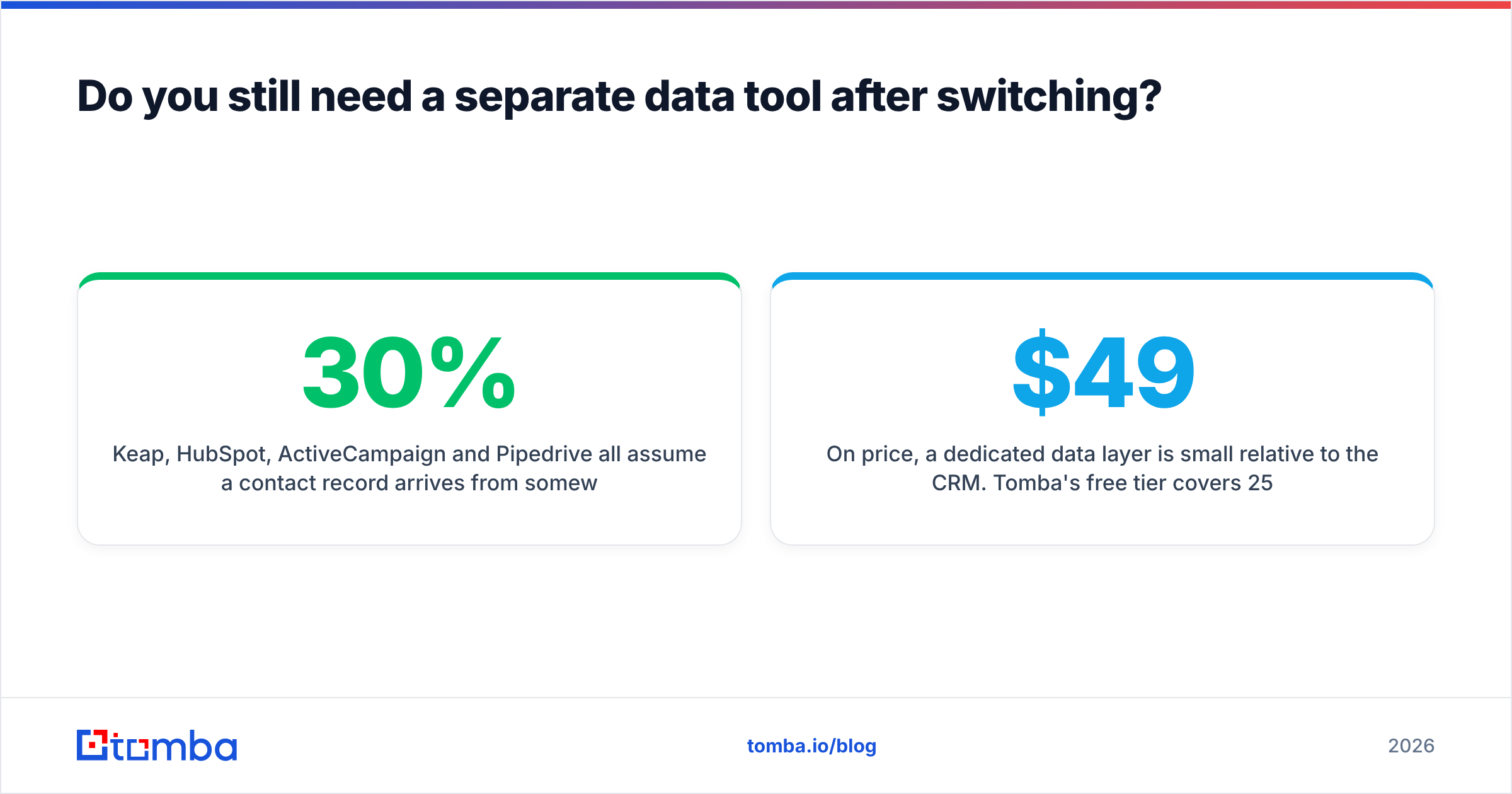
Keap, HubSpot, ActiveCampaign and Pipedrive all assume a contact record arrives from somewhere: a form fill, a trade show list, a manual import, a CSV a rep bought. The quality of that input determines everything downstream. A beautifully branched nurture sequence sending to a 30%-invalid list produces bounces, spam complaints and a domain reputation problem that no automation builder can fix.
That's the layer to solve separately:
- Finding contacts — an email finder resolves a name plus a company domain into a working professional address, so reps stop guessing at formats.
- Verifying before import — every record checked at the gate means you pay your CRM for real contacts only.
- Enriching records — data enrichment fills in role, company size and social profiles so your segmentation logic has something to segment on.
- Bulk cleanup — running the whole legacy database through a bulk pass before migration is usually the single biggest cost saving in the entire switch.
On price, a dedicated data layer is small relative to the CRM. Tomba's free tier covers 25 searches a month for testing; paid plans start at $49/month (Starter), $99/month (Growth) and $249/month (Pro), with Enterprise custom — full details on the Tomba pricing page. Buying data separately from automation also means you can change CRMs again in three years without losing your contact-acquisition workflow.
Worth noting for teams whose problem is list sourcing rather than list quality: prebuilt B2B databases like BookYourData sit alongside a finder rather than replacing it — they're a solid option when you need a targeted list fast and don't have a domain list to work from. Most teams end up using both: a database for cold territory, a finder and verifier for named-account work.
Which Keap alternative should you pick?#
Short verdicts by profile:
- Solo consultant or coach who used Keap for nurture plus invoicing: ActiveCampaign plus Stripe. Cheaper, easier, same outcome.
- Small service business with 2-10 employees: HubSpot Starter. The free CRM removes risk and the upgrade path exists when you need it.
- Outbound sales team: Close or Pipedrive. Stop paying for landing pages you don't publish.
- Agency serving many clients: GoHighLevel. It is built for exactly this and the white-label economics work.
- Course or membership business: Ontraport. Recurring billing plus marketing automation in one place is its actual specialty.
- Hard budget ceiling: EngageBay or Zoho. Accept the rough edges; the savings are real.
- Any of the above: add a verification and enrichment step before contacts enter the CRM. It is the cheapest line item and the one with the most leverage.
What should you do this week?#
Export your Keap contact list and your list of live automations. Count both. Then run the contact export through a verification pass — the resulting number, not the number Keap bills you for, is the one you should price every alternative against. Most teams find the decision gets simpler once they see how much of their database was never real.
Then pick from the shortlist above based on whether your bottleneck is marketing or sales, and rebuild your top five automations in a trial account before you commit to anything.
When you're ready to fill the new CRM with contacts that actually land, start with the Tomba Email Finder. Find professional addresses by domain, name or company, verify them before import, and hand your new platform a database worth paying for. The free tier gives you 25 searches to test it against your own target accounts — no migration required.
Related guides#
// get started
Find, verify and enrich your first contacts today
Start on the free plan with 25 searches a month, then scale when your team is ready.
Free plan · No credit card required · GDPR & CCPA
// about the author