7 Best Kuasa Alternatives for Sales Automation in 2026
Kuasa bundles CRM, email, SMS and WhatsApp campaigns into one suite. Here are seven alternatives that beat it on data quality, deliverability or price — plus an honest look at when switching is not worth it.

TL;DR
- Kuasa is a multichannel marketing and sales automation suite — CRM pipeline, landing pages, and email/SMS/WhatsApp campaigns in one login. Its strength is breadth, not depth.
- Most teams start hunting for Kuasa alternatives for one of three reasons: they need better contact data, stricter cold-email deliverability controls, or a CRM their reps will actually live in.
- The honest answer is usually not "one tool instead of Kuasa." It is a data layer plus a sending layer plus a CRM — often cheaper than a single suite once you count seats.
- Best picks by job: HubSpot for a real CRM, Brevo for WhatsApp + SMS + email at low cost, ActiveCampaign for lifecycle automation, Apollo for outbound volume, Instantly for cold email infrastructure, BookYourData for on-demand verified contact lists, and Tomba for the data layer underneath all of them.
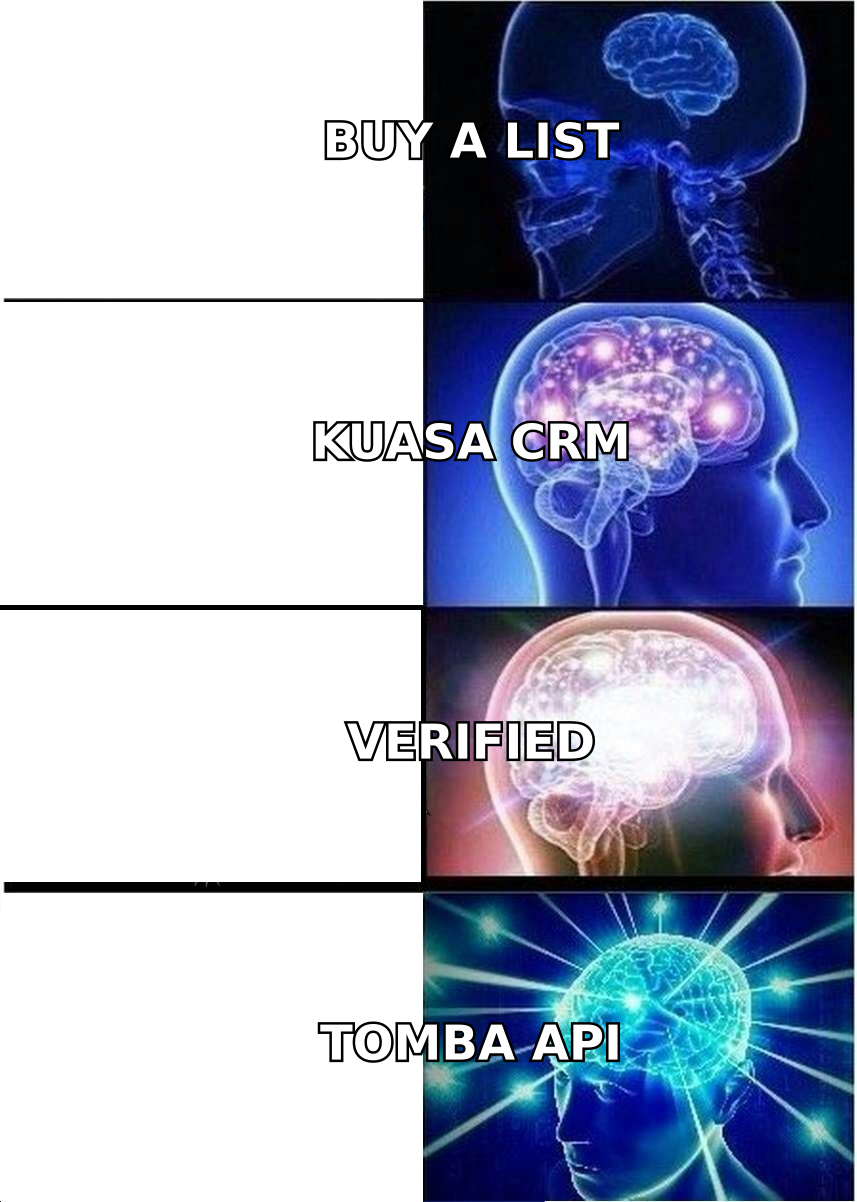
- If your Kuasa problem is "the leads are bad," changing campaign tools will not fix it. Fix the data first.
What is Kuasa, and what is it actually good at?#
Kuasa is a cloud software suite aimed at small and mid-sized businesses that want their funnel in one place. It combines a CRM pipeline, drag-and-drop landing pages with A/B testing, automation workflows, and broadcast campaigns across email, SMS, and WhatsApp. It plugs into ad platforms — TikTok Ads and WhatsApp Ads lead forms feed straight into the pipeline — and connects to thousands of apps through Zapier. Plans are sold month-to-month with a 14-day trial, and tiers are gated mainly by contact volume, team seats, and connected WhatsApp devices.
That combination is genuinely useful if your motion is inbound and conversational: run ads, capture a lead form, drop the lead into a pipeline, and chase it over WhatsApp with automated follow-ups. For agencies and local-market businesses in regions where WhatsApp is the default sales channel, a suite like this removes four separate subscriptions.
Where it gets uncomfortable is outbound B2B. Kuasa assumes you already have contacts. It does not find them, it does not tell you whether an address will bounce, and it does not enrich a company domain into a named decision-maker with a role and a phone number. That gap is what sends most people looking for alternatives.
Why do teams look for Kuasa alternatives?#
Four patterns come up repeatedly when teams outgrow a bundled suite.
The data is the bottleneck, not the tool. You can build a flawless five-step sequence and still get a 2% reply rate if a third of your list bounces. Suites price on contacts stored, which quietly rewards you for keeping junk records. A dedicated email verifier usually pays for itself the first time it strips 18% of a purchased list before you hit send.
Cold outbound needs different plumbing. Sending cold email at volume requires inbox rotation, per-domain sending caps, warmup, and reply detection. Broadcast tools built for opted-in marketing lists are not designed for that, and using them for cold outreach is a fast way to torch a sending domain.
The CRM ceiling arrives early. Bundled pipelines are fine for a two-rep team tracking 200 deals. They get thin once you need custom objects, forecasting, territory rules, or a reporting layer the CFO trusts.
Seat math stops working. Suite pricing that looks cheap at one seat and 2,500 contacts can pass a modular stack somewhere around five seats and 25,000 contacts. Run the numbers on your actual headcount before assuming the bundle is the budget option.
What should you look for in a Kuasa alternative?#
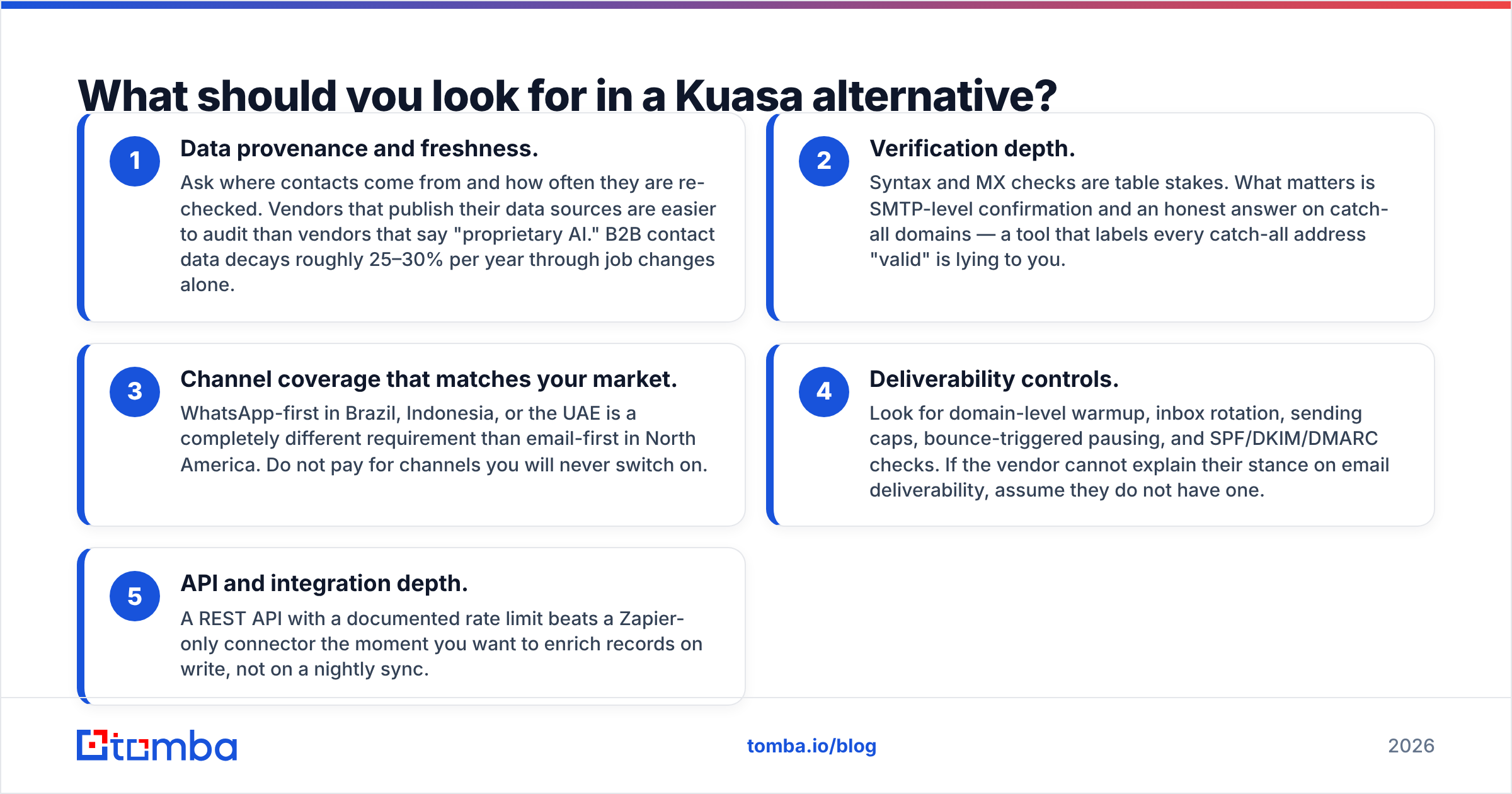
Score every candidate against these five criteria before you look at a demo.
- Data provenance and freshness. Ask where contacts come from and how often they are re-checked. Vendors that publish their data sources are easier to audit than vendors that say "proprietary AI." B2B contact data decays roughly 25–30% per year through job changes alone.
- Verification depth. Syntax and MX checks are table stakes. What matters is SMTP-level confirmation and an honest answer on catch-all domains — a tool that labels every catch-all address "valid" is lying to you.
- Channel coverage that matches your market. WhatsApp-first in Brazil, Indonesia, or the UAE is a completely different requirement than email-first in North America. Do not pay for channels you will never switch on.
- Deliverability controls. Look for domain-level warmup, inbox rotation, sending caps, bounce-triggered pausing, and SPF/DKIM/DMARC checks. If the vendor cannot explain their stance on email deliverability, assume they do not have one.
- API and integration depth. A REST API with a documented rate limit beats a Zapier-only connector the moment you want to enrich records on write, not on a nightly sync.
Which are the 7 best Kuasa alternatives in 2026?#
1. HubSpot — best if you need a real CRM underneath#
HubSpot is the default answer when the CRM is the part you have outgrown. Starter tiers are aggressively priced per seat, the free CRM is genuinely usable, and the reporting layer is what separates it from bundled pipelines. Marketing Hub covers email, forms, and workflows; Sales Hub covers sequences and deal management.
The catch is well documented: costs climb steeply between Starter, Professional, and Enterprise, and marketing pricing is tied to contact tiers. HubSpot also does not natively find contacts, so most teams pair it with an enrichment source and a HubSpot integration that pushes verified emails into records automatically.
Pick it if: you want one system of record for the next five years and can absorb the upgrade curve.
2. Brevo — closest like-for-like on multichannel#
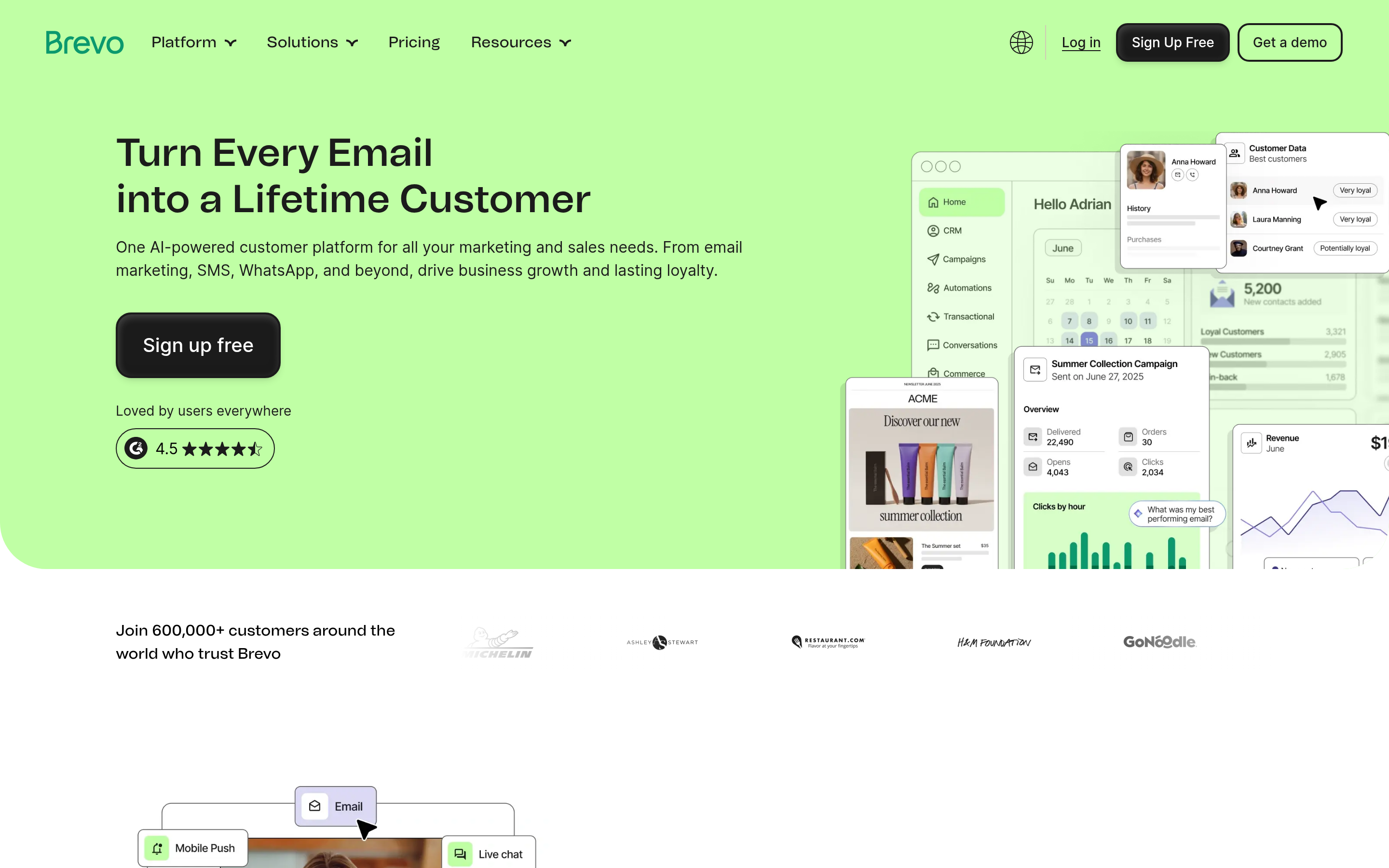
Brevo is the most direct functional replacement for Kuasa's campaign side: email, SMS, WhatsApp, chat, and a lightweight CRM, with a permanent free tier and volume-based pricing rather than contact-based pricing. For high-contact, low-send-frequency lists, that billing model alone can cut costs by half.
Pick it if: you liked Kuasa's channel mix but want cheaper scaling and a stronger transactional email backbone.
3. ActiveCampaign — best for lifecycle automation#
If your complaint is that the automation builder ran out of road, ActiveCampaign is the upgrade. Conditional branching, lead scoring, split automations, and site tracking are considerably deeper than what bundled suites ship. It is also the steepest learning curve on this list — expect a real onboarding project, not an afternoon.
Pick it if: your revenue comes from nurturing a large existing base rather than net-new prospecting.
4. Apollo.io — best for outbound volume#

Apollo merges a large B2B contact database with sequencing, dialing, and basic CRM features. For SDR teams that want prospect-to-send in one window, it is efficient. The trade-offs are equally consistent across reviews on G2: data accuracy varies sharply by region and seniority, credit limits bite faster than expected, and per-seat pricing scales with headcount. Teams that hit those walls usually look at an Apollo alternative for the data half and keep a separate sender.
Pick it if: you run a dedicated SDR function in North America and want one tool for list building and sequencing.
5. Instantly — best cold-email infrastructure#
Instantly exists for one job: sending cold email at volume without burning domains. Unlimited inbox connections, built-in warmup, rotation, and reply handling. It is not a CRM and does not pretend to be. Pair it with a verified list and it outperforms any suite's broadcast tool for cold outbound.
Pick it if: cold email is a primary channel and deliverability is your current pain.
6. BookYourData — best for on-demand verified lists#
BookYourData is a strong option when you need a clean, targeted contact list today rather than a subscription you will use twice. It sells filtered B2B contact data on a pay-as-you-go basis with an accuracy guarantee, which suits agencies and one-off campaign pushes where a monthly seat licence makes no sense. It is a list source, not a sending platform — you still need somewhere to run the campaign.
Pick it if: you buy data in bursts and want predictable, per-record cost with a quality commitment attached.
7. Tomba — best as the data layer under whatever you choose#
Tomba is not a campaign suite and is not trying to replace one. It sits underneath your stack and answers the question every other tool on this list assumes you have already solved: who works here, what is their email, and will it bounce? Domain search returns the contacts at a company, the email finder resolves a name plus domain to an address with a confidence score and sources, and the verifier — including catch-all handling — checks it before you send. There is an API, a CLI, Chrome, Sheets, and Excel entry points, and bulk processing for list cleaning.
Pick it if: your Kuasa problem is data quality, or you are assembling a modular stack and need the input layer to be right.
How do the top Kuasa alternatives compare on price and features?#
Entry prices below are the publicly listed starting tiers as of early 2026 and move often — treat them as ranking signals, not quotes, and confirm on each vendor's page before you buy.
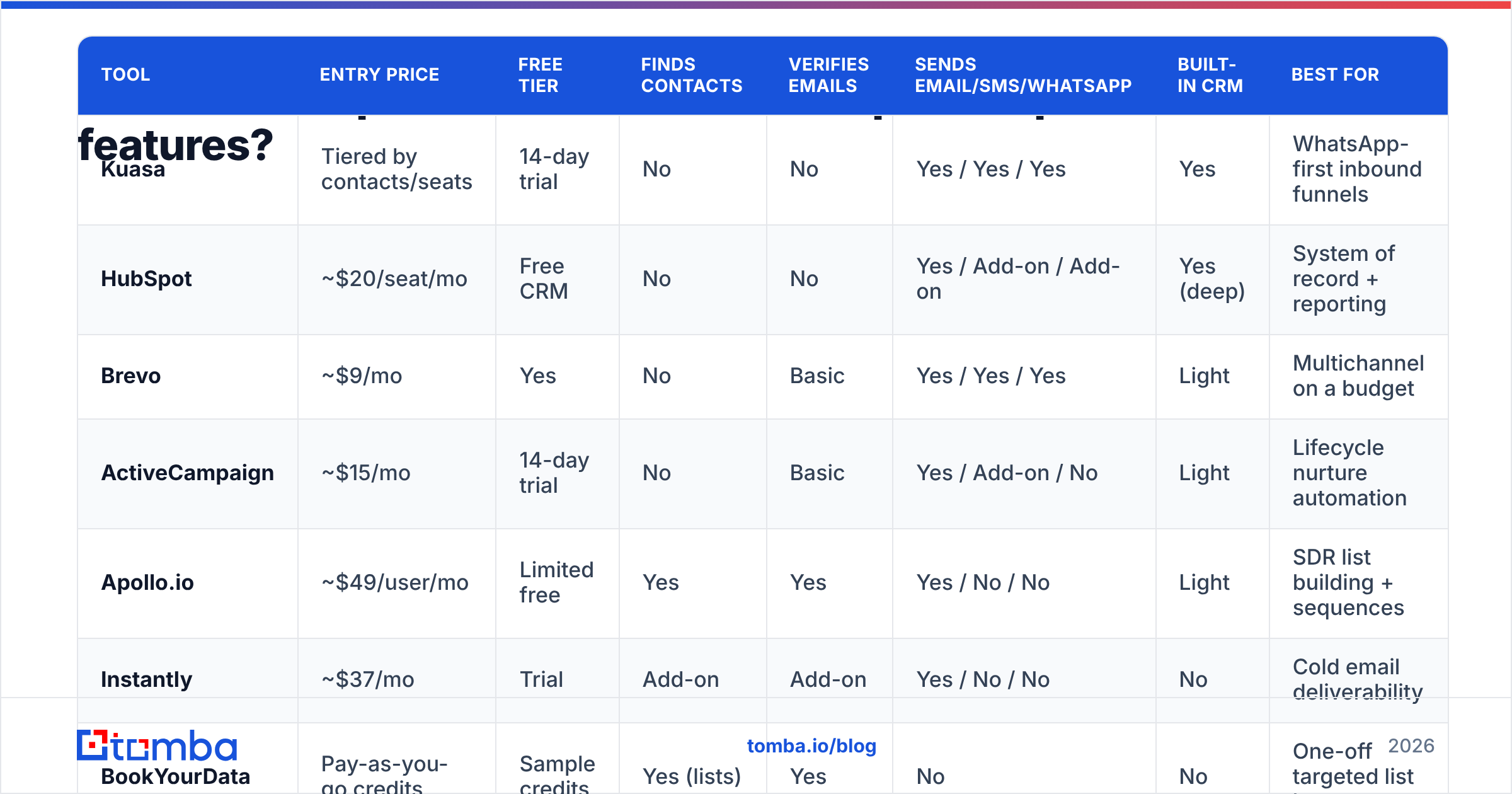
| Tool | Entry price | Free tier | Finds contacts | Verifies emails | Sends email/SMS/WhatsApp | Built-in CRM | Best for |
|---|---|---|---|---|---|---|---|
| Kuasa | Tiered by contacts/seats | 14-day trial | No | No | Yes / Yes / Yes | Yes | WhatsApp-first inbound funnels |
| HubSpot | ~$20/seat/mo | Free CRM | No | No | Yes / Add-on / Add-on | Yes (deep) | System of record + reporting |
| Brevo | ~$9/mo | Yes | No | Basic | Yes / Yes / Yes | Light | Multichannel on a budget |
| ActiveCampaign | ~$15/mo | 14-day trial | No | Basic | Yes / Add-on / No | Light | Lifecycle nurture automation |
| Apollo.io | ~$49/user/mo | Limited free | Yes | Yes | Yes / No / No | Light | SDR list building + sequences |
| Instantly | ~$37/mo | Trial | Add-on | Add-on | Yes / No / No | No | Cold email deliverability |
| BookYourData | Pay-as-you-go credits | Sample credits | Yes (lists) | Yes | No | No | One-off targeted list buys |
| Tomba | $49/mo Starter | 25 searches/mo | Yes | Yes (incl. catch-all) | No | No | Data layer for any stack |
Two things jump out. First, no single product on this list covers data, sending, and CRM well — the ones that try are shallow in at least one column. Second, the free tiers are not equivalent: a 14-day trial is an evaluation window, while a standing free tier (Brevo, HubSpot CRM, Tomba's 25 monthly searches) lets you run a pilot without a purchase order.

Is an all-in-one suite or a best-of-breed stack better?#
Conclusion first: pick the suite if your constraint is admin time, pick the stack if your constraint is results.
All-in-one suites win on operational simplicity. One bill, one login, one support queue, one data model — no Zapier tax, no mismatched contact IDs, no "which tool is the source of truth" argument at 6pm on a Friday. For a five-person business running inbound ads into a WhatsApp pipeline, that is worth real money.
Best-of-breed stacks win on ceiling. Each component is built by a team whose entire company depends on that one job being excellent, and you can swap any layer without a migration project. A typical modular replacement for Kuasa looks like this:
- Data layer: Tomba or BookYourData for finding and verifying contacts
- Sending layer: Instantly for cold, Brevo for opted-in and WhatsApp
- CRM layer: HubSpot free or Pipedrive
- Glue: native integrations first, Zapier or Make for the rest
Priced at five seats and 25,000 contacts, that stack often lands in the same range as a mid-tier suite plan — with better output on every individual axis. The cost you pay is integration maintenance, and it is a real cost. Be honest about who on your team owns it.
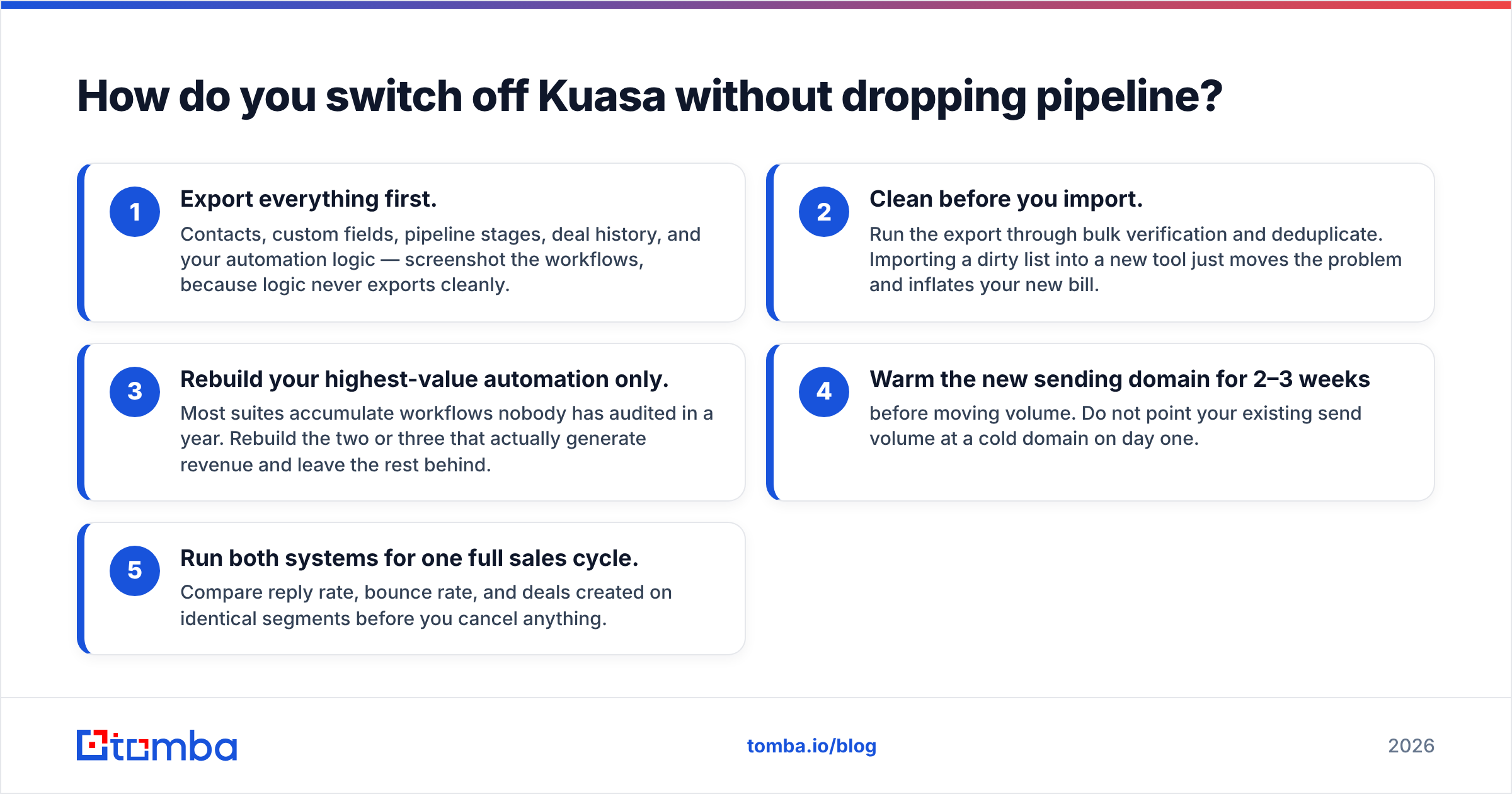
How do you switch off Kuasa without dropping pipeline?#
Run the migration in parallel, never as a hard cutover.
- Export everything first. Contacts, custom fields, pipeline stages, deal history, and your automation logic — screenshot the workflows, because logic never exports cleanly.
- Clean before you import. Run the export through bulk verification and deduplicate. Importing a dirty list into a new tool just moves the problem and inflates your new bill.
- Rebuild your highest-value automation only. Most suites accumulate workflows nobody has audited in a year. Rebuild the two or three that actually generate revenue and leave the rest behind.
- Warm the new sending domain for 2–3 weeks before moving volume. Do not point your existing send volume at a cold domain on day one.
- Run both systems for one full sales cycle. Compare reply rate, bounce rate, and deals created on identical segments before you cancel anything.
Which Kuasa alternative is right for you?#
- You need a stronger CRM: HubSpot.
- You need the same channels for less: Brevo.
- You need deeper automation on an existing base: ActiveCampaign.
- You need outbound volume in North America: Apollo, or Apollo plus a separate data source if accuracy slips in your segment.
- You need cold email that lands: Instantly, on a verified list.
- You need a clean list right now, no subscription: BookYourData.
- You need the data underneath all of the above to be correct: Tomba.
And the non-obvious option: keep Kuasa for what it is good at — WhatsApp and ad-lead capture — and bolt a data layer onto the front of it. Plenty of teams do not need to migrate at all. They need their lists to stop bouncing.
Ready to fix the input side of your funnel?#
Whichever campaign tool you land on, it inherits the quality of the data you feed it. Start with Tomba Email Finder — find verified professional emails by name, company, or domain, with confidence scores and sources you can check. The free tier gives you 25 searches a month with no card, Starter is $49/mo, and full Tomba pricing runs through Growth at $99/mo and Pro at $249/mo. Test it against a segment of your current Kuasa list before you commit to any migration — the bounce-rate delta usually makes the decision for you.
Related guides#
// get started
Find, verify and enrich your first contacts today
Start on the free plan with 25 searches a month, then scale when your team is ready.
Free plan · No credit card required · GDPR & CCPA
// about the author