LeadEngineAI vs UpLead: Which B2B Data Tool Wins in 2026?
One is an AI-first lead engine, the other a credit-metered contact database with a 95% accuracy promise. Here is how LeadEngineAI and UpLead actually compare on data quality, credits, and true cost per usable contact.
LeadEngineAI vs UpLead comes down to one number: what each landed email costs you. One tool builds the list from a prompt. The other charges a credit per contact and checks the address on the way out. Here is how the two compare in 2026.
TL;DR
- UpLead is a credit-metered B2B contact database. It claims 95% accuracy and checks every email at export. Mature, steady, priced per contact.
- LeadEngineAI is an AI-first lead engine. You describe an ICP in plain words and it builds the list. Faster to a first list, vaguer about sources.
- The real LeadEngineAI vs UpLead question is not "AI or database." It is what you pay per usable contact after bounces.
- UpLead starts near $99/mo for a few hundred credits. Above that volume, a finder plus verifier stack (Tomba starts at $49/mo) costs less per good address.
- Pick UpLead for filter-driven list building. Pick LeadEngineAI when your ICP is fuzzy. Pick an unbundled stack when you already know who you want to reach.
What are LeadEngineAI and UpLead?#
They solve the same problem from opposite ends.
UpLead is a classic B2B contact database. You open a filter panel and stack criteria: industry, headcount, revenue, job title, tech used, location. The platform returns matching contacts. You spend a credit to reveal each one. Its edge is real-time checking. UpLead pings the mail server the moment you export. It does not hand you a row it cached eighteen months ago. That is where the 95% accuracy claim comes from.
LeadEngineAI starts from the AI side. There is no filter panel. You describe who you want, such as "Series A fintech firms in the UK hiring compliance staff." The engine reads the intent, builds a list of accounts, finds the people, and fills in the data. The pitch is speed. One prompt replaces a filter session plus three enrichment passes.
Both tools hand you the same file. It is a CSV of names, titles, companies, and email addresses. The difference is who does the thinking: you, or the model.
One caveat first. UpLead posts its pricing in public, so the numbers below can be checked. New AI tools change packaging often, and many quote by seat or by workspace. Treat any LeadEngineAI price here as a guide. Confirm it on the vendor's own page before you buy.
LeadEngineAI vs UpLead: how do they differ on data sourcing?#
Buyers skip this part and then regret it. Where the data comes from decides how fast it rots.
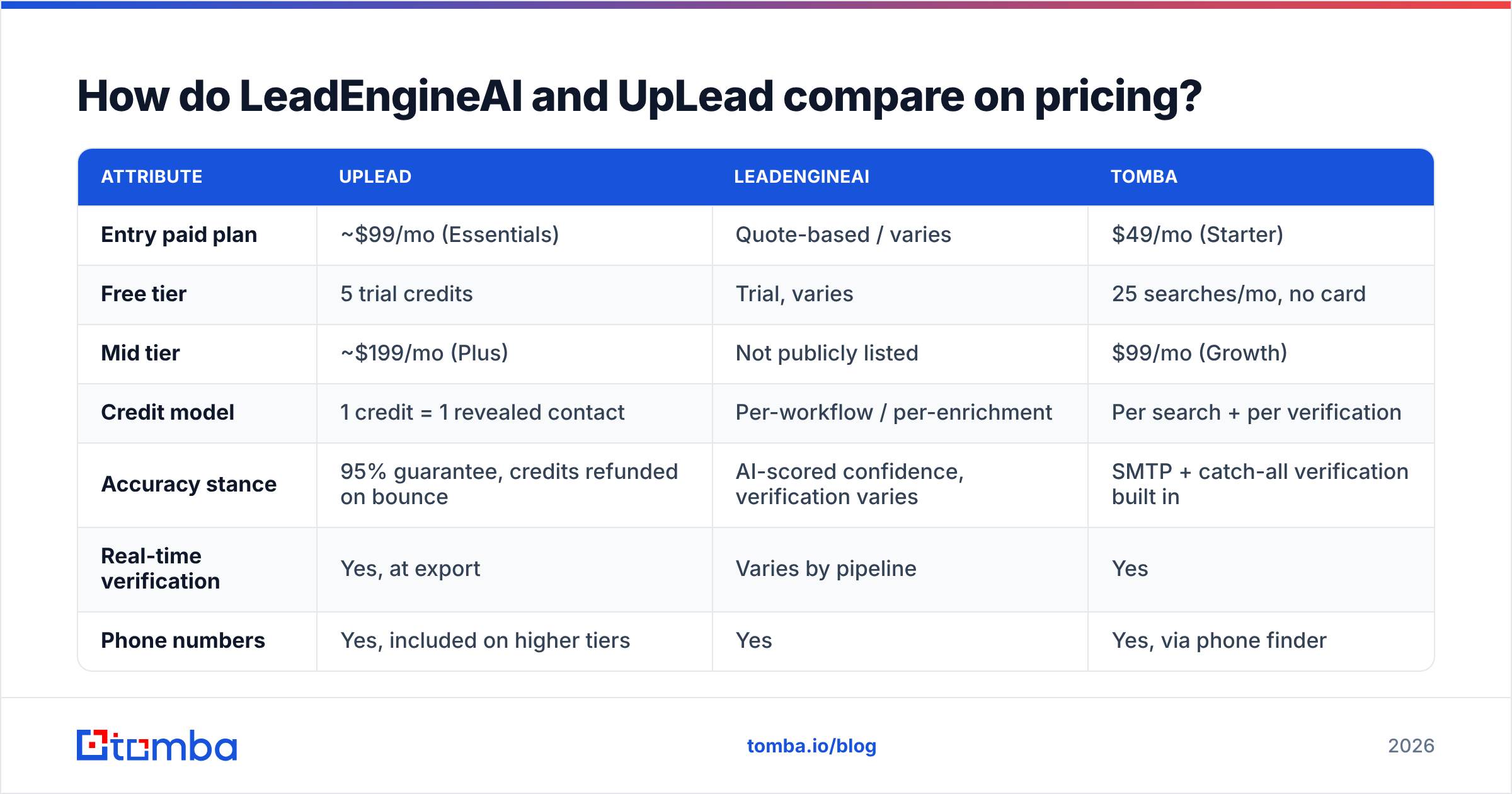
- Licensed and compiled databases. UpLead runs on a large compiled set of roughly 155M+ contacts, by its own count. It draws on licensed feeds, public filings, and partners. Broad, but static until re-checked.
- Real-time SMTP checks. UpLead tests each address as you export. That is the best thing it does. A five-year-old record that still accepts mail is still a good record.
- AI pattern guessing. AI-first engines predict. They spot a format such as
first.last@, build the likely address, and score it. Fast and cheap, but a guess with no check is a bounce in waiting. - Live web crawling. Some AI tools crawl when you ask, instead of serving a cached row. That is fresher on the long tail, such as a 12-person agency no database has indexed. It is also slower.
- User-contributed and extension data. Common across the category. Strong on active LinkedIn profiles, patchy on everyone else.
The short version: databases win on breadth and repeat use, AI engines win on the long tail and speed. Neither wins on accuracy by design. Accuracy comes from one thing. Does the tool check the address before it hands it to you?
Which one has better email accuracy?#
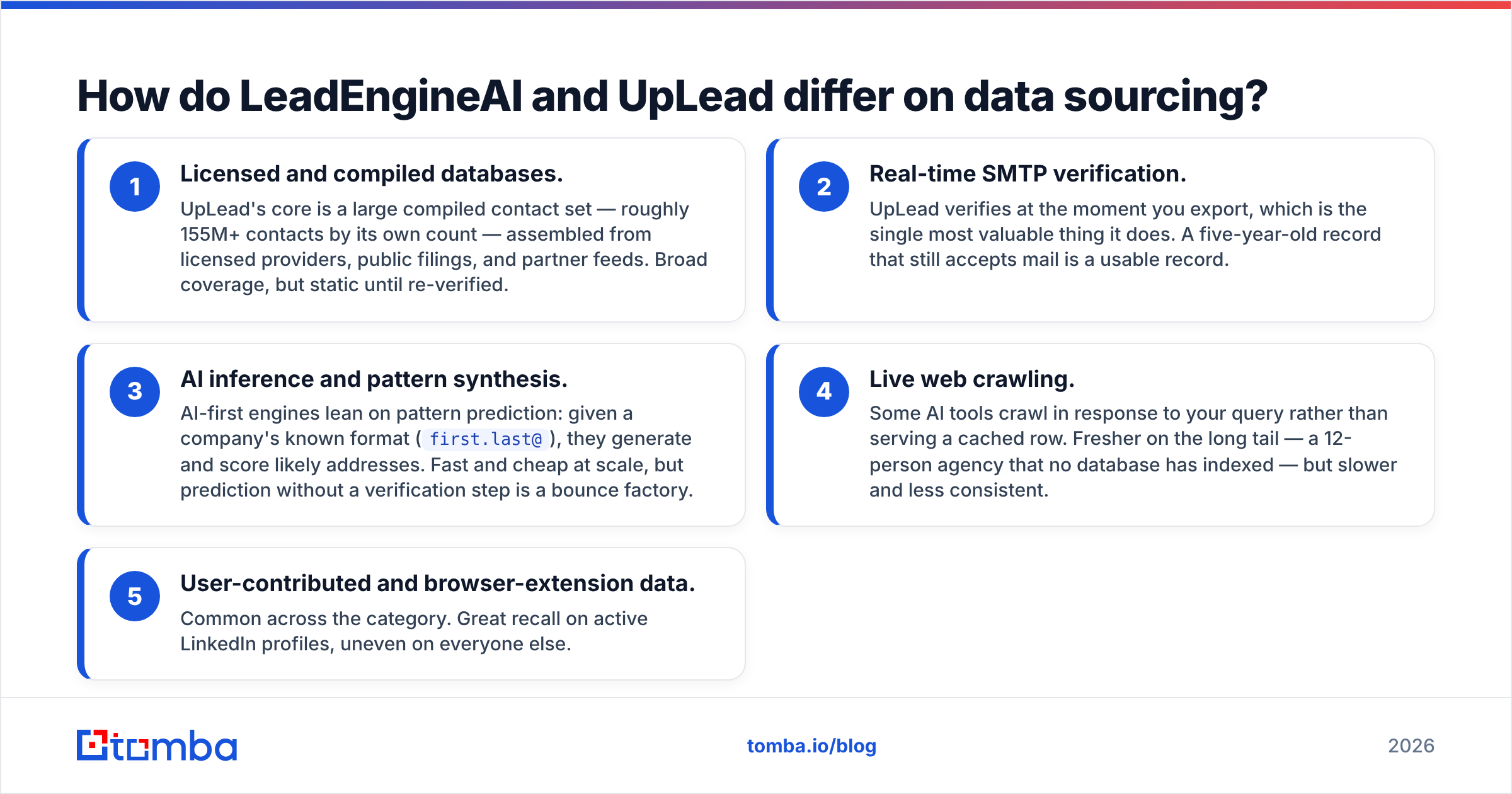
UpLead, on published claims and on most review sites. Its 95% figure is a guarantee, and credits come back to you on bounces. That refund matters more than the number, because the vendor carries part of the risk. Still, check current user reviews on G2 instead of trusting any vendor's own figure, including that one.
AI-first engines are harder to pin down. Say a tool builds a likely address from a naming pattern and ships it with no SMTP check. You get high coverage and weak deliverability. Marketing copy blurs the two all the time. So ask any vendor one question. "Is every address SMTP-checked at delivery time, or are some of them guessed from a pattern?" If the answer is fuzzy, budget for a separate checking pass.

The math is harsh. A 1,000-contact list at 95% accuracy sends 50 messages into the void. The same list at 78% sends 220. Run those through one sending domain and the damage lands on your sender reputation, not on your pipeline. Mailbox providers read a bounce rate above roughly 2-3% as a spam signal.
So most seasoned teams run their own email verifier over a list before it ever touches a sequencer. It does not matter which vendor built the list. The pass costs a fraction of a credit, and it protects an asset you cannot buy back.

LeadEngineAI vs UpLead pricing: what does each one cost?#
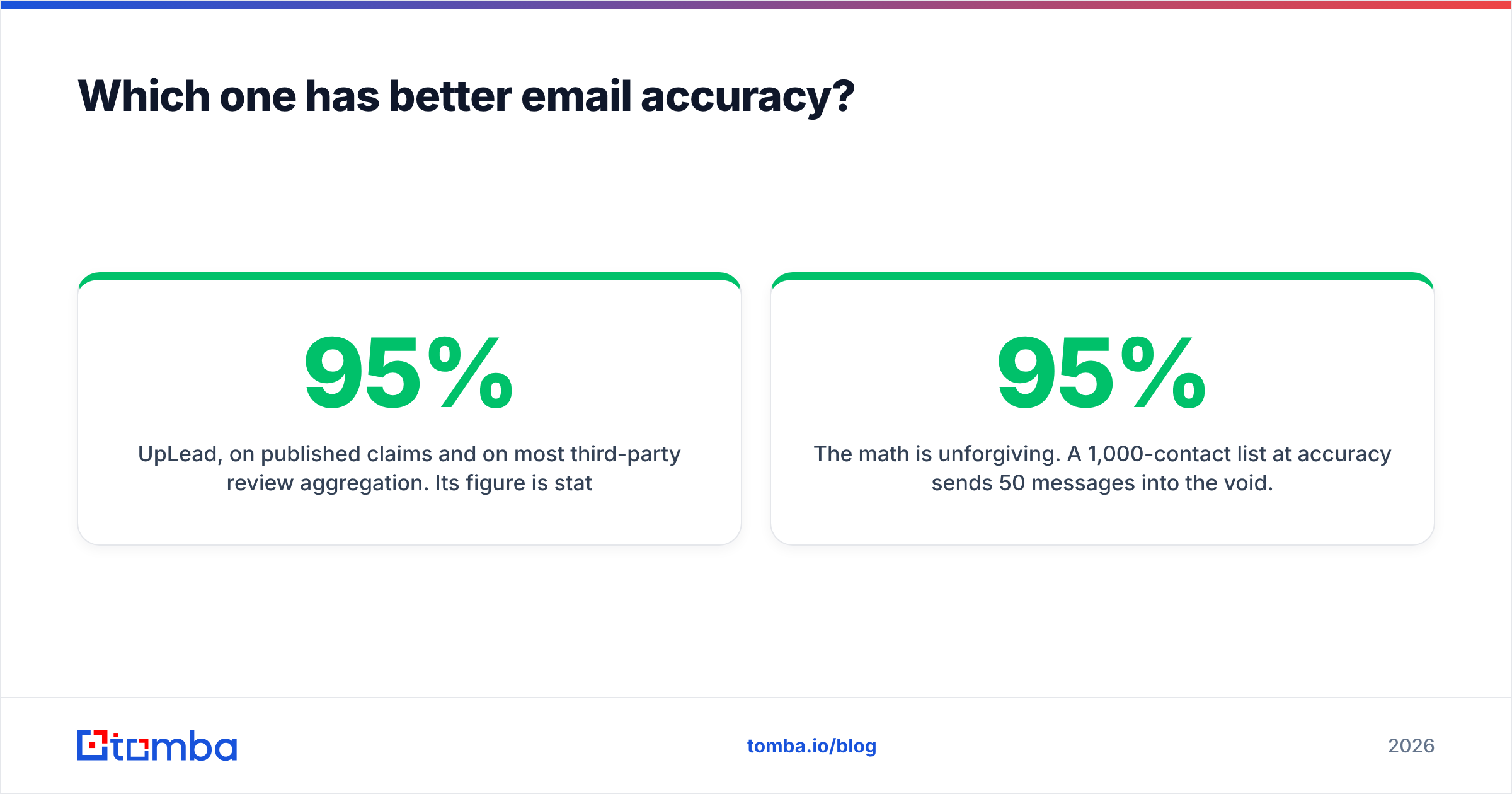
Here is the picture at the time of writing. UpLead's tiers are published. LeadEngineAI quotes on request, so those cells say so rather than invent a number.
| Attribute | UpLead | LeadEngineAI | Tomba |
|---|---|---|---|
| Entry paid plan | ~$99/mo (Essentials) | Quote-based / varies | $49/mo (Starter) |
| Free tier | 5 trial credits | Trial, varies | 25 searches/mo, no card |
| Mid tier | ~$199/mo (Plus) | Not publicly listed | $99/mo (Growth) |
| Credit model | 1 credit = 1 revealed contact | Per-workflow / per-enrichment | Per search + per verification |
| Accuracy stance | 95% guarantee, credits refunded on bounce | AI-scored confidence, verification varies | SMTP + catch-all verification built in |
| Real-time verification | Yes, at export | Varies by pipeline | Yes |
| Phone numbers | Yes, included on higher tiers | Yes | Yes, via phone finder |
| API access | Higher tiers | Yes | All paid tiers |
| Best for | Structured ICP list building | Fuzzy ICPs, fast first list | High-volume verified email sourcing |
Two things stand out.
First, credit units do not compare across vendors, and the marketing never says so. UpLead charges one credit per revealed contact. That is clean and easy to count. AI engines often charge per step. One contact can burn three or four units by the time you have an email, a phone number, and a LinkedIn URL. Always do the math on cost per good email in your CRM, not cost per credit.
Second, the gap in entry price is real, but it only bites at volume. At 200 contacts a month, $49 against $99 is noise next to one closed deal. At 5,000 contacts a month, it is the gap between a line item and a budget meeting. Check Tomba pricing against your real monthly volume before you assume the cheaper sticker wins.


Suggested screenshot: UpLead's filter panel mid-search, with the credit counter ticking down as contacts are revealed. It is the single most useful thing to see before you buy.
What do they feel like to use day to day?#
UpLead feels like a well-built search tool. You learn the filters in twenty minutes. After that, list building is a repeat motion: same filters, new week, new slice. That matters more than it sounds. When a rep can rebuild last quarter's best segment in four clicks, the tool joins the process instead of becoming a project.
The friction: you have to know your ICP well. Filter panels punish vague thinking. Say your idea of a good account is "firms that feel like our best five customers." You will spend a rough hour turning that into dropdowns.
LeadEngineAI flips it. Vagueness is the input. Describe the pattern, get a list, then refine it in plain words. Founders and early GTM hires are often still hunting for their ICP. For them this really is faster. You can test six ideas in an afternoon instead of one.
The friction: you cannot repeat or audit the run. Prompt-built lists are hard to hand off and hard to version. They are also hard to explain to a compliance reviewer who asks about the lawful basis for a given record. Sell into the EU or to regulated buyers? Ask for the data provenance docs in writing before you sign.
Suggested screenshot: the AI prompt box and the account list it returns, side by side. It shows how much control you keep over the output.
Is LeadEngineAI better than UpLead for cold outbound?#
For cold outbound, UpLead has the edge. The reason has nothing to do with AI.
Cold outbound lives and dies on deliverability, and that lives and dies on bounce rate. UpLead checks at export, which is built for exactly that. You get fewer contacts, each one costs more, and more of them land. AI engines chase list volume, which is the wrong goal when your sending domain is the scarce asset.
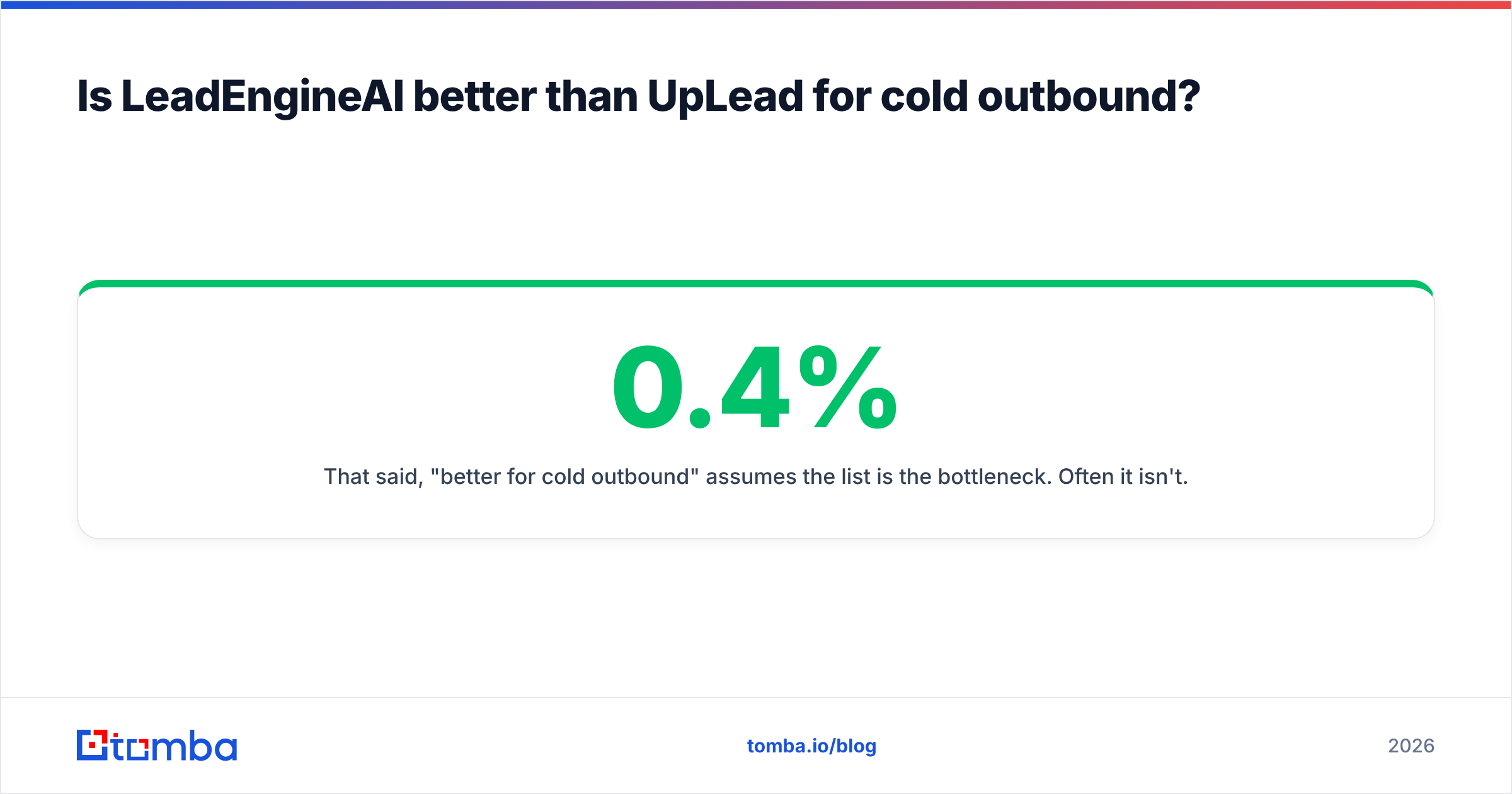
That said, "better for cold outbound" assumes the list is the bottleneck. Often it is not. If your reply rate is 0.4%, a better list moves it to 0.6%. Sharper positioning and a tighter first line move it to 2%. Before you switch vendors, check whether your response rate problem is a data problem at all.
Should you unbundle instead of picking one?#
Most comparison posts skip this option. For a lot of teams it is the right answer.
An all-in-one database charges you for breadth you never touch. Maybe you already know your target accounts, from a conference list, a funding tracker, a rival's customer page, or a G2 category. Then you do not need a search engine over 155M contacts. You need to turn domains and names into verified email addresses.
That is a smaller job with a much lower price floor:
- Start from domains. Feed a company list into domain search to pull every public address at each firm, plus the naming pattern it uses.
- Go name by name. When you have a person and a company, an email finder resolves the address directly.
- Verify everything. Run the output through checks, catch-all cases included, before it reaches your sequencer.
- Batch the whole thing. For lists in the thousands, a bulk email finder takes a CSV in and hands a verified CSV back, with no per-row clicking.
- Push to CRM. Native connectors into HubSpot or Salesforce keep the records where reps actually work.
The trade-off is real: you lose discovery. If you cannot name your accounts, an unbundled stack has nothing to chew on. Then UpLead's filter panel is worth every dollar of that $99. Know which side of that line you sit on.
LeadEngineAI vs UpLead: which one should you choose?#
Choose UpLead if you want repeatable, filter-driven list building with a bounce guarantee behind it. Your ICP is clear. Your volume sits in the hundreds per month, where $99-$199 feels fine.
Choose LeadEngineAI if you are still hunting for your ICP. You value speed to a first list over an audit trail. You are happy to run your own checking pass on whatever the model returns.
Choose an unbundled finder plus verifier stack if you already know your target accounts. Your volume is high enough that per-contact credits hurt. Or you need API access to wire email finding into your own systems.
Run a real LeadEngineAI vs UpLead bake-off first. Take 200 accounts you genuinely want and run them through each trial. Export the results and measure three numbers: match rate, bounce rate, and cost per landed email. That last number is the only one that counts. It rarely matches the ranking the pricing page implies.
Still landing on "I know who I want, I just need their verified addresses"? Start with the Tomba Email Finder. The free tier gives you 25 searches a month with no card. Benchmark match rate and bounce rate against your UpLead or LeadEngineAI trial on the same 200 accounts. Let the numbers pick the winner, not the marketing page.
Related guides#
// get started
Find, verify and enrich your first contacts today
Start on the free plan with 25 searches a month, then scale when your team is ready.
Free plan · No credit card required · GDPR & CCPA
// about the author