Leadmine vs Tomba: Which Email Finder Fits Your Team in 2026?
Leadmine is a cheap, easy way to start finding B2B emails. Tomba costs more but gives you more tools, an API, and bigger free-tier limits. We compare pricing, credits, workflows and accuracy to help you choose.
TL;DR
- Leadmine is a simple email finder and verifier built around a Chrome extension. Its entry plans are among the cheapest in the category, which makes it a fair pick for solo founders who only need a few hundred lookups a month.
- Tomba is a wider email-data platform. You get an email finder, email verifier, domain search, catch-all verifier, phone finder, enrichment, and access through an API, CLI, Sheets, and MCP. Paid plans start at $49/mo.
- On free tiers, Tomba gives you 25 searches a month. Leadmine's free plan is widely reported at around 10 credits a month.
- If you're one person working from a browser, Leadmine is enough. If you run bulk lists, automate enrichment, or plug an email finder into a CRM or AI agent, Tomba holds up better.
- Whichever you choose, run your own 50-contact test before you pay for a year. Published accuracy numbers mean less than your own results in your market.
What is Leadmine?#
Leadmine (leadmine.net) is a lightweight B2B email finder with built-in verification. Most people use it through a Chrome extension. You open a company website or a LinkedIn profile, click the extension, and get candidate email addresses with a deliverability status. There's also a web dashboard for single lookups, domain searches, and verifying uploaded lists.
Its main appeal is low cost and a short learning curve. Review sites such as Capterra list it as an email-verification and lead-finding tool aimed at small teams. The pricing you'll see quoted depends on the date of the source. Recent third-party write-ups mention entry plans from about $29/mo for 250 credits, plus larger tiers with a few thousand credits. The vendor has repackaged its plans more than once, so check the official Leadmine pricing page before you budget.
Leadmine does not try to be a sales-intelligence suite. It has no large searchable contact database, no intent data, and no sequencing. That narrow scope works in its favor if all you need is an address for a name.
What is Tomba?#
Tomba is an email-finding and lead-enrichment platform with the email finder at its core. Around that core it adds an email verifier, domain search, catch-all verifier, phone finder, phone validator, author finder, LinkedIn finder, and data enrichment. You can use these tools in the web app, the Chrome extension, bulk uploads, Google Sheets, Excel, Airtable, a REST API, a CLI, and an MCP server that lets AI assistants call Tomba directly.
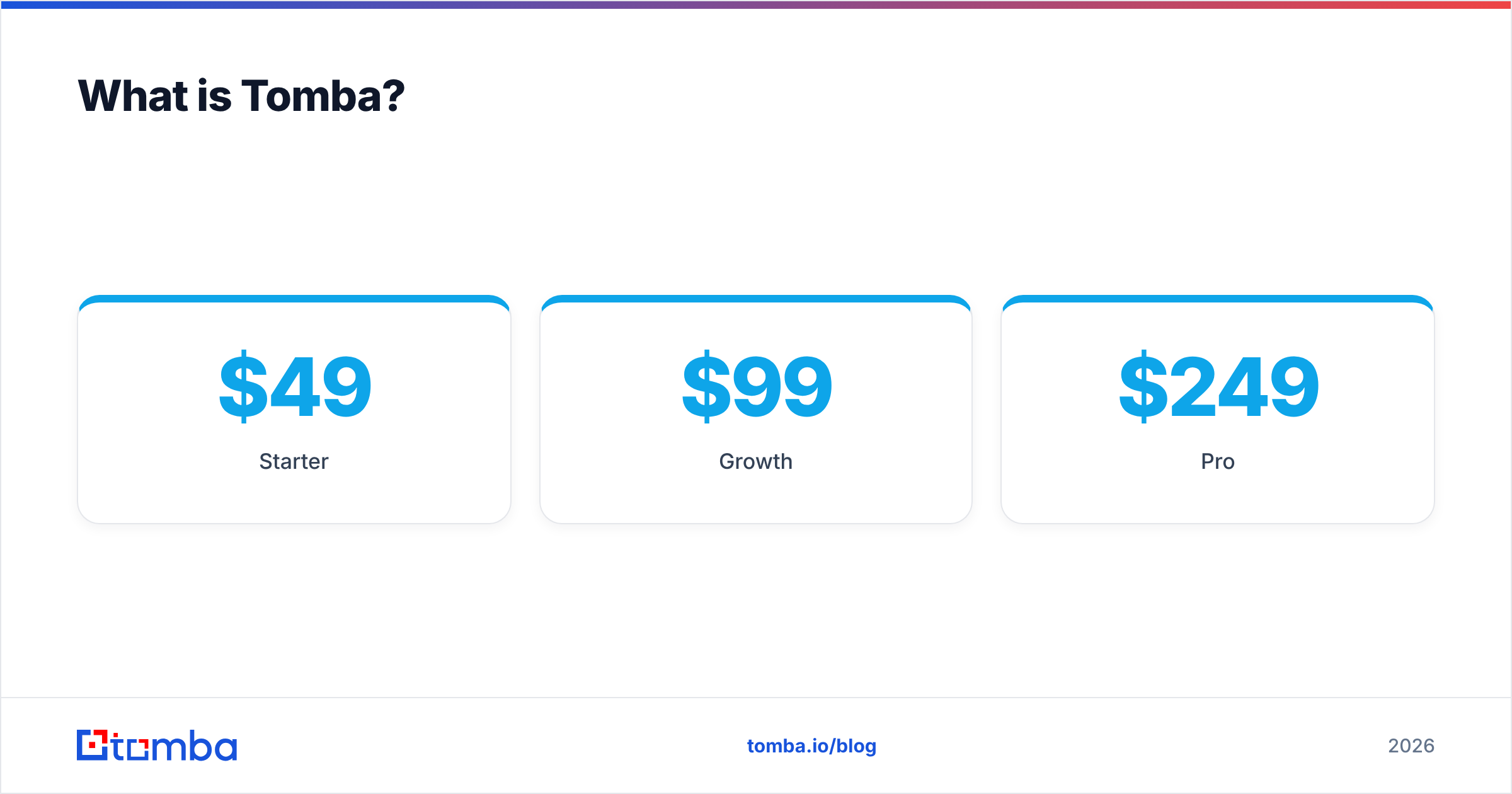
Pricing is simple:
- Free: 25 searches/month
- Starter: $49/mo
- Growth: $99/mo
- Pro: $249/mo
- Enterprise: custom
See the full Tomba pricing page for credit allotments per tier.
The main difference is this: Leadmine is a tool you open when you need an email. Tomba is designed so email data can also flow into other systems without anyone opening a browser.

How do Leadmine and Tomba compare feature by feature?#
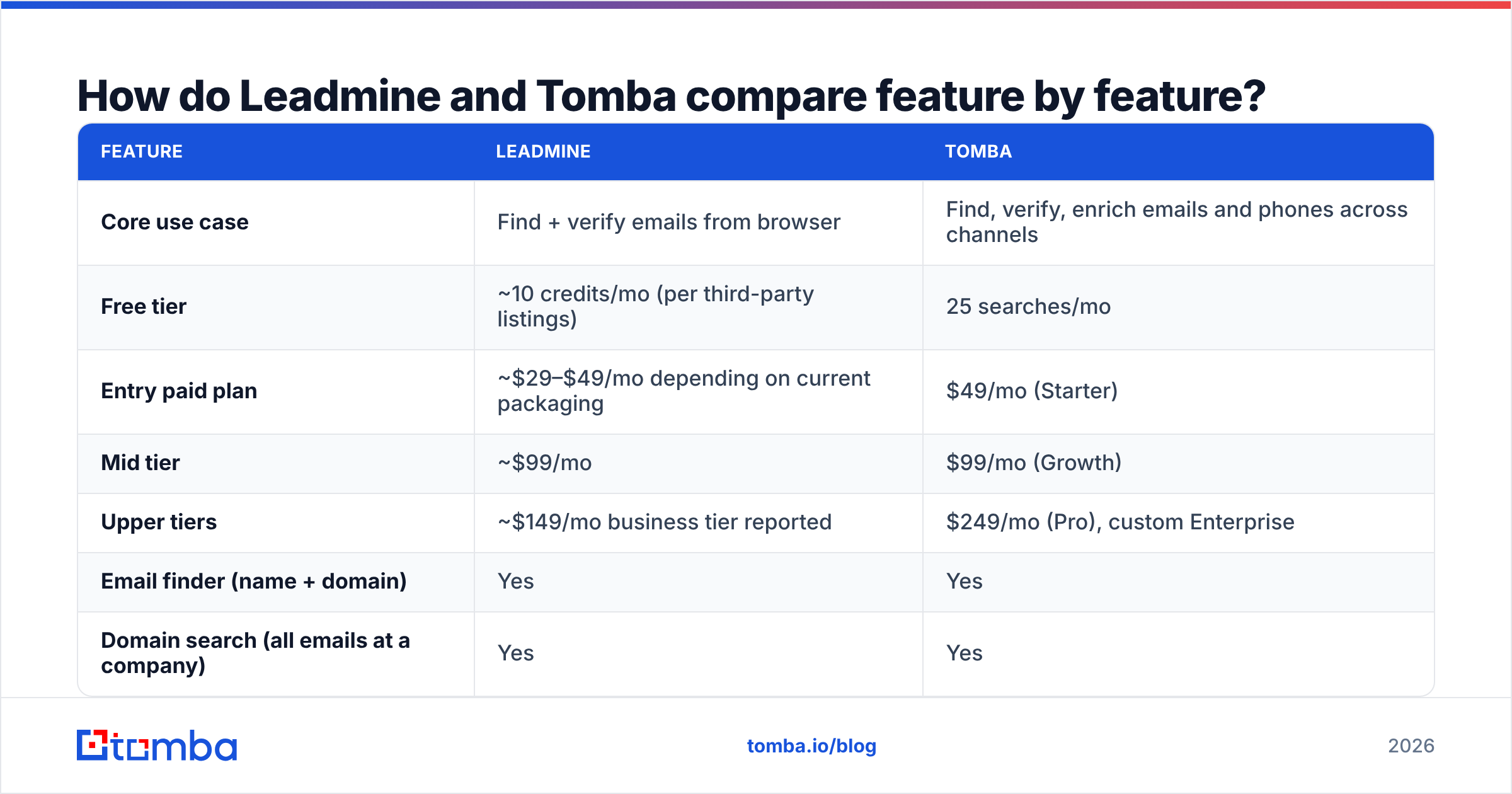
Here's a side-by-side view of what each product offers in 2026. Where Leadmine's details vary by source, we note it rather than guess.
| Feature | Leadmine | Tomba |
|---|---|---|
| Core use case | Find + verify emails from browser | Find, verify, enrich emails and phones across channels |
| Free tier | ~10 credits/mo (per third-party listings) | 25 searches/mo |
| Entry paid plan | ~$29–$49/mo depending on current packaging | $49/mo (Starter) |
| Mid tier | ~$99/mo | $99/mo (Growth) |
| Upper tiers | ~$149/mo business tier reported | $249/mo (Pro), custom Enterprise |
| Email finder (name + domain) | Yes | Yes |
| Domain search (all emails at a company) | Yes | Yes |
| Email verification | Yes | Yes, plus dedicated catch-all verifier |
| Phone numbers | Limited / not a focus | Phone finder + phone validator |
| Chrome extension | Yes — primary workflow | Yes |
| Bulk upload | Yes | Yes |
| Public API | Limited public docs | Full REST API, CLI, MCP server |
| Spreadsheet add-ons | Not a highlight | Google Sheets, Excel, Airtable |
| CRM / automation integrations | Basic | HubSpot, Salesforce, Pipedrive, Zapier, Make, and more |
| Best for | Solo operators, early outbound tests | SDR teams, RevOps, developers, agencies |

On a basic lookup ("find Jane Doe's email at acme.com") the two tools are roughly equal. They split once you ask what happens after the lookup, and how many lookups you need.
Which is more accurate: Leadmine or Tomba?#
Accuracy is the question everyone asks and the one vendors answer least honestly. Every email finder works in a similar way. It combines known addresses from public sources, detects the company's email pattern (first.last@, f.last@, etc.), and checks candidates against the mail server over SMTP. The differences come from three places:
- Source coverage. How many real, previously seen addresses does the tool have for this domain? More observed addresses mean more confident pattern detection.
- Catch-all handling. Many companies set their mail servers to accept every address. A basic SMTP check calls all of those "valid," which is useless. Tools that score catch-all domains separately save you from hidden bounces.
- Freshness. People change jobs. A two-year-old address with no reverification is a bounce waiting to happen.

Leadmine does standard verification at the point of lookup, and for mainstream SaaS and tech domains its results are reasonable. Tomba's advantage is in the harder cases. Its catch-all verifier is a separate step, and each result lists its sources. That lets you see why an address was returned instead of trusting a green check mark.
Neither vendor's headline accuracy figure should be taken as fact. The only benchmark that matters is yours. Here's a fair test:
- Pull 50 contacts you already know are correct, mixing SMB, mid-market, and enterprise domains, with a few catch-all companies included.
- Run the same 50 through both tools' free tiers. Tomba's 25 free searches plus a second month, or a trial, covers this.
- Count three things: found, found-and-correct, and flagged risky. "Found but wrong" is the costly one, because it damages your sender reputation.
If you sell into Europe or other regions with lighter public data, expect both tools' find rates to drop. Tomba's larger source base tends to show up here, but test it on your own market.
How does pricing actually compare?#
The monthly price only tells you part of the story. What matters is cost per usable email, meaning a found address that doesn't bounce.
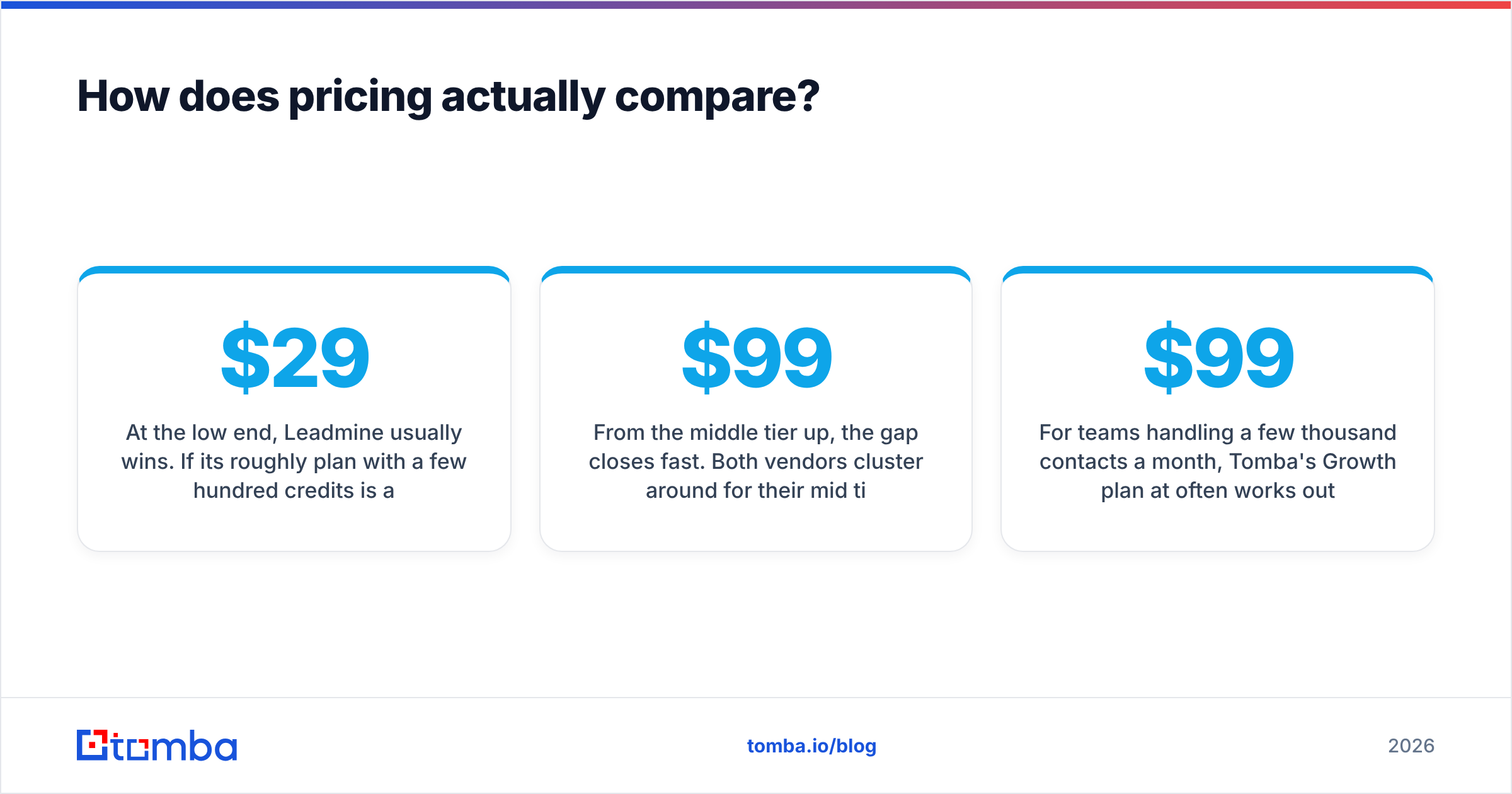
At the low end, Leadmine usually wins. If its roughly $29 plan with a few hundred credits is available when you sign up, it's one of the cheapest ways to run a small outbound test. For a founder sending 200 cold emails a month, that's hard to beat.
From the middle tier up, the gap closes fast. Both vendors cluster around $99/mo for their mid tier. At that price, the question is what the credits get you. With Tomba, the same subscription covers finding, verifying, domain search, enrichment, and phone data. You don't need a separate verifier or a phone-data vendor.
Hidden costs to watch for:
- Verification credits. Some tools charge separately to verify addresses you've already found. Check whether "find" includes verification on each plan.
- Failed lookups. Find out if a search that returns nothing still uses a credit.
- Credit rollover. Unused monthly credits usually expire. If your volume is uneven, the annual plan with a larger pool may cost less.
- Tool sprawl. If Leadmine covers email but you still pay for a phone tool and an enrichment tool, add those to the total.
For teams handling a few thousand contacts a month, Tomba's Growth plan at $99/mo often works out cheaper per usable contact once you count the extra tools it replaces.
Which fits your workflow better?#
This is where most buyers should decide. Look at how your team actually works.
When Leadmine is the right call#
- You work from the browser. You find a prospect on LinkedIn or a company site, click the extension, copy the email, and paste it into Gmail. Leadmine handles this well without extra steps.
- Your volume is low and steady. A few hundred lookups a month and no plans for automation.
- Budget is the top constraint. Every dollar matters, and you'll accept fewer features to save a few of them.
When Tomba is the right call#
- You build lists in bulk. Upload a CSV of 5,000 names and domains to the bulk email finder, verify them, and export. This is Tomba's everyday use.
- Your data lives in a CRM. Native HubSpot, Salesforce, and Pipedrive connections, plus Zapier and Make, let you enrich records as they're created instead of copy-pasting.
- You have developers or AI agents in the loop. The Tomba API, CLI, and MCP server let you use email finding inside your own product, an internal enrichment job, or a Claude-based research agent.
- You need phones as well as emails. Cold-calling teams need the phone finder and validator next to email data.
- You sell into catch-all-heavy markets. Enterprise and older companies often use catch-all mail servers. A dedicated catch-all verification step protects deliverability.
A quick way to tell: if the phrase "we should automate this" has come up in your last three team meetings, you've outgrown a browser-only tool.

What do users like and dislike about each?#
Here are the recurring themes from review sites like G2 and Capterra, along with our own hands-on testing.
Leadmine — pros
- Very low entry price
- Clean extension that's quick to learn
- Verification built into lookups
- Enough for occasional prospecting
Leadmine — cons
- Small free tier
- Plans and prices have changed over time, which makes long-term budgeting harder
- Few automation and integration options
- Email-focused, with little phone or enrichment data
Tomba — pros
- Larger free tier (25 searches/mo)
- Full toolkit: finder, verifier, domain search, catch-all, phone, enrichment
- Strong developer access (API, CLI, MCP) and spreadsheet add-ons
- Sources shown with results, so you can judge confidence yourself
Tomba — cons
- Starter plan costs more than Leadmine's cheapest tier
- More features means a slightly longer setup for people who only want the extension
- As with any finder, results on niche regional domains still need checking
Is Leadmine or Tomba better for agencies and RevOps teams?#
For agencies, the deciding factors are volume and client separation. You'll be working with several client ICPs, uploading lists, and handing clean data to sequencing tools. Tomba's bulk tools, integrations, and higher tiers (Pro at $249/mo, plus custom Enterprise) are built for that. Leadmine's extension-first design gets awkward when one person needs to process thousands of contacts for five clients in a week.
For revenue operations teams, it's about reliable pipelines. RevOps wants enrichment that runs on a trigger: a new inbound lead, a form fill, a record created in Salesforce. That only works through APIs and native connectors, and that's where Tomba is strongest.
If you're comparing broader options, look at dedicated finders like Tomba and Leadmine next to database-first platforms like Apollo or BookYourData. BookYourData is a well-regarded choice if you want to buy pre-built, verified lists instead of looking up contacts one by one. Many teams use a list provider for their initial audience and a finder like Tomba to fill in gaps and keep records fresh.
How should you decide between Leadmine and Tomba?#
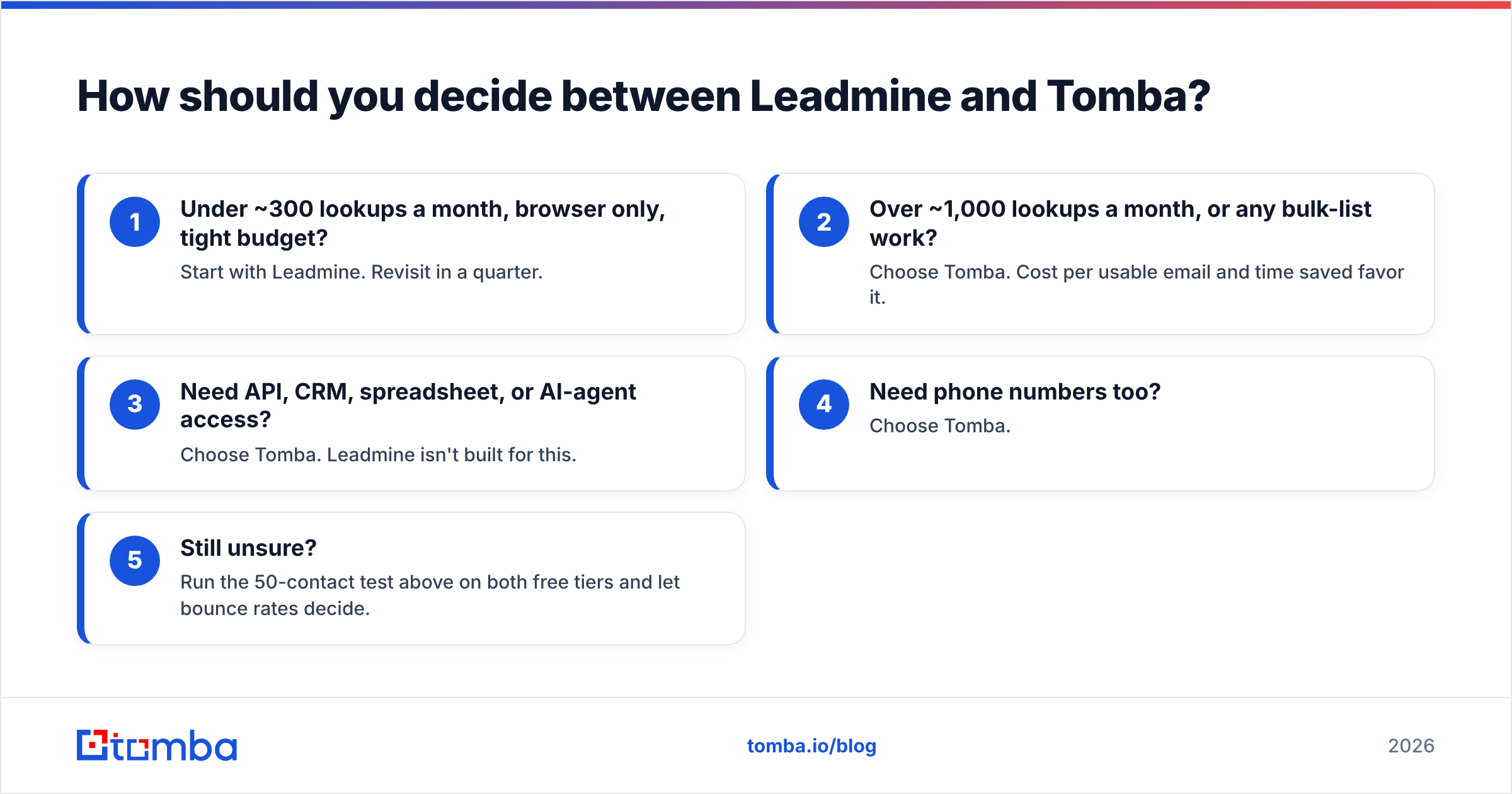
Use this short decision path:
- Under ~300 lookups a month, browser only, tight budget? Start with Leadmine. Revisit in a quarter.
- Over ~1,000 lookups a month, or any bulk-list work? Choose Tomba. Cost per usable email and time saved favor it.
- Need API, CRM, spreadsheet, or AI-agent access? Choose Tomba. Leadmine isn't built for this.
- Need phone numbers too? Choose Tomba.
- Still unsure? Run the 50-contact test above on both free tiers and let bounce rates decide.
One last point: whichever tool you pick, verify before you send. A found email is only a hypothesis until it's verified, and a 5% bounce rate can damage a new sending domain within a few weeks. Check a handful by hand with the free email checker if you're working in small batches.
Final verdict: Leadmine vs Tomba#
Leadmine is an honest, low-cost tool that does one job well: finding an email from your browser. If that's all you need and your volume is low, you won't be disappointed.
Tomba is the stronger choice for most growing teams. You get more free searches, a full set of finding and verification tools, phone data, and developer access that lets you automate email data instead of collecting it by hand. At $49/mo, Starter costs a little more than Leadmine's cheapest tier, but you get considerably more for it.
If you want to see how it performs on your own prospects, start with the Tomba Email Finder. Your 25 free monthly searches are enough to run a real head-to-head test against Leadmine. Enter a name and a domain, check the sources behind each result, and compare the bounce rates yourself before you commit to either plan.
Related guides#
// get started
Find, verify and enrich your first contacts today
Start on the free plan with 25 searches a month, then scale when your team is ready.
Free plan · No credit card required · GDPR & CCPA
// about the author