Leadworx Alternatives: 9 Better-Fit B2B Lead Tools for 2026
Outgrown Leadworx or want cleaner contact data for less money? Here are 9 Leadworx alternatives, compared on accuracy, pricing, free tiers, and the teams each one suits.
TL;DR
- The best Leadworx alternatives fall into three groups: email finders (Tomba, Hunter, Snov.io), all-in-one prospecting platforms (Apollo, Seamless.AI), and large B2B databases (ZoomInfo, BookYourData, Lusha, RocketReach).
- If your main need is finding and verifying work emails for specific companies or people, you can start with Tomba: 25 free searches a month, then $49/mo on Starter.
- If you want data, sequencing, and a dialer in one place, Apollo usually gives you the most for the money.
- For enterprise-scale intent data and org charts, ZoomInfo is still the benchmark, but expect a five-figure annual contract.
- Before you switch, run the same 50-100 known contacts through two or three tools. That tells you more than any vendor accuracy claim.
What is Leadworx, and why are teams looking for alternatives?#
Leadworx is a B2B lead generation and contact data service. Teams use it to build prospect lists and pull contact details for outbound campaigns. Like most list-driven providers, how useful it is comes down to three things: how fresh the records are, how well it covers your target market, and how the pricing fits your volume.
Most teams that go looking for Leadworx alternatives aren't unhappy with the idea of a lead provider. They've hit a specific limit. The usual ones:
- Coverage gaps in a certain region, industry, or company size (for example, European SMBs or niche SaaS verticals).
- Bounce rates that start to damage email deliverability once campaigns scale.
- Pricing structure: you pay for list volume you don't use, or you can't pay as you go.
- Workflow friction: no Chrome extension, a thin API, or no native CRM sync.
- Verification: the contacts come in, but you still need a separate tool to check them before sending.
Knowing which of these problems applies to you matters more than any ranking. A team whose main problem is bounces needs a different tool than a team that has outgrown a list-based model.
How should you evaluate a Leadworx alternative?#
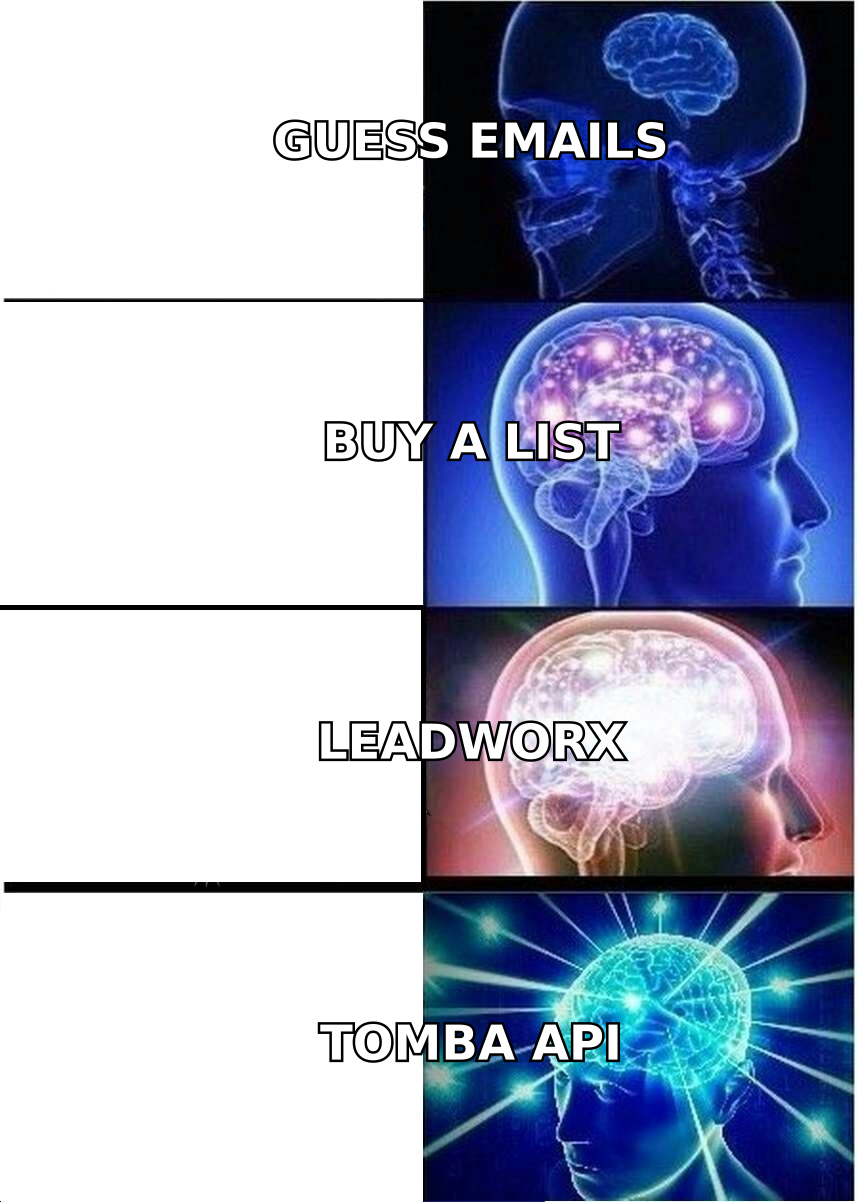
Before you look at individual tools, set your criteria. These are the five that separate a good fit from a costly migration:
- Data accuracy on your ICP. Global accuracy claims don't mean much. What counts is how the tool performs on your titles, industries, and regions. Test it on a sample of contacts you already know.
- Built-in verification. A tool that verifies emails in real time (including catch-all handling) saves you from buying and running a separate verifier.
- Pricing model. Per-seat, per-credit, or pay-as-you-go. Look at what one verified contact costs you, not the headline monthly price.
- Workflow fit. Chrome extension, Google Sheets add-on, API, and native CRM sync with HubSpot or Salesforce. If reps have to copy and paste, they'll stop using the tool.
- Compliance posture. If you prospect in the EU or UK, check GDPR documentation, opt-out handling, and where the data comes from. The GDPR overview on Wikipedia is a useful primer if your team is new to it.
Peer reviews on G2 are worth checking, but sort by company size close to yours. Enterprise reviewers and five-person startups judge these tools very differently.
Which Leadworx alternatives are worth considering in 2026?#
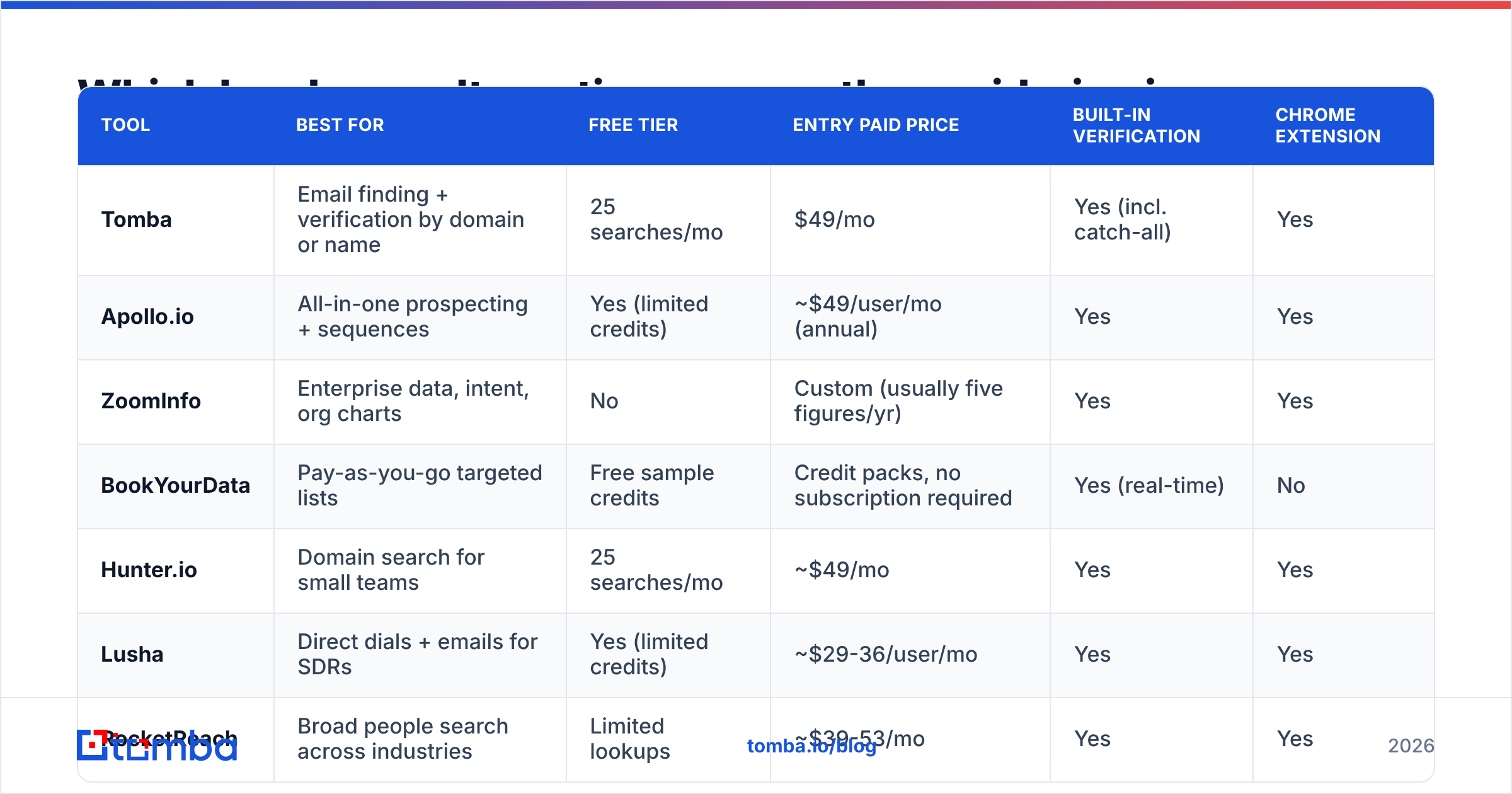
Here's the shortlist, then a closer look at each tool. Pricing reflects publicly listed entry tiers at the time of writing. Vendors change plans often, so confirm on their pricing pages before you buy.
| Tool | Best for | Free tier | Entry paid price | Built-in verification | Chrome extension |
|---|---|---|---|---|---|
| Tomba | Email finding + verification by domain or name | 25 searches/mo | $49/mo | Yes (incl. catch-all) | Yes |
| Apollo.io | All-in-one prospecting + sequences | Yes (limited credits) | ~$49/user/mo (annual) | Yes | Yes |
| ZoomInfo | Enterprise data, intent, org charts | No | Custom (usually five figures/yr) | Yes | Yes |
| BookYourData | Pay-as-you-go targeted lists | Free sample credits | Credit packs, no subscription required | Yes (real-time) | No |
| Hunter.io | Domain search for small teams | 25 searches/mo | ~$49/mo | Yes | Yes |
| Lusha | Direct dials + emails for SDRs | Yes (limited credits) | ~$29-36/user/mo | Yes | Yes |
| RocketReach | Broad people search across industries | Limited lookups | ~$39-53/mo | Yes | Yes |
| Snov.io | Budget finder + light automation | 50 credits/mo | ~$39/mo | Yes | Yes |
| Seamless.AI | High-volume real-time search | Limited credits | Custom / sales-led | Yes | Yes |
1. Tomba: best for finding and verifying emails by domain or name#
Tomba is built around one job: finding a professional email address and confirming it's deliverable before you send. You can find emails by domain to see every public contact at a company, or look up one person by name and company with the Tomba Email Finder. Each result comes with a confidence score and source.
Verification is built in rather than sold separately, and the email verifier handles catch-all domains, which is where many list providers quietly fail. Tomba also offers phone finding, enrichment, a Chrome extension, Google Sheets and Excel add-ins, and a REST API. That makes it easy to use in both rep workflows and RevOps automation.
- Pros: Clear credit-based Tomba pricing (Free, Starter $49/mo, Growth $99/mo, Pro $249/mo, Enterprise custom); strong domain search; catch-all verification; developer-friendly API.
- Cons: It isn't a sequencing tool, so you'll pair it with Instantly, lemlist, or your CRM for sending. It also has no intent-data layer like ZoomInfo's.
- Pick it if: you already know which accounts you're targeting and need accurate, verified emails for the people there.
2. Apollo.io: best all-in-one prospecting platform#

Apollo combines a large contact database with sequences, a dialer, and basic intent signals. For teams that want to leave Leadworx and cut down their tool stack, it's often the first thing they evaluate.
- Pros: Generous free plan; filters, sequencing, and CRM sync in one interface; good value per seat.
- Cons: Data quality varies by region and seniority. Some users report higher bounce rates outside North America, so verify before large sends.
- Pick it if: you're a small or mid-size sales team that wants one login for list building and outreach.
3. ZoomInfo: best for enterprise data depth#

ZoomInfo is the heavyweight. It offers deep firmographics, org charts, technographics, intent data, and direct dials. Most enterprise RevOps teams compare other tools against it.
- Pros: Very broad coverage in North America; intent and buying-committee data; mature Salesforce integration.
- Cons: Annual contracts, pricing that isn't public, and a total cost that rarely makes sense for teams under 10-15 reps.
- Pick it if: you run a structured enterprise motion and can use intent data, not just contact records.
4. BookYourData: best for pay-as-you-go targeted lists#
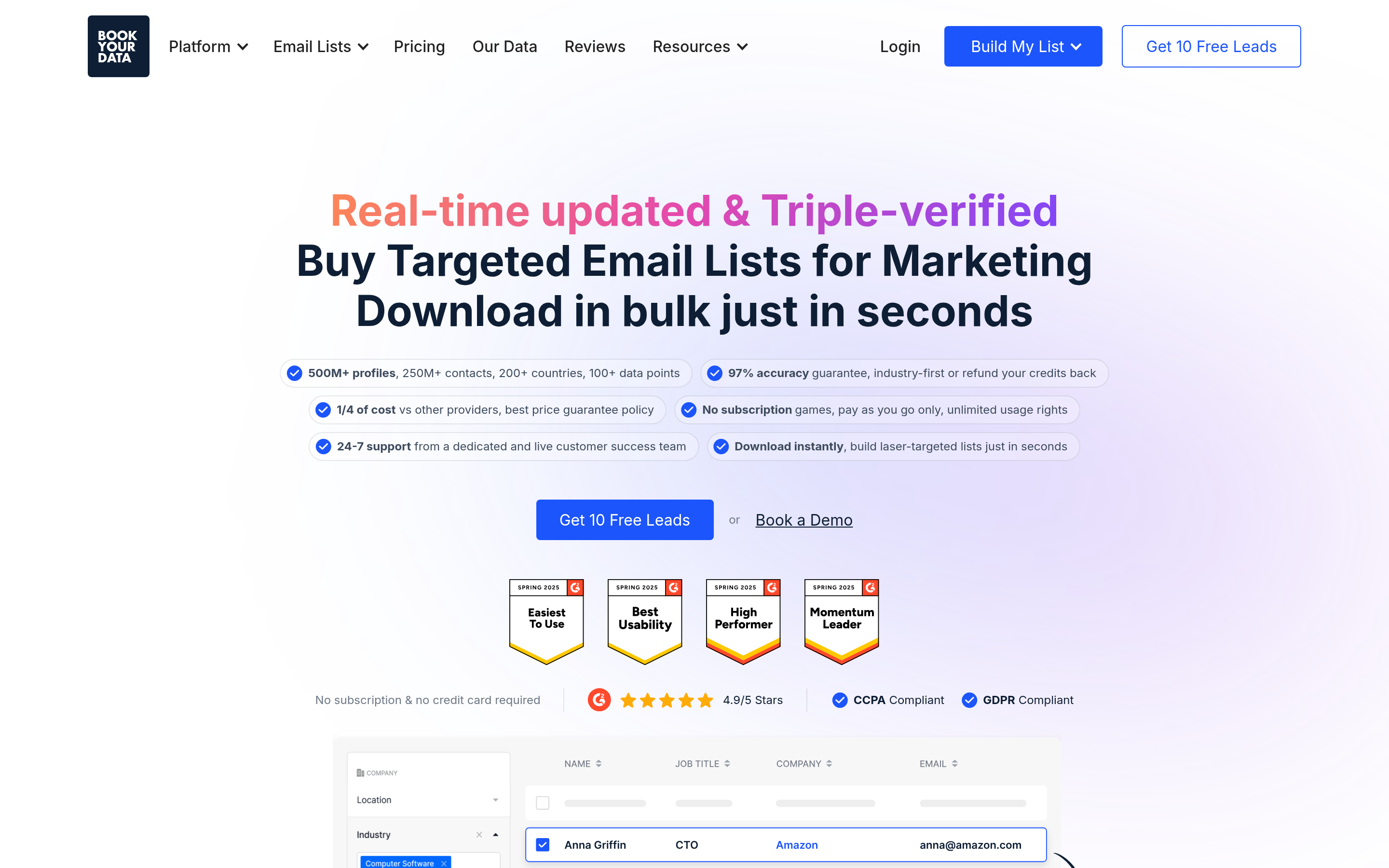
BookYourData is a strong fit for teams that like the list-building model but want more control over what they pay. You filter by industry, title, location, and company size, then buy only the contacts you need. It verifies emails in real time at the point of purchase, and you don't need a subscription.
- Pros: Flexible credit-based buying; real-time verification; well suited to campaign-by-campaign list pulls; accuracy guarantee on delivered records.
- Cons: It's more list-oriented than workflow-oriented, so you'll use a separate tool for one-off lookups inside LinkedIn or Gmail.
- Pick it if: you run outbound in campaigns and want to buy targeted, verified lists without committing to a yearly plan.
5. Hunter.io: best simple domain search for small teams#
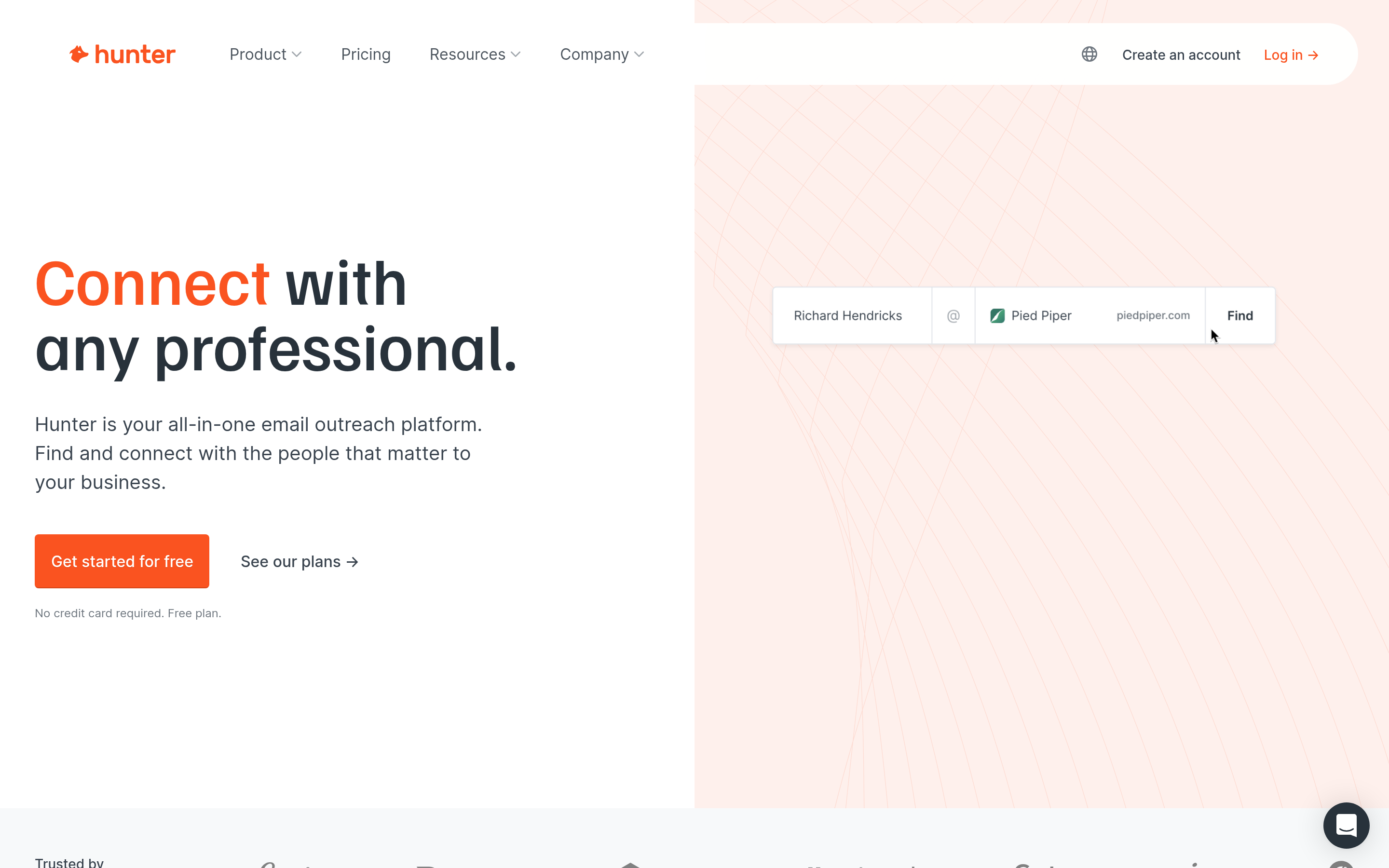
Hunter is one of the longest-running tools in the email-finder category. It's clean and fast, and it's especially good for content outreach, PR, and link building.
- Pros: Very easy to learn; good domain search; basic campaigns included.
- Cons: A smaller database for non-public contacts; pricing climbs fast at higher volumes.
- Pick it if: you're a solo founder, marketer, or small agency doing low-volume, high-value outreach.
6. Lusha: best for direct dials#
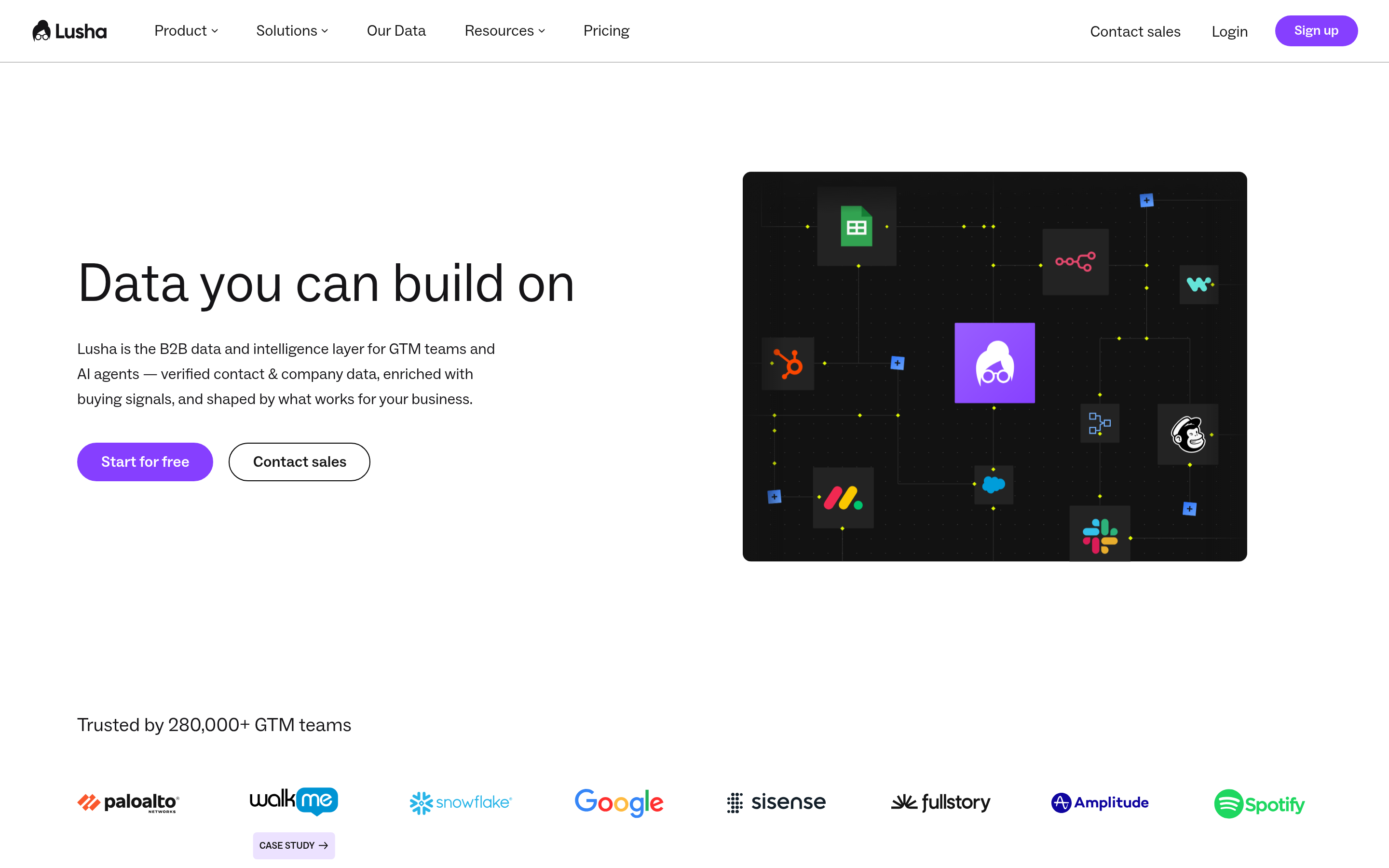
Lusha's strength is mobile and direct-dial numbers, which makes it popular with SDR teams that phone as much as they email.
- Pros: Good phone coverage; quick Chrome extension for LinkedIn; simple per-user pricing.
- Cons: Credits run out quickly on phone reveals; email coverage is thinner outside core markets.
- Pick it if: cold calling is a core part of your outbound mix.
7. RocketReach: best for broad people search#
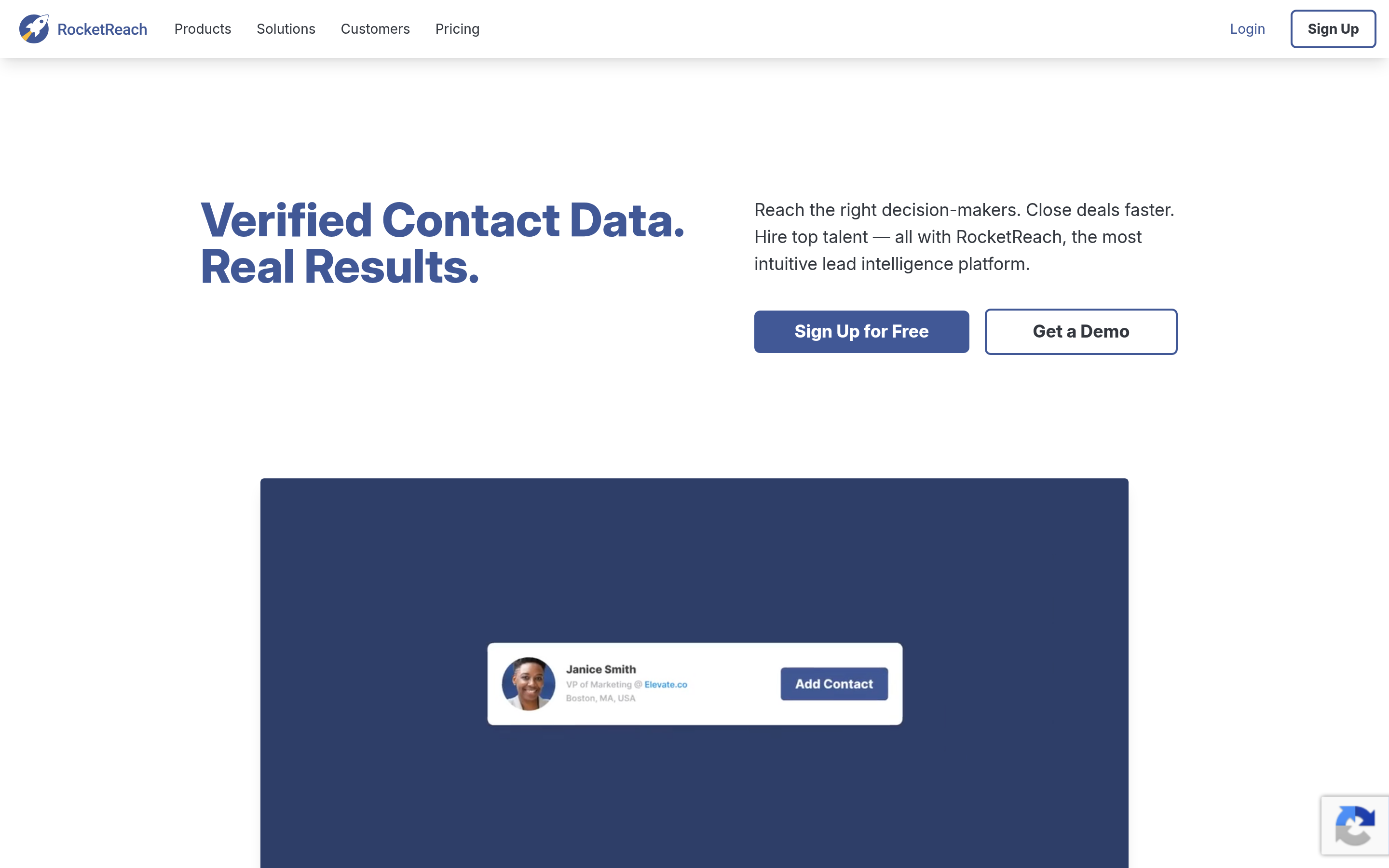
RocketReach covers a wide range of industries beyond tech, including healthcare, legal, and manufacturing. Recruiters and business development teams outside SaaS find that useful.
- Pros: Broad industry coverage; good search filters; API available.
- Cons: Lookup limits on lower tiers; accuracy varies by segment.
- Pick it if: your targets are outside the usual SaaS and tech ICP.
8. Snov.io: best budget finder with light automation#
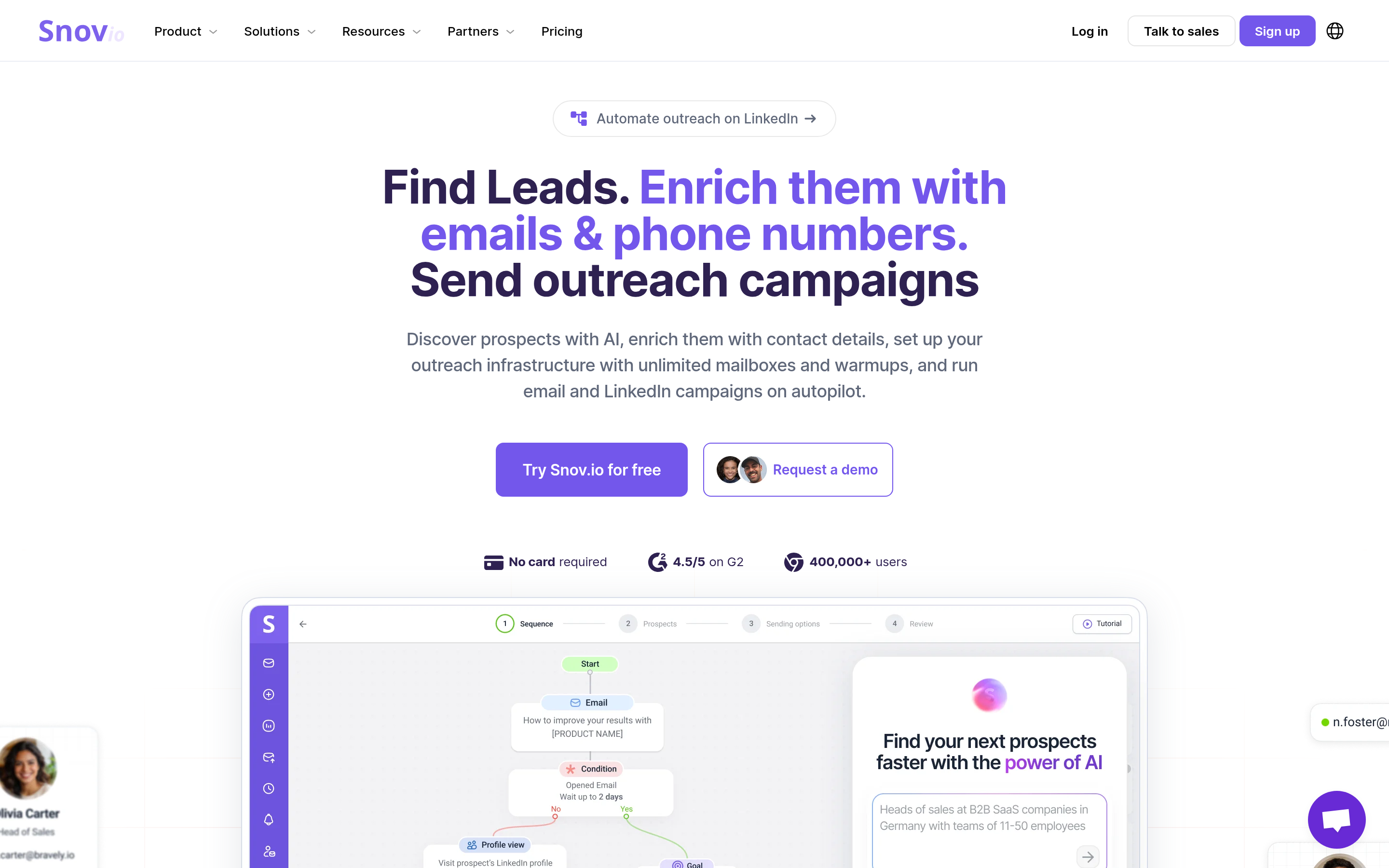
Snov.io bundles an email finder, a verifier, and simple drip campaigns at an entry price that fits bootstrapped teams.
- Pros: Low starting price; finding, verifying, and sending in one tool.
- Cons: Its automation is basic next to dedicated sequencers; the interface can feel crowded.
- Pick it if: you want one inexpensive tool to get outbound off the ground.
9. Seamless.AI: best for high-volume real-time search#
Seamless.AI looks up contacts in real time instead of serving only a static database. It's aimed at high-volume SDR teams.
- Pros: High volume; real-time search; CRM integrations.
- Cons: Sales-led pricing and contract terms that deserve a close read; accuracy varies, so pair it with a verifier.
- Pick it if: your team measures activity by volume and has the process to filter out low-quality records.
Is Tomba better than Leadworx for email finding?#
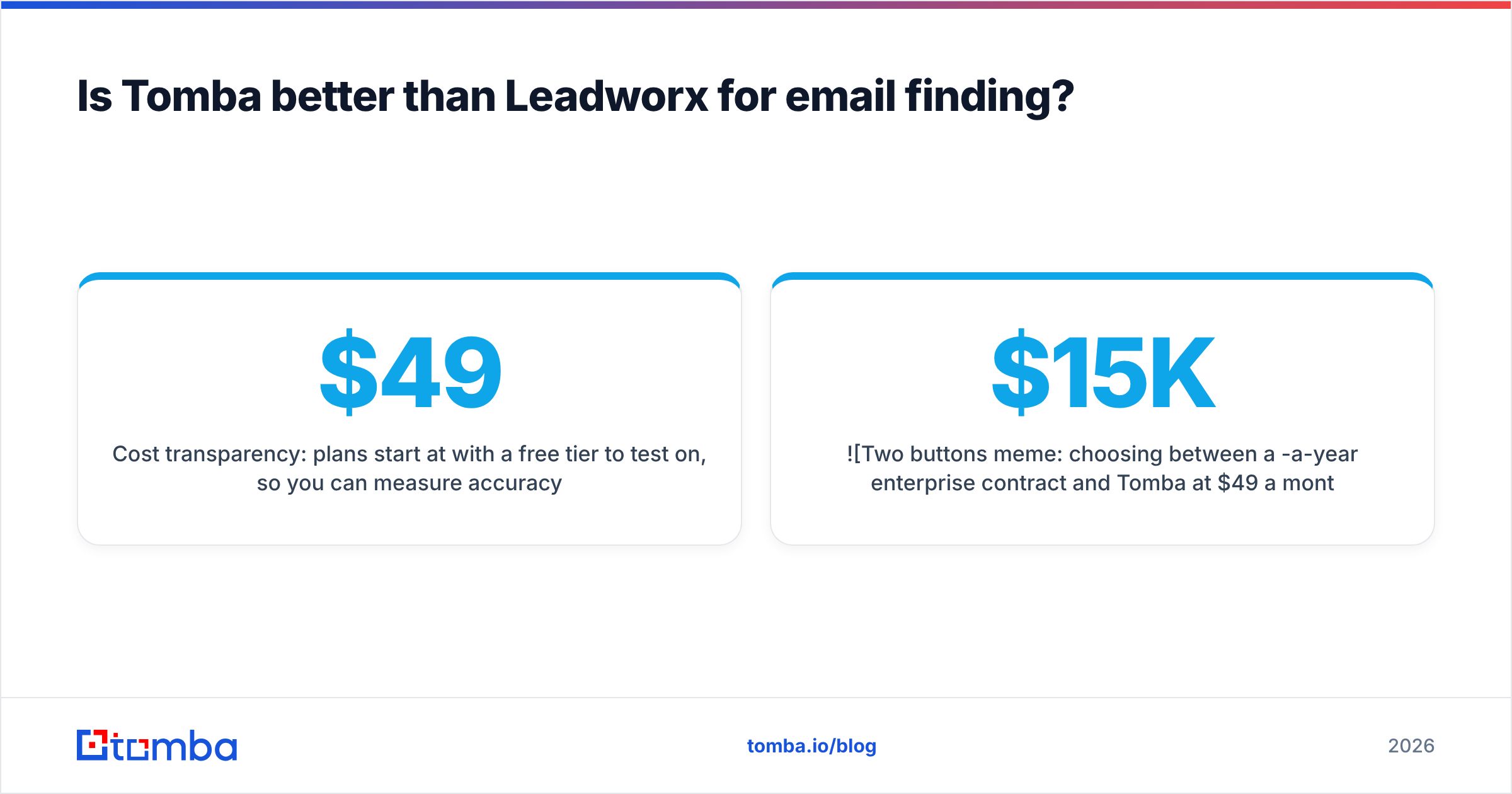
For the specific job of finding and verifying email addresses, Tomba is usually the better fit. It's built for that job, rather than as a general lead provider. The difference shows in three places:
- Lookup model: Tomba works from a known domain or name outward. That matches account-based outbound, where you already know the accounts and need the people.
- Verification: each result is checked for deliverability, including on catch-all domains, before you spend a send on it.
- Cost transparency: plans start at $49/mo with a free tier to test on, so you can measure accuracy on your own data before you commit.
If you need a pre-built list of thousands of contacts that match a filter, a list-oriented tool like BookYourData or a database like Apollo may suit that step better. Many teams use both: one tool to build the list and Tomba to find and verify the specific people they care about.

How do you migrate off Leadworx without losing momentum?#
Switching data providers mid-quarter is where teams lose pipeline. Here's a lower-risk way to do it:
- Export and audit what you have. Pull your existing Leadworx contacts, deduplicate them, and tag them by source so you can compare performance later.
- Run a blind accuracy test. Take 50-100 contacts whose emails you've already confirmed, for example from replies or closed-won deals. Run them through two or three shortlisted tools and score each on found rate, match rate, and verification status.
- Re-verify before you send. Run everything through a verifier before it goes into a live sequence, including records from the old provider. Old data decays by roughly 20-30% a year as people change jobs.
- Connect the CRM first. Set up the HubSpot or Salesforce integration before reps start using the new tool, so records land in the right place with source fields filled in. HubSpot's CRM documentation covers the property setup worth planning for.
- Keep a two-week overlap. Keep the old tool running while reps adjust. Cancel only after the new tool has handled a full campaign cycle.
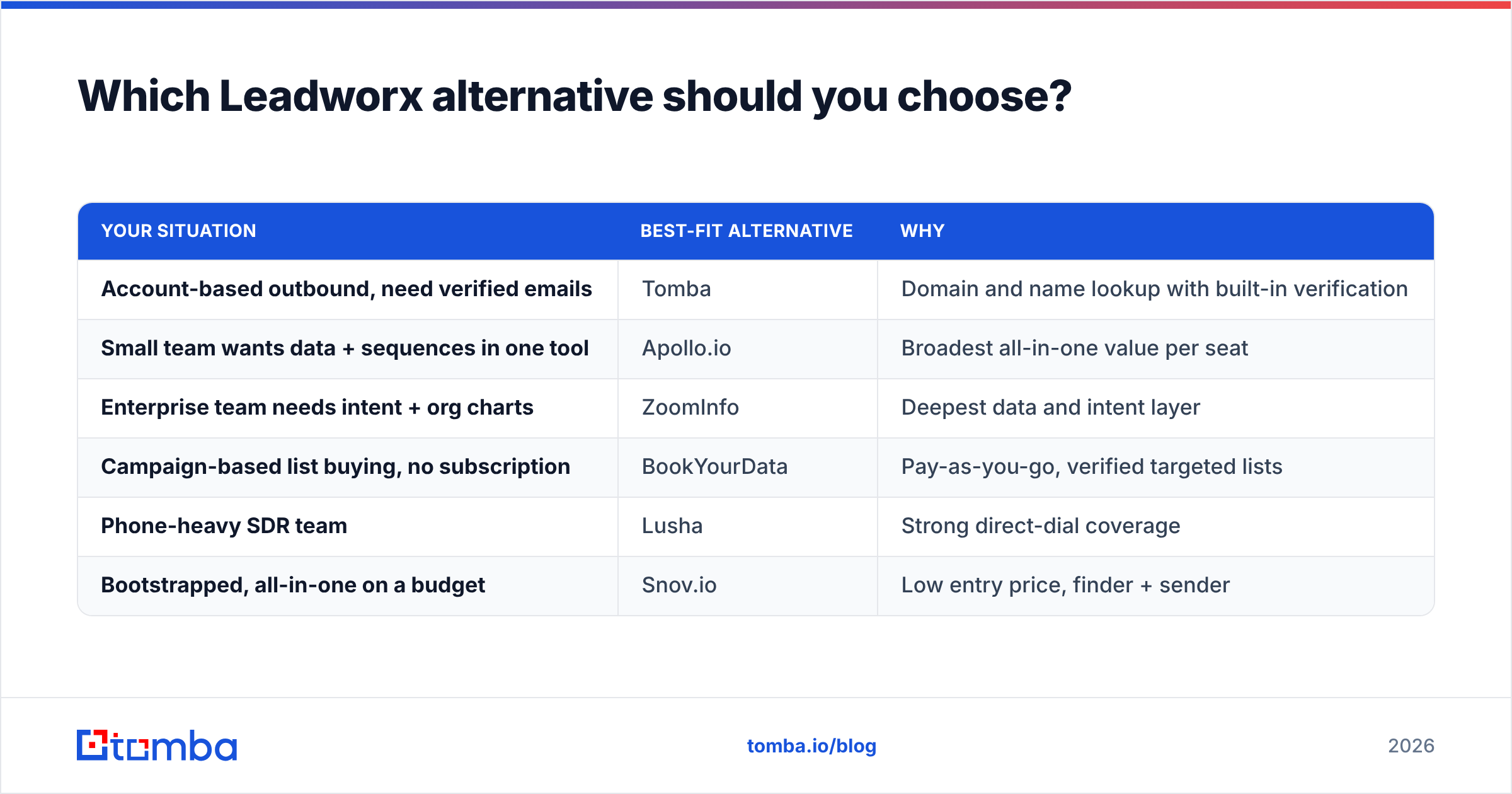
Which Leadworx alternative should you choose?#
It depends on your motion:
| Your situation | Best-fit alternative | Why |
|---|---|---|
| Account-based outbound, need verified emails | Tomba | Domain and name lookup with built-in verification |
| Small team wants data + sequences in one tool | Apollo.io | Broadest all-in-one value per seat |
| Enterprise team needs intent + org charts | ZoomInfo | Deepest data and intent layer |
| Campaign-based list buying, no subscription | BookYourData | Pay-as-you-go, verified targeted lists |
| Phone-heavy SDR team | Lusha | Strong direct-dial coverage |
| Bootstrapped, all-in-one on a budget | Snov.io | Low entry price, finder + sender |
Don't choose on headline price or database size. Choose on what one verified, reachable contact in your ICP costs you. A tool that's cheaper per credit but bounces 15% of the time costs more once you count the damage to your sender reputation.
Frequently asked questions#
What is the best free Leadworx alternative?#
Tomba and Hunter both offer 25 free searches a month, and Apollo has a free plan with limited credits. For testing email accuracy on a small sample, any of the three works. Tomba and Hunter make it easy to see verification status on each result.
Are Leadworx alternatives GDPR compliant?#
Most established vendors publish GDPR documentation and opt-out processes. Compliance also depends on how you use the data: lawful basis, relevant messaging, and honoring opt-outs. Review each vendor's data-source and privacy pages before you prospect in the EU.
Can I use more than one data provider?#
Yes, and many teams do. A common setup is one tool to build lists (Apollo, BookYourData, or ZoomInfo) and a dedicated email finder and verifier (Tomba) to fill gaps and confirm deliverability before sending.
How often should I re-verify my contact data?#
Re-verify before every major campaign, and at least once a quarter for records sitting in your CRM. B2B contact data decays steadily as people change roles and companies.
Ready to test a Leadworx alternative on your own data?#
If your main goal is getting accurate, verified work emails for the accounts you already target, start with the Tomba Email Finder. Search by domain, name, or company, check deliverability on each result, and push contacts straight to your CRM or spreadsheet. The free plan gives you 25 searches a month, enough to run the blind accuracy test above against Leadworx and any other tool on your shortlist. If Tomba finds and verifies more of your ICP, upgrade to Starter at $49/mo and scale from there.
Related guides#
// get started
Find, verify and enrich your first contacts today
Start on the free plan with 25 searches a month, then scale when your team is ready.
Free plan · No credit card required · GDPR & CCPA
// about the author