7 Best LinkedLeads Alternatives in 2026 for LinkedIn Outreach
LinkedLeads auto-accepts connection requests and sends a welcome DM. That's a good start. These 7 alternatives add campaigns, email follow-up and safer sending limits, so you can compare them before you pick one.
TL;DR
- LinkedLeads is a lightweight Chrome extension. It auto-accepts incoming LinkedIn connection requests and sends each new connection a personalized welcome message. It's cheap and simple, but it only works on inbound connections.
- If you need outbound campaigns such as connection requests, follow-up sequences and profile visits, look at Waalaxy, Dripify or Expandi.
- If you want LinkedIn and email in one sequence, La Growth Machine and lemlist are the strongest multichannel options.
- Whichever automation tool you pick, you still need verified work emails for prospects who never reply on LinkedIn. That job belongs to an email finder such as Tomba, which works alongside these tools rather than replacing them.
- Prices below are starting points. Several vendors change tiers often, so check the vendor's pricing page before you buy.
What is LinkedLeads, and why do people look for alternatives?#
LinkedLeads is a Chrome extension that automates one narrow part of LinkedIn prospecting. When someone sends you a connection request, it accepts the request and immediately sends that person a private message you've written in advance. According to its Product Hunt listing, the pitch is "infinite leads from your LinkedIn connections". Third-party listings put the price at about $50 as a one-time payment, with a one-day trial.
A note on naming: several unrelated products and agencies use the "LinkedLeads" or "Linked Leads" name, including a prospecting app, a marketing agency and the Chrome extension. This post is about the extension. If you're using a different product with the same name, the rest of this guide still applies, because the gaps are the same.
The extension does its one job well. Users usually outgrow it for four reasons:
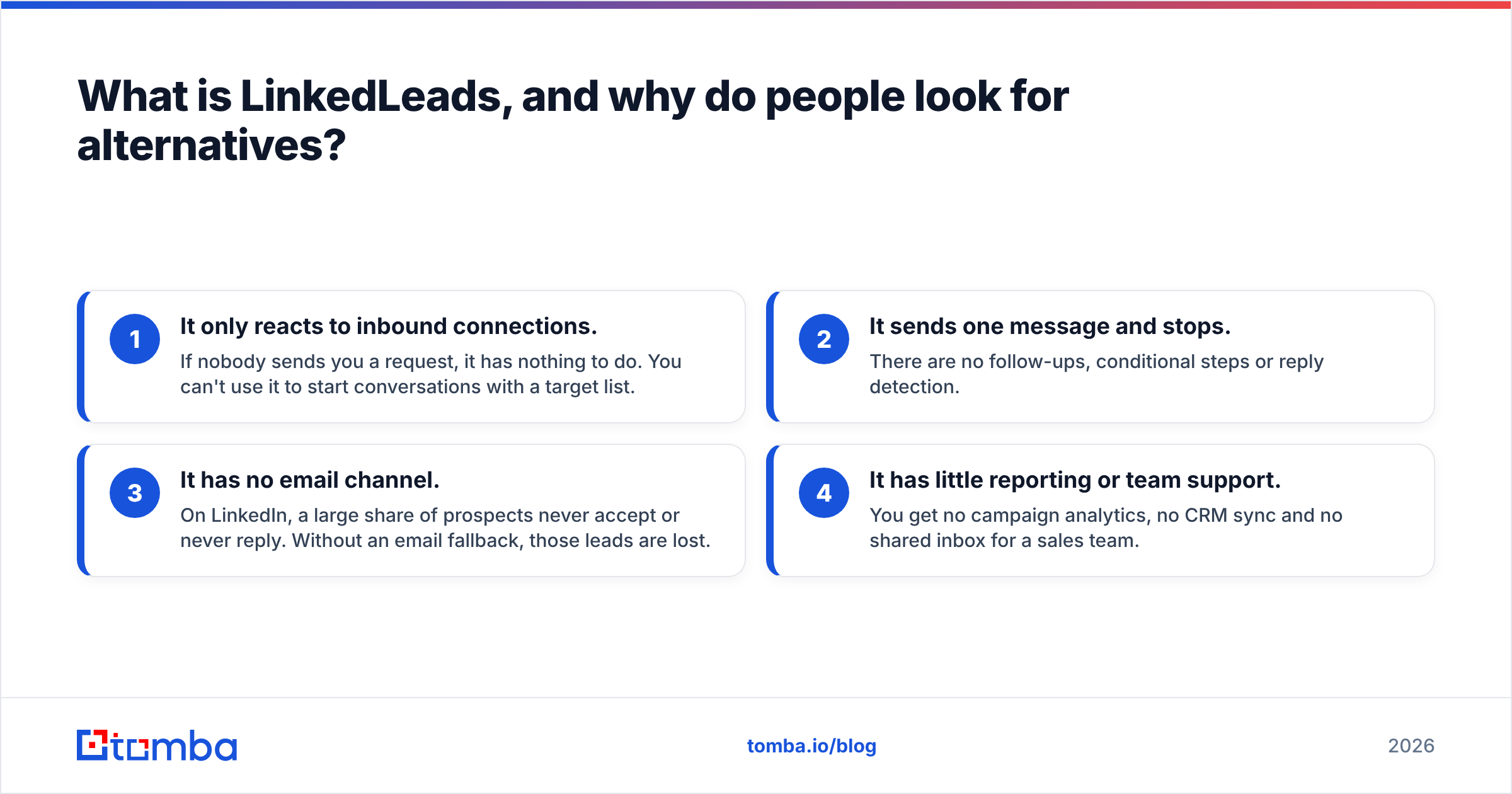
- It only reacts to inbound connections. If nobody sends you a request, it has nothing to do. You can't use it to start conversations with a target list.
- It sends one message and stops. There are no follow-ups, conditional steps or reply detection.
- It has no email channel. On LinkedIn, a large share of prospects never accept or never reply. Without an email fallback, those leads are lost.
- It has little reporting or team support. You get no campaign analytics, no CRM sync and no shared inbox for a sales team.
If any of these describe your situation, you've moved from "inbox helper" to "prospecting system", and you need a different kind of tool.
What should you look for in a LinkedLeads alternative?#
Before comparing vendors, decide which of these capabilities you actually need. Paying for multichannel sequences you'll never use costs as much as missing the one feature you do need.
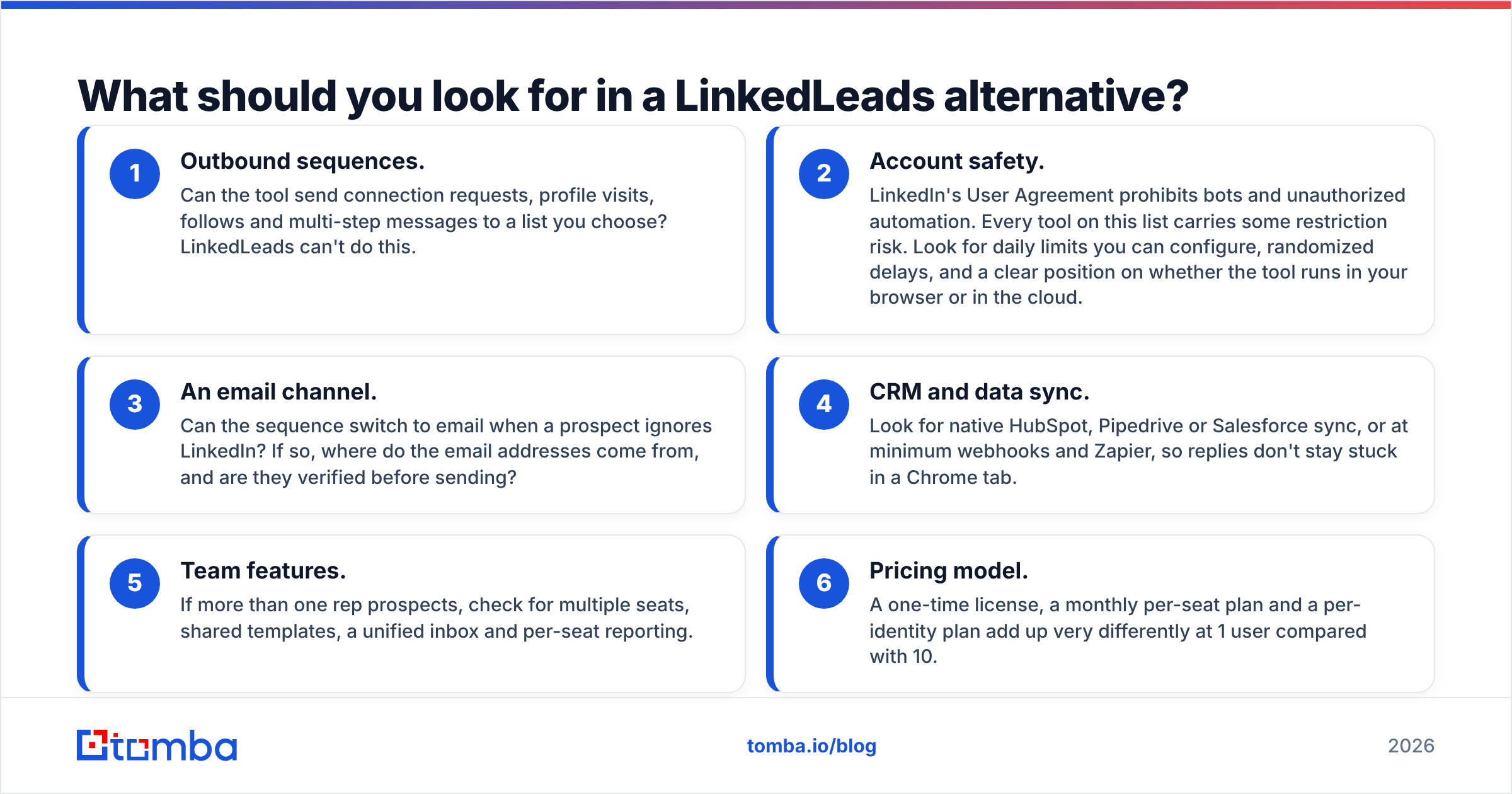
- Outbound sequences. Can the tool send connection requests, profile visits, follows and multi-step messages to a list you choose? LinkedLeads can't do this.
- Account safety. LinkedIn's User Agreement prohibits bots and unauthorized automation. Every tool on this list carries some restriction risk. Look for daily limits you can configure, randomized delays, and a clear position on whether the tool runs in your browser or in the cloud.
- An email channel. Can the sequence switch to email when a prospect ignores LinkedIn? If so, where do the email addresses come from, and are they verified before sending?
- CRM and data sync. Look for native HubSpot, Pipedrive or Salesforce sync, or at minimum webhooks and Zapier, so replies don't stay stuck in a Chrome tab.
- Team features. If more than one rep prospects, check for multiple seats, shared templates, a unified inbox and per-seat reporting.
- Pricing model. A one-time license, a monthly per-seat plan and a per-identity plan add up very differently at 1 user compared with 10.
How do the top LinkedLeads alternatives compare?#
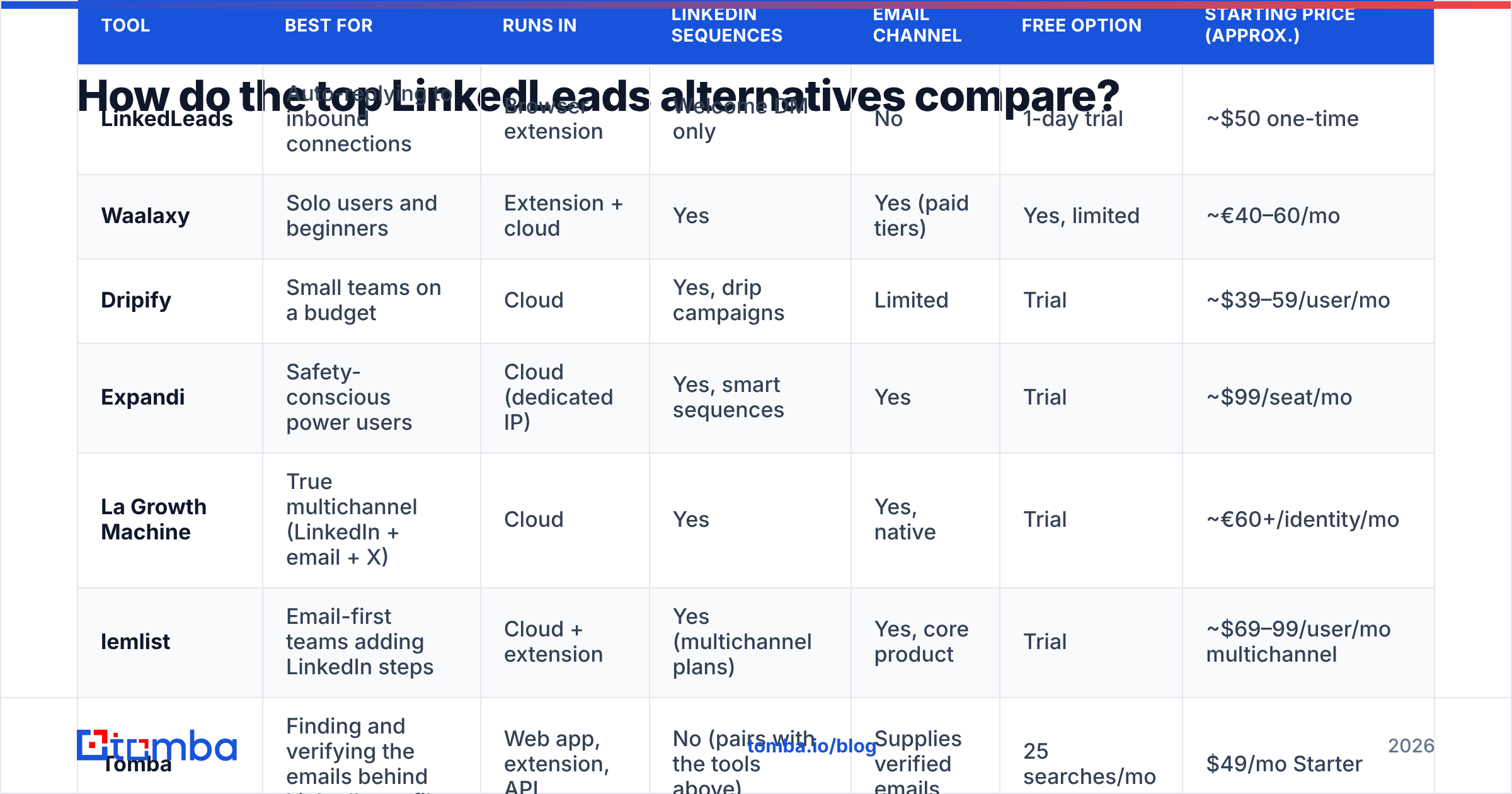
This table compares the seven options by what matters most when you're moving on from an auto-accept extension. Pricing reflects publicly listed entry tiers at the time of writing, is rounded, and may be billed monthly or annually. Treat it as a starting point and confirm on each vendor's site.
| Tool | Best for | Runs in | LinkedIn sequences | Email channel | Free option | Starting price (approx.) |
|---|---|---|---|---|---|---|
| LinkedLeads | Auto-replying to inbound connections | Browser extension | Welcome DM only | No | 1-day trial | ~$50 one-time |
| Waalaxy | Solo users and beginners | Extension + cloud | Yes | Yes (paid tiers) | Yes, limited | ~€40–60/mo |
| Dripify | Small teams on a budget | Cloud | Yes, drip campaigns | Limited | Trial | ~$39–59/user/mo |
| Expandi | Safety-conscious power users | Cloud (dedicated IP) | Yes, smart sequences | Yes | Trial | ~$99/seat/mo |
| La Growth Machine | True multichannel (LinkedIn + email + X) | Cloud | Yes | Yes, native | Trial | ~€60+/identity/mo |
| lemlist | Email-first teams adding LinkedIn steps | Cloud + extension | Yes (multichannel plans) | Yes, core product | Trial | ~$69–99/user/mo multichannel |
| Tomba | Finding and verifying the emails behind LinkedIn profiles | Web app, extension, API | No (pairs with the tools above) | Supplies verified emails | 25 searches/mo | $49/mo Starter |
Two patterns stand out. First, nothing except LinkedLeads is sold as a one-time purchase, so switching means taking on a subscription. Second, the multichannel tools are only as good as the email data you feed them. That's why an email finder shows up in a list of LinkedIn automation tools.
Which alternative is best for most people?#
1. Waalaxy: the easiest step up#
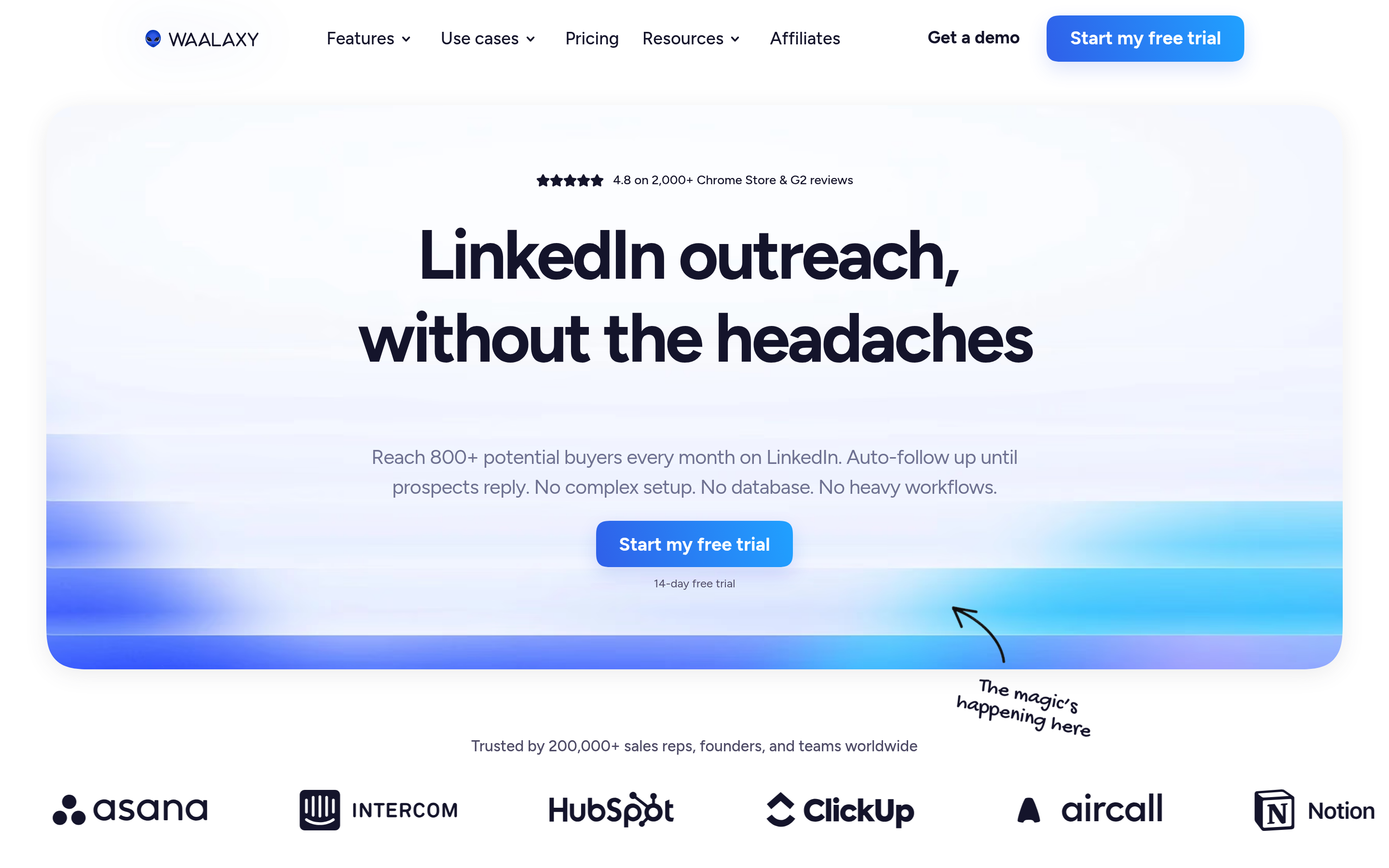
Waalaxy is the most natural next step if LinkedLeads felt simple and you liked that. You import prospects from a LinkedIn search into a list, then drag them into a prebuilt "sequence" such as Visit, Invite, Message, Follow-up. Its templates are beginner-friendly, and its free plan lets you test the workflow before paying.
- Pros: Very low learning curve, a free tier, a built-in inbox, and email steps on higher plans.
- Cons: Weekly invitation caps are tied to LinkedIn's own limits, advanced reporting sits on higher tiers, and power users may find the sequences rigid.
- Pick it if: You're a founder or solo seller who wants outbound on LinkedIn without a setup project.
If you're already on Waalaxy and wondering what else exists, we've compared the options in our Waalaxy alternative breakdown.
2. Dripify: budget drip campaigns for small teams#
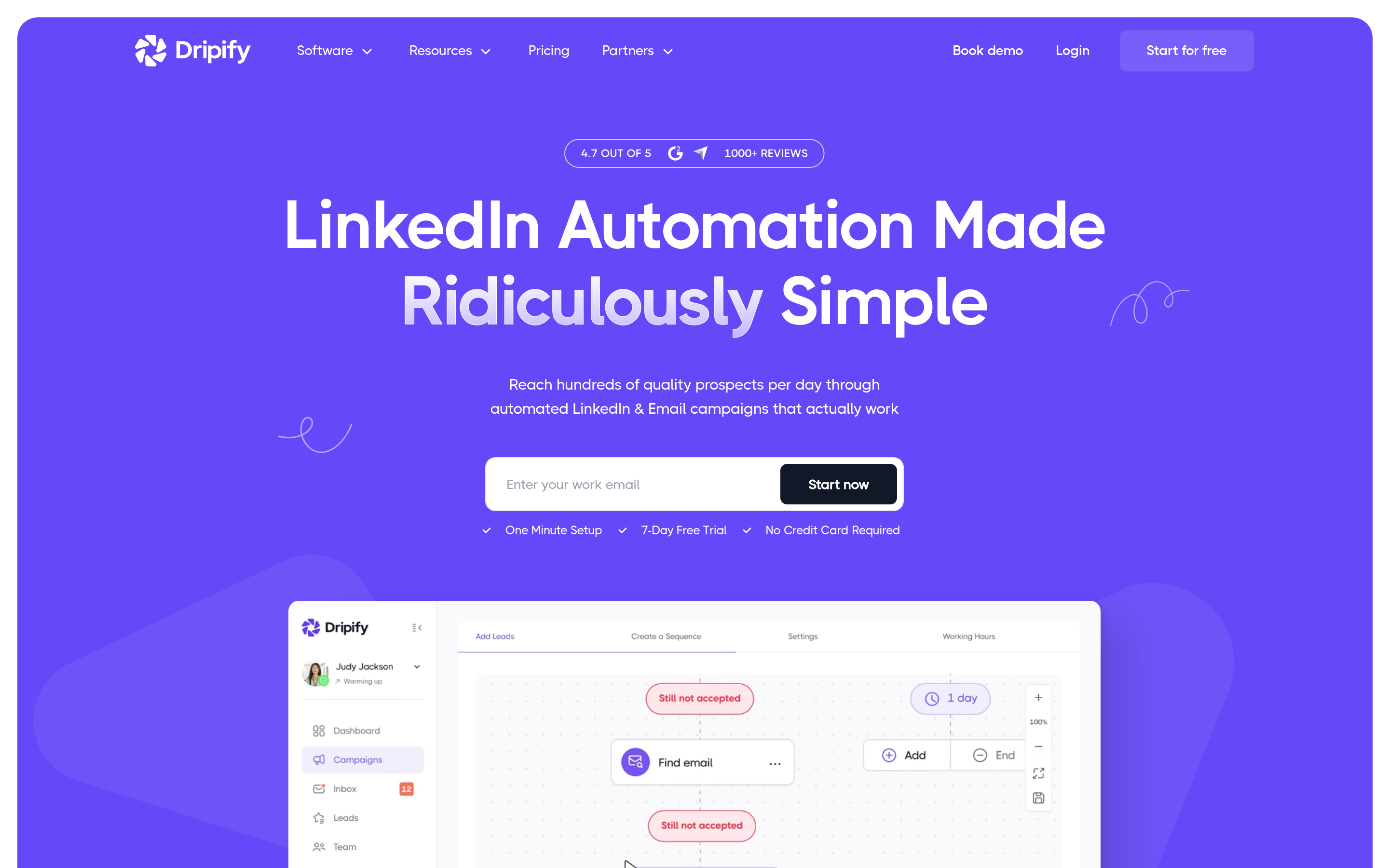
Dripify is cloud-based, so campaigns keep running when your laptop is closed. That's a real upgrade from any browser-only extension. You build drip campaigns with conditional branches (for example, "if accepted, send message A; if not, visit profile again in 3 days") and manage team members from a single dashboard.
- Pros: Affordable per-user pricing, cloud execution, team management, and simple analytics.
- Cons: The email channel is thinner than in dedicated multichannel tools, and support quality gets mixed reviews.
- Pick it if: You have 2–5 reps who each need their own LinkedIn campaigns and you're watching cost per seat.
3. Expandi: for when account safety comes first#

Expandi's main selling point is safety. Each account runs from a dedicated IP address that matches your country, with activity patterns designed to look human. Its "smart sequences" combine LinkedIn actions and email steps with if/then logic, and it supports webhooks for pushing data into a CRM.
- Pros: Strong safety posture, flexible sequence builder, email steps, and good personalization (including dynamic images and GIFs).
- Cons: It's pricier per seat than Waalaxy or Dripify, and the builder takes time to learn.
- Pick it if: Your LinkedIn account is valuable (a large network or a senior profile) and a restriction would hurt.
For a wider view, see our Expandi alternative comparison.
4. La Growth Machine: true multichannel orchestration#
La Growth Machine (LGM) was built multichannel from day one. A single sequence can visit a LinkedIn profile, send a voice note, fall back to email and even touch X (Twitter), all coordinated per lead. It also enriches leads as you import them, which reduces how much manual email hunting you do.
- Pros: The best-in-class multichannel sequencing, native email, a unified inbox, and built-in enrichment.
- Cons: Per-identity pricing adds up quickly for teams, and a tool this capable is overkill if you only need LinkedIn.
- Pick it if: Your outbound motion really does depend on combining channels, and you want one tool to run all of them.
5. lemlist: email-first, with LinkedIn steps added#
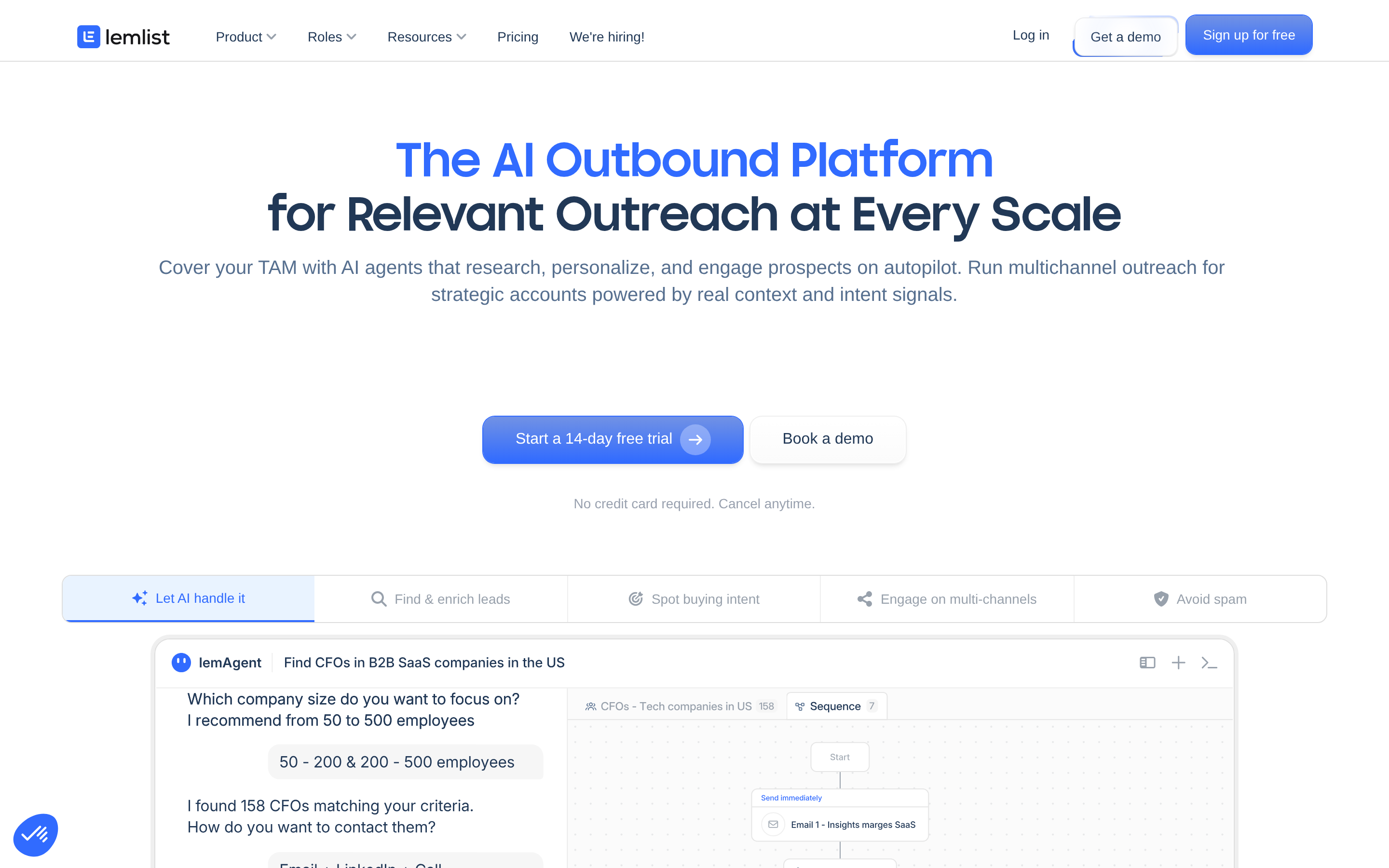
lemlist began as a cold email platform and added LinkedIn steps (visits, invites, messages) on its multichannel plans. If most of your pipeline comes from email and LinkedIn is the supporting channel, lemlist keeps everything in one sequence with strong deliverability tooling.
- Pros: Mature email engine, warmup included, deep personalization, and a large template library.
- Cons: LinkedIn automation is less deep than in LinkedIn-native tools, and pricing climbs on multichannel tiers.
- Pick it if: Email is your main channel and LinkedIn is the second touch.
6. Sales Navigator plus a lighter tool#
This option doesn't replace automation, but many teams skip heavy automation entirely. They pair LinkedIn Sales Navigator for targeting and InMail with a lightweight tool for the repetitive work. It carries the lowest risk to your account, but it takes the most manual effort. If your deal sizes are large and your target list is short (a few hundred accounts), this is often the right choice.
7. Tomba: the email layer every option above needs#
Tomba isn't a LinkedIn automation tool, and it doesn't try to be one. It solves the problem that LinkedLeads and most LinkedIn-only tools leave open: what do you do about prospects who never accept, never reply, or rarely log into LinkedIn?
With Tomba's LinkedIn finder, you paste a LinkedIn profile URL (or use the Chrome extension on the profile) and get that person's professional email. Then you run the list through the email verifier before it goes into Waalaxy, Expandi, LGM or lemlist, so the email steps don't bounce and hurt your sender reputation.
- Pros: Works with any automation tool, a free tier (25 searches/month), verification built in, plus API, Sheets and CRM integrations.
- Cons: It doesn't send messages. You still need one of the tools above for sequencing.
- Pick it if: You want your LinkedIn prospects to be reachable by email as well, which in practice covers most B2B teams.
Is LinkedIn automation safe in 2026?#
The honest answer is that no automation tool is risk-free. LinkedIn's terms prohibit unauthorized automated activity, and LinkedIn periodically restricts accounts that behave like bots. What varies between tools is how much risk you take on:
- Browser extensions (like LinkedLeads) act from inside your logged-in session. They're simple, but LinkedIn can detect them, and they only run while your browser is open.
- Cloud tools with dedicated IPs (like Expandi) try to imitate one human user's patterns from a consistent location.
- Volume is the biggest factor. A tool that sends 20 thoughtful invites a day with personalized notes is far safer than one sending 100 generic ones, whatever the vendor promises.
Practical guardrails: keep connection requests well below LinkedIn's weekly limits, warm up new accounts slowly, withdraw old pending invites, and don't run two automation tools on the same account at once. Moving part of your outreach to email also lowers your LinkedIn exposure, because you need fewer LinkedIn actions per booked meeting.
Should you replace LinkedLeads or add to it?#
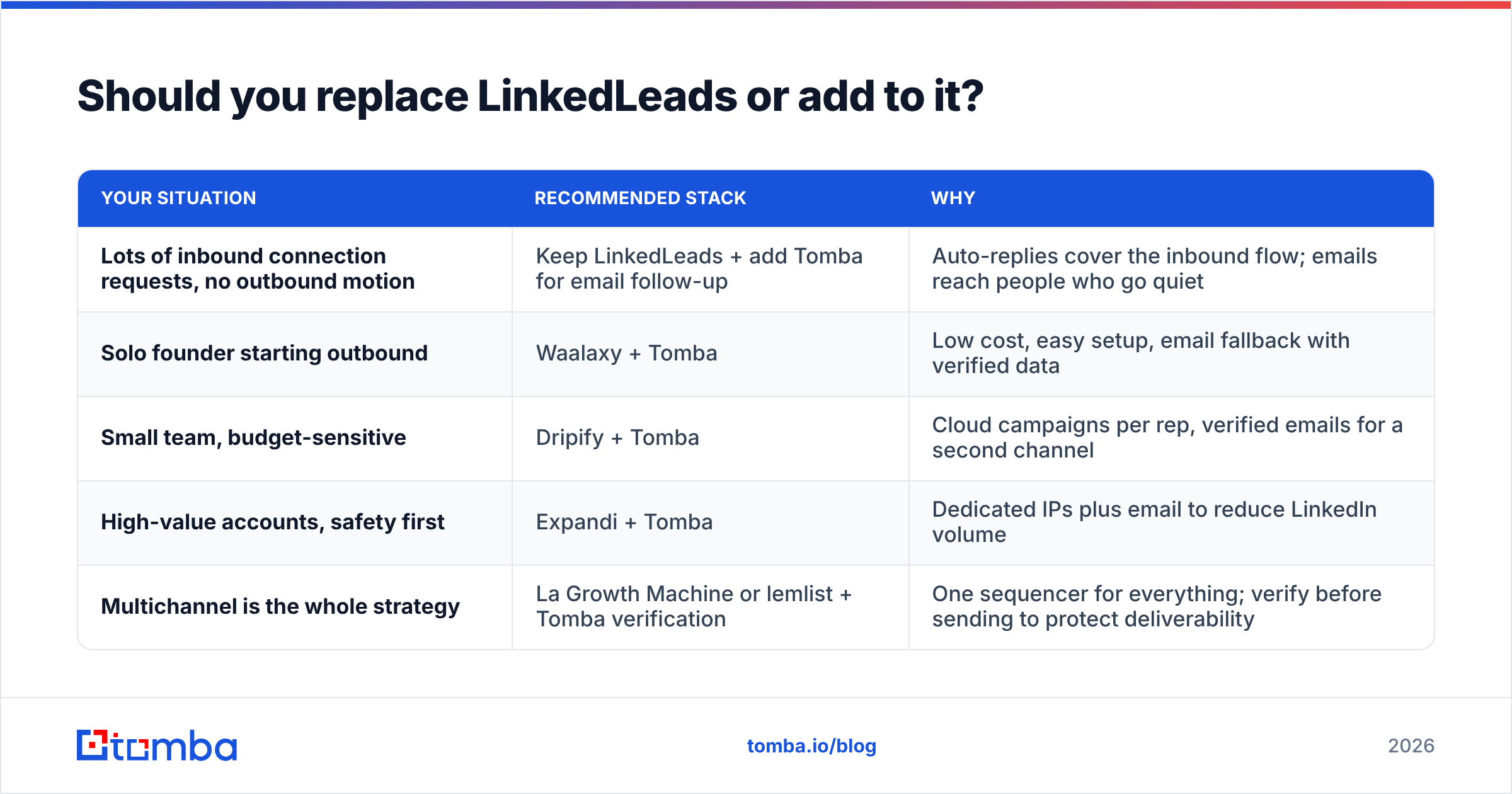
You don't always have to replace it. Match your situation to one of these setups:
| Your situation | Recommended stack | Why |
|---|---|---|
| Lots of inbound connection requests, no outbound motion | Keep LinkedLeads + add Tomba for email follow-up | Auto-replies cover the inbound flow; emails reach people who go quiet |
| Solo founder starting outbound | Waalaxy + Tomba | Low cost, easy setup, email fallback with verified data |
| Small team, budget-sensitive | Dripify + Tomba | Cloud campaigns per rep, verified emails for a second channel |
| High-value accounts, safety first | Expandi + Tomba | Dedicated IPs plus email to reduce LinkedIn volume |
| Multichannel is the whole strategy | La Growth Machine or lemlist + Tomba verification | One sequencer for everything; verify before sending to protect deliverability |
One thing to avoid is running LinkedLeads and a full outbound tool on the same account at the same time. Two tools sending messages from one profile makes activity spikes more likely, and it's hard to tell which tool sent what.
How do you migrate from LinkedLeads without losing leads?#
Switching tools is less work than it seems, because LinkedLeads doesn't hold much data. A clean migration looks like this:
- Export your recent connections. Use LinkedIn's own data export (Settings, then Data privacy, then "Get a copy of your data") to get a CSV of your connections with names, companies and profile URLs.
- Find their work emails. Run the profile URLs or name-and-company pairs through an email finder in bulk. Anyone who accepted but never replied is now reachable a second way.
- Verify before importing. Remove invalid and risky addresses so your first email campaign doesn't start with a bounce spike.
- Import into the new tool and tag these leads as "warm: connected, no reply" so they get a softer sequence than cold prospects.
- Turn off LinkedLeads before your new tool's first campaign goes live.
- Track results for two weeks, including acceptance rate, reply rate on LinkedIn and on email, and meetings booked. Tune volume only after you have data.
Which LinkedLeads alternative should you choose?#
For most readers, the decision comes down to three questions:
- Do you need outbound on LinkedIn? If yes, start with Waalaxy (easiest), Dripify (cheapest per seat) or Expandi (safest).
- Is email equally important? If yes, go with La Growth Machine (LinkedIn-first multichannel) or lemlist (email-first multichannel).
- Can you reach the people who ignore LinkedIn? If no, add an email finder and verifier to whichever tool you pick. This single change usually recovers the most pipeline.
LinkedLeads is still a reasonable fit for a narrow job: turning inbound connection requests into conversations without manual effort. Once you want to start conversations yourself, run sequences and reach people off-platform, the tools above are built for that stage.
Whichever LinkedIn tool you choose, it can only follow up with people it can reach. Tomba Email Finder finds the professional email behind a LinkedIn profile, company domain or name, checks it before you send, and plugs into the sequencer you already use through the Chrome extension, API and CRM integrations. You can start on the free plan with 25 searches a month and move to Starter at $49/month when your campaigns grow.
Related guides#
// get started
Find, verify and enrich your first contacts today
Start on the free plan with 25 searches a month, then scale when your team is ready.
Free plan · No credit card required · GDPR & CCPA
// about the author