AI Email Writing in 2026: Tools, Prompts & Best Practices
AI email writing can draft a cold email in seconds — but most output reads like a robot. Here's how to use it for replies that convert in 2026.
TL;DR
- AI email writing turns a blank page into a usable first draft in seconds, but raw output is generic — the win comes from your prompt and your edit, not the model.
- The highest-leverage use cases are cold outreach openers, reply handling, and turning bullet points into polished prose — not "write me a whole campaign."
- A good prompt gives the AI a role, a recipient, one goal, and real research. Skip any of those and you get filler.
- Personalization still beats volume. Pair an AI writer with accurate contact data so the right message reaches a real inbox.
- Tools range from free generators to full sales-engagement suites. Match the tier to how many emails you actually send per week.
What is AI email writing?#
AI email writing is using a large language model to draft, rewrite, or polish emails from a short instruction. You give it context — who you are, who you're emailing, and what you want — and it returns a draft you can send or refine.
Think of it like a sous-chef. The AI handles the chopping and prep (structure, grammar, a passable first draft) so you can focus on the part that actually matters: the flavor, the judgment, the decision about what to serve. It does not replace the chef. An email that closes a deal still needs your read on the relationship.
In 2026, this matters because reply rates keep falling as inboxes fill up. The teams winning aren't the ones sending the most AI-generated email — they're the ones using AI to spend more time on relevance and less time staring at a cursor.
Why does most AI-written email sound robotic?#
Because most people prompt lazily. "Write a cold email to a marketing director" gives the model nothing to work with, so it falls back on the average of every bad email it ever trained on: "I hope this email finds you well," "I wanted to reach out," "circle back," and three paragraphs that say nothing.
The model isn't the problem. The instruction is. AI mirrors the specificity you give it. Vague in, vague out.
Three patterns make AI email obvious and easy to delete:
- Inflated openers — "In today's fast-paced digital landscape..." No human writes this.
- Hedging everywhere — "I just wanted to quickly check if you might possibly be interested."
- No real detail — generic praise ("I love what your company is doing") that could apply to any business.
The fix is structural, and it starts before you ever hit generate.
How do you prompt AI to write a good email?#
Conclusion first: give the AI a role, a recipient, one goal, one real detail, and a length cap. That single sentence framework fixes 80% of bad output.
Here's the structure I use, and you can adapt it to any tool:
You are an SDR writing a cold email.
Recipient: [name, title, company, one specific fact about them]
Goal: book a 15-minute call about [problem you solve]
Tone: direct, friendly, no corporate filler
Constraints: under 90 words, one CTA, no "I hope this finds you well"
The "one real detail" line is the whole game. Maybe they just raised a Series B, shipped a feature, or posted on LinkedIn about a hiring problem. That detail is what AI can't invent — you have to feed it in. Tools that pull from a B2B database or enrichment layer can supply some of it automatically.
A few more prompt rules that compound:
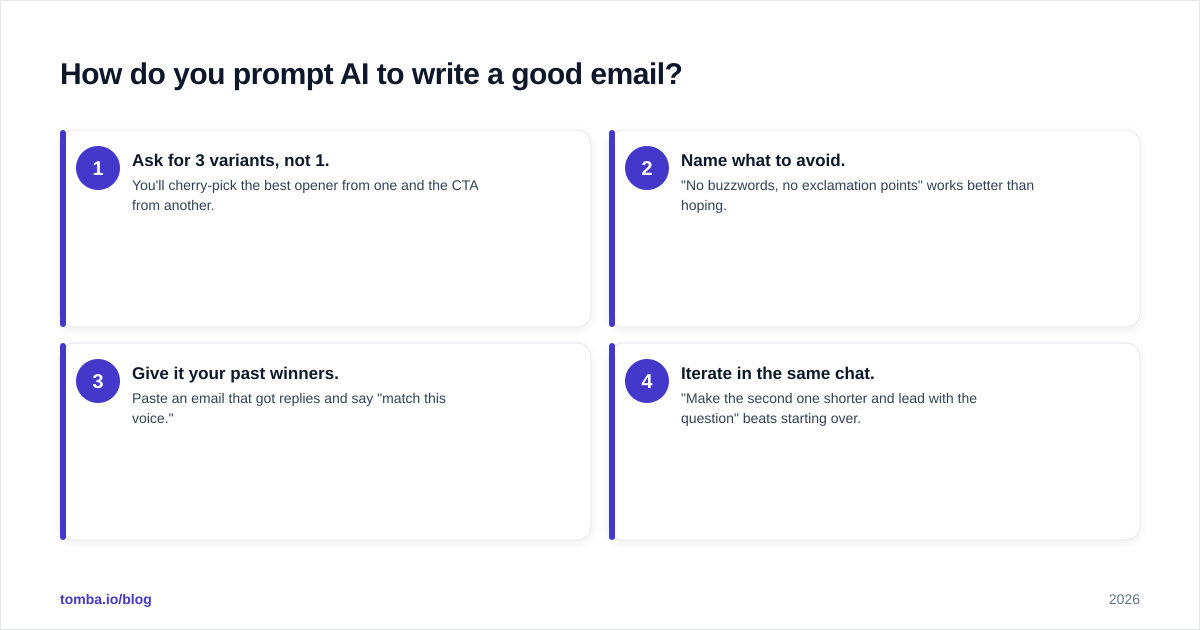
- Ask for 3 variants, not 1. You'll cherry-pick the best opener from one and the CTA from another.
- Name what to avoid. "No buzzwords, no exclamation points" works better than hoping.
- Give it your past winners. Paste an email that got replies and say "match this voice."
- Iterate in the same chat. "Make the second one shorter and lead with the question" beats starting over.
Which AI email writing tools are worth using in 2026?#
It depends on volume and where the email lives. A founder sending 10 thoughtful emails a week needs something different from an SDR team firing 500 sequences a day. Here's an honest breakdown.
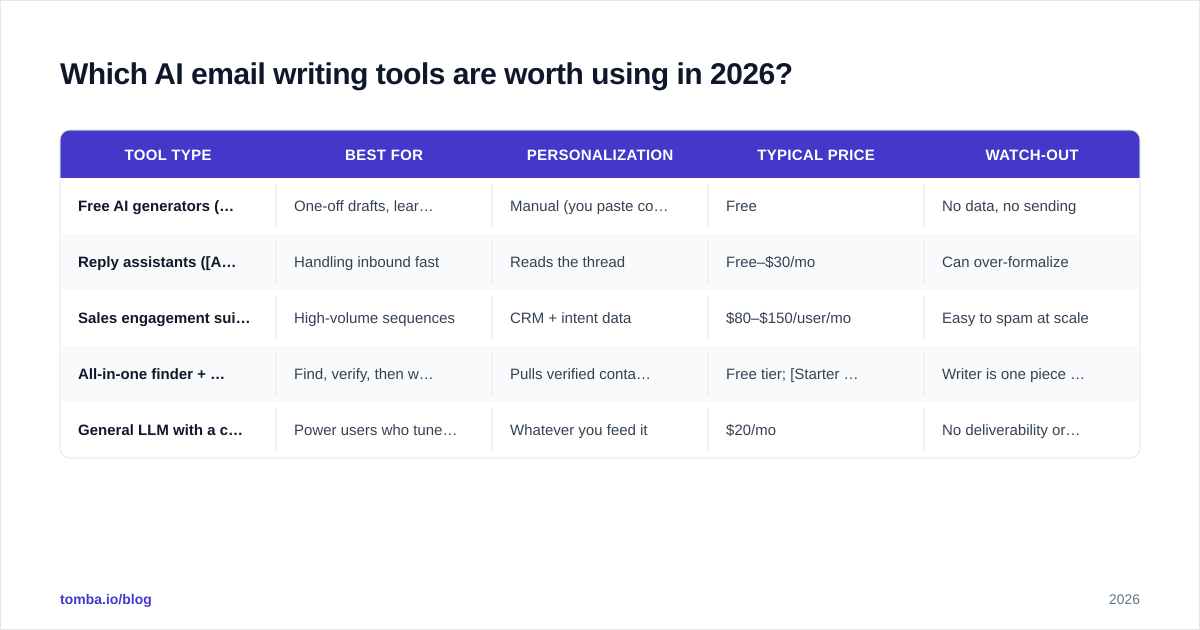
| Tool type | Best for | Personalization | Typical price | Watch-out |
|---|---|---|---|---|
| Free AI generators (Tomba Cold Email AI, ChatGPT) | One-off drafts, learning prompts | Manual (you paste context) | Free | No data, no sending |
| Reply assistants (AI email response tools) | Handling inbound fast | Reads the thread | Free–$30/mo | Can over-formalize |
| Sales engagement suites (Outreach, Salesloft, Apollo) | High-volume sequences | CRM + intent data | $80–$150/user/mo | Easy to spam at scale |
| All-in-one finder + writer (Tomba) | Find, verify, then write | Pulls verified contact data | Free tier; Starter $49/mo | Writer is one piece of the stack |
| General LLM with a custom prompt | Power users who tune heavily | Whatever you feed it | $20/mo | No deliverability or list hygiene |
A pattern worth noticing: the writer is rarely the bottleneck. You can generate a perfect email and still get zero replies if it lands in spam or hits a dead address. That's why the strongest workflows chain a finder, a verifier, and a writer together rather than treating "AI email writing" as a standalone act.
If you want to see how generation fits into outreach, our guide to cold email templates shows the structures AI should be filling in, not inventing from scratch.
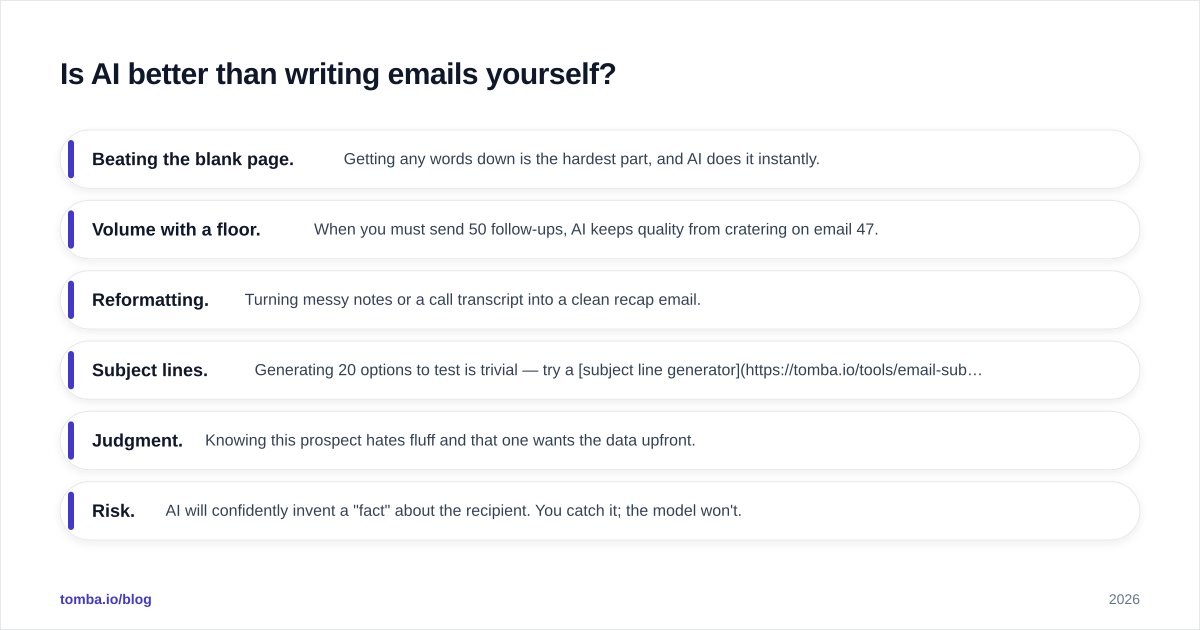
Is AI better than writing emails yourself?#
For drafts, often yes. For the final send, not without you. The right mental model is editor, not author.
Here's where AI clearly wins:
- Beating the blank page. Getting any words down is the hardest part, and AI does it instantly.
- Volume with a floor. When you must send 50 follow-ups, AI keeps quality from cratering on email 47.
- Reformatting. Turning messy notes or a call transcript into a clean recap email.
- Subject lines. Generating 20 options to test is trivial — try a subject line generator for this specifically.
And where humans still win:
- Judgment. Knowing this prospect hates fluff and that one wants the data upfront.
- Risk. AI will confidently invent a "fact" about the recipient. You catch it; the model won't.
- Timing and nuance. A condolence note, a sensitive renewal, a re-engagement after a bad experience.
According to HubSpot's research on sales email performance, short, personalized emails consistently outperform long generic ones — which is exactly the discipline AI lacks unless you enforce it. The model defaults to more words; you have to cut.

What does a good AI email workflow look like end to end?#
Conclusion first: research → generate → verify → edit → send. The AI owns one step. You own the rest.
1. Build the list and research. Find the right people and grab one real detail each. Use a tool like the Tomba Email Finder to get the address, then note something specific from their company news or profile.
2. Verify before you write. Run the addresses through an email verifier so you're not writing beautiful emails to bounce-bound inboxes. Sending to bad addresses wrecks your sender reputation and pushes everything else toward spam.
3. Generate the draft. Feed your prompt framework plus the real detail into your AI writer. Ask for variants.
4. Edit hard. Cut the opener if it's fluff. Make sure the one real detail is in the first two lines. Confirm there's exactly one ask. Read it aloud — if it sounds like a press release, rewrite it.
5. Send and measure. Track reply rate, not open rate. Replies tell you whether the writing actually worked.
This sequence is why "AI email writing" is best understood as one node in a pipeline, not the whole job. The draft quality ceiling is set by your research quality and your edit, not by which model you picked.
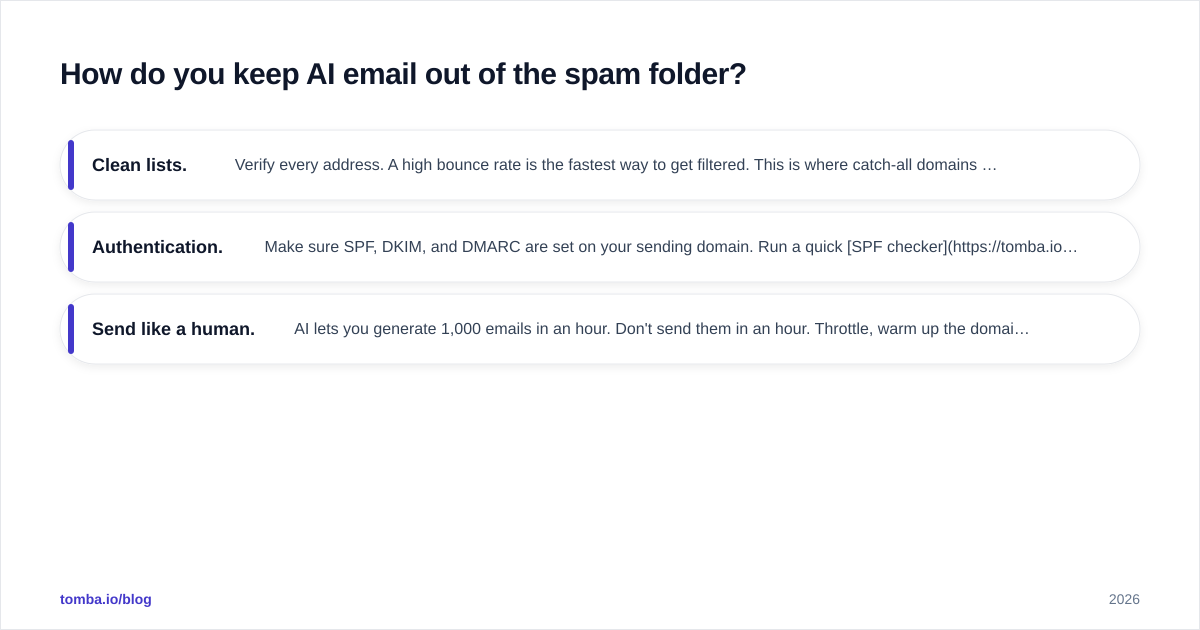
How do you keep AI email out of the spam folder?#
Great writing doesn't matter if it never arrives. Three things protect deliverability, and none of them are about word choice:
- Clean lists. Verify every address. A high bounce rate is the fastest way to get filtered. This is where catch-all domains get tricky — a catch-all verifier helps you decide which risky addresses are worth sending to.
- Authentication. Make sure SPF, DKIM, and DMARC are set on your sending domain. Run a quick SPF checker if you're unsure.
- Send like a human. AI lets you generate 1,000 emails in an hour. Don't send them in an hour. Throttle, warm up the domain, and keep volume realistic.
There's a real tension here: AI makes it trivial to scale output, and scaling output is exactly what trips spam filters. The teams that stay in the inbox treat AI as a quality tool, not a volume cheat code. Google's own Postmaster guidelines make clear that sender behavior and engagement — not just content — drive placement.
Will AI replace email copywriters and SDRs?#
No — it's repricing the work, not removing it. The mechanical part (drafting, reformatting, variant generation) is getting commoditized. The valuable part (strategy, judgment, relationship, knowing what to say to whom) is getting more valuable, because everyone now has access to the same average draft.
Analyst coverage backs this up. Reviews aggregated on platforms like G2 show buyers rating AI sales tools highest when they augment a rep's judgment rather than replace it — the autonomous "set it and forget it" pitch consistently underdelivers on reply rates.
The practical takeaway: the rep who uses AI to send 3x more relevant emails beats both the rep who refuses to touch it and the one who floods inboxes with generic AI slop. Skill moves up the stack, from typing to thinking.
Frequently asked questions#
Can AI write a cold email that doesn't sound like AI? Yes, if you feed it your voice (paste a winning email), one real detail about the recipient, and a hard length cap. The robotic tone comes from thin prompts, not the model.
How long should an AI-generated cold email be? Under 90 words for cold outreach. Tell the AI explicitly — left alone, it pads.
Is it safe to let AI auto-reply to prospects? Use it for drafts, not autonomous sends. AI invents details and misreads tone. A human glance before send catches the embarrassing mistakes.
Do I still need an email finder if I have an AI writer? Yes. A perfect email to a wrong or dead address is wasted. Find and verify the contact first, then write.
Start with the right contact, then let AI do the typing#
AI email writing is a multiplier, not a magic wand. It multiplies whatever you put in — so if your input is a verified contact, one sharp detail, and a tight prompt, you get emails that read like a person wrote them. If your input is a guess, you get filler.
Get the foundation right first. Use the Tomba Email Finder to find and verify the professional email addresses behind the companies you're targeting, pull the context you need to personalize, then hand the typing to your AI writer. Start free with 25 searches a month and scale up to the Starter plan at $49/mo when your pipeline does. The writing is the easy part once the right inbox is in front of you.
// get started
Find, verify and enrich your first contacts today
Start on the free plan with 25 searches a month, then scale when your team is ready.
Free plan · No credit card required · GDPR & CCPA
// about the author