Best Email Extractor in 2026: Top 7 Tools Compared
Not all email extractors are equal. Here's how the top 7 tools stack up in 2026 on accuracy, bulk speed, pricing, and how to avoid bouncing your whole list.
TL;DR
- The "best email extractor" depends on the source: a webpage, a domain, a file, or LinkedIn each needs a different tool — but accuracy and built-in verification separate the winners from the time-wasters.
- Free browser-only extractors (copy-paste, regex, basic Chrome plugins) work for a handful of addresses but fall apart at scale and feed you dead emails.
- For real B2B volume, you want an extractor with a verification layer baked in, so you're not pulling thousands of addresses that bounce.
- Tomba ranks at the top for combined extraction + verification, with a free tier (25 searches/mo) and paid plans from $49/mo.
- Below: a 7-tool comparison table, a decision framework by use case, and the deliverability traps that quietly kill cold campaigns.
What is an email extractor?#
An email extractor is a tool that pulls email addresses out of a source you point it at — a website, a domain, a document, a search-engine results page, or a social profile. Think of it like a metal detector at the beach: you sweep it across the sand (the web page or file) and it beeps every time it finds something that looks like an email.
The catch is that "looks like an email" and "is a real, deliverable email" are two very different things. A cheap extractor scrapes the pattern something@something.com and hands you the raw list. A good extractor cross-checks each address against mail servers, known patterns, and its own database before it calls the result valid.
That distinction is the whole game in 2026. Inbox providers are stricter than ever, and a list full of scraped-but-unverified addresses will tank your sender reputation in a week. So when you evaluate the best email extractor, you're really evaluating two things at once: how well it finds addresses, and how well it confirms they exist.

What are the types of email extractors?#
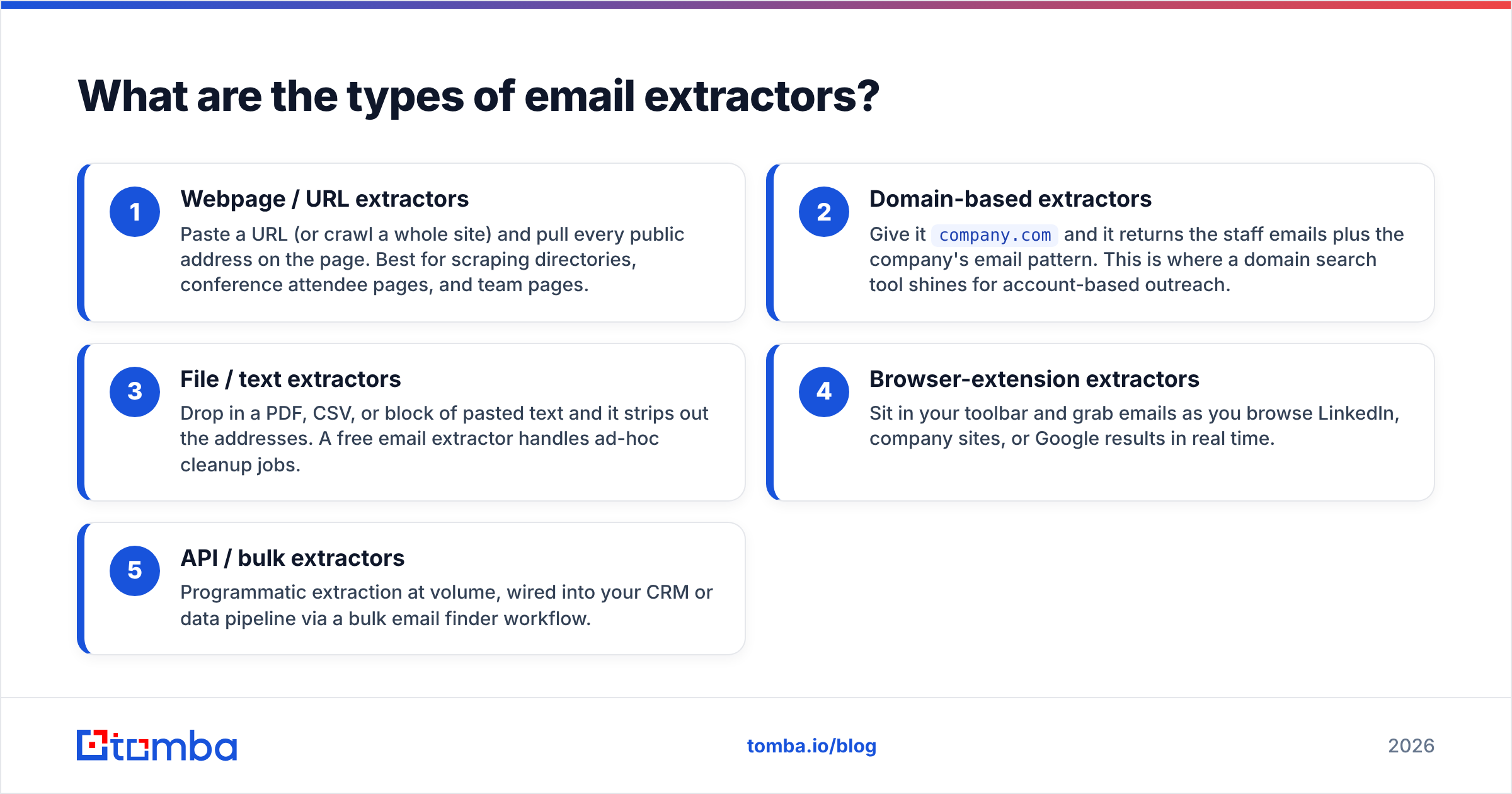
Not every extractor solves the same problem. Here are the main categories, with the strongest lead use case for each:
- Webpage / URL extractors — Paste a URL (or crawl a whole site) and pull every public address on the page. Best for scraping directories, conference attendee pages, and team pages.
- Domain-based extractors — Give it
company.comand it returns the staff emails plus the company's email pattern. This is where a domain search tool shines for account-based outreach. - File / text extractors — Drop in a PDF, CSV, or block of pasted text and it strips out the addresses. A free email extractor handles ad-hoc cleanup jobs.
- Browser-extension extractors — Sit in your toolbar and grab emails as you browse LinkedIn, company sites, or Google results in real time.
- API / bulk extractors — Programmatic extraction at volume, wired into your CRM or data pipeline via a bulk email finder workflow.
Most teams need two or three of these, not one. The mistake is buying a single-purpose extractor and then discovering it can't touch the source you actually care about.

Which is the best email extractor in 2026?#
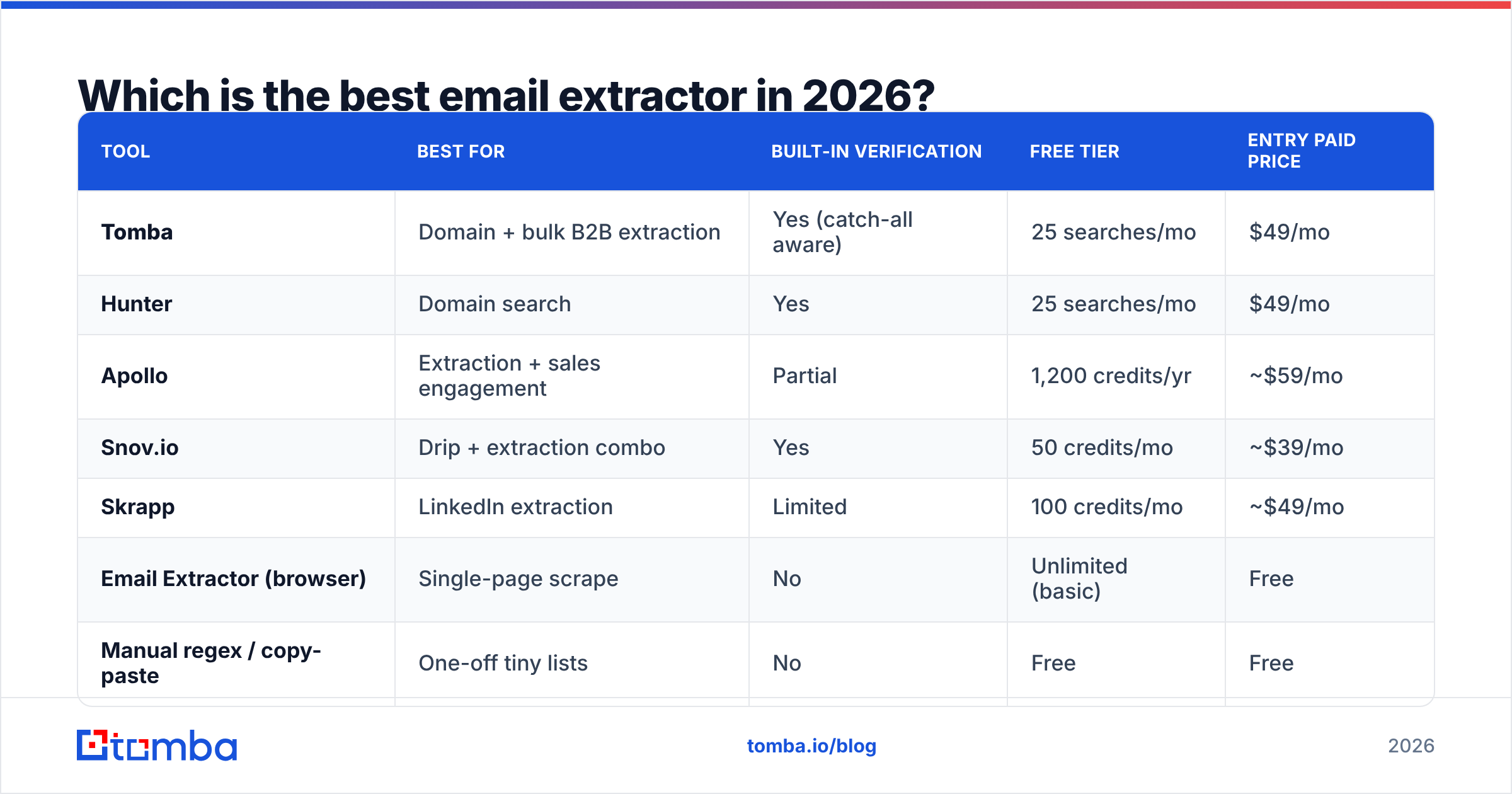
Here's the head-to-head. Pricing reflects entry paid tiers; "verification" means the tool checks deliverability before returning results, not just pattern-matching.
| Tool | Best for | Built-in verification | Free tier | Entry paid price |
|---|---|---|---|---|
| Tomba | Domain + bulk B2B extraction | Yes (catch-all aware) | 25 searches/mo | $49/mo |
| Hunter | Domain search | Yes | 25 searches/mo | $49/mo |
| Apollo | Extraction + sales engagement | Partial | 1,200 credits/yr | ~$59/mo |
| Snov.io | Drip + extraction combo | Yes | 50 credits/mo | ~$39/mo |
| Skrapp | LinkedIn extraction | Limited | 100 credits/mo | ~$49/mo |
| Email Extractor (browser) | Single-page scrape | No | Unlimited (basic) | Free |
| Manual regex / copy-paste | One-off tiny lists | No | Free | Free |
A few honest takeaways from this table:
- The truly free, browser-only extractors win on price and lose on everything else. No verification means you inherit every typo and abandoned mailbox on the page.
- Apollo and Snov.io bundle extraction with sending tools, which is great if you want one platform — but you pay for the sequencer whether you use it or not.
- Tomba and Hunter are the closest pure-play comparison. Both verify, both have a free tier, both start at $49/mo. The difference shows up in catch-all handling and bulk throughput (more on that below).
For a deeper feature-by-feature breakdown, see the full comparison image and Tomba's own data sources page.

How accurate are email extractors?#
Accuracy is the only metric that matters once you're past a hundred addresses. A 95%-accurate extractor and an 80%-accurate one feel identical on a 10-name test — but on a 5,000-row list, the gap is 750 extra bounces, and that's the difference between landing in the inbox and landing in spam.
Three things drive real-world accuracy:
- Source freshness. People change jobs constantly. An extractor pulling from a database last refreshed two years ago is selling you ghosts.
- Verification depth. Pattern-guessing (
first.last@domain) gets you a plausible address; SMTP verification gets you a real one. The best tools do both, then flag catch-all domains separately. - Catch-all handling. Many corporate domains accept mail to any address, so a naive verifier marks everything "valid." A serious tool uses a dedicated catch-all verifier to avoid false confidence.
This is why a standalone email verifier belongs in your stack even if your extractor verifies. Run extraction first, then a verification pass, and only mail the addresses that survive both. According to HubSpot's research on email marketing, list hygiene is one of the biggest controllable factors in deliverability — and extraction is where hygiene starts or ends.

How do you extract emails in bulk without getting blocked?#
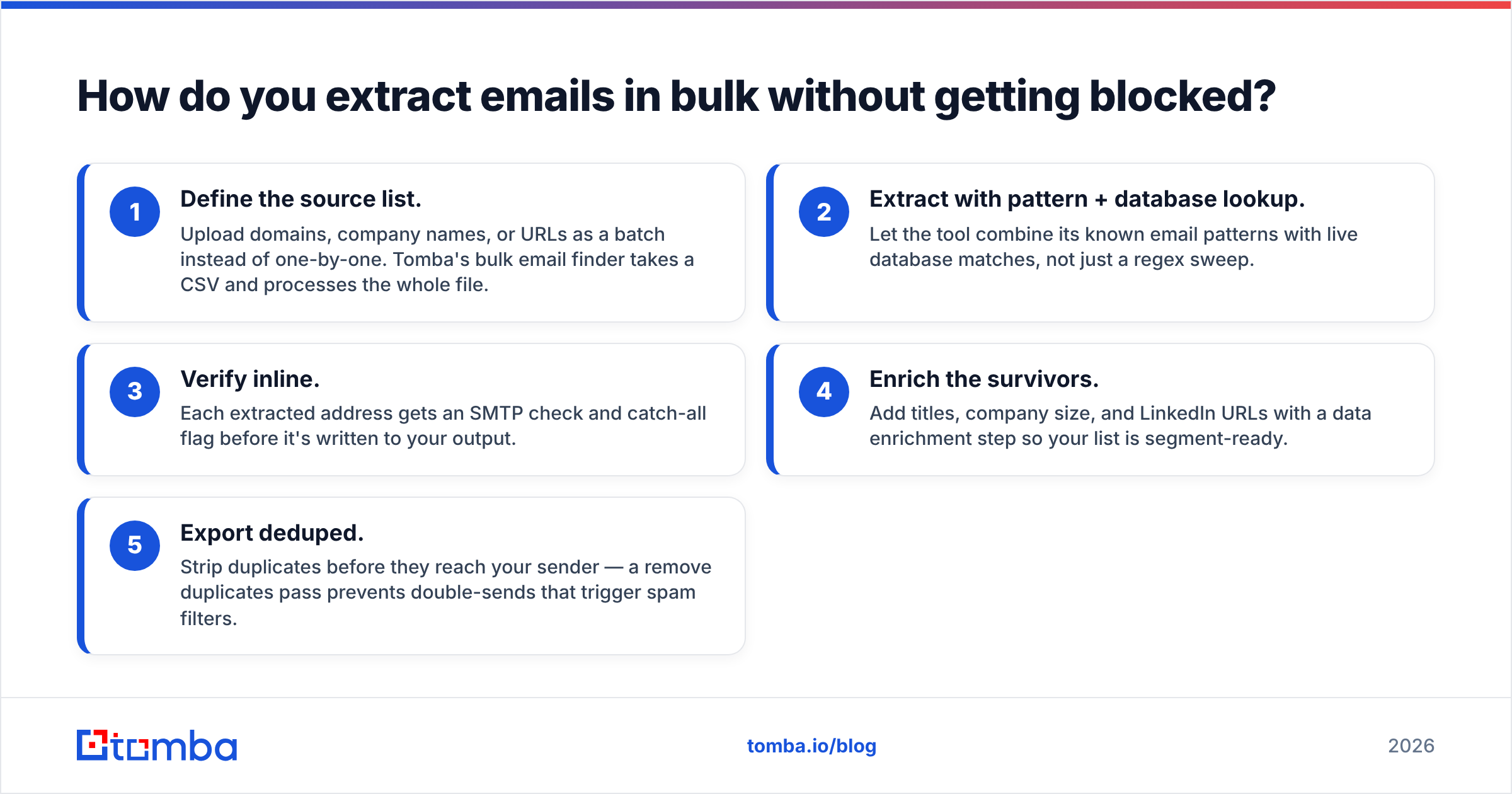
Bulk extraction is where amateur setups get throttled, IP-banned, or — worse — fed garbage. The trick is to extract and verify in the same pipeline so you never send to an unverified address. Here's a clean workflow:
- Define the source list. Upload domains, company names, or URLs as a batch instead of one-by-one. Tomba's bulk email finder takes a CSV and processes the whole file.
- Extract with pattern + database lookup. Let the tool combine its known email patterns with live database matches, not just a regex sweep.
- Verify inline. Each extracted address gets an SMTP check and catch-all flag before it's written to your output.
- Enrich the survivors. Add titles, company size, and LinkedIn URLs with a data enrichment step so your list is segment-ready.
- Export deduped. Strip duplicates before they reach your sender — a remove duplicates pass prevents double-sends that trigger spam filters.
If you'd rather wire this into code, the Tomba API exposes extraction, verification, and enrichment as endpoints, so the whole sequence runs server-side without a human touching a spreadsheet.
Are free email extractors worth it?#
Free extractors are worth exactly what they cost — useful for a quick, low-stakes job, dangerous as the backbone of a campaign.
Use a free tool when:
- You need to pull addresses off a single page or a pasted block of text once.
- The list is small enough to eyeball and verify manually.
- You're testing whether a paid tool is even necessary for your volume.
Upgrade to a paid extractor when:
- You're extracting more than ~50 addresses a month.
- Bounces are starting to hurt your sender reputation.
- You need catch-all detection, enrichment, or CRM integration.
A reasonable middle path: start on a free tier to prove the workflow, then move up only when volume demands it. Tomba's free tier (25 searches/mo) and Hunter's similar allowance both let you do this without a credit card. When you're ready to scale, the jump to a Starter plan at $49/mo unlocks bulk and verification quotas — full Tomba pricing is laid out tier by tier.
For repeated free use, browser tools like a Chrome extension or a Google Sheets add-on keep extraction inside the tools you already work in, which beats round-tripping through a separate dashboard.
Is an email extractor legal to use?#
Short answer: extracting publicly available business emails is generally legal, but how you use them is regulated. Extraction and outreach are two separate legal questions.
- Extraction of publicly posted business contact info is broadly permitted in most jurisdictions, similar to how a search engine indexes public pages.
- Outreach is governed by laws like GDPR (EU), CAN-SPAM (US), and CASL (Canada). These require a lawful basis, accurate sender info, and a working unsubscribe.
The practical rule: extract B2B addresses, target genuine legitimate-interest prospects, honor opt-outs immediately, and never scrape and blast consumer (B2C) addresses. For the regulatory baseline, the GDPR overview on Wikipedia is a solid primer, and G2's category page for email extractors shows how vendors position compliance features. When in doubt, talk to counsel — this article is not legal advice.
How do you pick the right email extractor?#
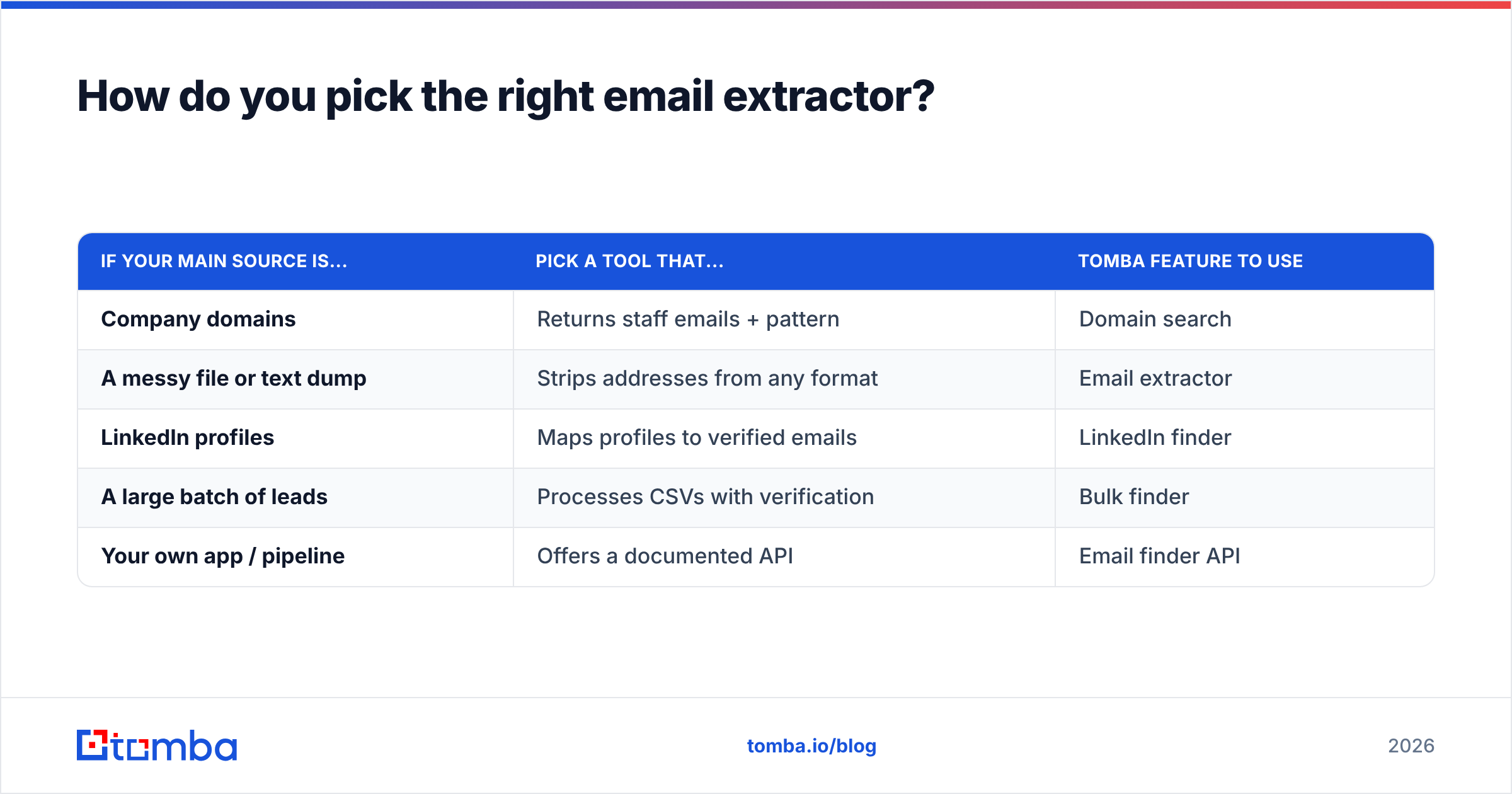
Match the tool to your dominant source and your volume. Quick decision guide:
| If your main source is... | Pick a tool that... | Tomba feature to use |
|---|---|---|
| Company domains | Returns staff emails + pattern | Domain search |
| A messy file or text dump | Strips addresses from any format | Email extractor |
| LinkedIn profiles | Maps profiles to verified emails | LinkedIn finder |
| A large batch of leads | Processes CSVs with verification | Bulk finder |
| Your own app / pipeline | Offers a documented API | Email finder API |
Two non-negotiables regardless of source: built-in verification and a free tier you can test on. If a tool lacks either, it's a maybe, not a winner.
The bottom line#
The best email extractor in 2026 isn't the one that scrapes the most addresses — it's the one that hands you the most deliverable addresses with the least cleanup. That means extraction and verification working together, plus a price that scales with your volume instead of punishing it.
If you want a single tool that covers domain, file, LinkedIn, and bulk extraction with verification baked into every result, start with the Tomba Email Finder. The free tier gives you 25 searches a month to test it against your own targets, and paid plans open at $49/mo when you're ready to scale — no sequencer you don't need, just clean, verified emails ready to import into your CRM.
// get started
Find, verify and enrich your first contacts today
Start on the free plan with 25 searches a month, then scale when your team is ready.
Free plan · No credit card required · GDPR & CCPA
Get the Tomba newsletter
Product and data updates
// about the author