Clodura.ai vs Mystrika (2026): Full Outbound Tool Comparison
Clodura.ai builds your prospect list; Mystrika lands it in the inbox. Here's an honest breakdown of pricing, data, deliverability, and which one your outbound stack actually needs in 2026.
Clodura.ai and Mystrika get lumped into the same "cold outbound" bucket, but they solve two different halves of the problem. Clodura.ai is a prospecting database and sales-intelligence platform — it tells you who to email. Mystrika is a cold email sending and warmup engine — it makes sure the email lands. Picking "the winner" only makes sense once you know which half you're missing.
This comparison breaks down what each tool actually does, where the data quality and deliverability differences show up, what you'll pay, and how to combine them (plus a dedicated email finder) without overpaying.
TL;DR: Clodura.ai vs Mystrika at a glance#
- Clodura.ai is a prospecting + sales-intelligence platform: a B2B contact database, org charts, buyer intent signals, and a light sequencer. Best when you need to build target lists.
- Mystrika is a cold email sending platform: unlimited-style warmup, inbox rotation, A/B testing, and a "Unified Inbox." Best when you need to send at scale and protect deliverability.
- They are complementary, not interchangeable — many teams run Clodura for data and Mystrika for sending.
- Neither is a specialist email finder or verifier; both bundle data that ages, so a dedicated verification step still matters.
- If your bottleneck is accurate contact discovery, a focused tool like the Tomba Email Finder plugs the gap either platform leaves.
What is Clodura.ai?#
Clodura.ai positions itself as an all-in-one sales prospecting platform. Its core is a self-reported database of hundreds of millions of B2B contacts, enriched with company technographics, org-chart mapping, and "buyer intent" signals scraped from public web activity. On top of the data sits a basic email sequencer and a Chrome extension.
The pitch is compressing three jobs — list building, enrichment, and first-touch email — into one login. You search by industry, title, geography, or technology stack, export contacts, and fire a sequence without leaving the app. For a small SDR team that hates stitching tools together, that consolidation is the main draw.
The trade-off is depth. A platform spread across data and engagement rarely leads either category. Clodura's sending features are serviceable but thin next to a dedicated email engine, and its contact data — like every large aggregated database — carries stale rows you'll want to re-verify before you hit send. Treat the database as a starting point, not gospel; run exports through an email verifier before a campaign.
What is Mystrika?#
Mystrika is a cold email platform built around deliverability. Its headline features are a large warmup network, automatic inbox rotation across many connected mailboxes, spintax/A-B testing, and a Unified Inbox that pools replies from every sending account into one view. It became popular with agencies and high-volume senders precisely because it leans into the mechanics of not landing in spam.
Where Clodura wants to be your data source, Mystrika assumes you already have a list and want to send a lot of it safely. Warmup runs continuously to build sender reputation, rotation spreads volume so no single domain gets torched, and analytics track opens, replies, and bounces per variant.
What Mystrika is not is a prospecting database. It won't find you a single new contact. Feed it a bad list and its excellent deliverability just delivers bad emails faster — which is exactly how domains get blocklisted. Clean data in is a hard prerequisite.
Clodura.ai vs Mystrika: side-by-side comparison#
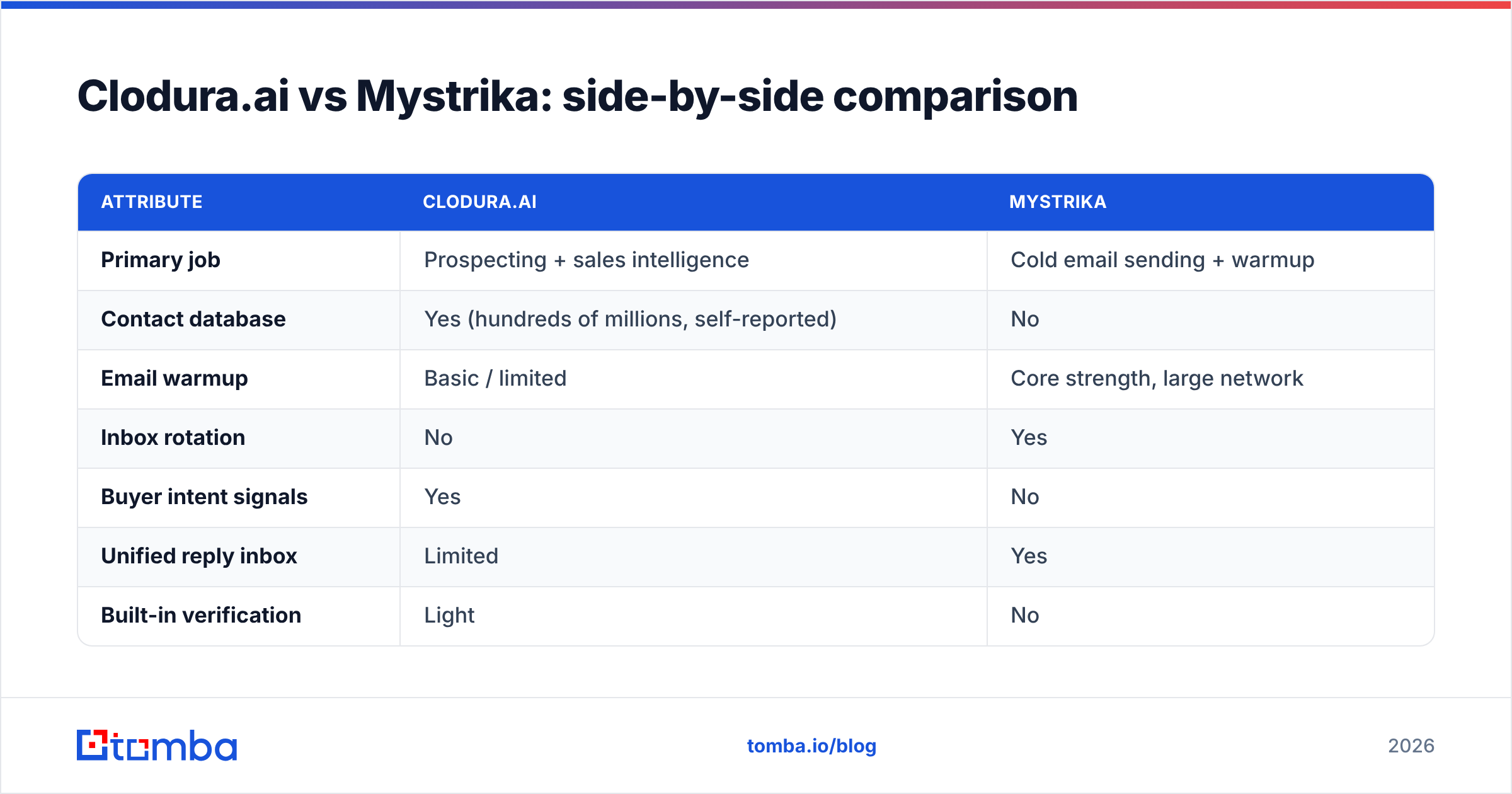
| Attribute | Clodura.ai | Mystrika |
|---|---|---|
| Primary job | Prospecting + sales intelligence | Cold email sending + warmup |
| Contact database | Yes (hundreds of millions, self-reported) | No |
| Email warmup | Basic / limited | Core strength, large network |
| Inbox rotation | No | Yes |
| Buyer intent signals | Yes | No |
| Unified reply inbox | Limited | Yes |
| Built-in verification | Light | No |
| Best for | Building target lists | Scaling sends safely |
| Entry pricing | Free tier + paid plans (~$33+/mo billed annually) | Low-cost / lifetime-deal history (~$19+/mo) |
Pricing for both moves often and depends heavily on annual vs monthly billing and promotional lifetime deals, so confirm current numbers on their own sites before you commit. The structural point holds regardless of the exact figures: you are paying two tools for two different jobs.
Is Clodura.ai better than Mystrika?#
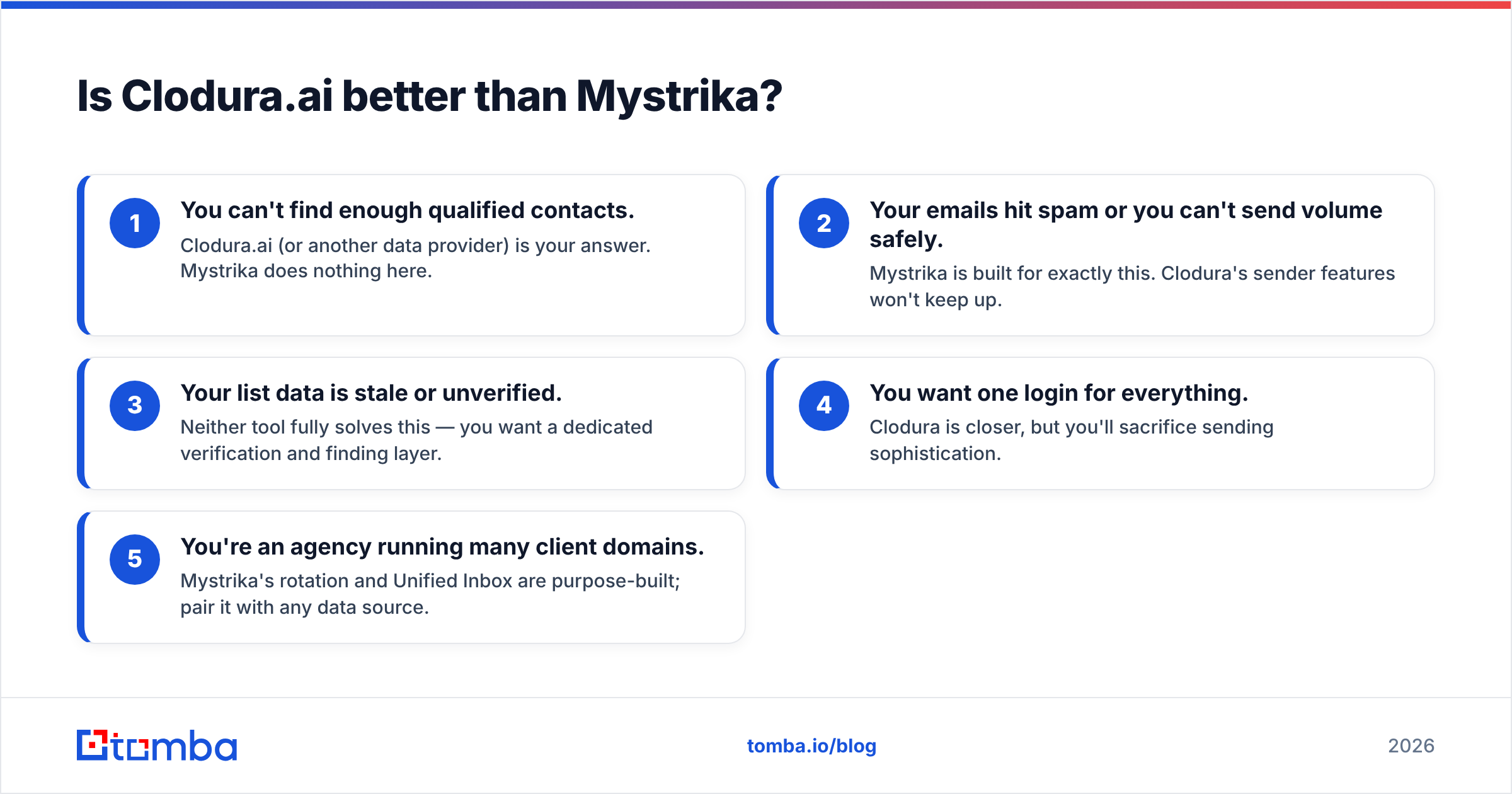
Neither is "better" — they compete in different categories. The honest way to choose is to name your bottleneck:
- You can't find enough qualified contacts. Clodura.ai (or another data provider) is your answer. Mystrika does nothing here.
- Your emails hit spam or you can't send volume safely. Mystrika is built for exactly this. Clodura's sender features won't keep up.
- Your list data is stale or unverified. Neither tool fully solves this — you want a dedicated verification and finding layer.
- You want one login for everything. Clodura is closer, but you'll sacrifice sending sophistication.
- You're an agency running many client domains. Mystrika's rotation and Unified Inbox are purpose-built; pair it with any data source.
Most teams that are serious about outbound end up running a data tool and a sending tool. The real question isn't Clodura vs Mystrika — it's which data tool feeds which sending tool, and how clean the handoff is.
Where do both tools leave a gap?#
Both platforms bundle contact data as a convenience, and bundled data ages. Clodura's database has stale rows; Mystrika has no data at all. That gap is contact accuracy — verified, current email addresses tied to the right person at the right company.
This is where a specialist finder earns its place in the stack. Instead of trusting a bundled export, you resolve emails on demand and verify them before they ever enter a sequence:
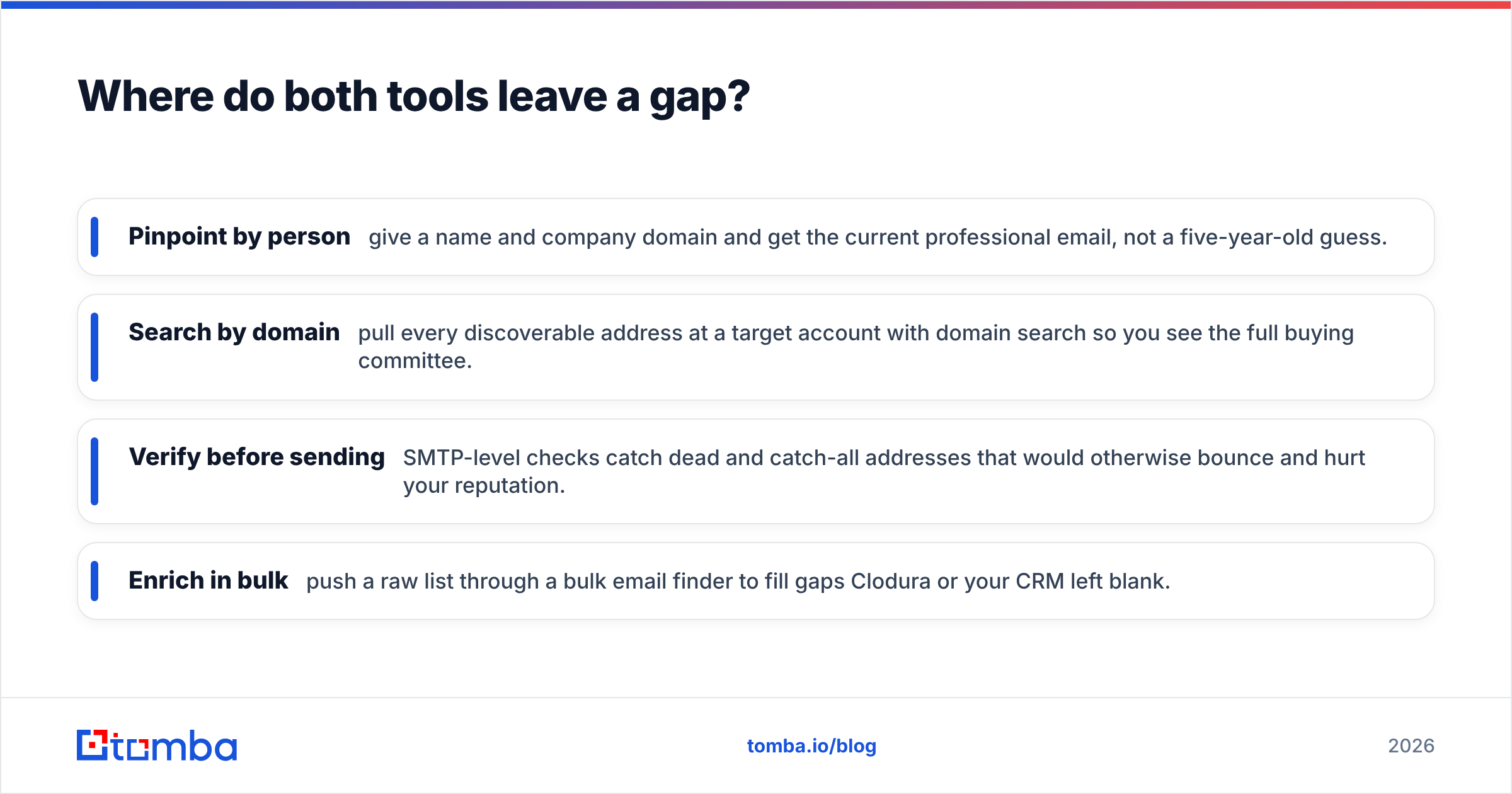
- Pinpoint by person — give a name and company domain and get the current professional email, not a five-year-old guess.
- Search by domain — pull every discoverable address at a target account with domain search so you see the full buying committee.
- Verify before sending — SMTP-level checks catch dead and catch-all addresses that would otherwise bounce and hurt your reputation.
- Enrich in bulk — push a raw list through a bulk email finder to fill gaps Clodura or your CRM left blank.
Do this and Mystrika's warmup isn't wasted on dead addresses, and Clodura's intent signals point at contactable humans. Clean data is the multiplier for both.
How do the two fit into a real outbound stack?#
A practical 2026 stack usually looks like layers, not one monolith:
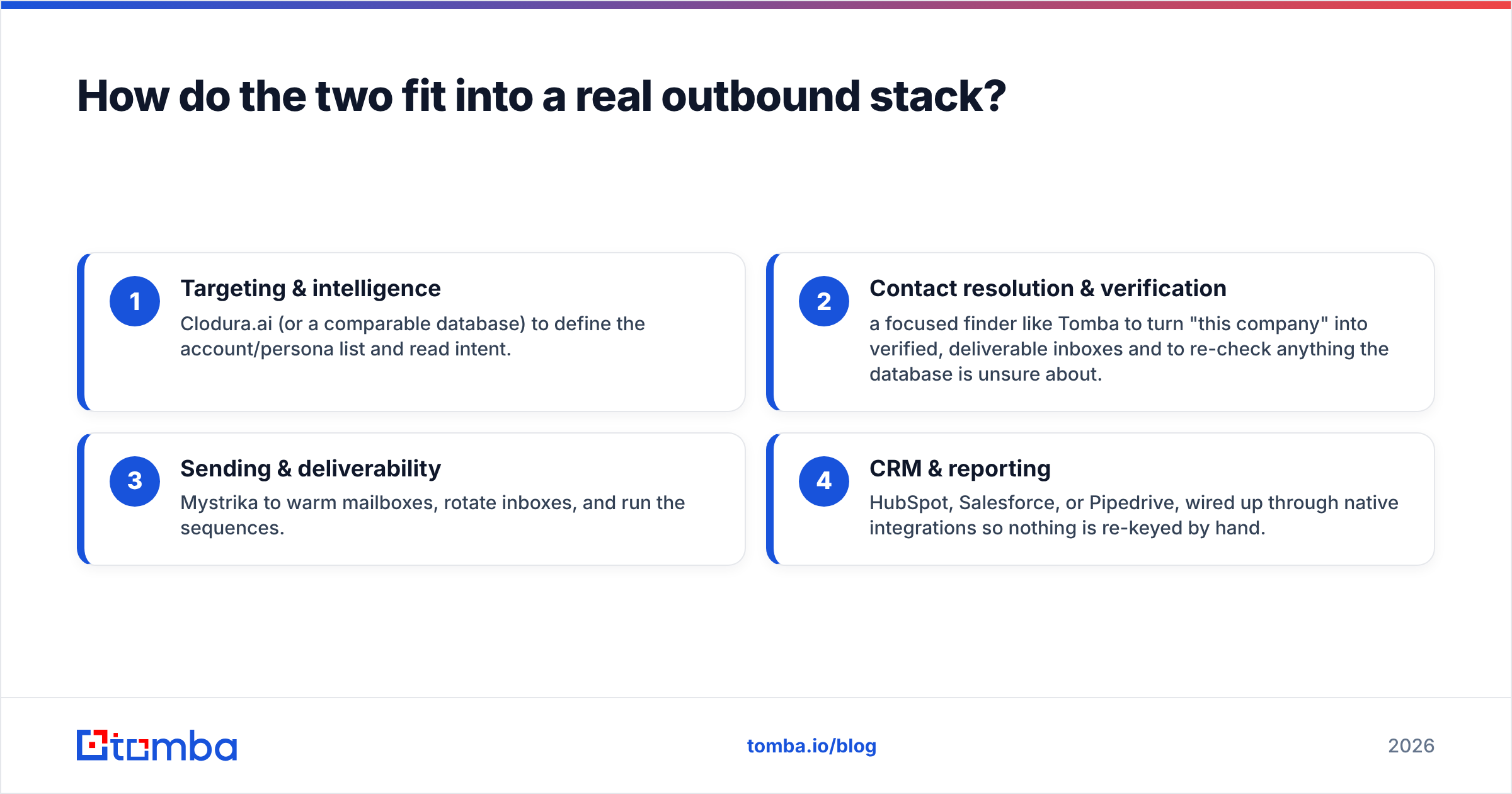
- Targeting & intelligence — Clodura.ai (or a comparable database) to define the account/persona list and read intent.
- Contact resolution & verification — a focused finder like Tomba to turn "this company" into verified, deliverable inboxes and to re-check anything the database is unsure about.
- Sending & deliverability — Mystrika to warm mailboxes, rotate inboxes, and run the sequences.
- CRM & reporting — HubSpot, Salesforce, or Pipedrive, wired up through native integrations so nothing is re-keyed by hand.
Each layer does one thing well. Trying to make Clodura send like Mystrika, or Mystrika prospect like Clodura, is where money and deliverability leak. And skipping the verification layer entirely is the single most common reason "great tools" still produce a spammy, bouncing campaign — see any deliverability primer on email deliverability for why bounce rate is a reputation killer.
What do real users say?#
Third-party reviews are worth reading before you buy either. Clodura.ai's profile on G2 tends to praise the all-in-one convenience and intent data while flagging data accuracy as inconsistent across regions — a common theme with large aggregated databases. Mystrika's reputation is strongest among agencies and lifetime-deal buyers who value warmup and price, with the usual caveat that a sending tool is only as good as the list you feed it.
Check current pricing and feature sets directly at clodura.ai and mystrika.com — both iterate frequently, and lifetime deals in particular come and go.
Which should you choose?#
Choose Clodura.ai if your primary pain is not knowing who to contact, you want intent signals, and you're comfortable with a lighter sending layer you may later replace.
Choose Mystrika if you already have (or can source) good lists and your pain is deliverability, volume, and managing many inboxes.
Choose both if you're scaling serious outbound — Clodura to build, Mystrika to send.
In every case, add a verification and finding layer. Bundled data decays, and the cheapest way to protect an expensive sending setup is to send only to addresses you've confirmed are real. That's the job the Tomba Email Finder is built for: accurate, verified professional emails by name, company, or domain, with a free tier (25 searches/mo) to test it against your current data before you pay. Paid plans start at $49/mo, and you can see full Tomba pricing alongside the API, Chrome extension, and bulk tools.
Pick your data source, pick your sending engine, and make sure the contacts flowing between them are verified. That's the stack that actually books meetings — not any single "winner."
Related guides#
Ready to find emails that actually work?
Join 150,000+ professionals who stopped guessing and started sending. Free credits on signup — no credit card required.
Get the Tomba newsletter
Practical outbound tactics and product updates — once every two weeks.
About the author