Clodura.ai vs Nymeria: Full 2026 Comparison for B2B Sales Teams
Clodura.ai bundles sales intelligence and sequencing; Nymeria specializes in contact data. Here is how the two stack up on accuracy, pricing, and fit — plus where a dedicated finder wins.
The Clodura.ai vs Nymeria choice comes down to one question. Do you want an all-in-one sales intelligence platform? Or a focused contact-data engine you can plug into your own stack? Both tools find B2B emails and phone numbers. But they solve different halves of the prospecting problem.
TL;DR — Clodura.ai vs Nymeria at a glance#
- Clodura.ai is a broad sales intelligence suite. You get a prospecting database, email sequencing, buyer-intent signals, and org charts in one login. Pick it if you want the whole outbound workflow in a single tool.
- Nymeria is a lighter contact-enrichment and email-finder tool. It has a strong Chrome extension and LinkedIn scraping. Pick it if you already have a CRM and sequencer and just need clean data.
- Data accuracy is the deciding factor for both. Neither one publishes independent bounce-rate benchmarks. So always verify before you send.
- Pricing: Nymeria starts cheaper for solo prospectors. Clodura.ai's value grows as you use more of its bundled modules.
- Is your real bottleneck finding and confirming valid work emails? A dedicated finder-plus-verifier like Tomba Email Finder often beats a bundled database on cost per valid contact.
What is Clodura.ai?#
Clodura.ai is a sales intelligence platform for B2B revenue teams. It aims to put prospecting, engagement, and data in one place. Instead of stitching together a database tool, a sequencer, and an enrichment API, Clodura.ai bundles them. You get a contact and company database (it advertises hundreds of millions of records), an email sequencing engine, technographic and buyer-intent data, and direct-dial phone numbers.
The pitch is workflow consolidation. A rep can build a list, see the org chart, load prospects into a cadence, and track replies without leaving the app. That breadth is the biggest strength. It is also the biggest tradeoff. You pay for modules you may not use, and depth in any single area rarely matches a specialist tool.
Clodura.ai fits teams that are early in their tooling journey and want a single vendor rather than a best-of-breed stack.
What is Nymeria?#
Nymeria is a contact-data and enrichment tool built around a browser extension. Its core job is simple. It surfaces a person's professional email and phone number while you browse LinkedIn, then lets you export or enrich in bulk. It also offers an API and people-search for developers and growth teams that want to pull data programmatically.
Nymeria deliberately stays narrow. There is no native sequencer or intent-signal layer. It assumes you already run a CRM and an outreach tool. You just need reliable contact points fed into them. That focus keeps the interface light and the price low for individual prospectors and small teams.
Think of Nymeria as the "find the contact" layer, and Clodura.ai as the "find, sequence, and manage the contact" layer.

How do Clodura.ai and Nymeria compare feature by feature?#
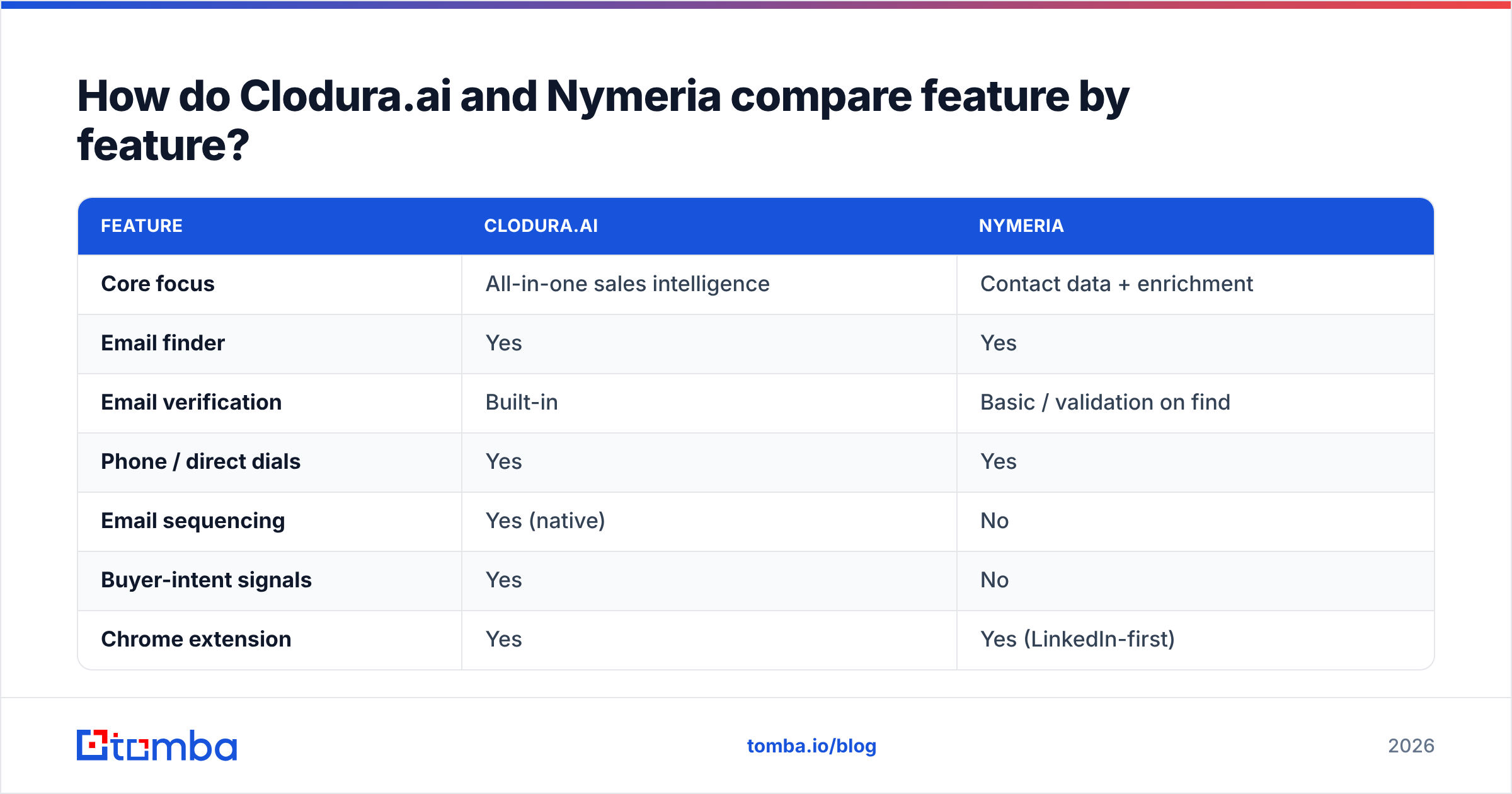
Here is the side-by-side on the attributes that actually change your day-to-day workflow. Treat the record counts as vendor claims, not audited figures.
| Feature | Clodura.ai | Nymeria |
|---|---|---|
| Core focus | All-in-one sales intelligence | Contact data + enrichment |
| Email finder | Yes | Yes |
| Email verification | Built-in | Basic / validation on find |
| Phone / direct dials | Yes | Yes |
| Email sequencing | Yes (native) | No |
| Buyer-intent signals | Yes | No |
| Chrome extension | Yes | Yes (LinkedIn-first) |
| API access | Yes | Yes (developer-friendly) |
| Bulk enrichment | Yes | Yes |
| Best for | Full outbound in one tool | Feeding data into an existing stack |
The pattern is clear. Clodura.ai wins on breadth. If you want intent data and cadences bundled with your emails, it covers more ground. Nymeria wins on simplicity and API design. If you have a stack and want a clean data feed, it does less but stays out of your way.
Is Clodura.ai better than Nymeria for data accuracy?#
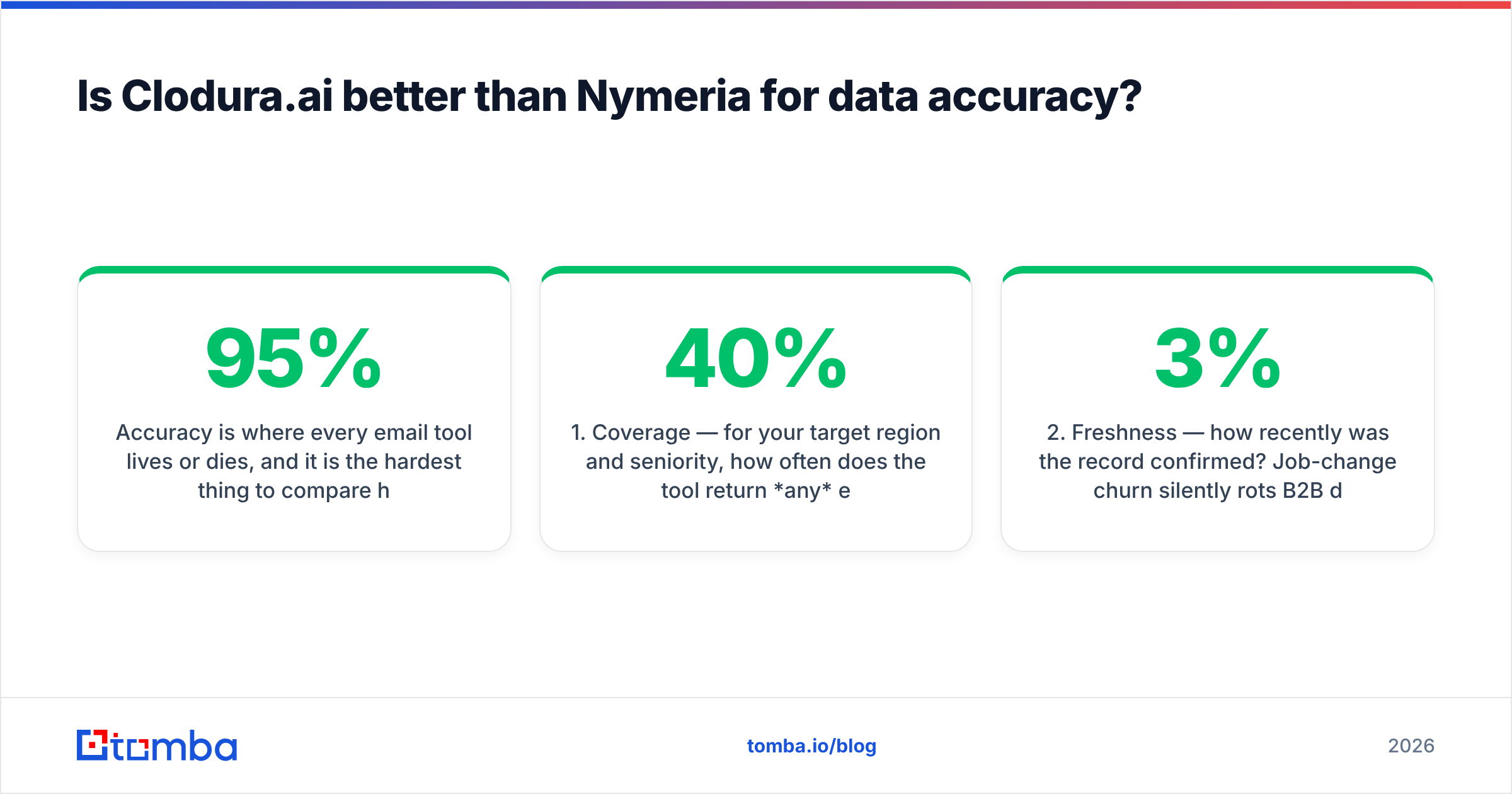
Accuracy is where every email tool lives or dies. It is also the hardest thing to compare honestly. Neither Clodura.ai nor Nymeria publishes third-party bounce-rate audits. So any "95% accurate" claim you see on either site is self-reported.

What matters in practice is not the headline percentage but three things:
- Coverage — for your target region and seniority, how often does the tool return any email at all? A tool can be "accurate" on the 40% it finds and useless on the 60% it misses.
- Freshness — how recently was the record confirmed? Job-change churn silently rots B2B databases at roughly 2–3% per month.
- Verification depth — does the tool actually run an SMTP check, or does it just pattern-guess
first.last@domainand hope?
The safe move is the same regardless of which tool you pick. Never trust a found email blindly. Run every list through a dedicated email verifier before your first send. Catch-all domains need extra care. Use a catch-all verifier, because a standard SMTP ping returns "valid" for every address on the domain — even the ones that bounce.

Clodura.ai vs Nymeria pricing: which is cheaper?#
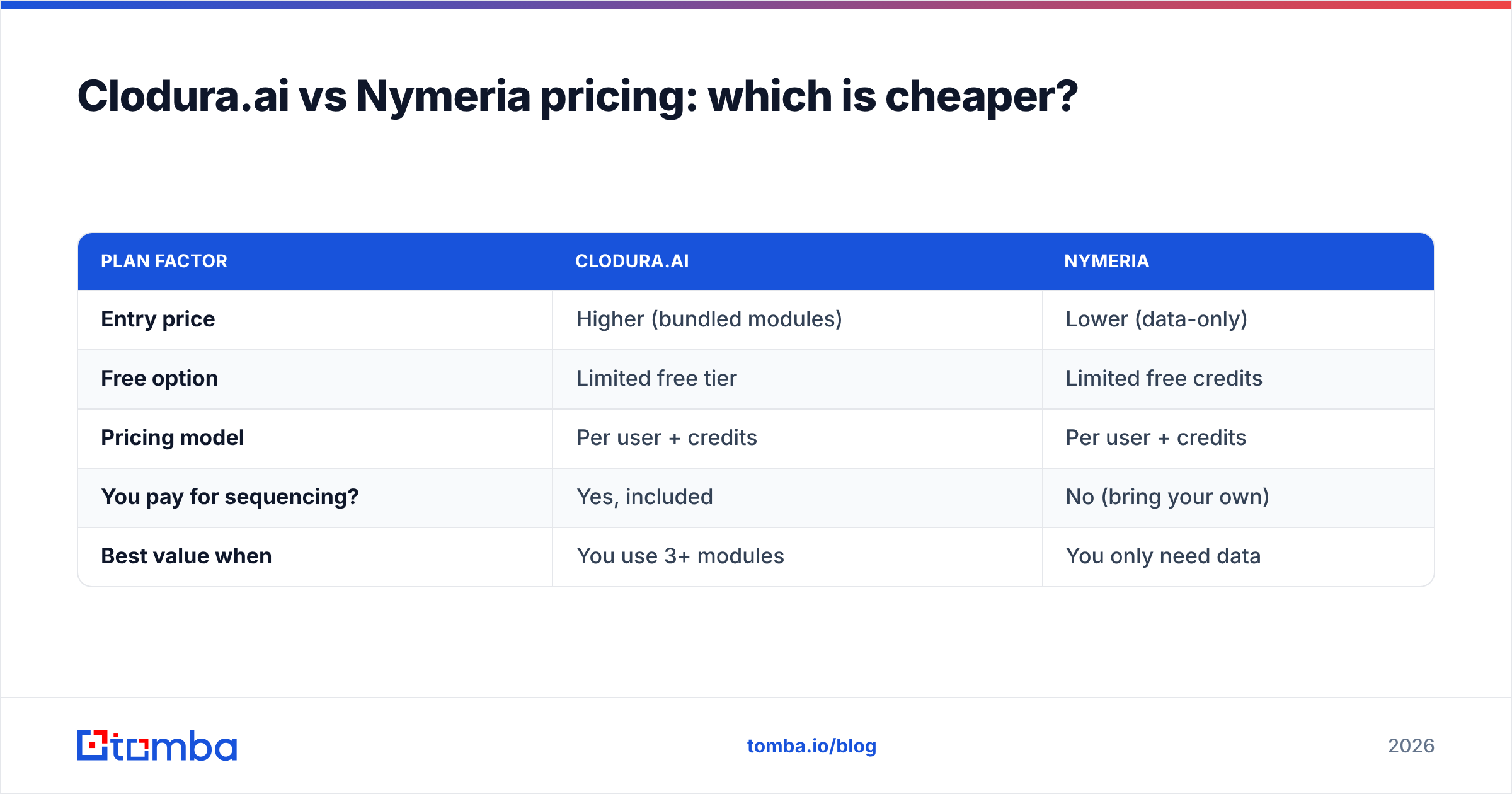
Pricing is the clearest practical difference. Nymeria sits at the affordable, per-seat end for solo users and small teams, with credit-based export tiers. Clodura.ai's plans cost more per seat, but they bundle the sequencer and intent data. So the comparison is only fair if you would otherwise buy those separately.
| Plan factor | Clodura.ai | Nymeria |
|---|---|---|
| Entry price | Higher (bundled modules) | Lower (data-only) |
| Free option | Limited free tier | Limited free credits |
| Pricing model | Per user + credits | Per user + credits |
| You pay for sequencing? | Yes, included | No (bring your own) |
| Best value when | You use 3+ modules | You only need data |
Run the math on cost per valid contact, not sticker price. A cheaper tool may find fewer valid emails. It may also force you to pay again for verification elsewhere. Either way it can cost more per usable lead than a pricier one. Model your own volume before you commit. And remember that a bundled sequencer only saves money if it replaces another paid tool.
For reference on a specialist model, Tomba pricing runs a free tier (25 searches per month), Starter at $49/mo, Growth at $99/mo, and Pro at $249/mo. The finder and verifier sit under one roof, so you are not paying twice to confirm what you find.
Which tool should you pick — and when is a dedicated finder the smarter play?#
Choose Clodura.ai if you are building an outbound motion from scratch. It puts prospecting, sequencing, and intent signals under one login. The consolidation helps small teams that do not want to integrate four vendors, and its sales automation features remove real friction.
Choose Nymeria if you already run a mature stack — a CRM, a sequencer, a warmup tool. The only gap is a reliable, developer-friendly source of contact data. Its LinkedIn-first extension and clean API are the draw.
But there is a third path worth weighing. If your actual pain is finding and confirming valid work emails at a predictable cost, a focused email-finder often beats both a broad suite and a lightweight scraper:
- Precision over bundle. A specialist finder pairs discovery with native verification, so find email addresses and verify emails happen in one pass instead of two tools.
- Domain-level prospecting. Need every reachable contact at a target account? Domain search returns the pattern and the people in one call.
- Scale without waste. Bulk email finder jobs let you process lists and only spend credits on results.
- Fits your stack. A clean email finder API, plus HubSpot and Salesforce connectors, means you keep your existing sequencer and CRM.
None of this means Clodura.ai or Nymeria are bad tools. They solve genuinely different problems. It means you should match the tool to your real bottleneck, not to the widest feature grid.

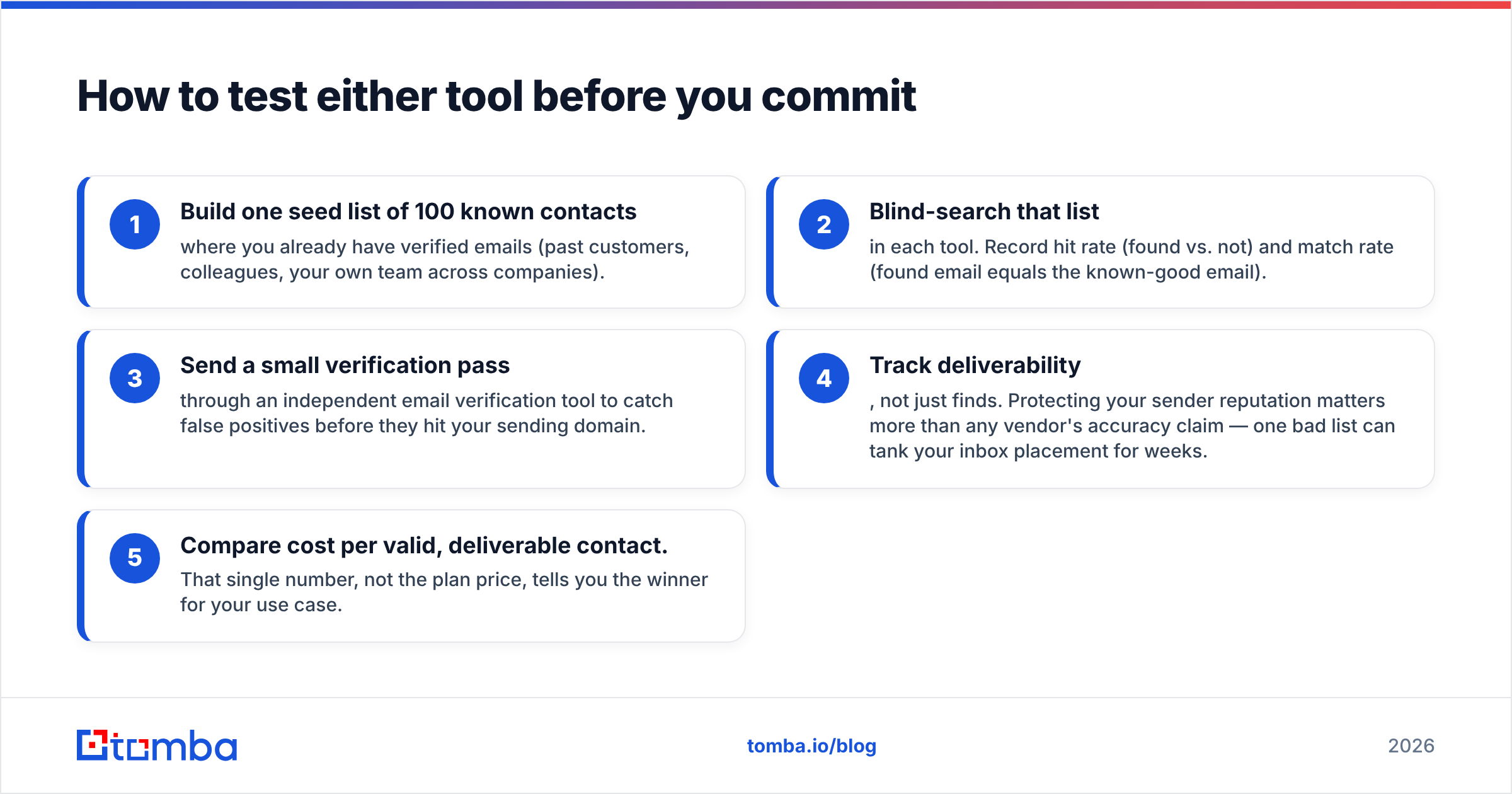
How to test either tool before you commit#
Do not decide on a demo. Run a controlled bake-off:
- Build one seed list of 100 known contacts where you already have verified emails (past customers, colleagues, your own team across companies).
- Blind-search that list in each tool. Record hit rate (found vs. not) and match rate (found email equals the known-good email).
- Send a small verification pass through an independent email verification tool to catch false positives before they hit your sending domain.
- Track deliverability, not just finds. Your sender reputation matters more than any vendor's accuracy claim. One bad list can tank your inbox placement for weeks.
- Compare cost per valid, deliverable contact. That single number, not the plan price, tells you the winner for your use case.
This takes an afternoon, and it replaces marketing claims with your own data. Whichever tool wins for your segment is the right answer. Accuracy is regional and role-specific. A database that dominates US tech may be thin on EMEA manufacturing.
The bottom line on Clodura.ai vs Nymeria#
In the Clodura.ai vs Nymeria decision, Clodura.ai is the broader bet. It is one platform for prospecting, sequencing, and intent, and it suits teams that want consolidation over depth. Nymeria is the focused bet. It offers clean contact data and a strong extension for teams that already have the rest of the stack. Neither one publishes independent accuracy audits, so verification is non-negotiable either way.
If the job you actually need done is finding real, reachable work emails and confirming them before you send — without paying for modules you will not touch — start with a dedicated finder. Tomba's Email Finder pairs domain and name search with built-in verification, a free tier to test it risk-free, and an API that drops into the CRM and sequencer you already run. Try it on your next 100 prospects and compare the cost per valid contact yourself.
Sources worth checking as you evaluate: G2's B2B data category for peer reviews, HubSpot's guide to email deliverability, and each vendor's own homepage — clodura.ai and nymeria.io — for current pricing.
Related guides#
Ready to find emails that actually work?
Join 150,000+ professionals who stopped guessing and started sending. Free credits on signup — no credit card required.
Get the Tomba newsletter
Practical outbound tactics and product updates — once every two weeks.
About the author