Cloudura.ai vs Thomson Data: B2B Data Tools Compared (2026)
Cloudura.ai and Thomson Data both sell B2B contact data, but they solve different problems. Here's an honest breakdown of accuracy, pricing, and fit so you pick the right one.
A Cloudura.ai vs Thomson Data decision is harder than it looks. Both marketing pages look almost identical. Both promise "accurate leads." But the tools are very different. Cloudura.ai is a self-serve sales intelligence platform. Thomson Data is a managed data-list vendor. Pick the wrong one and you lose weeks and a chunk of budget. This Cloudura.ai vs Thomson Data guide shows which one fits your team.
This is a neutral, side-by-side Cloudura.ai vs Thomson Data comparison. It shows where each is strong, where each falls short, and which team should pick which.
TL;DR#
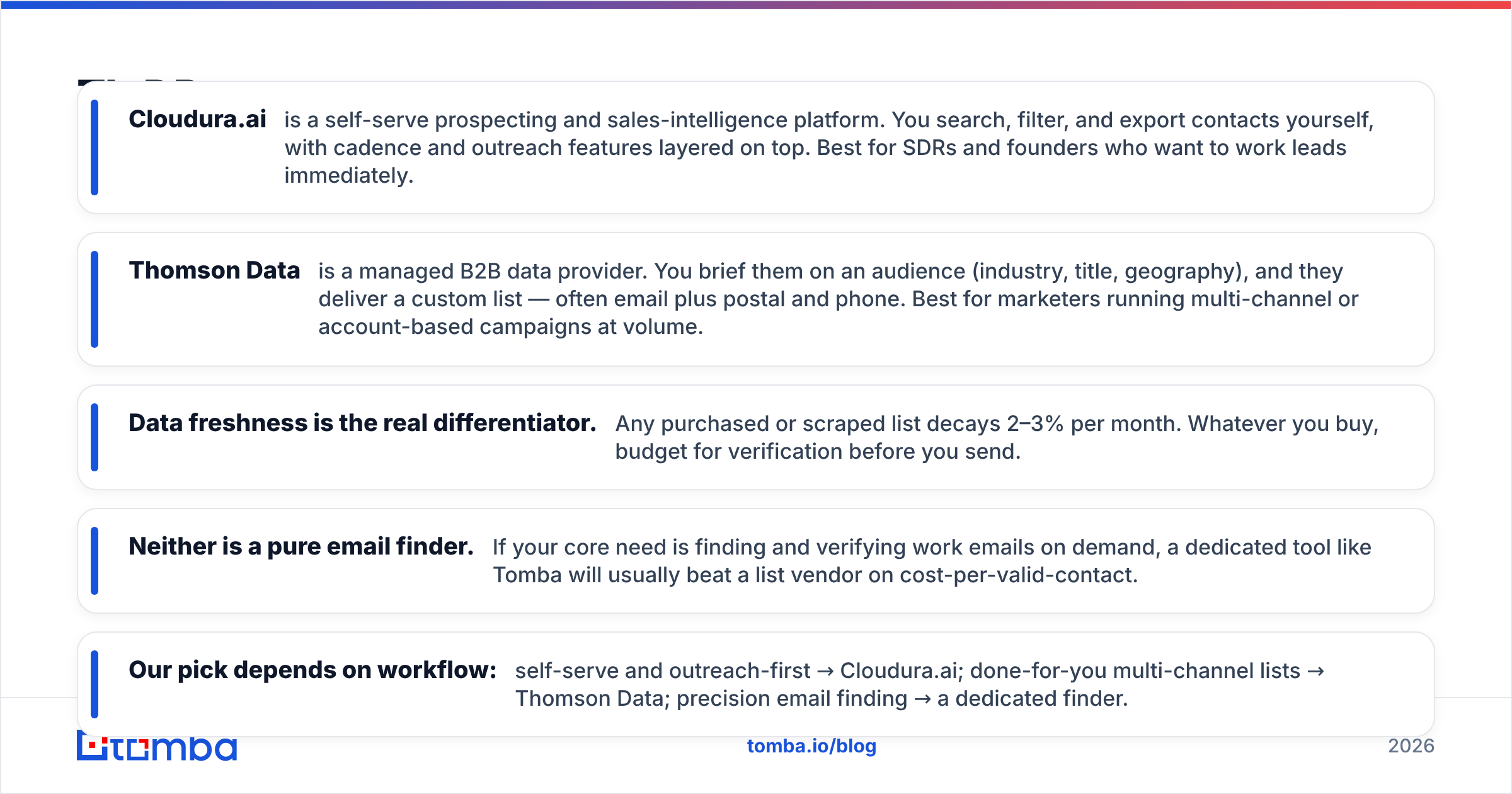
- Cloudura.ai is a self-serve prospecting and sales-intelligence platform. You search, filter, and export contacts yourself, with cadence and outreach features layered on top. Best for SDRs and founders who want to work leads immediately.
- Thomson Data is a managed B2B data provider. You brief them on an audience (industry, title, geography), and they deliver a custom list — often email plus postal and phone. Best for marketers running multi-channel or account-based campaigns at volume.
- Data freshness is the real differentiator. Any purchased or scraped list decays 2–3% per month. Whatever you buy, budget for verification before you send.
- Neither is a pure email finder. If your core need is finding and verifying work emails on demand, a dedicated tool like Tomba will usually beat a list vendor on cost-per-valid-contact.
- Our pick depends on workflow: self-serve and outreach-first → Cloudura.ai; done-for-you multi-channel lists → Thomson Data; precision email finding → a dedicated finder.
What is Cloudura.ai?#
Cloudura.ai positions itself as an all-in-one sales intelligence and outreach platform. The pitch is that you don't just get data — you get a workspace to find prospects, build lists, and run sequences from the same place. In practice you log in, apply filters (industry, company size, job title, location), preview contacts, and export or push them into your outreach flow.
The appeal is speed and control. There's no sales call to buy a list, no back-and-forth over a spec sheet. If you're an SDR who needs 200 net-new contacts for a campaign this afternoon, self-serve tools remove the middleman.
The trade-off is that self-serve platforms live and die by the underlying database and its refresh cadence. When you own the search, you also own the risk of pulling a stale record. That makes an email verifier an essential companion, not a nice-to-have — you verify before you send, every time.

What is Thomson Data?#
Thomson Data is a managed data provider. Instead of a dashboard, you get a data team. You describe your target audience and campaign goals, and they compile a list to spec — typically covering email, direct dials, and sometimes physical mailing addresses across industries and geographies.
This model suits a specific buyer: the marketer or demand-gen lead who needs a large, custom-segmented audience for a multi-channel play (email + direct mail + telemarketing) and would rather offload the sourcing. Thomson Data also offers data appending and enrichment services, so you can send them a thin list and get it filled out.
The trade-off is turnaround and transparency. A managed list means waiting on delivery. You also trust the vendor's stated accuracy rather than testing records yourself before purchase. It's the classic done-for-you tension: less effort, less real-time control. G2 reviews of B2B data vendors consistently flag list decay as the top post-purchase complaint. So ask about verification recency and the replacement policy before you commit. You can dig into how buyers rate these providers on G2.
Cloudura.ai vs Thomson Data: the core differences#
The cleanest way to think about it: Cloudura.ai sells you a tool, Thomson Data sells you a service. One optimizes for immediacy and self-direction; the other for scale and offloaded effort.
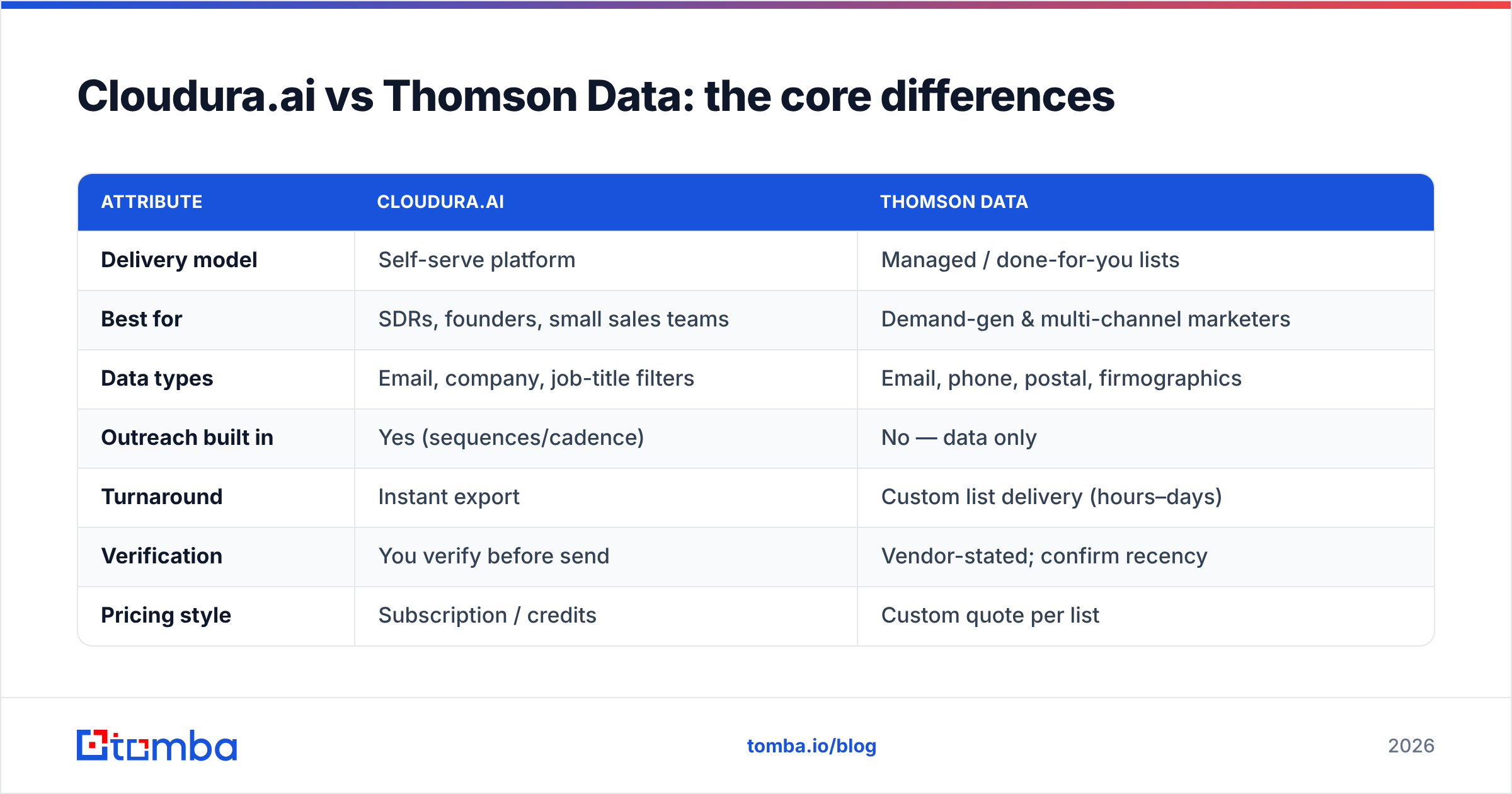
| Attribute | Cloudura.ai | Thomson Data |
|---|---|---|
| Delivery model | Self-serve platform | Managed / done-for-you lists |
| Best for | SDRs, founders, small sales teams | Demand-gen & multi-channel marketers |
| Data types | Email, company, job-title filters | Email, phone, postal, firmographics |
| Outreach built in | Yes (sequences/cadence) | No — data only |
| Turnaround | Instant export | Custom list delivery (hours–days) |
| Verification | You verify before send | Vendor-stated; confirm recency |
| Pricing style | Subscription / credits | Custom quote per list |
| Multi-channel (direct mail, phone) | Limited | Strong |
Read the table by your workflow, not by feature count:
- You want to prospect and send today — Cloudura.ai's self-serve model wins on speed.
- You need a big segmented audience for a campaign — Thomson Data's managed lists scale better.
- You run email + phone + mail together — Thomson Data covers more channels natively.
- You want to test data quality before you pay — a self-serve tool (or a free-tier finder) lets you sample first.
- You care most about cost-per-valid-email — a dedicated finder usually beats both.
Which has more accurate data?#
In the Cloudura.ai vs Thomson Data accuracy debate, neither vendor can claim a fixed number that stays true. B2B data decays. People change jobs, companies rebrand, domains migrate. Industry benchmarks put contact-data decay at roughly 25–30% per year — meaning a "95% accurate" list is materially worse three months after delivery.
That's why the accuracy question is really a freshness and verification question. What matters is not the number on the sales page. It is how recently each record was validated and whether you re-verify at send time. HubSpot's own research on database decay is a useful neutral reference here — their marketing statistics roundup has long documented how fast B2B lists rot.
Practical guidance regardless of which you choose:
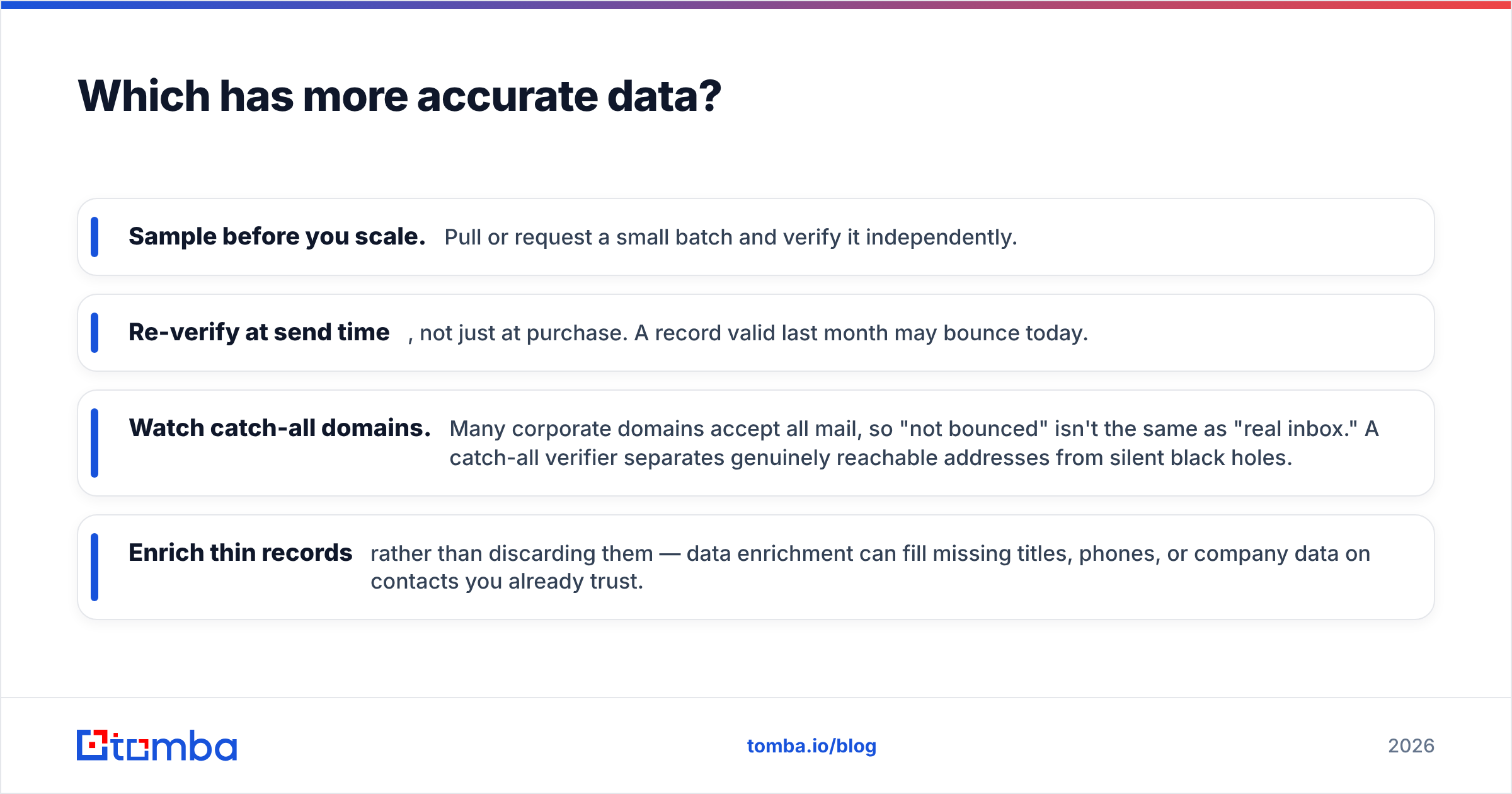
- Sample before you scale. Pull or request a small batch and verify it independently.
- Re-verify at send time, not just at purchase. A record valid last month may bounce today.
- Watch catch-all domains. Many corporate domains accept all mail, so "not bounced" isn't the same as "real inbox." A catch-all verifier separates genuinely reachable addresses from silent black holes.
- Enrich thin records rather than discarding them — data enrichment can fill missing titles, phones, or company data on contacts you already trust.

Which is better for pricing and value?#
The Cloudura.ai vs Thomson Data pricing models are structurally different. That makes a head-to-head comparison tricky.
Cloudura.ai uses a subscription/credit model typical of self-serve tools: you pay a monthly fee for a search allowance and export volume. Costs are predictable and scale with usage, and you can usually start small and upgrade.
Thomson Data uses custom quoting. Price depends on list size, segmentation depth, and which data fields (email only vs. email + phone + postal) you need. This can be cost-effective at large volumes or for niche segments a self-serve database doesn't cover well — but you won't see a public price sheet, so budget comparison requires a sales conversation.
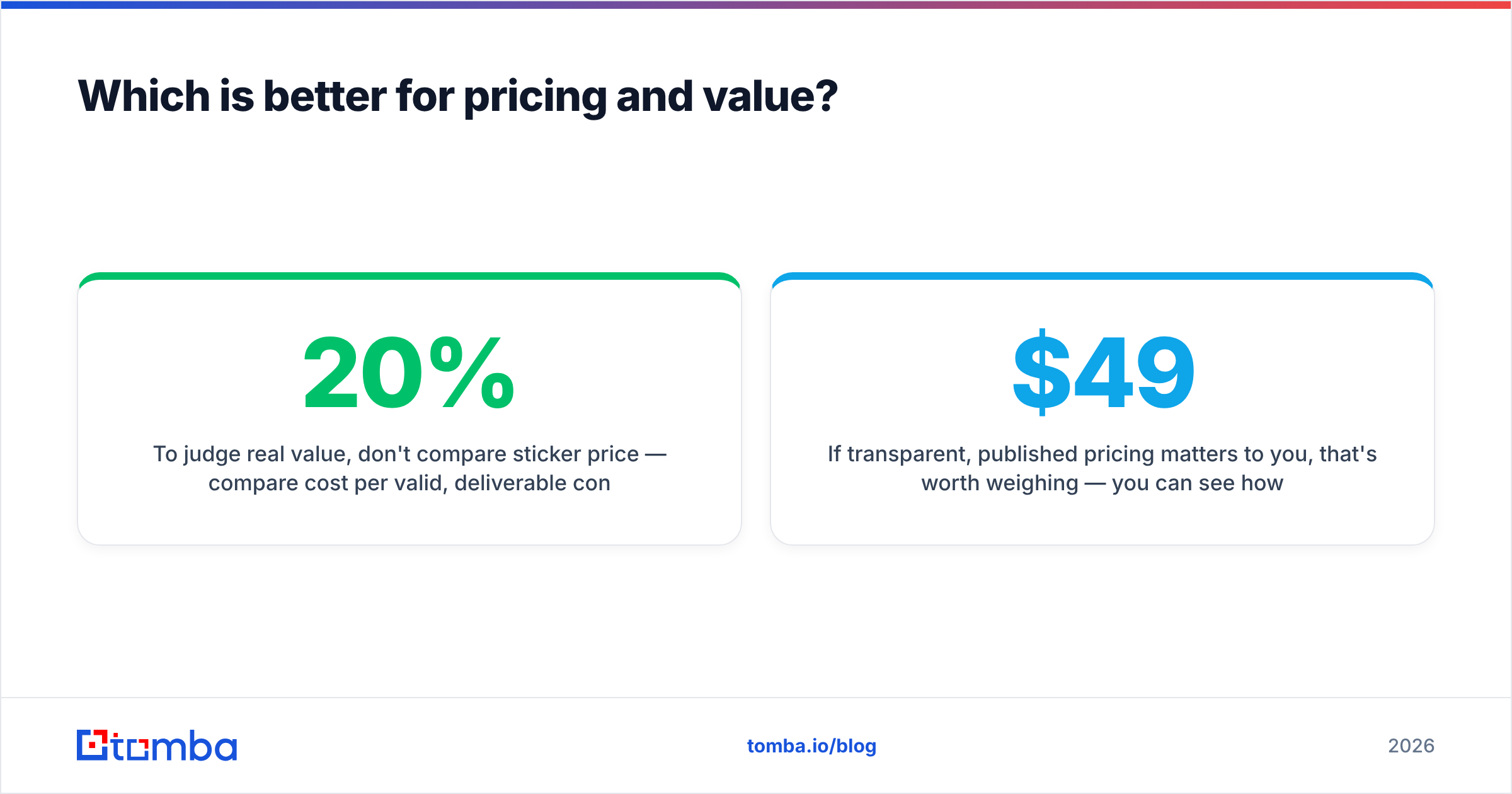
To judge real value, don't compare sticker price — compare cost per valid, deliverable contact after verification. A cheaper list with a 20% bounce rate is more expensive than a pricier one that lands. Run a small paid sample through verification and do the math before you scale spend.
If transparent, published pricing matters to you, that's worth weighing — you can see how a fully public model looks on the Tomba pricing page (free tier at 25 searches/mo, Starter at $49/mo, Growth at $99/mo, Pro at $249/mo), versus a quote-based process where the number depends on the brief.
When should you use a dedicated email finder instead?#
Here's the honest framing both categories tend to skip: if your primary job is finding and verifying specific work emails, neither a self-serve intelligence suite nor a managed list vendor is the most efficient tool. A dedicated email finder is.
Use a dedicated finder when:
- You have a list of names and companies and need their work emails. A domain-based lookup or find email addresses by name is faster and cheaper than buying a broad list.
- You're doing targeted, account-based outreach to named accounts rather than spraying a segment.
- You want a searchable B2B database plus verification in one place, without a sales call.
- You need an API to enrich contacts inside your own product or CRM at scale.
A finder-first workflow flips the order: you identify the exact people you want, then retrieve and verify their emails — rather than buying thousands of records and hoping the right people are in there. For most outbound SDR motions, that's a lower cost-per-reply.
| Use case | Best fit |
|---|---|
| Instant self-serve prospecting + sequences | Cloudura.ai |
| Large custom multi-channel audience | Thomson Data |
| Targeted work-email lookup by name/domain | Dedicated email finder |
| Verifying a list you already own | Email verifier |
| Filling gaps in existing records | Data enrichment |
Cloudura.ai vs Thomson Data: pros and cons#
Cloudura.ai — strengths: self-serve speed, built-in outreach, predictable subscription pricing, no sales call to start, good for small teams and founders.
Cloudura.ai — watch-outs: you own verification risk, coverage depends on the underlying database, less suited to non-email channels like direct mail.
Thomson Data — strengths: done-for-you lists, strong multi-channel coverage (email + phone + postal), custom segmentation, appending/enrichment services, useful at large volumes.
Thomson Data — watch-outs: turnaround time, quote-based pricing with less upfront transparency, you're trusting vendor-stated accuracy, no built-in outreach.
Neither is "bad." They're built for different buyers. The mistake is buying a managed list when you needed a self-serve finder, or grinding through self-serve search when you actually needed a segmented 50,000-contact audience delivered to spec.
How to decide in one page#
Answer three questions:
- Do you want to do the sourcing yourself, or offload it? Self-serve → Cloudura.ai. Offload → Thomson Data.
- Is this email-only, or multi-channel? Email-focused outbound → self-serve tool or finder. Email + phone + mail → Thomson Data.
- Do you know exactly who you want, or just the segment? Named accounts → dedicated finder. Broad segment → either platform, with verification.
Then, whatever you choose, treat verification as non-negotiable. The winner in B2B data isn't the vendor with the biggest claimed database — it's the workflow that consistently puts deliverable, accurate contacts in front of your reps.
The bottom line#
Cloudura.ai vs Thomson Data is not a case of one tool beating the other. They serve real, distinct needs. One is a self-serve platform for teams that want to prospect and send now. The other is a managed service for marketers running segmented, multi-channel campaigns at scale. Compare them on delivery model and workflow fit, not on accuracy numbers that decay the moment they're printed.
But if what you actually need is to find and verify the right work emails on demand — without a sales call, a quote, or a stale list — start with a purpose-built finder. Tomba's Email Finder lets you look up professional emails by name, company, or domain, verify them before you send, and enrich the records you keep — with a free tier to test data quality before you spend a dollar. Try it on your next target account and compare cost-per-valid-contact for yourself.
Related guides#
// get started
Find, verify and enrich your first contacts today
Start on the free plan with 25 searches a month, then scale when your team is ready.
Free plan · No credit card required · GDPR & CCPA
// about the author