Cloduraai vs Xverify: B2B Prospecting vs Email Verification
Clodura.ai and Xverify solve two different problems that people keep confusing. Here's an honest breakdown of what each does, real pricing, and which one your team actually needs in 2026.
Most people searching "Cloduraai vs Xverify" compare two tools that barely overlap. One builds your prospect list. The other checks whether those emails are safe to send. So the choice is not really a head-to-head. It comes down to which gap in your pipeline hurts most right now.
This Cloduraai vs Xverify guide covers what each tool does, where they compete, and what they cost. It also shows where a combined find-and-verify stack beats either one alone.
TL;DR#
- Clodura.ai is a B2B sales-intelligence and prospecting platform: a contact database, buyer-intent signals, and outreach sequencing. It helps you find people to email.
- Xverify is a dedicated email-verification service: it scrubs lists for invalid, risky, and spam-trap addresses so you protect your sender reputation.
- They are complementary, not interchangeable. Clodura fills the top of the funnel; Xverify guards deliverability at the bottom.
- If you only buy one, choose based on your bottleneck: weak pipeline → Clodura, high bounce rates → Xverify.
- A single platform that both finds and verifies emails (like Tomba) often replaces the need to run both.
What is Clodura.ai?#
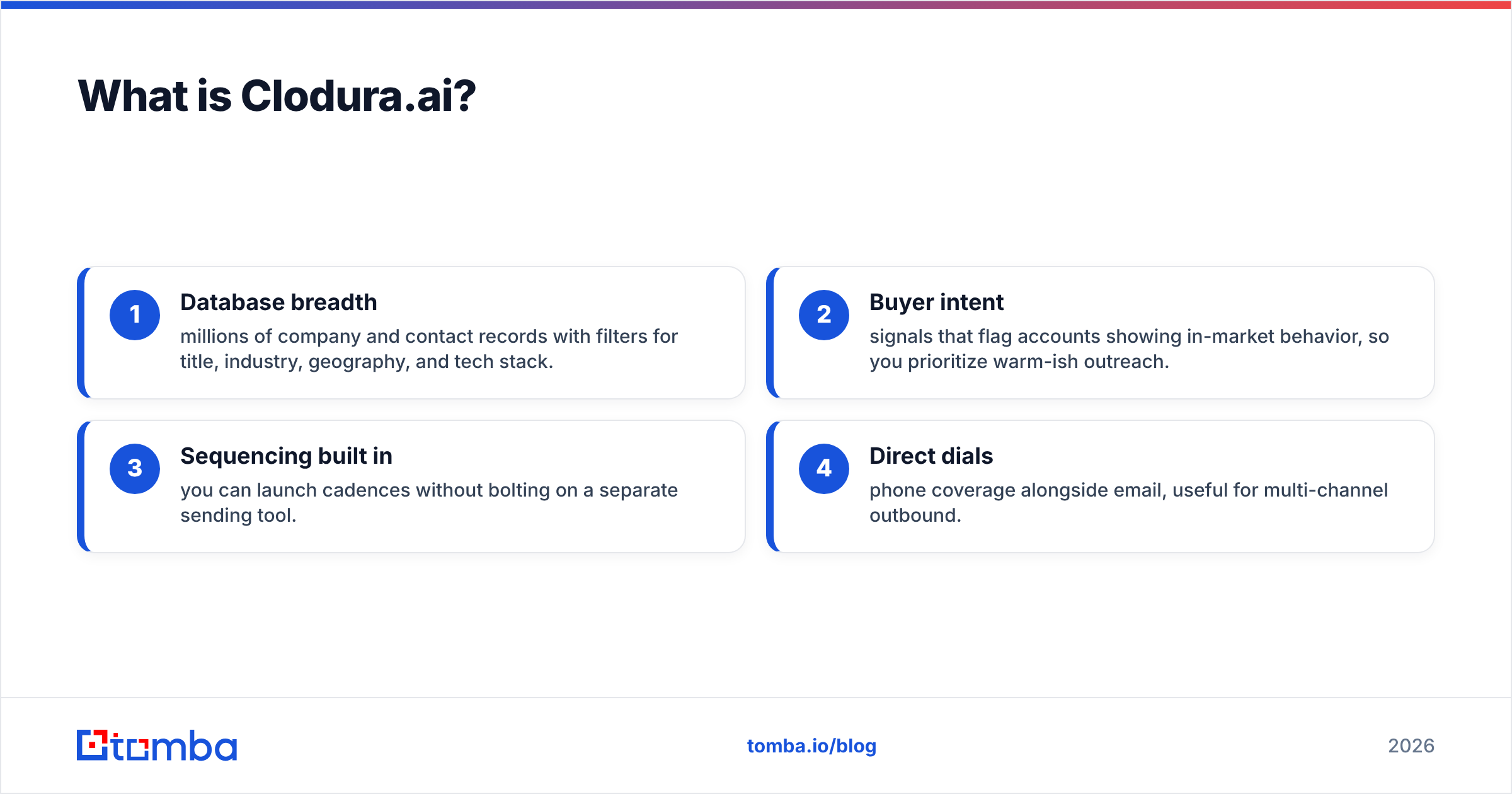
Clodura.ai is an all-in-one sales prospecting platform. It is built around a large B2B contact database: company records, decision-maker profiles, direct dials, and tech-stack data. On top of that data it adds buyer-intent signals, org charts, and a light email-sequencing engine. So reps can go from "who should I contact" to "message sent" without leaving the tool.
Think of Clodura as a hunting ground with a built-in rifle. Its core value is discovery. It surfaces accounts that match your ICP. Then it hands you contact details and a reason to reach out. You can see the vendor's own pitch on clodura.ai.
Where it's strong:
- Database breadth — millions of company and contact records with filters for title, industry, geography, and tech stack.
- Buyer intent — signals that flag accounts showing in-market behavior, so you prioritize warm-ish outreach.
- Sequencing built in — you can launch cadences without bolting on a separate sending tool.
- Direct dials — phone coverage alongside email, useful for multi-channel outbound.
Where it's weak: like every large database, coverage and freshness vary by region and seniority. And the emails it returns still need a check before you send. A record found six months ago is a guess about today.
What is Xverify?#
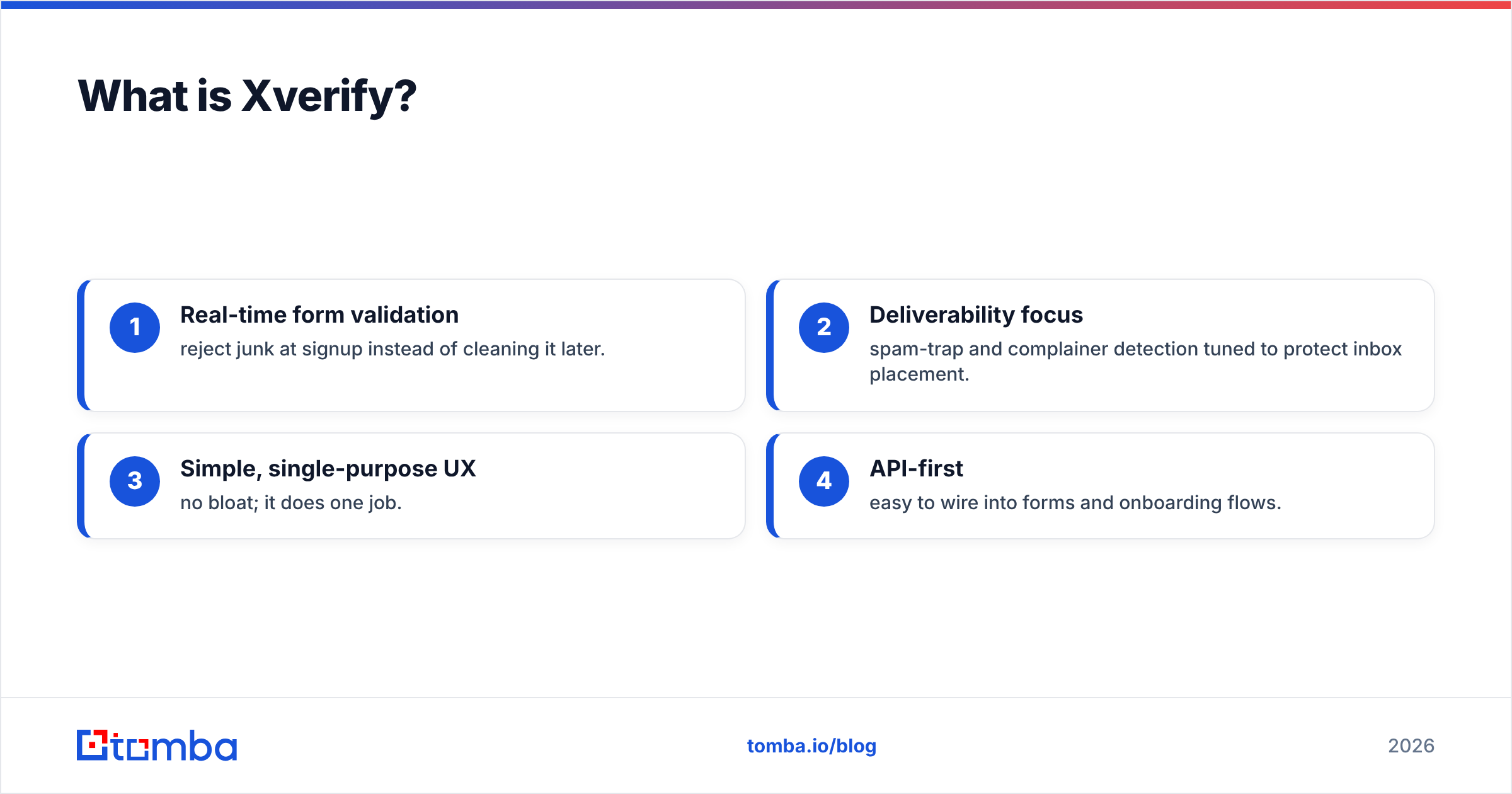
Xverify is a focused email-verification and list-hygiene service. You feed it addresses from a signup form, a CRM export, or a bought list. It returns a status for each one: valid, invalid, unknown, disposable, role-based, or spam-trap risk. It runs real-time API checks at signup and bulk cleaning for old lists.
If Clodura is the rifle, Xverify is the safety check before you pull the trigger. It does not find anyone. It just stops you from emailing addresses that will bounce, hurt your sender reputation, or land you on a blocklist. The vendor lists its checks at xverify.com.
Where it's strong:
- Real-time form validation — reject junk at signup instead of cleaning it later.
- Deliverability focus — spam-trap and complainer detection tuned to protect inbox placement.
- Simple, single-purpose UX — no bloat; it does one job.
- API-first — easy to wire into forms and onboarding flows.
Where it's weak: it is only verification. No prospect database, no intent, no sequencing. If your list is empty, Xverify has nothing to do.
Cloduraai vs Xverify: how do they actually compare?#
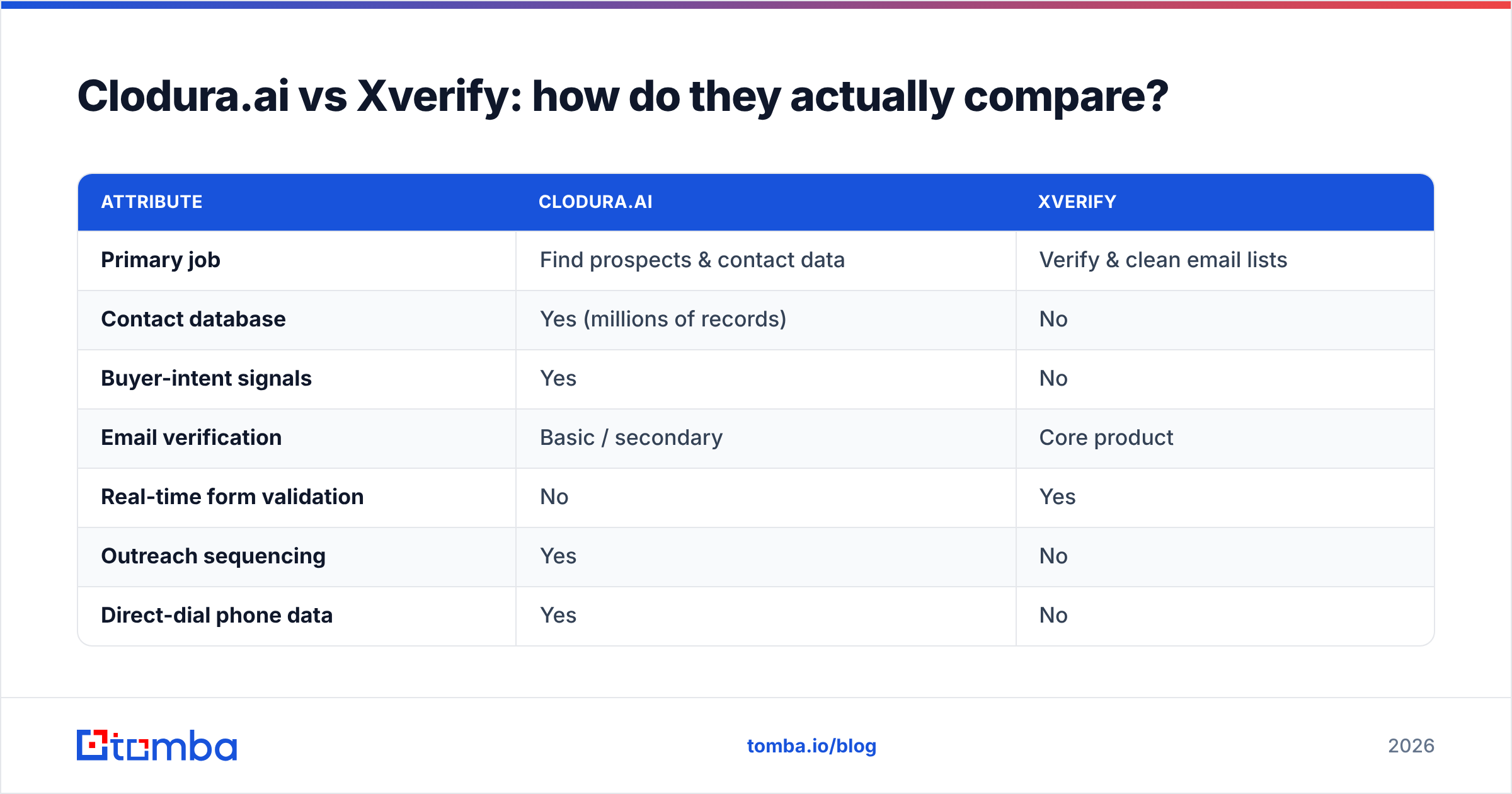
They sit at opposite ends of the outbound funnel. So a simple feature table shows how little they overlap. It also shows the one column they share: email accuracy.
| Attribute | Clodura.ai | Xverify |
|---|---|---|
| Primary job | Find prospects & contact data | Verify & clean email lists |
| Contact database | Yes (millions of records) | No |
| Buyer-intent signals | Yes | No |
| Email verification | Basic / secondary | Core product |
| Real-time form validation | No | Yes |
| Outreach sequencing | Yes | No |
| Direct-dial phone data | Yes | No |
| Best for | SDR/AE prospecting | Deliverability & list hygiene |
| Pricing model | Seat + credits, annual-leaning | Pay-per-verification / volume |
The honest read: these tools answer different questions. "Who do I email?" is Clodura. "Is this email safe to send?" is Xverify. It is like comparing a grocery store to a food inspector. You may want both, but they are not swaps for each other.
Is Clodura.ai better than Xverify?#
Neither one is "better" on its own. It depends on your bottleneck.
Choose Clodura.ai if your reps are starving for pipeline. You lack enough qualified accounts. You spend hours researching contacts by hand. And you want intent data to set priorities. Clodura shortens the path from ICP to first touch.
Choose Xverify if your list already exists but your bounce rate is ugly. Maybe you see 5%+ bounces. Maybe deliverability is sliding. Or maybe you want to reject fake emails right at the signup form. Xverify is the specialist that guards the email deliverability you already earned.
The trap is buying one to fix the other's problem. Clodura won't rescue a list full of dead addresses. Its verification is a side feature, not a cleaning engine. And Xverify can't grow a pipeline it was never given. Find the real gap before you spend.
Where does an email finder fit in this picture?#
Here is the part most comparison posts skip. For many teams, the best answer to "Cloduraai vs Xverify" is neither one. What you often need is a tool that finds the email and verifies it in the same step. That way you don't stitch a database vendor to a verification vendor and pay two bills.
That is the job a dedicated email finder does. You don't buy stale bulk records and then pay per check to clean them. Instead you search by name and domain. You get the current work email, with a verification status attached. One workflow, one source of truth.
A quick way to see the difference in approach:
- Database-first (Clodura): buy a large static pool, filter, export, then verify on the side. Great for volume, weak on freshness.
- Verify-only (Xverify): assume you already have addresses; grade them. Great for hygiene, useless for discovery.
- Find-and-verify (email finder): pull the email on demand from live sources and check it before it hits your sequence. Best when accuracy per contact beats raw list size.
None of these is always right. But if you are eyeing two point tools and feel like you need both, that is usually a sign the find-and-verify model fits you better.

What does each one cost in 2026?#
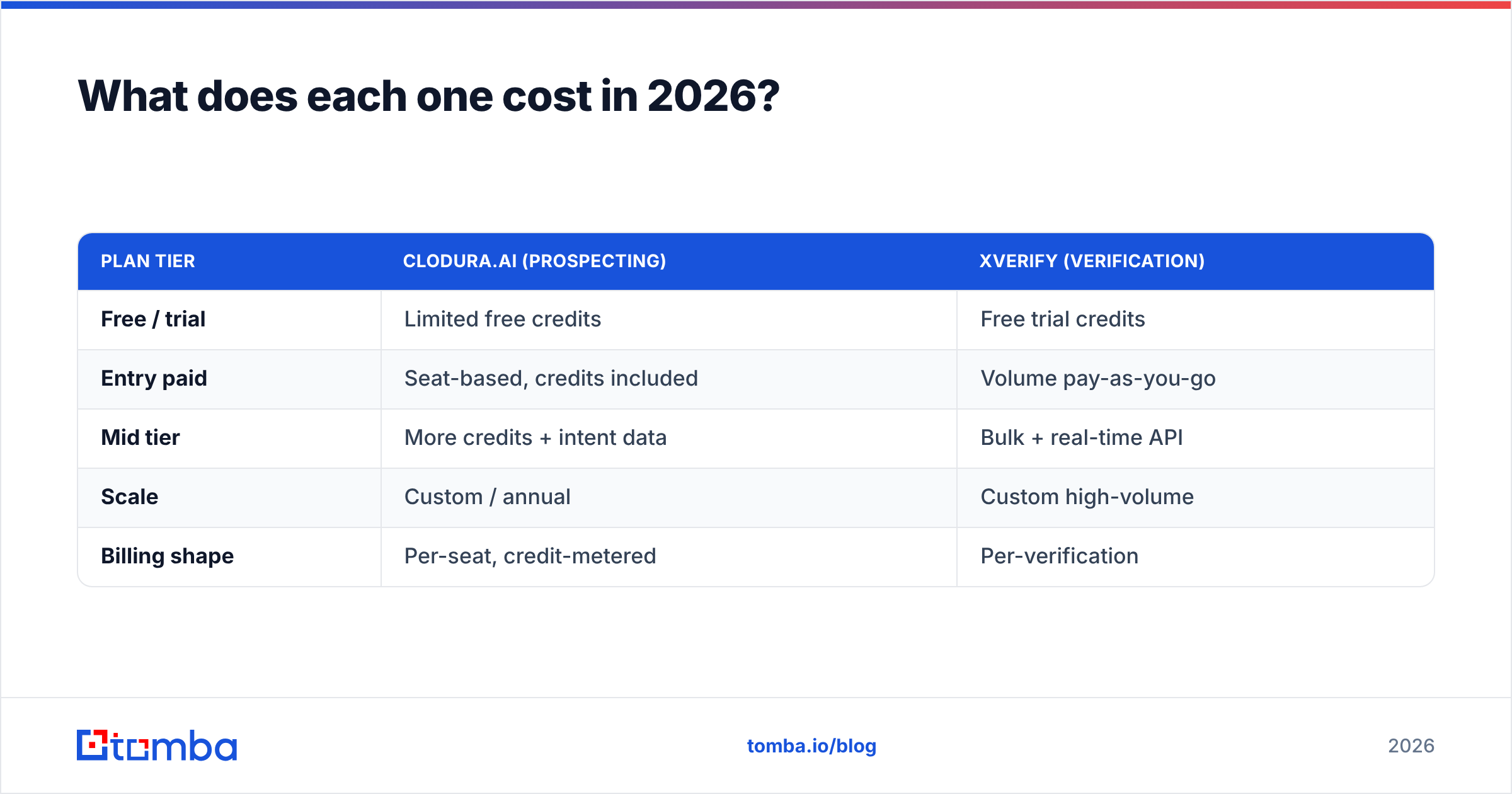
Pricing is where the "which do I buy" question gets real. Both vendors hide exact numbers behind tiers and annual deals. So treat these as rough, and confirm on their sites.
| Plan tier | Clodura.ai (prospecting) | Xverify (verification) |
|---|---|---|
| Free / trial | Limited free credits | Free trial credits |
| Entry paid | Seat-based, credits included | Volume pay-as-you-go |
| Mid tier | More credits + intent data | Bulk + real-time API |
| Scale | Custom / annual | Custom high-volume |
| Billing shape | Per-seat, credit-metered | Per-verification |
Two things to watch. First, Clodura's cost scales with seats and credits. So a growing SDR team adds up fast. Second, Xverify's cost scales with volume. That is predictable, but it climbs if you verify millions of records a month.
For comparison, a find-and-verify tool like Tomba uses one credit system: a Free tier with 25 searches/month, Starter at $49/mo, Growth at $99/mo, and Pro at $249/mo. Verification is included, not billed on the side. You can see the full list on the Tomba pricing page. The point is not that one number wins. It is that bundling find and verify can turn two bills into one.
How do I decide? A quick decision framework#
Run your situation through these questions in order:
- Is my problem "not enough leads" or "bad leads"? Not enough → prospecting tool. Bad/bouncing → verification tool.
- Do I already own a list? If yes and it's dirty, Xverify-style verification is the fastest ROI. If no, you need discovery first.
- Am I about to pay for both? If you're pricing a database and a verifier, price a find-and-verify tool against the combined bill before committing.
- How much does per-contact accuracy matter? High-value ABM outreach rewards accuracy over volume; spray-and-pray rewards volume. Match the tool to the motion.
- Do I need phone and multichannel? Clodura includes direct dials; a pure verifier does not. If phone matters, weigh that in. Or pair an email finder with a dedicated phone finder.
To sanity-check either vendor beyond marketing pages, read user reviews on G2. Don't trust a single comparison post, including this one.
Can I just use both?#
Yes, and plenty of teams do. They use Clodura to build the list and Xverify to scrub it before sending. That stack works. The cost is two subscriptions, two data models, and an export-import step where records go stale.
The other path is to consolidate. One platform can offer finding, an email verifier, domain search, and even catch-all verification under one roof. That removes the handoff. You never export a "found" email into a separate tool to learn it is dead. For steady outbound, fewer moving parts means fewer deliverability surprises and a smaller monthly bill.
The verdict#
Clodura.ai and Xverify aren't rivals. They are neighbors solving nearby problems. Clodura wins when your pipeline is thin and you need discovery plus intent. Xverify wins when your list exists and your bounce rate is bleeding deliverability. Buy the wrong one for your bottleneck and you waste budget.
But if your honest answer is "I need to find contacts and keep my list clean," running two specialists is rarely the leanest path. That is the gap a find-and-verify tool closes.
Want the reach of a prospecting tool and the safety of a verifier in one workflow? Try the Tomba Email Finder. Search by name, company, or domain. Get the current work email with a verification status attached. Start with 25 free searches before you pay. Fewer tools, cleaner lists, fewer bounces.
Related guides#
Ready to find emails that actually work?
Join 150,000+ professionals who stopped guessing and started sending. Free credits on signup — no credit card required.
Get the Tomba newsletter
Practical outbound tactics and product updates — once every two weeks.
About the author