Common Room Pricing, Reviews, Pros and Cons (2026 Guide)
Common Room is a powerful signal-based GTM platform, but the pricing is quote-only and can climb fast. Here's an honest breakdown of plans, reviews, real pros and cons, and a cheaper contact-sourcing alternative.
Common Room sells itself as the control center for signal-based go-to-market: it pulls buying signals from your community, product, website, and social channels into one view so revenue teams can act on intent. The tooling is genuinely strong. The friction is that Common Room pricing is quote-only, scales with seats and data volume, and can surprise finance teams who expected a public price tag. This guide breaks down what you actually pay, what reviewers say, the real pros and cons, and where a leaner contact-sourcing stack makes more sense.
TL;DR#
- Common Room pricing is custom/quote-based. There is a free Starter tier, a paid Team tier (reportedly low-to-mid four figures per month once you add seats and integrations), and Enterprise pricing that is negotiated per account.
- Best fit: mid-market and enterprise RevOps teams that already have community, product-led, and social signals to consolidate.
- Worst fit: small teams that mostly need verified contact data and email outreach, where the platform is overkill.
- Biggest complaint in reviews: cost opacity plus a learning curve to configure signals and workflows.
- Cheaper adjacent play: pair a focused email-sourcing tool like the Tomba Email Finder for contact data, and reserve heavy GTM-intelligence spend for when signal volume justifies it.
What is Common Room and who is it for?#
Common Room is a customer and prospect intelligence platform built around the idea of "signals" — observable actions that hint at buying intent. Think a champion changing jobs, a prospect starring your GitHub repo, a target account visiting your pricing page, or a decision-maker posting about a pain you solve. Common Room ingests these events, ties them to people and accounts, enriches them, and routes them to the right rep or play.
If a traditional CRM is a filing cabinet that stores what already happened, Common Room is closer to a radar screen showing what's moving right now. That framing matters for pricing: you're paying for continuous data ingestion and enrichment, not a flat per-seat license.
Typical buyers are:
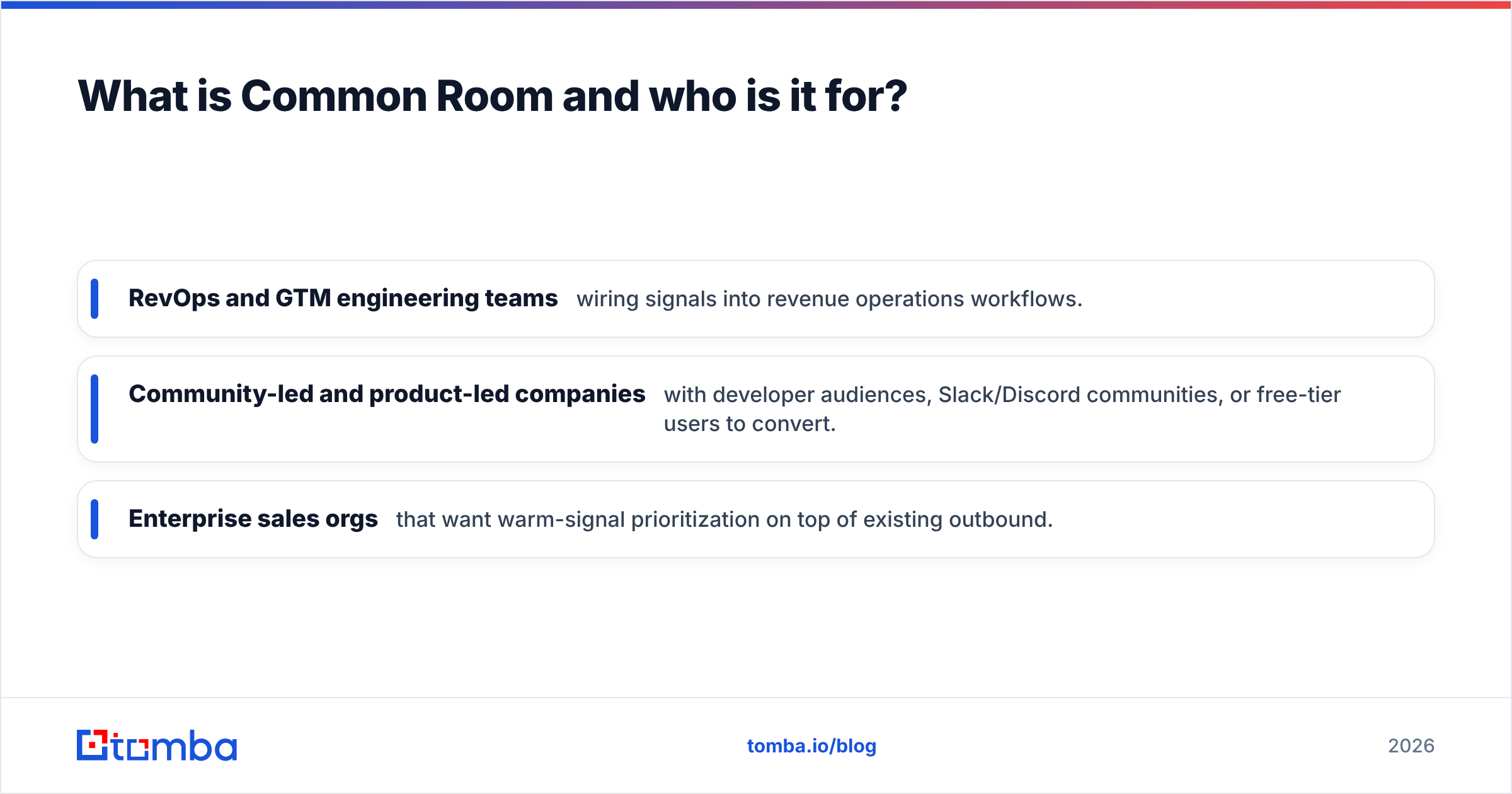
- RevOps and GTM engineering teams wiring signals into revenue operations workflows.
- Community-led and product-led companies with developer audiences, Slack/Discord communities, or free-tier users to convert.
- Enterprise sales orgs that want warm-signal prioritization on top of existing outbound.
For a broader category view, G2's community management and GTM intelligence listings show how Common Room stacks up against adjacent tools.
How much does Common Room pricing actually cost in 2026?#
Here's the honest answer: Common Room does not publish full pricing, and the number you pay depends on seats, connected data sources, tracked contacts, and enrichment volume. Based on public plan pages, review sites, and buyer reports, the structure looks like this.
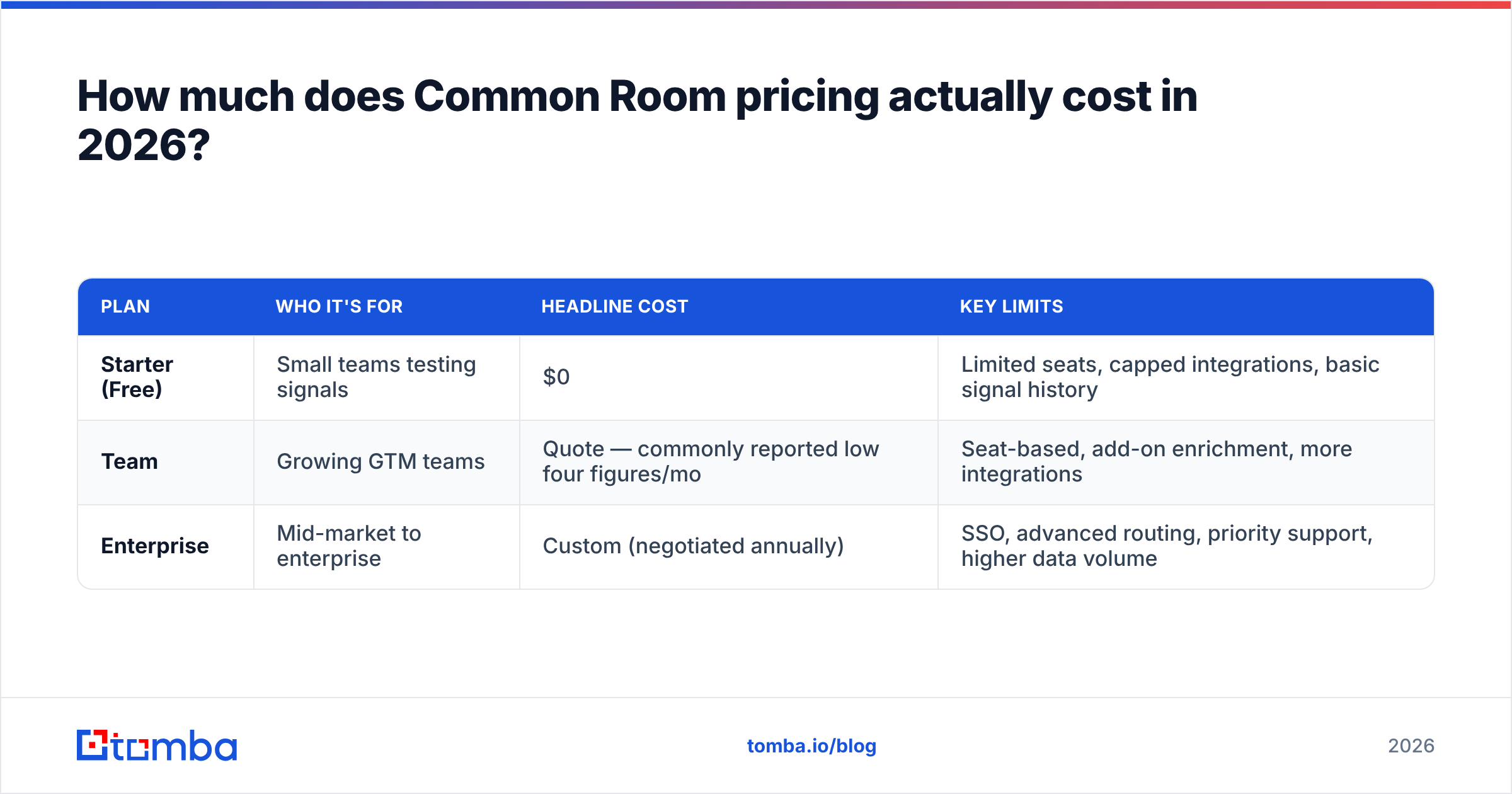
| Plan | Who it's for | Headline cost | Key limits |
|---|---|---|---|
| Starter (Free) | Small teams testing signals | $0 | Limited seats, capped integrations, basic signal history |
| Team | Growing GTM teams | Quote — commonly reported low four figures/mo | Seat-based, add-on enrichment, more integrations |
| Enterprise | Mid-market to enterprise | Custom (negotiated annually) | SSO, advanced routing, priority support, higher data volume |
A few realities behind that table:
- The free tier is real but bounded. It's a strong way to validate that you have enough signal to act on, but seat and history caps push serious teams to paid quickly.
- Enrichment and contacts drive the bill. The more people and accounts you track and enrich, the higher the tier. This is the line item that "surprises" buyers.
- Annual commitments are standard at Enterprise. Expect yearly contracts, and expect the per-seat rate to move with total volume.
Because the list price is hidden, always ask the sales team for a written breakdown of seat cost, enrichment overage, and integration limits before signing. Treat any "starts at" figure online as a floor, not your invoice.

What do Common Room reviews say — pros and cons?#
Pull together public reviews from G2 and buyer discussions, and a consistent picture emerges. The product is well-liked by teams that fit the profile, and frustrating for teams that don't.
Pros reviewers consistently mention:
- Signal consolidation — one place for community, product, web, and social intent instead of five dashboards.
- Strong integrations — connectors into Slack, Salesforce, HubSpot, and data warehouses.
- Actionable routing — automations that push the right signal to the right rep at the right moment.
- Good enrichment — person and account data that reduces manual research.
Cons reviewers consistently mention:
- Pricing opacity — the top complaint; hard to forecast spend, quote-only, climbs with volume.
- Learning curve — configuring signals, segments, and plays takes real onboarding time.
- Overkill for small teams — if you don't have community or product signals, you're paying for a radar with little to track.
- Data-source dependency — value drops sharply if your signal inputs are thin.
The pattern is clear: Common Room rewards teams with rich first-party signal and punishes teams that expected a plug-and-play contact database.
Is Common Room worth it, or should you use an alternative?#
Conclusion first: Common Room is worth it when signal volume is high and your GTM motion is intent-driven. If your real need is "find verified emails and phone numbers for a target list, then send outreach," you're buying a jet to cross the street.
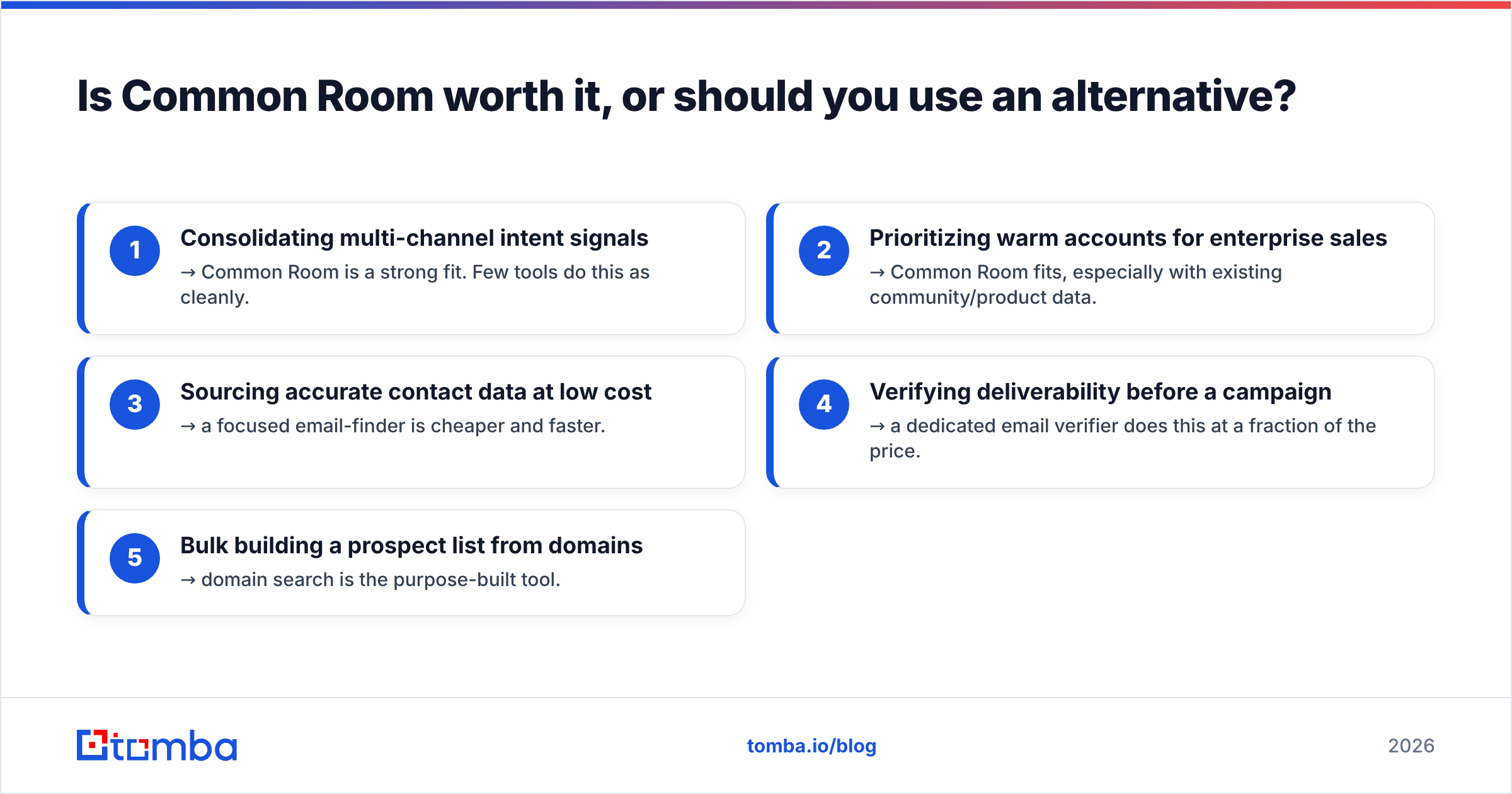
Break the decision into the job you're hiring the tool for.
- Consolidating multi-channel intent signals → Common Room is a strong fit. Few tools do this as cleanly.
- Prioritizing warm accounts for enterprise sales → Common Room fits, especially with existing community/product data.
- Sourcing accurate contact data at low cost → a focused email-finder is cheaper and faster.
- Verifying deliverability before a campaign → a dedicated email verifier does this at a fraction of the price.
- Bulk building a prospect list from domains → domain search is the purpose-built tool.
Many teams end up running both: a signal platform for intent, and a lightweight data tool for the actual contact records. That split keeps your GTM-intelligence spend justified while your list-building stays cheap.
How does Common Room compare to a contact-data stack?#
This is where the value math gets concrete. Common Room and an email-sourcing tool solve different jobs, and the pricing reflects that.
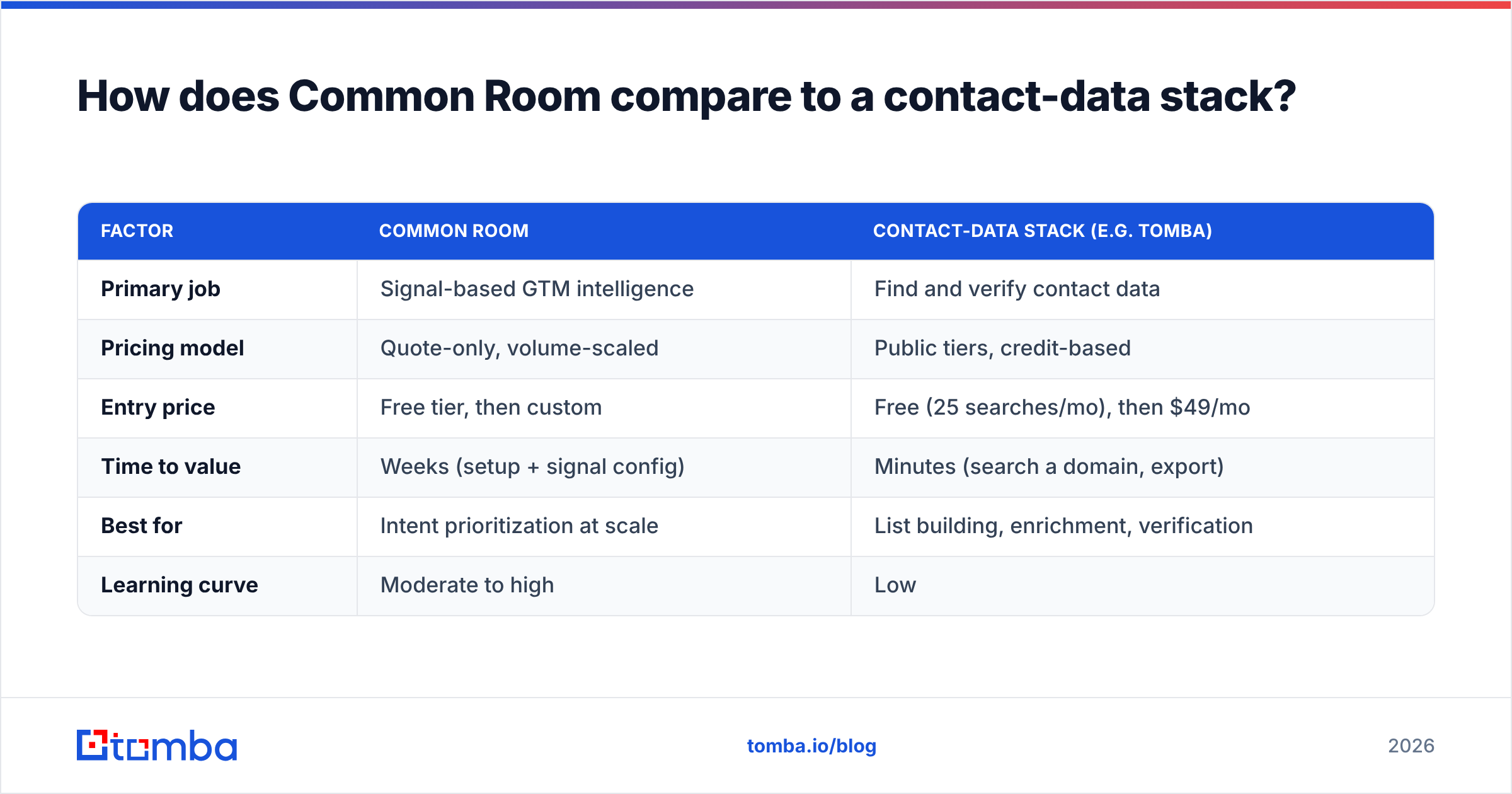
| Factor | Common Room | Contact-data stack (e.g. Tomba) |
|---|---|---|
| Primary job | Signal-based GTM intelligence | Find and verify contact data |
| Pricing model | Quote-only, volume-scaled | Public tiers, credit-based |
| Entry price | Free tier, then custom | Free (25 searches/mo), then $49/mo |
| Time to value | Weeks (setup + signal config) | Minutes (search a domain, export) |
| Best for | Intent prioritization at scale | List building, enrichment, verification |
| Learning curve | Moderate to high | Low |
For the contact-data side, Tomba pricing is transparent: a free tier with 25 searches per month, Starter at $49/mo, Growth at $99/mo, and Pro at $249/mo, with Enterprise custom. That predictability is exactly what Common Room's model lacks — and it's why many teams keep contact sourcing on a separate, cheaper line item.
If you're mid-evaluation and want to see where your data actually comes from, review vendor data sources and enrichment coverage before you commit budget on either side.
What are the hidden costs to watch for?#
Beyond the headline plan, a few line items quietly inflate the total cost of ownership. Ask about each one during the sales conversation.
- Enrichment overages — tracking and enriching more people than your tier allows triggers add-on charges.
- Seat creep — GTM tools spread across sales, marketing, and success; per-seat pricing compounds.
- Integration tiers — some connectors (warehouse sync, advanced CRM writes) sit behind higher plans.
- Onboarding and implementation — the learning curve can mean paid onboarding or internal RevOps time.
- Annual lock-in — Enterprise deals are yearly, so a mid-year "this isn't sticking" is expensive.
None of these are unique to Common Room — they're standard for enterprise GTM software. But because the base price is hidden, they're harder to model up front. Independent analyst coverage of the category, such as Gartner's go-to-market technology research, is worth reading before committing to any annual contract.
When does a lean tool beat a full platform?#
A leaner setup wins whenever your bottleneck is data accuracy and reach, not signal prioritization. Common patterns where teams downgrade or supplement:
- Early-stage outbound — you need a list and valid emails, not a radar for signals you don't yet generate.
- Agencies and lean sales teams — predictable per-seat, per-credit costs matter more than deep intent modeling.
- Data hygiene projects — cleaning and verifying an existing CRM export is a bulk verify job, not a platform purchase.
- API-first workflows — if you want to wire contact lookups into your own product, a documented email finder API is cheaper and simpler than a full GTM suite.
The rule of thumb: buy the platform when you're drowning in signals you can't prioritize. Buy the focused tool when you're missing the contact records that make outreach possible in the first place.
Frequently asked questions#
Does Common Room have a free plan? Yes. There's a free Starter tier that's useful for validating whether you have enough signal to act on. It carries seat, integration, and history limits, so active teams typically move to a paid quote.
Why isn't Common Room pricing public? Because the cost scales with seats, connected data sources, tracked contacts, and enrichment volume. That variability is why vendors in this category quote per account instead of publishing a fixed price.
Is Common Room better than a CRM? It's not a replacement — it sits on top of your CRM. Common Room adds intent signals and routing; your CRM remains the system of record for deals and contacts.
What's the cheapest way to just find and verify emails? Use a dedicated tool. Tomba's free tier covers 25 searches per month, and paid plans start at $49/mo — far cheaper and faster than adopting a full GTM-intelligence platform for contact data.
The bottom line#
Common Room is a capable, well-reviewed signal platform, and for intent-heavy RevOps teams the quote-based pricing can pay for itself. But if your real job is sourcing accurate contacts and verifying them before you send, you don't need to negotiate an enterprise contract to get there. Start with transparent, credit-based tooling and scale into a platform only when signal volume demands it.
Ready to keep contact sourcing cheap and predictable? Try the Tomba Email Finder — find professional email addresses by domain, name, or company, verify them before you send, and keep your GTM-intelligence budget focused on the intent signals that actually move pipeline. The free tier gives you 25 searches a month to test it against your own target list.
Related guides#
// get started
Find, verify and enrich your first contacts today
Start on the free plan with 25 searches a month, then scale when your team is ready.
Free plan · No credit card required · GDPR & CCPA
// about the author