ContactOut vs Kitt AI: Accuracy, Pricing, and Best Fit in 2026
ContactOut and Kitt AI both promise faster prospecting, but they solve different problems. Here's an honest look at accuracy, pricing, data coverage, and which contact tool actually fits your outbound motion in 2026.
Choosing between ContactOut and Kitt AI comes down to one question most comparison pages dodge: are you buying a contact-data tool, or an AI workflow layer that still needs data underneath it? They are not the same product, and picking the wrong one wastes budget fast.
This is a neutral breakdown — accuracy, pricing, coverage, and honest trade-offs — plus where a leaner alternative makes more sense than either.
TL;DR: ContactOut vs Kitt AI at a glance#
- ContactOut is a mature contact-data platform built around a LinkedIn Chrome extension, strong on personal and work emails for recruiting and sales prospecting.
- Kitt AI positions itself as an AI-driven prospecting and outreach assistant — the value is in automation and enrichment workflows, not raw email discovery.
- Accuracy is where most buyers get burned: extension "found" emails aren't the same as verified emails. Always test bounce rates before committing.
- Pricing favors ContactOut for individual recruiters; AI-workflow tools usually cost more per seat as they layer sequencing on top.
- If your core need is simply to find email addresses at scale with verification built in, a focused finder like Tomba is often cheaper and more predictable than either.
What is ContactOut?#
ContactOut is a contact-intelligence tool best known for its browser extension that surfaces emails and phone numbers directly on LinkedIn and GitHub profiles. It skews heavily toward recruiters and account executives who live inside LinkedIn all day.
Its strengths are well documented across G2 reviews: a large stored database of personal emails, a familiar in-profile UX, and bulk export for list building. You can read the full pitch on the ContactOut homepage. The trade-off is that a big chunk of its value is personal email coverage, which is great for recruiting but often less useful — and more compliance-sensitive — for B2B sales targeting work inboxes.

What is Kitt AI?#
Kitt AI sits in a newer category: AI prospecting assistants that combine data enrichment with automated research, list-building, and message drafting. Instead of "click a profile, copy an email," the promise is "describe your ICP, and the tool assembles and enriches a list, then helps you reach out."
That's a genuinely different job. Where ContactOut is a data-access tool, Kitt AI is closer to a workflow tool that consumes data. The important caveat: AI assistants rarely own a deep first-party dataset. They orchestrate. So the emails you ultimately send to are only as good as the underlying provider and the verification step — which is exactly where you should focus your evaluation.
Because AI-layer positioning changes fast, treat any specific feature list as a moving target and confirm the current scope on the vendor's own site before you buy.
ContactOut vs Kitt AI: side-by-side comparison#
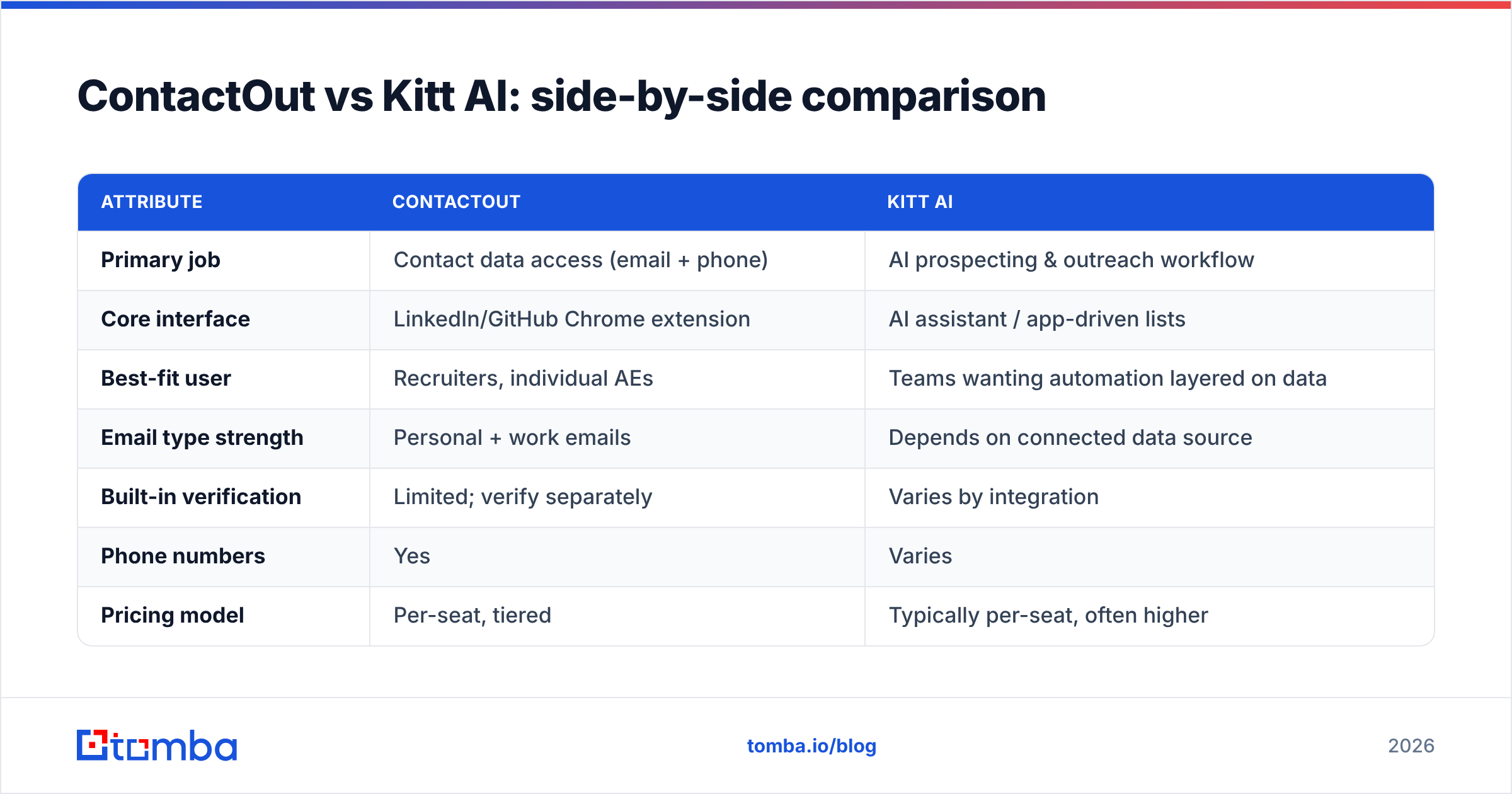
Here's how the two stack up on the attributes that actually affect pipeline. Where a value depends on plan or is not publicly fixed, it's marked as such rather than invented.
| Attribute | ContactOut | Kitt AI |
|---|---|---|
| Primary job | Contact data access (email + phone) | AI prospecting & outreach workflow |
| Core interface | LinkedIn/GitHub Chrome extension | AI assistant / app-driven lists |
| Best-fit user | Recruiters, individual AEs | Teams wanting automation layered on data |
| Email type strength | Personal + work emails | Depends on connected data source |
| Built-in verification | Limited; verify separately | Varies by integration |
| Phone numbers | Yes | Varies |
| Pricing model | Per-seat, tiered | Typically per-seat, often higher |
| Free option | Limited free tier | Confirm current offer |
| Learning curve | Low (in-profile) | Moderate (workflow setup) |
The pattern is clear: ContactOut wins on simplicity and direct data access; Kitt AI wins if you want automation stitched together and are willing to pay for the orchestration.
Is ContactOut or Kitt AI more accurate?#
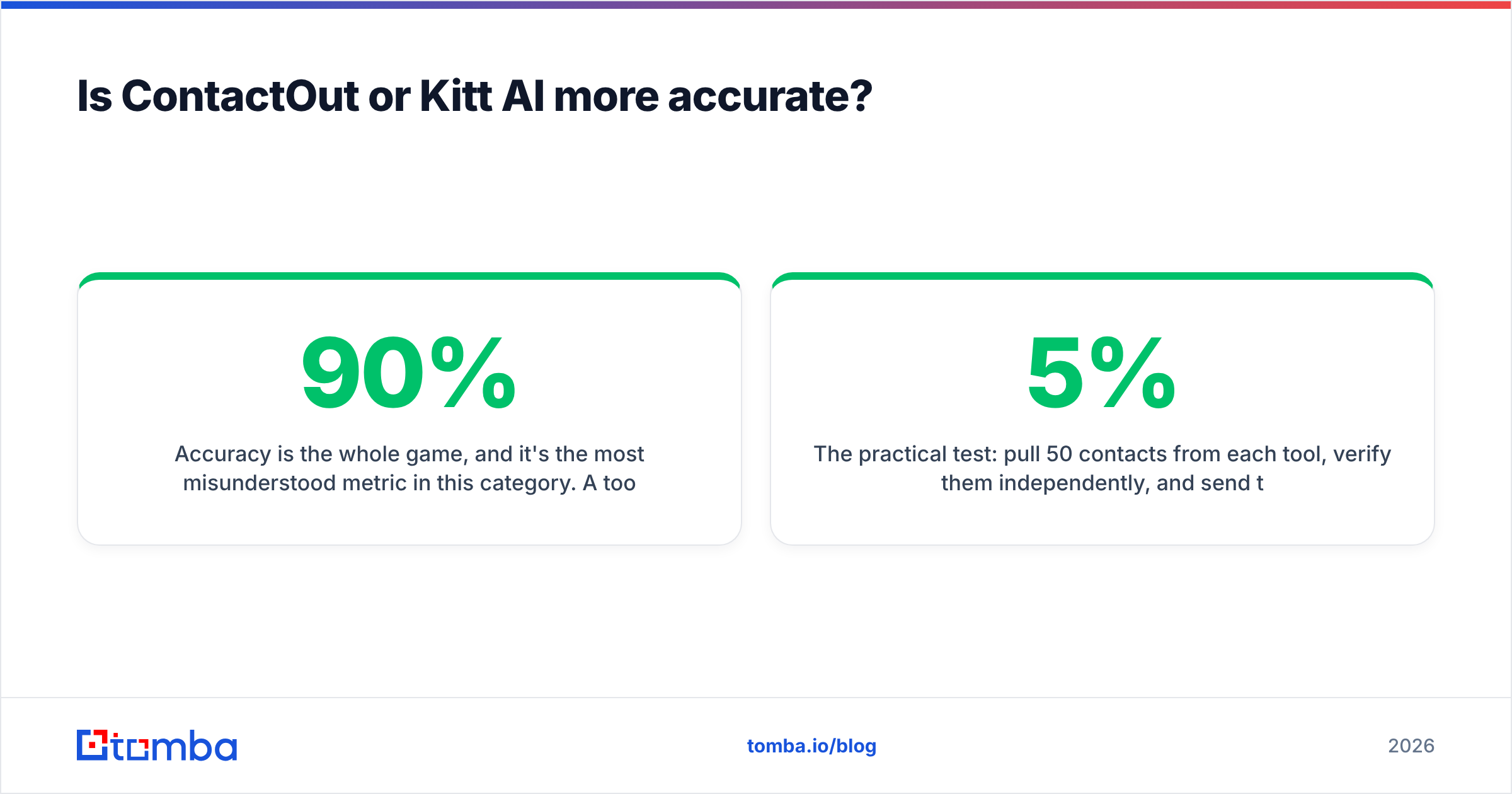
Accuracy is the whole game, and it's the most misunderstood metric in this category. A tool can "return" an email for 90% of profiles and still leave you with a 20% bounce rate — because returned is not verified.

Three things separate real accuracy from marketing accuracy:
- Match rate — how often the tool returns any address for a target.
- Validity rate — of those returned, how many actually deliver.
- Catch-all handling — how the tool treats domains that accept everything (a huge hidden source of soft bounces).
ContactOut's stored-database approach produces high match rates, especially for personal emails, but you should still run results through a dedicated email verifier before any cold send. AI assistants like Kitt AI inherit the accuracy of whatever data they pull from, so the verification question matters even more — a slick workflow that pipes unverified addresses into a sequence will torch your sender reputation quickly.
The practical test: pull 50 contacts from each tool, verify them independently, and send to a seed list. Bounce rate above ~3-5% on cold data means you need a verification layer regardless of which platform you chose.
How do ContactOut and Kitt AI handle pricing?#
Pricing philosophy differs by category. ContactOut uses per-seat tiers that scale with export volume and phone-number access — reasonable for a solo recruiter, but costs climb once a whole team needs seats. AI prospecting tools typically price higher per seat because you're paying for the automation and research layer on top of the raw data.

Two questions cut through most pricing confusion:
- Are you paying per seat or per result? Seat-based pricing punishes teams; credit-based pricing scales with actual usage.
- Is verification included, or a separate line item? If you have to bolt on a verifier, add that to the real cost of either tool.
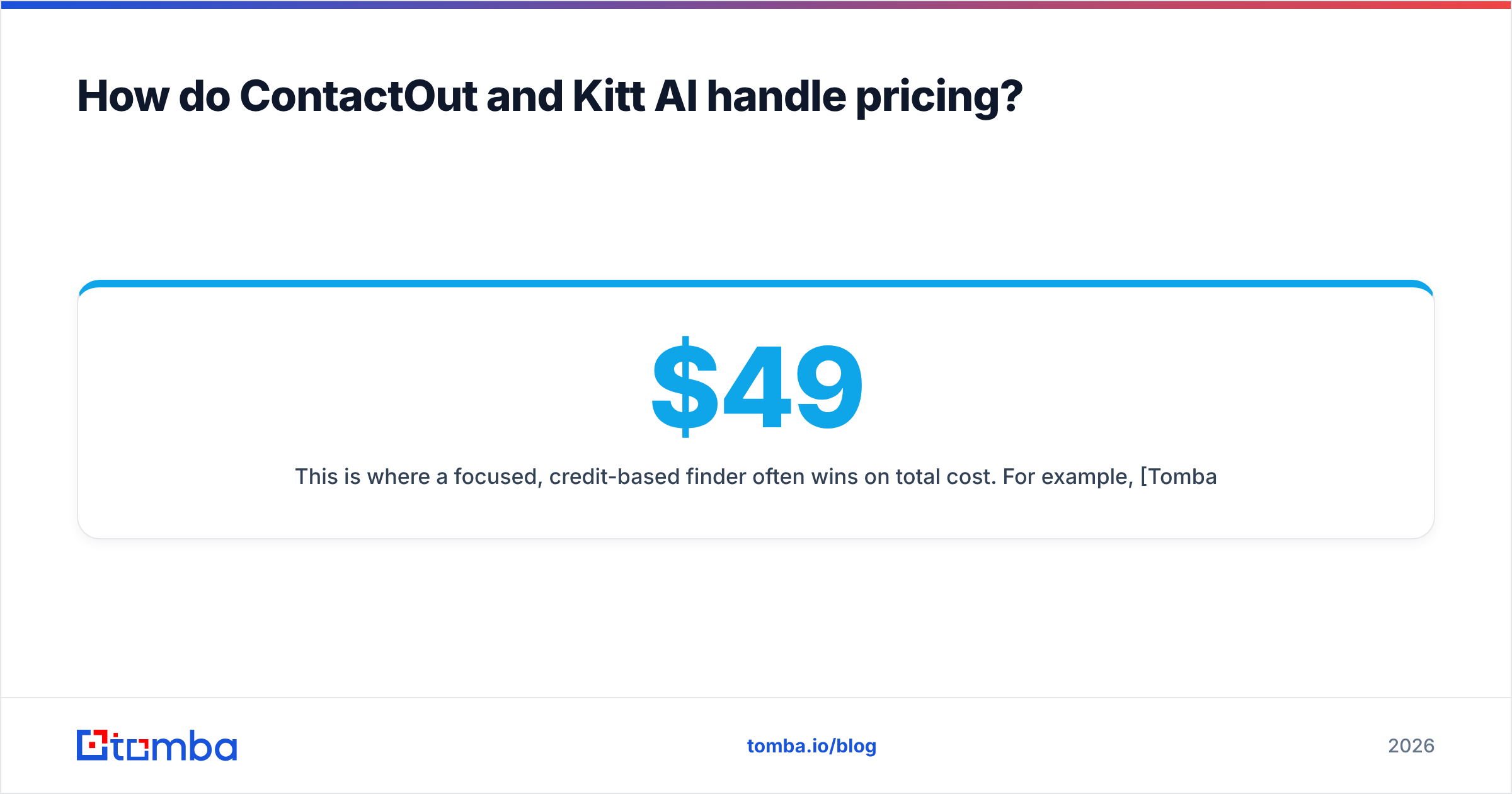
This is where a focused, credit-based finder often wins on total cost. For example, Tomba's pricing runs a Free tier (25 searches/month), Starter at $49/mo, Growth at $99/mo, and Pro at $249/mo — with verification part of the same workflow rather than a separate subscription. For high-volume list building, predictable credits usually beat per-seat math.
Which tool fits your use case?#
Match the tool to the motion, not the marketing.
- Solo recruiter living on LinkedIn → ContactOut's in-profile extension is hard to beat for speed and personal-email coverage.
- Sales team wanting automated research + sequencing in one place → an AI assistant like Kitt AI can consolidate steps, if you accept a higher per-seat cost and verify the data yourself.
- RevOps or growth team building large, clean B2B lists → a dedicated finder + verifier with bulk email finder and API access is usually the most cost-efficient and the most controllable.
For that third group especially, owning the data pipeline — domain search, verification, and enrichment through a single email finder API — beats renting a workflow you can't tune.
What are the honest downsides of each?#
ContactOut downsides:
- Personal-email heavy coverage raises compliance considerations for B2B outreach in some regions.
- Verification is not the core strength; plan to verify separately.
- Per-seat costs add up for teams.
Kitt AI downsides:
- Data quality depends on underlying sources you may not fully control.
- Automation can accelerate bad sends if verification isn't enforced.
- Newer AI-layer tools shift features frequently — lock in what you're actually paying for.
Neither is a bad tool. They're built for different buyers, and the mistake is buying a workflow layer when you needed clean data, or buying a LinkedIn extension when you needed team-wide automation.
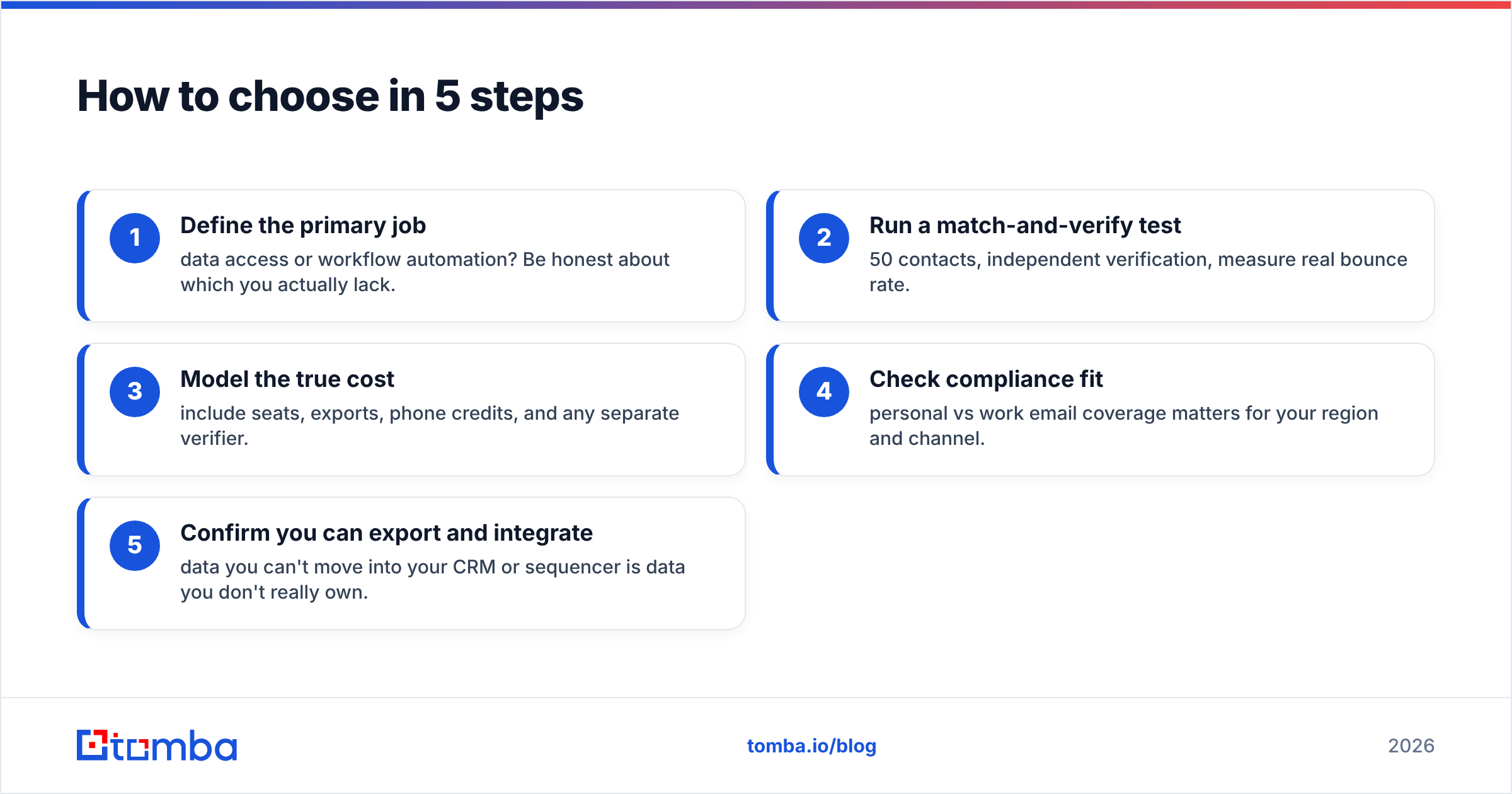
How to choose in 5 steps#
- Define the primary job — data access or workflow automation? Be honest about which you actually lack.
- Run a match-and-verify test — 50 contacts, independent verification, measure real bounce rate.
- Model the true cost — include seats, exports, phone credits, and any separate verifier.
- Check compliance fit — personal vs work email coverage matters for your region and channel.
- Confirm you can export and integrate — data you can't move into your CRM or sequencer is data you don't really own.
If your evaluation keeps circling back to "I just need accurate, verified emails without paying for a whole workflow suite," that's your answer.

The bottom line#
ContactOut is the stronger pick for individual recruiters who live inside LinkedIn and value fast, in-profile access to personal and work emails. Kitt AI makes more sense for teams that want an AI layer stitching research, enrichment, and outreach together — provided you enforce verification so the automation doesn't multiply your mistakes.
But if your real need is dependable, verified email discovery at a predictable cost — without paying per seat for features you won't use — a focused finder is the cleaner call. Tomba's Email Finder gives you domain search, built-in verification, phone lookup, and a developer-friendly API on the same credits, starting free at 25 searches a month. If you're already comparing ContactOut alternatives, it's worth a side-by-side test — see the full ContactOut alternative breakdown and run your own 50-contact accuracy check before you commit budget.
Start with the free tier, verify your first list, and let bounce rate — not marketing copy — decide the winner.
Related guides#
Ready to find emails that actually work?
Join 150,000+ professionals who stopped guessing and started sending. Free credits on signup — no credit card required.
Get the Tomba newsletter
Practical outbound tactics and product updates — once every two weeks.
About the author