Conversion Blitz vs SalesQL: Which B2B Data Tool Wins in 2026?
One is an all-in-one lead-gen suite, the other is a LinkedIn contact extractor. We compare Conversion Blitz and SalesQL on data accuracy, pricing, export limits and API access — then name the better fit.
TL;DR — Conversion Blitz vs SalesQL in one screen#
- Conversion Blitz is a bundle: an all-in-one suite that packs an email finder, a chatbot, review management, an email sender and a handful of other micro-tools behind one subscription. Breadth is the pitch. Depth is not.
- SalesQL is a specialist: a Chrome extension that pulls emails and phone numbers off LinkedIn profiles and search results. It does one job, and it does it fast — but it only works where LinkedIn works.
- They are not really competitors. They overlap on "give me a contact email," and diverge on everything else. Picking between them is mostly a question of whether your prospecting starts on LinkedIn or starts with a company list.
- Neither is a serious data infrastructure play. If you need verified emails at volume, an API your engineers can hit, and a bounce rate you can defend in a QBR, both will feel thin — which is where a dedicated email finder earns its keep.
- Fastest decision rule: LinkedIn-first SDR team → SalesQL. Solo founder who wants ten tools for one price → Conversion Blitz. Anyone shipping cold email at scale → a dedicated finder + verifier stack.
What is Conversion Blitz, actually?#
Conversion Blitz (you may remember it as Blitz Sales Software) sells itself as an all-in-one lead generation suite. Under one login you get an email finder, a domain-based lead search, an email extractor, a chatbot widget, a review-collection tool, a newsletter sender, a daily-leads feed, and a company data enrichment module.
The strategic logic is obvious: a solo founder or a two-person agency does not want to pay for six SaaS subscriptions. Conversion Blitz says "here is one bill."
The tradeoff is equally obvious. Every one of those modules competes against a category leader that does nothing else. The chatbot is not Intercom. The newsletter sender is not Mailchimp. And the email finder is not a purpose-built finder with a large, continuously refreshed index behind it. Bundles win on price-per-tool; they rarely win on any single tool.
Where Conversion Blitz genuinely helps: cold-start prospecting on a budget. You type an industry and a geography, you get a lead feed, you find some emails, you fire a sequence — all without touching a second vendor. For a freelancer billing $2k/month, that is a legitimate stack.
Where it hurts: volume and provability. Once you are sending thousands of emails a month, "roughly accurate" data stops being a rounding error and starts being a domain-reputation problem.
What is SalesQL, and who is it for?#
SalesQL is a much narrower product, and it is honest about that. It is a Chrome extension that sits on top of LinkedIn. You open a profile, a LinkedIn Sales Navigator search, or a group member list, and SalesQL surfaces personal emails, work emails and phone numbers for the people on screen. You tag them, drop them into lists, and export to CSV or push to a CRM.
If your entire prospecting motion lives inside LinkedIn — which, for a lot of SDR teams, it does — SalesQL is a genuinely good fit. It is fast, the UI is unobtrusive, and bulk-extracting a Sales Navigator search page is a two-click operation. On G2, reviewers consistently praise exactly that: speed inside the LinkedIn workflow.
Its ceiling is the same as its floor: SalesQL is only as good as LinkedIn's coverage of your ICP. If you sell to regional manufacturers, municipal buyers, trades businesses, or anyone with a thin LinkedIn footprint, you will hit dead profiles constantly. And because it is browser-driven, it inherits LinkedIn's rate limits — scrape too aggressively and you are risking the LinkedIn account that your whole team depends on.

Conversion Blitz vs SalesQL: how do they actually compare?#
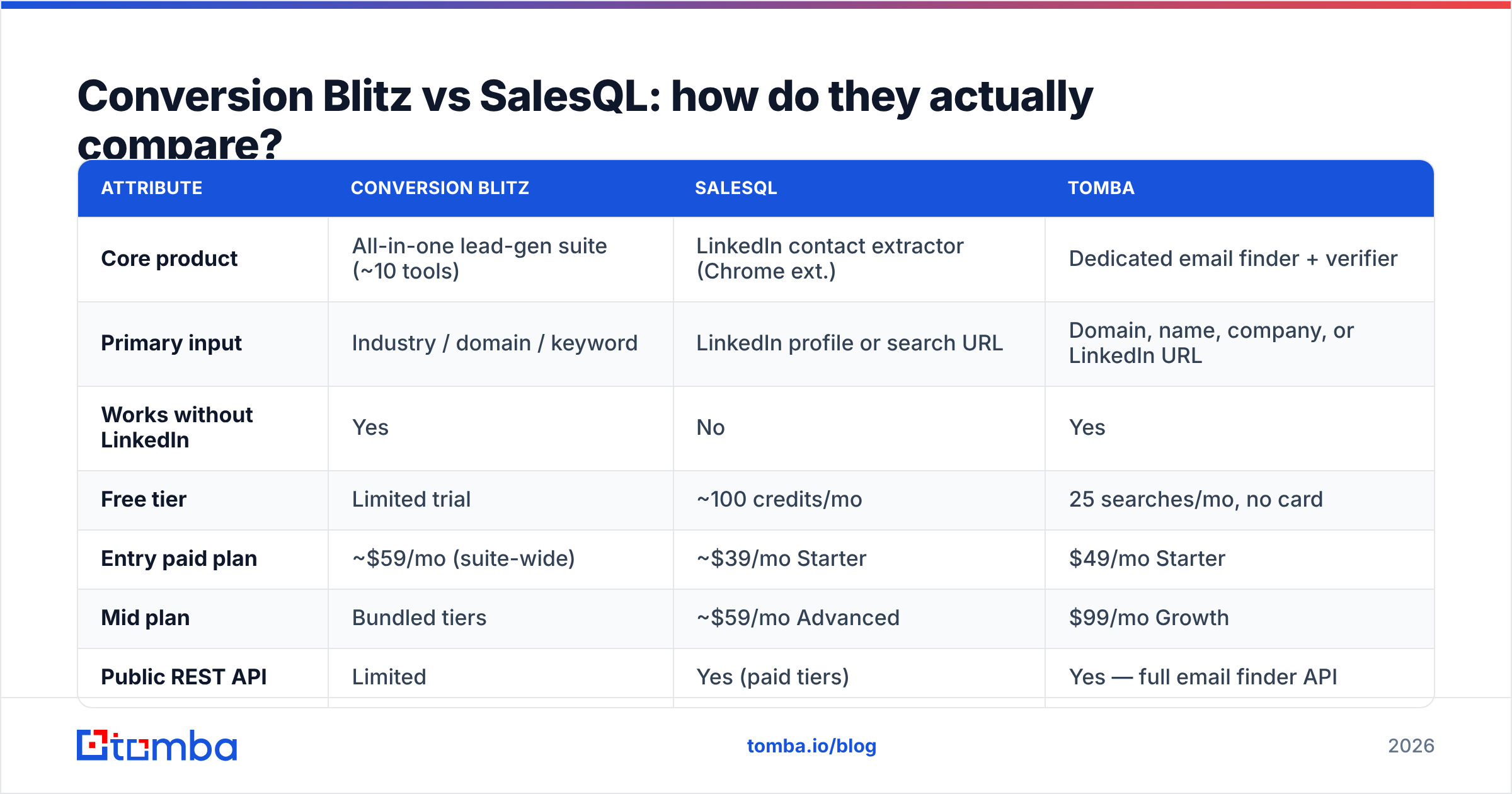
Here is the side-by-side. Pricing moves; check each vendor's page before you sign anything. Figures below reflect publicly listed plans at the time of writing.
| Attribute | Conversion Blitz | SalesQL | Tomba |
|---|---|---|---|
| Core product | All-in-one lead-gen suite (~10 tools) | LinkedIn contact extractor (Chrome ext.) | Dedicated email finder + verifier |
| Primary input | Industry / domain / keyword | LinkedIn profile or search URL | Domain, name, company, or LinkedIn URL |
| Works without LinkedIn | Yes | No | Yes |
| Free tier | Limited trial | ~100 credits/mo | 25 searches/mo, no card |
| Entry paid plan | ~$59/mo (suite-wide) | ~$39/mo Starter | $49/mo Starter |
| Mid plan | Bundled tiers | ~$59/mo Advanced | $99/mo Growth |
| Public REST API | Limited | Yes (paid tiers) | Yes — full email finder API |
| Built-in email verification | Basic | Basic validity flag | Dedicated email verifier + catch-all handling |
| Bulk processing | Yes, within suite | CSV export, LinkedIn-bound | Bulk email finder, CSV + API |
| Phone numbers | Some enrichment | Yes (a core strength) | Yes, via phone finder |
| Best for | Solo founders, agencies on a budget | LinkedIn-first SDR teams | Teams that need verified emails at volume |
| Weakest at | Depth of any single tool | Anything off LinkedIn | Not a full outreach sequencer |
Two things jump out of that table.
First, they barely overlap. Conversion Blitz is domain-and-keyword driven. SalesQL is person-and-profile driven. If your target list starts as "300 SaaS companies in DACH with 50–200 employees," Conversion Blitz's search is closer to your workflow. If it starts as "every VP of Engineering who follows this LinkedIn hashtag," SalesQL is.
Second, neither is built as data infrastructure. Look at the API row. That is the row that decides whether a tool survives your next scale-up.
Which one has better data accuracy?#
This is the question that matters, and it is the one both vendors are quietest about.
Nobody publishes a rigorous, independently audited accuracy number — not Conversion Blitz, not SalesQL, and you should be skeptical of any vendor (including Tomba) who quotes one without telling you the test methodology. What you can do is reason about how each tool sources data, because sourcing determines accuracy far more than marketing copy does.

- SalesQL derives contact data from profile-linked signals and aggregated third-party sources. For work emails at companies with predictable patterns, hit rates are decent. For personal emails, coverage is genuinely one of its differentiators. But a returned email is not the same as a verified email — SalesQL will hand you an address it believes is right, and a chunk of those will be pattern guesses.
- Conversion Blitz relies more on domain-level crawling and pattern inference. That means good coverage on companies with a public web presence and weaker coverage on individuals, especially at large enterprises with non-obvious formats.
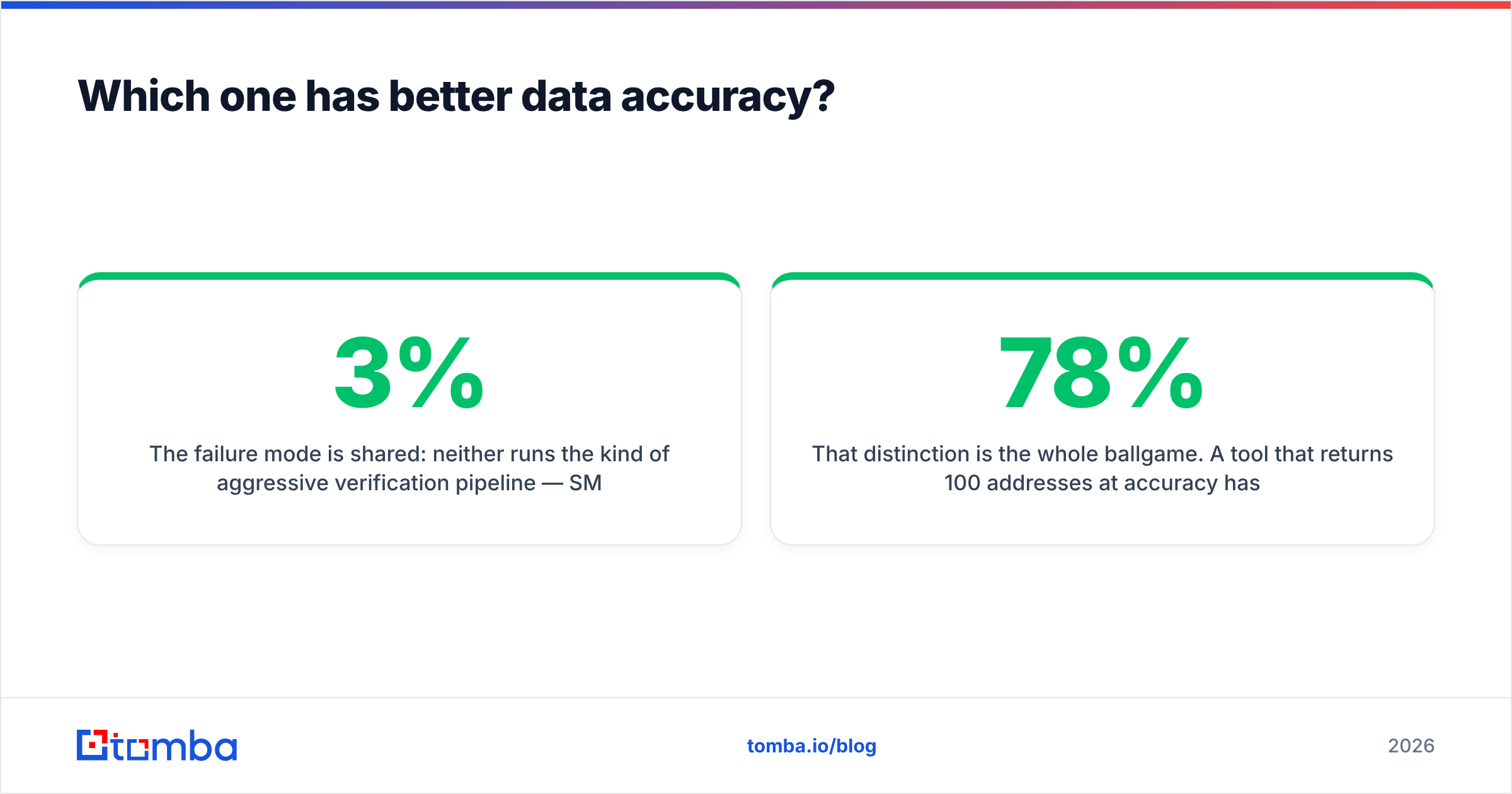
- The failure mode is shared: neither runs the kind of aggressive verification pipeline — SMTP-level checks, catch-all detection, role-account filtering — that keeps a bounce rate under 3%.
That distinction is the whole ballgame. A tool that returns 100 addresses at 78% accuracy has handed you 22 bounces. At Google and Microsoft's current thresholds, a 22% bounce rate on a fresh sending domain is not a bad campaign — it is a burned domain.

What does each tool cost in 2026?#
Sticker price is the wrong metric here. Cost per usable contact is the right one.
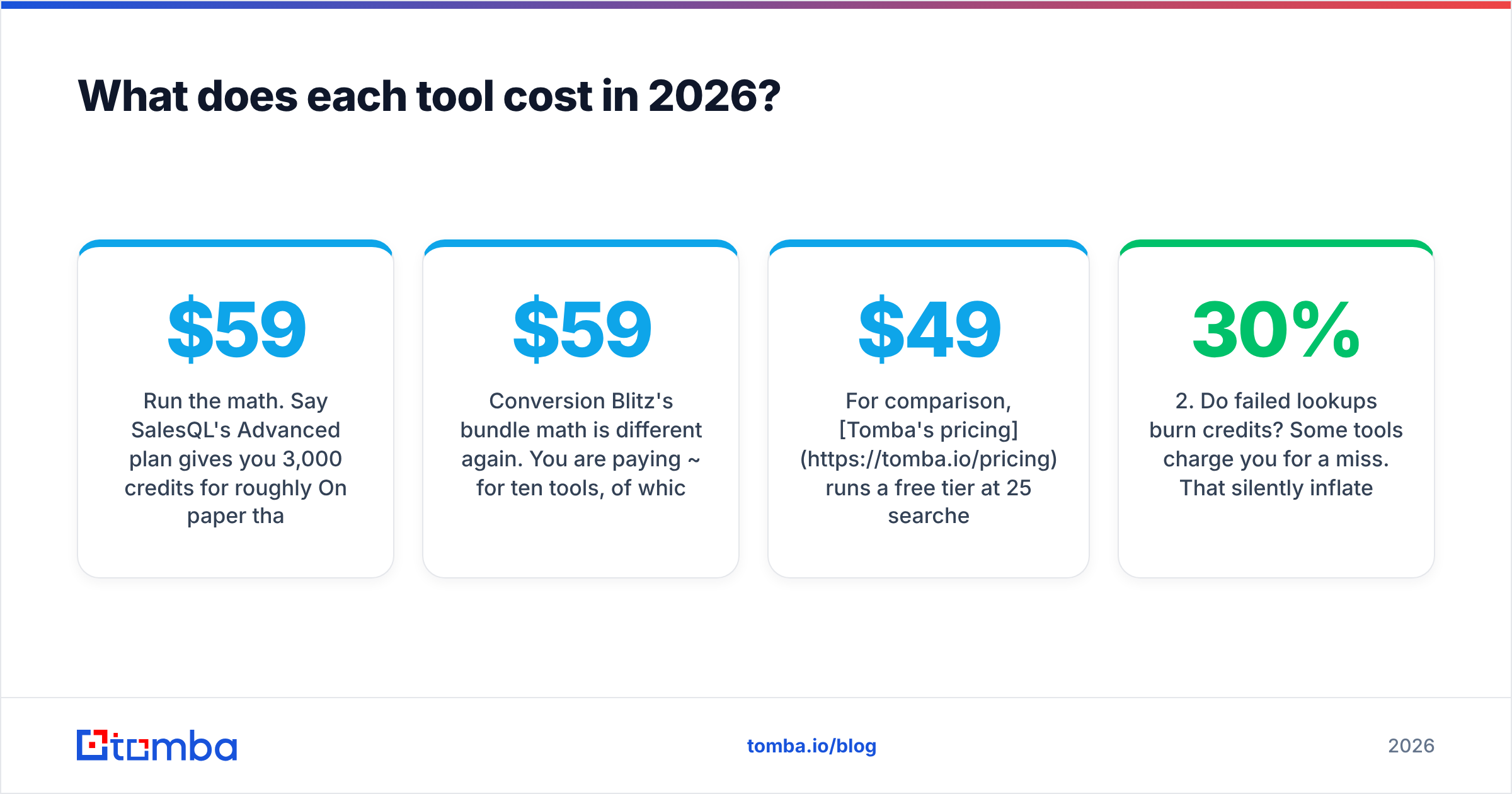
Run the math. Say SalesQL's Advanced plan gives you 3,000 credits for roughly $59/mo. On paper that is about $0.02 per contact. But if 20% of those addresses bounce or are unusable role accounts, your real cost per deliverable contact is closer to $0.025 — plus the deliverability damage, which does not show up on any invoice.
Conversion Blitz's bundle math is different again. You are paying ~$59/mo for ten tools, of which you will probably use two. If the email finder is the only module you actually need, you are paying suite pricing for point-solution value.
For comparison, Tomba's pricing runs a free tier at 25 searches/month, Starter at $49/mo, Growth at $99/mo, and Pro at $249/mo — with verification built into the same workflow rather than sold as a separate credit pool. The point is not that one number is smaller. It is that the verification step is not an upsell, so the number on the invoice is closer to the number you actually spend per deliverable contact.

Three questions to run any pricing page through:
- Are search credits and verification credits the same pool? If not, your effective price is higher than advertised.
- Do failed lookups burn credits? Some tools charge you for a miss. That silently inflates cost per contact by 15–30%.
- Is API access gated behind the top tier? If yes, and you plan to automate, budget for the top tier from day one.
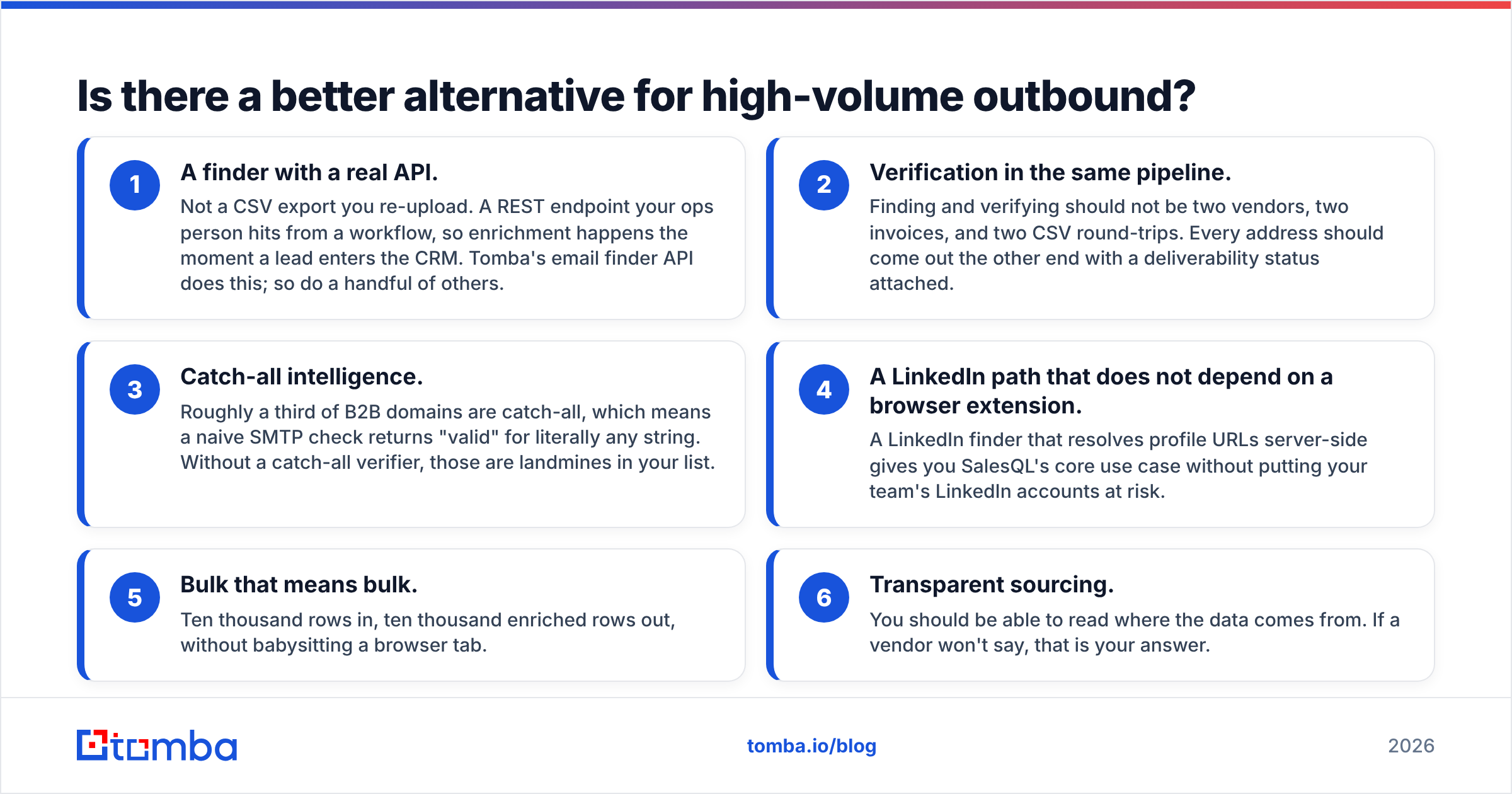
Is there a better alternative for high-volume outbound?#
If you are running real outbound volume — 5,000+ sends a month, multiple domains, an SDR team — the honest answer is that neither Conversion Blitz nor SalesQL is designed for the job you are doing. Both are excellent at the job they were designed for.
What a high-volume stack actually needs:
- A finder with a real API. Not a CSV export you re-upload. A REST endpoint your ops person hits from a workflow, so enrichment happens the moment a lead enters the CRM. Tomba's email finder API does this; so do a handful of others.
- Verification in the same pipeline. Finding and verifying should not be two vendors, two invoices, and two CSV round-trips. Every address should come out the other end with a deliverability status attached.
- Catch-all intelligence. Roughly a third of B2B domains are catch-all, which means a naive SMTP check returns "valid" for literally any string. Without a catch-all verifier, those are landmines in your list.
- A LinkedIn path that does not depend on a browser extension. A LinkedIn finder that resolves profile URLs server-side gives you SalesQL's core use case without putting your team's LinkedIn accounts at risk.
- Bulk that means bulk. Ten thousand rows in, ten thousand enriched rows out, without babysitting a browser tab.
- Transparent sourcing. You should be able to read where the data comes from. If a vendor won't say, that is your answer.
When should you still pick Conversion Blitz or SalesQL?#
Being fair to both products, because "buy the enterprise thing" is lazy advice:
Pick Conversion Blitz if: you are pre-revenue or early, you genuinely will use three or more of the bundled modules, and consolidating your bill matters more than best-in-class data. The suite is a rational purchase for a one-person shop. It stops being rational the moment you hire your first SDR.
Pick SalesQL if: your ICP lives on LinkedIn, your reps already work out of Sales Navigator all day, and you value phone numbers as much as emails. It is a well-built extension that fits an existing habit rather than fighting it — that is rarer than it should be. Layer a standalone verifier underneath it and you have a perfectly respectable mid-market stack.
Pick neither if: you are sending at volume, you need enrichment inside an automated pipeline, or your bounce rate is already creeping past 4%. At that point the constraint is data quality, not tooling breadth, and no bundle or extension solves it.
The verdict#
Conversion Blitz vs SalesQL is a false binary. They solve adjacent problems for different buyers. Conversion Blitz wins on breadth-per-dollar for solo operators. SalesQL wins on LinkedIn-native speed for SDR teams. Neither wins on the thing that determines whether your cold email actually lands: verified, sourced, API-accessible contact data.
If that is your bottleneck — and if your bounce rate is telling you it is — start with a tool built for exactly that job. Tomba's Email Finder returns work emails from a domain, a name, or a LinkedIn URL, verifies them in the same call, flags catch-all domains before they wreck your sender reputation, and exposes all of it through a REST API you can wire into your CRM in an afternoon. The free tier gives you 25 searches a month with no card — enough to run your own accuracy test against whatever you are using today, on your own list, before you spend a dollar. Run that test. The number it gives you will settle this argument faster than any comparison post can.
Related guides#
Ready to find emails that actually work?
Join 150,000+ professionals who stopped guessing and started sending. Free credits on signup — no credit card required.
Get the Tomba newsletter
Practical outbound tactics and product updates — once every two weeks.
About the author