Conversion Blitz vs Tomba: Which Email Finder Wins in 2026?
Conversion Blitz bundles 15+ marketing tools for one price. Tomba goes deep on email data. Here is the honest breakdown of pricing, accuracy, API depth, and who each one actually fits.
TL;DR
- Conversion Blitz is a bundle: 15+ small marketing and lead-gen apps (email finder, chatbot, review management, newsletter, popup builder, daily leads) sold under one subscription, often via lifetime-deal channels.
- Tomba is a specialist: an email finder, verifier, domain search, catch-all checker, and enrichment API built around one job — getting valid B2B contact data into your pipeline.
- If you want breadth on a small budget and can tolerate shallow tools, Conversion Blitz is a reasonable buy. If email data quality is what actually decides whether your campaign lands, the specialist wins.
- Pricing shapes differ: Conversion Blitz sells seat/plan access to the whole suite; Tomba sells credits — Free (25 searches/mo), Starter $49/mo, Growth $99/mo, Pro $249/mo, Enterprise custom.
- The real question is not "which tool has more features," it's "which one keeps my bounce rate under 3%." Read the accuracy section before you decide.
What is Conversion Blitz?#
Conversion Blitz is an all-in-one lead generation and sales software suite. Instead of one deep product, it ships a collection of smaller tools under a single login: an email finder, an email verifier, a chatbot, a review-collection widget, a notification/social-proof popup, a newsletter sender, a website visitor tracker, and a rotating "daily leads" database. You can see the full list on the official Conversion Blitz site.
The pitch is efficiency of spend. Instead of paying for six SaaS subscriptions, you pay for one and get "good enough" versions of each. That model has real appeal for solo founders, agencies running lean, and marketers who need to check a lot of boxes before a quarterly budget review.
The trade-off is depth. A suite that maintains fifteen products cannot pour the same engineering into email pattern discovery, SMTP verification edge cases, and catch-all detection as a company whose entire business is contact data. That's not a knock on the business model — it's arithmetic.
What is Tomba?#
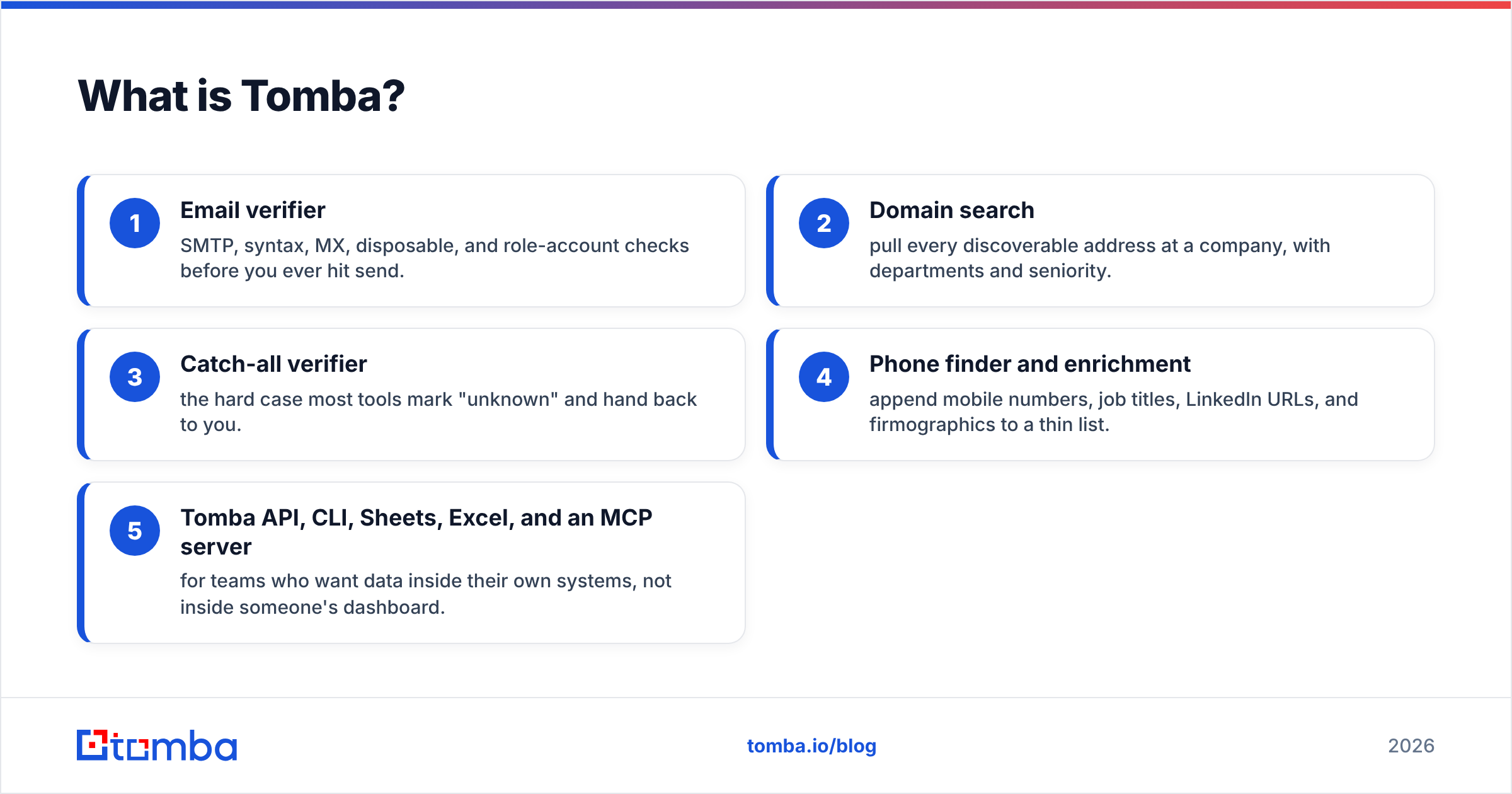
Tomba is a B2B contact-data platform. The core product is the email finder: give it a name plus a company domain, and it returns the most likely professional address with a confidence score and the public sources it used. Around that sit the supporting tools:
- Email verifier — SMTP, syntax, MX, disposable, and role-account checks before you ever hit send.
- Domain search — pull every discoverable address at a company, with departments and seniority.
- Catch-all verifier — the hard case most tools mark "unknown" and hand back to you.
- Phone finder and enrichment — append mobile numbers, job titles, LinkedIn URLs, and firmographics to a thin list.
- Tomba API, CLI, Sheets, Excel, and an MCP server — for teams who want data inside their own systems, not inside someone's dashboard.
Tomba does not try to be your chatbot, your popup builder, or your review widget. That focus is the whole argument.
How do Conversion Blitz and Tomba compare head to head?#
Here's the honest side-by-side. Where a vendor doesn't publish a hard number, we say so rather than inventing one.
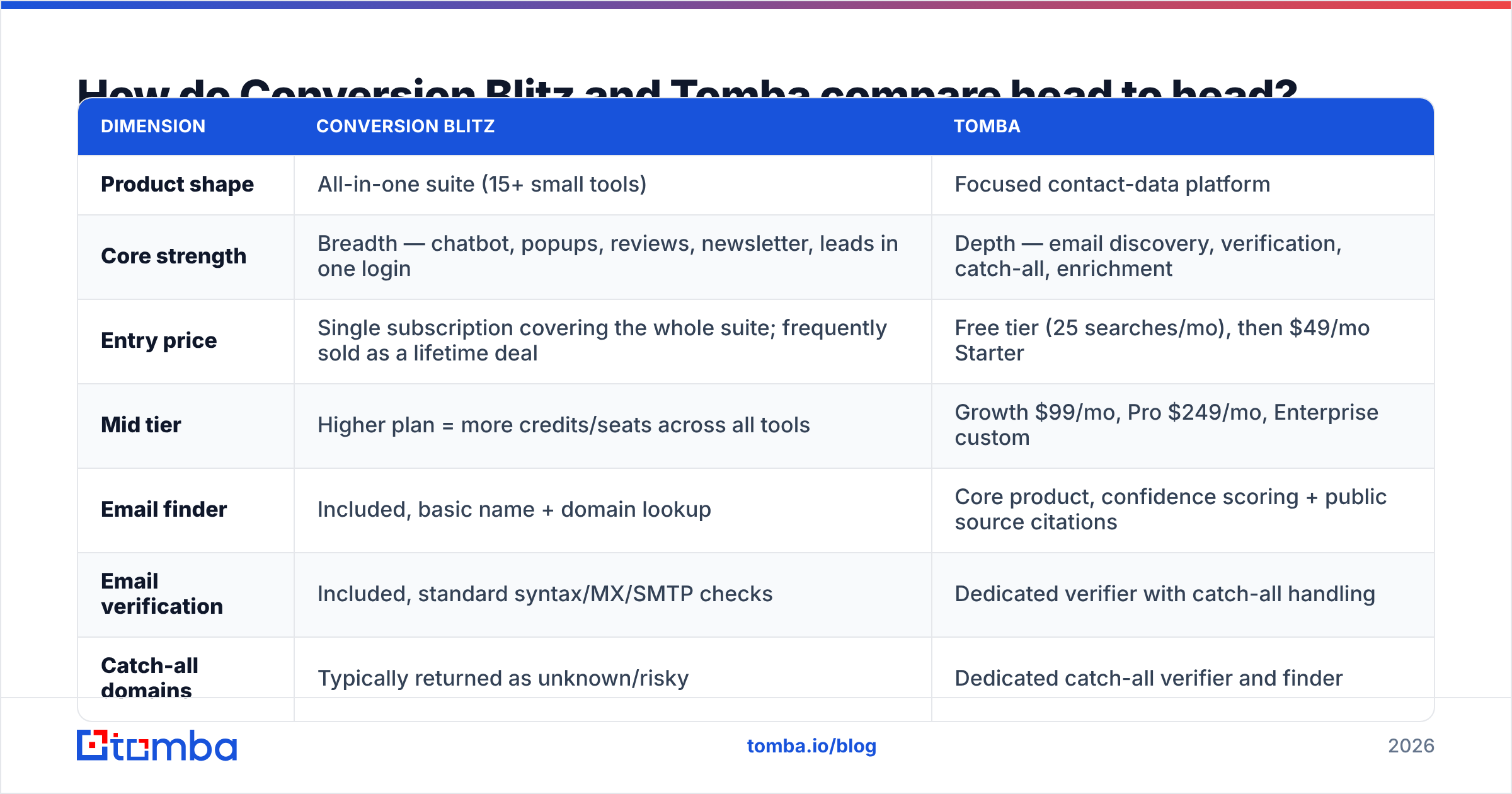
| Dimension | Conversion Blitz | Tomba |
|---|---|---|
| Product shape | All-in-one suite (15+ small tools) | Focused contact-data platform |
| Core strength | Breadth — chatbot, popups, reviews, newsletter, leads in one login | Depth — email discovery, verification, catch-all, enrichment |
| Entry price | Single subscription covering the whole suite; frequently sold as a lifetime deal | Free tier (25 searches/mo), then $49/mo Starter |
| Mid tier | Higher plan = more credits/seats across all tools | Growth $99/mo, Pro $249/mo, Enterprise custom |
| Email finder | Included, basic name + domain lookup | Core product, confidence scoring + public source citations |
| Email verification | Included, standard syntax/MX/SMTP checks | Dedicated verifier with catch-all handling |
| Catch-all domains | Typically returned as unknown/risky | Dedicated catch-all verifier and finder |
| Developer API | Limited; the suite is dashboard-first | Full REST API, CLI, MCP server, Sheets/Excel/Airtable add-ons |
| Bulk workflows | CSV upload per tool | Bulk email finder and bulk verify with job queues |
| Best fit | Solo founder or small agency who wants many marketing basics cheaply | Sales, RevOps, or growth team where bounce rate costs money |
| Weakness | Each tool is a 6/10, not a 9/10 | No chatbot, popups, or on-site marketing widgets |
The table makes the strategic choice obvious: these products are not really competitors. They're two answers to two different questions.
Which one finds more valid emails?#
This is the only comparison that changes your revenue, so treat everything else as secondary.
An email finder has three failure modes, and vendors rarely separate them in their marketing:
- Miss — the tool returns nothing. Annoying, but harmless. You move on.
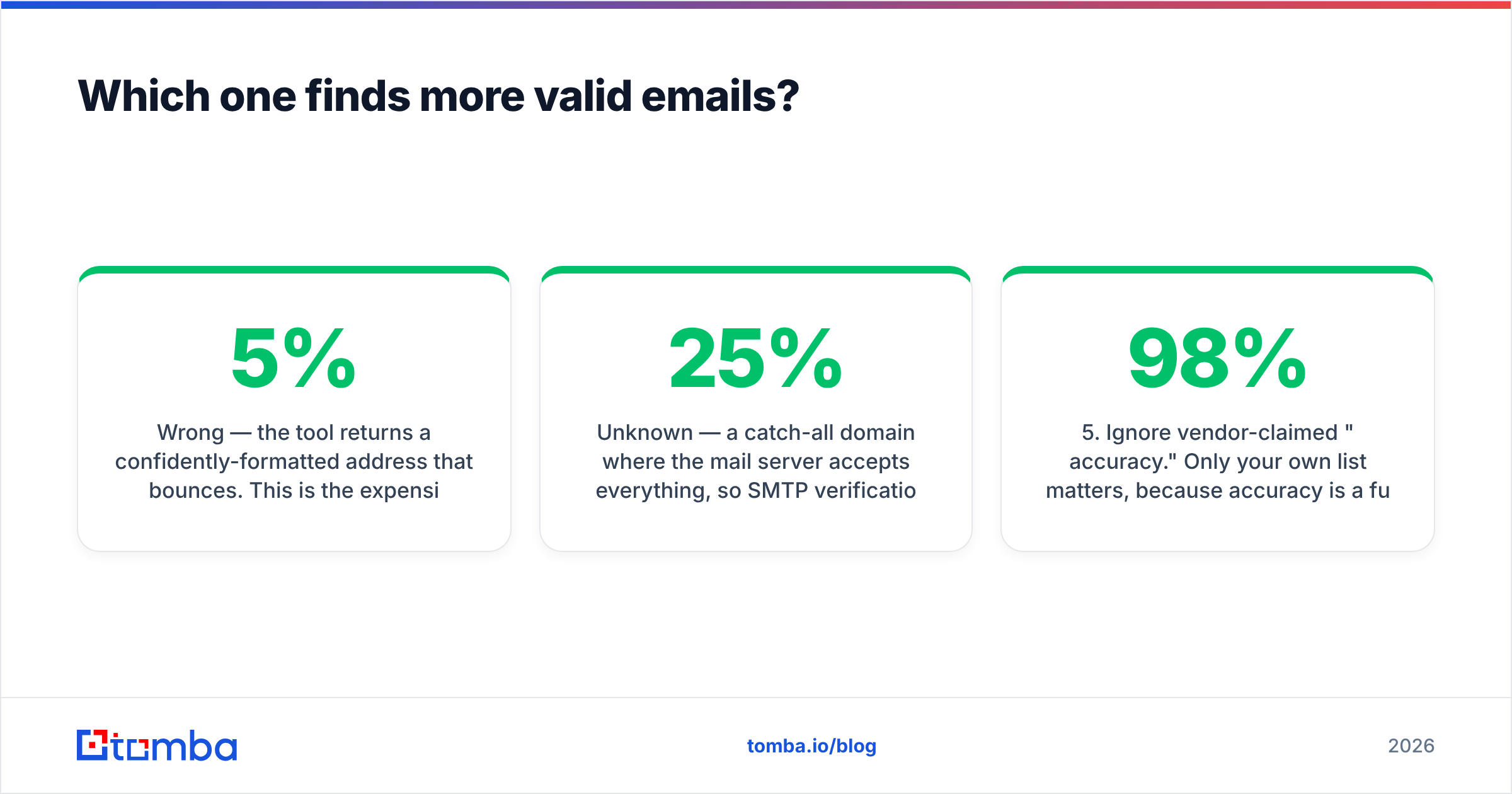
- Wrong — the tool returns a confidently-formatted address that bounces. This is the expensive one. Bounces above roughly 3-5% start damaging your sender reputation, and a damaged domain suppresses every campaign you run for weeks afterward.
- Unknown — a catch-all domain where the mail server accepts everything, so SMTP verification can't confirm anything. Most tools shrug here. Depending on your ICP, catch-alls can be 15-25% of your list.
Suite tools generally handle the first two acceptably and punt on the third. Specialist providers compete on the third, because that's where the remaining margin is. If your target accounts skew enterprise (where catch-all configurations are common), the difference between "we return unknown" and "we resolve it" is a fifth of your addressable list.

The practical test — and you should run it yourself, not take anyone's word for it:
- Take 100 real prospects you already know are valid (past customers, closed-won contacts, people who replied).
- Strip the emails. Keep name + company domain only.
- Run the list through both tools.
- Score three columns: found-and-correct, found-and-wrong, not-found.
- Ignore vendor-claimed "98% accuracy." Only your own list matters, because accuracy is a function of your ICP's region, company size, and industry — not a universal constant.
Tomba publishes where its data comes from, which lets you sanity-check whether the sources are relevant to your market. Ask any vendor for the same. If they can't answer, that itself is the answer.
Is the all-in-one suite model actually cheaper?#
On the invoice, usually yes. In total cost, it depends on what you do with the tools.
The suite math works when:
- You'd genuinely use four or more of the bundled tools. If you only use the email finder and ignore the chatbot, popups, and review widget, you're paying a bundle price for a single-tool workflow.
- Your volume is low. A few hundred lookups a month doesn't stress any tool's accuracy ceiling.
- Bounces are cheap for you. If you're sending 200 emails a month from a domain you don't depend on, a 12% bounce rate is a survivable annoyance.
The suite math breaks when:
- You send at volume. At 5,000 sends/month, a 10-point accuracy gap is 500 extra bounces — enough to get throttled by Google and Microsoft, whose bulk sender requirements now enforce spam-complaint and authentication thresholds explicitly.
- You need data in your systems. Suite tools are dashboard-first. If you want enrichment firing from a workflow or CRM trigger, you need a real API, integrations, and predictable rate limits.
- You're paying for reps' time. An SDR who manually re-verifies half a list because the tool returned "risky" costs more per month than the price gap between any two of these products.
Compare that against Tomba pricing, which is credit-based: you pay for lookups and verifications, not for seats on tools you don't open. The free tier gives 25 searches a month, which is enough to run the 100-prospect accuracy test above across two billing cycles at zero cost.

What about verification, deliverability, and the parts nobody demos?#
Every email finder demo looks the same: type a name, get an address, applause. The interesting behavior happens afterward.
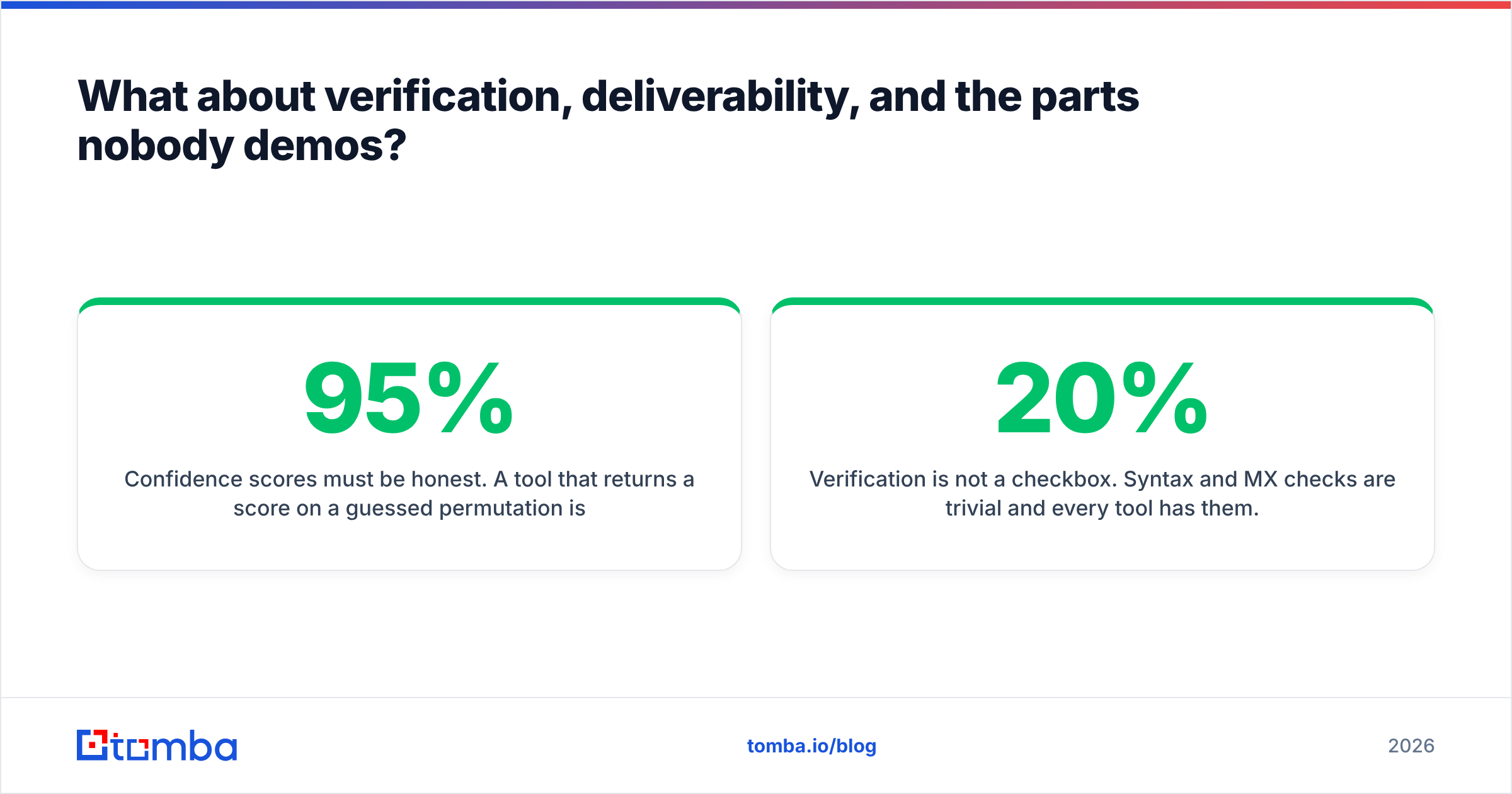
Confidence scores must be honest. A tool that returns a 95% score on a guessed permutation is worse than a tool that returns nothing, because it converts a "miss" into a "wrong." Look for scores tied to observed evidence — a source URL, a matching public record, an SMTP acknowledgment — not to pattern probability alone.
Verification is not a checkbox. Syntax and MX checks are trivial and every tool has them. What separates products is SMTP handling at scale (mail servers rate-limit and grey-list verifiers aggressively) and catch-all resolution. If the verifier hands back "risky" for 20% of your list, you have a 20% decision problem, not a verified list.
Enrichment closes the loop. Once you have a valid address, contact enrichment appends title, seniority, LinkedIn, and company data — which is what makes a first line personal rather than generic. A suite's "daily leads" feed is a different thing: it's a database someone else curated, not enrichment of your target accounts.

Who should pick Conversion Blitz?#
Be fair here. Conversion Blitz has a legitimate buyer, and it's not a small one:
- Solo founders and micro-agencies who need a chatbot, a review widget, a popup, and light prospecting, and who cannot justify four separate subscriptions.
- Marketers testing channels where breadth beats depth — you don't yet know if on-site social proof or outbound email will work, so you want both cheaply.
- Low-volume outbound, where a few hundred sends a month means accuracy differences don't compound into deliverability damage.
- Lifetime-deal buyers who prefer a one-time cost over recurring SaaS spend and accept the depth trade-off knowingly.
If that's you, buy it, use it, and don't feel bad. Check current user sentiment on G2 before committing — reviews of suite products vary a lot by which tool inside the suite the reviewer actually used.
Who should pick Tomba?#
- Outbound teams sending 1,000+ emails/month, where every bounce point costs deliverability and every catch-all left unresolved is lost pipeline.
- RevOps and growth engineers who want data flowing through the Tomba API, a CLI, an MCP server, or a Sheets add-on — not copy-pasted out of a dashboard.
- Agencies enriching client lists at volume, where bulk jobs, dedupe, and per-client credit tracking matter more than a popup builder.
- Anyone whose domain reputation is a company asset. Email deliverability is a compounding variable: protect it and every future campaign works better; damage it and no amount of copywriting saves you.
What's the verdict?#
Conversion Blitz wins on breadth per dollar. Tomba wins on the one metric that determines whether your cold email campaign works at all.
If you're picking between a suite and a specialist, ask a single question: what happens to my business if this tool is wrong? If the answer is "I lose a few minutes," buy the suite — the savings are real and the depth doesn't matter. If the answer is "my domain gets throttled, my sequences stall, and my quarter slips," buy the specialist and keep the bundle for the widgets you actually use. Plenty of teams run both, and there's nothing incoherent about that.
What you should not do is assume that fifteen tools in one login means fifteen good tools. Run the 100-prospect test. Look at the found-and-wrong column. That column is the whole argument, and it settles the debate in about twenty minutes.
Ready to test the accuracy claim yourself? Start with the Tomba Email Finder free tier — 25 searches a month, no card required — and run your own known-good list through it. Compare the found-and-correct rate against whatever you use today. If the numbers don't move, you've lost nothing. If they do, you just found the cheapest deliverability fix available to you, and you can scale it from $49/mo whenever you're ready.
Related guides#
Ready to find emails that actually work?
Join 150,000+ professionals who stopped guessing and started sending. Free credits on signup — no credit card required.
Get the Tomba newsletter
Practical outbound tactics and product updates — once every two weeks.
About the author