Covideo Alternatives in 2026: 9 Video Sales Tools Compared
Covideo pioneered video-in-email for sales, but per-seat pricing and annual-only contracts push a lot of teams to shop around. Here are 9 Covideo alternatives compared on price, CRM sync, free tiers, and who each one actually fits.
TL;DR
- Covideo is a mature video-in-email platform built for sales and service teams, but it sells per seat, leans on annual contracts, and doesn't publish transparent self-serve pricing — which is why most teams start looking for Covideo alternatives.
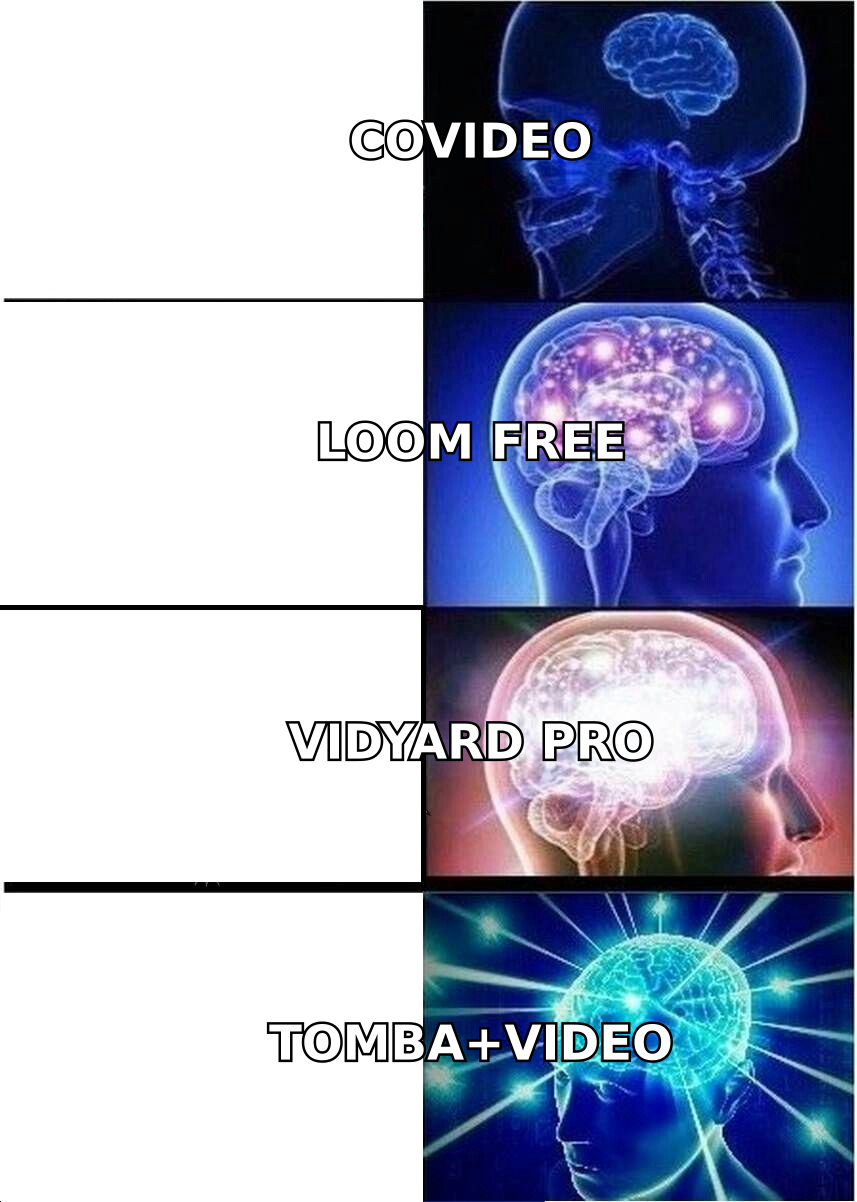
- If you want free and frictionless, use Loom. If you want video attribution tied to pipeline, use Vidyard. If you want AI-personalized outbound video at scale, use Sendspark or Potion.
- Relationship-heavy industries (real estate, insurance, mortgage) usually land on BombBomb; teams that want video plus a landing page builder land on Dubb or Hippo Video.
- Video is a conversion layer, not a targeting layer. A brilliant 45-second clip sent to a bounced address is worth exactly zero.
- Before you compare video tools, fix the list underneath them: verified emails first, then video.
What is Covideo, and why do teams look for alternatives?#
Covideo is a video messaging platform aimed at salespeople, customer success reps, and service departments. You record a webcam or screen video, drop it into an email as an animated thumbnail, and track opens and plays. It integrates with Gmail, Outlook, Salesforce, HubSpot, and a handful of dealership and automotive CRMs — the automotive vertical is where Covideo has historically been strongest.
It works. The product is stable, the support is real, and the core promise — a human face inside a cold inbox — still converts better than another paragraph of text.
So why do people leave?
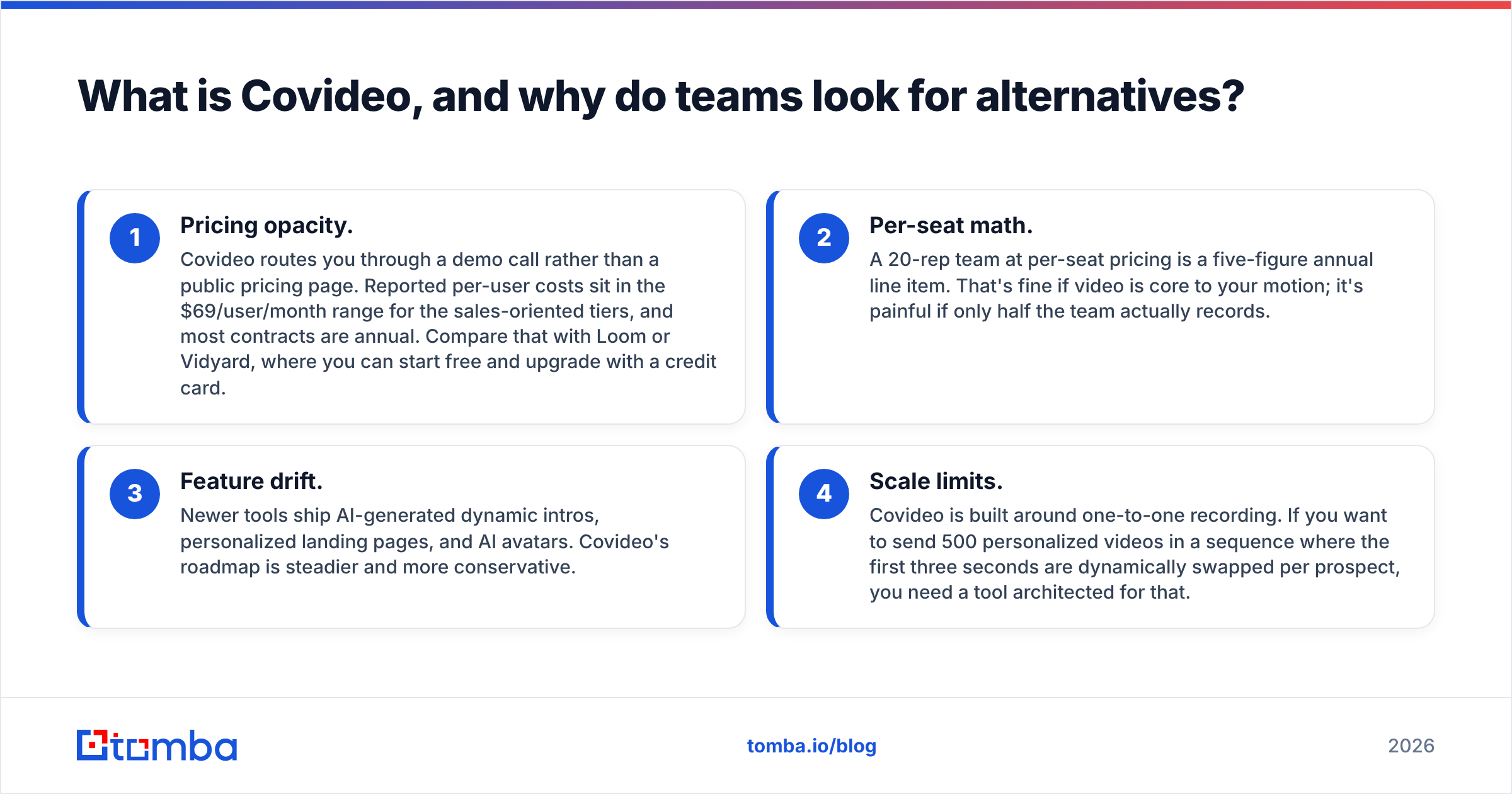
- Pricing opacity. Covideo routes you through a demo call rather than a public pricing page. Reported per-user costs sit in the $69/user/month range for the sales-oriented tiers, and most contracts are annual. Compare that with Loom or Vidyard, where you can start free and upgrade with a credit card.
- Per-seat math. A 20-rep team at per-seat pricing is a five-figure annual line item. That's fine if video is core to your motion; it's painful if only half the team actually records.
- Feature drift. Newer tools ship AI-generated dynamic intros, personalized landing pages, and AI avatars. Covideo's roadmap is steadier and more conservative.
- Scale limits. Covideo is built around one-to-one recording. If you want to send 500 personalized videos in a sequence where the first three seconds are dynamically swapped per prospect, you need a tool architected for that.
None of that makes Covideo bad. It makes it specific. The question is whether it's specific to you.
What should you actually compare in a video sales tool?#
Every vendor's landing page brags about the same four things. Ignore them. Here's what separates these tools in practice:
- Pricing model — per seat, per sender, or flat? Per-seat pricing punishes teams where adoption is uneven. Flat pricing punishes small teams. Know which one you are.
- Personalization depth — a generic screen recording is not personalization. Real differentiation is dynamic intros (your prospect's name spoken or shown in the first 3 seconds), personalized backgrounds, and per-prospect landing pages with their logo on it.
- CRM and sequencer integration — does the video land inside HubSpot, Salesforce, Outreach, Salesloft, or Instantly natively, or do you paste a link and pray? Video that doesn't write engagement data back to the CRM is video you can't report on.
- Deliverability behavior — embedded video is one of the fastest ways to get a cold email filtered. Good tools send an animated GIF thumbnail linking to a hosted page. Bad ones try to embed heavy media and drag your sender reputation down.
- Analytics granularity — "opened" is table stakes. You want watch percentage, drop-off point, and re-watch signals, because a prospect who watched 90% and re-watched the pricing section is a different lead than one who bounced at 4 seconds.
- Free tier — the fastest way to test adoption across a team is to let them start free. If half the reps never record after week two, you just saved a contract.
Which Covideo alternatives are worth your time in 2026?#
Here's the shortlist, with honest positioning.
1. Loom — the default for teams that just want video, fast#
Loom is the most widely adopted screen and webcam recorder in B2B, and its free tier is genuinely usable (capped video length and library size, but no watermark nonsense). Reps already know it, which kills the adoption problem before it starts.
Weakness: Loom is a recording tool with light sales features bolted on, not a sales engagement platform. Analytics are shallow compared to Vidyard, and there's no dynamic personalization. If you need attribution into pipeline, Loom won't get you there.
Best for: teams that want instant adoption and don't need CRM-grade reporting.
2. Vidyard — the closest like-for-like Covideo replacement#
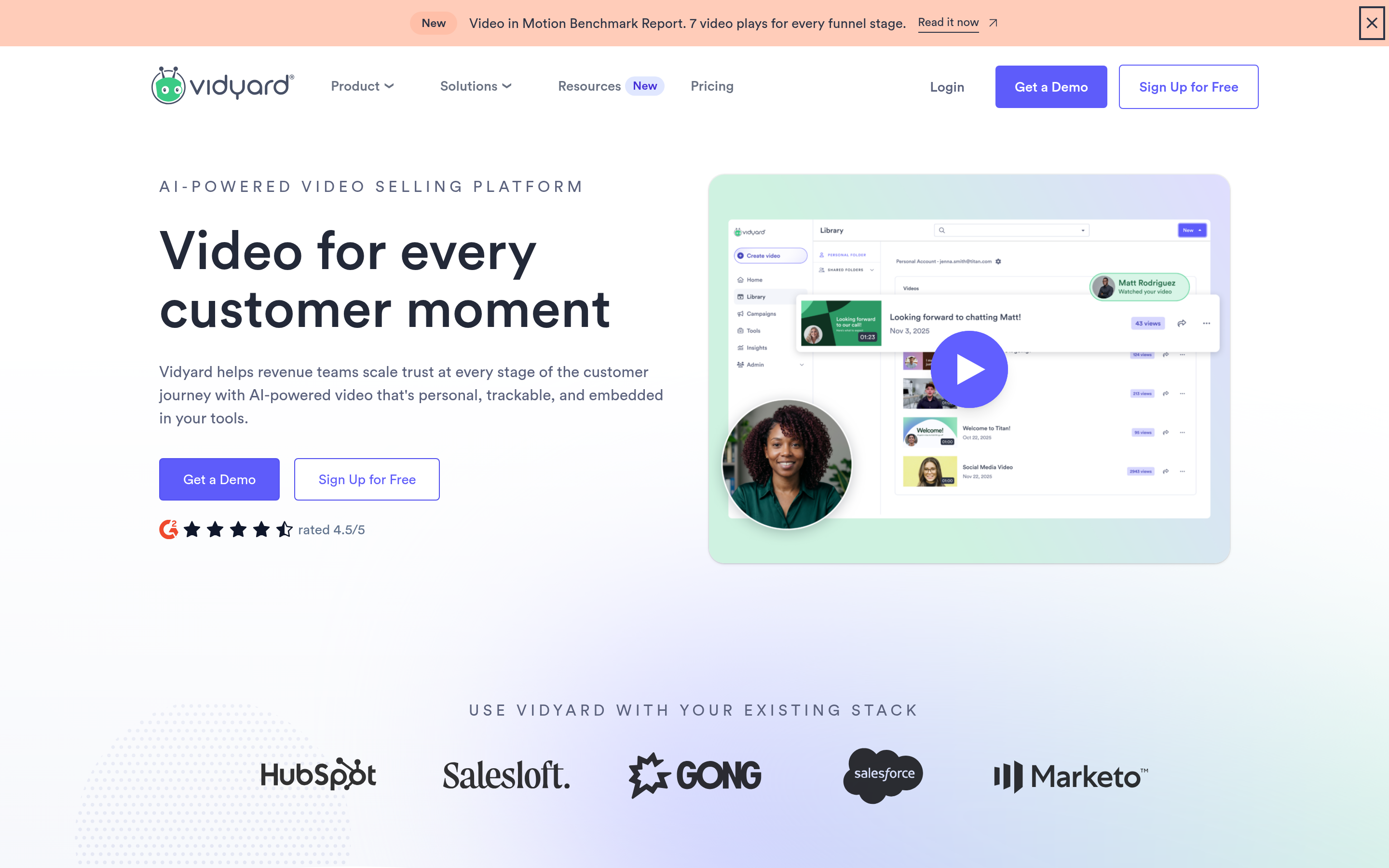
Vidyard is the most direct competitor. It has a free plan, self-serve paid tiers, native Salesforce/HubSpot/Outreach/Salesloft integrations, AI script generation, and a genuinely deep analytics layer that ties watch behavior back to opportunities. It also hosts marketing video, so one vendor covers both sales and demand gen.
Weakness: the good stuff (viewer identification, advanced integrations, team analytics) lives on the higher tiers, and the interface has more surface area than a rep needs.
Best for: revenue teams that want video engagement to show up in pipeline reporting.
3. Sendspark — AI personalization at outbound scale#
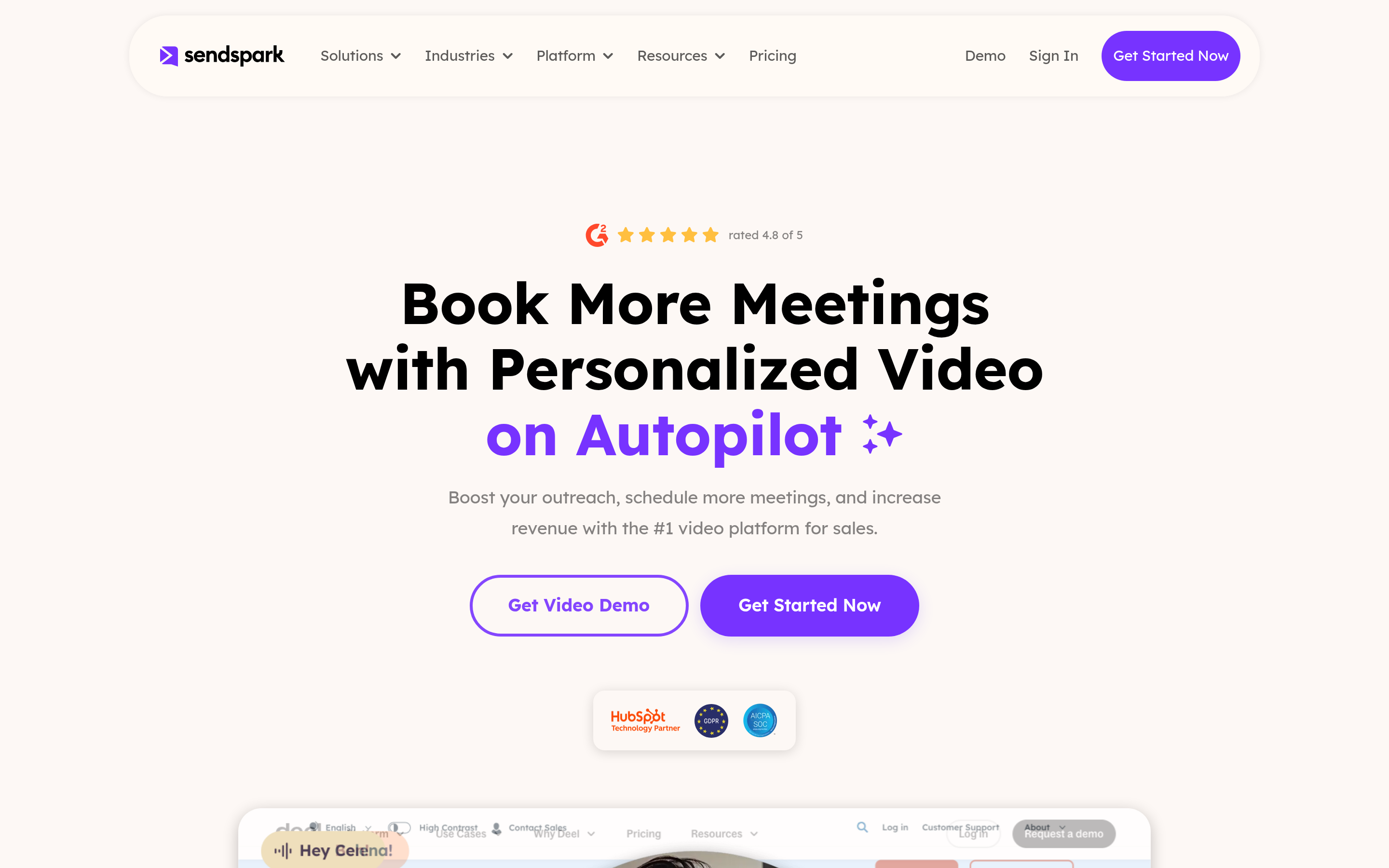
Sendspark is built for the outbound use case Covideo was never designed for: record one base video, then let the platform dynamically swap the first few seconds with the prospect's name, company, or website preview across hundreds of sends. It plugs into Instantly, Smartlead, Lemlist, Apollo, and HubSpot.
Weakness: dynamic video only works if your prospect data is clean. Garbage in, "Hi {{first_name}}" out — on camera, which is worse than in text.
Best for: SDR teams running high-volume personalized outbound.
4. BombBomb — relationship industries#
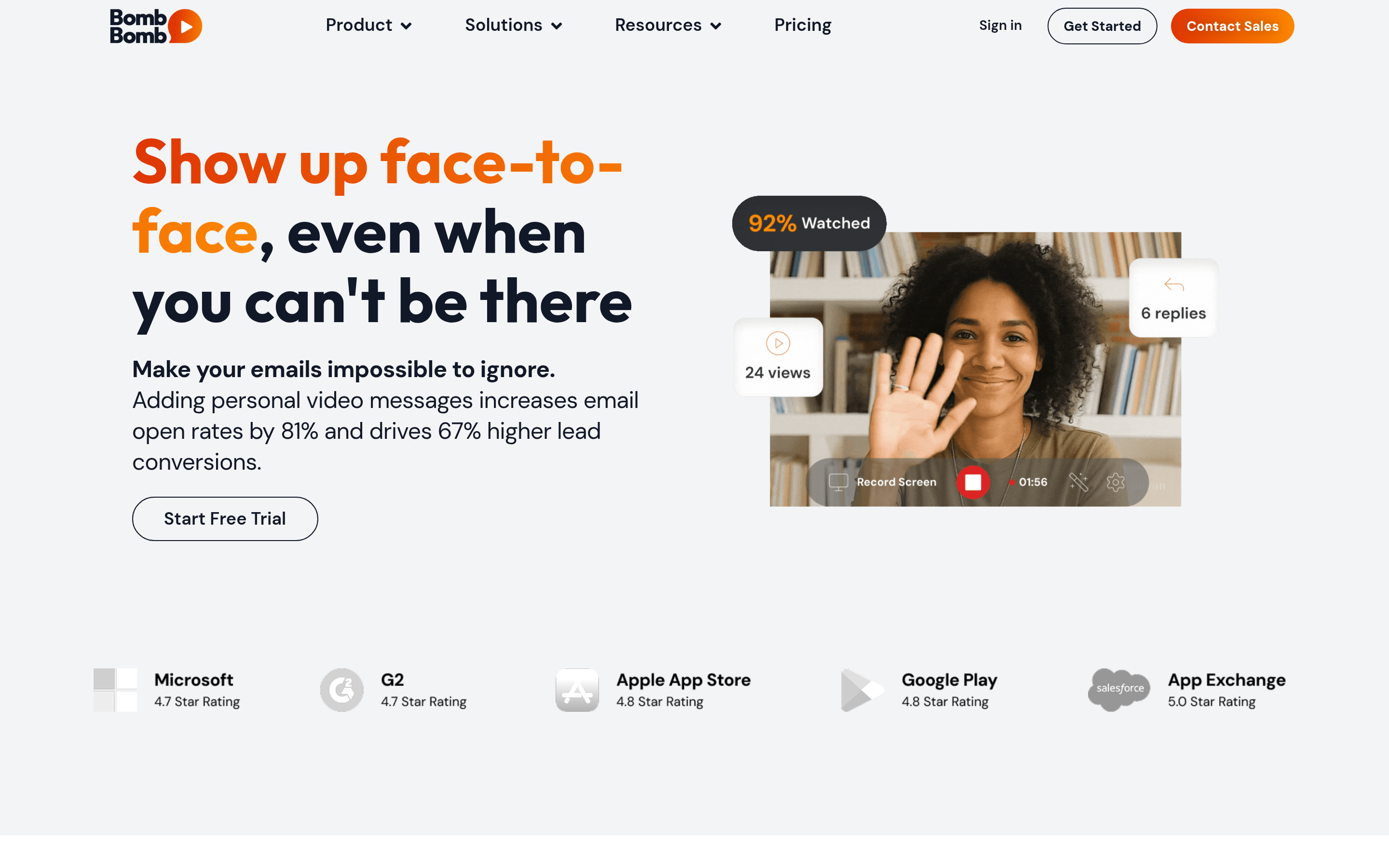
BombBomb owns real estate, mortgage, insurance, and financial advisory. Its whole design philosophy is "rehumanize the inbox," and its deliverability infrastructure for one-to-many video sends is mature. Strong mobile app, which matters when your reps are in a car between showings.
Weakness: less compelling for classic SaaS outbound; the analytics don't match Vidyard's.
Best for: agents, brokers, and advisors who live on referrals and follow-up.
5. Hippo Video — video plus a workflow engine#
Hippo Video goes broad: sales video, video landing pages, AI avatars, in-video CTAs, and support/marketing use cases. If you want one platform to cover more than sales outreach, this is the widest net.
Weakness: breadth costs focus. Some modules feel less polished than a dedicated tool.
Best for: teams consolidating video across sales, CS, and marketing.
6. Dubb — video plus conversion pages#
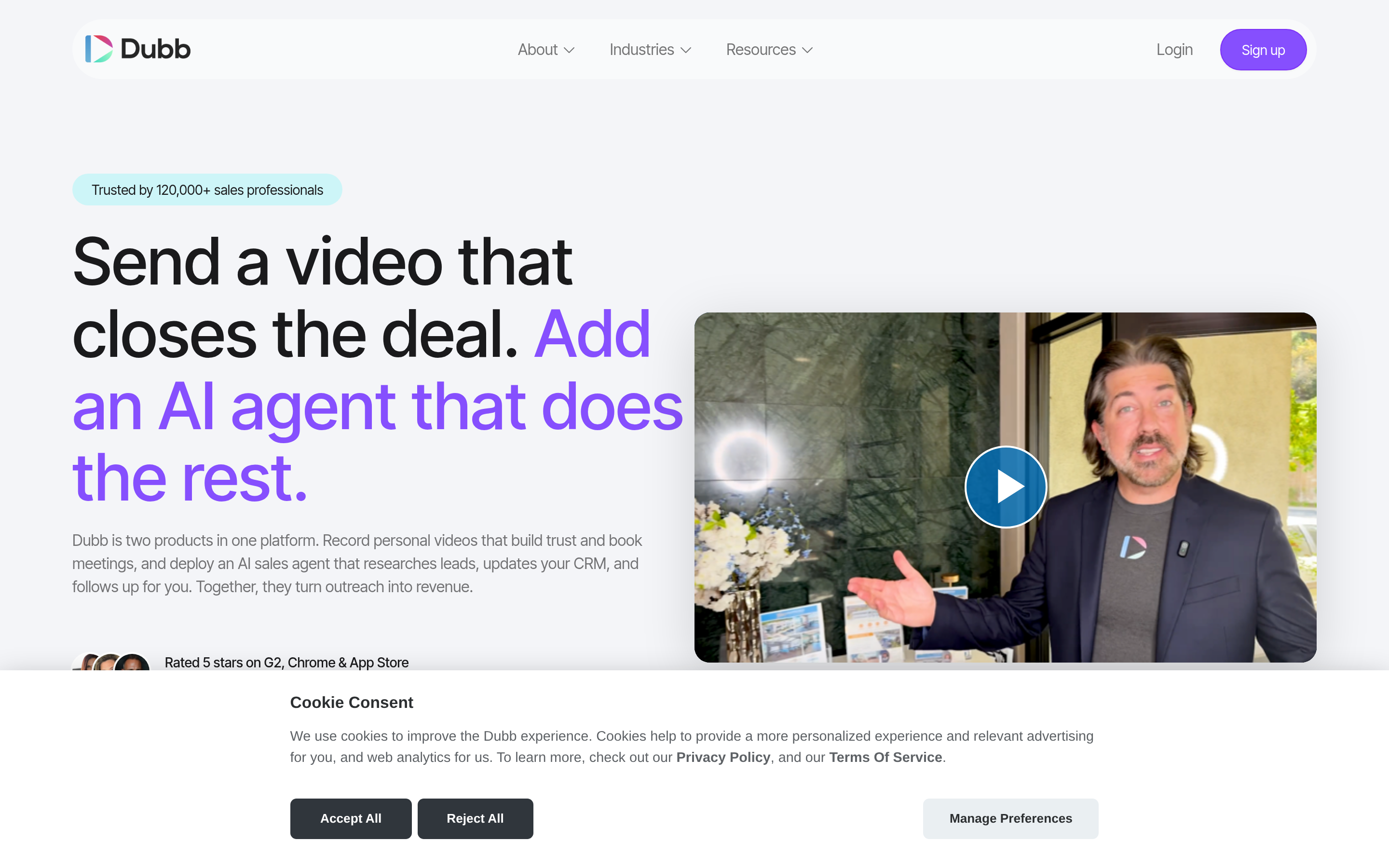
Dubb pairs video with landing pages, CTAs, calendar booking, and automation. It's aggressively priced for what it includes, and the video landing pages convert well because they force a next step instead of leaving the prospect to reply or not.
Weakness: the UI shows its age in places, and enterprise governance features are thin.
Best for: SMB sales teams that want video and conversion in one bill.
7. Potion — personalized video at real volume#
Potion is the "send 1,000 videos that each say the prospect's name out loud" tool. AI voice and face cloning, deep sequencer integrations, and a distinctly outbound-first posture.
Weakness: priced above the pack, and the cloned-voice approach requires taste. Done badly it lands in the uncanny valley and costs you the meeting.
Best for: well-funded outbound teams where video is the primary channel.
8. Zight (formerly CloudApp) — the cheap utility#
Screenshot, GIF, and screen recording with annotation, at a price that barely registers. Not a sales platform, but if all your reps need is "show, don't tell" in a support or follow-up email, this is the pragmatic pick.
Best for: budget-constrained teams that need clips, not campaigns.
9. Vimeo Record — video you already pay for#
If your marketing team already runs Vimeo, Record is effectively free capacity. Basic sharing, basic analytics, no sales layer.
Best for: organizations already inside the Vimeo ecosystem.
How do the top Covideo alternatives compare on price and features?#
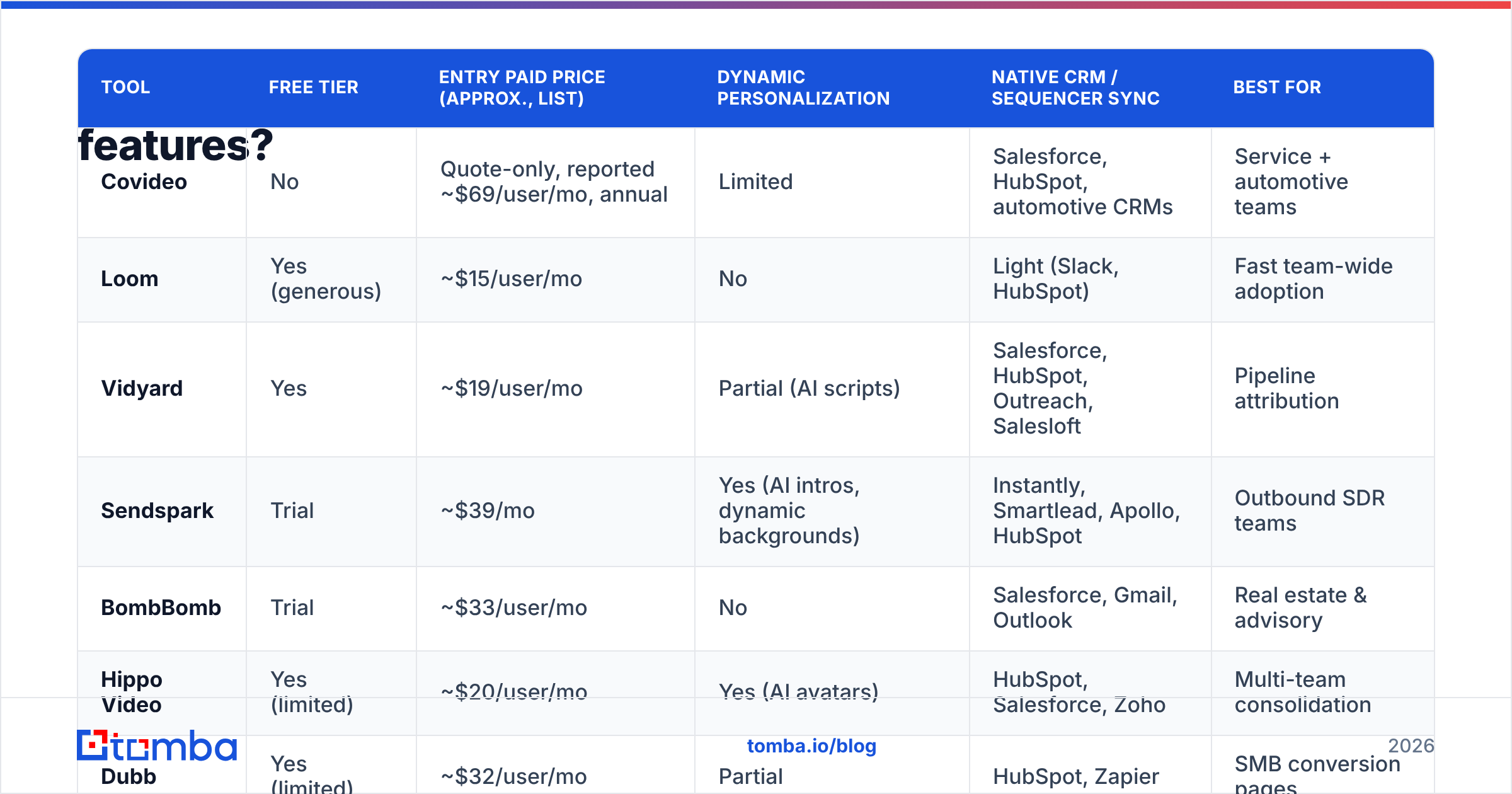
| Tool | Free tier | Entry paid price (approx., list) | Dynamic personalization | Native CRM / sequencer sync | Best for |
|---|---|---|---|---|---|
| Covideo | No | Quote-only, reported ~$69/user/mo, annual | Limited | Salesforce, HubSpot, automotive CRMs | Service + automotive teams |
| Loom | Yes (generous) | ~$15/user/mo | No | Light (Slack, HubSpot) | Fast team-wide adoption |
| Vidyard | Yes | ~$19/user/mo | Partial (AI scripts) | Salesforce, HubSpot, Outreach, Salesloft | Pipeline attribution |
| Sendspark | Trial | ~$39/mo | Yes (AI intros, dynamic backgrounds) | Instantly, Smartlead, Apollo, HubSpot | Outbound SDR teams |
| BombBomb | Trial | ~$33/user/mo | No | Salesforce, Gmail, Outlook | Real estate & advisory |
| Hippo Video | Yes (limited) | ~$20/user/mo | Yes (AI avatars) | HubSpot, Salesforce, Zoho | Multi-team consolidation |
| Dubb | Yes (limited) | ~$32/user/mo | Partial | HubSpot, Zapier | SMB conversion pages |
| Potion | No | ~$99/mo and up | Yes (voice/face cloning) | Outreach, Salesloft, Smartlead | High-volume video outbound |
Prices are list prices at the time of writing and move constantly — confirm on each vendor's pricing page before you budget. Cross-check the sentiment on G2 too; the review deltas between these tools are usually about support and deliverability, not features.

Does switching video tools actually fix your reply rate?#
Usually not — and this is the part every "best Covideo alternatives" listicle skips.
Video lifts reply rates when it reaches a real person who is plausibly in-market. It does nothing when:
- The email address bounced, so the video was never delivered.
- The address is a catch-all that silently swallows everything.
- The contact left the company 14 months ago and the CRM never caught up.
- The person is real and reachable, but has zero connection to the problem you're pitching.
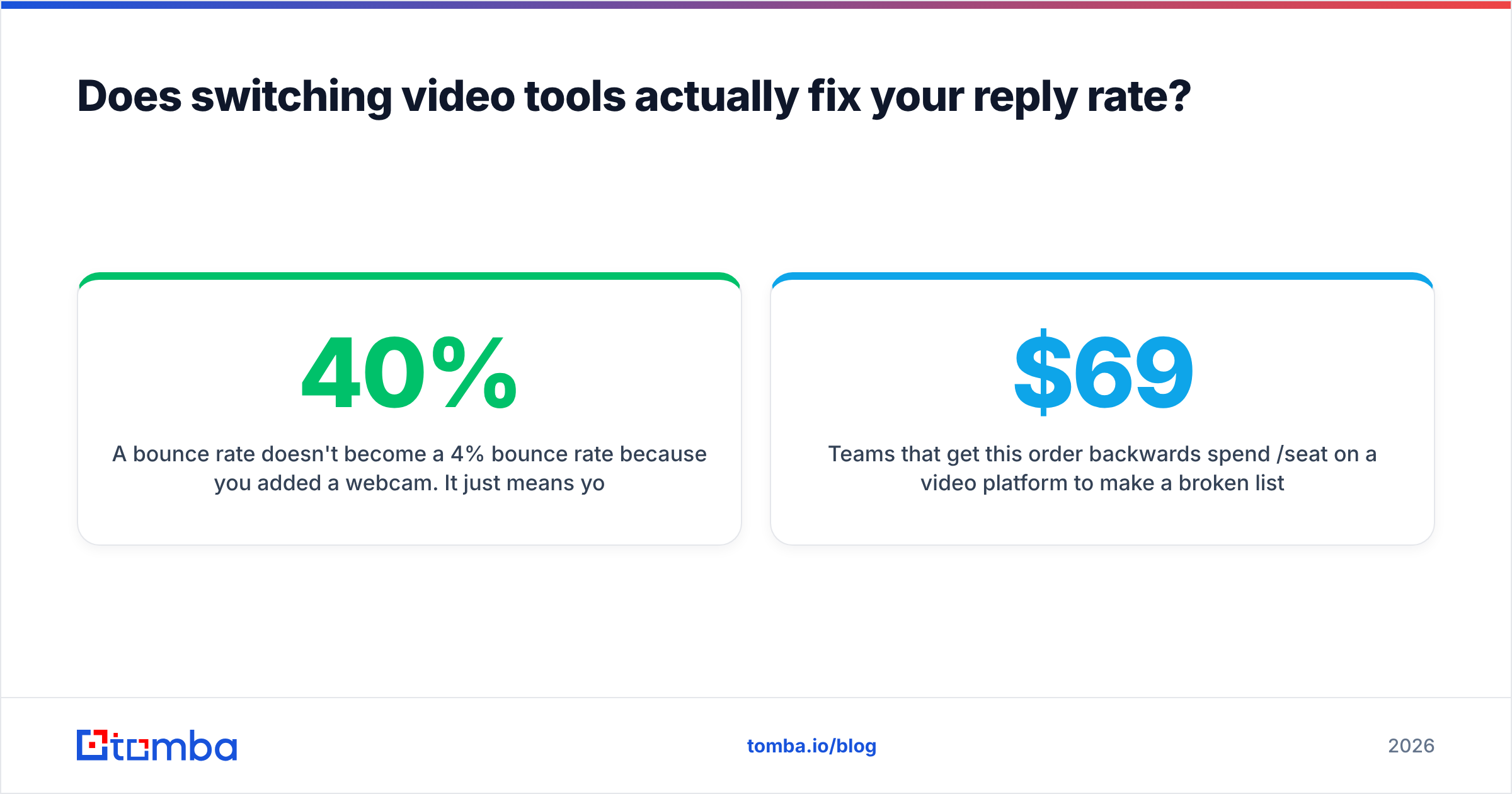
A 40% bounce rate doesn't become a 4% bounce rate because you added a webcam. It just means you spent 20 minutes recording clips that nobody saw, while your domain took reputation damage from the bounces. If your email deliverability is soft, video makes the loss more expensive, not less.
The order of operations that actually works:
- Build the list against verified reality. Use an email finder that returns a confidence score with a source, not a guessed permutation of
first.last@domain.com. - Verify before send. Run the list through an email verifier and strip the invalids, the role accounts, and the risky catch-alls. This is the single highest-ROI ten minutes in the whole workflow.
- Enrich for the script. Data enrichment gives you the title, headcount, and tech stack you need so your video's first sentence sounds like it was made for one person — because it was.
- Then record. Now the video tool is doing the job it's good at: converting attention you've already earned into a reply.
Teams that get this order backwards spend $69/seat/month on a video platform to make a broken list slightly more expressive. Teams that get it right often find that a cheap tool like Loom, sitting on top of a clean, verified list, outperforms an expensive platform sitting on top of a scraped one. The tool is downstream of the data. It always was.
Which Covideo alternative should you pick?#
Compress the whole decision into five questions:
- Do you just need reps recording tomorrow? → Loom. Free, zero training, done.
- Do you need video engagement in your pipeline reports? → Vidyard. It's the closest thing to a full Covideo replacement with self-serve pricing.
- Are you running cold outbound at volume? → Sendspark, or Potion if the budget is there.
- Are you in real estate, mortgage, or advisory? → BombBomb. Vertical fit beats feature count.
- Do you want video plus conversion pages in one bill? → Dubb or Hippo Video.
And if you're renewing Covideo? It's a legitimate choice — especially in automotive, where its CRM integrations are hard to replicate. Just negotiate. Quote-only, annual-contract vendors expect you to have alternatives on the table, and now you do.
Get the list right before you hit record#
Every tool on this page is a delivery mechanism. None of them create demand, and none of them can find a decision-maker who isn't in your CRM.
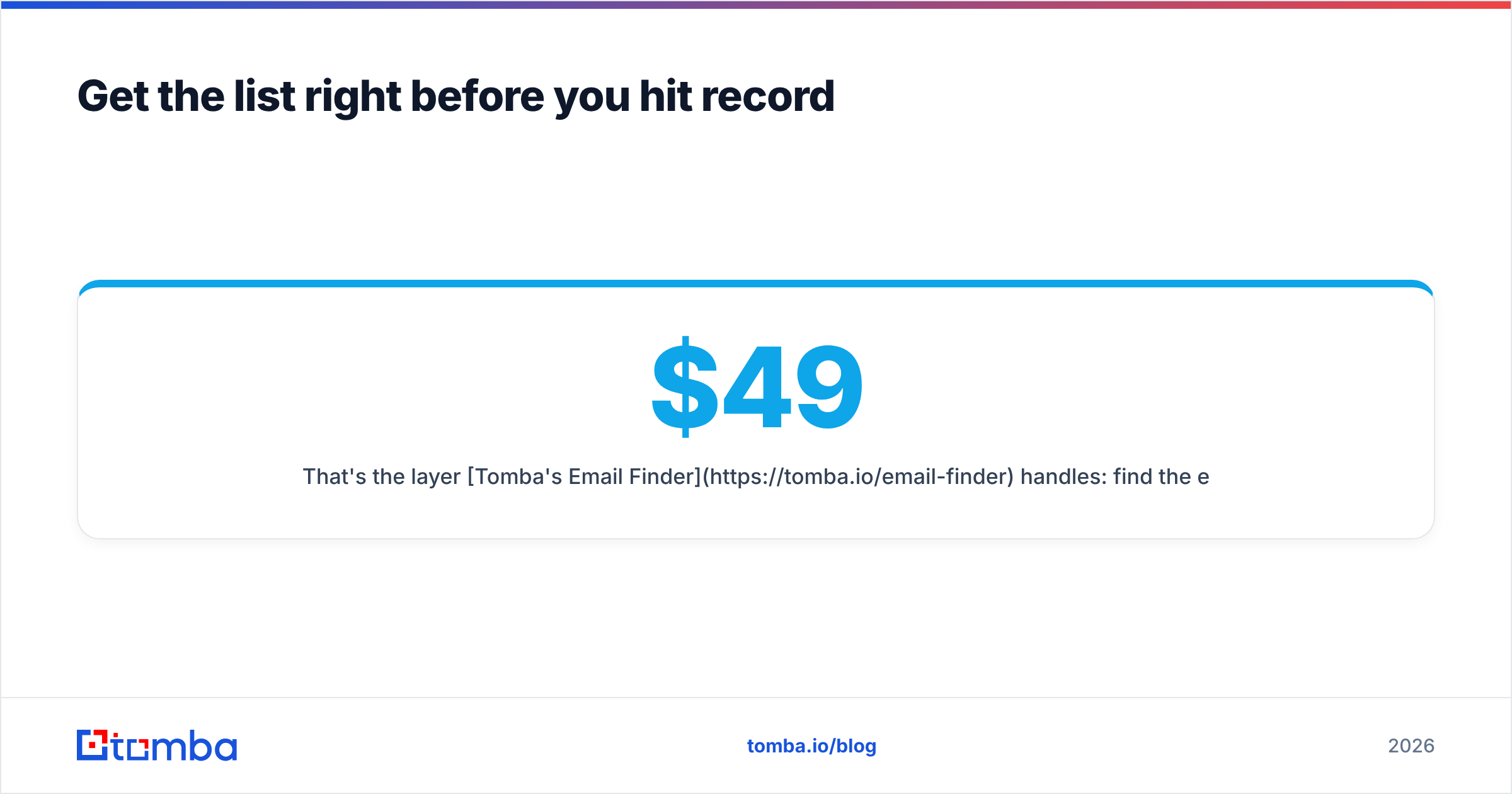
That's the layer Tomba's Email Finder handles: find the exact person by name and domain, get a confidence score and the sources behind it, and verify before you send — so the video you spent twenty minutes recording actually lands in a human inbox. The free tier gives you 25 searches a month to test it, and Tomba pricing starts at $49/month for Starter when you're ready to scale, with Growth at $99 and Pro at $249.
Clean data first. Then pick whichever camera you like.
Related guides#
Ready to find emails that actually work?
Join 150,000+ professionals who stopped guessing and started sending. Free credits on signup — no credit card required.
Get the Tomba newsletter
Practical outbound tactics and product updates — once every two weeks.
About the author