7 Best DialerHQ Alternatives in 2026 for Sales Teams
DialerHQ is cheap, but cheap has limits. Here are 7 DialerHQ alternatives ranked by price, call quality, CRM fit, and what actually moves pipeline in 2026.
DialerHQ gets you a cloud phone number for almost nothing, and for a solo rep or a two-person startup that is often enough. But "almost nothing" hides a ceiling: thinner integrations, lighter analytics, and a support experience that stretches when you scale past a handful of seats. If you have felt that ceiling, you are in the right place.
This is a neutral breakdown of the best DialerHQ alternatives in 2026 — what each does well, where it costs more than the sticker suggests, and which one fits your team. No tool wins every category, so the goal here is to match the dialer to your motion, not to crown a single champion.
TL;DR: The Best DialerHQ Alternatives at a Glance#
- Best for power dialing into a CRM: Kixie — tightest HubSpot/Pipedrive sync and a genuinely fast auto-dialer.
- Best for support-heavy teams: Aircall — polished, reliable, integration-rich, but priced for it.
- Best all-in-one AI phone system: Dialpad — native transcription, coaching, and AI summaries.
- Best cheap starting point: OpenPhone — closest to DialerHQ on price with a cleaner product.
- The real bottleneck isn't the dialer — it's the contact data you feed it. A great dialer calling a bad list still fails.
Whatever you pick, remember: a dialer only converts numbers you actually have. Feeding it accurate, verified contacts from a source like Tomba's phone finder matters more than the last 5% of feature polish.
What Is DialerHQ and Why Look for Alternatives?#
DialerHQ is a cloud-based business phone system — part of the CallHippo family — that gives you virtual numbers, basic call handling, and light automation at an aggressive price. Think of it as a prepaid phone plan for sales: quick to switch on, cheap to run, but not built for heavy mileage.
Teams outgrow it for predictable reasons:
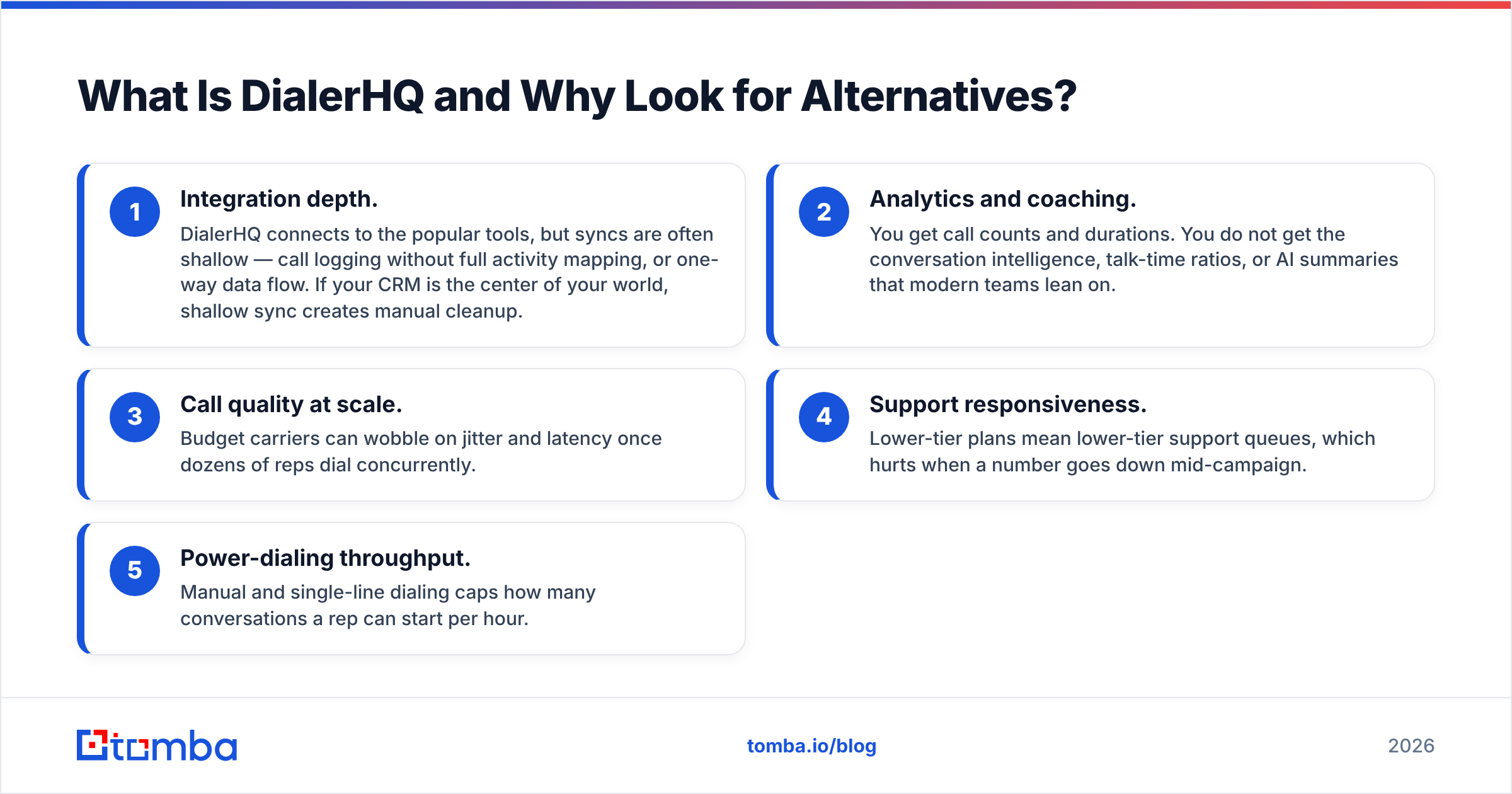
- Integration depth. DialerHQ connects to the popular tools, but syncs are often shallow — call logging without full activity mapping, or one-way data flow. If your CRM is the center of your world, shallow sync creates manual cleanup.
- Analytics and coaching. You get call counts and durations. You do not get the conversation intelligence, talk-time ratios, or AI summaries that modern teams lean on.
- Call quality at scale. Budget carriers can wobble on jitter and latency once dozens of reps dial concurrently.
- Support responsiveness. Lower-tier plans mean lower-tier support queues, which hurts when a number goes down mid-campaign.
- Power-dialing throughput. Manual and single-line dialing caps how many conversations a rep can start per hour.
None of these make DialerHQ a bad tool. They make it a starter tool. The question is whether you have hit the point where the switching cost is lower than the friction cost.
How Should You Compare DialerHQ Alternatives?#
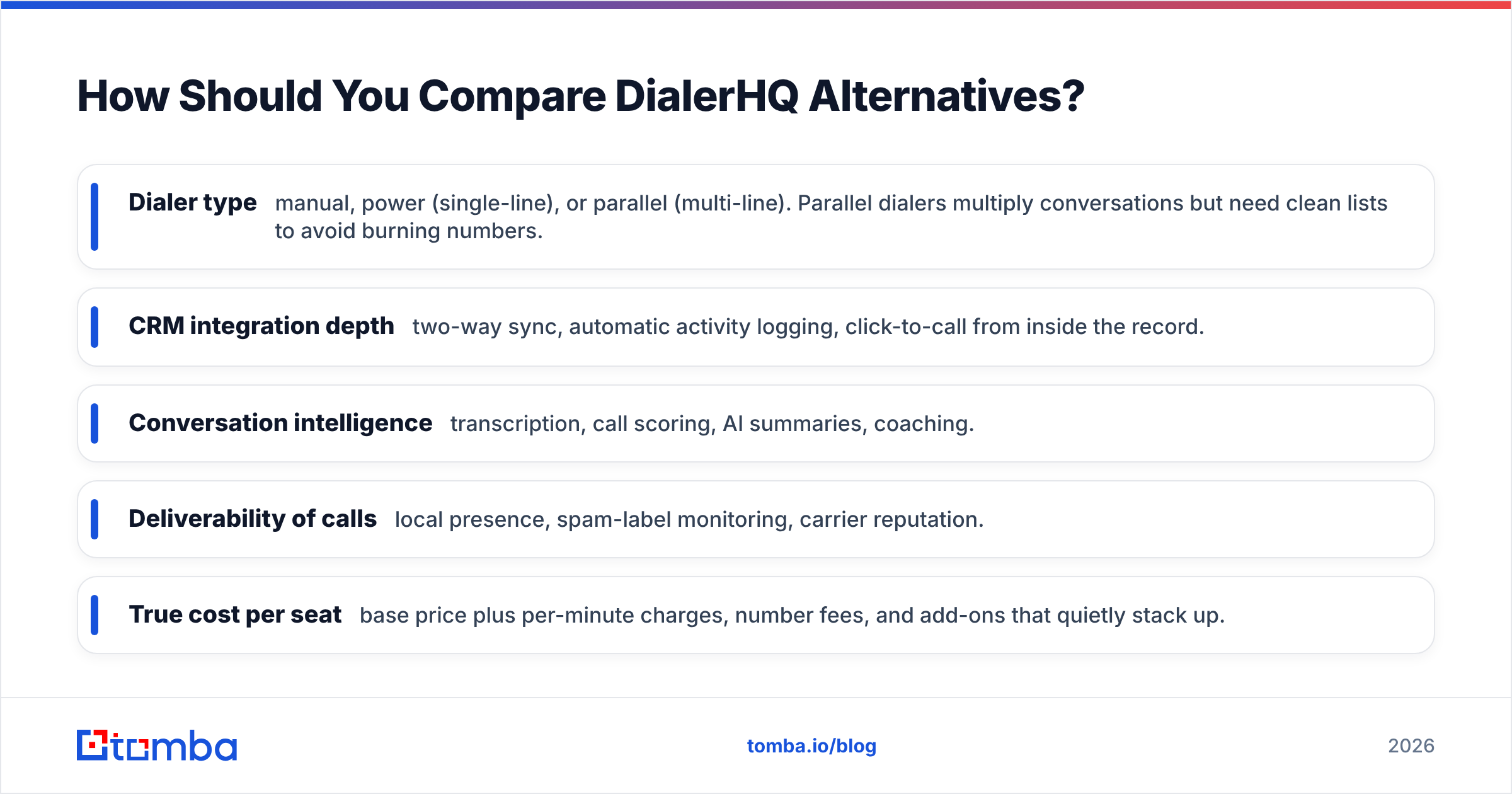
Before the list, agree on what you are actually buying. Most teams over-index on price and under-index on the two things that decide ROI: data quality and CRM fit. Score each option on these five axes:
- Dialer type — manual, power (single-line), or parallel (multi-line). Parallel dialers multiply conversations but need clean lists to avoid burning numbers.
- CRM integration depth — two-way sync, automatic activity logging, click-to-call from inside the record.
- Conversation intelligence — transcription, call scoring, AI summaries, coaching.
- Deliverability of calls — local presence, spam-label monitoring, carrier reputation.
- True cost per seat — base price plus per-minute charges, number fees, and add-ons that quietly stack up.
Hold every vendor below against those five, and the "cheapest" option rarely stays cheapest once you add the features you actually use.
Which Are the 7 Best DialerHQ Alternatives in 2026?#
1. Kixie — Best for CRM-Native Power Dialing#
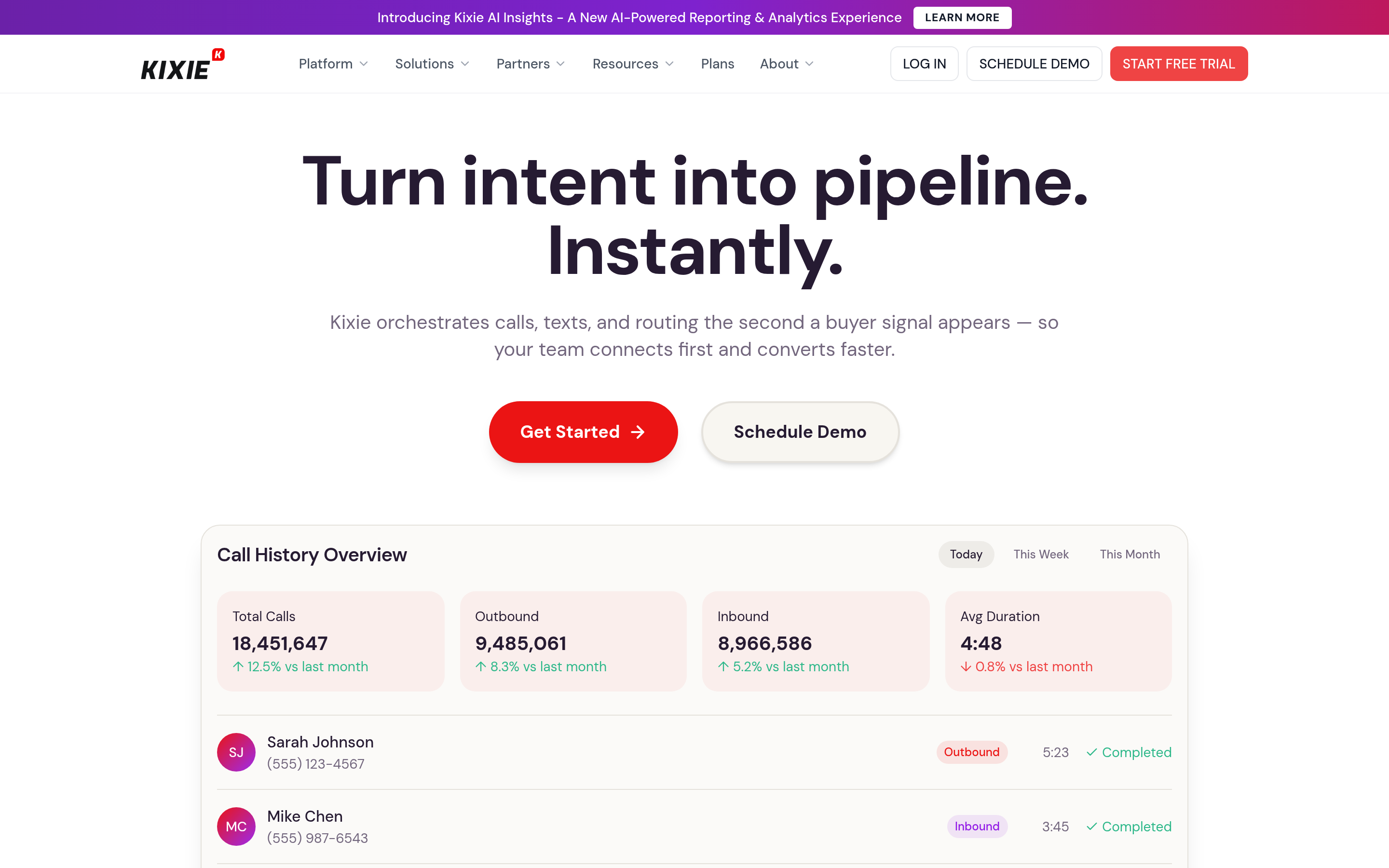
Kixie is what DialerHQ users reach for when the CRM sync stops being "good enough." Its PowerCall dialer, local presence, and automated call/SMS workflows sit directly inside HubSpot, Pipedrive, and Salesforce. Reps click a number in the CRM and the call, the disposition, and the notes all land back in the record automatically. For outbound teams measured on win rate, that closed loop is the whole point.
Watch for: pricing climbs once you add advanced dialing and AI features, and it is more sales-specialized than support-friendly.
2. Aircall — Best for Support and Blended Teams#
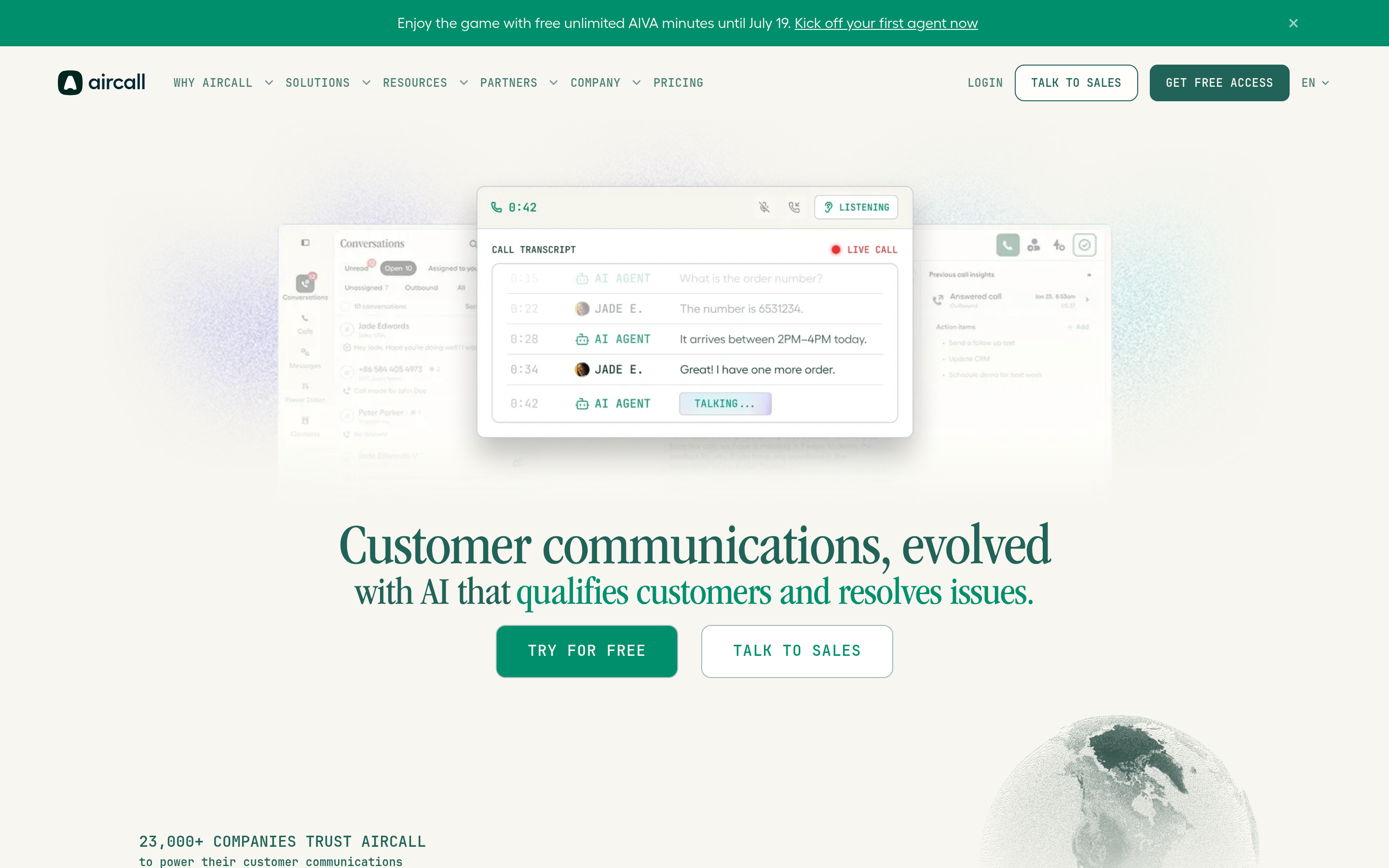
Aircall is the polished, dependable option with 100+ integrations and a clean shared-inbox model for teams that handle both inbound support and outbound sales. Call quality is consistently strong and admin controls are mature. You can read real user breakdowns on G2 before committing.
Watch for: a three-seat minimum and per-user pricing that makes it one of the pricier choices for small teams.
3. Dialpad — Best AI-First Phone System#

Dialpad builds AI into the core: live transcription, sentiment, automatic call summaries, and real-time coaching cues. If you want conversation intelligence without bolting on a separate tool like Gong, Dialpad is the efficient path.
Watch for: annual billing on the best rates, and AI features that shine in English but vary by language.
4. OpenPhone — Best Cheap, Clean Alternative#
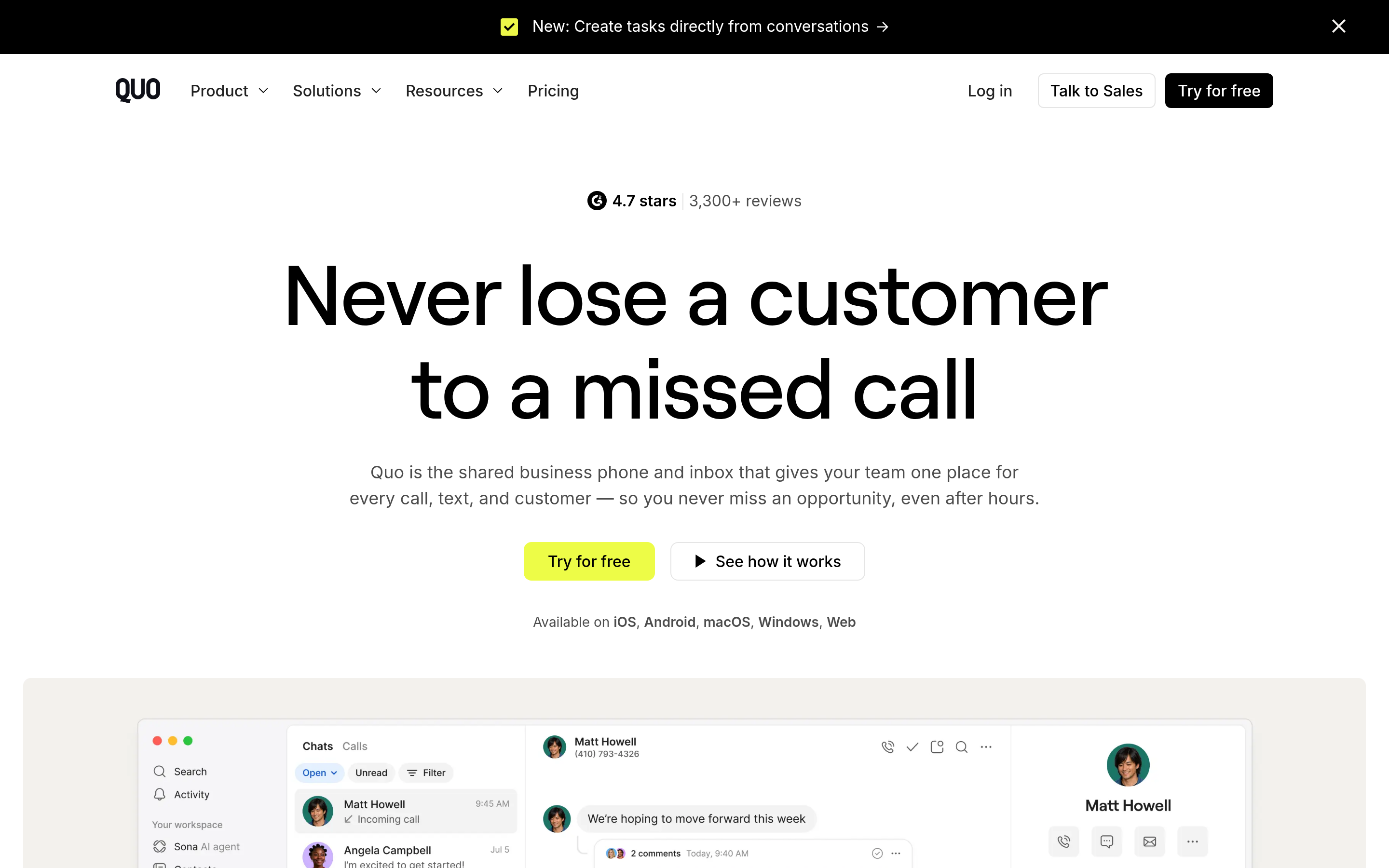
OpenPhone is the closest match to DialerHQ's "simple and affordable" appeal, but with a noticeably better-designed product. Shared numbers, snippets, and a light CRM make it ideal for founders and small teams who want tidy calling without complexity.
Watch for: it is not a heavy outbound power dialer — throughput-focused SDR teams will outgrow it.
5. CloudTalk — Best for International Calling#
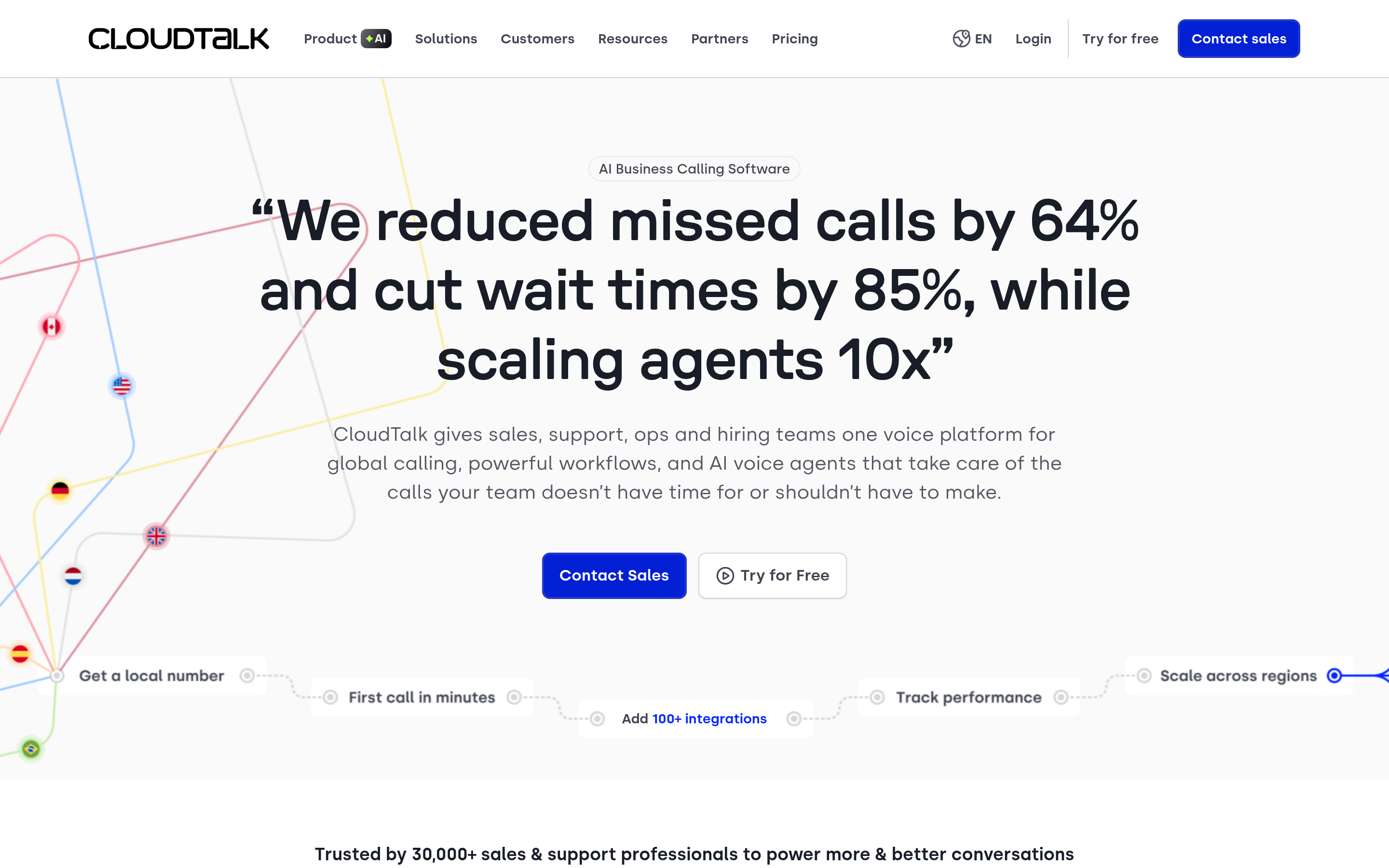
CloudTalk offers 160+ international numbers, smart routing, and solid analytics, which makes it a strong fit for teams calling across regions. Its power dialer and call-flow designer give operations leaders real control.
Watch for: the entry plan omits several analytics features, so budget for a mid tier.
6. JustCall — Best Balanced All-Rounder#

JustCall blends calling, SMS, and automation with a wide integration catalog and an increasingly capable AI layer. It sits comfortably between OpenPhone's simplicity and Aircall's polish, which makes it a safe default when you are unsure.
Watch for: some AI and dialer capabilities live in higher tiers or as add-ons.
7. RingCentral — Best for Enterprise and Unified Comms#
If you need phone, video, messaging, and contact-center capabilities under one roof with enterprise-grade reliability, RingCentral is the heavyweight. It is overkill for a scrappy SDR team but exactly right for a larger org standardizing communications.
Watch for: complexity and cost — this is a platform decision, not a quick dialer swap.
DialerHQ Alternatives Compared: Pricing and Features#
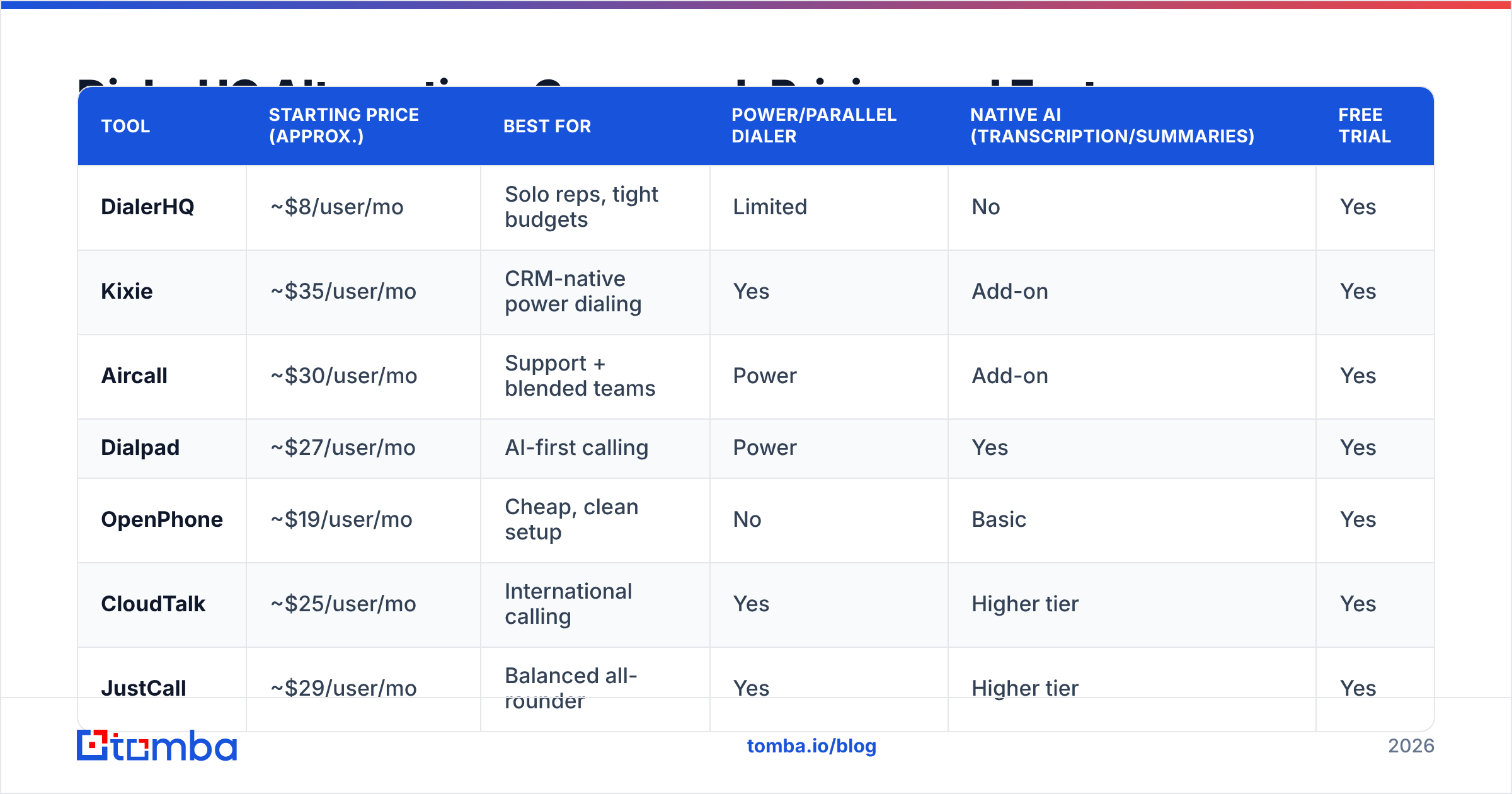
Prices below are approximate entry points per user per month and shift with billing terms and promotions — always confirm on the vendor's own pricing page before you buy.
| Tool | Starting price (approx.) | Best for | Power/parallel dialer | Native AI (transcription/summaries) | Free trial |
|---|---|---|---|---|---|
| DialerHQ | ~$8/user/mo | Solo reps, tight budgets | Limited | No | Yes |
| Kixie | ~$35/user/mo | CRM-native power dialing | Yes | Add-on | Yes |
| Aircall | ~$30/user/mo | Support + blended teams | Power | Add-on | Yes |
| Dialpad | ~$27/user/mo | AI-first calling | Power | Yes | Yes |
| OpenPhone | ~$19/user/mo | Cheap, clean setup | No | Basic | Yes |
| CloudTalk | ~$25/user/mo | International calling | Yes | Higher tier | Yes |
| JustCall | ~$29/user/mo | Balanced all-rounder | Yes | Higher tier | Yes |
| RingCentral | ~$30/user/mo | Enterprise unified comms | Add-on | Add-on | Yes |
The pattern is clear: DialerHQ wins on raw price, but every alternative buys back either integration depth, dialing throughput, or built-in AI. Decide which of those three you are actually short on, and the shortlist narrows itself.
Does the Dialer Even Matter Most?#
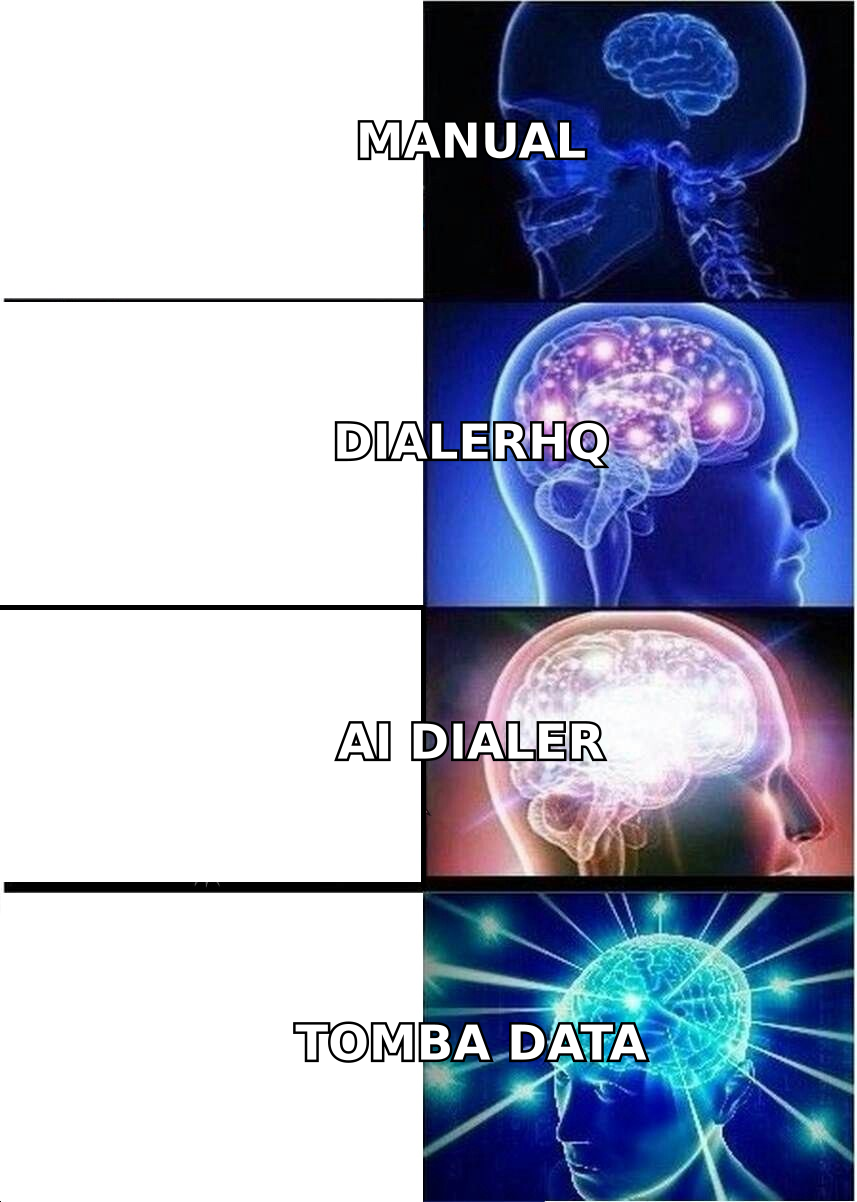
Here is the uncomfortable truth most "best dialer" lists skip: the dialer is rarely the reason your outbound underperforms. The list is.
A parallel dialer that fires 200 calls an hour into stale, unverified numbers just burns your caller ID reputation faster. Spam-labeling, dead lines, and wrong-number transfers all trace back to bad data, not bad software. You can buy the most sophisticated phone system on this page and still watch connect rates crater if the underlying contacts are guesses.
That is why the highest-leverage move is often upstream of the dialer entirely:
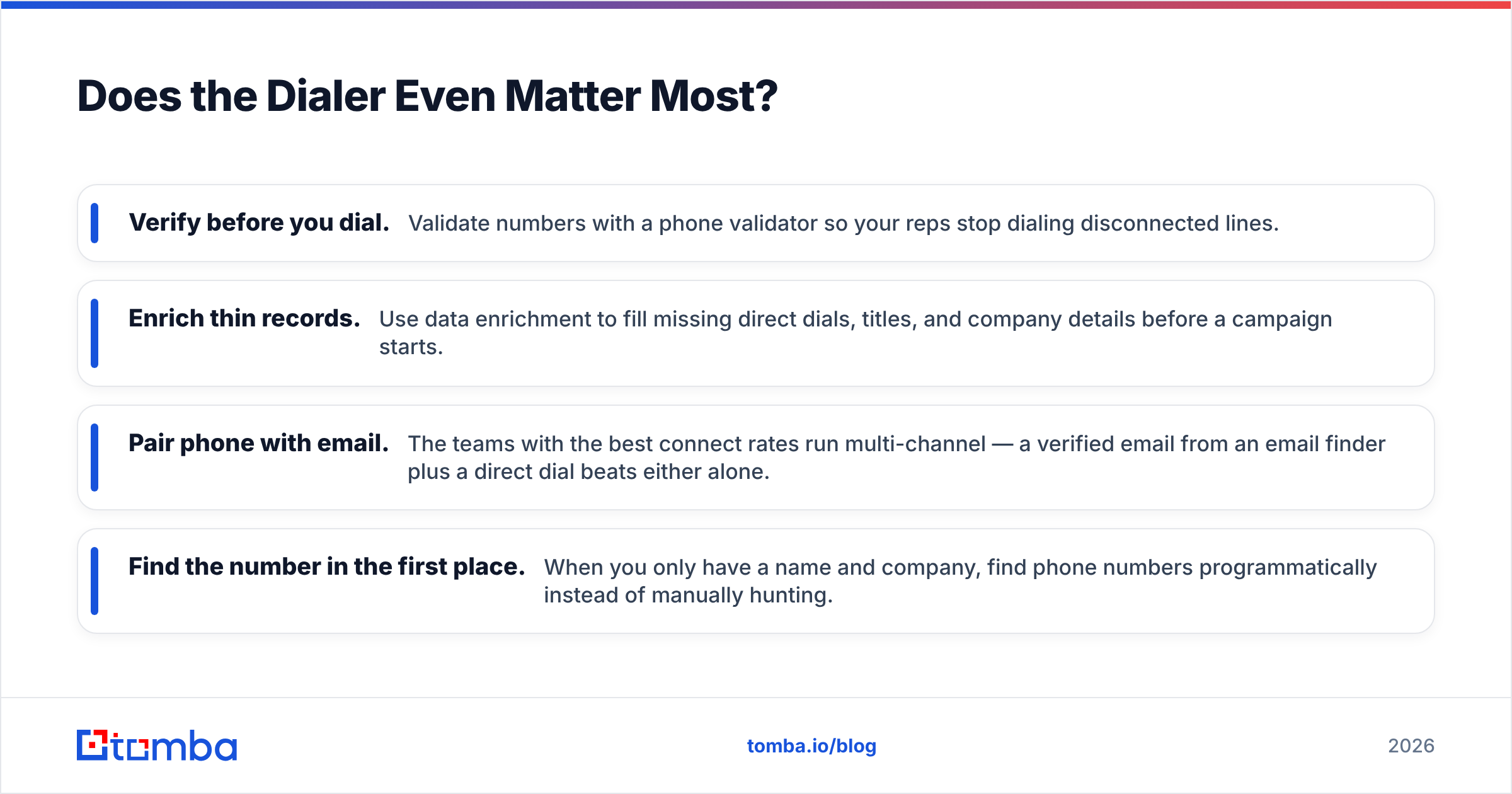
- Verify before you dial. Validate numbers with a phone validator so your reps stop dialing disconnected lines.
- Enrich thin records. Use data enrichment to fill missing direct dials, titles, and company details before a campaign starts.
- Pair phone with email. The teams with the best connect rates run multi-channel — a verified email from an email finder plus a direct dial beats either alone.
- Find the number in the first place. When you only have a name and company, find phone numbers programmatically instead of manually hunting.
Fix the data, and a mid-tier dialer outperforms a premium one running on garbage. Ignore the data, and no dialer saves you.
Which DialerHQ Alternative Should You Choose?#
Match the tool to your actual constraint:
- You live inside HubSpot or Pipedrive and want throughput → Kixie.
- You blend inbound support with outbound and value reliability → Aircall.
- You want AI coaching and summaries built in → Dialpad.
- You want DialerHQ's simplicity with a better product → OpenPhone.
- You call across many countries → CloudTalk.
- You want one balanced tool and can't decide → JustCall.
- You're standardizing comms org-wide → RingCentral.
But run this gut check first: if your connect rate is under 20%, switching dialers won't fix it. Your data will.
The Bottom Line#
DialerHQ is a fine on-ramp. The alternatives above each trade a little more budget for integration depth, dialing power, or native AI — and the right pick depends entirely on which of those you are missing. Compare true cost per seat, not sticker price, and demo two finalists against your own call list before signing.
Then solve the part that actually caps your results. Before your reps dial a single number, feed them contacts worth calling: use the Tomba Email Finder to source and verify decision-maker emails, layer in verified direct dials, and hand your new dialer a list that converts. The best phone system in the world is only as good as the data behind it — so start there, and let the dialer do the easy part. Explore Tomba pricing to see how a verified-data foundation pairs with whichever alternative you choose.
Related guides#
Ready to find emails that actually work?
Join 150,000+ professionals who stopped guessing and started sending. Free credits on signup — no credit card required.
Get the Tomba newsletter
Practical outbound tactics and product updates — once every two weeks.
About the author