9 Best Dialfire Alternatives in 2026 for Sales Teams
Dialfire's usage-based dialer is flexible, but it isn't the right fit for every team. Here are 9 Dialfire alternatives compared on price, dialer type, CRM depth, and the data quality that actually decides connect rates.
Dialfire built a loyal following by doing one thing differently: charging for what you use instead of locking you into per-seat contracts. For a small outbound team or a campaign that spikes and drops, that pricing model is genuinely appealing. But "flexible billing" is only one variable in a dialer decision, and for a lot of sales orgs it's not the one that matters most.
If you're evaluating Dialfire alternatives in 2026, the real questions are connect rate, CRM integration, compliance controls, and whether the platform pairs a fast dialer with clean contact data. This guide compares nine options honestly — where each one wins, where it doesn't, and how to avoid the mistake that quietly kills every dialer's ROI: feeding it bad numbers.
TL;DR#
- Dialfire's strength is usage-based pricing and a no-frills campaign builder; its weakness is depth — native CRM integrations, AI features, and analytics lag the leaders.
- Best all-around alternatives: Aircall and CloudTalk for integrated cloud calling, Kixie and JustCall for CRM-glued power dialing.
- Best for high-volume outbound: Orum and Nooks (AI parallel dialers) dramatically raise conversations per hour.
- Best for enterprise contact centers: Five9 and RingCentral.
- The multiplier nobody prices in: a dialer is only as good as its list. Verified B2B phone numbers and enriched contacts lift connect rates more than any dialing algorithm.
What is Dialfire, and why look for alternatives?#
Dialfire is a cloud-based predictive and multi-line dialer aimed at outbound call campaigns. It runs in the browser, supports blended inbound/outbound, includes a drag-and-drop campaign and script builder, and bills on a pay-as-you-go basis rather than fixed monthly seats. For agencies and teams with uneven call volume, that pricing is the headline feature.
So why do teams shop around? A few recurring reasons:
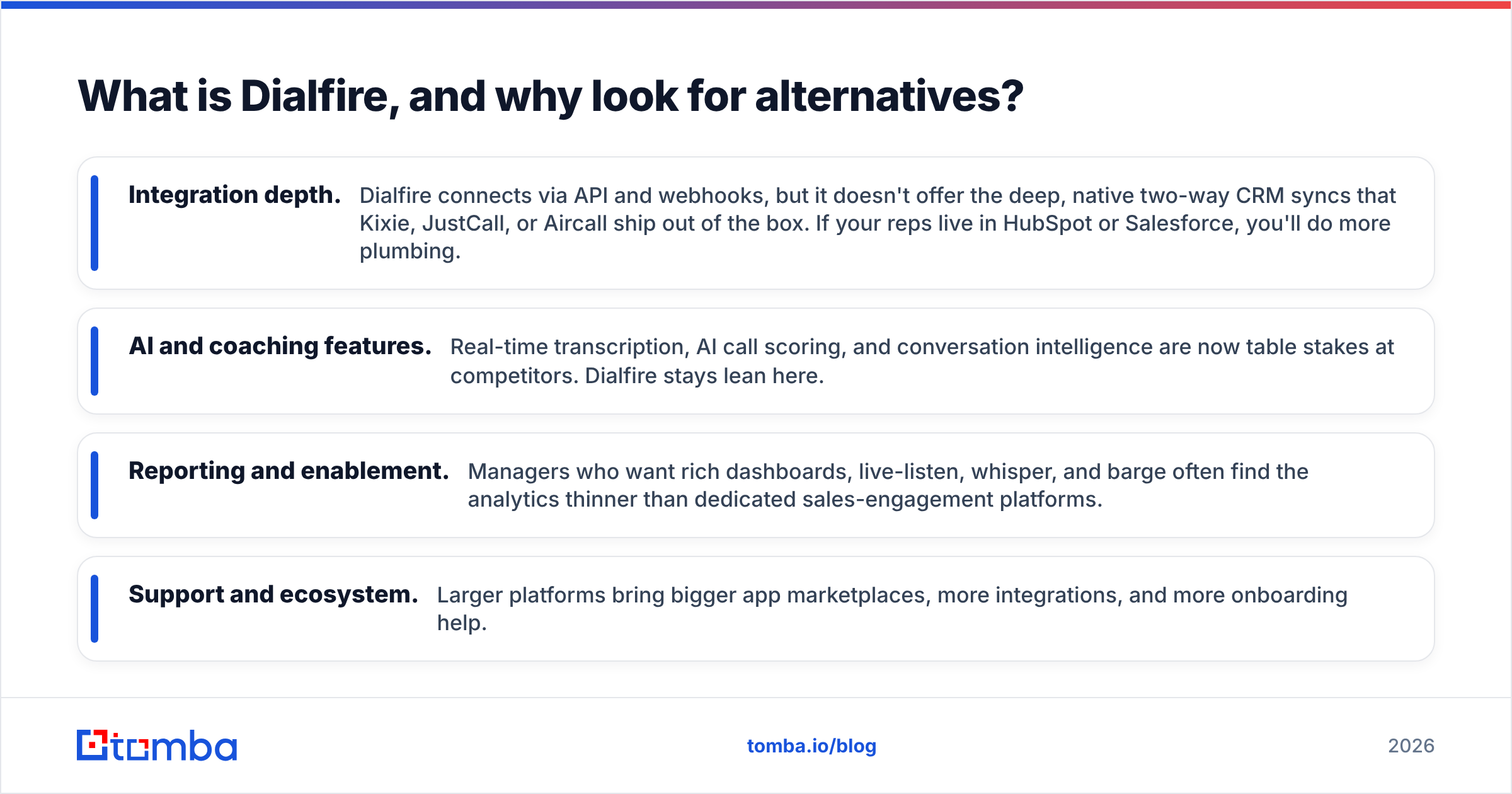
- Integration depth. Dialfire connects via API and webhooks, but it doesn't offer the deep, native two-way CRM syncs that Kixie, JustCall, or Aircall ship out of the box. If your reps live in HubSpot or Salesforce, you'll do more plumbing.
- AI and coaching features. Real-time transcription, AI call scoring, and conversation intelligence are now table stakes at competitors. Dialfire stays lean here.
- Reporting and enablement. Managers who want rich dashboards, live-listen, whisper, and barge often find the analytics thinner than dedicated sales-engagement platforms.
- Support and ecosystem. Larger platforms bring bigger app marketplaces, more integrations, and more onboarding help.
None of this makes Dialfire a bad tool — it makes it a specific tool. The goal below is to match the alternative to your actual workflow.
How should you compare Dialfire alternatives?#
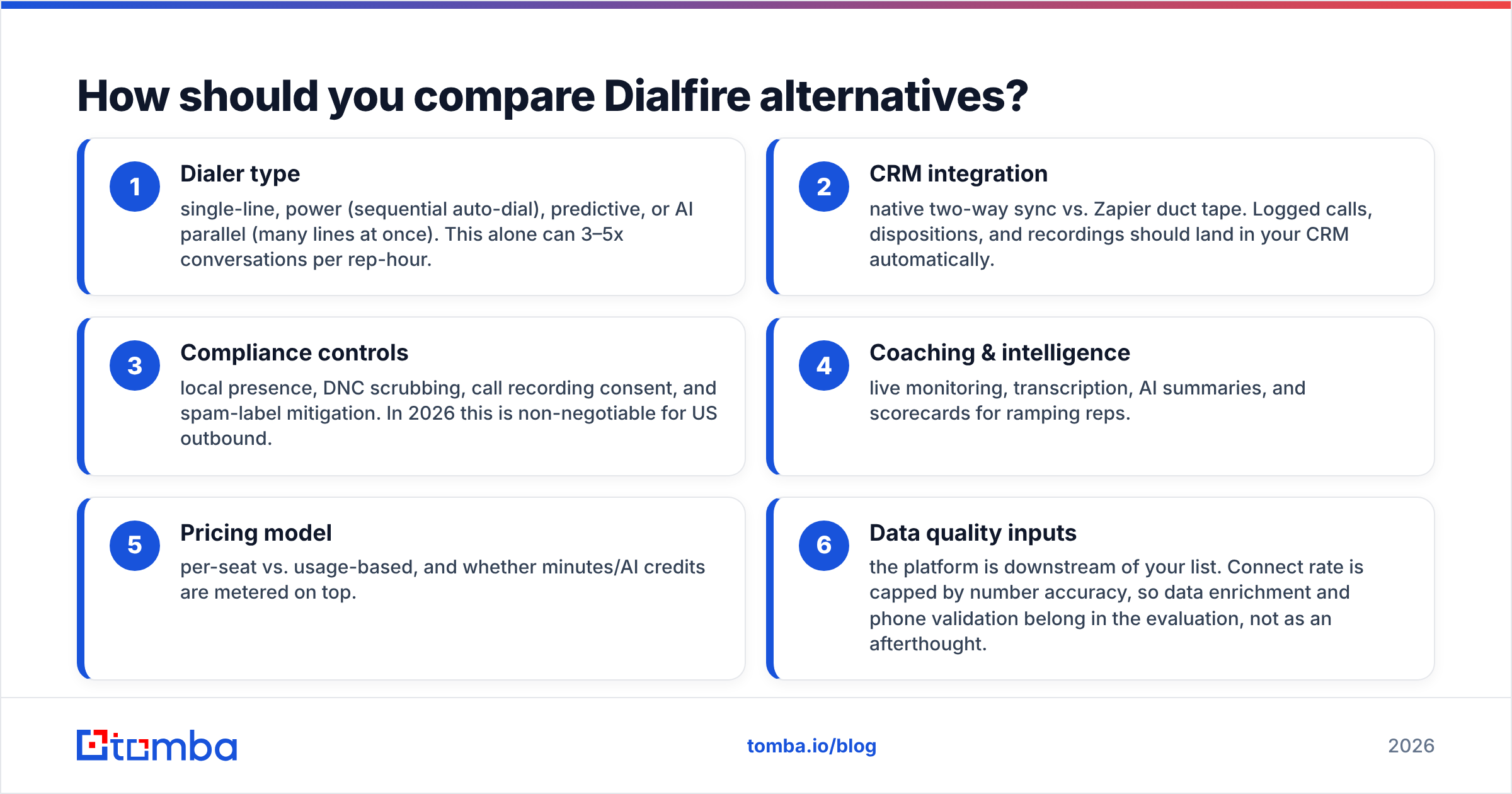
Before the list, anchor your evaluation to the criteria that move revenue. Skip the feature-checklist trap and score each tool on these six:
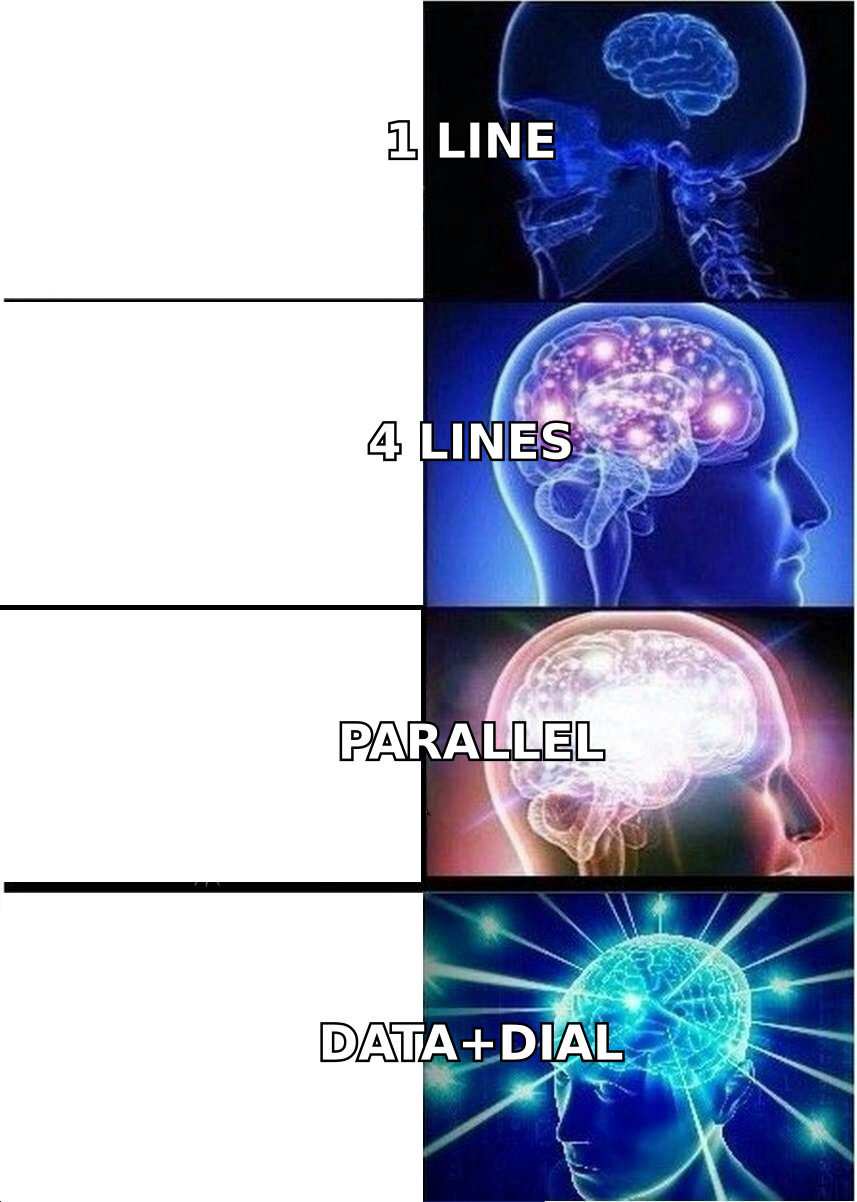
- Dialer type — single-line, power (sequential auto-dial), predictive, or AI parallel (many lines at once). This alone can 3–5x conversations per rep-hour.
- CRM integration — native two-way sync vs. Zapier duct tape. Logged calls, dispositions, and recordings should land in your CRM automatically.
- Compliance controls — local presence, DNC scrubbing, call recording consent, and spam-label mitigation. In 2026 this is non-negotiable for US outbound.
- Coaching & intelligence — live monitoring, transcription, AI summaries, and scorecards for ramping reps.
- Pricing model — per-seat vs. usage-based, and whether minutes/AI credits are metered on top.
- Data quality inputs — the platform is downstream of your list. Connect rate is capped by number accuracy, so data enrichment and phone validation belong in the evaluation, not as an afterthought.
Keep that last point in mind as you read. The fanciest predictive algorithm still dials a disconnected number if that's what's in the CSV.
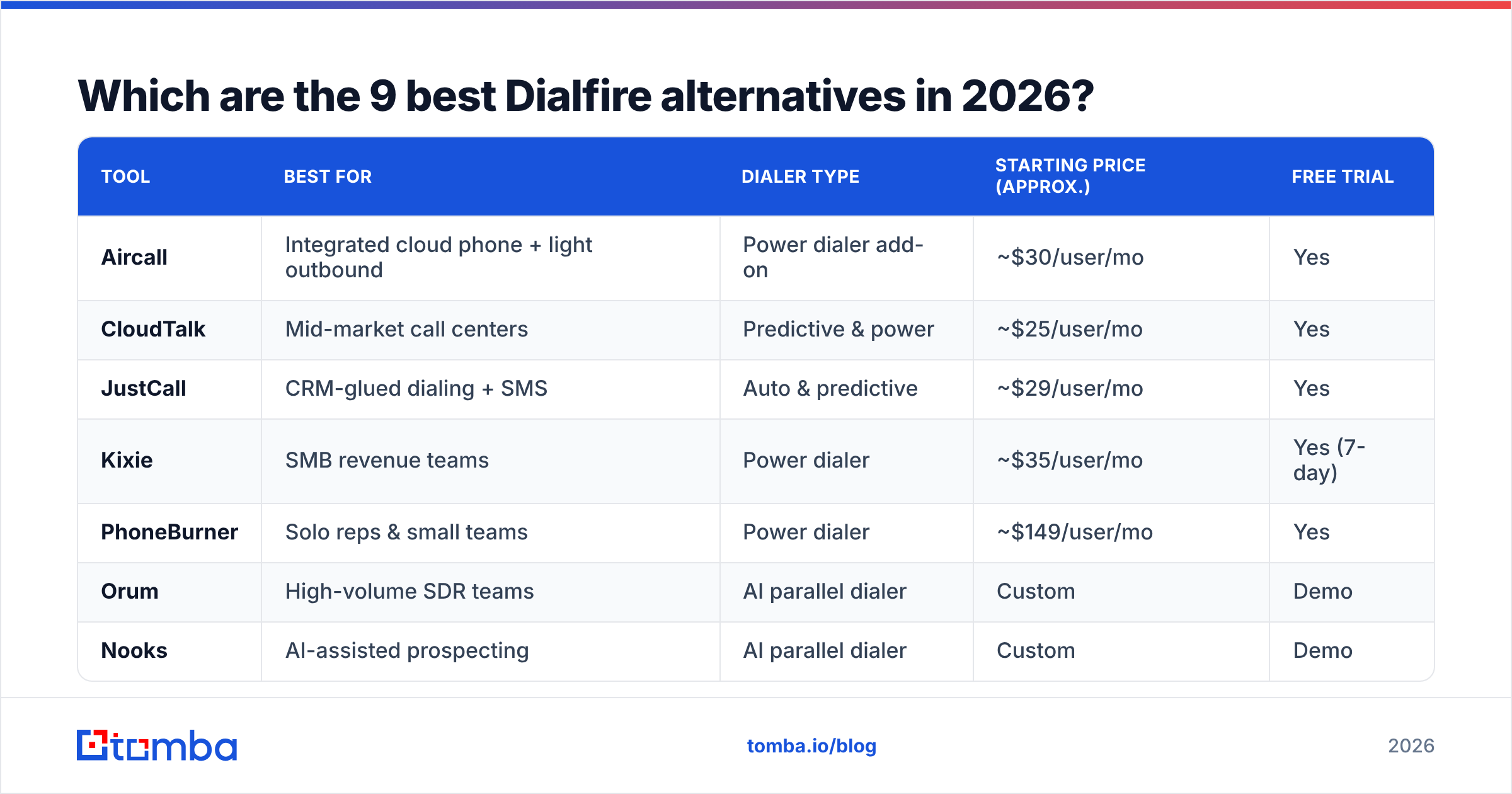
Which are the 9 best Dialfire alternatives in 2026?#
Here's the shortlist, followed by details on each.
| Tool | Best for | Dialer type | Starting price (approx.) | Free trial |
|---|---|---|---|---|
| Aircall | Integrated cloud phone + light outbound | Power dialer add-on | ~$30/user/mo | Yes |
| CloudTalk | Mid-market call centers | Predictive & power | ~$25/user/mo | Yes |
| JustCall | CRM-glued dialing + SMS | Auto & predictive | ~$29/user/mo | Yes |
| Kixie | SMB revenue teams | Power dialer | ~$35/user/mo | Yes (7-day) |
| PhoneBurner | Solo reps & small teams | Power dialer | ~$149/user/mo | Yes |
| Orum | High-volume SDR teams | AI parallel dialer | Custom | Demo |
| Nooks | AI-assisted prospecting | AI parallel dialer | Custom | Demo |
| Five9 | Enterprise contact centers | Predictive/blended | Custom (~$149+) | Demo |
| RingCentral | Unified comms + contact center | Predictive/blended | ~$20/user/mo | Yes |
Prices are indicative list rates and shift with contract terms and add-ons — always confirm on the vendor's own pricing page.
1. Aircall — the integration-first cloud phone#
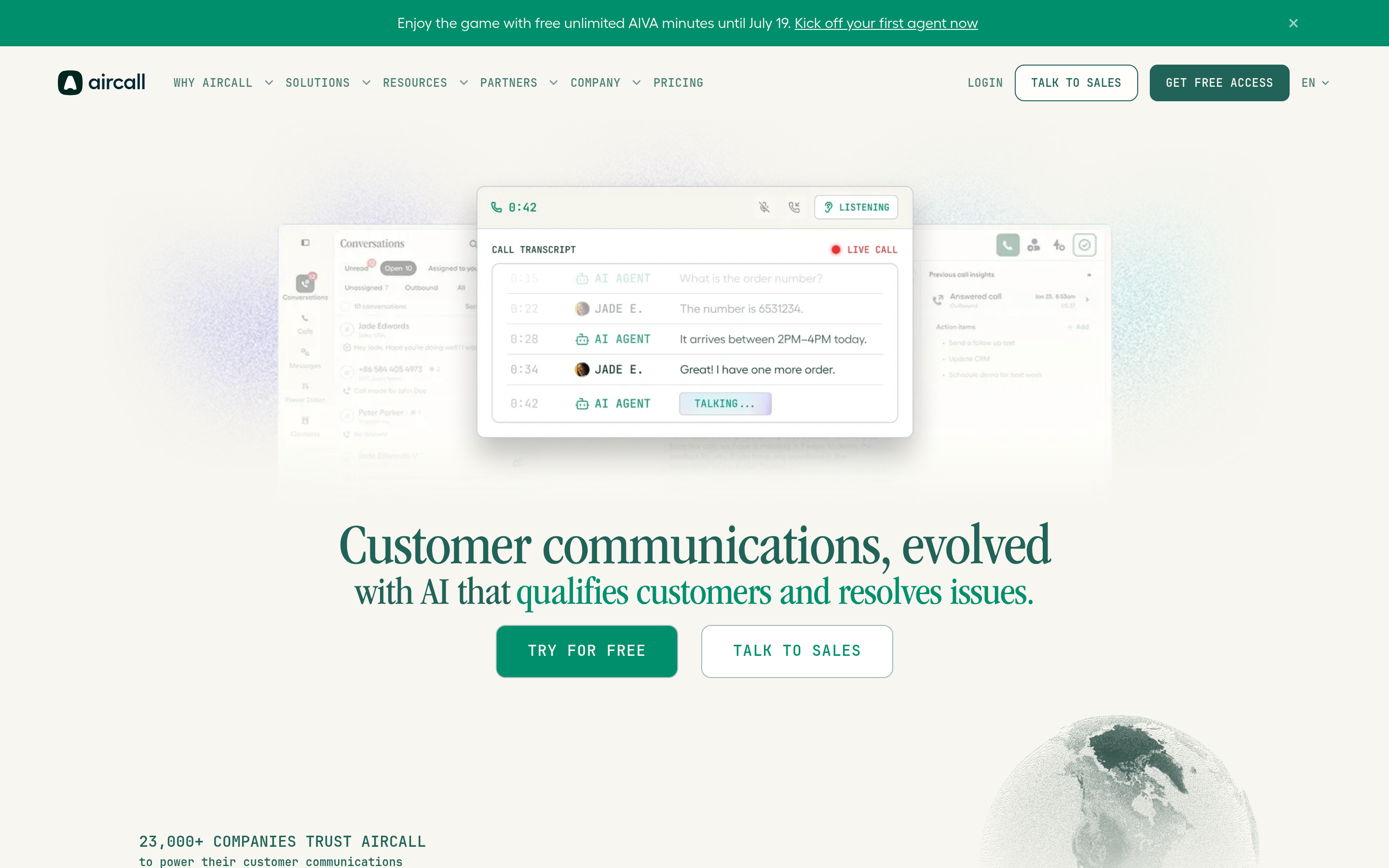
Aircall is a cloud phone system with a power dialer, click-to-dial, and one of the deepest integration marketplaces in the category (HubSpot, Salesforce, Pipedrive, Intercom, and dozens more). If your team wants calling embedded inside the CRM rather than a separate dialer window, Aircall is the safe pick. It's less specialized for aggressive outbound than a parallel dialer, but its call quality, analytics, and setup speed are strong. See verified reviews on G2 before committing.
2. CloudTalk — mid-market call center depth#
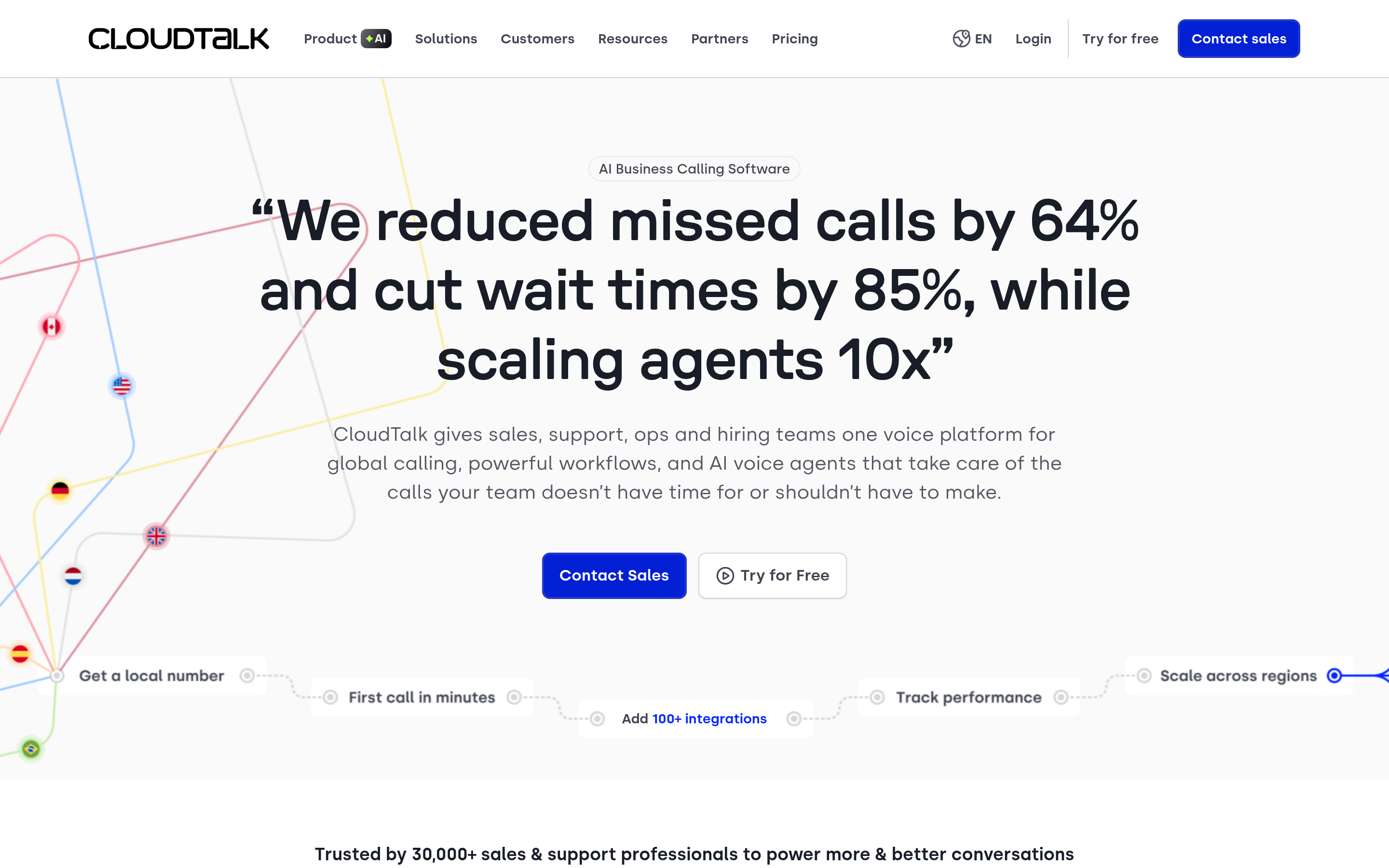
CloudTalk brings predictive dialing, IVR, call flows, and solid analytics at a price that undercuts the enterprise suites. It's a natural Dialfire alternative for teams that want more structure — routing, queues, reporting — without jumping to Five9. Good international number coverage makes it a favorite for multi-region outbound.
3. JustCall — dialer plus SMS, glued to your CRM#

JustCall pairs auto and predictive dialing with native SMS, WhatsApp, and AI features (transcripts, summaries, scoring). Its CRM syncs are genuinely two-way, which is where Dialfire asks for more manual work. If your motion is multichannel — call, then text, then call again — JustCall consolidates that in one place.
4. Kixie — power dialing built for SMB revenue teams#
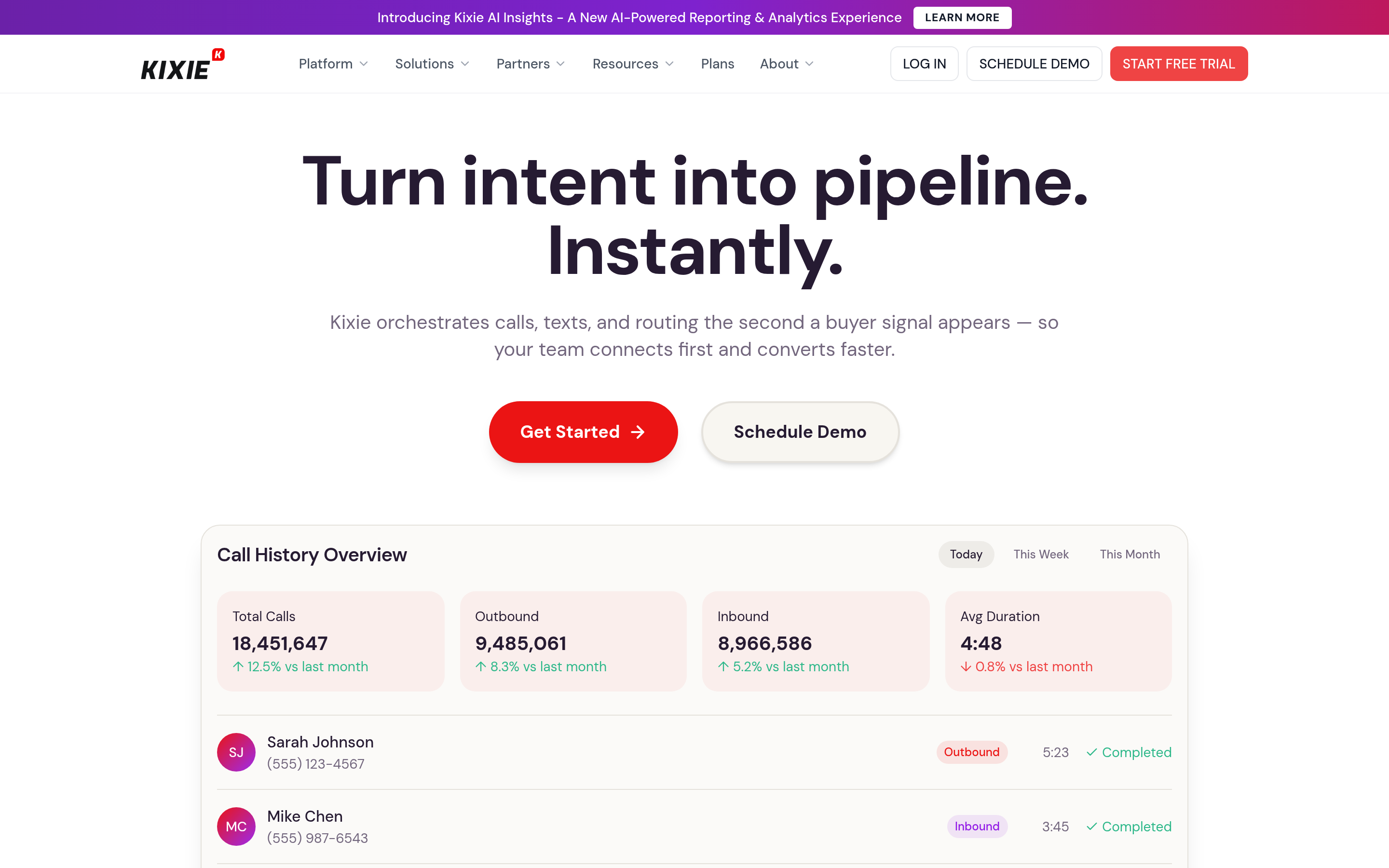
Kixie's PowerCall dialer, local presence, and tight HubSpot/Pipedrive/Salesforce integrations make it a rep-favorite for outbound SMB sales. Connection-based billing options and automated SMS keep it efficient. It's arguably the most "just works" swap for a small team leaving Dialfire that wants better CRM logging.
5. PhoneBurner — the reliable power dialer#
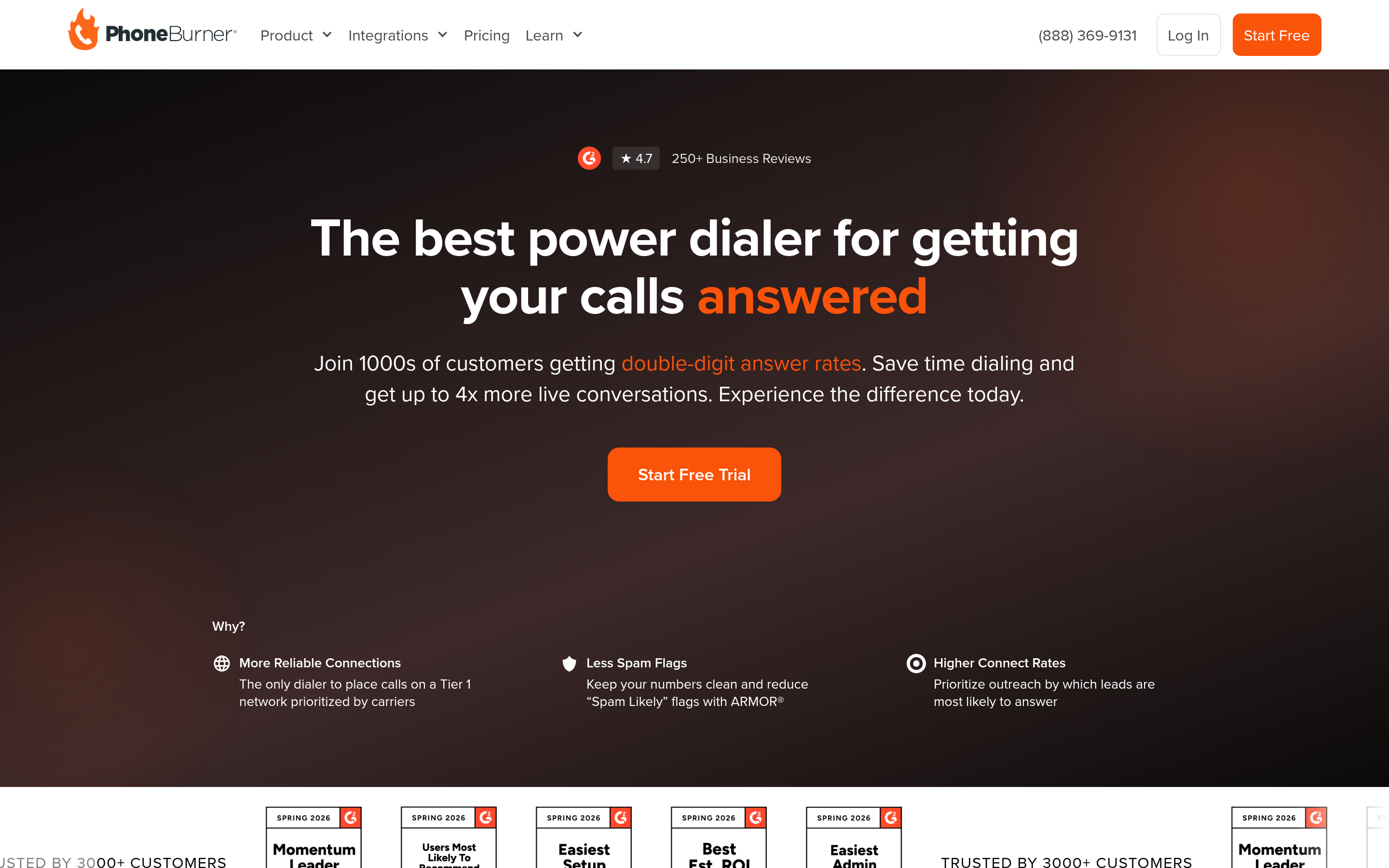
PhoneBurner has spent years perfecting sequential power dialing with no awkward pause when a prospect picks up (a common complaint with cheaper dialers). It's priced per seat rather than per minute, so it suits reps making steady daily volume more than spiky campaigns. Built-in email, voicemail drop, and cadence tools round it out.
6. Orum — AI parallel dialing for volume#
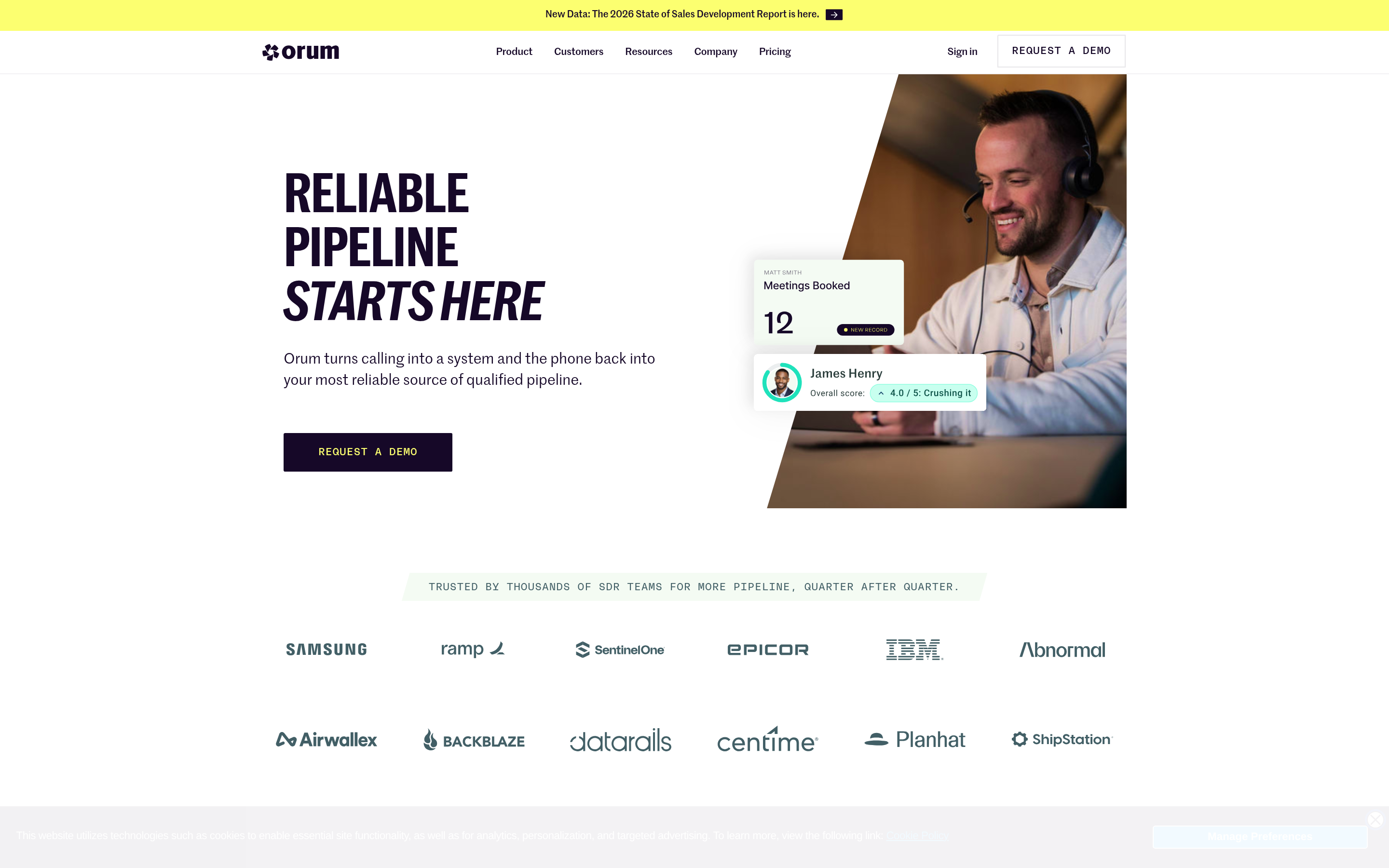
Orum dials multiple lines simultaneously and uses AI to skip voicemails, navigate phone trees, and connect a rep only when a human answers. For SDR teams whose bottleneck is dials-per-hour, this is a different category of throughput than Dialfire's model. The tradeoff is price (custom, enterprise-leaning) and the need for a large, clean list to feed it.
7. Nooks — AI dialer plus virtual salesfloor#
Nooks combines a parallel dialer with a "virtual salesfloor" for remote SDR teams, plus AI research and coaching. It targets the same high-volume outbound use case as Orum, with more emphasis on team collaboration and rep enablement. Strong fit for distributed teams that want dialing and ramping in one tool.
8. Five9 — enterprise contact center#

Five9 is a full CCaaS platform: predictive/blended dialing, omnichannel, workforce management, and deep compliance tooling. It's overkill for a five-person outbound team and priced accordingly, but for enterprise contact centers it's a proven Dialfire alternative with the scale and reliability that mission-critical operations require.
9. RingCentral — unified communications with a contact center#
RingCentral bundles business phone, messaging, video, and a contact center product with predictive dialing. If you want one vendor for all voice and comms, it consolidates the stack. The outbound-specific features are less specialized than a dedicated sales dialer, but the breadth and uptime are hard to beat.
Is a dialer alone enough to raise connect rates?#
No — and this is the mistake that undermines every switch. Teams migrate from Dialfire to a shinier dialer, expect a connect-rate jump, and get a marginal one, because the input never changed. A predictive dialer that burns through a list of stale, mistyped, or wrong-department numbers just reaches voicemail faster.
Two data problems cap every dialer's ceiling:
- Bad numbers. Direct dials go stale as people change roles; main lines route you to a gatekeeper. If 20% of your list is dead, no algorithm recovers those conversations.
- Missing context. Reps connect more and convert more when they know the title, company, and a reason to call — not just a phone number in a spreadsheet.
That's why the highest-performing outbound stacks treat data as a first-class layer. Before the list ever hits the dialer, they pull verified B2B phone numbers, confirm them with a phone validator, and enrich each record with firmographic and role data. The dialer gets faster and the list gets better — that's where real connect-rate gains come from.
Dialfire vs. the alternatives: a quick decision guide#
Use these tiebreakers to shortlist fast:
- You loved Dialfire's usage-based pricing → look at connection-based billing on Kixie, or CloudTalk's competitive per-seat rates.
- You want dialing inside your CRM → Aircall, JustCall, or Kixie with native two-way sync.
- Your bottleneck is dials-per-hour → Orum or Nooks (AI parallel dialing).
- You're an enterprise with compliance and scale needs → Five9 or RingCentral.
- You're a solo rep or tiny team → PhoneBurner for steady volume; JustCall if you also text prospects.
Whatever you pick, budget separately for data. A mid-tier dialer with a clean, enriched list will out-perform a premium dialer running on scraped junk every single time.
How much do Dialfire alternatives cost?#
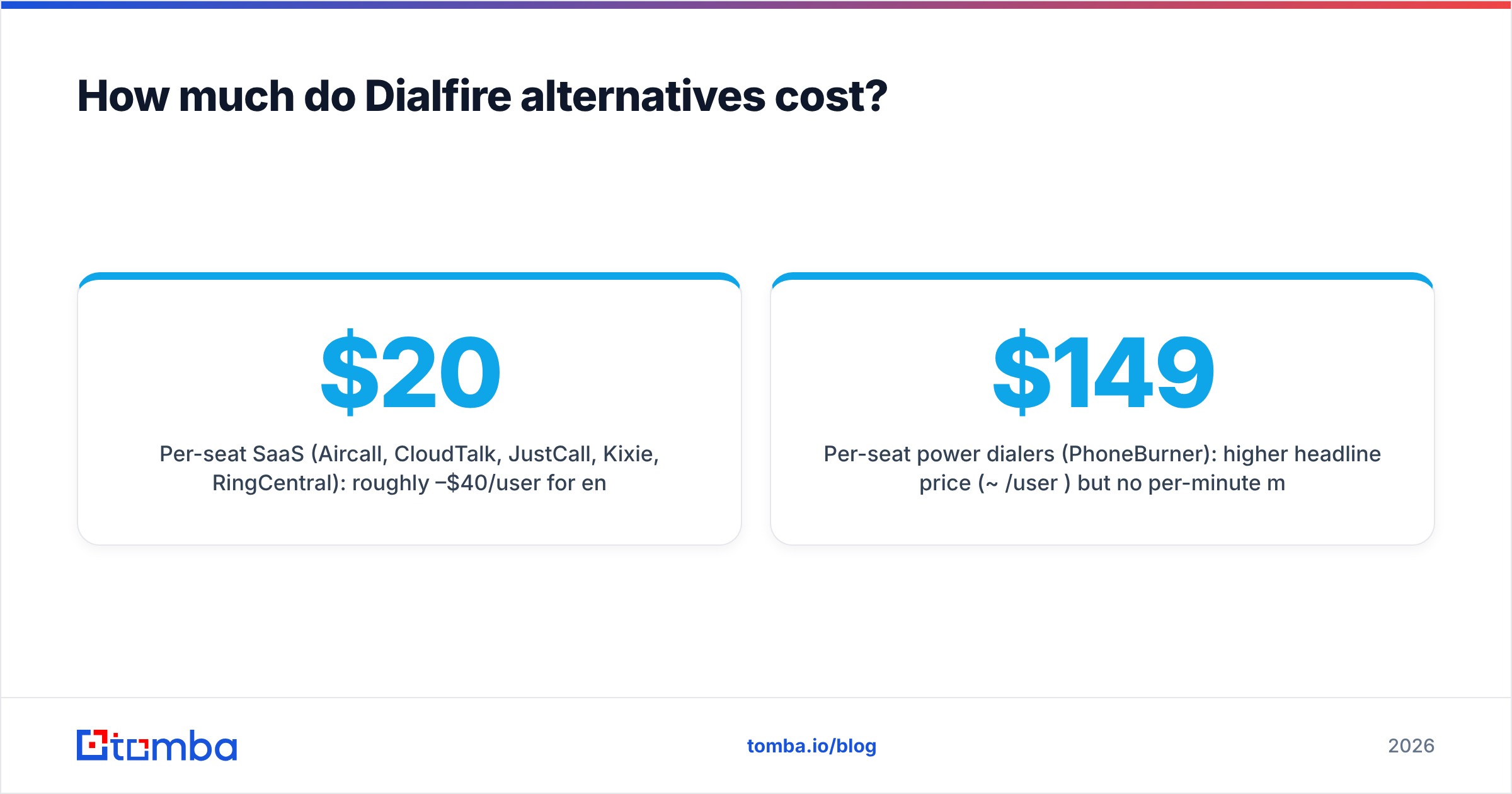
Pricing splits into three buckets:
- Per-seat SaaS (Aircall, CloudTalk, JustCall, Kixie, RingCentral): roughly $20–$40/user/mo for entry tiers, with AI and advanced features on higher plans. Predictable, easy to budget.
- Per-seat power dialers (PhoneBurner): higher headline price (~$149/user/mo) but no per-minute metering.
- Custom enterprise (Orum, Nooks, Five9): quote-based, usually with annual commitments and a floor on seats.
Layer on the data cost — a phone-finding and enrichment tool typically runs a modest monthly subscription and pays for itself in recovered connects. For reference on how per-credit data plans scale, compare a few pricing pages alongside the dialer quotes so you're comparing total cost, not just the dialer line item.
What about compliance in 2026?#
Every alternative here handles the basics — call recording, DNC lists — but the bar has risen. Spam-labeling of business numbers, branded caller ID, and consent tracking now materially affect pickup rates. When you demo, ask specifically about:
- Spam-flag monitoring and remediation (are your numbers getting labeled "Scam Likely"?)
- Local presence done compliantly, not via rotating burner numbers that get flagged.
- Consent and recording notifications appropriate to the states and countries you dial.
Data hygiene supports compliance too: dialing valid, correctly-attributed numbers reduces wrong-party contacts and complaint rates. It's another reason the enrichment layer isn't optional.
Frequently asked questions#
Is there a free Dialfire alternative? Most competitors offer free trials rather than permanent free tiers. CloudTalk, Aircall, JustCall, and Kixie all let you test before paying. For the data side, you can start finding and verifying numbers on a free plan and scale up as volume grows.
Which Dialfire alternative has the best CRM integration? Kixie, JustCall, and Aircall have the deepest native two-way syncs with HubSpot, Salesforce, and Pipedrive — a clear step up from Dialfire's API-and-webhook approach.
What's the fastest dialer for high outbound volume? AI parallel dialers — Orum and Nooks — dial multiple lines at once and connect reps only to live humans, which can multiply conversations per hour. They require a large, clean list to be worth it.
Do I need a separate tool for phone data? Usually yes. Dialers move calls efficiently but don't source or verify numbers. Pairing your dialer with a dedicated phone finder and validator is what actually lifts connect rates.
The bottom line#
Dialfire is a solid, flexibly-priced dialer, but it's not the deepest, the smartest, or the most integrated. For CRM-native calling, look at Aircall, JustCall, or Kixie. For raw outbound throughput, Orum and Nooks. For enterprise scale, Five9 or RingCentral. Match the tool to your motion, not to a feature list.
And remember the multiplier that sits upstream of all of them: your list. The best outbound teams don't just dial faster — they dial better numbers. Pair whichever dialer you choose with verified contact data and multichannel reach, because the same prospect you call today is the one you'll email tomorrow.
Start by building cleaner target lists with the Tomba Email Finder — find and verify decision-maker emails to run alongside your calls, so every dialing session is backed by accurate, enriched contacts and a second channel to land the meeting. Feed your new dialer good data, and the switch actually pays off.
Related guides#
Ready to find emails that actually work?
Join 150,000+ professionals who stopped guessing and started sending. Free credits on signup — no credit card required.
Get the Tomba newsletter
Practical outbound tactics and product updates — once every two weeks.
About the author