DocSend vs PandaDoc (2026): Which Document Tool Wins?
DocSend tracks how prospects read your deck. PandaDoc builds, sends, and closes the contract. Here is an honest breakdown of pricing, tracking depth, e-signature, and which one actually fits your deal stage in 2026.
TL;DR
- DocSend is a reading-analytics tool. It tells you who opened your deck, which page they lingered on, and who they forwarded it to. E-signature exists but is basic.
- PandaDoc is a document-workflow tool. It builds proposals and quotes from templates, routes approvals, collects legally binding signatures, and pushes data back to your CRM.
- Pricing splits them further. DocSend starts around $15/user/mo (Personal) and jumps to $150/user/mo for Advanced Data Rooms. PandaDoc has a free e-sign tier, then roughly $35–$65/user/mo for Starter and Business.
- Fundraising and confidential sharing → DocSend. High-volume proposals, quotes, and contracts → PandaDoc.
- Neither finds you buyers. Both tools only work once you already have the right contact — which is a separate problem worth solving first.
What is DocSend and who actually uses it?#
DocSend, now part of Dropbox, is a secure document-sharing layer. You upload a PDF or deck, generate a trackable link instead of an attachment, and watch what happens after you hit send.
The core value is page-level analytics. You see that the CFO spent 4 minutes on the pricing slide and 6 seconds on the team slide. You see the link got forwarded to two email addresses you never contacted. For a fundraising process, that intelligence is close to unfair advantage — you know which investors are actually reading and which are ghosting politely.
Security controls are the other half of the product. Email verification gates, passcodes, expiring links, dynamic watermarking, NDA acceptance before viewing, and disable-download toggles. Virtual data rooms sit on top for multi-document diligence.
What DocSend is not: a document builder. You create the deck elsewhere. DocSend distributes and measures it.
Typical users are founders raising capital, corp-dev and M&A teams, investor-relations professionals, and enterprise sellers who send confidential material to procurement committees.
What is PandaDoc and where does it fit?#
PandaDoc starts one step earlier in the process. It is a document-creation and e-signature platform built for teams that produce a lot of near-identical paperwork: proposals, quotes, statements of work, MSAs, order forms, onboarding packets.
You build a template once with a drag-and-drop editor, insert dynamic variables and a pricing table, and then generate personalized documents from CRM records. Recipients get an interactive document — they can pick optional line items, watch the total recalculate, and sign inline. The signature is legally binding under ESIGN and eIDAS, with a full audit trail.
Behind the scenes sits workflow: internal approval chains for discounts, conditional content blocks, payment collection through Stripe or PayPal, and two-way syncing with HubSpot, Salesforce, and Pipedrive so a closed-won document updates the deal record automatically.
PandaDoc has analytics too, but they are lighter than DocSend's. You get time-on-document and per-section timing, not the forensic forwarding graph DocSend produces.
DocSend vs PandaDoc: how do they compare head to head?#
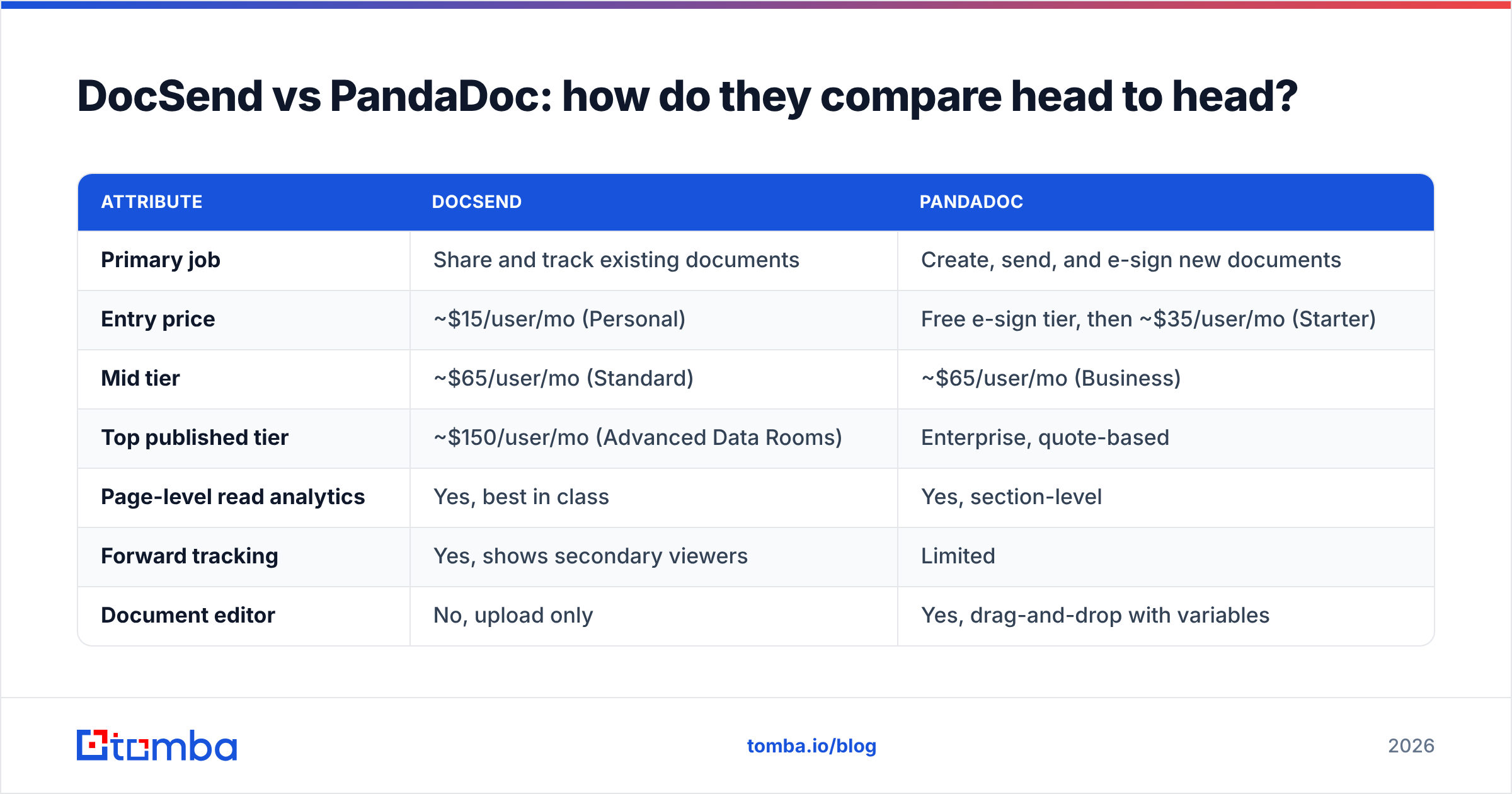
| Attribute | DocSend | PandaDoc |
|---|---|---|
| Primary job | Share and track existing documents | Create, send, and e-sign new documents |
| Entry price | ~$15/user/mo (Personal) | Free e-sign tier, then ~$35/user/mo (Starter) |
| Mid tier | ~$65/user/mo (Standard) | ~$65/user/mo (Business) |
| Top published tier | ~$150/user/mo (Advanced Data Rooms) | Enterprise, quote-based |
| Page-level read analytics | Yes, best in class | Yes, section-level |
| Forward tracking | Yes, shows secondary viewers | Limited |
| Document editor | No, upload only | Yes, drag-and-drop with variables |
| E-signature | Basic, on higher tiers | Core feature, audit trail included |
| Pricing tables and quotes | No | Yes, interactive with optional items |
| Approval workflows | No | Yes, conditional routing |
| Payment collection | No | Yes, Stripe/PayPal/Square |
| Virtual data rooms | Yes, purpose-built | No |
| NDA gate before view | Yes | No |
| CRM sync depth | Moderate | Deep, two-way |
| Best-fit team | Founders, IR, M&A, enterprise AEs | SMB and mid-market sales, agencies, RevOps |
Read that table twice and the pattern is obvious: these products barely overlap. The comparison only exists because both live in the "send a document to a buyer" moment. Everything before and after that moment is different.
Which one wins on pricing?#
Depends entirely on seat count and what you need.
PandaDoc wins on entry cost because it has a genuinely free e-signature tier — unlimited signatures on documents you upload, with no template builder. For a two-person consultancy sending four contracts a month, that is a real zero-dollar solution. DocSend has a free trial, not a free plan.
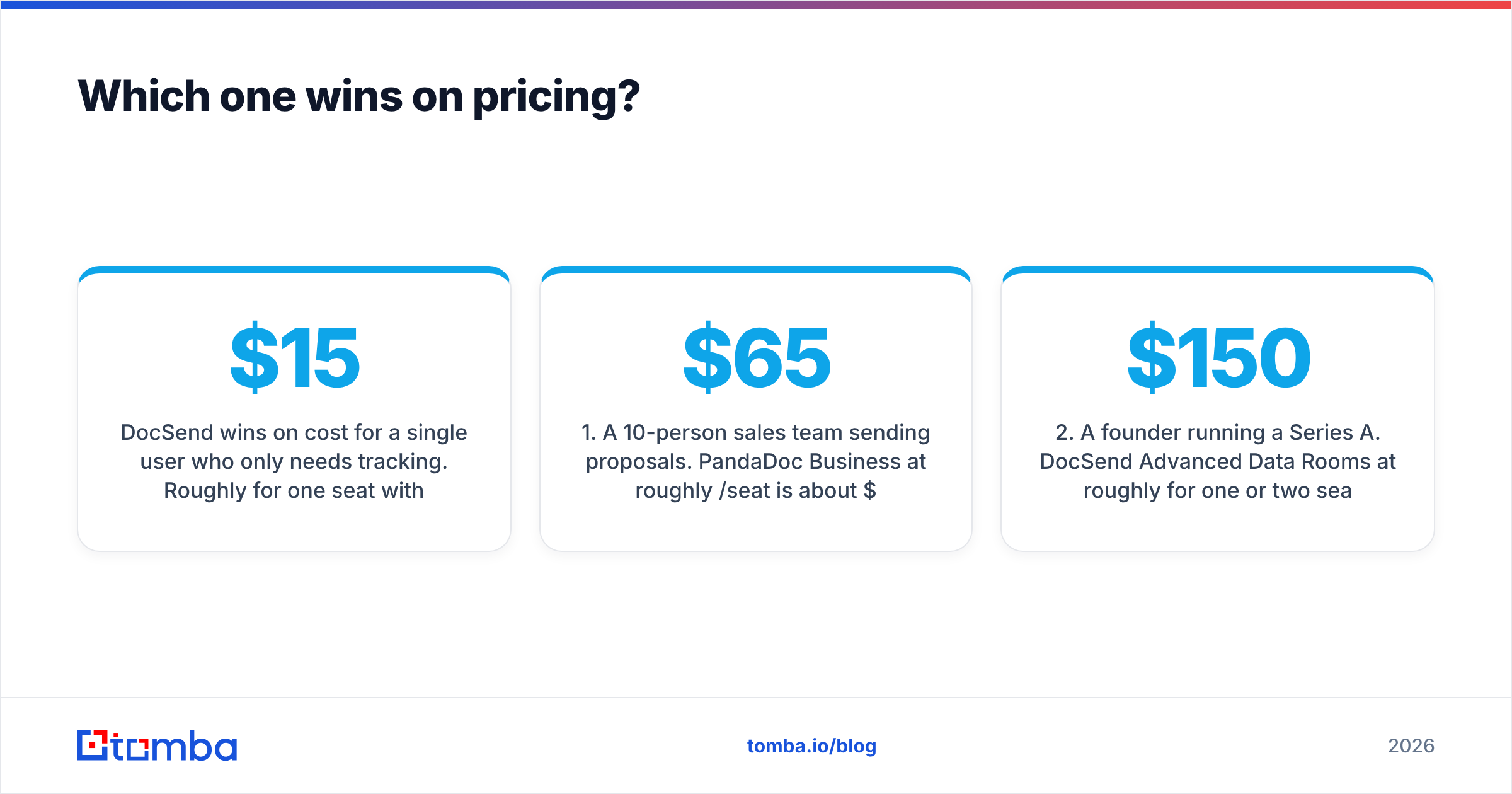
DocSend wins on cost for a single user who only needs tracking. Roughly $15/month for one seat with unlimited link tracking and basic analytics is cheap for what you get.
The math flips at scale in both directions:
- A 10-person sales team sending proposals. PandaDoc Business at roughly $65/seat is about $650/month, and it replaces your e-sign vendor, your quote builder, and part of your approval process. DocSend at the equivalent tier costs the same but replaces nothing — you still need a signature tool.
- A founder running a Series A. DocSend Advanced Data Rooms at roughly $150/month for one or two seats is trivial against the raise. PandaDoc cannot do the diligence room at all.
- A 50-person org. Both push you to annual enterprise contracts where list price stops mattering and your procurement leverage starts.
- An agency sending 200 SOWs a month. PandaDoc's per-document economics are unbeatable because templates collapse creation time. DocSend does not touch creation time.
One caution on both: published prices move, annual billing usually shaves 20–25 percent, and DocSend's data-room tier meters by number of rooms. Confirm current numbers on the vendor pages before you budget.
Is DocSend better than PandaDoc for sales teams?#
For most sales teams, no — PandaDoc is the better default, with one specific exception.
The exception is deal size and confidentiality. If you sell seven-figure contracts into regulated buyers, or you routinely share material that needs an NDA gate and a watermark, DocSend's control surface is worth the second subscription. Enterprise AEs at security-conscious companies often carry both: DocSend for the pre-contract material, an e-sign tool for the paperwork.
For everyone else, the daily bottleneck is not "I do not know how long they read page 4." It is "building this proposal took 40 minutes and legal has to approve the discount." That is a PandaDoc problem, and PandaDoc solves it well.
A practical test: look at your last 20 sent documents. If more than half needed to be created from scratch or heavily edited, you have a creation problem. If more than half were static PDFs you already had and you were guessing whether anyone read them, you have a tracking problem.
Can you use DocSend and PandaDoc together?#
Yes, and plenty of teams do. The stack looks like this:
- Top of funnel — DocSend link for the pitch deck or the one-pager, because you want engagement data before you invest rep time.
- Mid funnel — DocSend data room for security questionnaires, SOC 2 reports, and reference material during evaluation.
- Bottom of funnel — PandaDoc for the proposal, the pricing table, the approval chain, and the signature.
- Post-close — PandaDoc pushes the executed contract into your CRM and triggers onboarding.
The cost of running both is real, so the honest advice is to start with one. Pick the tool that solves the stage where deals actually stall for you, then add the second only when you can point to a specific lost deal it would have saved.
What are the real limitations of each?#
Neither vendor advertises these, so here they are plainly.
DocSend's limitations:
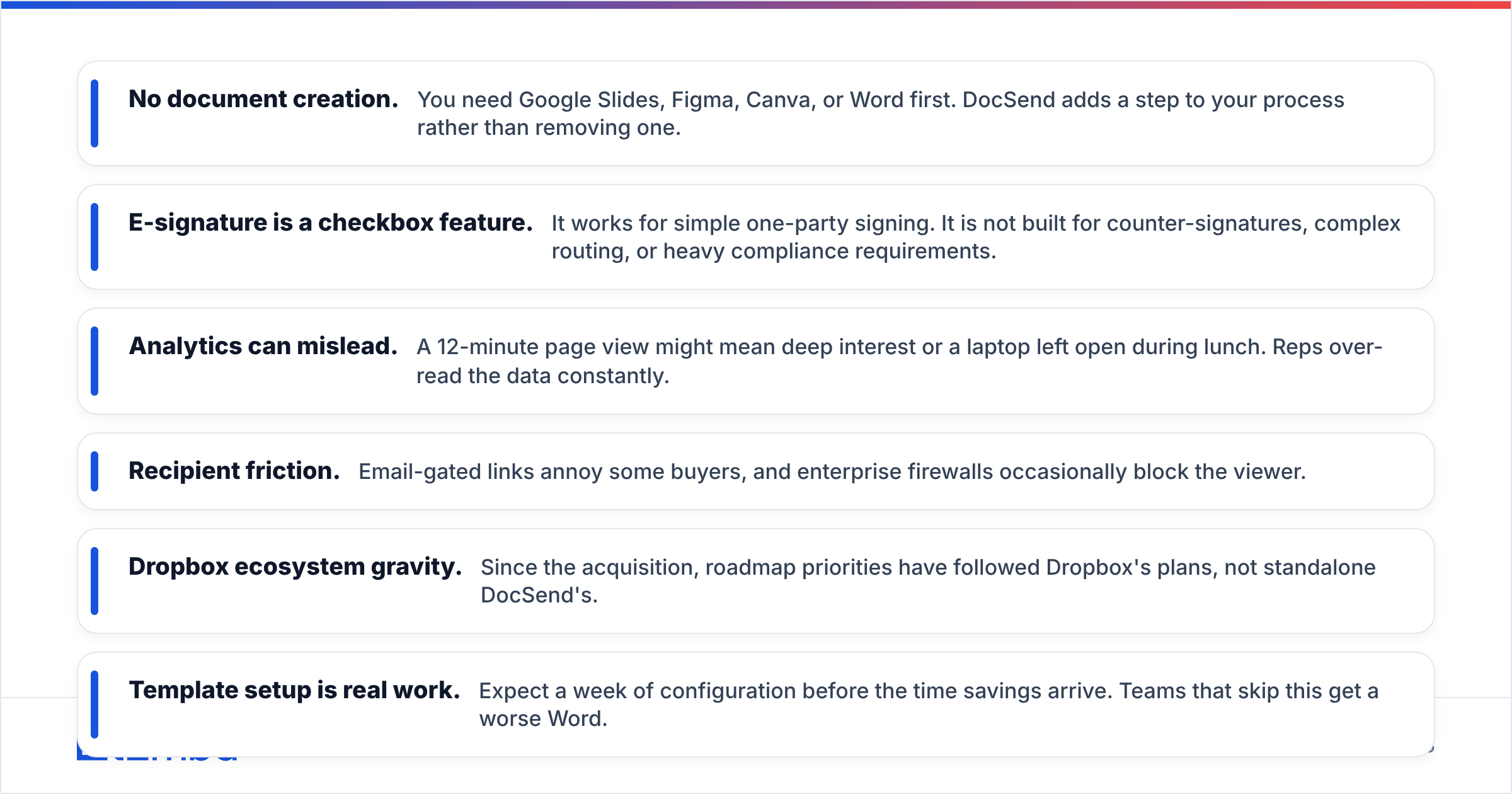
- No document creation. You need Google Slides, Figma, Canva, or Word first. DocSend adds a step to your process rather than removing one.
- E-signature is a checkbox feature. It works for simple one-party signing. It is not built for counter-signatures, complex routing, or heavy compliance requirements.
- Analytics can mislead. A 12-minute page view might mean deep interest or a laptop left open during lunch. Reps over-read the data constantly.
- Recipient friction. Email-gated links annoy some buyers, and enterprise firewalls occasionally block the viewer.
- Dropbox ecosystem gravity. Since the acquisition, roadmap priorities have followed Dropbox's plans, not standalone DocSend's.
PandaDoc's limitations:
- Template setup is real work. Expect a week of configuration before the time savings arrive. Teams that skip this get a worse Word.
- Editor quirks. Complex layouts, nested tables, and precise brand formatting fight the editor. Design-heavy proposals can be frustrating.
- Tracking depth. You will not see forwarding chains or per-page heat with DocSend's granularity.
- No data rooms. Multi-document diligence with granular per-file permissions is not the product.
- Tier gating. Approval workflows, custom branding, and some integrations sit on Business or Enterprise, which pushes real-world cost above the headline Starter price.

What do reviewers actually say?#
Both products sit in the 4.5-plus range on G2, which tells you almost nothing on its own. The useful signal is in the complaint patterns.
DocSend reviews cluster around price-to-value for small teams and the absence of creation features. Praise clusters around analytics clarity and the fundraising use case — founders describe it as the tool they would keep if they could only keep one.
PandaDoc reviews cluster around editor friction and support responsiveness at lower tiers. Praise clusters around time saved per proposal and the CRM integrations, particularly the HubSpot sync, which several reviewers call the reason they stopped copy-pasting deal data.
Neither pattern is a dealbreaker. Both are predictable consequences of what each tool chose to be.
How do you decide in under ten minutes?#
Answer four questions.
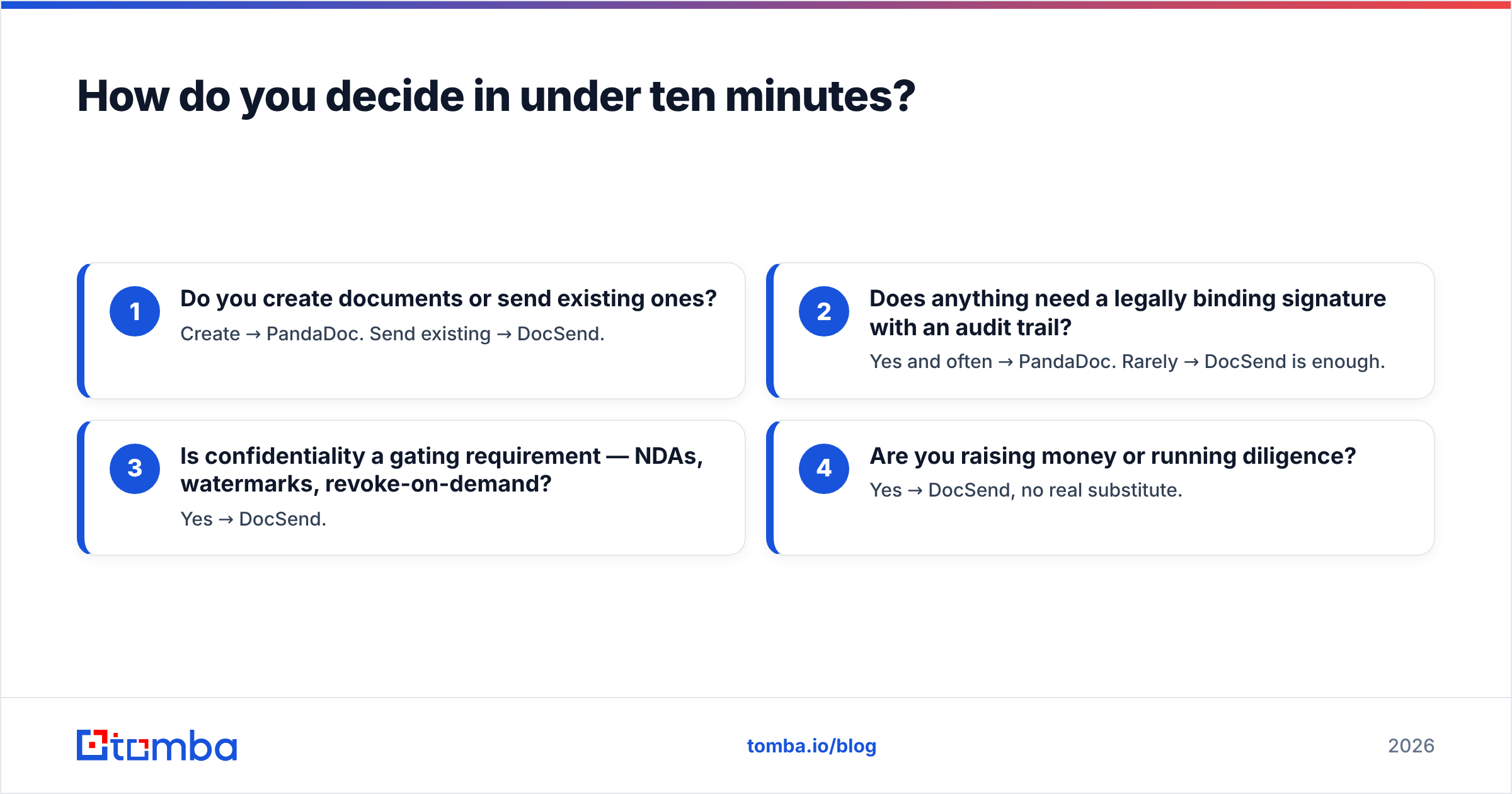
- Do you create documents or send existing ones? Create → PandaDoc. Send existing → DocSend.
- Does anything need a legally binding signature with an audit trail? Yes and often → PandaDoc. Rarely → DocSend is enough.
- Is confidentiality a gating requirement — NDAs, watermarks, revoke-on-demand? Yes → DocSend.
- Are you raising money or running diligence? Yes → DocSend, no real substitute.
If you answered "create" and "signature," stop comparing and buy PandaDoc. If you answered "confidential" and "raising," buy DocSend. The teams that agonize over this decision are usually the ones who need both eventually and can afford one now — in that case, buy the one that fixes your current stall point.
What both tools cannot do for you?#
Track the whole funnel backwards and the picture gets uncomfortable. DocSend tells you a document was ignored. PandaDoc tells you a proposal was not signed. Neither tells you the more common root cause: the document went to the wrong person, or to an address that bounced before anyone saw it.
Document analytics measure the last 5 percent of the outbound process. The first 95 percent is contact quality — finding the actual decision maker, confirming the address resolves, and reaching them before a competitor does. A perfectly tracked deck sent to info@company.com produces exactly zero pipeline, and no amount of page-level heat mapping fixes that.
This is where a dedicated data layer earns its keep. Running your target account list through a domain search surfaces the named contacts behind a company domain, so the deck goes to the VP of Ops rather than a shared inbox. Passing those addresses through an email verifier before the send protects sender reputation and keeps your bounce rate low enough that the DocSend link actually lands in a human's inbox. For teams working large lists, bulk verify does the same job across thousands of rows at once.
The sequence that works: find the right contact, verify it, send the tracked document, then read the analytics. Skip step one and steps three and four become expensive theater.
Final verdict: DocSend or PandaDoc?#
PandaDoc for sales teams that produce documents. It removes work from your week — template once, generate in seconds, sign in the same window, sync to CRM. The free e-sign tier makes it risk-free to trial, and Business tier is where most real teams land.
DocSend for founders, IR, and confidential enterprise sharing. Nothing else gives you the same read on whether a document is genuinely landing, and the data-room controls are purpose-built for diligence rather than bolted on.
Both if you sell large, complex, confidential deals and can justify two line items. Just sequence the purchase — do not buy both on day one.
Whichever you pick, the tool only starts working after you have the right person's email address. Before your next tracked send, run the target list through Tomba Email Finder to pull verified professional addresses by domain, name, or company, and start on the free tier at 25 searches a month. Tomba pricing runs from free to Starter at $49/mo and Growth at $99/mo — a fraction of what you are already paying to measure documents nobody opened.
Related guides#
// get started
Find, verify and enrich your first contacts today
Start on the free plan with 25 searches a month, then scale when your team is ready.
Free plan · No credit card required · GDPR & CCPA
// about the author