9 Best EmailVerify.io Alternatives for 2026 (Tested)
EmailVerify.io is cheap per credit, but cheap credits are not the same as clean data. Here are 9 alternatives compared on accuracy, catch-all handling, and what you actually pay per usable contact.

TL;DR
- Most EmailVerify.io alternatives cost more per credit. They still win on lists full of catch-all domains, because "unknown" results burn credits and bounce anyway.
- Judge every tool on cost per deliverable contact, not cost per credit. A $0.0004 credit that returns "unknown" costs you everything.
- Need the emails as well as the checks? A combined finder plus verifier (Tomba, Clearout) cuts one tool from your stack.
- Pure verifiers worth a test: MillionVerifier for price, Bouncer for clear reporting, ZeroBounce for compliance teams, Emailable for fast API calls.
- Run the same 500-row sample through three tools first. Vendor accuracy claims are marketing. Your list is the only benchmark.
What is EmailVerify.io and who actually uses it?#
EmailVerify.io is a bulk email verification service. You upload a CSV. It runs syntax checks, MX lookups, disposable-domain checks, role-account checks, and SMTP handshakes. Then it hands back a labelled file: valid, invalid, catch-all/unknown, disposable, role.
It sells on price. Credits are pay as you go, there is no forced subscription, and the UI is simple. A founder can use it once a quarter without a training call. That is a real niche. Plenty of teams verify 20,000 emails twice a year and want no API, no dashboard, and no account manager.
Where it starts to hurt:
- Catch-all domains are a coin flip. A catch-all server accepts every address, so an SMTP handshake proves nothing. Cheap tools hand that back as your problem.
- No finding layer. It checks emails you already have. It does not find the ones you lack, so you pay two vendors.
- Thin enrichment. You get a verdict on delivery. You do not get a job title, company size, or phone number.
- Support and SLA depth. Fine for batch work now and then. Thin if verification sits inside a live signup flow.
If any of those four lines match your workflow, you are shopping for EmailVerify.io alternatives. The good news: the category has real depth in 2026.
Why does verification accuracy vary so much between tools?#
Because "accuracy" is four different measurements wearing one word. Vendors quote whichever one flatters them.
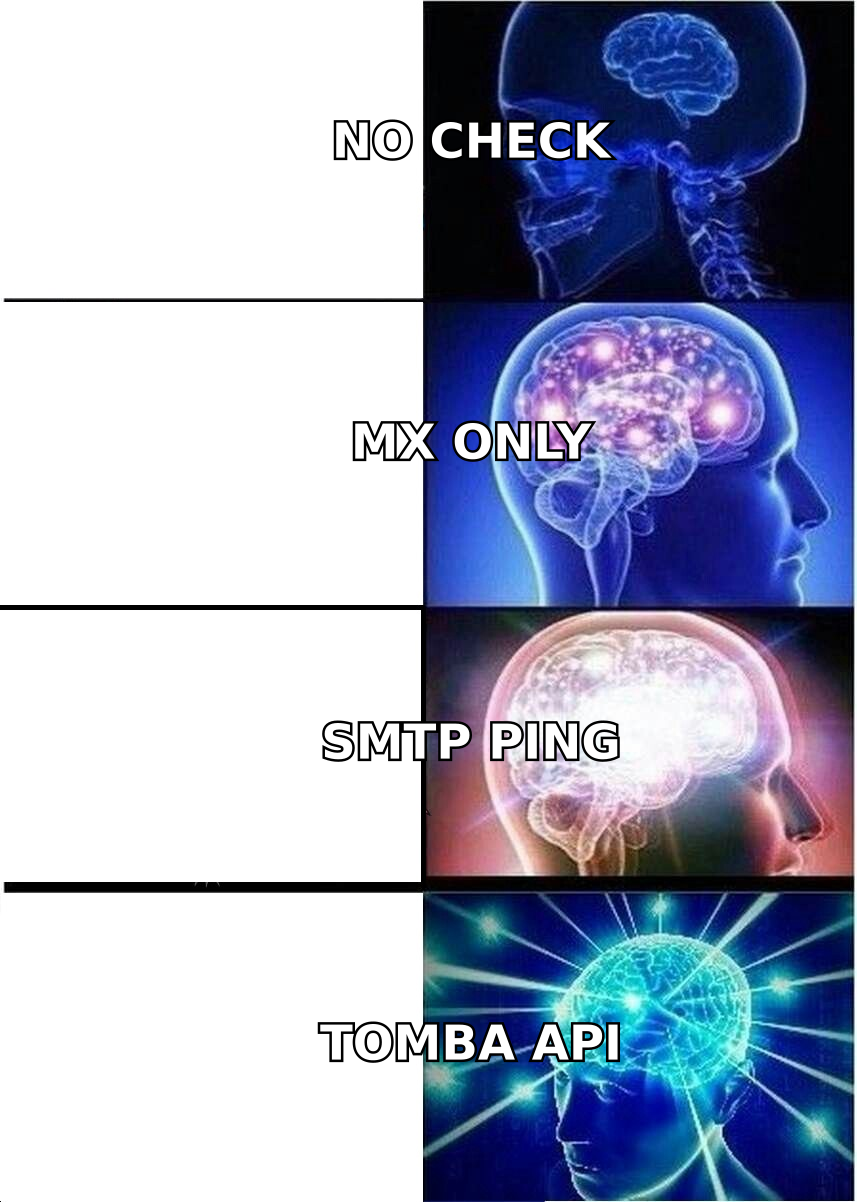
- Syntax and MX checks — every tool gets this right. It is free, and it catches maybe 3% of a bad list.
- SMTP checks — the tool asks the recipient mail server whether the mailbox exists. Accuracy depends on IP reputation. Google and Microsoft throttle providers with burned IPs, so results slide quietly into "unknown".
- Catch-all resolution — the hard part. A catch-all server says yes to everything, so SMTP tells you nothing. To resolve these you need pattern data, past send history, and multi-signal scoring. Cheap and serious tools split here.
- Freshness of the data — a mailbox that was valid in January is gone in March when the person quits. Roughly 22–30% of B2B contact data goes stale each year. A verifier that never re-checks is selling you an old verdict.

Ignore the "99% accurate" badge on every homepage in this category. Test with a control list where you already know the answers. Use 100 emails you mailed in the last 30 days, 100 you know bounced, and 100 from catch-all domains at large firms. A tool that marks your known-good addresses as invalid is costing you pipeline. That is worse than a bounce.
Which EmailVerify.io alternatives are worth your money in 2026?#
Here is the shortlist, grouped by the job you are hiring the tool to do.
1. Tomba — best when you need to find and verify#
Tomba began as an email finder and grew verification around it. Most tools here went the other way. That order matters. Tomba builds addresses from its own pattern and source data, so its email verifier sees context a standalone tool never gets: known company email formats, confidence scores, and the source URL behind each address.
The catch-all verifier is the real gap against budget tools. It scores catch-alls instead of dumping them in an "unknown" bucket, so you can pick which ones are worth a send.
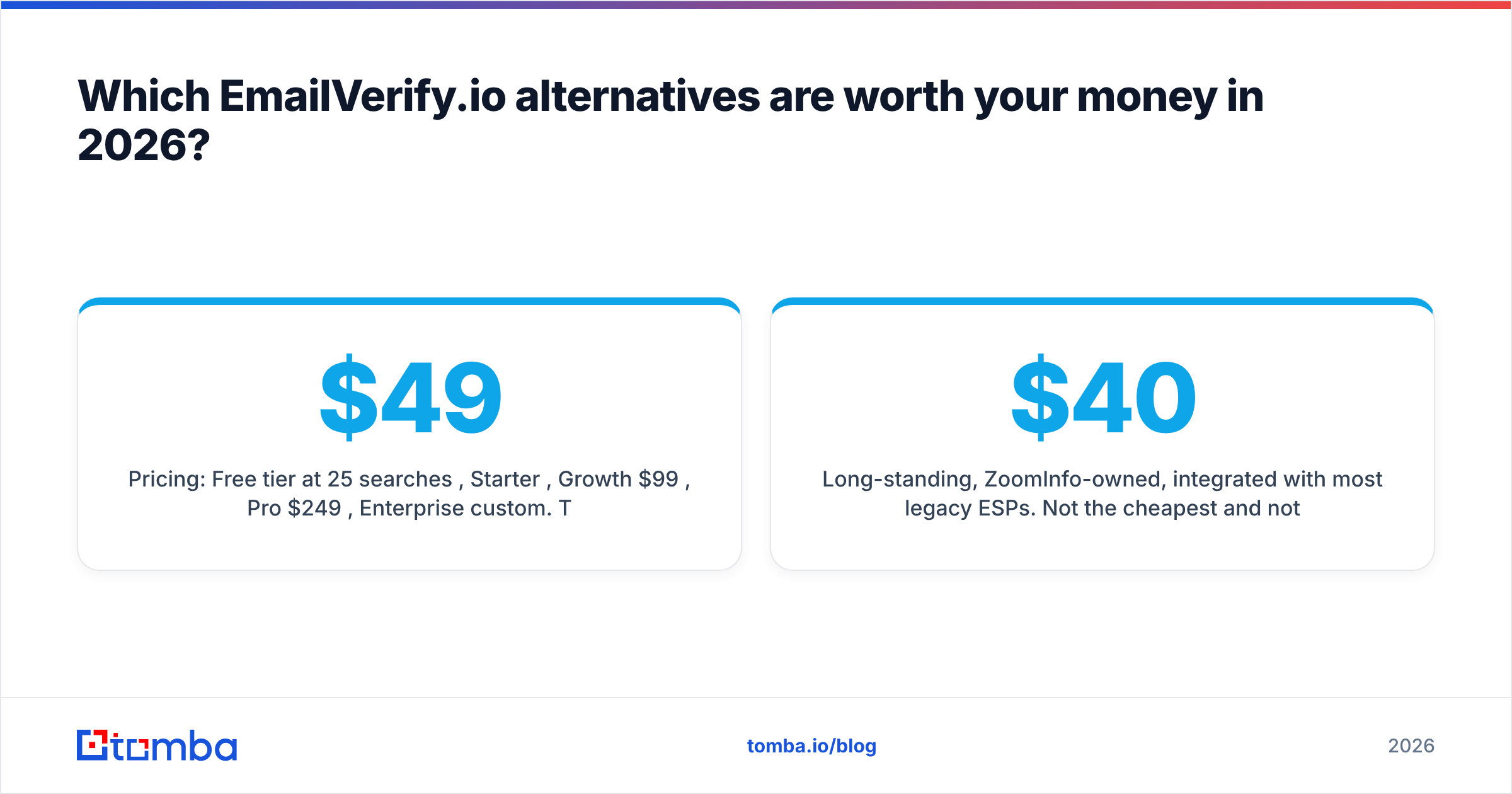
Pricing: free tier at 25 searches a month, Starter $49/mo, Growth $99/mo, Pro $249/mo, Enterprise custom. There is also a bulk email finder, a Tomba API, and add-ons for Sheets and Excel.
Trade-off: if you only ever verify, with no finding and no enrichment, a pure verifier can cost less per credit at very high volume.
2. MillionVerifier — best pure price-per-credit#
The closest like-for-like swap. Credits are pay as you go, they never expire, and prices drop hard at volume. It also does not charge you for unknowns, which is genuinely rare. There is little API story, no enrichment, and no finding. Want the EmailVerify.io experience for less money and with better bulk handling? Start here.
3. Bouncer — best accuracy transparency#
Bouncer gives you a risk score instead of a yes or no, and it publishes what each result code means. The GDPR posture is strong, data is processed in the EU, and the API docs are real. It costs more per credit than the budget tier. That is worth paying when you mail enterprise domains, where catch-alls dominate. See our Bouncer alternative breakdown for a closer look.
4. ZeroBounce — best for compliance-heavy teams#
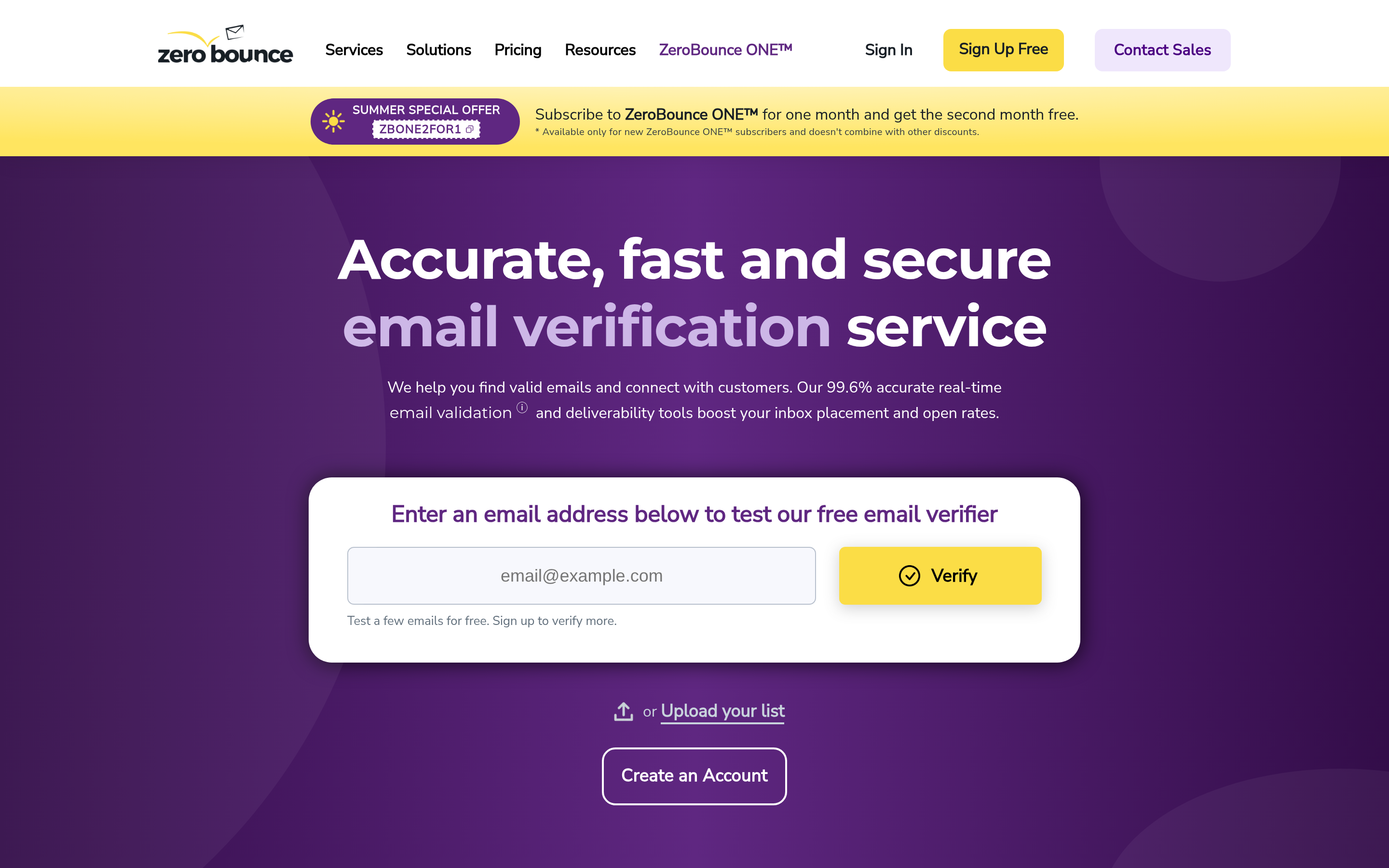
The most complete of the pure verifiers. You get verification, spam-trap detection, activity data, an inbox placement tester, and deep audit trails. It is heavier and pricier. Pick it when procurement asks about SOC 2 and DPAs before it asks about price. Compare with our ZeroBounce alternative notes.
5. Emailable — best real-time API latency#
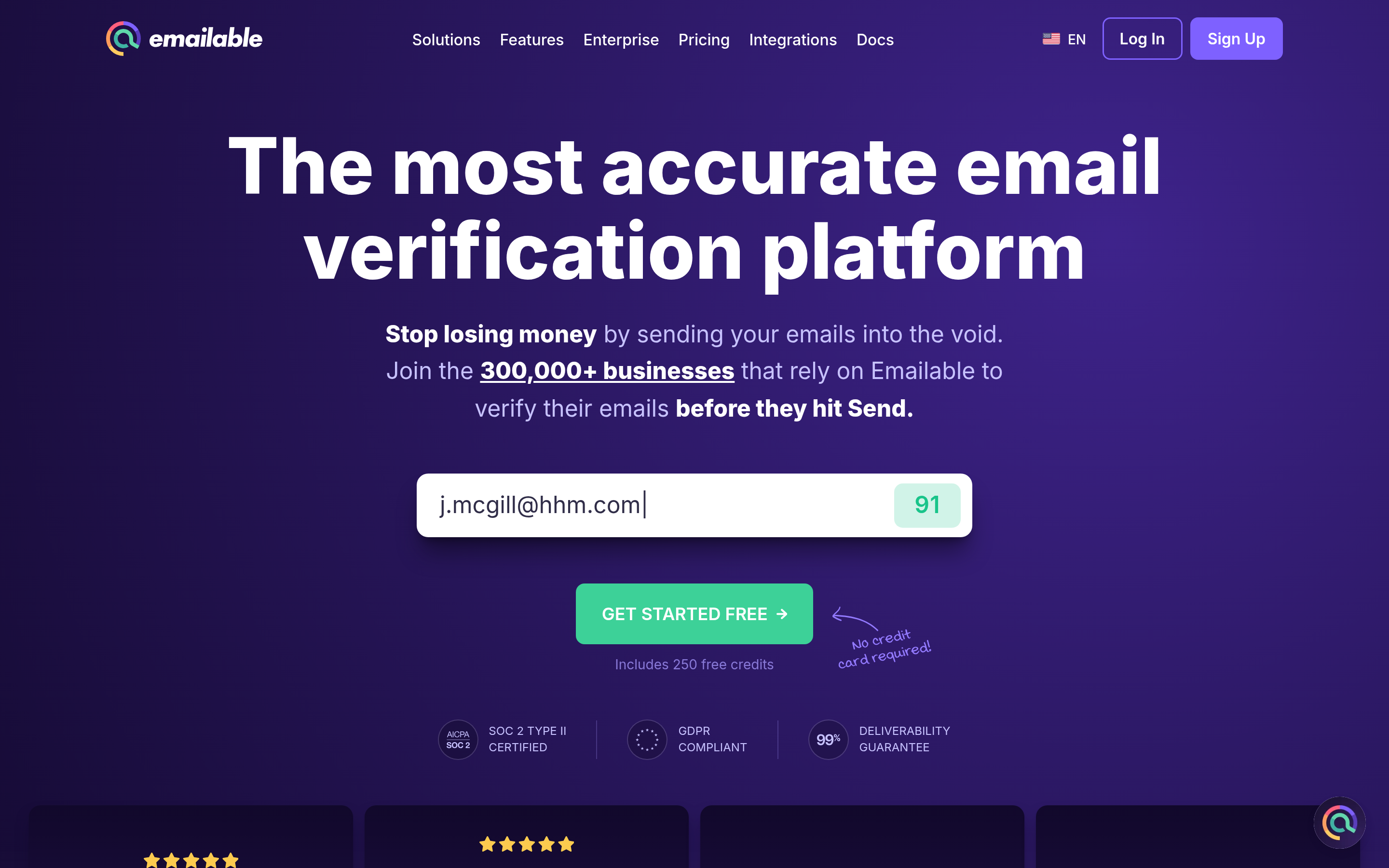
Single-email checks come back in under a second. The SDKs are clean and the uptime record is good. It is built for form checks at signup, not for quarterly CSV cleanup. If you want to stop typos and throwaway addresses at the point of signup, this class of tool beats a batch-first product.
6. Clearout — best all-rounder under one login#
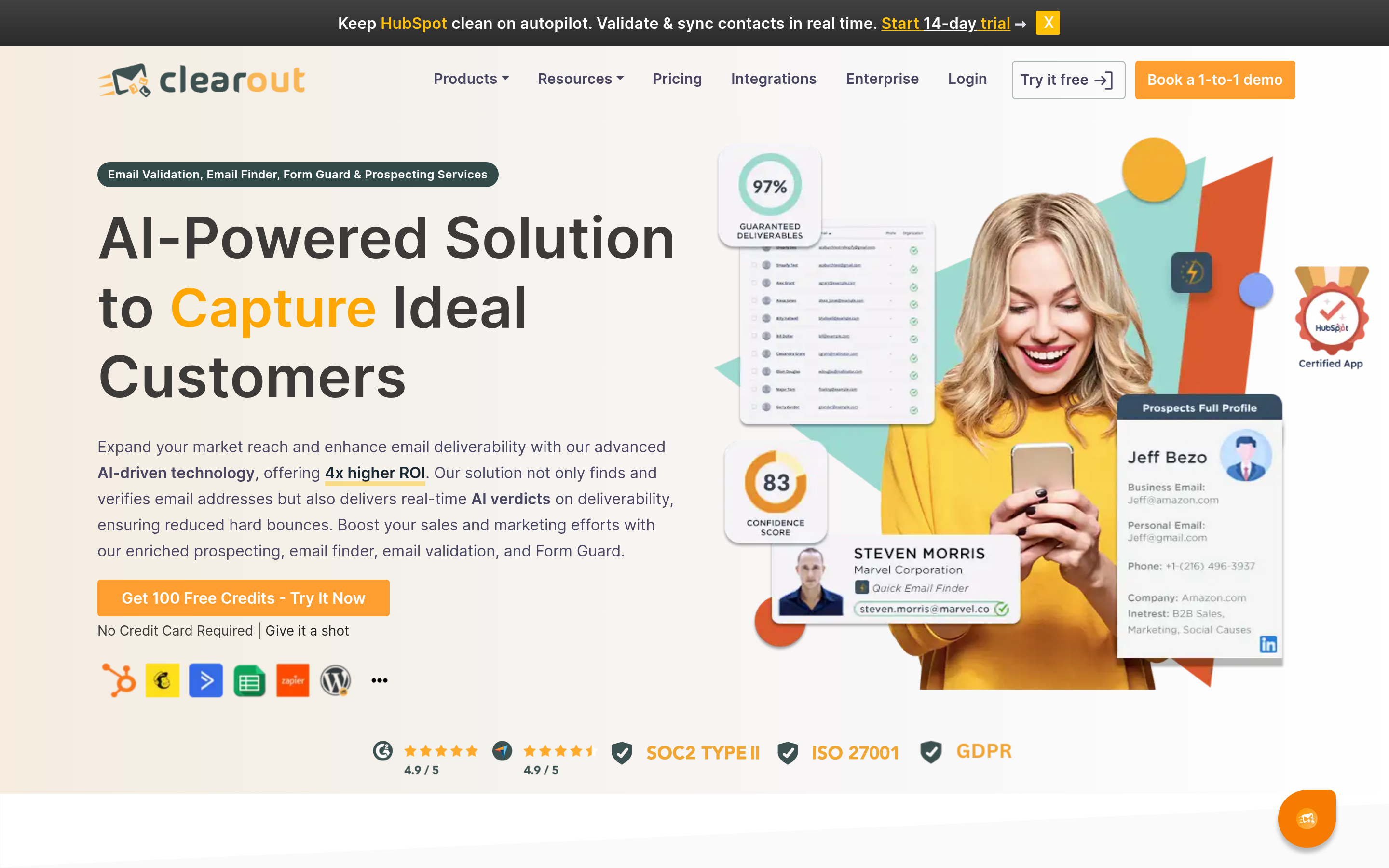
You get verification, a finder, and contact enrichment at a fair price, plus plugins for Sheets and most CRMs. It has fewer sources than the big data platforms. Still, it covers the same jobs as EmailVerify.io and adds a finder on top. Details in our Clearout alternative comparison.
7. DeBounce — best simple bulk replacement#
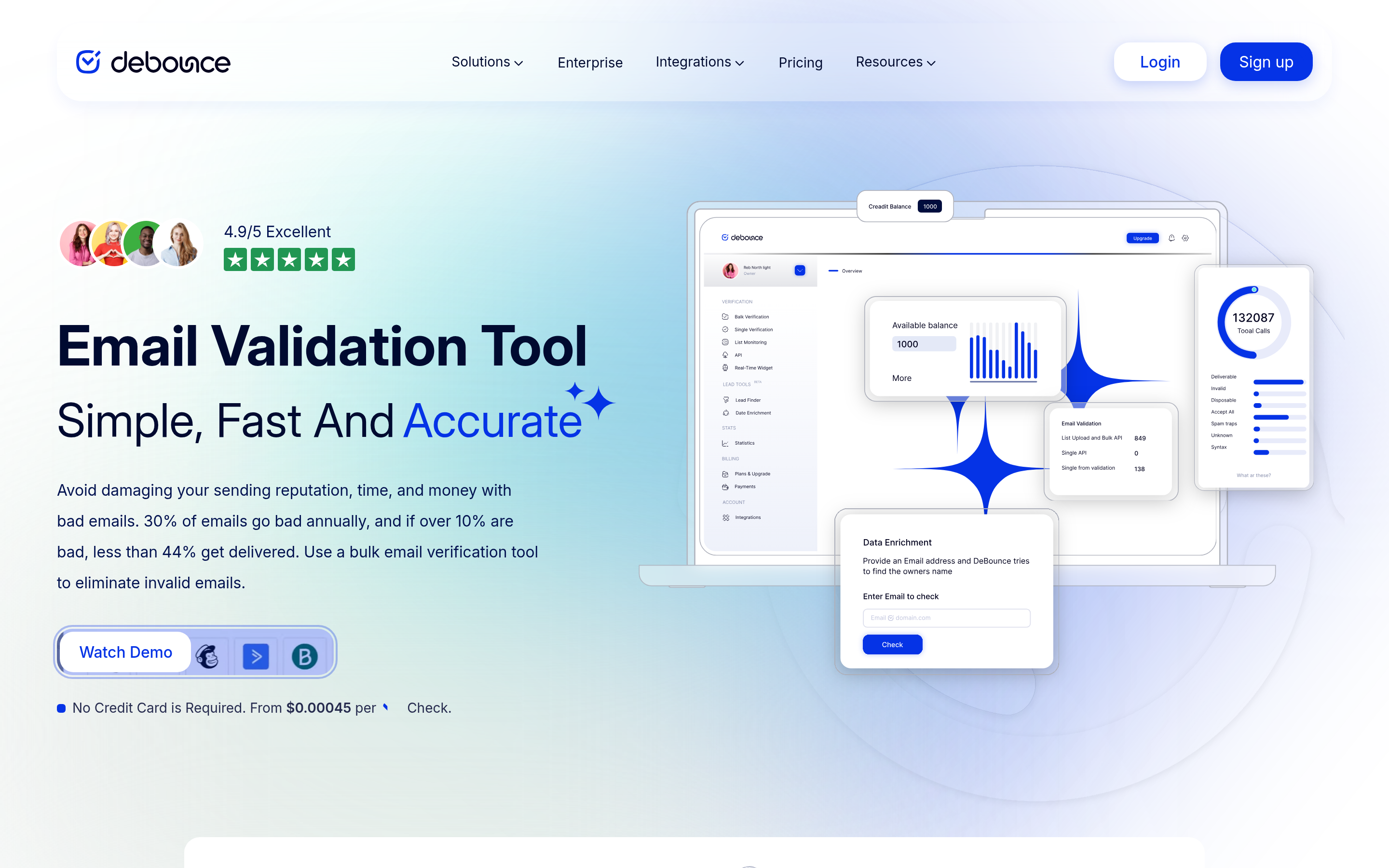
Cheap, plain, with a decent free trial and a clear UI. The product thinking matches EmailVerify.io, but the dashboard is stronger and the bounce categories are better documented. See the Debounce alternative writeup.
8. BookYourData — best when you need the list, not just the check#
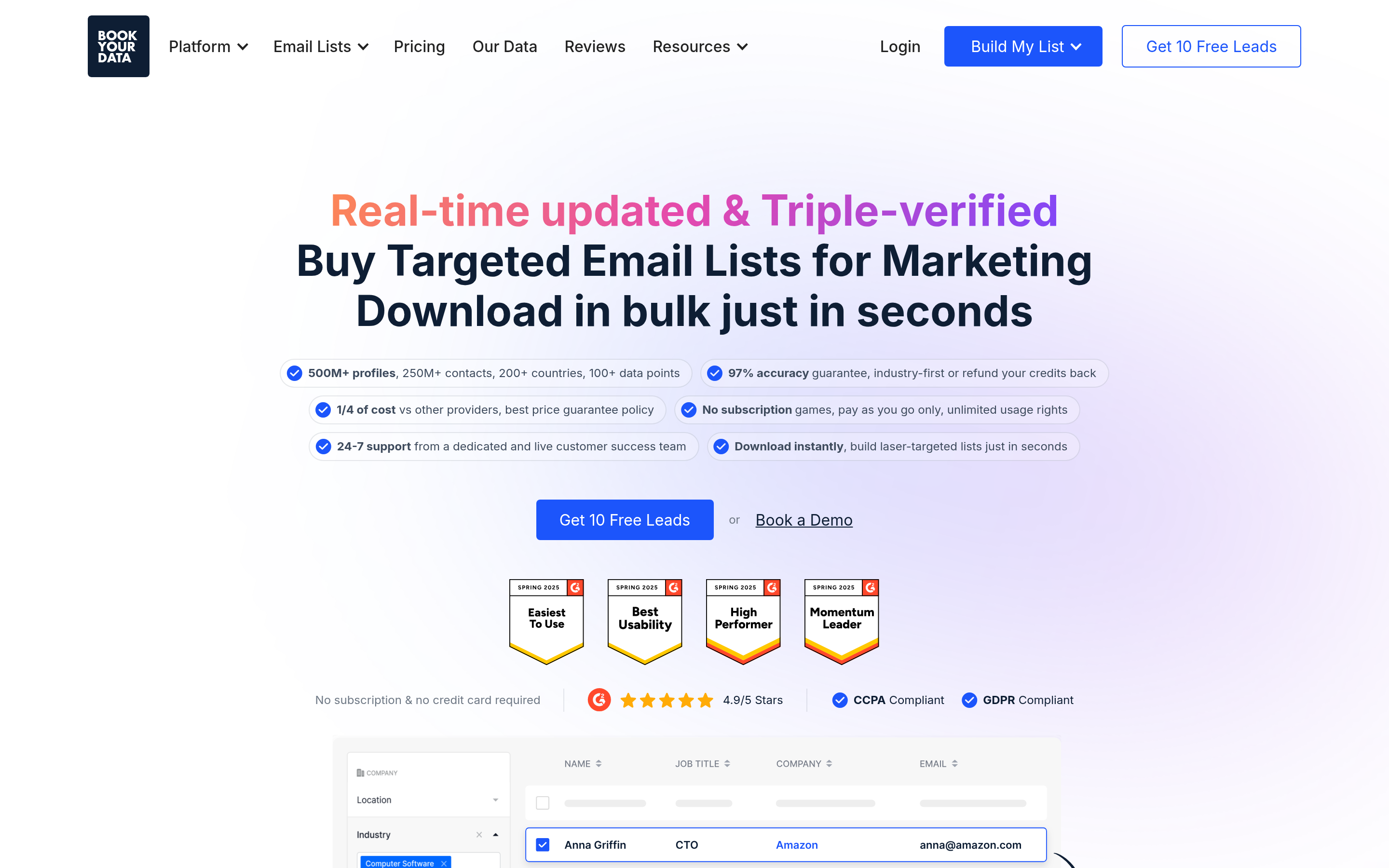
Different category, same problem underneath. BookYourData sells pre-verified B2B contact lists with a bounce guarantee. So you buy data that arrives clean, instead of buying a scraped list and then cleaning it.
Is your bottleneck "I don't have enough contacts" rather than "my contacts are dirty"? Then this beats any verifier here, because it removes a step from the workflow. Take a look at bookyourdata.com next to the verification tools.
9. NeverBounce — best legacy enterprise fit#
Long-standing, owned by ZoomInfo, and wired into most legacy ESPs. It is not the cheapest, and the API is not the most modern. But if your marketing ops team already has it running in three systems, ripping it out to save $40/mo is a poor use of a quarter.
How do the alternatives compare on price and features?#

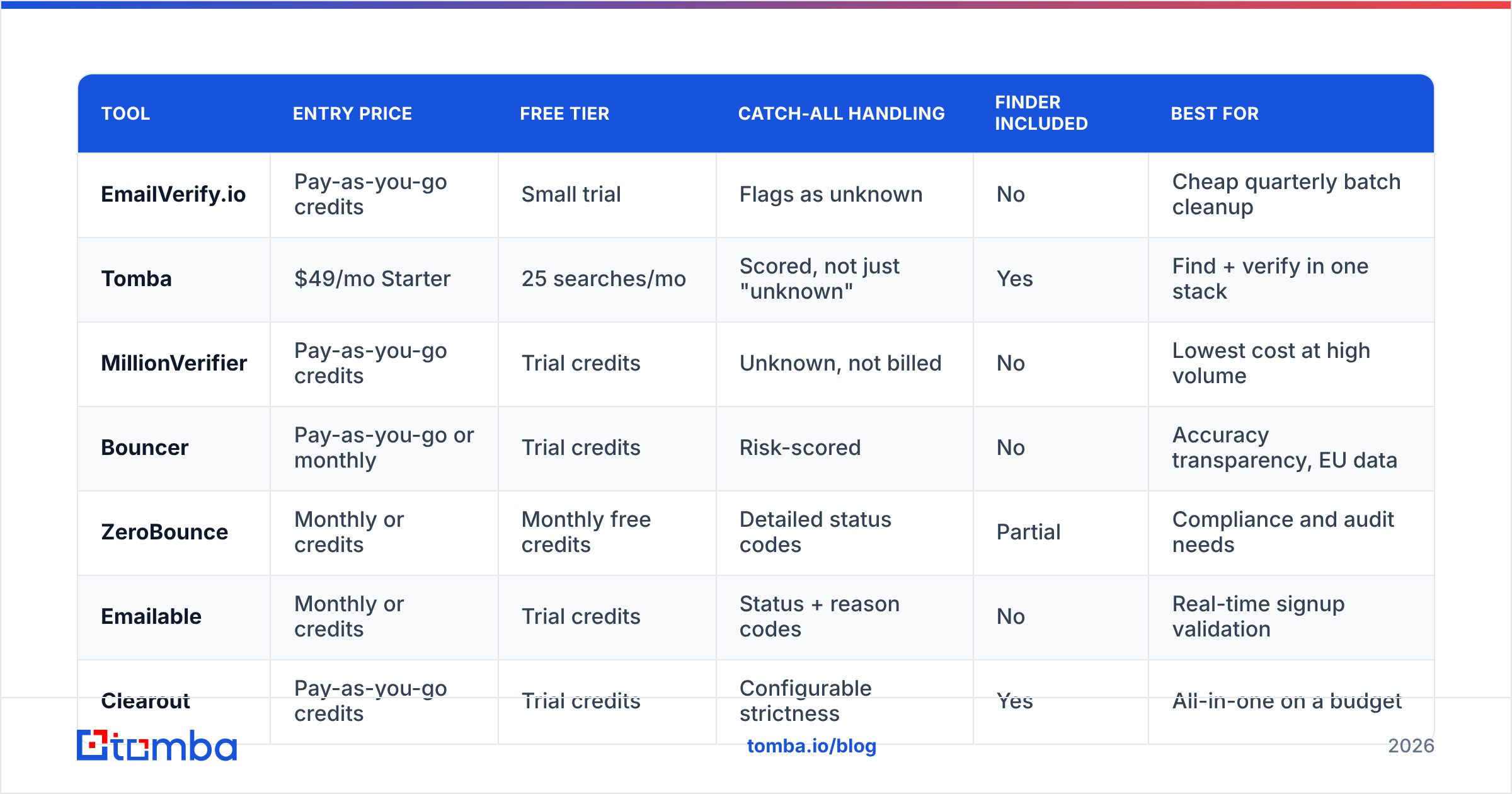
| Tool | Entry price | Free tier | Catch-all handling | Finder included | Best for |
|---|---|---|---|---|---|
| EmailVerify.io | Pay-as-you-go credits | Small trial | Flags as unknown | No | Cheap quarterly batch cleanup |
| Tomba | $49/mo Starter | 25 searches/mo | Scored, not just "unknown" | Yes | Find + verify in one stack |
| MillionVerifier | Pay-as-you-go credits | Trial credits | Unknown, not billed | No | Lowest cost at high volume |
| Bouncer | Pay-as-you-go or monthly | Trial credits | Risk-scored | No | Accuracy transparency, EU data |
| ZeroBounce | Monthly or credits | Monthly free credits | Detailed status codes | Partial | Compliance and audit needs |
| Emailable | Monthly or credits | Trial credits | Status + reason codes | No | Real-time signup validation |
| Clearout | Pay-as-you-go credits | Trial credits | Configurable strictness | Yes | All-in-one on a budget |
| DeBounce | Pay-as-you-go credits | Free sample | Flags as unknown | No | Simple like-for-like swap |
| BookYourData | Per-contact list pricing | Sample records | Pre-verified on delivery | List purchase | Buying clean data outright |
Prices move, so check each vendor page before you commit. The shape of the trade-off does not move. You get cheap credits, or resolved catch-alls, or a bundled finder. Almost nobody gives you all three.
What should you actually evaluate before switching?#
Run a scored bake-off, not a vibes decision. Five checks, one afternoon:
- Build a control list of 300 rows. Use 100 addresses you mailed in the last month, 100 confirmed hard bounces, and 100 from catch-all domains. Now you have ground truth. No vendor benchmark gives you that.
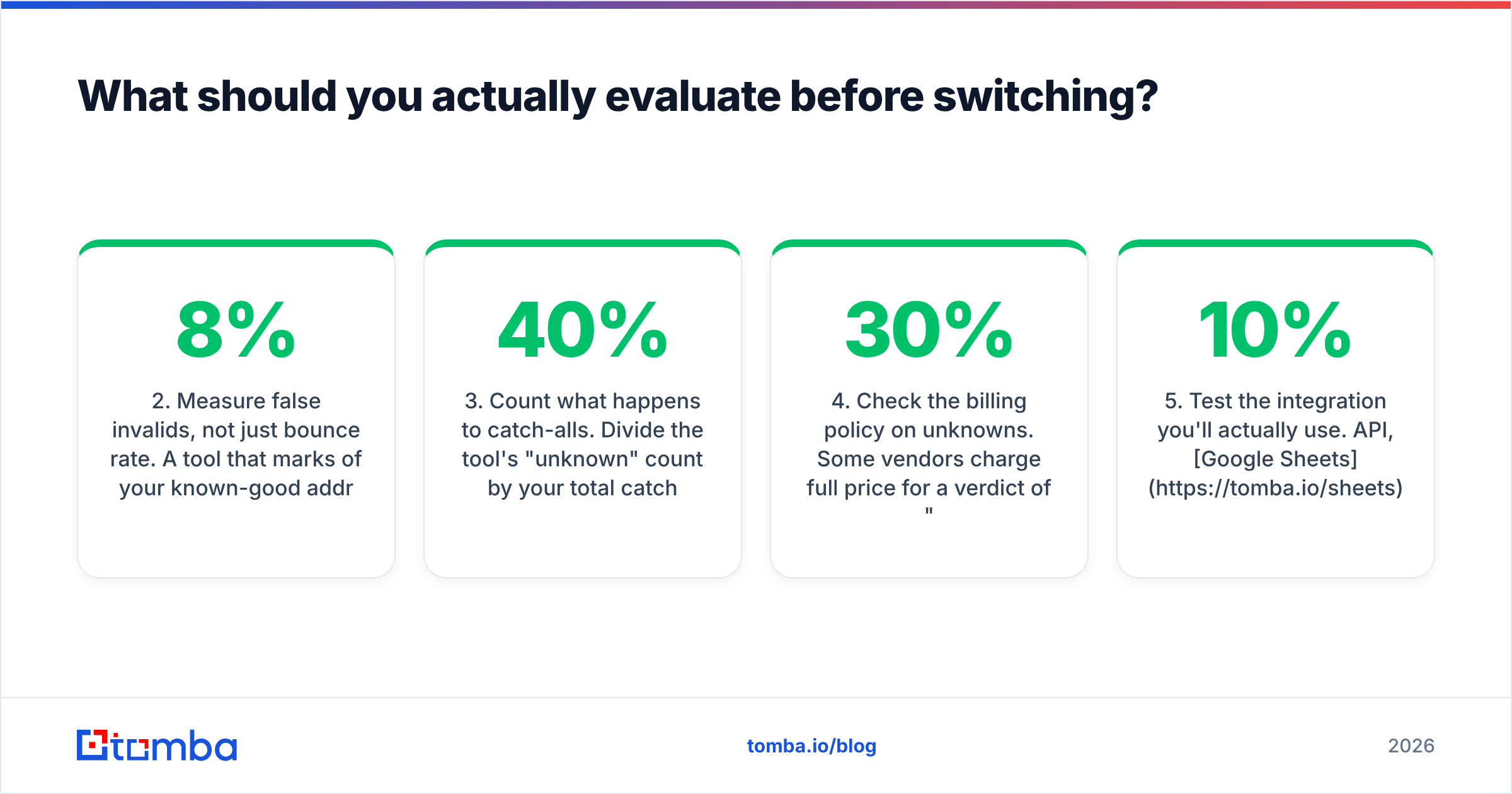
- Measure false invalids, not just bounce rate. A tool that marks 8% of your known-good addresses as invalid has quietly deleted 8% of your pipeline. It is the most expensive failure in this category, and almost nobody tests for it.
- Count what happens to catch-alls. Divide the "unknown" count by your total catch-all rows. Under 40% is good. Over 80% means you are paying for a syntax checker with extra steps.
- Check the billing policy on unknowns. Some vendors charge full price for a verdict of "we don't know". Read the fine print. It moves real cost by 20–30% on enterprise-heavy lists.
- Test the integration you will actually use. API, Google Sheets, HubSpot, or a plain CSV. A tool that is 10% more accurate but breaks your workflow gets dropped in six weeks.

Two more things are worth knowing. First, verification does not replace email deliverability work. A clean list still lands in spam if your SPF, DKIM, and DMARC records are wrong, or if your domain has no sending history.
Second, treat public reviews with care. Read the G2 email verification category with the date filter on. Reviews older than 18 months describe products that no longer exist. The mechanics behind a bounce message have not changed, but the data behind every vendor has.
Is a combined finder and verifier better than two tools?#
For most outbound teams under 50 people: yes. The reason is workflow, not tech.
Two tools means two credit pools, two CSV round-trips, and two invoices. It also adds a hand-off where data goes stale. You export from the finder, upload to the verifier, download the result, then re-import to your CRM. That is four file steps per campaign. Each one can shift a column or break a dedupe.
A combined platform checks the address the moment it finds it. The address arrives scored, deduped, and enriched with a job title. Run a domain search across 200 target accounts and you want the verdict inline, not three days later in a second tool.
Two tools still wins in two cases. You verify huge volumes of inbound email and never prospect at all. Or a compliance rule forces verification through one audited vendor. Otherwise you pay a coordination cost and gain no accuracy.
Ready to stop paying for two tools?#
Is your real problem "my list bounces"? Any decent verifier on this page fixes that. Is it "I need more qualified contacts, and I need them clean"? Then swapping one cheap verifier for another changes nothing.
Start with the Tomba Email Finder. The free tier gives you 25 searches a month with verification built in, and no card is required. Run your control list today and compare it against whatever you use now. If the numbers hold up, Starter is $49/mo. It includes the finder, verifier, catch-all scoring, and API access in one credit pool. Full details on the Tomba pricing page.
Test the EmailVerify.io alternatives against your own data. That is the only benchmark that has ever mattered.
Related guides#
Ready to find emails that actually work?
Join 150,000+ professionals who stopped guessing and started sending. Free credits on signup — no credit card required.
Get the Tomba newsletter
Practical outbound tactics and product updates — once every two weeks.
About the author