Finderio vs Quickenrich 2026: Which Email Finder Wins?
Finderio and Quickenrich both promise verified B2B emails at a low price. We break down accuracy, credit models, catch-all handling, and API depth — and name the one most teams should actually run.
TL;DR
- Finderio is built around bulk domain-to-email discovery: paste a list of companies, get patterns and addresses back. It is fastest when you already know which accounts you want.
- Quickenrich leans enrichment-first: you bring partial records (name, LinkedIn URL, company) and it fills the gaps. Strongest inside an existing CRM workflow.
- Neither tool publishes independent accuracy audits, so treat every advertised "98% valid" number — from either vendor — as marketing until your own bounce data says otherwise.
- The deciding factor is rarely the finder. It is catch-all handling, credit refunds on misses, and API depth. That is where most low-cost tools quietly cost you more.
- If you need one platform that does discovery and verification and enrichment on a single credit pool, Tomba at $49/mo Starter is the more defensible pick for most teams.
What are Finderio and Quickenrich?#
Both tools sit in the same crowded shelf: mid-market B2B contact data at a price that undercuts Apollo and ZoomInfo by an order of magnitude. They solve the same end problem — get a deliverable work email for a person you want to reach — but they approach it from opposite directions.
Finderio is a domain-first finder. Its natural input is a company domain. You feed it stripe.com, it returns the email pattern in use (first.last@, finitial+last@) and the addresses it has observed or inferred against that pattern. This is the same shape of workflow as a classic domain search, and it is genuinely efficient when your target list is account-based: 400 companies in, a few thousand candidate contacts out.
Quickenrich is a record-first enricher. Its natural input is a partial contact row — a name plus a company, or a LinkedIn profile URL. It resolves that row into an email, and usually a few firmographic fields alongside it. If your pipeline starts with a scraped list or a CRM export full of holes, this is the shape that fits.
That distinction matters more than any feature checkbox. A domain-first tool used on name-based inputs will burn credits. A record-first tool used for open-ended account discovery will return thin coverage. Match the tool to the shape of your input data first, then argue about price.
How do Finderio and Quickenrich compare on features?#
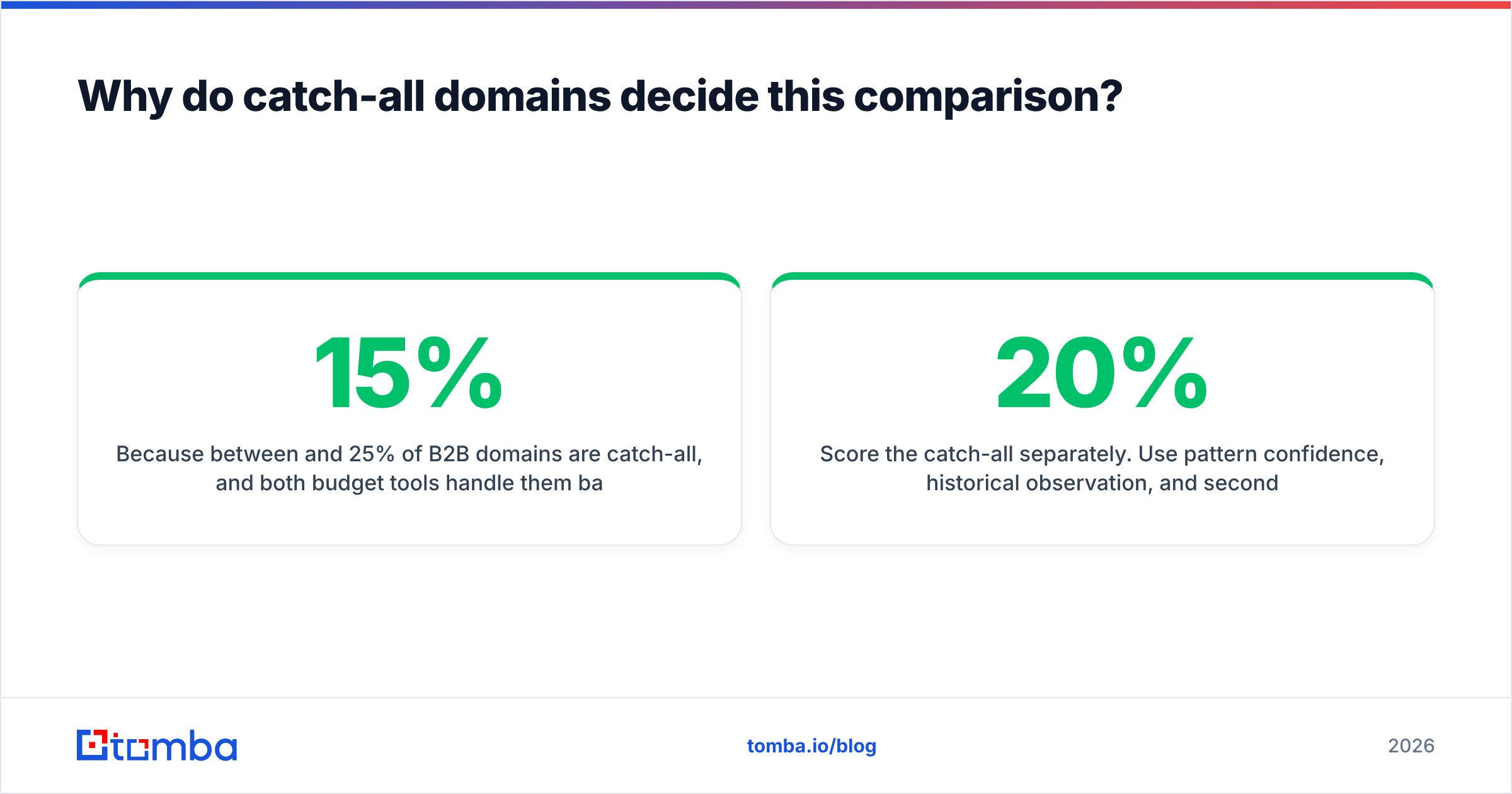
Here is the honest side-by-side. Where a vendor does not publish a number, this table says so rather than inventing one — always confirm current terms on each vendor's own pricing page before you buy.
| Capability | Finderio | Quickenrich | Tomba |
|---|---|---|---|
| Primary input | Company domain | Name / LinkedIn / partial record | Domain, name, LinkedIn, or company |
| Email pattern detection | Yes, core feature | Partial | Yes, with confidence score |
| Built-in verification | Basic syntax + MX | Basic, bundled with enrichment | Full SMTP + catch-all verifier |
| Catch-all domain handling | Returned as "risky", no deep check | Returned as valid or unknown | Dedicated catch-all logic, scored separately |
| Bulk upload | Yes (CSV) | Yes (CSV) | Yes — bulk email finder plus API |
| Public REST API | Yes, limited endpoints | Yes | Yes — full API, CLI, and MCP server |
| Native CRM integrations | Limited / via Zapier | HubSpot-oriented | HubSpot, Salesforce, Pipedrive, Sheets, Airtable |
| Free tier | Small trial credits | Trial credits | 25 searches/mo, no card |
| Entry paid plan | Low-cost credit pack (check vendor page) | Low-cost credit pack (check vendor page) | $49/mo Starter |
| Credit refund on no-result | Not clearly documented | Not clearly documented | Unfound searches do not consume a find credit |
The last row is the one buyers skip and later regret. A tool advertising "5,000 credits for $39" is only cheap if a credit is spent on a result. If every miss also burns a credit, a 55% hit rate quietly doubles your real cost per contact. Ask both vendors this question in writing before you commit to an annual plan.

Which tool is more accurate?#
Neither vendor has published a third-party accuracy audit, so the only number that matters is the one you generate yourself.
Run this test before you spend real money. Take 100 contacts you already know are deliverable — people who have replied to you in the last quarter, so you have ground truth. Strip the emails. Feed the names and companies into both tools. Then measure three things separately:
- Coverage — what percentage of the 100 returned any address at all. Low coverage is a data-depth problem.
- Precision — of the addresses returned, what percentage matched the known-good address exactly. Low precision means the tool is guessing patterns without verifying them.
- False confidence — how many wrong addresses were still labelled "valid" or "high confidence". This is the metric that destroys sender reputation, and it is the one vendors never advertise.
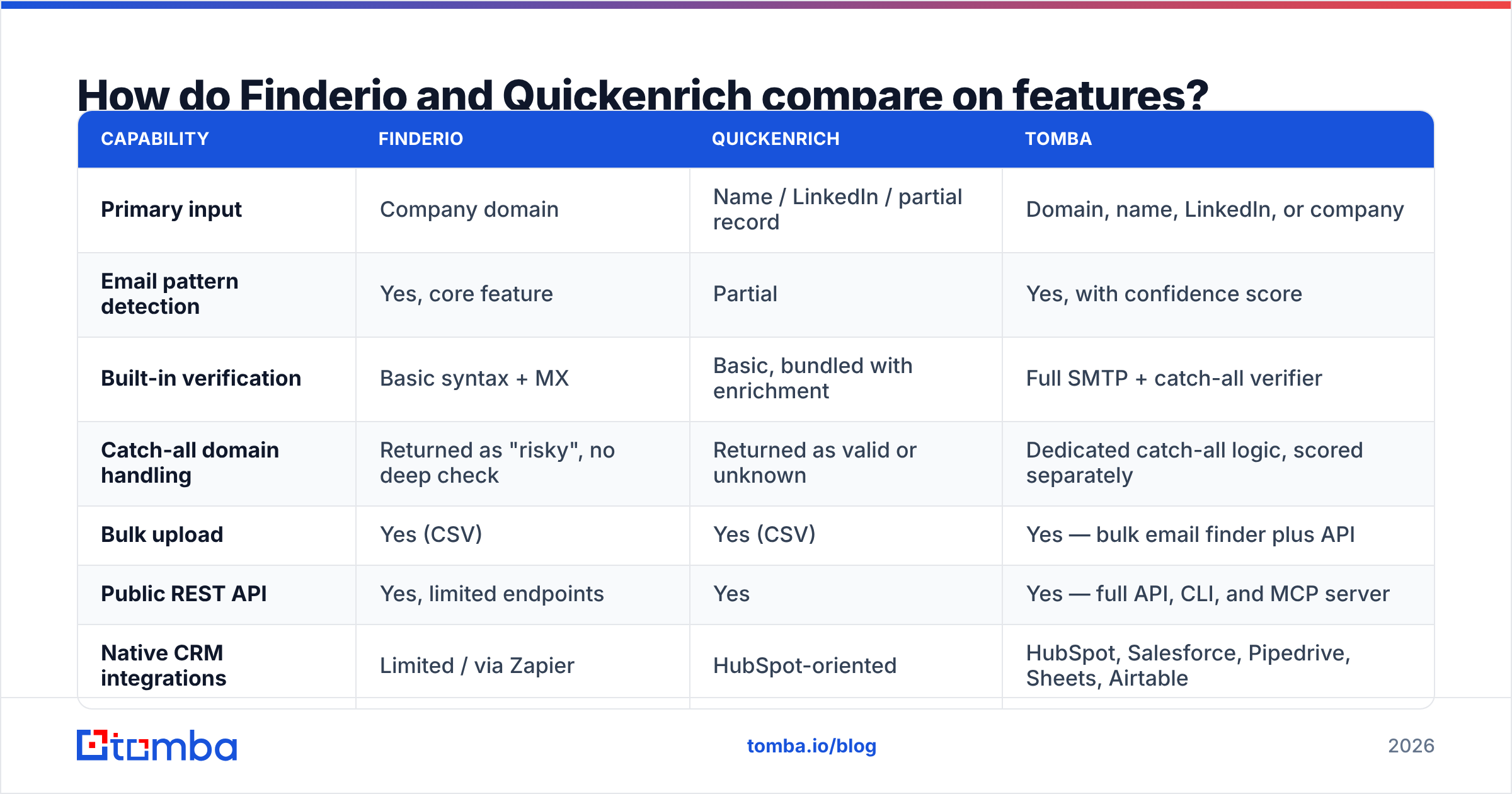
A tool with 60% coverage and 97% precision is far safer for cold outreach than one with 85% coverage and 80% precision. The second one will put roughly one bad address in every five sends, and at email deliverability scale that is a bounce rate high enough to get a domain throttled.

The pattern across the category is consistent: tools that separate finding from verifying — and charge for them as distinct steps with distinct confidence scores — produce lower false-confidence rates than tools that bundle a single opaque "valid" flag. When you compare Finderio and Quickenrich, look for how granular the returned status is. valid / invalid / catch-all / unknown / role-based is a useful response. A binary valid: true is not.
Why do catch-all domains decide this comparison?#
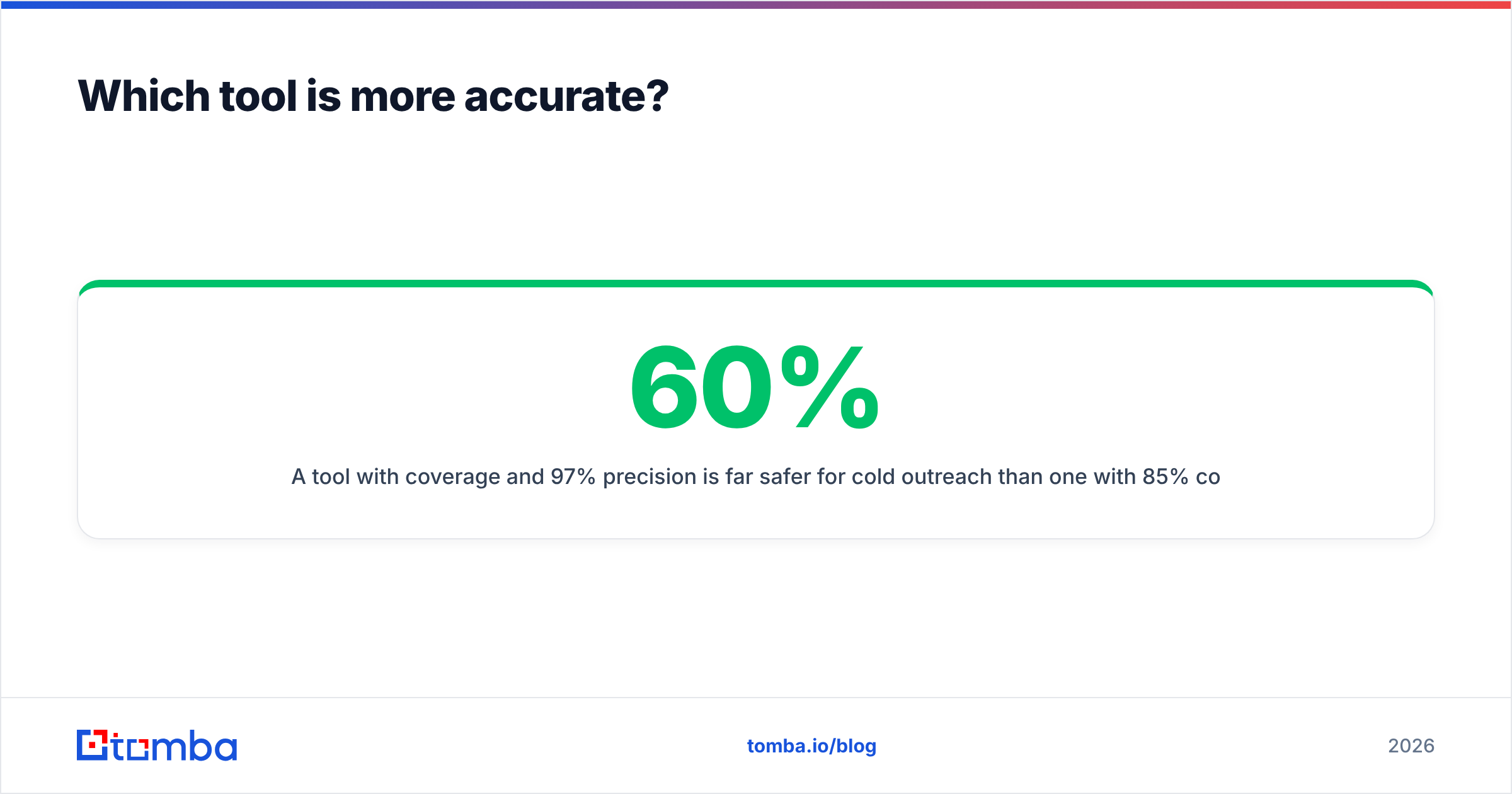
Because between 15% and 25% of B2B domains are catch-all, and both budget tools handle them badly by default.
A catch-all domain accepts mail to any address at that domain, including asdfgh@company.com. The SMTP handshake returns a positive response regardless. That means a naive verifier will mark every guess at a catch-all domain as valid — and your list will look pristine right up until you send.
Three ways vendors handle this:
- Mark everything valid. Cheapest, and the most dangerous. Your reported bounce rate looks fine in the tool and terrible in your inbox provider.
- Mark everything risky and stop. Honest but unhelpful. You now have a quarter of your list sitting in a bucket you cannot act on.
- Score the catch-all separately. Use pattern confidence, historical observation, and secondary signals to give each catch-all address its own probability. This is what a dedicated catch-all finder does, and it is the difference between discarding 20% of your TAM and sending to it carefully.
If you are choosing between Finderio and Quickenrich purely on price, run the catch-all test on a domain you know accepts everything. Whichever tool refuses to lie to you is the one to keep.
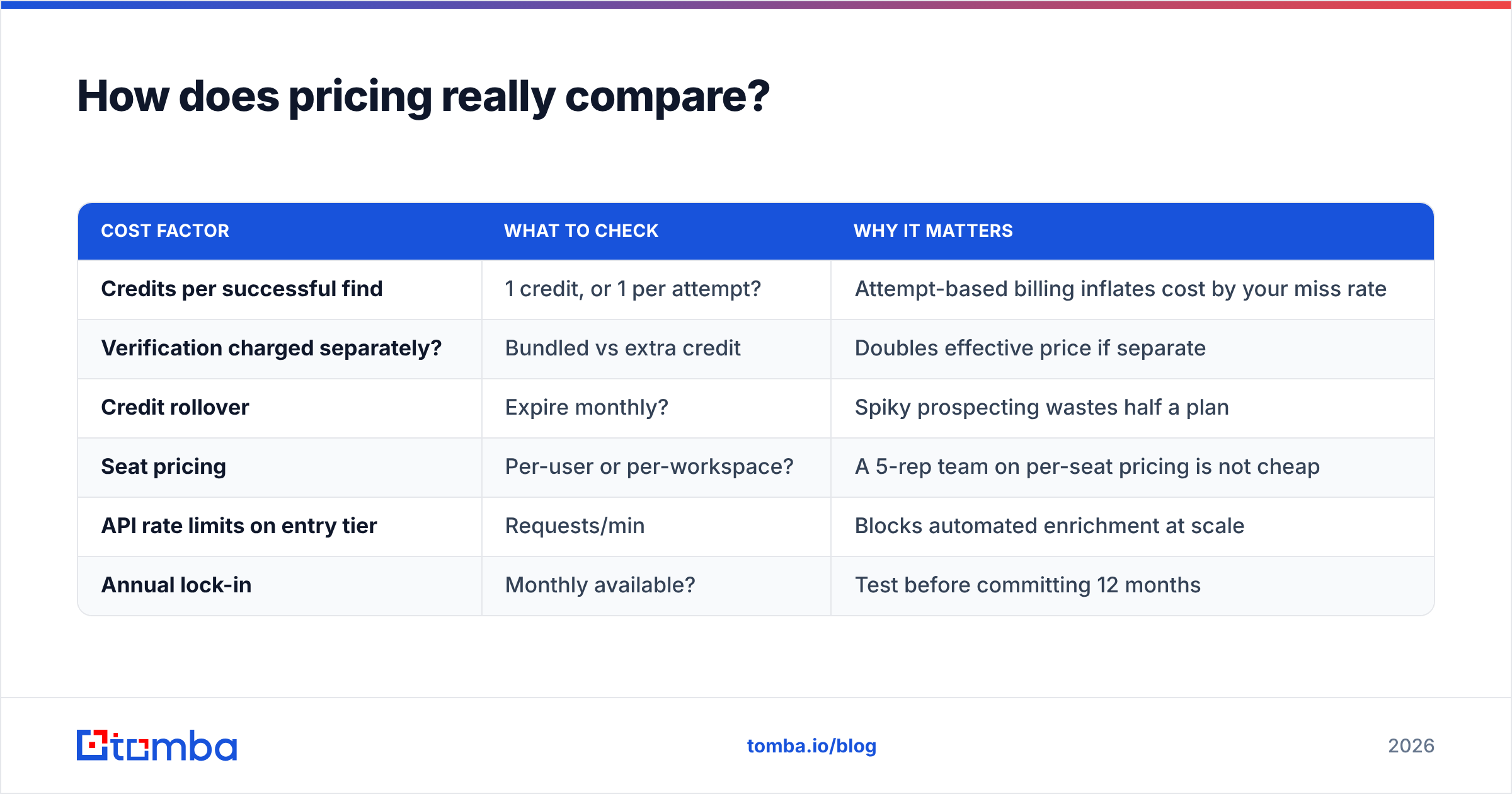
How does pricing really compare?#
Sticker price is a poor guide here. Compute cost per verified, deliverable contact instead.
| Cost factor | What to check | Why it matters |
|---|---|---|
| Credits per successful find | 1 credit, or 1 per attempt? | Attempt-based billing inflates cost by your miss rate |
| Verification charged separately? | Bundled vs extra credit | Doubles effective price if separate |
| Credit rollover | Expire monthly? | Spiky prospecting wastes half a plan |
| Seat pricing | Per-user or per-workspace? | A 5-rep team on per-seat pricing is not cheap |
| API rate limits on entry tier | Requests/min | Blocks automated enrichment at scale |
| Annual lock-in | Monthly available? | Test before committing 12 months |
For reference, Tomba pricing runs a free tier at 25 searches/mo, Starter at $49/mo, Growth at $99/mo, Pro at $249/mo, and custom Enterprise — with finding, verification, domain search, and enrichment drawing on one pool rather than three separate meters. That single-pool model is the thing to interrogate with any budget vendor: two tools at $29 each that each do half the job cost more than one tool at $49 that does all of it.

Also check independent review volume on G2 before you buy either. A tool with eleven reviews is not necessarily bad, but it means you are the QA department. Review recency matters more than star rating — data vendors degrade quietly when a source pipeline breaks, and the complaint pattern shows up in reviews months before the vendor acknowledges it.
Who should pick which tool?#
- Account-based outbound, list of target companies already defined — Finderio's domain-first model fits cleanly. You are asking "who works at these 300 companies," which is exactly what pattern detection is good at.
- Inbound lead enrichment inside a CRM — Quickenrich's record-first model fits better. You already have the person; you need the missing fields, and the enrichment step is the whole job.
- Mixed workflow — some accounts, some names, some LinkedIn URLs — neither single-shape tool is comfortable. You will end up paying for both, which erases the price advantage that made them attractive.
- High-volume automated pipelines — API depth and rate limits decide it. Check both vendors' documented limits on the tier you can afford, not the enterprise tier.
- Deliverability-sensitive sending (new domain, warmed inbox, low tolerance for bounces) — pick whichever tool gives you a real email verifier with granular statuses, and verify again immediately before send regardless of what the finder claimed.
- Small team, needs one bill and one vendor — a consolidated platform beats two point tools on both admin overhead and total cost.

What about the third option?#
The honest answer to "Finderio vs Quickenrich" is that the comparison is narrower than most buyers realise. Both are competent at their specific shape. Both leave you assembling a stack.
The alternative is running discovery, verification, and enrichment through one system. That is where Tomba fits: domain search for account-based lists, name-and-company lookup for record-based lists, LinkedIn finder for profile-based inputs, SMTP verification with explicit catch-all scoring, and data enrichment on the same credits. Plus the plumbing that decides whether a tool survives contact with a real revenue team — REST API, CLI, Chrome extension, Google Sheets add-on, and native HubSpot and Salesforce sync.
You do not have to take that on faith. The free tier is 25 searches a month with no card, which is enough to run the 100-contact ground-truth test described above against all three tools in an afternoon. Do that test. Whichever tool wins on precision and false-confidence rate is the correct answer for your data, regardless of what any comparison post — including this one — concludes.
What should you do next?#
Do not buy on the comparison table. Buy on your own bounce data.
Pick 100 known-good contacts. Run them through Finderio, Quickenrich, and one consolidated platform. Score coverage, precision, and false confidence separately. Confirm in writing how each vendor bills a failed lookup. Then check what happens on catch-all domains, because that single behaviour will account for more of your real-world bounce rate than every other feature combined.
If you want the consolidated option in that test, start with the Tomba Email Finder — 25 free searches a month, no card, full API access on every paid tier, and finding plus verification drawing on one credit pool instead of two invoices. Run it against the same 100 contacts and let the precision numbers settle the argument.
Related guides#
Ready to find emails that actually work?
Join 150,000+ professionals who stopped guessing and started sending. Free credits on signup — no credit card required.
Get the Tomba newsletter
Practical outbound tactics and product updates — once every two weeks.
About the author