GoCustomer vs Kipplo (2026): Which AI Outreach Tool Wins?
GoCustomer and Kipplo both promise AI-run outbound. We compare positioning, data quality, automation depth, pricing transparency and real fit — and name the factor that decides which one actually books meetings.
TL;DR — GoCustomer vs Kipplo in 30 seconds#
- Both sell the same promise: an AI layer that researches prospects, writes personalized outreach, and runs multi-step sequences so a small team can act like a big one.
- GoCustomer leans toward AI-generated personalization at volume — its pitch is "hyper-personalized outreach without an SDR army."
- Kipplo leans toward being a lighter, faster outbound workspace — prospect list, sequence, send, track, in fewer clicks.
- Neither tool wins on the thing that actually decides your reply rate: contact data quality. Both sit downstream of whatever emails you feed them.
- Practical answer: pick the sending layer on workflow fit and price, then own your data layer separately with a dedicated email finder and verifier. That combination beats either tool used alone.
What are GoCustomer and Kipplo?#
Both are AI-assisted outbound sales tools. They occupy the same shelf: you point them at a set of prospects, they help you write and send sequenced outreach, and they report on opens, replies and meetings.
GoCustomer (gocustomer.ai) positions itself as an AI sales-outreach platform. The core idea is that AI does the research-and-write step — pulling public signals about a prospect and turning them into an opening line or a whole email — so reps stop spending three hours a day on manual personalization. Think of it as hiring a research assistant who never sleeps and writes a decent first draft every time.
Kipplo (kipplo.com) is the leaner build. Its pitch is speed and simplicity: get from "I have a list" to "sequences are running" without a two-week onboarding. Less configuration surface, fewer moving parts, faster time-to-first-send.
The honest framing: these are not enterprise platforms with a decade of published benchmarks behind them. Both are newer entrants competing on AI features and price against incumbents like Outreach, Salesloft and Instantly. Public documentation on both is thin compared to those incumbents, so treat any spec you read — including a vendor's own site — as something to verify in a trial, not gospel.
How do GoCustomer and Kipplo compare head to head?#
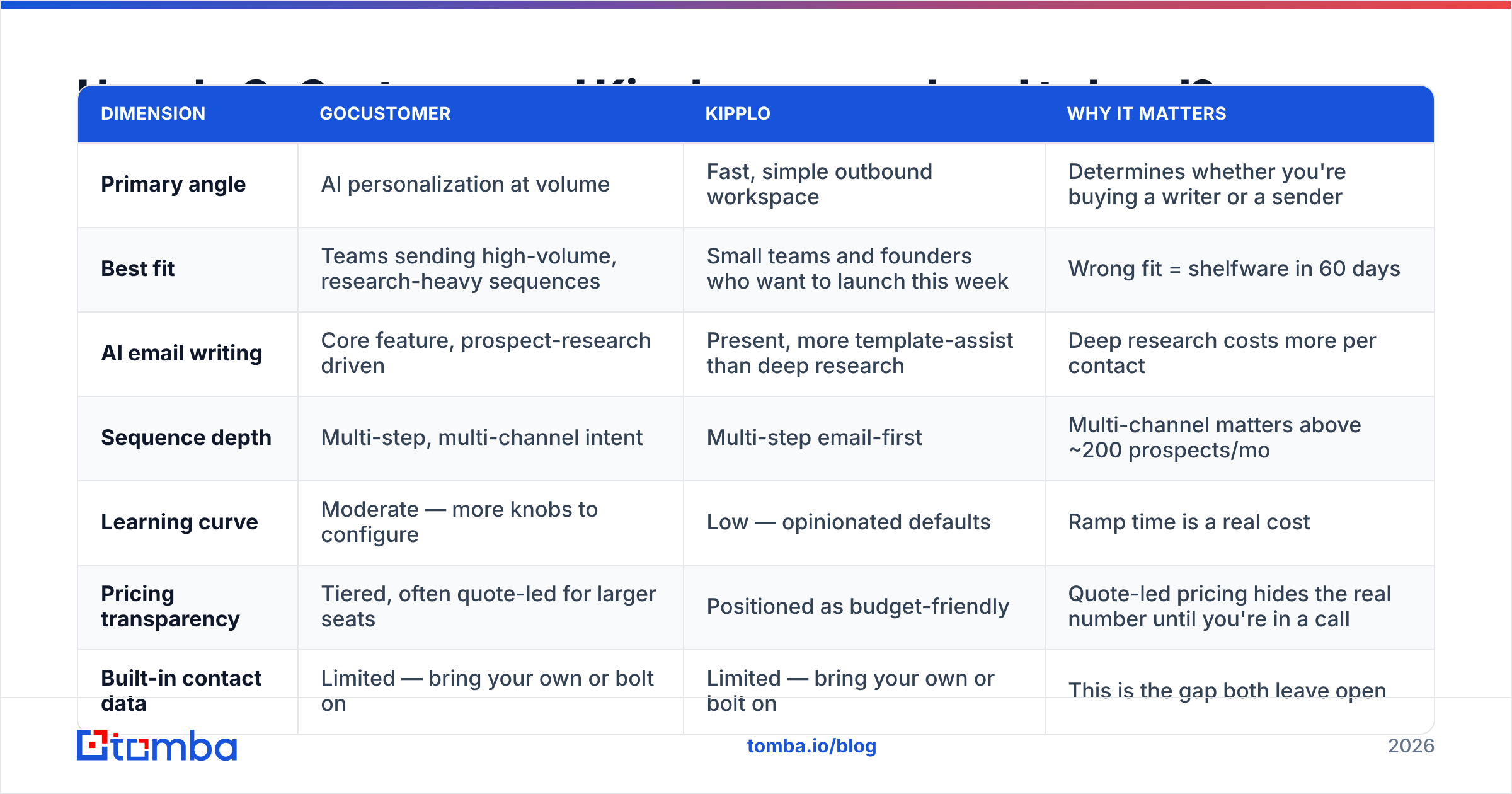
Here is the side-by-side on the dimensions that actually change your quarter. Where a vendor does not publish a figure, this table says so rather than inventing one — check both pricing pages before you commit.
| Dimension | GoCustomer | Kipplo | Why it matters |
|---|---|---|---|
| Primary angle | AI personalization at volume | Fast, simple outbound workspace | Determines whether you're buying a writer or a sender |
| Best fit | Teams sending high-volume, research-heavy sequences | Small teams and founders who want to launch this week | Wrong fit = shelfware in 60 days |
| AI email writing | Core feature, prospect-research driven | Present, more template-assist than deep research | Deep research costs more per contact |
| Sequence depth | Multi-step, multi-channel intent | Multi-step email-first | Multi-channel matters above ~200 prospects/mo |
| Learning curve | Moderate — more knobs to configure | Low — opinionated defaults | Ramp time is a real cost |
| Pricing transparency | Tiered, often quote-led for larger seats | Positioned as budget-friendly | Quote-led pricing hides the real number until you're in a call |
| Built-in contact data | Limited — bring your own or bolt on | Limited — bring your own or bolt on | This is the gap both leave open |
| Email verification | Not a core competency | Not a core competency | Unverified sends destroy sender reputation |
The row that should stop you is the last two. Neither tool is a data company. Both are activation layers. If you hand either one a list scraped from LinkedIn six months ago, the AI will write beautiful, well-timed emails to addresses that bounce.
What does each tool actually do well?#
Rather than a feature dump, here's the practical read on where each earns its money:
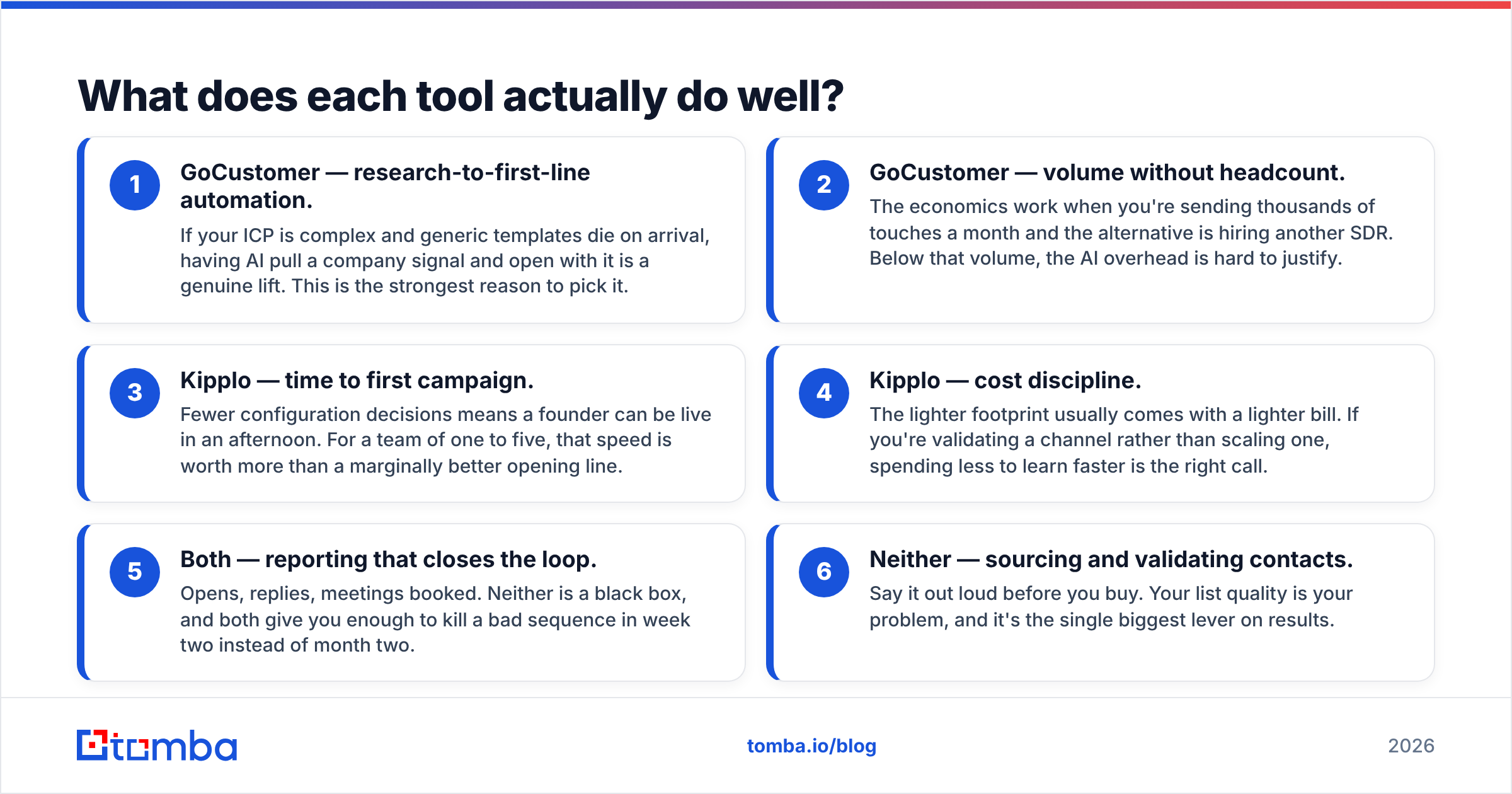
- GoCustomer — research-to-first-line automation. If your ICP is complex and generic templates die on arrival, having AI pull a company signal and open with it is a genuine lift. This is the strongest reason to pick it.
- GoCustomer — volume without headcount. The economics work when you're sending thousands of touches a month and the alternative is hiring another SDR. Below that volume, the AI overhead is hard to justify.
- Kipplo — time to first campaign. Fewer configuration decisions means a founder can be live in an afternoon. For a team of one to five, that speed is worth more than a marginally better opening line.
- Kipplo — cost discipline. The lighter footprint usually comes with a lighter bill. If you're validating a channel rather than scaling one, spending less to learn faster is the right call.
- Both — reporting that closes the loop. Opens, replies, meetings booked. Neither is a black box, and both give you enough to kill a bad sequence in week two instead of month two.
- Neither — sourcing and validating contacts. Say it out loud before you buy. Your list quality is your problem, and it's the single biggest lever on results.
Is GoCustomer better than Kipplo for outbound teams?#
It depends entirely on where your bottleneck sits.
Pick GoCustomer if your bottleneck is message quality. You have a decent list and enough volume, but your reply rate is stuck at 1% because every email reads like a template. AI-driven research and personalization is a legitimate fix for that, and GoCustomer is built around it.
Pick Kipplo if your bottleneck is execution speed. You keep meaning to run outbound and never do, because the last tool you evaluated needed a two-week implementation. A simpler workspace that gets sequences live this week beats a better tool you never configure.
Pick neither if your bottleneck is data. If more than 5% of your sends bounce, no AI writing layer will save you. Fix the list first. Mailbox providers judge you on bounce rate and complaint rate long before they judge your copy — which is why email deliverability work has to precede personalization work, not follow it.
There's a useful analogy here. A sending platform is the delivery truck. Your contact data is the address on the parcel. A faster truck with a wrong address doesn't get the package there — it just gets it back to you sooner.
How much do GoCustomer and Kipplo cost?#
Both vendors move their pricing, and both tend toward quote-led conversations at higher seat counts, so the only honest advice is: get the number in writing before you sign, and model it per delivered email, not per credit.
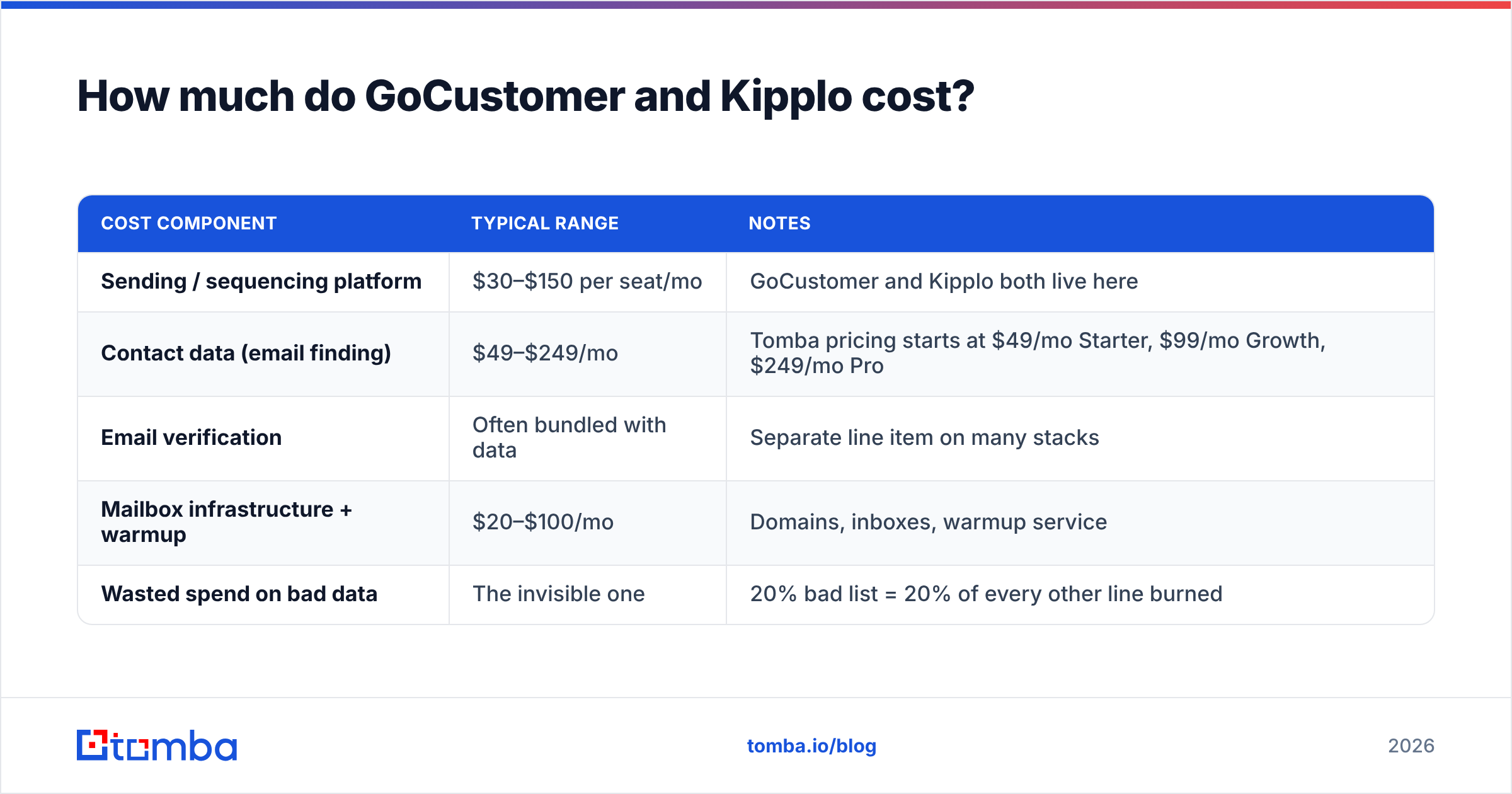
Here's the cost frame that actually matters — total cost of a working outbound stack, not the sticker price of one component:
| Cost component | Typical range | Notes |
|---|---|---|
| Sending / sequencing platform | $30–$150 per seat/mo | GoCustomer and Kipplo both live here |
| Contact data (email finding) | $49–$249/mo | Tomba pricing starts at $49/mo Starter, $99/mo Growth, $249/mo Pro |
| Email verification | Often bundled with data | Separate line item on many stacks |
| Mailbox infrastructure + warmup | $20–$100/mo | Domains, inboxes, warmup service |
| Wasted spend on bad data | The invisible one | 20% bad list = 20% of every other line burned |
That last row is where most teams lose money without noticing. If a fifth of your contacts are wrong, you're paying full price for your sending platform, your mailboxes and your rep's time to reach nobody. Cutting bounce rate is usually cheaper than upgrading any other component.
Tomba's free tier gives you 25 searches a month, which is enough to spot-check whether a list you already own is as good as you think it is before you spend anything.
Where do both GoCustomer and Kipplo hit the same wall?#
Every AI outreach tool eventually runs into the same four-part reality:
- Garbage in, garbage out — but faster. AI personalization amplifies whatever you feed it. Wrong job title in the record means a confidently wrong opening line, which is worse than a generic one.
- Bounces compound. A bounce rate above roughly 3% starts pulling your sender reputation down, and reputation damage carries across every campaign on that domain, not just the bad one.
- Catch-all domains lie. A large slice of B2B domains accept everything at the SMTP layer and discard silently. Standard verification marks them "valid." You need a catch-all verifier to separate the real mailboxes from the void.
- Personalization can't out-run relevance. No model writes its way past a prospect who isn't in-market. Targeting is a data problem before it's a copy problem.
None of this is a criticism of either vendor. It's a scope statement. GoCustomer and Kipplo are activation tools. Expecting them to also be a B2B data provider is like expecting your email client to write your contract.
What does the right stack look like in 2026?#
Separate the two jobs and buy the best tool for each:
Layer 1 — Sourcing. Find the right people at the right accounts. Use domain search to map everyone at a target company, or a name-plus-domain lookup for named accounts. Enrich with title, seniority and department so your segmentation is real rather than guessed.
Layer 2 — Validation. Run every address through an email verifier before it touches a sequence. Non-negotiable. This is the step that protects everything downstream.
Layer 3 — Activation. GoCustomer, Kipplo, or whichever sender fits your workflow and budget. This is where the AI writing and sequencing lives.
Layer 4 — Measurement. Reply rate and meetings booked per 100 delivered emails. Not per email sent — per email delivered. The two numbers diverge fast when your data is weak, and only the second one tells you whether your copy is working.
Teams that do this consistently outperform teams that buy a single all-in-one and hope the bundled data is good enough. Independent review sites like G2 show the same pattern in user reviews across this category: complaints about all-in-one platforms cluster around data accuracy far more than around sending features.
How should you run the evaluation?#
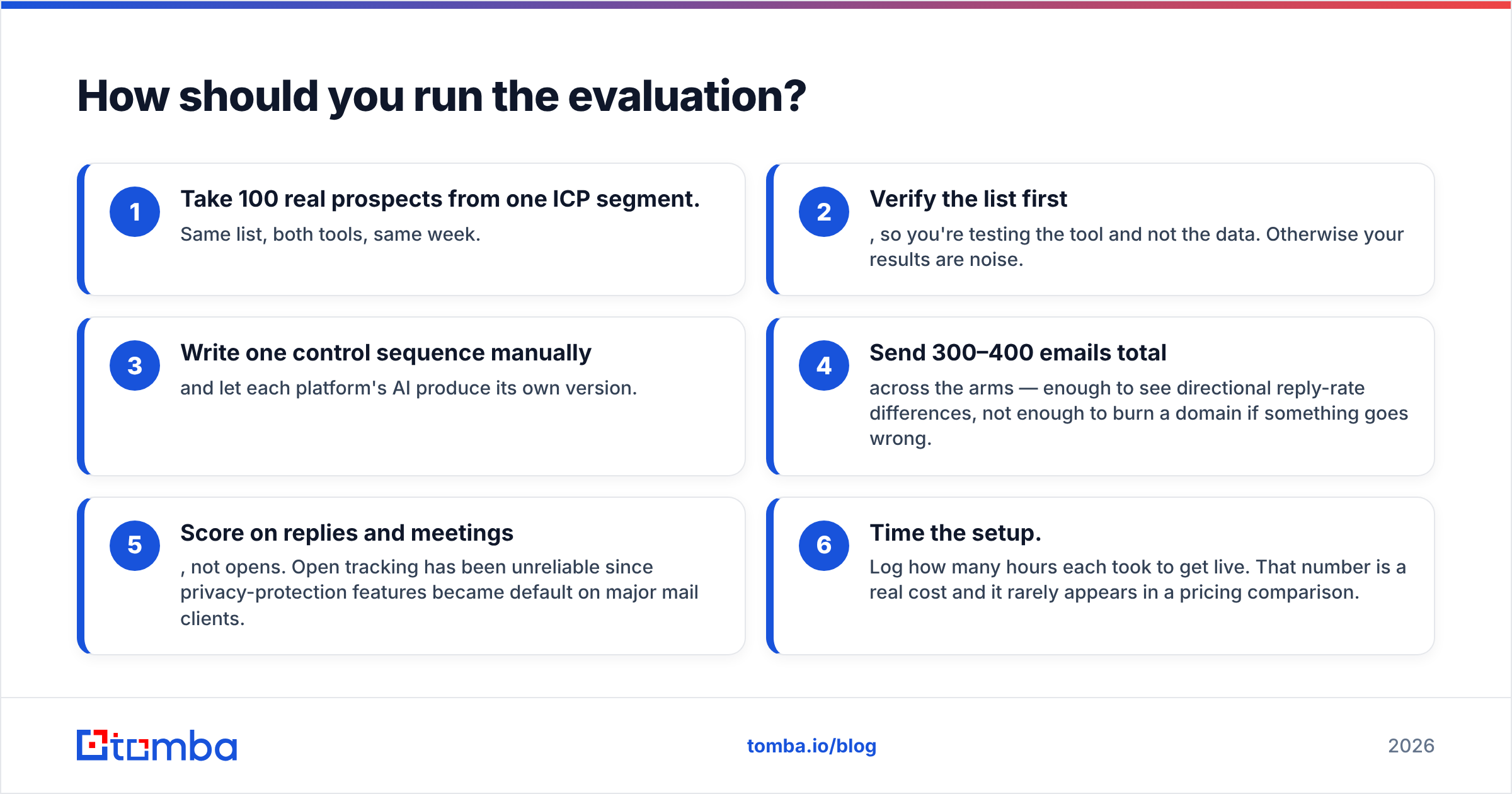
Do not evaluate on demos. Run this test with both tools:
- Take 100 real prospects from one ICP segment. Same list, both tools, same week.
- Verify the list first, so you're testing the tool and not the data. Otherwise your results are noise.
- Write one control sequence manually and let each platform's AI produce its own version.
- Send 300–400 emails total across the arms — enough to see directional reply-rate differences, not enough to burn a domain if something goes wrong.
- Score on replies and meetings, not opens. Open tracking has been unreliable since privacy-protection features became default on major mail clients.
- Time the setup. Log how many hours each took to get live. That number is a real cost and it rarely appears in a pricing comparison.
Two weeks of that beats two months of feature-matrix debate. And whichever platform wins, you'll finish the test with a clean, verified list — which is the asset that keeps paying after the trial ends.
Frequently asked questions#
Is GoCustomer or Kipplo better for a solo founder? Kipplo, usually. The lower configuration overhead matters more than marginal personalization quality when you're the whole go-to-market team.
Do either of them include verified contact data? Not as a core competency. Both expect you to bring a list or bolt on a data source. Plan and budget for that layer separately.
Can I use both? You can, but there's rarely a reason. They overlap heavily. Pick one sender and invest the savings in data quality.
Will AI personalization fix a low reply rate? Only if bad copy is genuinely the cause. Check your bounce rate and targeting first — those account for most stalled campaigns.
What about deliverability? Neither tool controls it for you. Warm your domains, keep bounce rate under 3%, verify before sending, and monitor complaints.
Start with the layer that decides everything else#
GoCustomer vs Kipplo is a real choice, and it's a smaller choice than the vendor marketing suggests. One is the research-heavy personalization play; the other is the fast, lean workspace. Both will send your emails competently. Neither will tell you whether the address is real.
Fix that first. Tomba's Email Finder sources professional email addresses by name, domain or company, with verification built into the same workflow — so the list you load into GoCustomer or Kipplo is one you can actually trust. Start on the free tier at 25 searches a month, confirm your current list is as clean as you assume, then scale on the $49/mo Starter plan when the numbers justify it. Get the data layer right and whichever sender you pick will look a lot smarter than it did last quarter.
Related guides#
Ready to find emails that actually work?
Join 150,000+ professionals who stopped guessing and started sending. Free credits on signup — no credit card required.
Get the Tomba newsletter
Practical outbound tactics and product updates — once every two weeks.
About the author