GrowMeOrganic vs QuickMail: Which Cold Email Tool Wins in 2026?
GrowMeOrganic bundles a B2B database with LinkedIn scraping and email sending. QuickMail focuses on deliverability and inbox rotation. Here is which one actually fits your outbound motion in 2026.
GrowMeOrganic vs QuickMail is a comparison of two very different tools. One sells you contact data. The other sells you inbox placement. Here is which one fits your outbound motion in 2026.
TL;DR
- GrowMeOrganic is an all-in-one. You get a B2B contact database, a LinkedIn/Sales Navigator scraper, and an email sender at one flat price. It is the cheaper entry point when you have no data of your own.
- QuickMail is not a data tool at all. It is a sending and deliverability engine: inbox rotation, an auto-warmer (MailFlow), reply detection, and per-inbox volume control.
- These two are only "competitors" because both send cold email. Compare them on the job you need done. Is it sourcing contacts or landing in the inbox at volume?
- QuickMail wins on deliverability, agency multi-client management, and reply attribution. GrowMeOrganic wins on price per seat. It also hands a solo founder contacts on day one.
- The strongest setup in 2026 pairs specialist data with a specialist sender. A verified email source feeds a deliverability-first sender. One tool doing both tends to do both at mediocre quality.
What are GrowMeOrganic and QuickMail, actually?#
They solve different halves of the same pipeline. Most head-to-head posts blur that.
GrowMeOrganic launched as a Chrome-extension LinkedIn scraper. It grew into a bundled prospecting suite. You get a claimed multi-hundred-million-record B2B database, a LinkedIn and Sales Navigator extractor, and a local business/Google Maps scraper. You also get an email finder, a verifier, and a drip-campaign sender. Plans are flat-rate with unlimited seats. The pitch is simple: "stop paying for five tools."
QuickMail went the other way. It has been a cold email sending platform since 2015, and it has stayed one. There is no contact database. What it has instead: unlimited inboxes on every plan, native inbox rotation, and the MailFlow auto-warmer for free. It also handles replies and bounces in depth, and its "Attributes" system drives personalization at scale. Agencies like it because client sub-accounts and per-client reporting are built in.
So the real question is not "which tool is better." It is simpler than that. Is your bottleneck contacts or deliverability?

GrowMeOrganic vs QuickMail: how do the features compare?#
Here is the honest split. Prices reflect publicly listed plans as of early 2026, and they move. Check the vendor pages before you buy.
| Dimension | GrowMeOrganic | QuickMail |
|---|---|---|
| Core job | Data sourcing + sending bundle | Sending + deliverability only |
| B2B contact database | Yes, bundled (hundreds of millions of claimed records) | None — bring your own list |
| LinkedIn / Sales Nav scraping | Yes, Chrome extension | No |
| Email verification | Basic, bundled | Basic bounce protection; no standalone verifier |
| Inbox rotation | Limited | Native, unlimited inboxes on all plans |
| Warmup | Third-party / limited | MailFlow auto-warmer included free |
| Entry price | Around $49/mo (annual) for the starter tier | Around $49/mo Basic; Pro tier around $89/mo |
| Seats | Unlimited on most plans | Included; agency sub-accounts on higher tiers |
| Reply detection | Basic | Advanced — threading, auto-pause, sentiment tagging |
| Agency/multi-client | Workspace-level | Purpose-built client sub-accounts and reporting |
| API | Yes | Yes, well-documented |
| Best for | Solo founders and small teams with no list | Agencies and outbound teams sending at volume |
Read that table twice and the pattern is clear. GrowMeOrganic has more rows checked. QuickMail has more depth in the rows that break campaigns.
Which one has better data quality?#
Neither is a data-first company. That matters more than the record count.
GrowMeOrganic's database is licensed and aggregated. On top of that sits whatever you scrape from LinkedIn. Bundled databases like this tend to have two problems. The first is staleness. B2B contact data decays by roughly 22-30% a year as people change jobs. A record last verified 18 months ago is a coin flip. The second is pattern guessing. When a bundled finder cannot confirm an address, it often returns a guess like first.last@domain.com marked "likely." That is a bounce with extra steps.
QuickMail sidesteps the question by not having data. That is a feature if you already source lists well. It is a gap if you don't.
Buying either tool to fix a data problem is the wrong move. Source and verify with a dedicated provider first. Then push the clean list into whichever sender you like. A specialist email finder returns a confidence score and an SMTP-level check. That beats a bundled finder on bounce rate almost every time. Run the list through an email verifier before it ever touches a sending domain. For net-new accounts, domain search pulls every discoverable address at a company plus its email pattern. That is a faster path than scraping profiles one at a time.
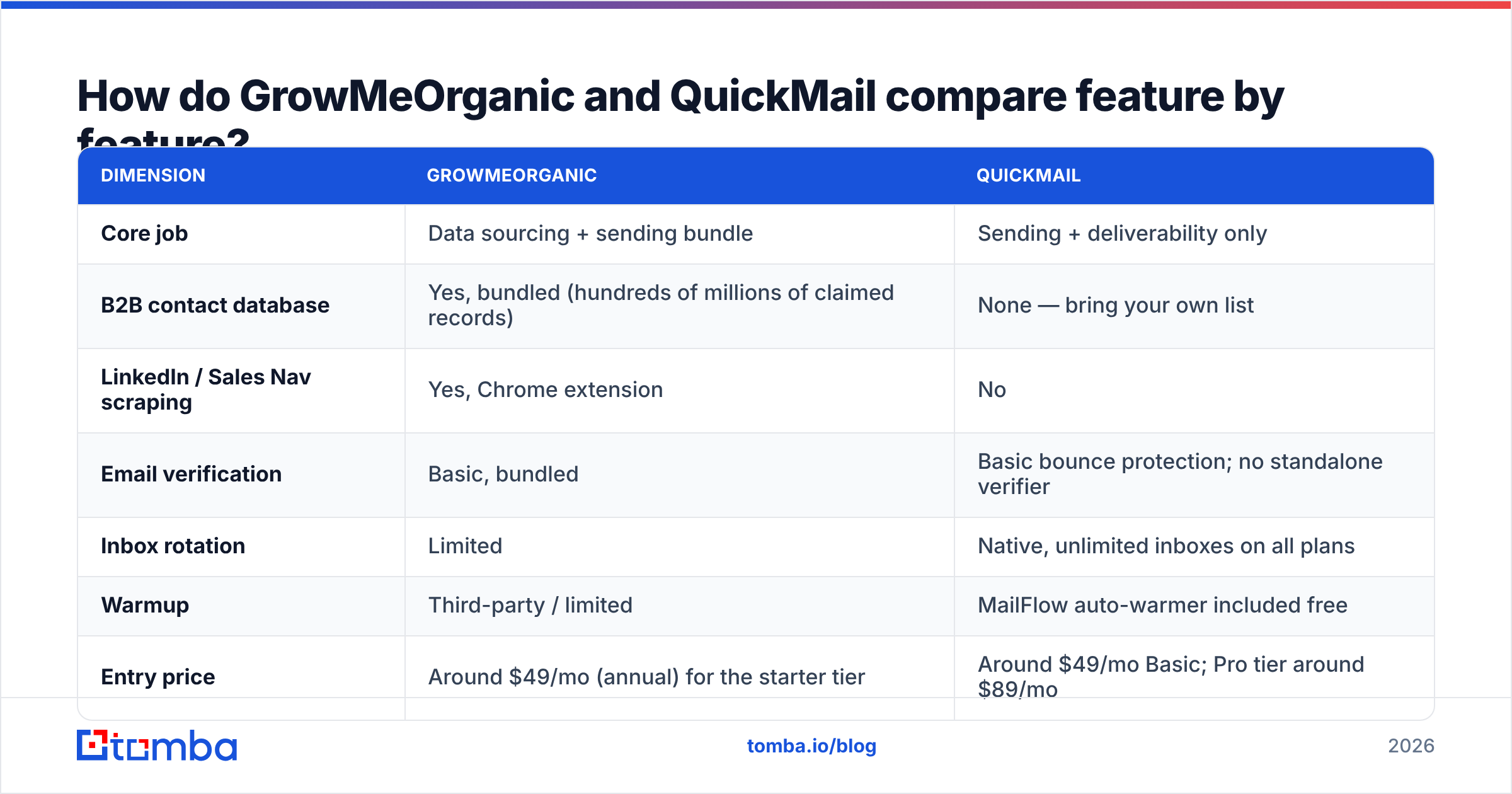
One number to hold yourself to: keep hard bounces under 2%. Above 3%, Google and Microsoft start throttling you. The sender you picked will not save you.
Is QuickMail better than GrowMeOrganic for deliverability?#
Yes, and it is not close. This is QuickMail's whole reason to exist.
Four things QuickMail does that a bundled suite generally does not:
- Native inbox rotation. One campaign spreads across every connected inbox. No single mailbox carries the full daily volume. This is the biggest lever on email deliverability at scale.
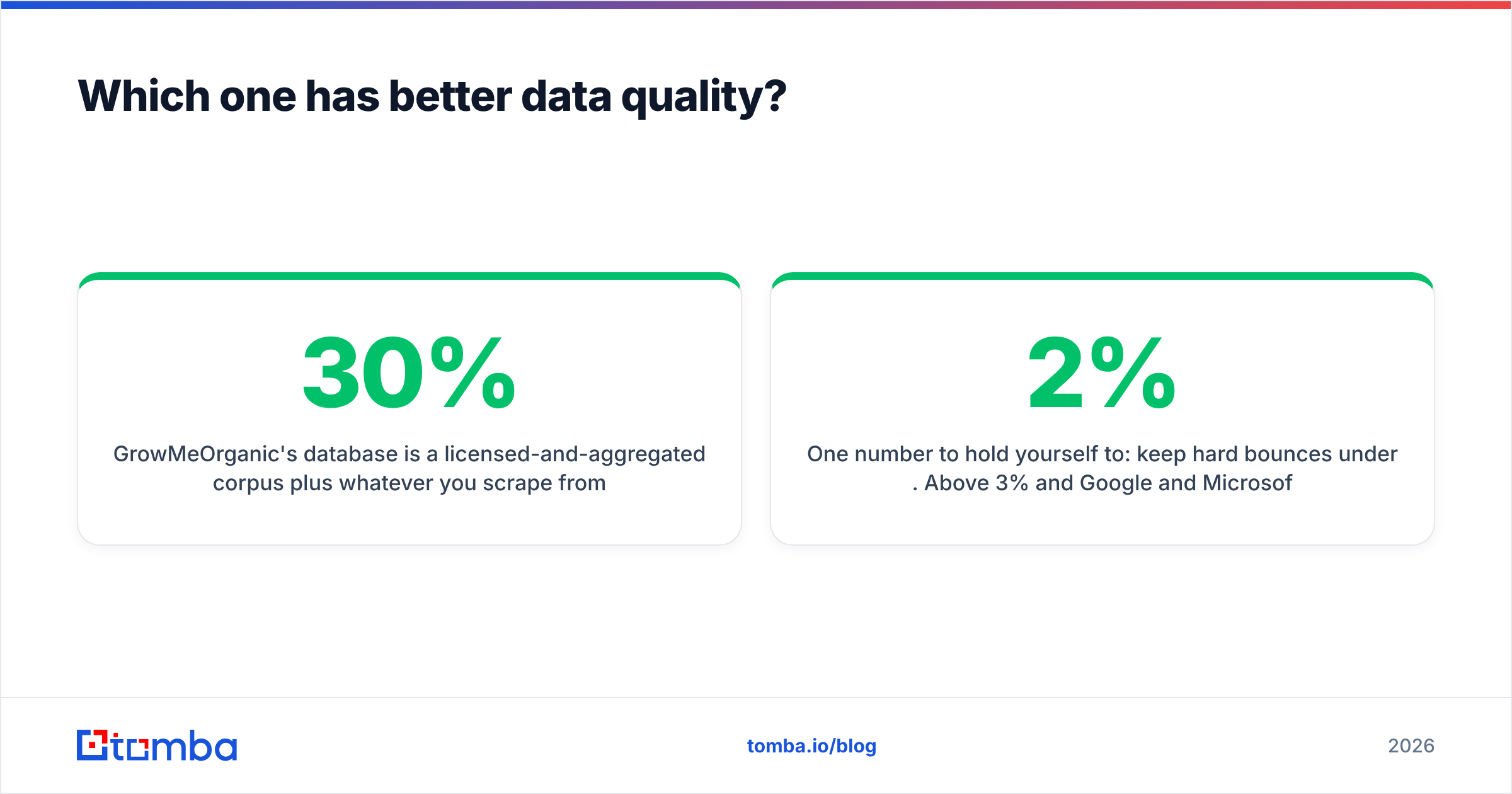
- Included warmup (MailFlow). It is free with the account and runs all the time. It is not an upsell. Warmup is not optional in 2026. Google and Yahoo turned engagement signals and spam-complaint rate (<0.3%) into hard limits.
- Real reply handling. QuickMail tells replies, out-of-offices, and bounces apart. It pauses the sequence for real responders. It also threads follow-ups on the original message. Weak reply detection means you keep emailing someone who already said yes.
- Per-inbox volume caps and ramping. You set daily limits per mailbox, not per campaign. That is how sending limits work on the provider side.
GrowMeOrganic can send sequences well enough. It is not built to protect a sender reputation across 20 mailboxes and five domains. Run more than a couple of sending inboxes and that gap shows up in your reply rate within a month.
Worth noting: no sending tool rescues a bad list. Deliverability is roughly 60% list hygiene and 30% infrastructure (SPF, DKIM, DMARC, warmed domains). Copy is the last 10%. Both tools live in that middle 30%.
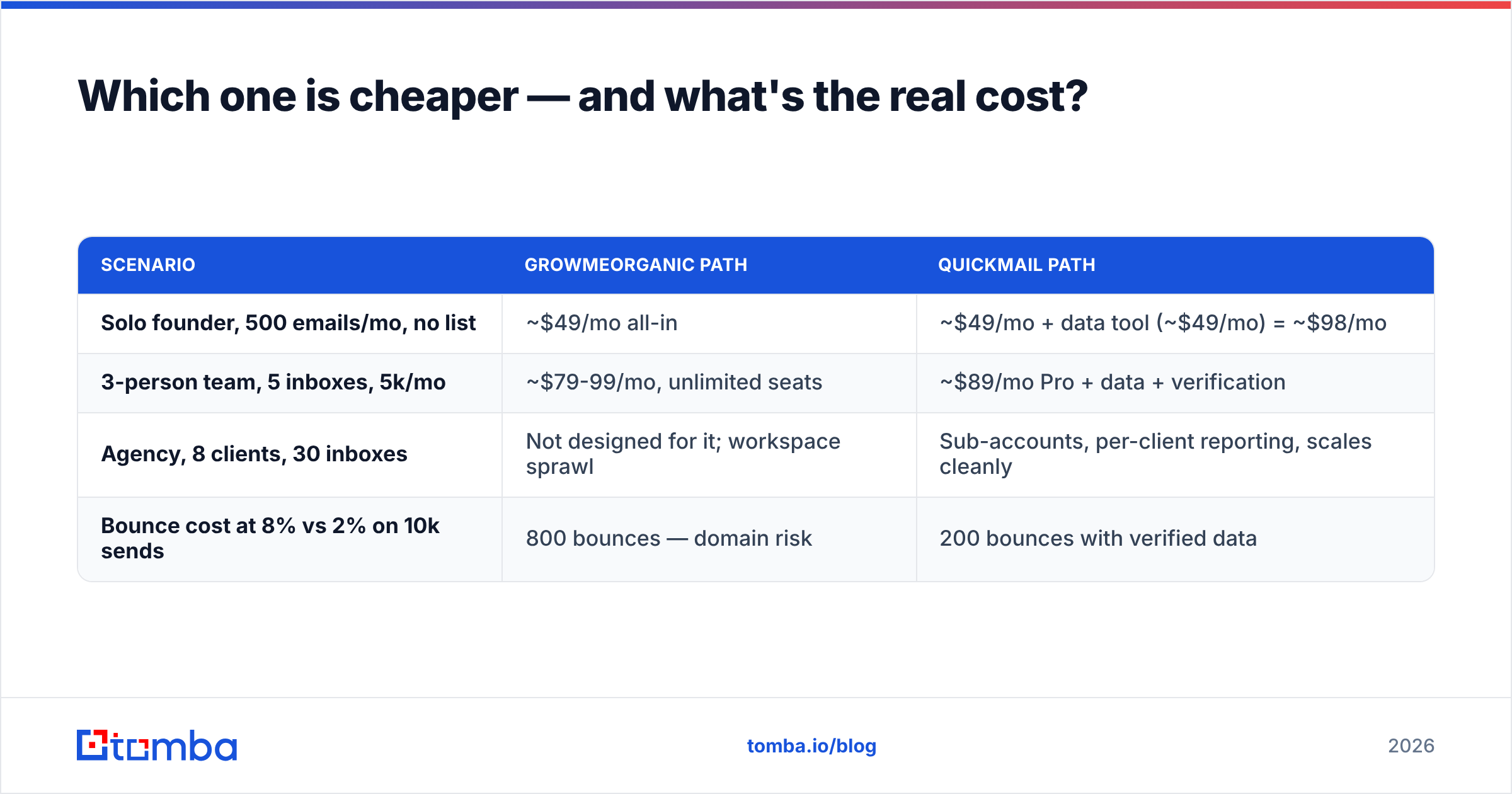
Which one is cheaper — and what's the real cost?#
Sticker price favors GrowMeOrganic. Total cost of ownership often does not.
| Scenario | GrowMeOrganic path | QuickMail path |
|---|---|---|
| Solo founder, 500 emails/mo, no list | ~$49/mo all-in | |
| 3-person team, 5 inboxes, 5k/mo | ~$79-99/mo, unlimited seats | ~$89/mo Pro + data + verification |
| Agency, 8 clients, 30 inboxes | Not designed for it; workspace sprawl | Sub-accounts, per-client reporting, scales cleanly |
| Bounce cost at 8% vs 2% on 10k sends | 800 bounces — domain risk | 200 bounces with verified data |
That last row is the one people skip. Six hundred extra bounces on a fresh domain burns a sending identity in week three. Re-warming a scorched domain costs you four to six weeks of pipeline. Any "savings" from a bundled tool disappear the first time that happens.
GrowMeOrganic's unlimited-seat model is real value for a small team that wants everyone in one login. QuickMail charges for capability, not headcount. Its agency tiers are priced against what an agency bills a client. That is a fair trade if you are the agency.

When should you pick GrowMeOrganic?#
Pick it if most of these are true:
- You have no list and no data budget. Day-one contacts inside one subscription is a real edge when you start cold.
- You prospect heavily on LinkedIn. The Sales Navigator extractor is the product's strongest single part.
- You send modest volume. Under roughly 2,000 emails a month from one or two inboxes, rotation matters less.
- You want unlimited seats. A five-person team is not paying per head.
- You need local-business data. The Google Maps scraper covers a use case QuickMail does not touch.
Where it will frustrate you: bounce rates on the bundled database, thin reply attribution, and no real answer once you scale past a handful of mailboxes.
When should you pick QuickMail?#
Pick it if most of these are true:
- You run an agency. Client sub-accounts, isolated reporting, and per-client inbox pools are built in, not bolted on.
- You send at volume across many inboxes. Rotation plus per-inbox caps is the setup you need above ~5,000 sends a month.
- You already have a data source you trust. A CRM export, an enrichment vendor, or a dedicated finder all work.
- Reply quality matters more than send volume. Reply detection and auto-pause keep your response rate honest instead of inflating it with out-of-office autoresponses.
- You want warmup included, not as a $30/mo add-on per inbox.
Where it will frustrate you: you must solve data yourself, and the UI is functional rather than beautiful. QuickMail is built for operators, not for demos.
What's the setup most teams actually end up with?#
Specialist data feeding a specialist sender. Here is the stack that beats either all-in-one on its own:
- Source. Build the target account list from your ICP. Then find contacts by domain and role. Do not scrape whoever shows up in a LinkedIn search. Domain search returns the company's email pattern next to known addresses, so you can reach people the database has never seen.
- Verify. Run every address through SMTP-level verification before import. Treat catch-all domains as their own bucket. A catch-all verifier beats including or excluding them blindly.
- Enrich. Add title, seniority, company size, and tech stack. Your personalization tokens then have something to work with. Thin merge fields produce the "Hi {{FirstName}}, I noticed your company" emails everyone deletes.
- Send. Push the clean list into QuickMail or your sender of choice. Rotate across warmed inboxes and cap daily volume per mailbox. Let reply detection pull responders out of the sequence.
- Measure. Track bounce rate, spam-complaint rate, and positive reply rate separately. A rising bounce rate is an early warning about your data source, not your copy.
This costs a little more than a bundle. It also produces better numbers, because each layer is built by a team whose whole business depends on that layer working.
Cross-check the vendor claims yourself before you commit. Both tools have current review profiles on G2 and Capterra. The two-star reviews tell you more than the five-star ones.
What about switching costs?#
Low in both directions, which is the good news.
Sequences are just copy. You can rewrite three emails in an afternoon. Contact lists are CSVs. What does not move is domain reputation and sending history. Reputation is tied to the domain, not to the tool. So the migration risk is not the software. It is whether you re-warm properly after the switch.
If you change senders, keep the same warmed domains and inboxes. Reconnect them, then ramp volume back up over 7-10 days instead of resuming at full send. Also re-verify any list older than 60 days before the first campaign. Stale data plus a platform change is the fastest way to convince yourself the new tool is broken.
Already on HubSpot or another CRM? Check that your sender writes activity back cleanly. QuickMail's API and native integrations handle this. Verify the field mapping before you migrate, not after.
The verdict on GrowMeOrganic vs QuickMail#
Choose GrowMeOrganic if you are a solo founder or small team. It suits people who need contacts and sending in one cheap subscription, send moderate volume, and live on LinkedIn.
Choose QuickMail if you are an agency or an outbound team sending at real volume. You care about inbox placement and reply attribution, and you already have a proper data source — or you are willing to buy one.
Choose neither as a complete stack. The bundled data caps GrowMeOrganic's ceiling. QuickMail leaves the data problem to you on purpose. Either way, the fix is the same: a dedicated source of verified contacts.
That is where Tomba fits. The Tomba Email Finder returns addresses with a confidence score and SMTP verification. Sources are visible, so you can audit where a record came from. It exports straight into whichever sender you settle on. The free tier gives you 25 searches a month, so you can test accuracy against your own known-good contacts before spending anything. Paid plans start at $49/mo on Starter, $99/mo on Growth, and $249/mo on Pro — see full Tomba pricing for credit allocations. Run 50 of your existing verified contacts through it. Compare the hit rate to whatever your current bundle returns, and let the bounce numbers decide.
Related guides#
Ready to find emails that actually work?
Join 150,000+ professionals who stopped guessing and started sending. Free credits on signup — no credit card required.
Get the Tomba newsletter
Practical outbound tactics and product updates — once every two weeks.
About the author