How to Close More Deals With AI: A 2026 Sales Playbook
AI does not close deals for you — it removes the reasons deals stall. Here are seven concrete plays, the tools behind each, and what the data actually shows about win rates.
TL;DR
- AI does not close deals. It removes the three things that stall them: bad data, slow follow-up, and unprepared reps.
- The highest-ROI plays are unglamorous — enrichment before outreach, call-transcript objection mining, and automated multi-threading — not "AI SDR" agents that spray generic emails.
- Garbage input kills every play. If 25% of your contact records are wrong, an AI layer just makes wrong outreach faster.
- Budget realistically: a functional AI-assisted closing stack runs roughly $150–$400 per rep per month, and most of that is not the AI.
- Measure at the stage level (meeting-held rate, stage-2-to-3 conversion), not at "AI adoption." Adoption is not an outcome.
Everyone selling you AI software right now promises the same thing: more closed revenue, less effort. Then you buy it, your reps use it for three weeks, and your win rate does not move.
The gap is not the technology. It is that most teams bolt AI onto a broken process. AI is like a power sander — extraordinary on wood that is already flat, catastrophic on a warped board. Flatten the board first.
This post covers seven plays that actually shift closed-won numbers, what each one costs, and where AI reliably fails.
Why Do Most AI Sales Tools Fail to Close More Deals?#
Three failure modes account for nearly every disappointing rollout.
1. The data underneath is wrong. An AI agent that drafts a flawless personalized email to an address that bounces has produced nothing. B2B contact data decays fast — people change jobs, companies rebrand, domains migrate. If your CRM has not been enriched in six months, a meaningful slice of it is fiction.
2. The AI is pointed at the wrong stage. Most teams deploy AI at the top of the funnel, where it generates volume. But volume is rarely the constraint on closing. The constraint is usually mid-funnel: single-threaded deals, unanswered objections, and a champion who went quiet.
3. Nobody changed the process. Handing a rep an AI summarizer without changing what happens after a call is just adding a tab. The play has to change, not only the tooling.
Sorry — corrected below.

What Actually Moves Win Rates? The Seven Plays#
Here are the plays ranked by how reliably they move a closing metric, not by how impressive they demo.
Enrich before you touch the account. Before any sequence starts, verify the email, confirm the person still holds the role, and pull the company's current headcount and tech stack. This single step lifts meeting-held rate more than any copywriting model, because it eliminates the deals that were never real.
Mine your own call transcripts for objection patterns. Feed 90 days of recorded calls to an LLM and ask which objections precede a lost deal versus a won one. You will typically find two or three recurring blockers your enablement deck never addresses. Fix those, and stage-3 conversion moves within a quarter.
Multi-thread automatically. Deals with a single contact close at dramatically lower rates than deals with three or more. Use domain search to map every relevant title at the account — finance, security, the eventual economic buyer — the moment a deal reaches evaluation, not when it stalls.
Draft the follow-up inside 10 minutes. Speed-to-follow-up beats polish. Have AI produce a recap-plus-next-step email from the call transcript while the conversation is still warm, then have the rep spend 90 seconds editing it. Do not send it unedited.
Score and route with signals, not vibes. Replace static lead scoring rules with a model trained on your actual closed-won history. Most teams discover their manual scoring over-weighted company size and under-weighted job-title seniority.
Pre-brief every call. Two minutes before the meeting, the rep should have a one-screen summary: last three touches, open objections, funding news, and who else at the account has engaged. This is trivially automatable and it visibly changes call quality.
Forecast honestly. Use AI to flag deals with no activity in 14 days, no second contact, or no next step booked. It is not glamorous. It is the fastest way to stop wasting a closer's hours on deals that died two weeks ago.
Which AI Tools Do You Actually Need?#
You do not need one of everything. A closing stack has four layers, and most teams over-buy the top and under-buy the bottom.
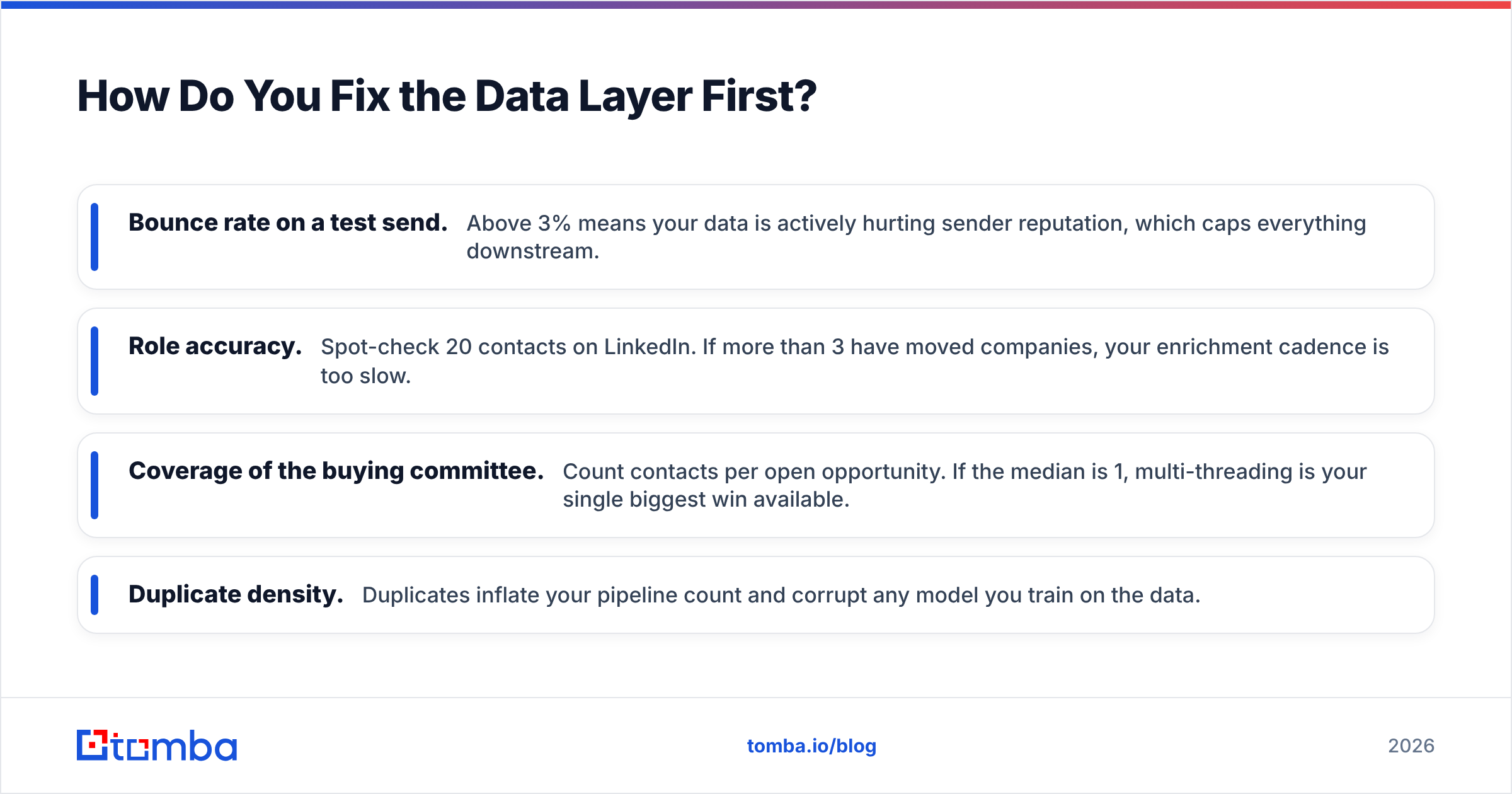
| Layer | What it does | Representative tools | Typical cost / user / mo | Skip it if… |
|---|---|---|---|---|
| Contact data & enrichment | Finds and verifies emails, phones, roles | Tomba, BookYourData, Apollo | $0–$99 | Never. This is the foundation. |
| Conversation intelligence | Records, transcribes, mines objections | Gong, Chorus, Fathom | $80–$150 | Your ACV is under $2k and calls are short |
| Sequencing & follow-up | Multi-step outreach, reply detection | Instantly, Salesloft, Reply.io | $40–$120 | You run pure inbound |
| CRM AI layer | Scoring, forecasting, next-best-action | HubSpot AI, Salesforce Einstein | Bundled–$50 | Under 5 reps; spreadsheet is fine |
Two notes on this table. First, the enrichment layer is the cheapest and the most load-bearing — invert your usual budgeting instinct. Second, conversation intelligence is the layer teams skip and then regret, because objection mining (play #2) is impossible without transcripts.
If you are comparing data providers specifically, BookYourData is strong for pre-built list purchase with a pay-as-you-go model, while Tomba is built for real-time lookup and verification against a domain you already care about. They solve adjacent problems and plenty of teams run both.
How Do You Fix the Data Layer First?#
Before you evaluate a single AI feature, run this audit on a 200-row sample of your CRM:
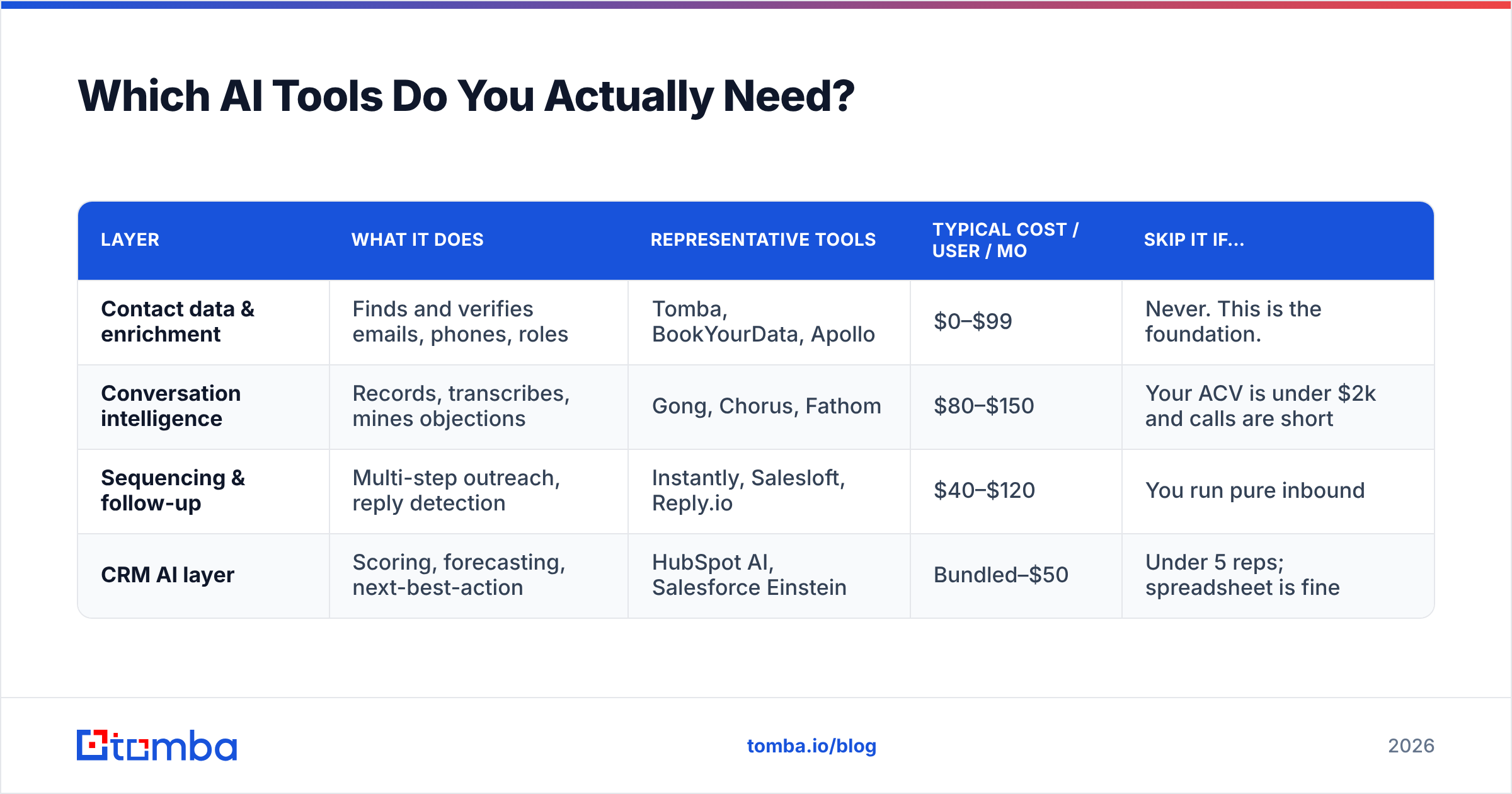
- Bounce rate on a test send. Above 3% means your data is actively hurting sender reputation, which caps everything downstream.
- Role accuracy. Spot-check 20 contacts on LinkedIn. If more than 3 have moved companies, your enrichment cadence is too slow.
- Coverage of the buying committee. Count contacts per open opportunity. If the median is 1, multi-threading is your single biggest win available.
- Duplicate density. Duplicates inflate your pipeline count and corrupt any model you train on the data.
Fixing this is mechanical. Run your list through an email verifier to strip invalids and catch-alls, then use data enrichment to backfill missing titles, company size, and phone numbers. If you are working at volume, the bulk email finder handles thousands of rows in one pass rather than one-by-one lookups.
The order matters: verify, then enrich, then automate. Automating first just distributes the errors.
Is an AI SDR Worth It in 2026?#
Short answer: for most teams under 50 reps, not yet as a replacement — but yes as a research assistant.
The autonomous "AI SDR" category promises an agent that prospects, writes, sends, handles replies, and books meetings. In practice the failure point is consistent: the agent's personalization is only as good as the data and the signals it can see, and it cannot read a room. Reply rates from fully autonomous agents tend to decay quickly as recipients learn the pattern.
What works reliably today is the assistive version. Let the agent do the research — company news, headcount trends, hiring signals, tech stack — and compile a brief. Let the human write the first line and make the judgment call about whether this account is worth the touch at all.

The economics also deserve scrutiny. G2 and Capterra reviews across this category consistently flag the same complaint: credit consumption is far higher than the demo suggested, because the agent researches accounts that a human would have disqualified in five seconds. Check G2's sales AI category reviews before committing to an annual contract.
What Should You Measure?#
Stop measuring "AI adoption." Measure the stage the AI was supposed to unblock.
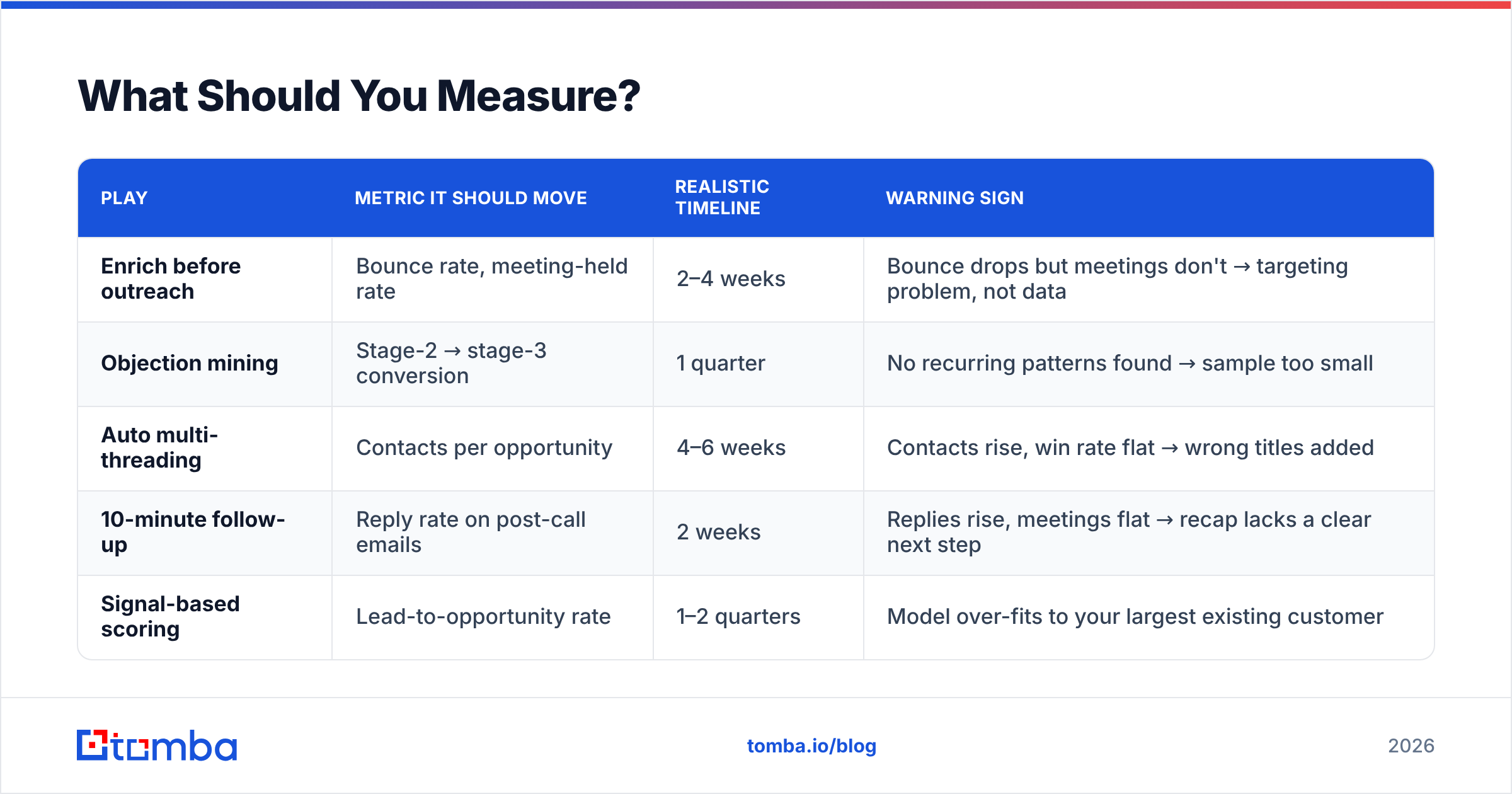
| Play | Metric it should move | Realistic timeline | Warning sign |
|---|---|---|---|
| Enrich before outreach | Bounce rate, meeting-held rate | 2–4 weeks | Bounce drops but meetings don't → targeting problem, not data |
| Objection mining | Stage-2 → stage-3 conversion | 1 quarter | No recurring patterns found → sample too small |
| Auto multi-threading | Contacts per opportunity | 4–6 weeks | Contacts rise, win rate flat → wrong titles added |
| 10-minute follow-up | Reply rate on post-call emails | 2 weeks | Replies rise, meetings flat → recap lacks a clear next step |
| Signal-based scoring | Lead-to-opportunity rate | 1–2 quarters | Model over-fits to your largest existing customer |
Set a baseline before you turn anything on. The most common mistake in AI sales rollouts is having no pre-AI number to compare against, which makes every result arguable and every renewal decision a matter of opinion.
What Does a Realistic 30-Day Rollout Look Like?#
Week 1 — Audit. Run the data audit above. Pull a baseline for every metric in the table. Do not buy anything yet.
Week 2 — Fix the foundation. Verify and enrich the entire active pipeline. Deduplicate. Add missing buying-committee contacts to every open opportunity above your median deal size.
Week 3 — Deploy two plays, not seven. Pick enrichment-before-outreach and one mid-funnel play. Two plays executed properly beat seven half-configured ones. Make sure both are wired into your CRM so nobody has to remember a manual step.
Week 4 — Review and cut. Compare against baseline. Kill anything that did not move its metric. Most teams end the month with fewer tools than they started with, and better numbers.
Then repeat. Add one play per month. Rollouts fail when they try to change eight things at once and cannot attribute the result to any of them.
Where Does AI Still Fail?#
Be honest about the limits so you do not stake a quarter on them.
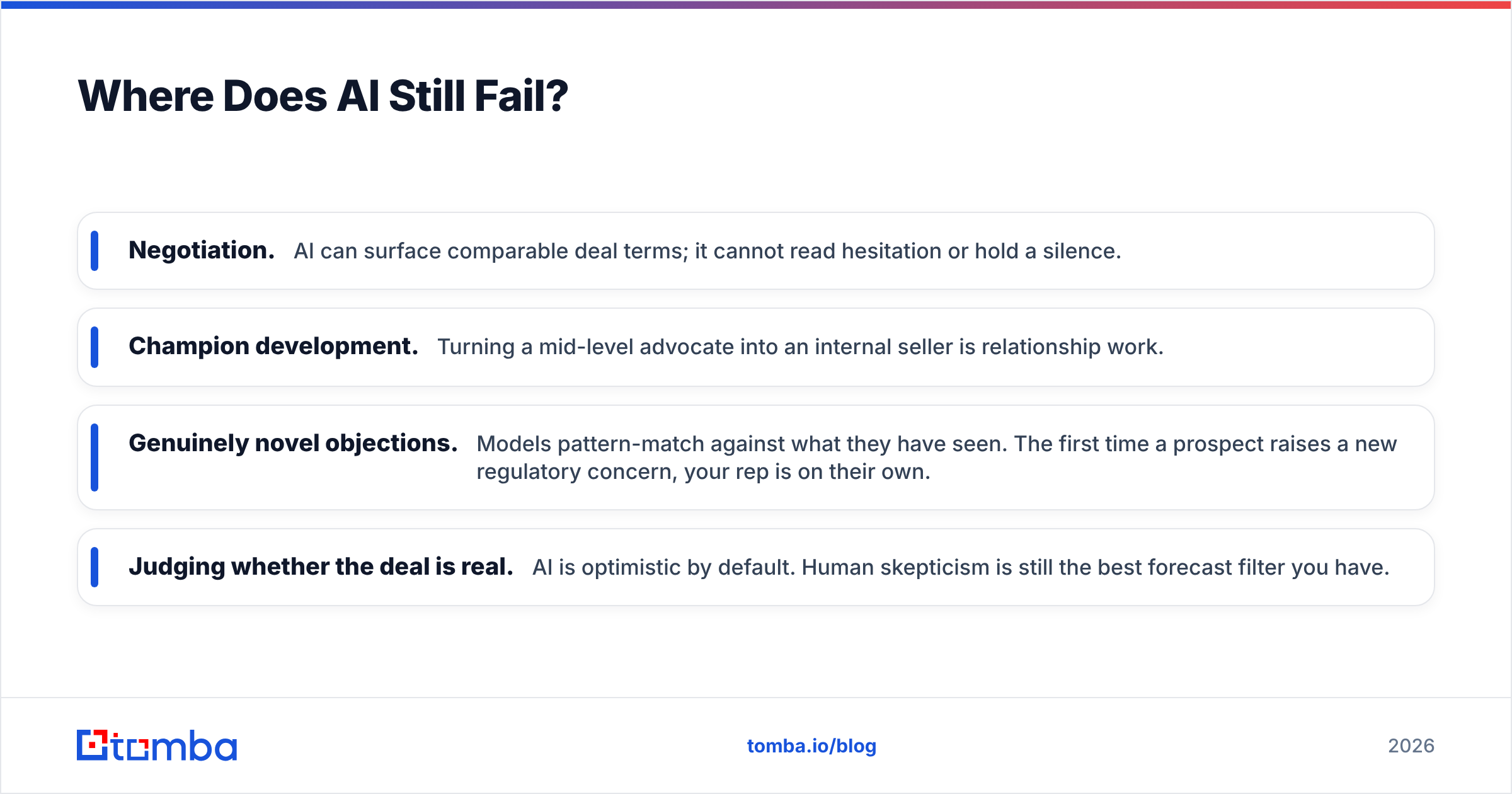
- Negotiation. AI can surface comparable deal terms; it cannot read hesitation or hold a silence.
- Champion development. Turning a mid-level advocate into an internal seller is relationship work.
- Genuinely novel objections. Models pattern-match against what they have seen. The first time a prospect raises a new regulatory concern, your rep is on their own.
- Judging whether the deal is real. AI is optimistic by default. Human skepticism is still the best forecast filter you have.
Treat AI as leverage on the parts of selling that are repetitive and information-heavy. Keep the human on the parts that are relational and ambiguous.
Getting Started#
The single highest-leverage move is also the cheapest: make sure the contacts you are working are real, current, and complete before any AI touches them. Every play above compounds on that foundation, and every play above collapses without it.
Start with the Tomba Email Finder to verify and enrich your active pipeline — free tier covers 25 searches a month so you can run the audit before spending anything, and paid plans start at $49/mo on Starter with Growth at $99/mo. Check Tomba pricing for the full breakdown, or wire it directly into your workflow with the Tomba API if you want enrichment to happen automatically the moment a lead is created.
Fix the data. Then let the AI do its job.
Related guides#
// get started
Find, verify and enrich your first contacts today
Start on the free plan with 25 searches a month, then scale when your team is ready.
Free plan · No credit card required · GDPR & CCPA
// about the author