How to Write the Subject of an Email That Gets Opened
Subject lines decide whether your email gets read or buried. Here are seven tested formulas, the length rules that actually matter in 2026, and the mistakes that quietly kill open rates.
TL;DR
- Keep subject lines to 3-7 words (roughly 30-45 characters) so they survive mobile truncation — over 60% of B2B email is first seen on a phone.
- Specificity beats cleverness. "Cutting your AWS bill 22%" outperforms "A quick idea for you" almost every time.
- Personalization only works when it references something real: a company initiative, a job posting, a recent funding round. First-name merge tags alone are now noise.
- Never write a subject line your body copy can't cash. Curiosity gaps that break trust destroy reply rates even when opens go up.
- A great subject line on an unverified address is still zero. Fix your list quality before you A/B test punctuation.
You can spend three hours on a 180-word cold email and lose the whole thing to a six-word subject line nobody clicked. That's the asymmetry: the subject line is 5% of the writing and 90% of the outcome. This guide covers exactly how to write the subject of an email — the formulas, the length rules, the personalization that actually lands, and the tests worth running.
What Does a Subject Line Actually Have to Do?#
One job: earn the open. Not sell, not explain, not summarize. Earn the open.
Think of it like the sign outside a restaurant. The sign doesn't have to describe every dish — it has to tell you what kind of place this is and whether it's worth walking in. Subject lines that try to do the body's job ("Our platform helps B2B teams reduce CAC by streamlining outbound workflows") are menus taped to the window. Nobody reads them from the sidewalk.
Your subject line has to answer three questions in under a second:
- Is this for me? Relevance signal — a role, a company, a problem the reader owns.
- Is this a human? Anything that pattern-matches to bulk marketing gets swiped away reflexively.
- What's the cost of opening? Short, low-stakes subject lines feel cheap to click. Long ones feel like work.
That's the whole brief. Everything below is a way to hit those three notes faster.
How Long Should an Email Subject Line Be?#
Between 30 and 50 characters, and closer to 30 if you can manage it.
The reason is mechanical, not aesthetic. Different clients truncate at different points, and your reader is almost certainly on a phone.
| Client / context | Approx. visible characters | Practical implication |
|---|---|---|
| iOS Mail (iPhone, portrait) | 35-40 | Front-load the payload in the first 4 words |
| Gmail app (Android) | 30-35 | Tightest constraint — design for this one |
| Gmail desktop (inbox list) | 60-70 | Extra room, but don't count on it |
| Outlook desktop (reading pane) | 55-65 | Preview text carries significant weight here |
| Apple Watch / notifications | 20-25 | Only the first 3 words survive |
Two rules fall out of this table. First, front-load. The words that carry meaning go first; qualifiers go last. "Q3 pipeline gap at Acme" beats "A question about the Q3 pipeline gap at Acme" because the second version spends its visible characters on nothing.
Second, treat preview text as a second subject line. Most clients show 40-90 characters of body text next to the subject. If your email opens with "Hi Sarah, I hope this finds you well," you've wasted the most valuable real estate you get. Open with the substance instead.

What Are the Best Subject Line Formulas That Actually Work?#
Seven patterns cover roughly 90% of good B2B subject lines. Steal the structure, not the words.
- The specific observation —
{Company} + {thing you noticed}. Example: "Acme's 14 open SDR roles." It proves you did research in four words and implies a reason for writing. - The number-led outcome —
{Metric} + {direction}. Example: "22% lower cost per meeting." Numbers stop the scroll because they're concrete and falsifiable. - The question they'd ask themselves — Example: "Who owns onboarding at Acme?" Feels like an internal message, not a pitch. Use sparingly and never deceptively.
- The mutual reference —
{Person/event} + {connection}. Example: "Dana suggested I reach out" or "Your SaaStr panel." Borrowed credibility is the strongest opener you have — but only if it's true. - The blunt ask — Example: "Quick question re: your API docs." It's overused, which is exactly why the qualifier ("re: your API docs") matters. Naked "Quick question" is dead.
- The competitive nudge — Example: "How Ramp handles this." Works when the named company is a genuine peer or aspirational reference, not a random logo.
- The follow-up thread — Reply in-thread with no new subject, or "Re: {original}". Threading raises visibility and signals continuity rather than a fresh cold hit.
What ties these together: every one of them is a fact or a question, never an adjective. "Revolutionary," "game-changing," "innovative," and "powerful" have zero information density. Delete them on sight.
For a starting bank of tested structures you can adapt, the cold email templates library is a faster on-ramp than writing from scratch, and the subject line generator is useful when you need twenty variants to test rather than one you're attached to.
Should You Personalize the Subject Line?#
Yes — but "personalization" no longer means a merge tag.
First-name-in-subject was a genuine open-rate lever around 2015. By 2026 every reader has seen ten thousand "Sarah, quick question" emails and the pattern reads as automation, not attention. The tag is now a mild negative signal in crowded B2B inboxes.
What still works is situational personalization — a reference to something that could only be true of this one recipient.
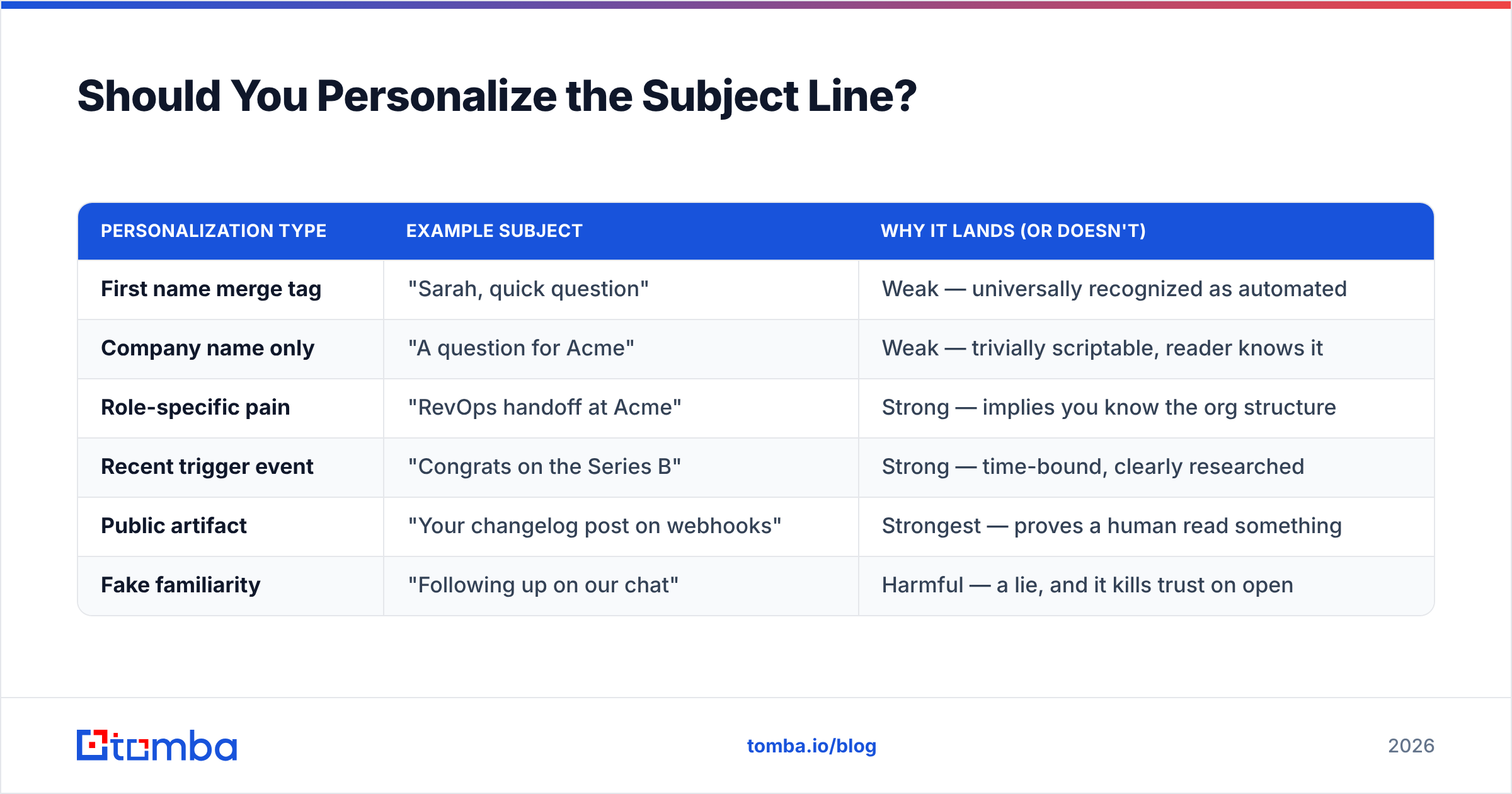
| Personalization type | Example subject | Why it lands (or doesn't) |
|---|---|---|
| First name merge tag | "Sarah, quick question" | Weak — universally recognized as automated |
| Company name only | "A question for Acme" | Weak — trivially scriptable, reader knows it |
| Role-specific pain | "RevOps handoff at Acme" | Strong — implies you know the org structure |
| Recent trigger event | "Congrats on the Series B" | Strong — time-bound, clearly researched |
| Public artifact | "Your changelog post on webhooks" | Strongest — proves a human read something |
| Fake familiarity | "Following up on our chat" | Harmful — a lie, and it kills trust on open |
The last row matters more than the others. Fabricated familiarity ("as discussed," "per our conversation," "re: your request") reliably lifts open rate and reliably tanks reply rate, because the first line of the body exposes the lie. You bought an open and spent your credibility to do it. Bad trade.
Situational personalization does require data, which is the real bottleneck. Pulling role, company, and verified contact details at scale is what tools like data enrichment exist for — the subject line is downstream of knowing who you're actually writing to.
What Kills Open Rates Without You Noticing?#
Some subject line failures are invisible because they never show up as low open rates — they show up as emails that never arrive.
Spam-trigger vocabulary. Words like "free," "guarantee," "act now," "limited time," "$$$", and excessive exclamation points still weight filters, particularly in combination. One is survivable. Three in a seven-word line is not. Run drafts through a spam checker before a large send.
ALL CAPS and emoji. Caps read as shouting to humans and as promotional to filters. Emoji perform acceptably in B2C retail and poorly in B2B — a rocket ship next to a subject about SOC 2 compliance is a mismatch your reader feels immediately.
Punctuation stacking. "Quick question???" and "Re: Re: Re:" are both filter-adjacent and reader-hostile.
Deceptive "Re:" and "Fwd:" prefixes. Gmail and Outlook both detect fake threading. This is one of the few tactics that can affect domain-level reputation, not just one campaign.
The invisible killer: bad addresses. Bounces and spam-trap hits damage sender reputation far more than any word choice. Once your reputation drops, subject line quality becomes irrelevant because you're landing in spam regardless. The order of operations is: clean list, warm domain, then optimize subject lines. Running your list through an email verifier before a campaign is cheaper than repairing a burned domain.
Google and Yahoo's bulk-sender requirements — authentication, one-click unsubscribe, and a spam complaint rate under 0.3% — made this stricter than it used to be. The rules are documented directly in Google's sender guidelines, and they're worth reading in full if you send more than 5,000 messages a day to Gmail addresses.
How Do You Test Subject Lines Properly?#
Test one variable at a time, on a sample big enough to mean something, and measure the metric that actually matters.
Sample size first. A 2% open-rate difference on 100 sends is noise. You need roughly 1,000 recipients per variant to detect a 5-point difference with any confidence. If your list is 300 people, don't A/B test — just write the better line and move on.
Isolate the variable. Changing "Quick question about Acme's onboarding" to "22% faster onboarding at Acme" changes length, structure, specificity, and framing simultaneously. You learn nothing. Change one dimension per test:
- Length — same message at 30 vs. 55 characters
- Specificity — generic benefit vs. named number
- Format — question vs. statement
- Personalization depth — company name vs. trigger event
Measure replies, not opens. Apple Mail Privacy Protection auto-loads tracking pixels, which inflates open rates for a large and unpredictable share of your list. Open rate has been a soft metric since 2021. Reply rate and meetings booked are what you optimize. A subject line that lifts opens 8% and drops replies 3% is a loss.
Test in the same window. Subject line performance shifts across quarters and even weekdays. Comparing a Tuesday test to a Friday test tells you about the day, not the copy.
If you want a quick pre-send sanity check on structure and length before committing, the subject line tester flags the mechanical problems — truncation risk, spam words, weak openers — in a few seconds.
What Does a Good Subject Line Look Like in Context?#
Formulas are easier to trust with a before-and-after. Same prospect, same offer, different subject.
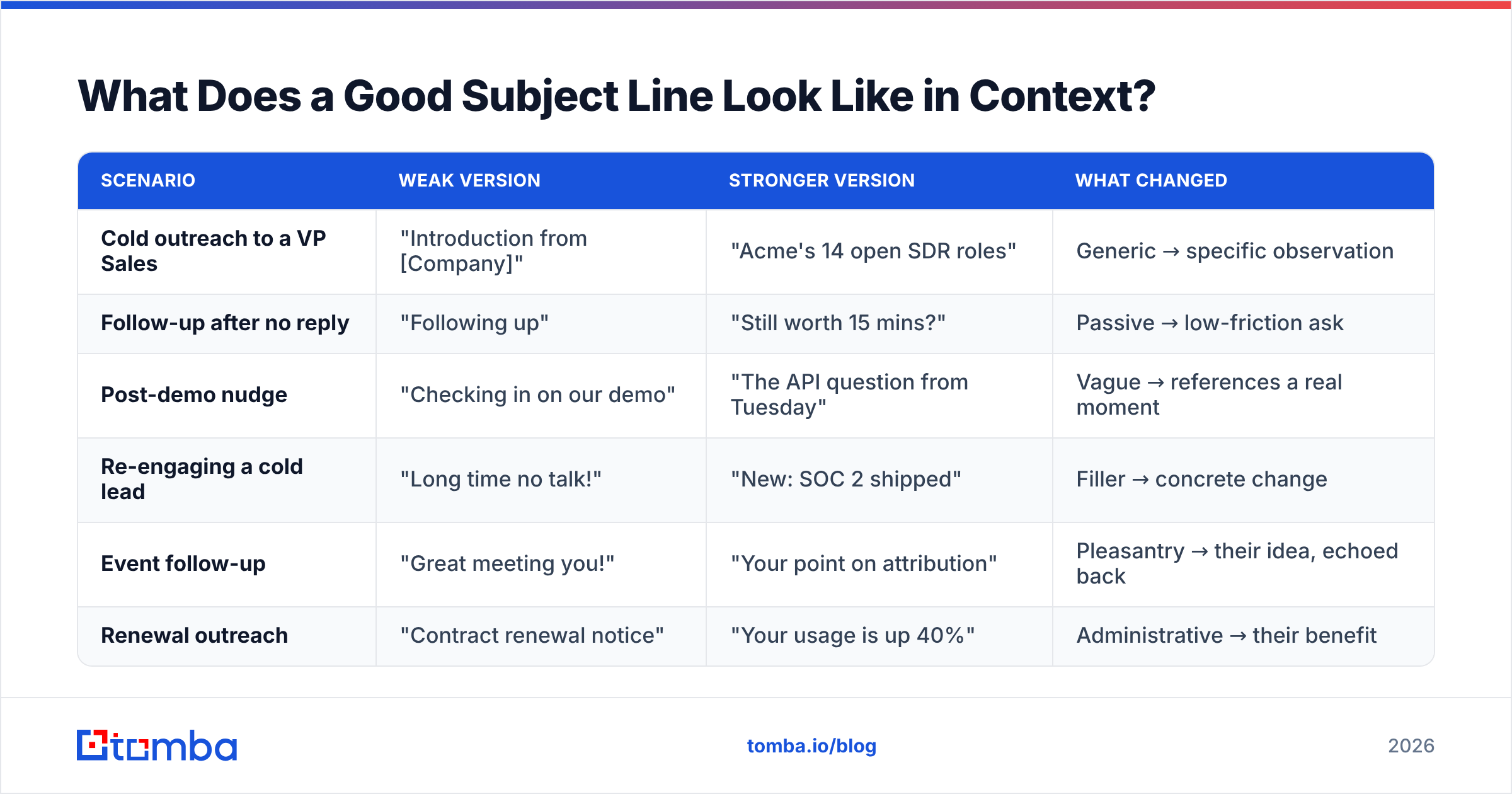
| Scenario | Weak version | Stronger version | What changed |
|---|---|---|---|
| Cold outreach to a VP Sales | "Introduction from [Company]" | "Acme's 14 open SDR roles" | Generic → specific observation |
| Follow-up after no reply | "Following up" | "Still worth 15 mins?" | Passive → low-friction ask |
| Post-demo nudge | "Checking in on our demo" | "The API question from Tuesday" | Vague → references a real moment |
| Re-engaging a cold lead | "Long time no talk!" | "New: SOC 2 shipped" | Filler → concrete change |
| Event follow-up | "Great meeting you!" | "Your point on attribution" | Pleasantry → their idea, echoed back |
| Renewal outreach | "Contract renewal notice" | "Your usage is up 40%" | Administrative → their benefit |
Notice that the stronger column is almost always shorter and always more specific. The improvement never comes from adding words. It comes from replacing abstract words with concrete ones and deleting the rest.
One more pattern worth internalizing: the stronger versions all reference something the recipient did or owns. "Your usage," "your point," "the API question from Tuesday." Subject lines that lead with the sender's world ("Introduction from," "Checking in on our demo") lose to subject lines that lead with the reader's.
How Do Subject Lines Differ by Email Type?#
The rules bend depending on what kind of email you're sending.
Cold outreach. Shortest possible. 3-6 words. No emoji, no caps, no punctuation beyond a question mark. The goal is to look like an internal email from a colleague, because that's the only category of message people open reflexively.
Follow-ups. Reply in-thread whenever possible — a new subject line resets the reader's context and loses the visual continuity of the thread. If you must write a new one, reference the specific thing you discussed.
Newsletters. More latitude for personality and slightly more length (up to 60 characters). Consistency of format matters more than novelty here; subscribers learn to recognize your sender pattern.
Transactional and lifecycle. Be boring and literal. "Your invoice for September" is correct. Cleverness in a transactional subject line creates support tickets.
Internal email. Front-load the action required: "Approval needed: Q4 budget" tells a busy person what to do before they open. This is the single highest-ROI habit for internal comms.
For a broader view of how subject-line choice interacts with sending infrastructure and list health, the email deliverability fundamentals are the necessary companion — copy quality and infrastructure quality multiply rather than add.
Industry benchmarks are worth calibrating against rather than guessing at; HubSpot's email marketing research publishes updated open and reply rate baselines by industry, which is more useful than internet-folklore numbers about "the perfect subject line."
What's the Fastest Way to Get Better at This?#
Write ten subject lines for every email you send and pick the shortest one that still says something specific. That's it. That's the practice.
The reason this works is that your first idea is almost always the generic one — "Quick question," "Following up," "Introduction." Generic lines come out fast because they're stored patterns, not thoughts. By line seven or eight you've exhausted the clichés and you're forced to look at the actual prospect and the actual reason you're writing. That's where the good line is.
A short checklist to run before you hit send:
- Under 50 characters? If not, cut a qualifier.
- Does it survive truncation at 35? Read only the first 35 characters. Does it still mean something?
- Is there a concrete noun or number? Abstract-only lines don't earn opens.
- Could you send it to a different prospect unchanged? If yes, it isn't personalized.
- Does the body deliver what the subject implies? If there's a gap, close it in the copy, not the subject.
- Is the address verified? A perfect line to a dead inbox is a bounce.
That last item is where most subject line work quietly gets wasted. You can nail every rule here and still see flat results because 18% of your list bounces and your domain reputation is underwater.
Start with contacts that actually exist. Tomba Email Finder locates verified professional addresses by name, company, or domain, with a free tier of 25 searches a month and paid plans from $49/mo — enough to test whether your subject lines are underperforming or your data is. Check Tomba pricing for the full breakdown, then go write ten versions of your next subject line and send the shortest one.
Related guides#
// get started
Find, verify and enrich your first contacts today
Start on the free plan with 25 searches a month, then scale when your team is ready.
Free plan · No credit card required · GDPR & CCPA
// about the author