9 Best Journey Alternatives for Digital Sales Rooms 2026
Journey popularized the buyer-facing sales room, but it is not the only option and not always the cheapest one. Here are nine alternatives compared on price, buyer experience, setup time, and the pipeline problem none of them solve.

TL;DR
- Journey is a digital sales room tool: you build one buyer-facing link that holds your deck, pricing, mutual action plan, and recordings, then track what the buyer opens.
- Most teams shop for Journey alternatives for three reasons — per-seat cost at scale, CRM sync depth, or the need for e-signature and quoting inside the same room.
- Trumpet, Aligned, and Dock are the closest like-for-like swaps. Qwilr and GetAccept win when the room needs to close (quotes, signatures). Notion is the cheap DIY floor.
- A sales room only helps deals that already exist. If your problem is pipeline volume, you need contact data before you need a prettier link.
- Budget roughly $30–$65 per user per month for a real digital sales room in 2026. Free tiers exist but cap rooms, branding, or analytics.
What is Journey and who actually uses it?#
Journey is a buyer-enablement platform. Instead of emailing a deck, a pricing PDF, a security questionnaire, and a recording as four separate attachments, a rep builds one shareable page — a "journey" — that holds all of it. The buyer opens one link. The rep sees which sections got opened, by whom, and for how long.
Think of it as a hotel room you prepare before a guest arrives, versus handing them a pile of towels at the front desk. Same contents, different experience, and you can tell whether they used the minibar.
The people who get the most out of it: mid-market and enterprise AEs running multi-threaded deals with five to twelve stakeholders, where the champion has to resell your product internally when you are not in the room. Gartner's research on the B2B buying journey has been making this point for years — buyers spend only a small fraction of their total buying time with any one vendor's sales team. What they do the rest of the time is read, forward, and argue internally. A sales room is a bet on that forwarding step.
Journey does that job well. It is fast to build, the pages look good without a designer, and engagement tracking is clean. So why does anyone leave?
Why do teams look for Journey alternatives?#
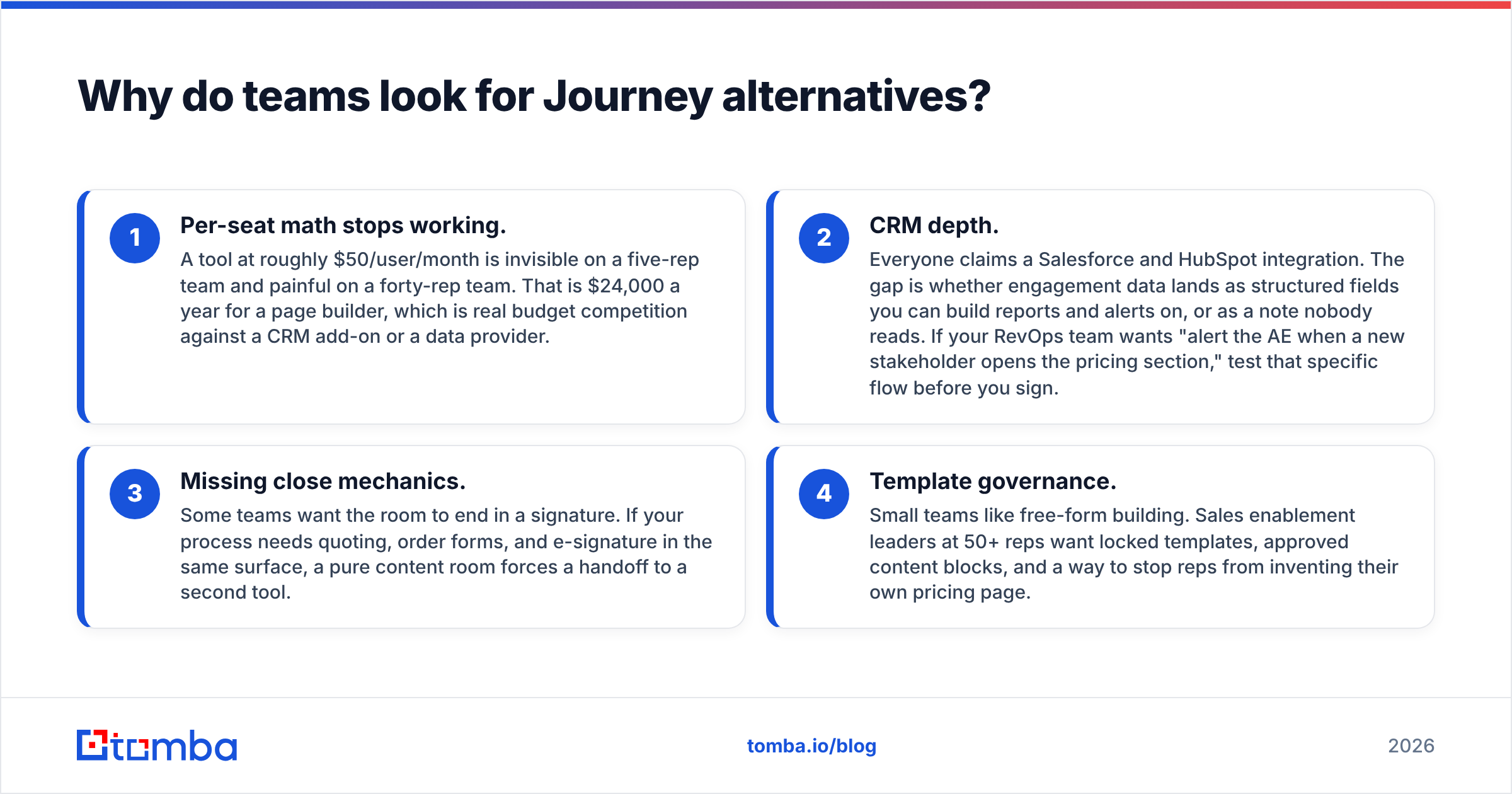
Four honest reasons show up over and over in buyer reviews and churn conversations:
- Per-seat math stops working. A tool at roughly $50/user/month is invisible on a five-rep team and painful on a forty-rep team. That is $24,000 a year for a page builder, which is real budget competition against a CRM add-on or a data provider.
- CRM depth. Everyone claims a Salesforce and HubSpot integration. The gap is whether engagement data lands as structured fields you can build reports and alerts on, or as a note nobody reads. If your RevOps team wants "alert the AE when a new stakeholder opens the pricing section," test that specific flow before you sign.
- Missing close mechanics. Some teams want the room to end in a signature. If your process needs quoting, order forms, and e-signature in the same surface, a pure content room forces a handoff to a second tool.
- Template governance. Small teams like free-form building. Sales enablement leaders at 50+ reps want locked templates, approved content blocks, and a way to stop reps from inventing their own pricing page.
None of those make Journey a bad product. They make it the wrong shape for a particular team. That distinction matters when you evaluate replacements — you are not looking for "better," you are looking for the shape that matches your process.
What should a digital sales room actually do?#
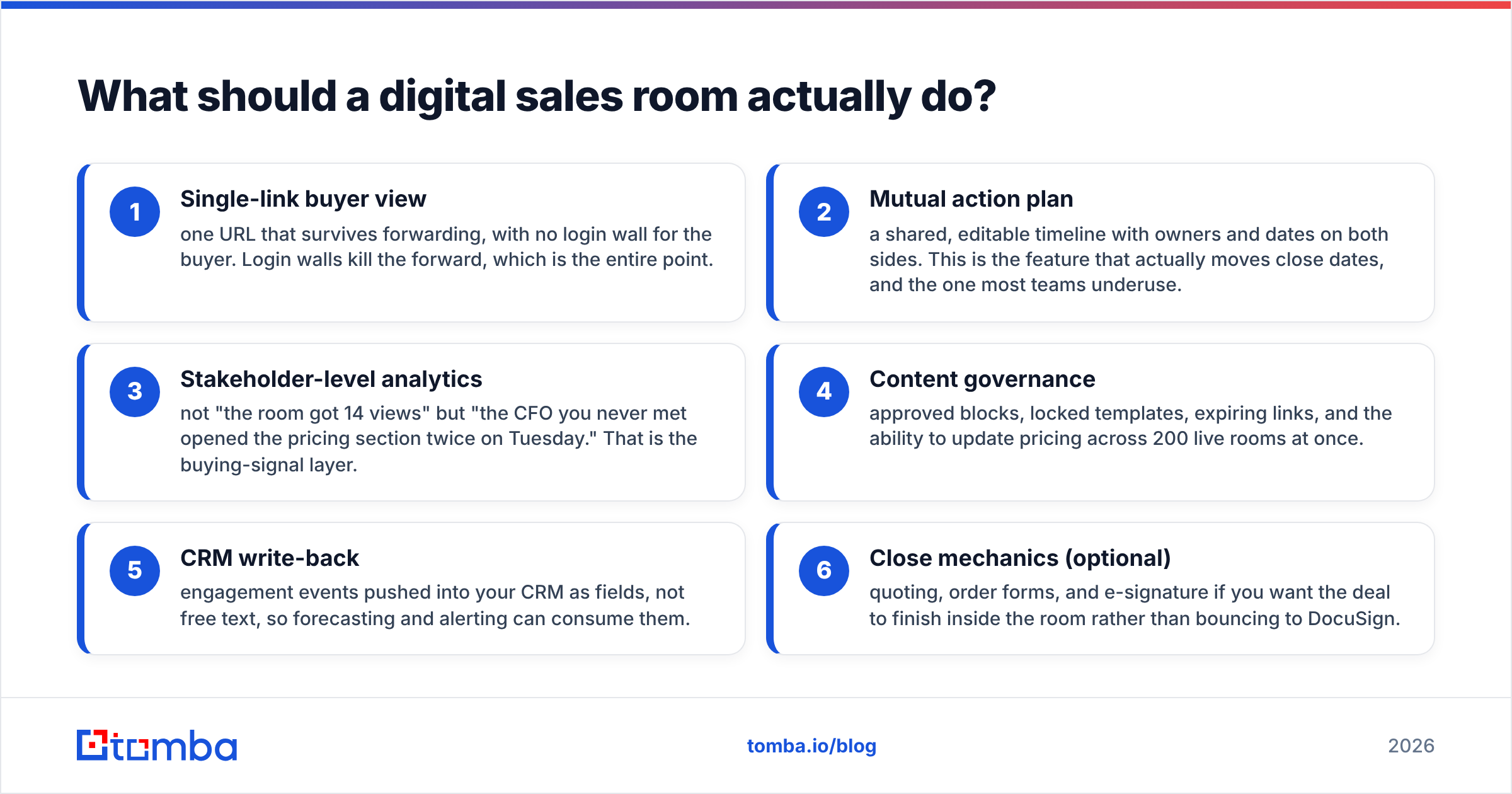
Before comparing vendors, fix your scoring criteria. Six capabilities separate a real sales room from a landing page builder:
- Single-link buyer view — one URL that survives forwarding, with no login wall for the buyer. Login walls kill the forward, which is the entire point.
- Mutual action plan — a shared, editable timeline with owners and dates on both sides. This is the feature that actually moves close dates, and the one most teams underuse.
- Stakeholder-level analytics — not "the room got 14 views" but "the CFO you never met opened the pricing section twice on Tuesday." That is the buying-signal layer.
- Content governance — approved blocks, locked templates, expiring links, and the ability to update pricing across 200 live rooms at once.
- CRM write-back — engagement events pushed into your CRM as fields, not free text, so forecasting and alerting can consume them.
- Close mechanics (optional) — quoting, order forms, and e-signature if you want the deal to finish inside the room rather than bouncing to DocuSign.
Score each vendor 0–2 on those six. Anything above 9 is a serious contender for your process; below 6 you are buying a microsite builder with a sales label.
How do the top Journey alternatives compare?#
Pricing below reflects publicly listed entry plans at the time of writing and changes often — confirm on each vendor's own page before you budget. Figures are per user per month on annual billing where offered.
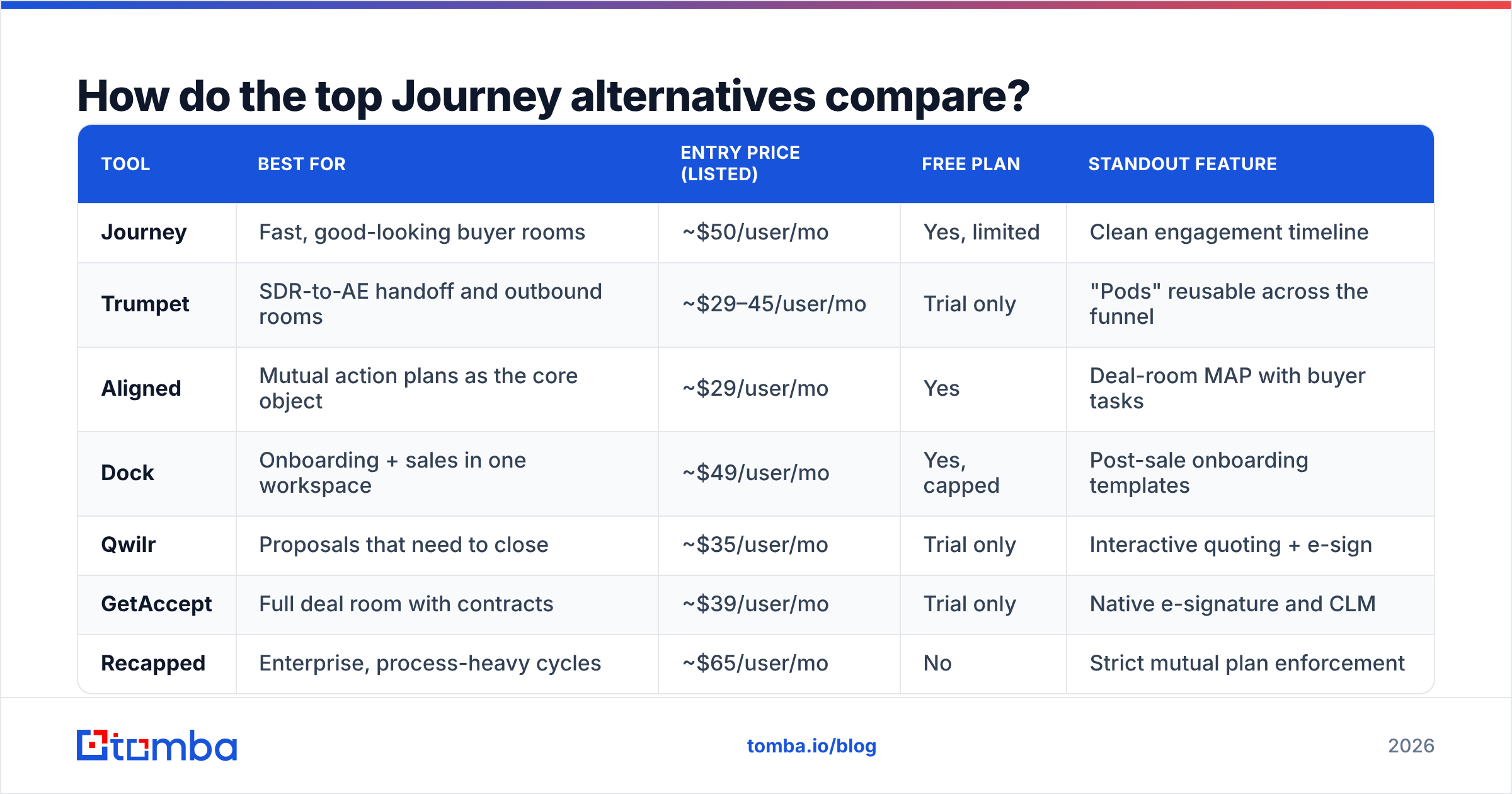
| Tool | Best for | Entry price (listed) | Free plan | Standout feature |
|---|---|---|---|---|
| Journey | Fast, good-looking buyer rooms | ~$50/user/mo | Yes, limited | Clean engagement timeline |
| Trumpet | SDR-to-AE handoff and outbound rooms | ~$29–45/user/mo | Trial only | "Pods" reusable across the funnel |
| Aligned | Mutual action plans as the core object | ~$29/user/mo | Yes | Deal-room MAP with buyer tasks |
| Dock | Onboarding + sales in one workspace | ~$49/user/mo | Yes, capped | Post-sale onboarding templates |
| Qwilr | Proposals that need to close | ~$35/user/mo | Trial only | Interactive quoting + e-sign |
| GetAccept | Full deal room with contracts | ~$39/user/mo | Trial only | Native e-signature and CLM |
| Recapped | Enterprise, process-heavy cycles | ~$65/user/mo | No | Strict mutual plan enforcement |
| Notion | Bootstrapped teams, DIY rooms | ~$10–15/user/mo | Yes | Infinite flexibility, zero analytics |
| Highspot / Showpad | 100+ rep enablement orgs | Custom (enterprise) | No | Content governance at scale |
Two patterns fall out of that table. First, the "pure room" category clusters at $29–$50 and the products are genuinely close — you are choosing on CRM fit and template governance, not on features. Second, the moment you add contracts and quoting, the category shifts and the comparison set becomes proposal software, not sales rooms.
Which Journey alternative fits your team?#
Trumpet — if your rooms start before the first call#
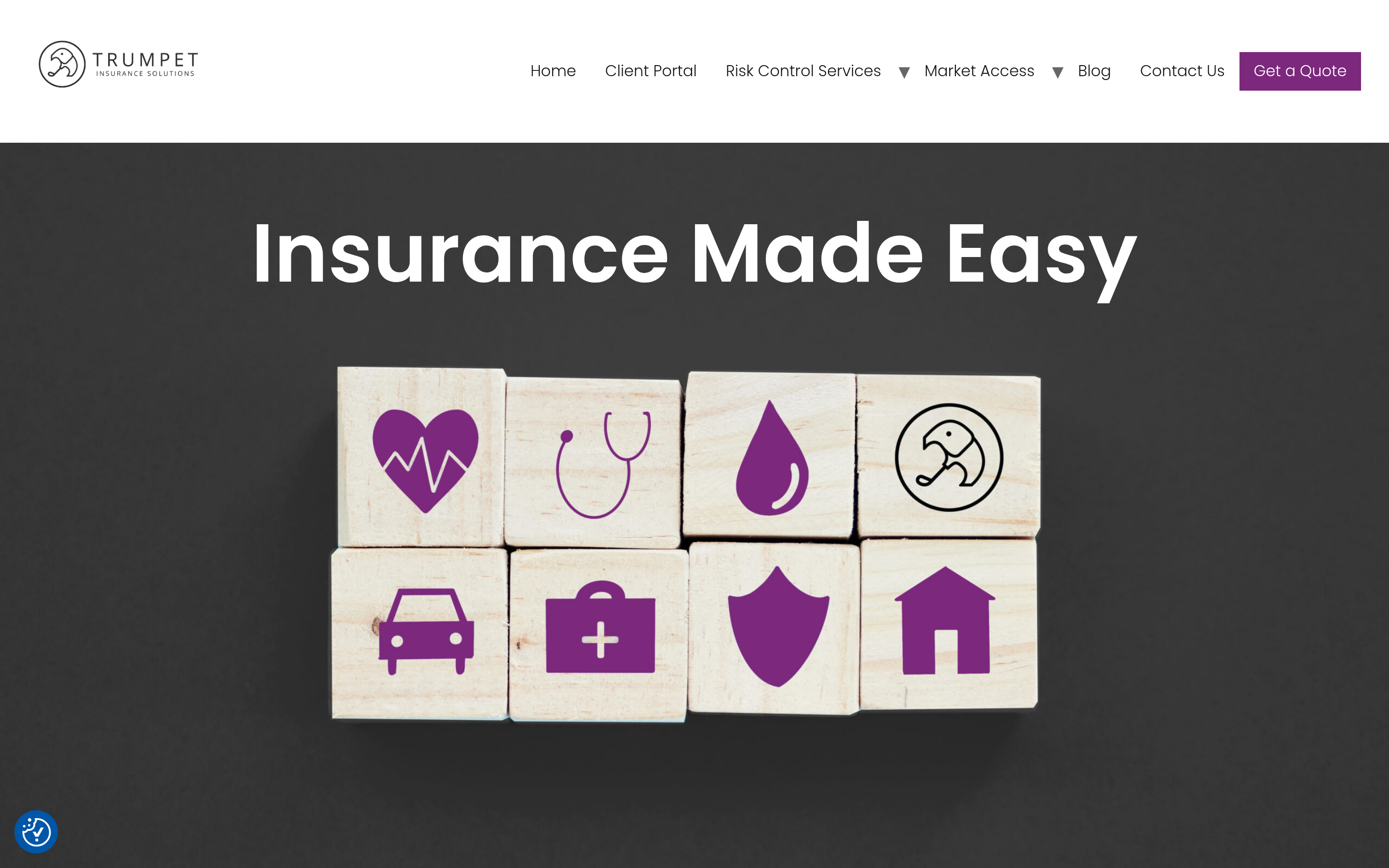
Trumpet's structural idea is the "pod": a reusable content module you can drop into an outbound room, a demo follow-up, or an onboarding page. Teams running heavy outbound like it because the same room can travel from first touch to close, accumulating content instead of getting rebuilt at each stage. If your SDRs send personalized microsites as part of prospecting, this is the closest fit.
Aligned — if the mutual action plan is the product#
Aligned treats the plan as the centerpiece and the content as supporting material. Buyers get tasks. Reps get a visible stall point. If your deals die from ambiguity about who does what next, this inverts the usual priority in a useful way. It is also one of the more affordable entry points in the category with a workable free tier.
Dock — if sales and onboarding should share a workspace#
Dock's differentiator is what happens after the signature. The same workspace becomes the onboarding hub, so the customer does not lose the link and the CSM does not start from zero. For products with a heavy implementation phase, that continuity is worth more than a nicer analytics chart.
Qwilr and GetAccept — if the room has to close#
Both blur the line between sales room and proposal tool. Qwilr is stronger on interactive pricing — buyers toggle quantities and see totals update. GetAccept goes further into contract lifecycle with native e-signature. If your current stack is Journey plus a separate signature tool plus a quoting spreadsheet, consolidating here can be cheaper than it looks.
Recapped — if your cycles are long and process is non-negotiable#
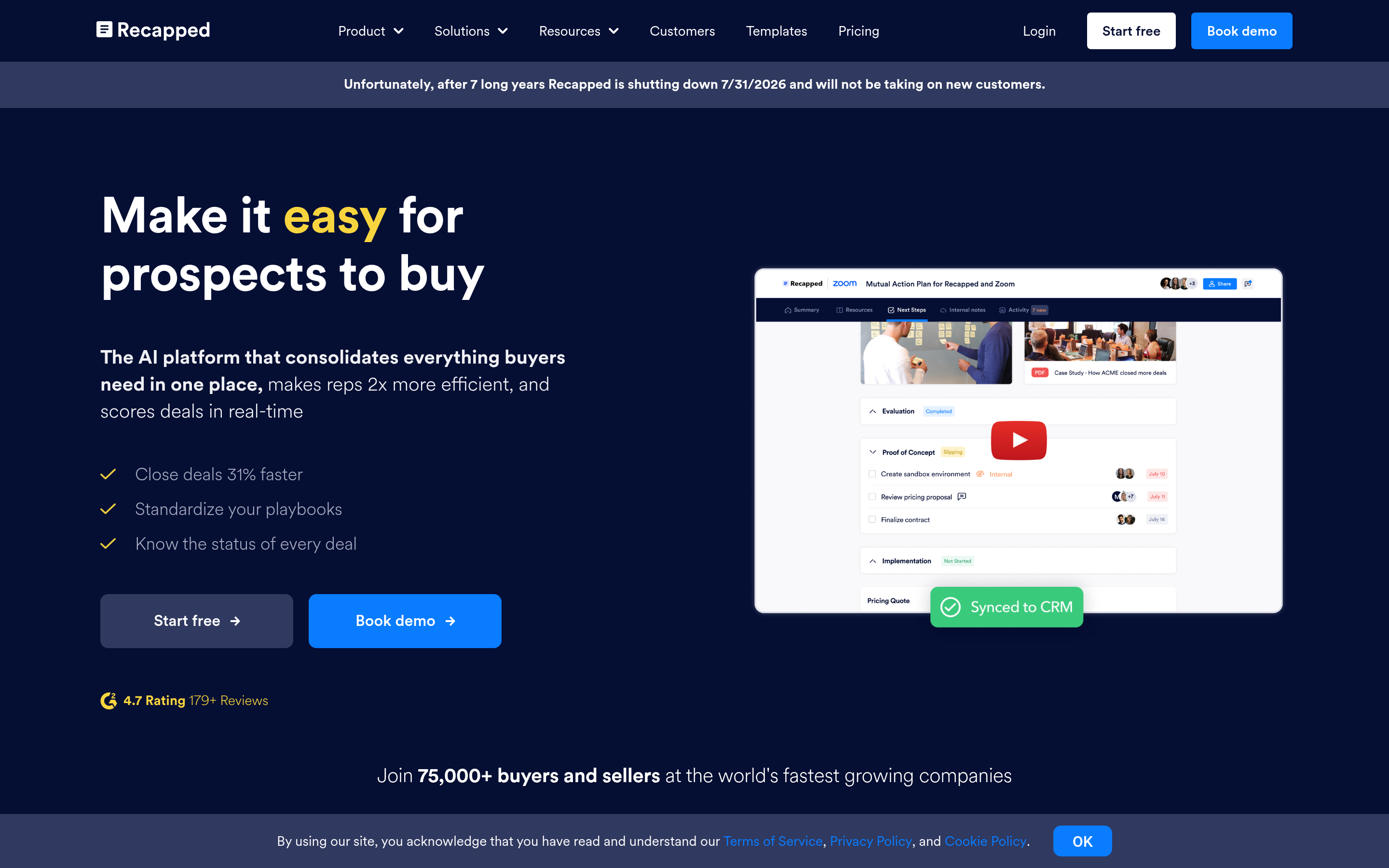
Recapped is the most opinionated option. It pushes strict mutual plans and enterprise-grade process discipline, at the highest price in this set. Teams with six-month cycles and procurement gauntlets tend to justify it; a 30-day SMB motion will find it heavy.
Notion — if you are pre-revenue and pragmatic#
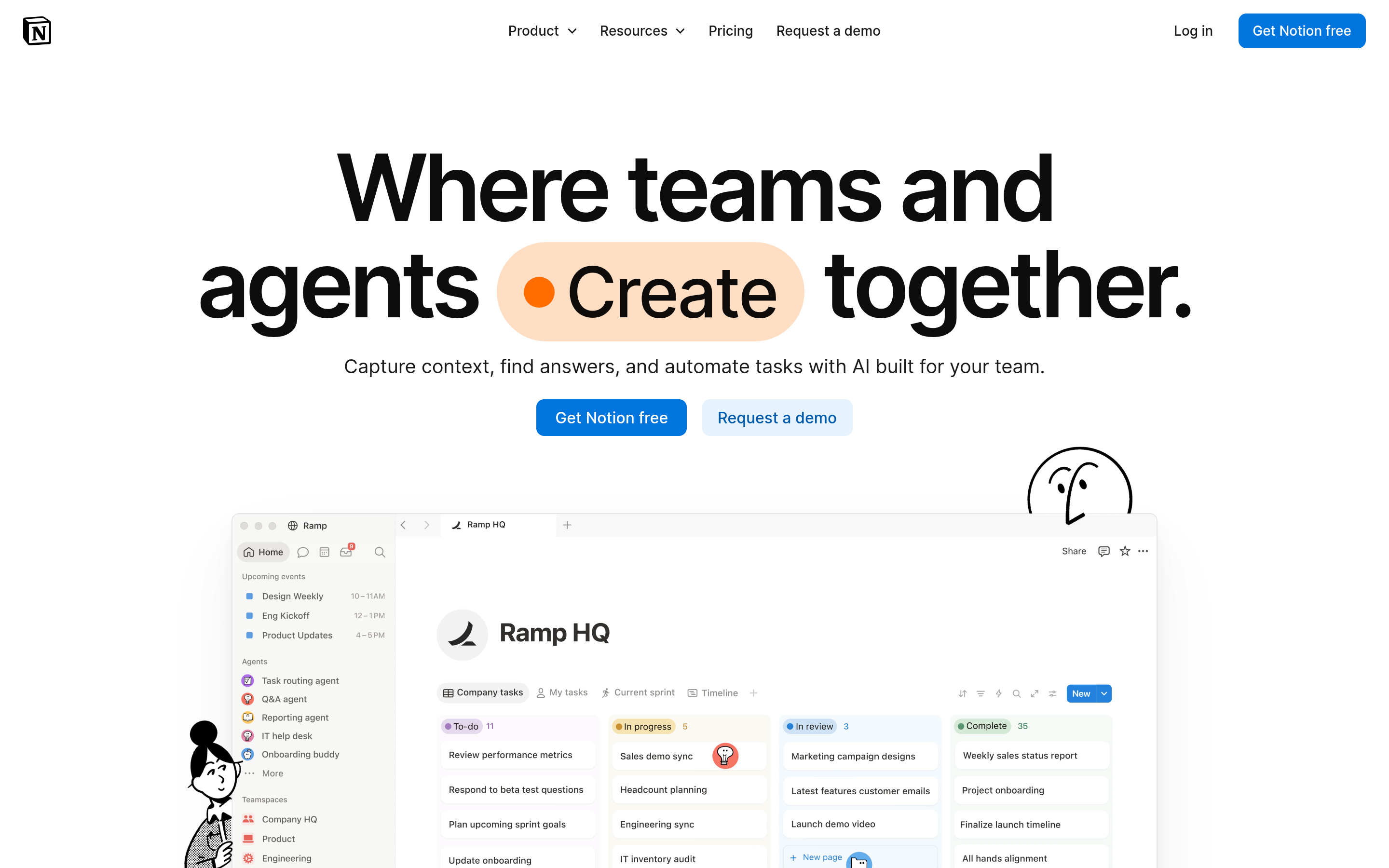
You can build a decent buyer room in Notion for a fraction of the cost. What you give up is analytics, governance, and any CRM write-back. That is a rational trade at five deals a month and an irrational one at fifty. Know which one you are.
Highspot and Showpad — if you have an enablement team#
These are not sales-room products with a governance feature; they are content-governance platforms with rooms attached. At 100+ reps, with a real enablement function and a content library that needs versioning and compliance review, the comparison set changes entirely. Expect custom pricing and a real implementation.
Is a digital sales room enough on its own?#
No — and this is the most common evaluation mistake in the category.
A sales room raises win rate and shortens cycles on deals that already exist. It does nothing for the number of deals entering the pipeline. Teams that switch sales-room vendors hoping for pipeline growth are solving the wrong half of the funnel, and the switch cost is real: rebuilding templates, retraining reps, and migrating live deals mid-cycle.
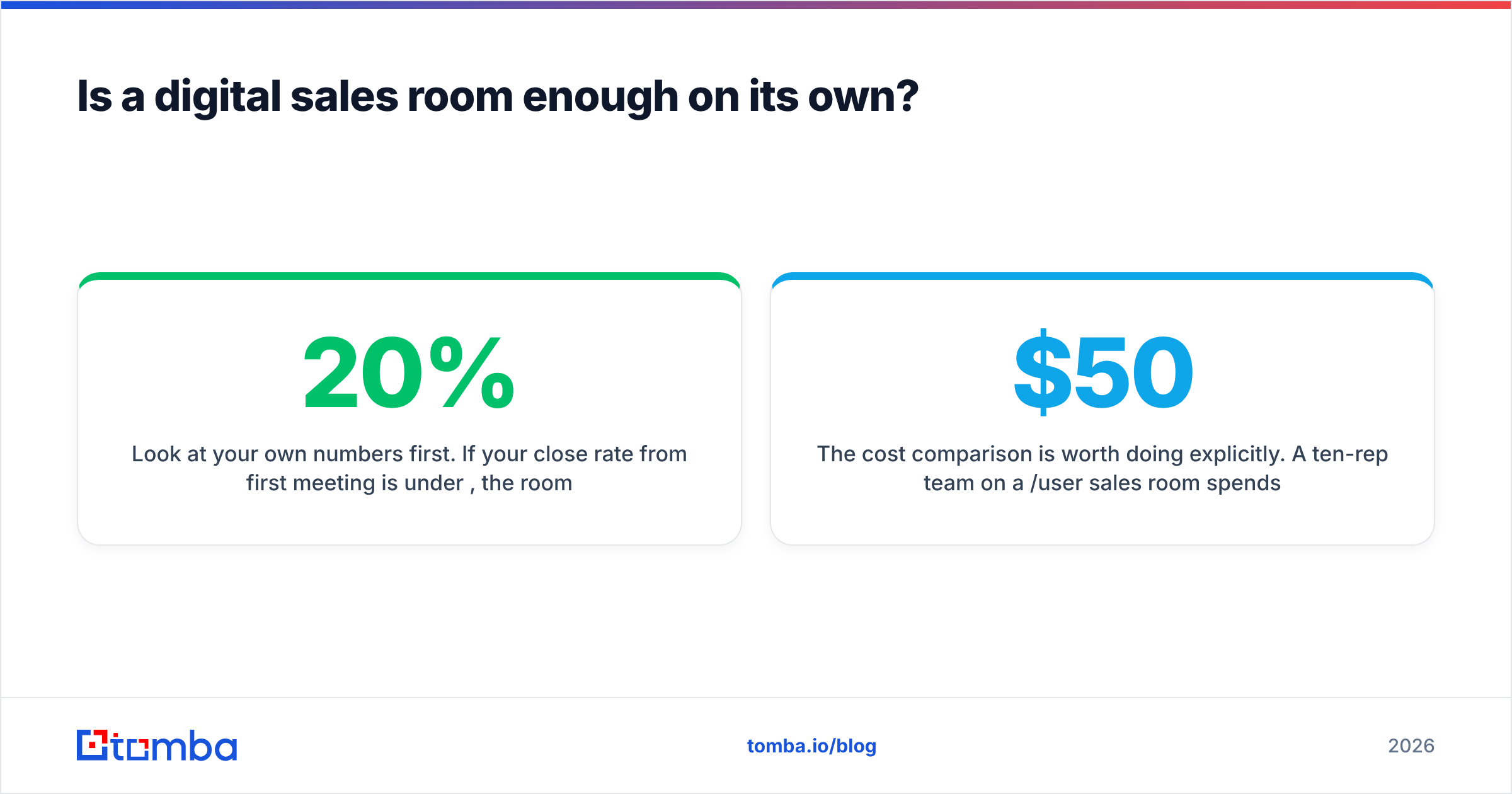
Look at your own numbers first. If your close rate from first meeting is under 20%, the room is probably worth the money. If your problem is that you only book four first meetings a month, no sales room fixes that. You need more qualified contacts hitting the top of the funnel, which means a data layer sitting in front of whichever room you choose.

That layer is where tools like an email finder and data enrichment do their work. Practically, the sequence looks like this: find the decision-makers at accounts that fit your ICP, verify the addresses so your domain reputation survives the campaign, enrich the records with role and company context, then send the sales-room link to people who are actually reachable. Providers differ in approach — Tomba leans on domain-pattern discovery plus verification, while a database vendor like BookYourData sells pre-built, human-verified lists. Both are legitimate; the choice depends on whether you prospect by account or buy by segment.
The cost comparison is worth doing explicitly. A ten-rep team on a $50/user sales room spends $6,000 a year on presentation. A contact-data layer to feed that room starts far lower — Tomba pricing runs from a free tier at 25 searches a month up to $49/mo Starter, $99/mo Growth, and $249/mo Pro, with volume work handled through bulk email finder jobs. If your funnel is starved rather than leaky, that is the better first dollar.
How do you migrate off Journey without losing deals?#
Switching mid-quarter is how teams lose deals to a tooling decision. A safe sequence:
- Freeze, don't delete. Keep Journey live for every open opportunity until it closes. Never migrate an active deal's room — the buyer bookmarked that URL.
- Rebuild templates, not rooms. Port your three or four highest-use templates into the new tool. Ignore one-off rooms entirely.
- Run a two-week parallel pilot. Give three reps the new tool on new deals only. Compare open rates and stakeholder counts against the Journey baseline you already have.
- Validate CRM write-back before rollout. Confirm engagement events land as fields you can filter and report on. This is where most migrations quietly fail.
- Export your engagement history. Ask the outgoing vendor for a data export while your contract is still live. Access ends when billing does.
- Set a kill criterion up front. Decide in advance what result sends you back — for example, no measurable lift in stakeholder count per deal after 60 days.
Run that and the downside of a wrong choice is six weeks and a template rebuild, not a quarter of pipeline.
What does the decision come down to?#
Match the tool to the constraint you actually have.
- Cost pressure at scale → Aligned or Trumpet
- Deals that stall on next steps → Aligned or Recapped
- Rooms that must produce a signature → Qwilr or GetAccept
- Sales-to-onboarding continuity → Dock
- Large enablement org with compliance needs → Highspot or Showpad
- Almost no budget → Notion, and revisit in two quarters
- Happy with the buyer experience, only annoyed by price → stay on Journey and negotiate at renewal
And if the honest answer is that your rooms are fine but empty, fix the input first.
Start with the data layer feeding whichever room you pick. Tomba Email Finder finds verified professional addresses by domain, name, or company so your sales-room links reach the stakeholders who can actually move the deal. The free tier gives you 25 searches a month — enough to test whether your problem is presentation or pipeline before you sign another per-seat contract.
Related guides#
// get started
Find, verify and enrich your first contacts today
Start on the free plan with 25 searches a month, then scale when your team is ready.
Free plan · No credit card required · GDPR & CCPA
// about the author