Kickbox vs Saleshandy 2026: Which Tool Do You Actually Need?
One verifies emails, the other sends them. Here's an honest look at Kickbox vs Saleshandy, what each costs, where each breaks down, and which one your outbound stack actually needs in 2026.
TL;DR
- Kickbox and Saleshandy are not competitors. Kickbox is an email verification API. Saleshandy is a cold email sending and sequencing platform. Most teams that compare them end up buying both.
- Pick Kickbox if you already have lists and your only problem is bounce rate, or if you need verification wired into a signup form or product via API.
- Pick Saleshandy if your problem is sending: sequences, rotating mailboxes, warmup, and a unified inbox to manage replies.
- Neither tool solves the step that actually decides campaign performance: sourcing accurate, current contact data in the first place.
- Realistic 2026 stack: a finder + verifier for the data layer (Tomba, $49/mo flat), a sender for the delivery layer (Saleshandy), and verification either bundled or bought separately (Kickbox).
What are you actually comparing when you search "Kickbox vs Saleshandy"?#
You're comparing two different layers of the same pipeline, which is why every head-to-head you find online feels vague.
Think of cold outbound like shipping a package. Kickbox is the address-validation service that checks whether the street address exists before the truck leaves. Saleshandy is the truck, the route planner, and the driver who logs the delivery. Asking which one "wins" is like asking whether the address checker beats the delivery van.
The comparison still matters, though, because both vendors have expanded into each other's territory. Saleshandy bundles email verification into its lead finder and list upload flow. Kickbox sells deliverability tooling that overlaps with what sending platforms promise. So the real question is: can one of them cover enough of the other's job that you only pay for one?
Short answer: sometimes, and the rest of this post explains when.

What is Kickbox and who is it for?#
Kickbox is a dedicated email verification service. You hand it an address (or a list, or an API call), and it tells you whether that address will accept mail.
Its distinguishing feature is the Sendex score, a 0-to-1 quality rating that goes beyond a binary valid/invalid result. Kickbox factors in things like whether the address looks like a role account (info@, sales@), whether the domain is disposable, whether it's free versus corporate, and whether the mailbox shows signs of being an abandoned or trap address. That nuance is genuinely useful when you're deciding whether to mail a "risky" contact.
Where Kickbox fits best:
- Real-time signup validation. You want the API sitting on your registration form so typo'd and disposable addresses never enter your database. This is Kickbox's strongest use case and where its latency and uptime matter most.
- Pre-send list hygiene for ESP campaigns. You're about to load 80,000 addresses into a marketing platform and you need the bounce rate under 2% or your sender reputation takes the hit.
- Compliance-sensitive teams. Kickbox has historically been vocal about not storing or reselling the lists it verifies, which matters if you're handling customer data under GDPR.
- Developers who want one clean endpoint. The API is simple, documented, and doesn't try to upsell you into a full sales platform.
What Kickbox does not do: it does not find email addresses, it does not send anything, it does not manage sequences, and it does not enrich contact records. It is a single-purpose tool that does its single purpose well.
What is Saleshandy and who is it for?#
Saleshandy sits on the opposite end of the pipeline. It's a cold email outreach platform built around multi-step sequences, mailbox rotation, built-in warmup, and a unified inbox for handling replies across dozens of sending accounts.
Over the last few years Saleshandy also added a B2B lead database and email verification inside the product, which is why it now shows up in searches next to pure verifiers. That bundling is the pitch: source, verify, and send without leaving one dashboard.
Where Saleshandy fits best:
- Agencies running many mailboxes. Unlimited email account connections on most plans is the headline reason agencies pick it over per-mailbox competitors.
- Teams that need warmup bundled. Saleshandy includes warmup rather than routing you to a separate subscription, which is a real cost saving versus stitching together a sender plus a standalone warmup tool.
- SDR teams who live in the reply inbox. The unified inbox and sequence scoring features are built for people managing conversations, not just blasting.
- Buyers who want one line item. If procurement hates adding vendors, the bundled finder-plus-verifier-plus-sender story is easier to approve.
What Saleshandy does not do especially well: deep verification nuance. Bundled verification in a sending platform is typically a pass/fail gate designed to protect the platform's own sending infrastructure, not a forensic analysis of each address. And the bundled lead database, like most bundled databases, is broad but shallower on recency than a specialist provider.
How do Kickbox and Saleshandy compare feature by feature?#
| Dimension | Kickbox | Saleshandy | Tomba |
|---|---|---|---|
| Primary job | Email verification | Cold email sending + sequences | Finding + verifying B2B emails |
| Finds new email addresses | No | Yes (bundled lead database) | Yes (core product) |
| Verifies addresses | Yes, with Sendex quality score | Yes, bundled with lists | Yes, standalone verifier + catch-all verifier |
| Sends campaigns | No | Yes, multi-step sequences | No |
| Mailbox warmup | No | Yes, included | No |
| Unified reply inbox | No | Yes | No |
| Catch-all domain handling | Risk-scored, not resolved | Usually flagged and skipped | Dedicated catch-all verifier |
| Real-time API | Yes | Limited | Yes, full REST API |
| Bulk CSV processing | Yes | Yes | Yes |
| Chrome extension | No | Yes | Yes |
| Best for | Data hygiene and product signup flows | Running outbound campaigns at scale | Building the list before either step |
The table makes the overlap obvious. Kickbox and Tomba overlap on verification. Saleshandy and Tomba overlap on finding. Kickbox and Saleshandy barely overlap at all, which is why "Kickbox vs Saleshandy" is rarely an either/or decision in practice.
How much do Kickbox and Saleshandy cost?#
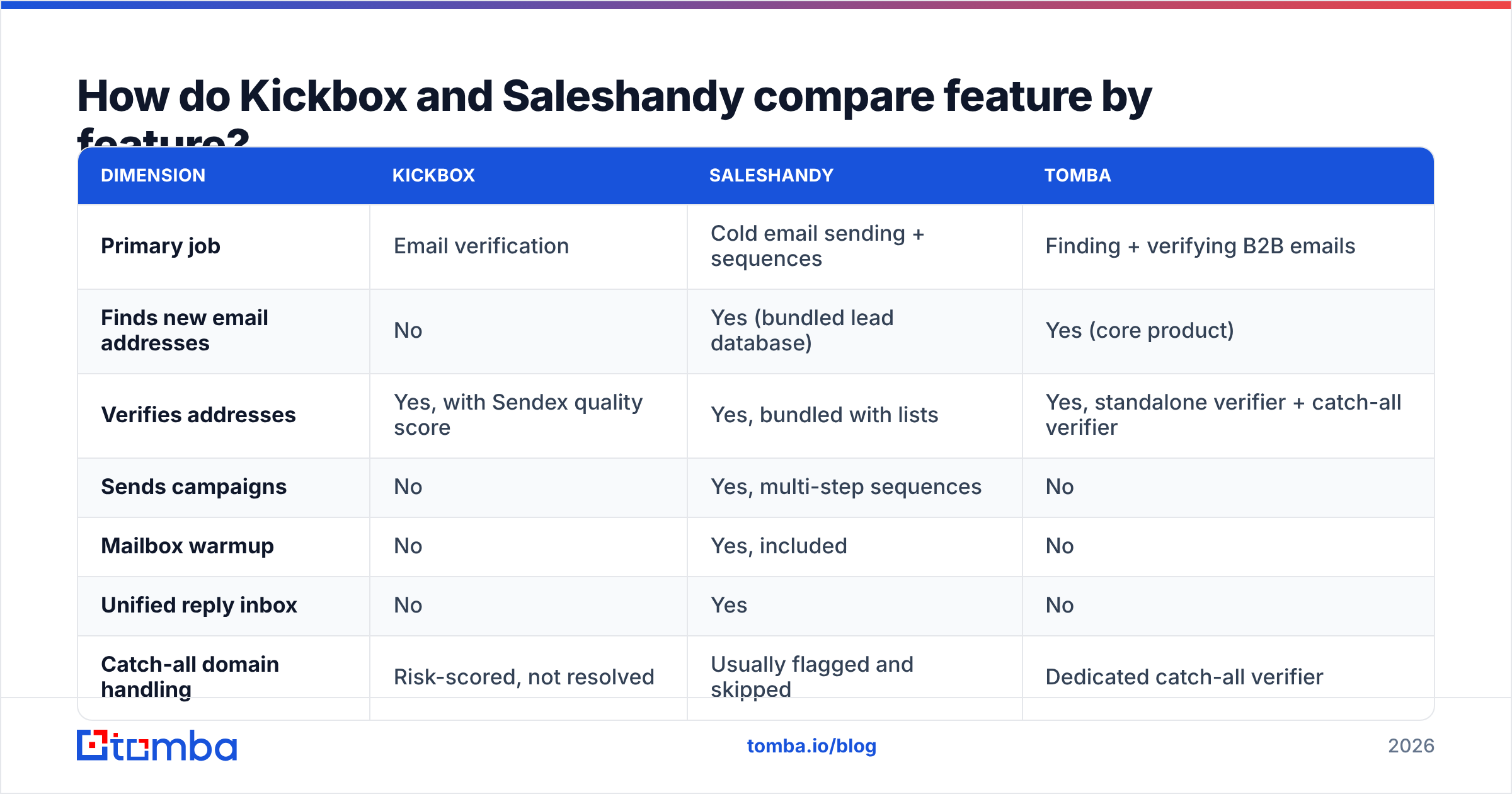
Pricing models differ enough that a per-month comparison is misleading. Kickbox charges per verification, so a quiet month costs nothing. Saleshandy charges a recurring subscription tied to plan tier and lead credits, so a quiet month costs the same as a busy one.
| Pricing factor | Kickbox | Saleshandy | Tomba |
|---|---|---|---|
| Model | Pay-as-you-go credits | Monthly/annual subscription | Monthly subscription |
| Entry point | ~$5 per 1,000 verifications at low volume | Entry outreach tier in the $25–40/mo range | Starter $49/mo |
| Free tier | 100 free verifications | Free trial, limited sending | 25 searches/mo, free forever |
| Mid tier | Volume discounts kick in above 100k | Pro tier roughly $75–100/mo | Growth $99/mo |
| High tier | Custom enterprise pricing | Scale tier roughly $150+/mo | Pro $249/mo, Enterprise custom |
| Credits roll over | Credits don't expire | Typically monthly reset | Monthly allocation |
| Hidden cost | Verification only; you still need data + a sender | Lead credits often priced separately from sending seats | None; finder and verifier share one balance |
Two notes before you budget from this table. First, both vendors adjust pricing, so confirm current numbers on their own pricing pages before you sign anything. Second, the Kickbox model looks cheaper until you realize you'll run the same list through verification two or three times over a quarter as it decays. Pay-as-you-go rewards infrequent, large, one-time cleanups and punishes continuous list maintenance.
For comparison, Tomba pricing is flat: $49/mo Starter, $99/mo Growth, $249/mo Pro, with finding and verifying drawn from the same credit pool rather than billed as two separate products.
Which one protects your deliverability better?#
Kickbox protects deliverability at the data layer. Saleshandy protects it at the sending layer. You need both, and picking only one leaves an obvious hole.
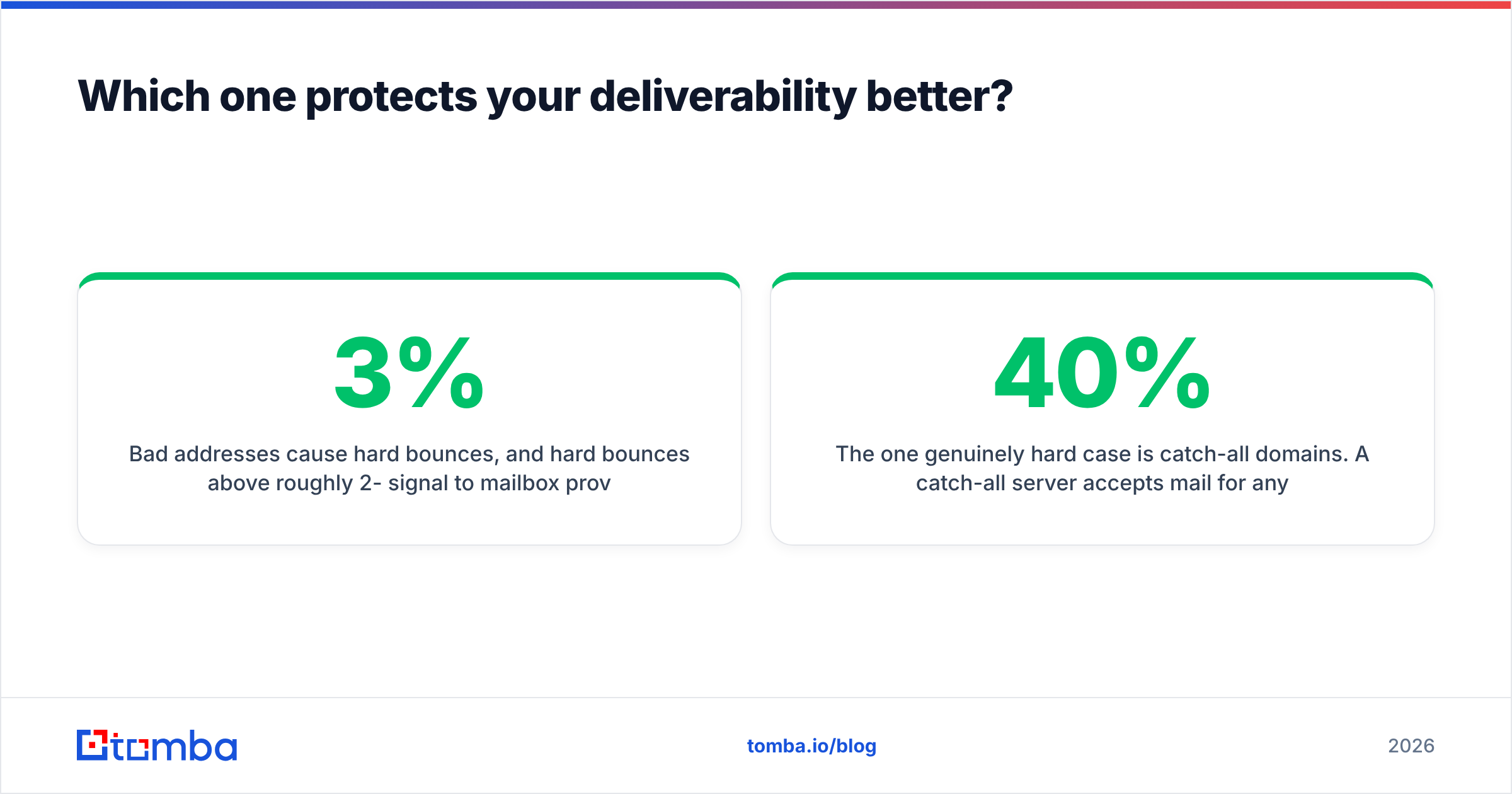
Bad addresses cause hard bounces, and hard bounces above roughly 2-3% signal to mailbox providers that you're mailing a stale or purchased list. That's a data problem, and Kickbox solves it. But a perfectly clean list sent from a cold domain with no SPF alignment, no warmup, and 400 sends a day from one mailbox will still land in spam. That's a sending problem, and Saleshandy solves it.
If you want to understand how the two interact, the mechanics of email deliverability come down to four inputs: list quality, authentication, volume ramp, and engagement. Kickbox touches the first. Saleshandy touches the third. Authentication and engagement are on you either way.
The one genuinely hard case is catch-all domains. A catch-all server accepts mail for any address at the domain, so SMTP verification can't confirm whether a specific mailbox exists. Kickbox flags these as risky and hands you a score. Saleshandy typically skips them. Both responses are defensible, and both mean you lose access to a large slice of enterprise contacts, because a significant share of mid-market and enterprise domains are catch-all. A catch-all verifier that resolves these with pattern and source evidence rather than skipping them is the difference between mailing 40% of your target account list and mailing 80% of it.
What's missing from both Kickbox and Saleshandy?#
Sourcing. Verification tells you an address is deliverable. It does not tell you the address belongs to the VP of Engineering you actually want to reach, or that she still works there.
Here's the gap in practical terms:
- Kickbox validates, it doesn't discover. Feed it garbage and you get validated garbage. It will happily confirm that
marketing@company.comis deliverable while your ICP is the head of RevOps whose address you never found. - Saleshandy's bundled database is broad, not deep. Bundled databases in sending platforms are usually licensed aggregates. They're fine for wide top-of-funnel motions and weaker for named-account prospecting where you need one specific person.
- Neither refreshes on job change. B2B contact data decays roughly 25-30% per year, mostly from role changes. A verified-once address is not a verified-forever address.
- Neither covers phone as a fallback. When email fails, multichannel teams need a phone finder to keep the sequence alive. Both tools leave you to solve that elsewhere.
- Neither enriches for personalization. Sequences perform on relevance. Title, company size, tech stack, and recent-news signals come from data enrichment, not from a verifier or a sender.
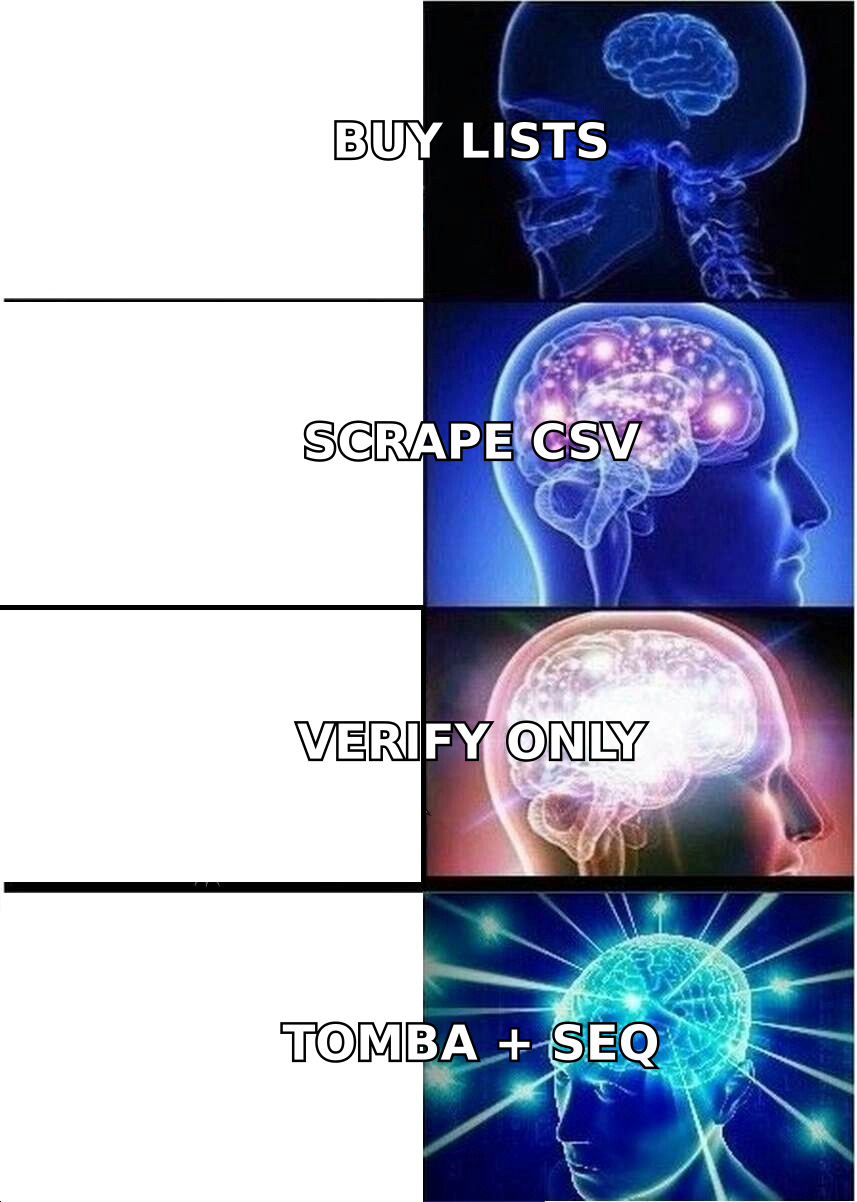
This is the layer where a dedicated email finder earns its line item. Find the right person, confirm the address is live, then hand a clean list to whatever sending platform you've standardized on.
Can you run Kickbox and Saleshandy together?#
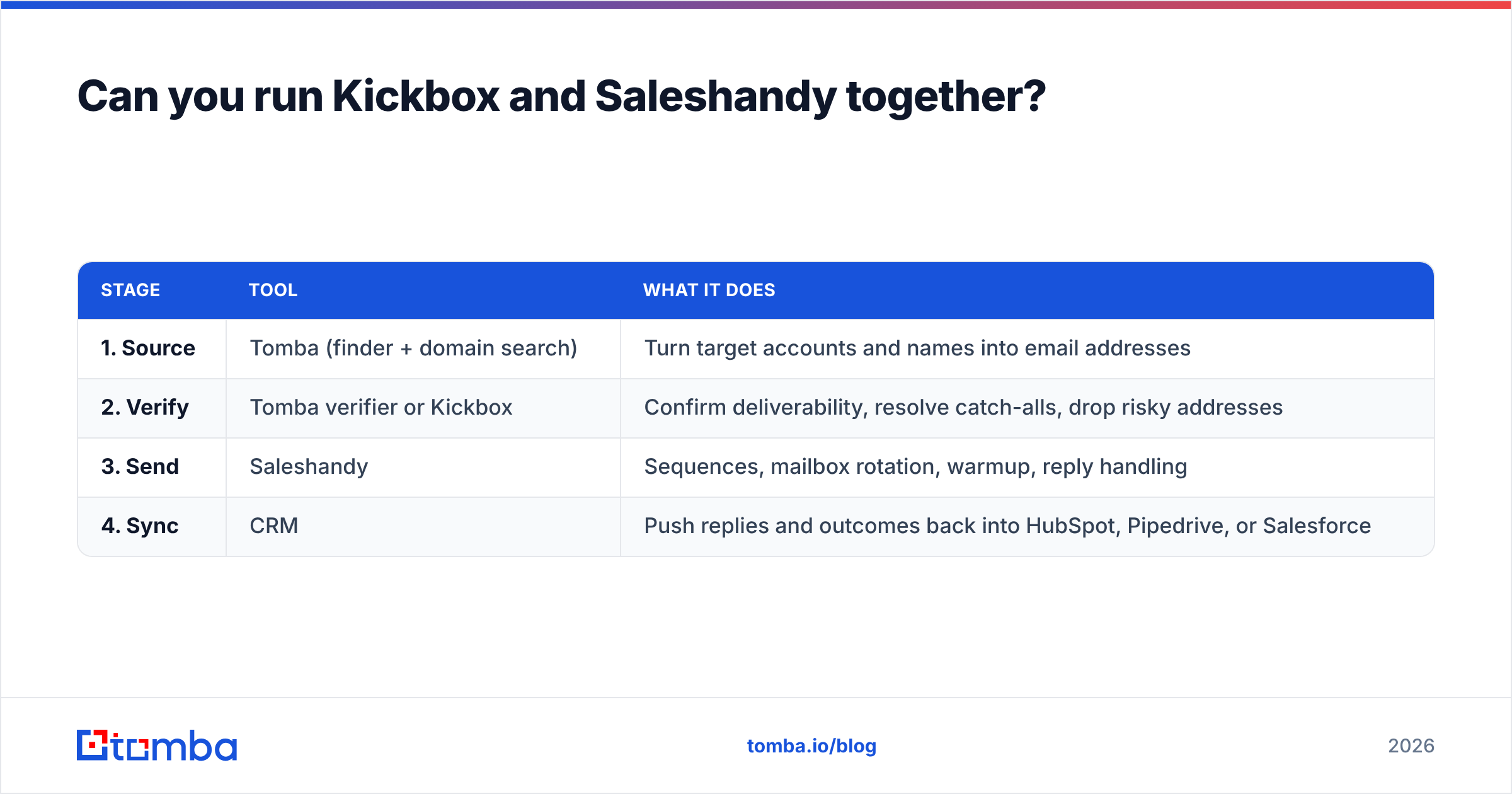
Yes, and plenty of teams do. The clean version of that stack looks like this:
| Stage | Tool | What it does |
|---|---|---|
| 1. Source | Tomba (finder + domain search) | Turn target accounts and names into email addresses |
| 2. Verify | Tomba verifier or Kickbox | Confirm deliverability, resolve catch-alls, drop risky addresses |
| 3. Send | Saleshandy | Sequences, mailbox rotation, warmup, reply handling |
| 4. Sync | CRM | Push replies and outcomes back into HubSpot, Pipedrive, or Salesforce |
The question worth asking is whether stages 1 and 2 justify two vendors. If you're already running bulk email finder jobs, verification is already included in the result, and paying Kickbox separately duplicates work. If your verification need is a product signup form rather than an outbound list, Kickbox stays in the stack on its own merits — different job, different tool.
Check current reviews on G2 before committing either way; both products have active review volume and the complaints tend to be honest about where each one stops.
Which should you choose in 2026?#
Choose Kickbox if: your bottleneck is bounce rate on lists you already have, you need verification inside a product flow via API, or you verify in occasional large batches where pay-as-you-go beats a subscription. It is a focused, well-built tool and it does not pretend to be a sales platform.
Choose Saleshandy if: your bottleneck is sending. You need sequences, many connected mailboxes, warmup included, and a reply inbox that doesn't require tab-switching across ten Gmail accounts. Agencies in particular get good value from the unlimited-mailbox model.
Choose neither, first, if: you don't yet have a list of the right people. That's the most common situation behind this search. Teams compare a verifier to a sender because they assume the data problem is solved, then discover their campaign underperformed not because addresses bounced but because they mailed the wrong 600 people.
Choose both if: you're running high-volume outbound with a separate product-side verification need, and the duplicated verification spend is small relative to the deliverability risk.
Start with the data layer#
Before you pay for verification or sending, make sure the contacts going into the pipeline are the ones you actually want to reach. Tomba Email Finder finds professional email addresses by domain, name, or company, verifies them in the same workflow, resolves catch-all domains that other tools skip, and runs on flat pricing starting at $49/mo with a free tier of 25 searches to test it against your own target accounts. Feed the clean output into Saleshandy, keep Kickbox for your signup form if you need it, and stop paying three vendors to solve half a pipeline each.
Related guides#
// get started
Find, verify and enrich your first contacts today
Start on the free plan with 25 searches a month, then scale when your team is ready.
Free plan · No credit card required · GDPR & CCPA
// about the author