Kintone vs Salesforce (2026): Which CRM Platform Wins?
Kintone is a no-code app builder that can act as a CRM. Salesforce is a CRM that can act as a platform. Here is the honest cost, flexibility, and sales-team breakdown for 2026.
TL;DR
- Kintone is a no-code database/app platform that you shape into a CRM. Salesforce is a CRM product with a platform bolted onto it. That single difference drives every other trade-off.
- Price gap is large at scale. Kintone runs roughly $24/user/month with a 10-user minimum and no feature tiers. Salesforce Sales Cloud ranges from about $25 to $500/user/month, and the useful tier for most sales teams starts around $100–$165.
- Kintone wins when your process is unusual, your team is under ~100 people, and you would otherwise pay a consultant to customize a CRM you barely use.
- Salesforce wins when you need forecasting, territory management, a huge integration ecosystem, and an admin talent pool you can actually hire from.
- Neither tool finds you contacts. Both assume records already exist. Pairing either with an email finder is what turns an empty CRM into a working pipeline.
What is Kintone and who actually uses it?#
Kintone is a no-code workspace platform from Cybozu, a Japanese software company that has been building collaboration tools since 1997. You start with a blank database, drag fields onto a form, and Kintone generates the app — views, permissions, workflows, and a REST API included. A CRM in Kintone is just an app you built: a Companies app, a Contacts app, a Deals app, with lookups linking them.
That framing matters. Kintone does not ship with an opinion about how you sell. There is no built-in lead scoring model, no opportunity stage taxonomy handed down from Dreamforce. You define what a "qualified" record means, and Kintone enforces it.
The typical Kintone buyer is a 15–200 person company with a process that does not fit off-the-shelf software: a manufacturer tracking quote revisions against part numbers, an agency running client onboarding checklists, a distributor coordinating field service. They tried a traditional CRM, found themselves fighting it, and wanted a tool that bends instead.
The cost of that flexibility is that you own the design. If nobody on your team enjoys thinking about data models, Kintone becomes a half-built app that everyone avoids. You can read more on the official Kintone site, and real-world sentiment is worth checking on G2 before you commit.
What is Salesforce and what do you get for the price?#
Salesforce Sales Cloud is the default answer in B2B software. It holds roughly 20% of the global CRM market — more than the next four vendors combined, by most analyst counts — and that dominance is the product's biggest feature. Every integration supports it. Every RevOps hire has used it. Every consultant knows it.
Out of the box you get accounts, contacts, leads, opportunities, a forecasting engine, quoting, territory management, approval flows, dashboards, Einstein AI scoring on higher tiers, and AppExchange with thousands of add-ons. The Salesforce Platform underneath (Apex, Lightning Web Components, Flow) lets you build custom objects much like Kintone — but with a steeper learning curve and higher licensing cost.
The catch is that Salesforce's list price is the start of the conversation, not the end. Sandboxes, API call limits, data storage overages, premium support, and the near-inevitable implementation partner all add up. Teams routinely find the real first-year cost lands at two to three times the sticker. Pull the current numbers from the Salesforce pricing page before you model anything.

Kintone vs Salesforce: how do they compare head to head?#
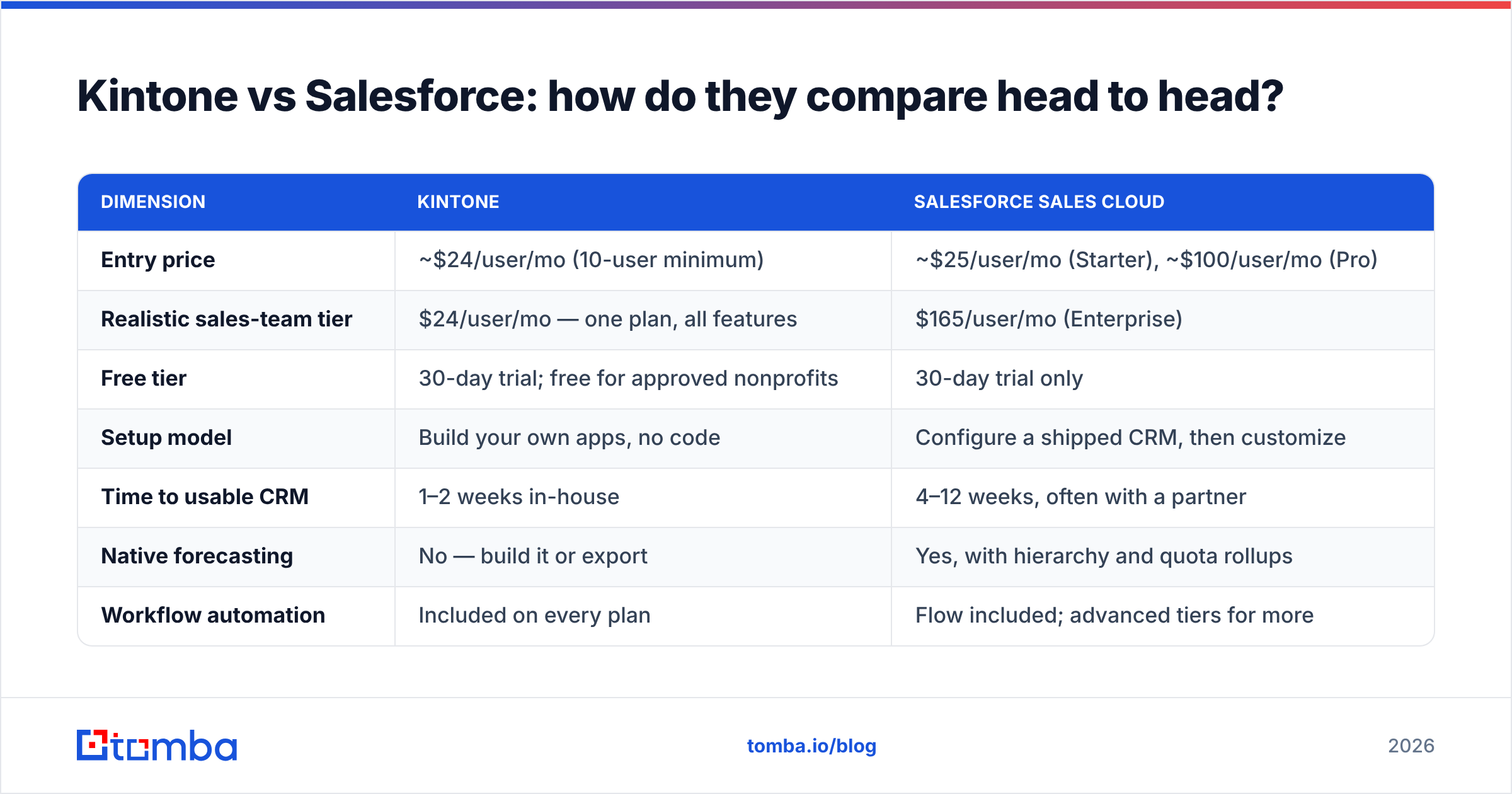
| Dimension | Kintone | Salesforce Sales Cloud |
|---|---|---|
| Entry price | ~$24/user/mo (10-user minimum) | ~$25/user/mo (Starter), ~$100/user/mo (Pro) |
| Realistic sales-team tier | $24/user/mo — one plan, all features | $165/user/mo (Enterprise) |
| Free tier | 30-day trial; free for approved nonprofits | 30-day trial only |
| Setup model | Build your own apps, no code | Configure a shipped CRM, then customize |
| Time to usable CRM | 1–2 weeks in-house | 4–12 weeks, often with a partner |
| Native forecasting | No — build it or export | Yes, with hierarchy and quota rollups |
| Workflow automation | Included on every plan | Flow included; advanced tiers for more |
| Integration ecosystem | ~100 plugins + REST API | AppExchange, thousands of apps |
| Admin talent pool | Small | Very large, globally |
| Best fit | 10–200 employees, unusual process | 50–50,000 employees, standard sales motion |
Two rows carry most of the decision weight: realistic tier price and admin talent pool. Kintone charges one flat rate with every feature unlocked — no upsell to get automation. Salesforce gates real capability behind Enterprise, where the per-seat number roughly sextuples. In exchange, Salesforce gives you a labor market. If your Kintone builder leaves, you may be the only person who understands the schema.
Which one is better for a sales team specifically?#
Salesforce, if your sales motion looks like most B2B sales motions.
Here is the honest test. Score yourself on these five:
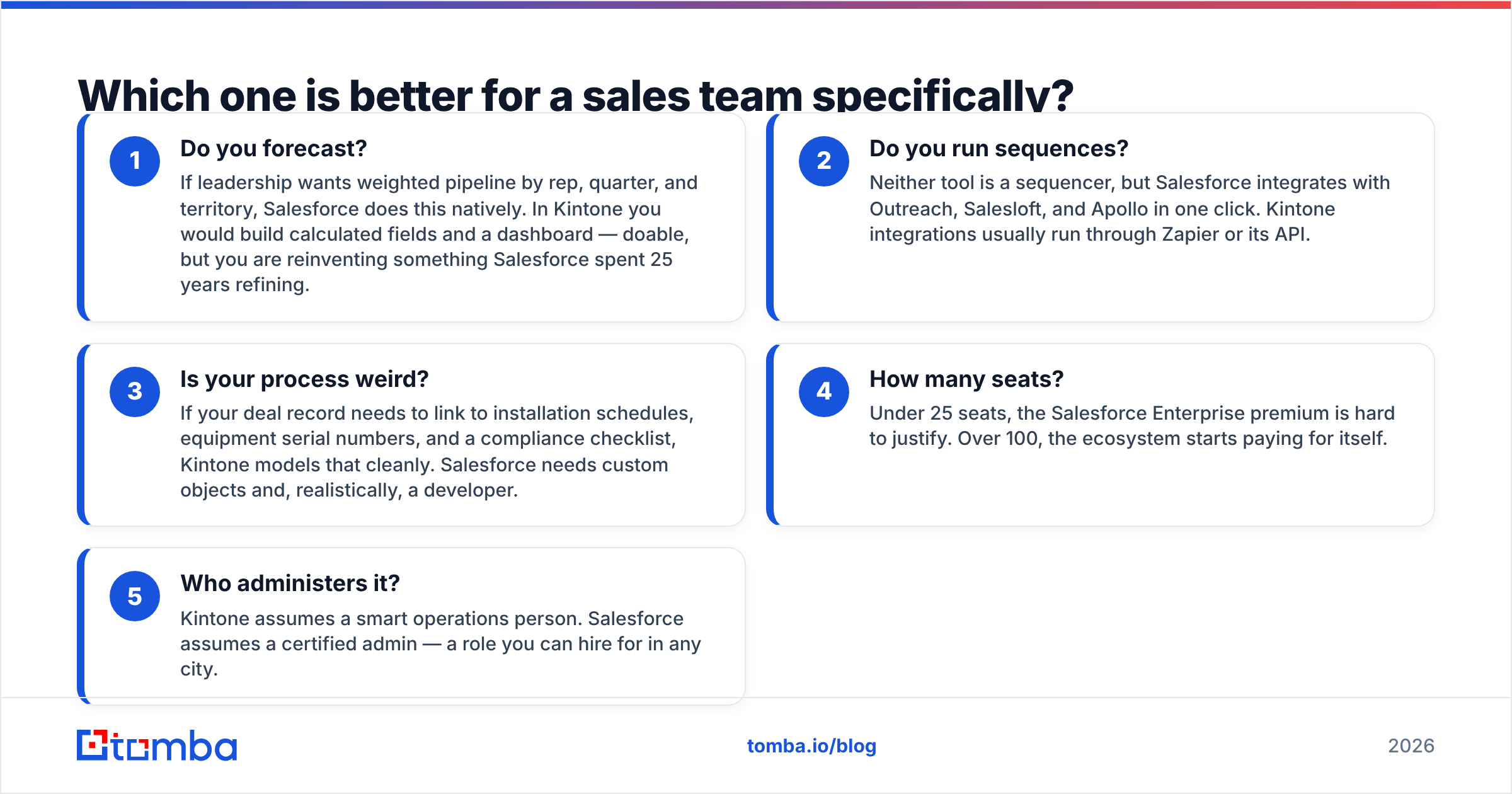
- Do you forecast? If leadership wants weighted pipeline by rep, quarter, and territory, Salesforce does this natively. In Kintone you would build calculated fields and a dashboard — doable, but you are reinventing something Salesforce spent 25 years refining.
- Do you run sequences? Neither tool is a sequencer, but Salesforce integrates with Outreach, Salesloft, and Apollo in one click. Kintone integrations usually run through Zapier or its API.
- Is your process weird? If your deal record needs to link to installation schedules, equipment serial numbers, and a compliance checklist, Kintone models that cleanly. Salesforce needs custom objects and, realistically, a developer.
- How many seats? Under 25 seats, the Salesforce Enterprise premium is hard to justify. Over 100, the ecosystem starts paying for itself.
- Who administers it? Kintone assumes a smart operations person. Salesforce assumes a certified admin — a role you can hire for in any city.
Three or more "standard" answers point to Salesforce. Three or more "unusual" answers point to Kintone. A split means you should also look at mid-market options like HubSpot or Pipedrive, both of which sit between the two on flexibility and cost. The HubSpot CRM comparison resources are a reasonable third data point.
What does each one actually cost in year one?#
Model the total, not the seat price. For a 20-person sales team:
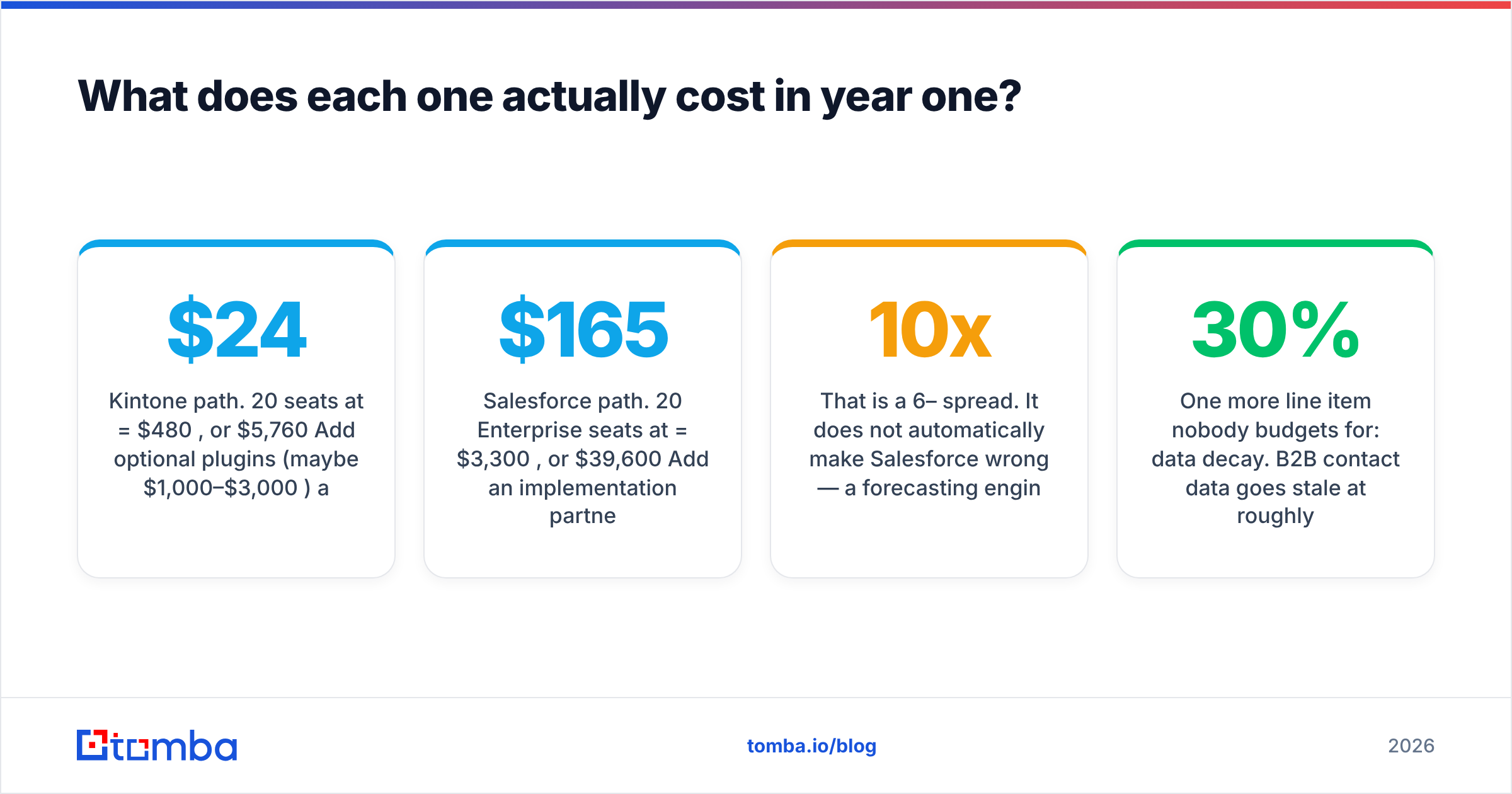
Kintone path. 20 seats at $24 = $480/month, or $5,760/year. Add optional plugins (maybe $1,000–$3,000/year) and internal build time — call it three weeks of an ops person's attention. Realistic year one: $7,000–$12,000.
Salesforce path. 20 Enterprise seats at $165 = $3,300/month, or $39,600/year. Add an implementation partner ($15,000–$40,000 is common for a mid-market rollout), Sales Engagement or a third-party sequencer, data enrichment, and sandbox costs. Realistic year one: $60,000–$95,000.
That is a 6–10x spread. It does not automatically make Salesforce wrong — a forecasting engine that improves close-rate visibility on a $5M pipeline pays for itself quickly. But you should name the number before you sign, not after.
One more line item nobody budgets for: data decay. B2B contact data goes stale at roughly 22–30% per year as people change jobs. A CRM full of dead addresses costs you more than either license. Running your records through an email verifier on a quarterly cadence is the cheapest reliability upgrade either platform will ever get.
How do you fill either CRM with contacts?#
Neither platform is a data source. This is the gap that surprises teams switching from an all-in-one like Apollo or a database product like BookYourData, which ship contacts alongside the workspace. Kintone and Salesforce both hand you empty tables.
Salesforce sells Data Cloud and partner data through AppExchange, but the pricing is enterprise-grade. Kintone has no first-party data offering at all. In both cases you bring your own pipeline of contacts, typically from one of these:
- A prospecting tool that exports to CSV, then bulk-imported on a schedule.
- An enrichment API wired into your CRM so new records fill themselves in.
- A purchased list from a data vendor, verified before import.
- Manual research, which does not scale past a handful of accounts a week.
The API route is the one that holds up. If you are running Salesforce, the Tomba HubSpot and Salesforce integrations let you push verified contacts straight into records. If you are running Kintone, its REST API plus the Tomba API gives you the same thing with about an afternoon of glue code — a webhook that fires when a Company record is created, calls domain search against the company domain, and writes the returned contacts back as linked Contact records.

What do people get wrong about this comparison?#
"Kintone is a cheap Salesforce." It is not a CRM at all until you build one. Compare it to Airtable, Smartsheet, or Zoho Creator, not to Sales Cloud. If you evaluate it as a discount CRM you will be disappointed by every missing sales feature.
"Salesforce is only for enterprises." Starter Suite exists at around $25/user/month and is genuinely usable for a small team. The trap is that teams outgrow Starter within a year and face the jump to Enterprise, which is where budgets break.
"We'll build it in Kintone in a weekend." The first version takes a weekend. The version your reps actually use — with the right validation rules, the right views per role, and workflow that matches how deals really move — takes a few iterations over a couple of months.
"Migration later will be easy." Both platforms export cleanly. What does not migrate is the automation logic, the permission model, and the reports your executives depend on. Assume any switch costs a quarter of someone's year.
"More fields means better data." The opposite. Every required field a rep does not believe in becomes a field full of garbage. Both platforms let you over-engineer; only discipline stops you.
Which should you pick in 2026?#
Choose Kintone if: you have fewer than about 100 employees, your process does not match standard CRM assumptions, you have at least one person who enjoys building systems, and you want one predictable price with no feature gates. Kintone also suits companies where the CRM is one of several internal apps — inventory, approvals, project tracking — and you would rather run them all in one place.
Choose Salesforce if: you have a recognizable B2B sales motion with stages and quotas, you need forecasting your CFO will trust, you plan to hire ops people who arrive already trained, and your integration list is long. Salesforce also wins any scenario involving acquisitions, complex territory rules, or compliance-heavy reporting.
Choose neither if you are under 10 people and still figuring out your motion. A lighter CRM plus a strong prospecting stack will serve you better for 18 months, and you will make a smarter platform decision once you know what your process actually is.
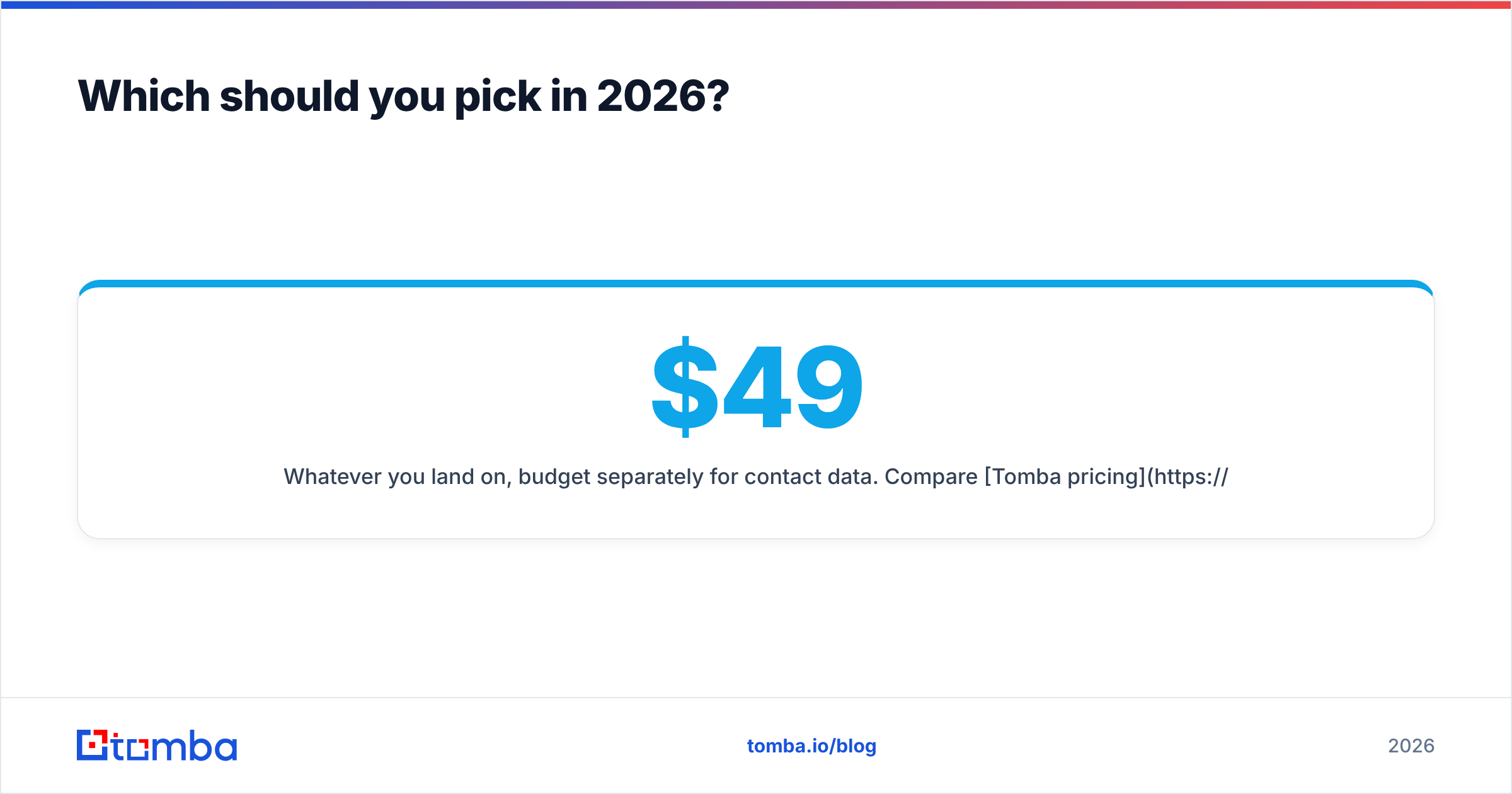
Whatever you land on, budget separately for contact data. Compare Tomba pricing against your CRM line item — a free tier covers 25 searches a month, Starter is $49/mo, Growth is $99/mo, and Pro is $249/mo — and you will notice the data layer costs a fraction of the platform layer while determining whether the platform layer works at all.
Ready to fill whichever CRM you choose?#
Kintone and Salesforce both give you a place to put contacts. Neither gives you the contacts. The Tomba Email Finder closes that gap: search by domain, name, or company, get verified professional addresses back, and push them into Kintone through its REST API or into Salesforce through a native integration. Start on the free tier at 25 searches a month, confirm the match rate on your own target accounts, and scale from there — before you commit six figures to a platform with nobody in it.
Related guides#
// get started
Find, verify and enrich your first contacts today
Start on the free plan with 25 searches a month, then scale when your team is ready.
Free plan · No credit card required · GDPR & CCPA
// about the author