Kitt AI vs Wiza (2026): Which B2B Lead Data Tool Wins?
Kitt AI automates the outbound motion. Wiza exports LinkedIn lists into verified contacts. They solve different halves of the same problem — here is how they compare on data quality, pricing, compliance risk and workflow fit.
Kitt AI vs Wiza is a fair fight only once you know what each tool actually does. Wiza pulls verified contacts out of LinkedIn. Kitt AI runs an AI outbound motion on top of data it buys elsewhere. Here is how the two compare on accuracy, price, compliance risk and workflow fit.
TL;DR
- They are not the same category. Wiza is a LinkedIn-native contact extractor: build a Sales Navigator list, export it, get emails and phone numbers back. Kitt AI is an AI outbound layer — research, list building and message generation in one loop.
- Wiza wins on predictable, exportable data. It fits teams whose prospecting already lives inside LinkedIn.
- Kitt AI wins on motion, not on raw data. You are buying automation, not a better email database.
- Neither is the cheapest route to verified B2B emails. If you already know the companies you want, a dedicated email finder costs less per valid contact.
- The deciding question is where your list comes from. LinkedIn-first teams lean Wiza. Domain-first or API-first teams want a data layer instead.
Kitt AI vs Wiza: what each tool actually is#
Start with the honest framing. These two products get compared because they appear in the same "AI prospecting tools" roundups. They do not do the same job.
Wiza is a LinkedIn contact-export tool. The loop is simple. You run a search in LinkedIn Sales Navigator, or you upload a list of profile URLs. Wiza matches those profiles against its data and returns work emails, personal emails and phone numbers. It shows a verification status per row and charges credits only for hits. It pushes into HubSpot, Salesforce, Outreach and similar destinations. The current feature set and plan structure live on wiza.co.
Kitt AI sits one layer up. The pitch is not "give me contacts for this list". It is "give me qualified prospects and the outreach to go with them". AI agents research accounts, assemble target lists, draft personalized copy and hand off to a sending tool. The data underneath comes from third-party providers and enrichment waterfalls. It is not the product's own edge.
That distinction matters more than any feature table. Wiza is infrastructure. Kitt AI is workflow built on top of infrastructure. Buy the workflow expecting better raw data and you will be disappointed. Buy the infrastructure expecting it to write your sequences and you hit the same wall.
One caveat up front. Kitt AI is a young product. It publishes less about its data sourcing and pricing than Wiza does. Verify any number here with the vendor before you sign. AI-era pricing moves faster than review sites update.

Kitt AI vs Wiza: the head-to-head comparison#
Here is the practical comparison. It scores what changes your pipeline, not feature-checkbox parity.
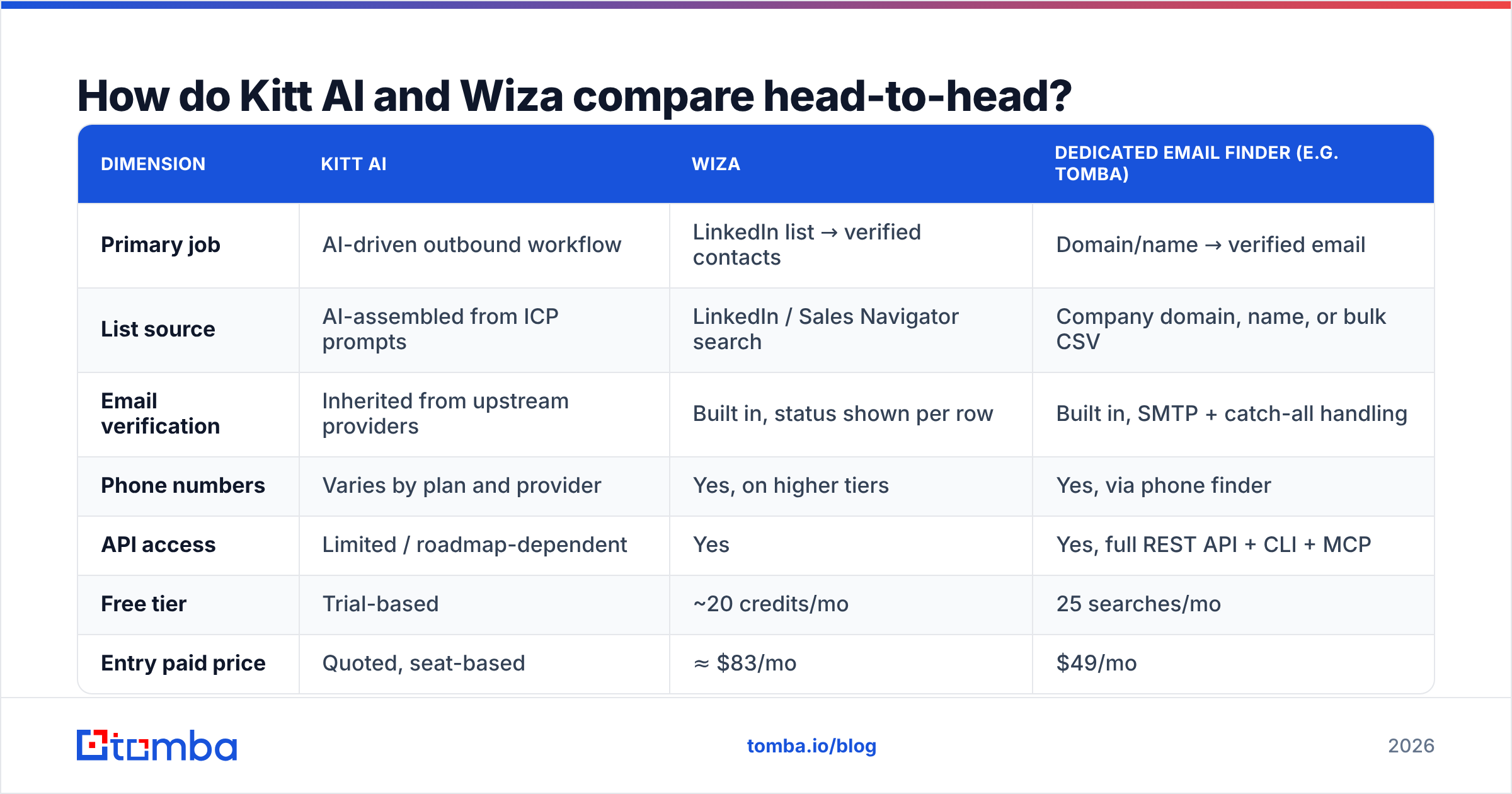
| Dimension | Kitt AI | Wiza | Dedicated email finder (e.g. Tomba) |
|---|---|---|---|
| Primary job | AI-driven outbound workflow | LinkedIn list → verified contacts | Domain/name → verified email |
| List source | AI-assembled from ICP prompts | LinkedIn / Sales Navigator search | Company domain, name, or bulk CSV |
| Email verification | Inherited from upstream providers | Built in, status shown per row | Built in, SMTP + catch-all handling |
| Phone numbers | Varies by plan and provider | Yes, on higher tiers | Yes, via phone finder |
| API access | Limited / roadmap-dependent | Yes | Yes, full REST API + CLI + MCP |
| Free tier | Trial-based | ~20 credits/mo | 25 searches/mo |
| Entry paid price | Quoted, seat-based | ≈ $83/mo | $49/mo |
| Best for | Small teams wanting hands-off outbound | LinkedIn-first SDR teams | Anyone building lists from domains or at scale |
| Weakest at | Data transparency, cost control | Non-LinkedIn sourcing | Does not write or send your emails |

Read that table as three lanes, not as a ranking. A five-person startup with no SDRs may get more from Kitt AI's "it just runs" promise. A cheaper, more precise tool helps nobody if no one has time to operate it. A 20-rep team with a defined ICP and an existing sequencer almost always gets more from Wiza plus a verification layer.
Which one finds more valid emails?#
Wiza, in most head-to-head tests. There is a large asterisk.
Wiza's advantage is structural. It starts from a LinkedIn profile, so it knows the person's current employer before it ever guesses an email pattern. That anchor is why LinkedIn-sourced tools report bounce rates in the low single digits on well-known companies. Kitt AI builds lists from a prompt or an ICP description. It inherits whatever accuracy its upstream vendors deliver. When an AI agent picks the account, a wrong-company match slips into your sequence unnoticed.
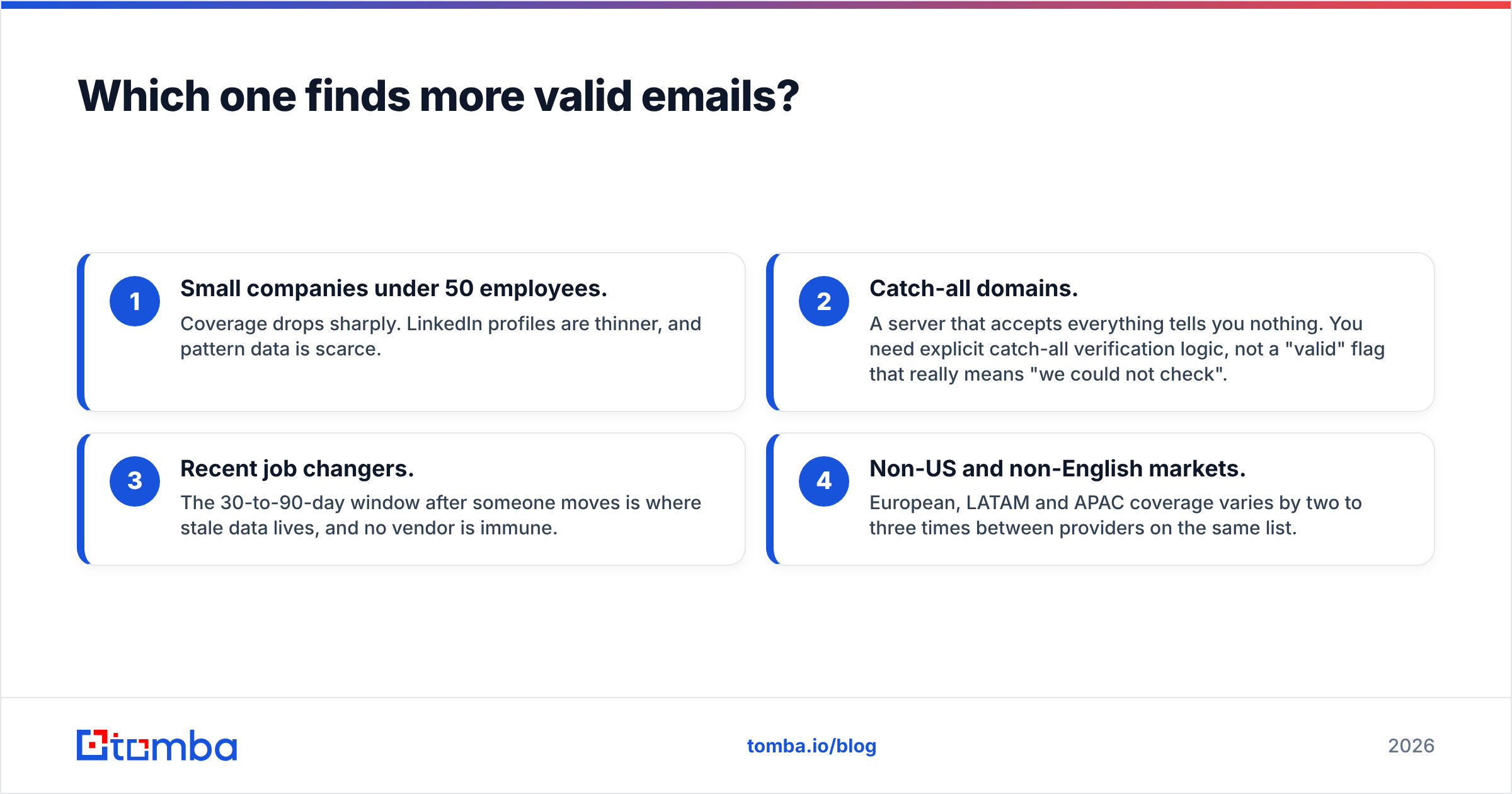
Both tools weaken in the same four places every provider weakens:
- Small companies under 50 employees. Coverage drops sharply. Profiles are thinner and pattern data is scarce.
- Catch-all domains. A server that accepts everything tells you nothing. You need explicit catch-all verification logic, not a "valid" flag that means "we could not check".
- Recent job changers. The 30-to-90-day window after a move is where stale data lives. No vendor is immune.
- Non-US and non-English markets. European, LATAM and APAC coverage varies by two to three times between providers on the same list.

The practical move is simple. Never trust one source's "verified" label as the last step before sending. Run the final list through an independent email verifier, whatever tool produced it. It costs a fraction of a credit per row. It is also the highest-ROI hygiene step in outbound. A 12% bounce rate damages deliverability long after that list is gone.
How does pricing really work on each?#
Credits, not seats, are what you actually pay for. The two tools meter them differently.
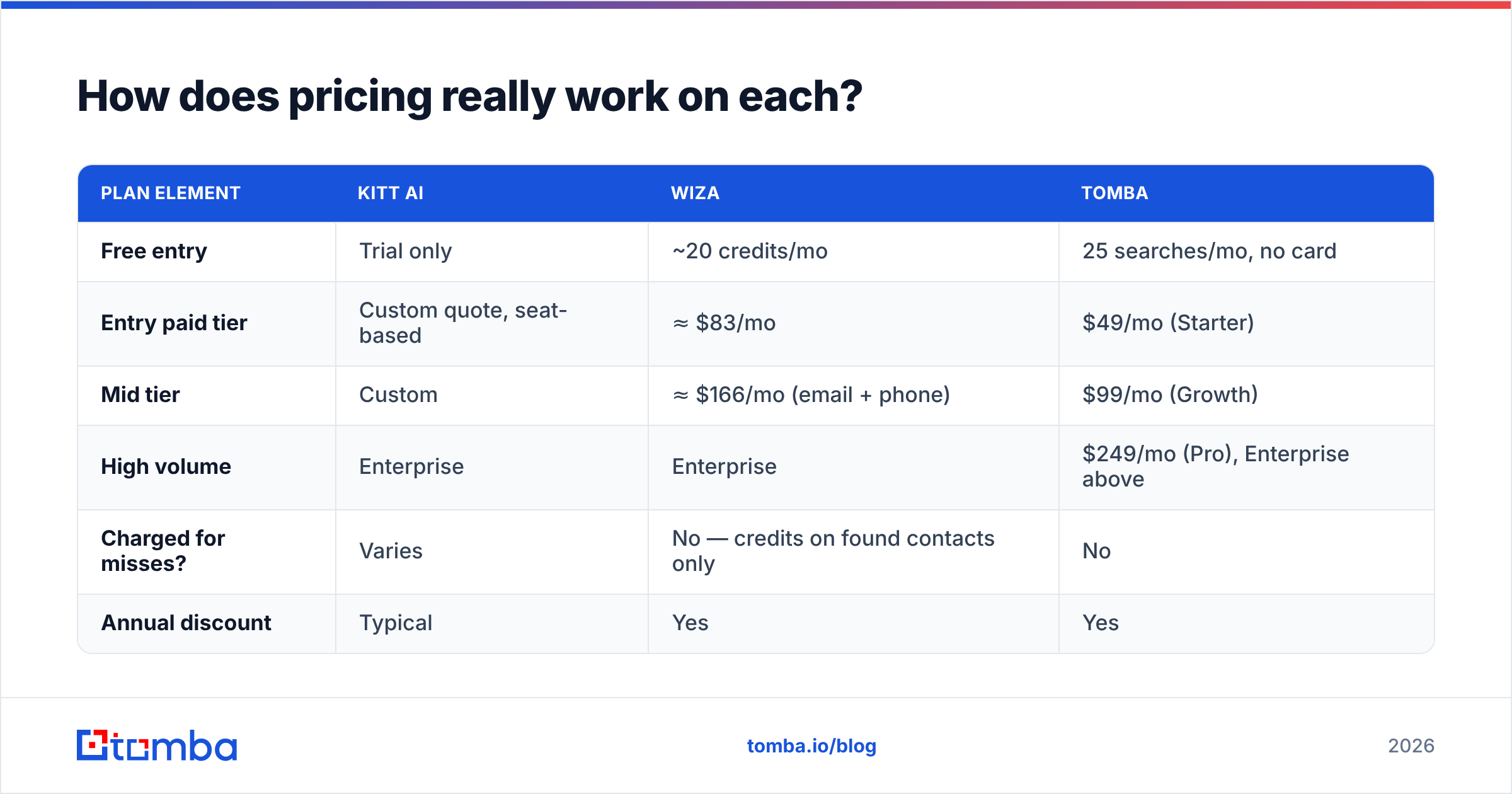
| Plan element | Kitt AI | Wiza | Tomba |
|---|---|---|---|
| Free entry | Trial only | ~20 credits/mo | 25 searches/mo, no card |
| Entry paid tier | Custom quote, seat-based | ≈ $83/mo | $49/mo (Starter) |
| Mid tier | Custom | ≈ $166/mo (email + phone) | $99/mo (Growth) |
| High volume | Enterprise | Enterprise | $249/mo (Pro), Enterprise above |
| Charged for misses? | Varies | No — credits on found contacts only | No |
| Annual discount | Typical | Yes | Yes |
Two cost traps show up again and again in this category.
The first is seat-based pricing on an AI product. If Kitt AI charges per user, your prospecting cost scales with headcount instead of with contacts sourced. That is backwards for a data tool. Ask what happens at seat 6 and at seat 20.
The second is phone-number gating. Mobile numbers are the most expensive data type to license. Most vendors put them behind a tier that roughly doubles your bill. Skip that tier if you do not run a calling motion. If you do call, compare cost per number rather than sticker price. A $166/mo plan with 300 numbers is worse value than a cheaper tool plus a dedicated phone finder.
Compare all three side by side on published Tomba pricing and on the vendors' own pages before you model cost per meeting. Aggregators like G2 help you check whether posted list prices match what buyers report paying.
Is LinkedIn-based extraction a compliance risk?#
Yes, the risk is real. It is not spread evenly.
Some tools automate your logged-in LinkedIn session. They drive searches, open profiles and scrape at volume. That puts your personal account at risk of restriction. LinkedIn's User Agreement prohibits automated scraping, and enforcement is behavioral: high-velocity activity from one account draws the flag. Wiza's export flow sits closer to that line than a pure API lookup does. Heavy users often run it from a secondary account.
Then there is GDPR. Emailing an EU-based person after exporting their contact data is legal under legitimate interest in many cases. You still have to justify relevance, disclose your source on request and honor deletion. That duty sits with you, the sender, not with the vendor. An AI agent that assembles lists on its own makes this harder, because you see less of why a given person ended up in your sequence.
Ask every vendor where the data comes from and how opt-outs are handled. Tomba's data sources page shows the disclosure level worth expecting. Put the same question to Kitt AI and to Wiza during evaluation.
Which workflow actually fits your team?#
Pick based on where your list originates. That one variable predicts satisfaction better than any feature comparison.
- You live in Sales Navigator. Wiza is the natural fit. The export sits one click from where your reps already work.
- You start from a list of target companies. Neither tool is optimal here. Domain search plus role filtering is faster and cheaper.
- You want outbound to run without you. This is Kitt AI's real strength. You pay a premium for orchestration and you review less.
- You are building a product or internal tool. You need programmatic lookups, not a UI. Go straight to a Tomba API style integration.
- You need bulk CRM enrichment. Use a bulk email finder and a verification pass. Per-credit economics win at that volume.
- You want pre-verified lists you did not build. A database-first vendor such as BookYourData is worth a quote.
Where does a dedicated email finder beat both?#
Three places, consistently.
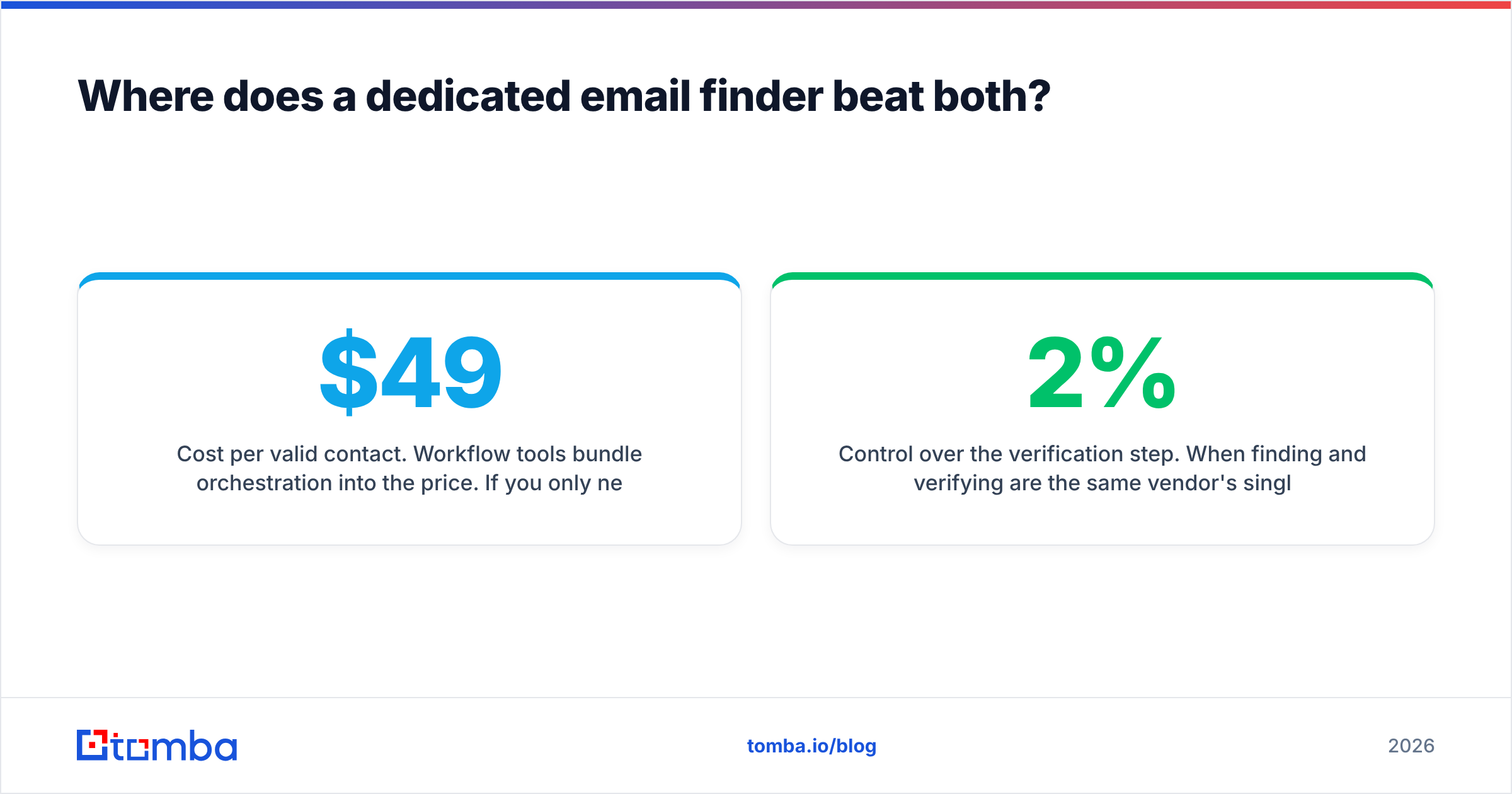
Cost per valid contact. Workflow tools bundle orchestration into the price. If you only need the contact, you are paying for features you will not use. A $49/mo plan that returns verified emails from domains and names is a different unit economic than an $83–$166/mo export tool or a quoted AI platform.
Integration depth. Prospecting rarely stays in one app. A data layer with a REST API, a Chrome extension, a Google Sheets add-on and native CRM connectors slots into the stack you already run. Workflow tools tend to want to be the stack.
Control over verification. When finding and verifying hide behind one vendor's opaque "valid" flag, you cannot audit it. Split the steps. Find with one method, verify with another. That is how teams hold bounce rates under 2% instead of hoping for it.
A dedicated finder will not write your emails, run your sequences or decide who to contact. If those are the gaps you are hiring for, Kitt AI's category is the right one and this section does not apply to you.
Kitt AI vs Wiza: which should you pick in 2026?#
Choose Wiza if LinkedIn is your prospecting surface and you want contacts in a CSV or CRM within ten minutes. You accept the account-risk tradeoff. It does a narrow job reliably, and credits-only-on-hits is a buyer-friendly model.
Choose Kitt AI if you have no dedicated prospecting resource and the bottleneck is human hours, not data quality. Go in with clear expectations. You are buying automation, so audit a sample of its output weekly for the first month. Confirm what you pay per seat as the team grows.
Choose neither if your lists come from domains, your volume runs into the thousands, or you need an API. That is a data-layer problem. Paying workflow prices for it is the most common overspend in this category.
Most teams land on a hybrid. A cheap, accurate data layer handles finding and verifying. Whichever sequencer the reps already like handles sending. Keep the two decoupled so you can swap either one without rebuilding the motion.
Ready to test the data layer half of that stack? Start with the Tomba Email Finder — 25 free searches a month, no card required, with verification built into every result. Run the same 100-prospect list through it and through the tool you are evaluating. Compare bounce rates after a real send. That test costs nothing and settles the argument better than any comparison post can.
Related guides#
// get started
Find, verify and enrich your first contacts today
Start on the free plan with 25 searches a month, then scale when your team is ready.
Free plan · No credit card required · GDPR & CCPA
// about the author