9 Best Kixie Alternatives in 2026 for Outbound Sales Teams
Kixie is a solid CRM-connected dialer, but it is not the right fit for every outbound team. Here are nine Kixie alternatives compared on dialer type, CRM depth, per-seat pricing, and the data quality that actually decides connect rates.
TL;DR
- Kixie is a CRM-connected power dialer with strong HubSpot/Pipedrive automation, local presence dialing, and SMS in the same thread. It is a good fit for SMB teams already living inside a CRM.
- Teams leave Kixie for three reasons: per-seat cost as headcount grows, the jump from power dialing to parallel AI dialing, and connect rates that stall because of bad phone data, not bad software.
- If you want raw dial volume, look at Orum, Nooks, or PhoneBurner. If you want a phone system plus a dialer, look at Aircall, Dialpad, JustCall, or CloudTalk. If you want the CRM and the dialer to be one product, look at Close.
- Parallel dialers can triple dials per hour, but they amplify data quality problems just as fast. A 30% wrong-number list gets you 30% more wasted parallel lines.
- Before you migrate, fix the input: verified direct dials and mobile numbers move connect rates more than any dialer swap.
What is Kixie, and who is it actually built for?#
Kixie is a sales engagement phone system: a power dialer, a business VoIP line, two-way SMS, call recording, and a set of native CRM integrations that log everything automatically. Its core pitch on kixie.com is speed-to-lead — a new inbound lead hits your CRM, Kixie rings the rep, and the call and text history lands on the contact record without anyone typing a note.
That design tells you who it fits. Kixie is built for SMB and lower-mid-market teams of roughly 5 to 50 reps who already run HubSpot, Pipedrive, Zoho, or Salesforce and want a dialer bolted directly onto it. It is not an enterprise contact center platform, and it is not a pure-volume AI dialer.
Kixie's public plan structure has generally looked like this: an integrated entry tier around $35/user/month, a professional tier near $65/user/month, a PowerDialer/outbound tier around $95/user/month, and custom enterprise pricing. Prices and packaging change, so check the vendor's page before you build a budget — but the shape matters more than the exact number: the features most outbound teams actually need (multi-line dialing, advanced automation) sit in the upper tiers, not the entry one.
Why do teams look for Kixie alternatives?#
Four patterns show up repeatedly in switching conversations and in public reviews on G2:
1. Cost scales linearly with headcount. Per-seat pricing is fine at 6 reps. At 30 reps on an upper tier, the annual line item gets scrutinized by finance, and someone asks what a cheaper stack would look like.
2. Power dialing hit its ceiling. A single-line power dialer gets a rep to roughly 40-70 dials per hour. Teams chasing 150+ dials per hour need parallel dialing, where the system calls 3-10 numbers simultaneously and connects the rep only when a human answers.
3. They need a real phone system, not just an outbound tool. If you also need IVR, ring groups, international numbers, and support-desk call handling, a unified communications platform is a better container than a sales dialer.
4. Connect rates plateaued regardless of the tool. This is the one most teams misdiagnose. If 35% of your numbers are switchboards, disconnected lines, or wrong-person matches, no dialer fixes that. That is a data problem, and swapping vendors just moves it.
How should you compare Kixie alternatives?#
Score every candidate on these six dimensions before you look at a demo. Most teams only evaluate the first two and regret it in month three.
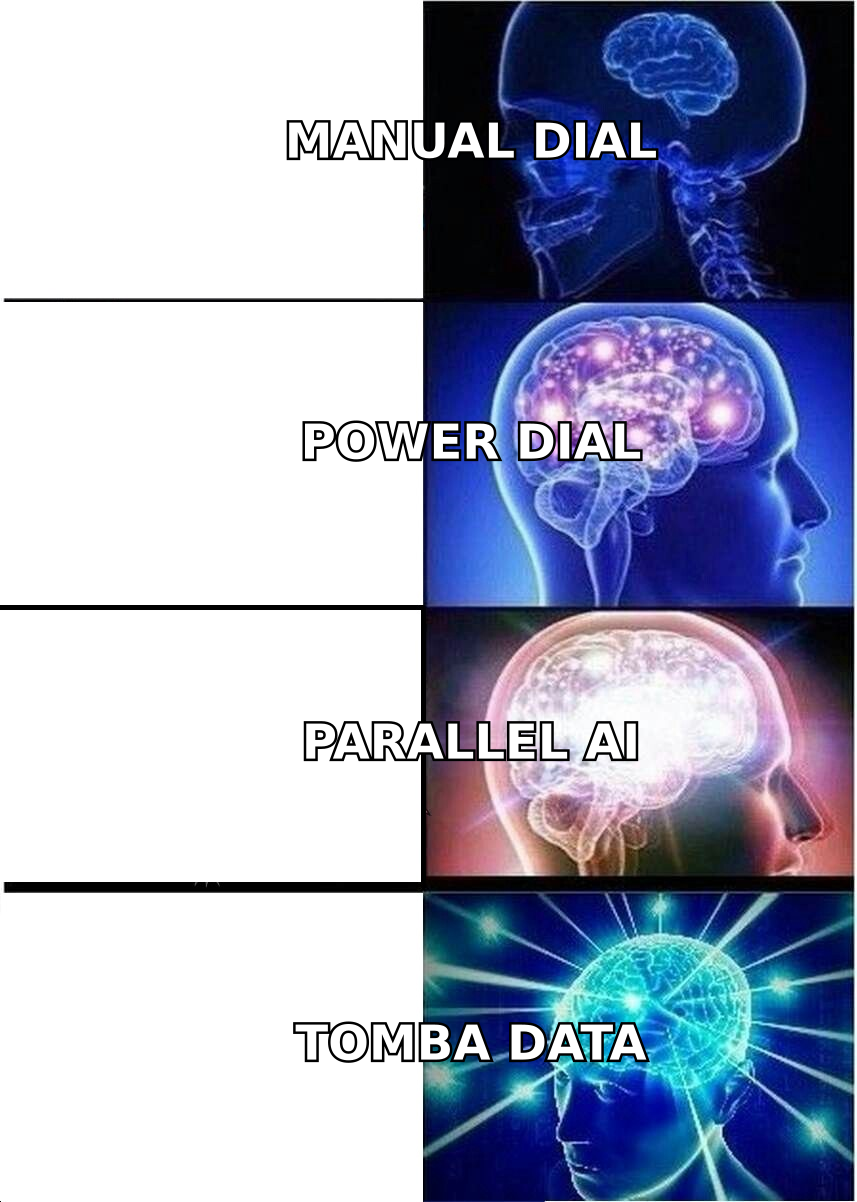
- Dialer architecture. Power (one line at a time), multi-line (2-4 lines), or parallel AI (5-10 lines with answer detection). This single choice drives your dials-per-hour ceiling more than any other feature.
- CRM depth, not CRM logo. "Integrates with Salesforce" can mean a one-way activity log or a full bidirectional sync with custom object support. Ask what happens to a disposition set inside the dialer.
- Number reputation controls. Spam labeling is the quiet killer of outbound calling. Look for local presence, number rotation, branded caller ID (CNAM/STIR-SHAKEN attestation), and spam-flag monitoring.
- Total cost at your real headcount. Multiply the seat price by your rep count, then add per-minute charges, number rental, SMS fees, and any seat minimums or annual-only discounts.
- Compliance surface. Parallel dialing, call recording consent, and DNC scrubbing carry different regulatory weight by state and country. Enterprise-grade tools price this in; cheap tools often do not.
- Data ingestion path. How do verified phone numbers actually get into the dialer — CSV, CRM sync, API, or enrichment at the moment of import? A dialer with no clean path for fresh direct dials will starve.
Which Kixie alternatives are worth shortlisting in 2026?#
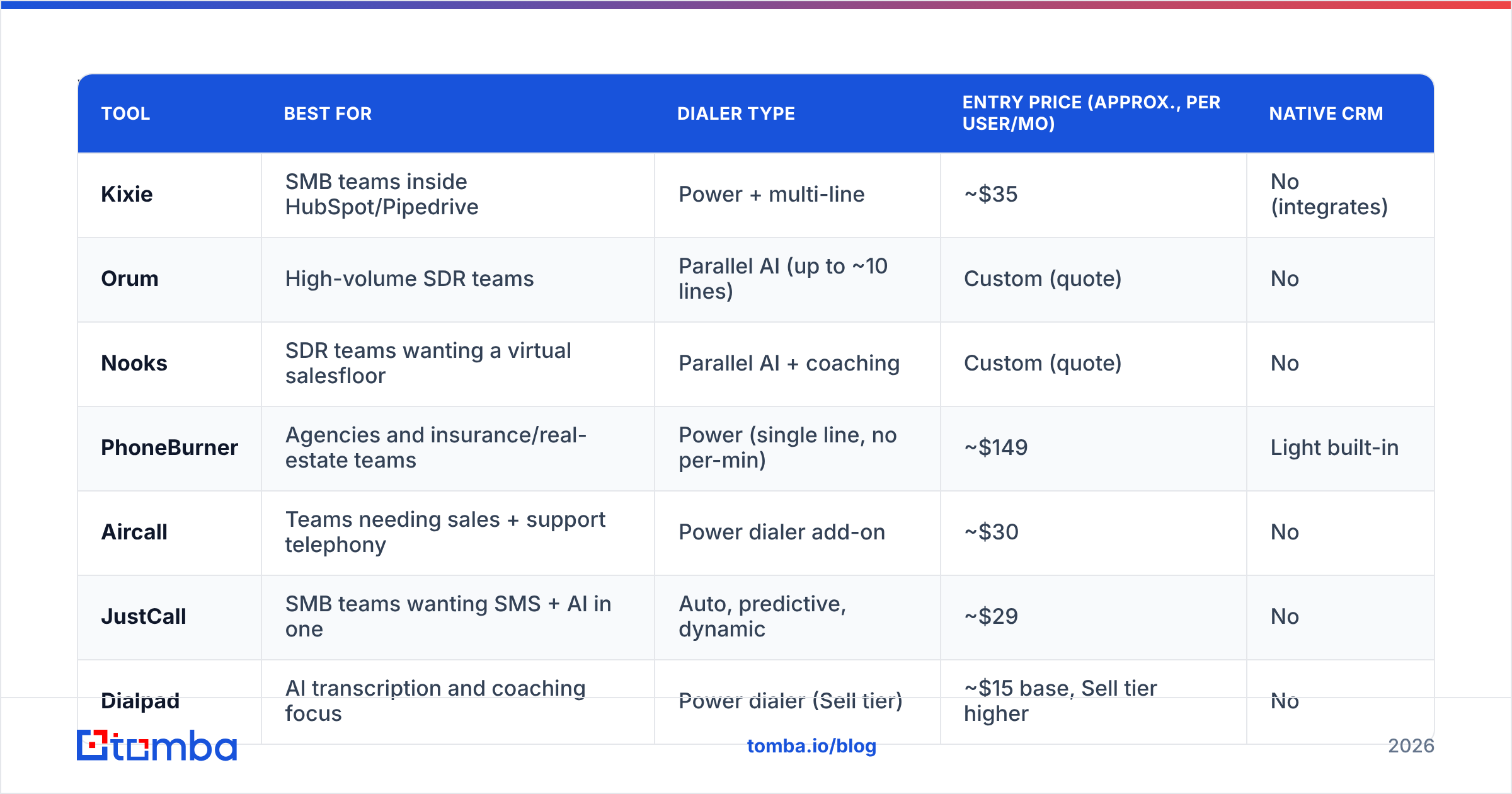
| Tool | Best for | Dialer type | Entry price (approx., per user/mo) | Native CRM |
|---|---|---|---|---|
| Kixie | SMB teams inside HubSpot/Pipedrive | Power + multi-line | ~$35 | No (integrates) |
| Orum | High-volume SDR teams | Parallel AI (up to ~10 lines) | Custom (quote) | No |
| Nooks | SDR teams wanting a virtual salesfloor | Parallel AI + coaching | Custom (quote) | No |
| PhoneBurner | Agencies and insurance/real-estate teams | Power (single line, no per-min) | ~$149 | Light built-in |
| Aircall | Teams needing sales + support telephony | Power dialer add-on | ~$30 | No |
| JustCall | SMB teams wanting SMS + AI in one | Auto, predictive, dynamic | ~$29 | No |
| Dialpad | AI transcription and coaching focus | Power dialer (Sell tier) | ~$15 base, Sell tier higher | No |
| CloudTalk | International calling, EU coverage | Power + smart dialer | ~$25 | No |
| Close | Small teams that want CRM + dialer as one | Power + predictive | ~$29 (CRM seat) | Yes (is the CRM) |
Prices above are list-page approximations for comparison shape only. Verify current tiers on each vendor's own pricing page — several of these changed packaging in the last 18 months.
Orum — the parallel dialer for volume-first teams#
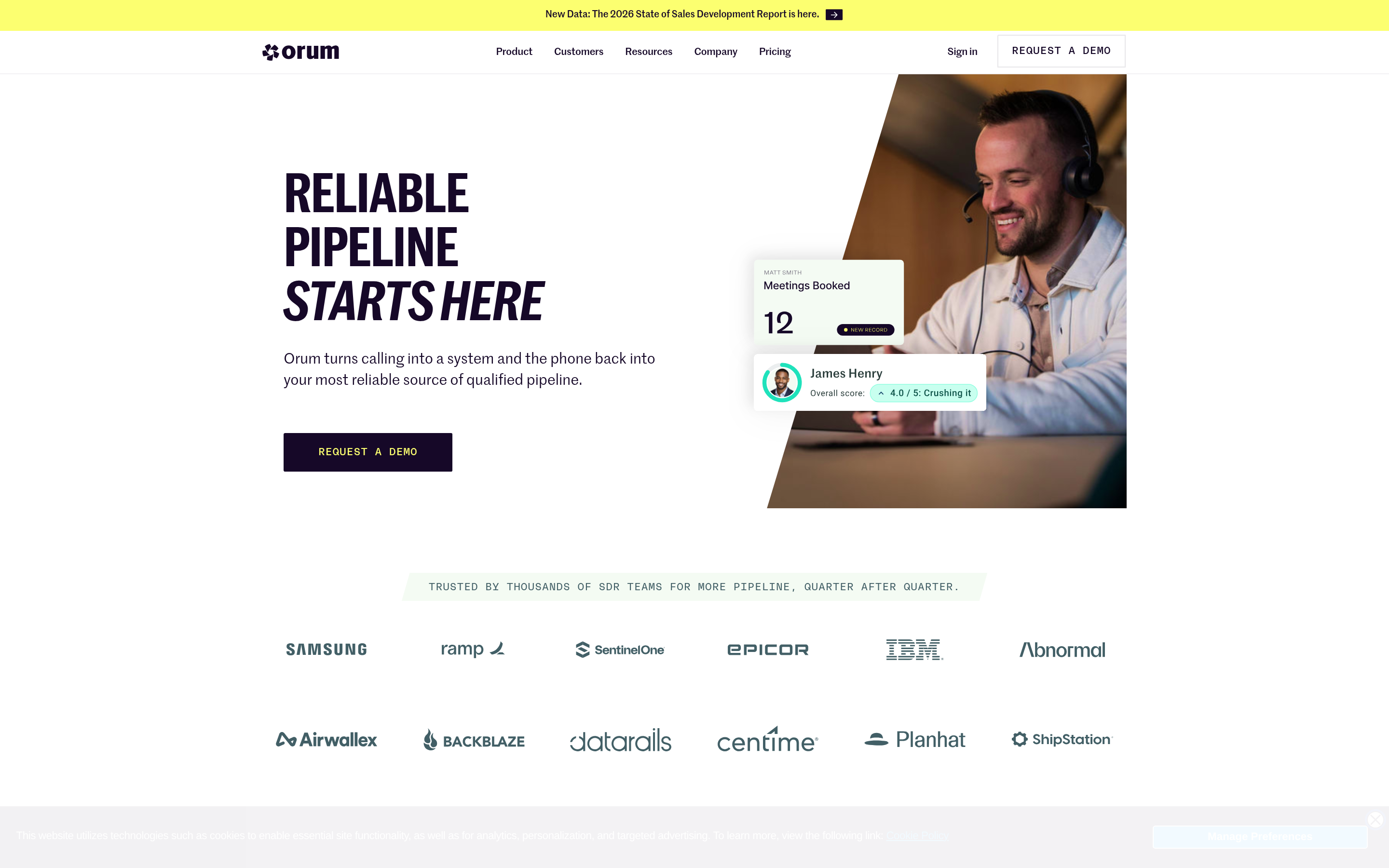
Orum runs live parallel dialing with AI answer detection, drops voicemails, filters out IVRs and dead numbers, and connects the rep only on a human pickup. Teams routinely report 3-4x the dials per hour versus a single-line power dialer. The trade: it is a dialer, not a phone system, it is quote-priced (usually well above Kixie per seat), and it needs a high-volume motion to justify itself. Below roughly 8 SDRs making dedicated calling blocks, the math rarely works.
Nooks — parallel dialing plus a coaching layer#
Nooks pairs the same parallel dialing concept with a "virtual salesfloor" where managers listen live, whisper coaching, and reps hear each other's connects. If your problem is partly rep ramp and partly volume, Nooks addresses both. Same caveats as Orum on pricing and minimum viable team size.
PhoneBurner — predictable cost, no per-minute billing#
PhoneBurner is a single-line power dialer with unlimited outbound calling baked into the seat price and no per-minute charges. That flat structure makes it popular with agencies, insurance, and real estate teams that dial hard but hate variable bills. It will not match parallel dialer volume, and its CRM is lighter than Kixie's integrations.
Aircall — telephony first, dialing second#
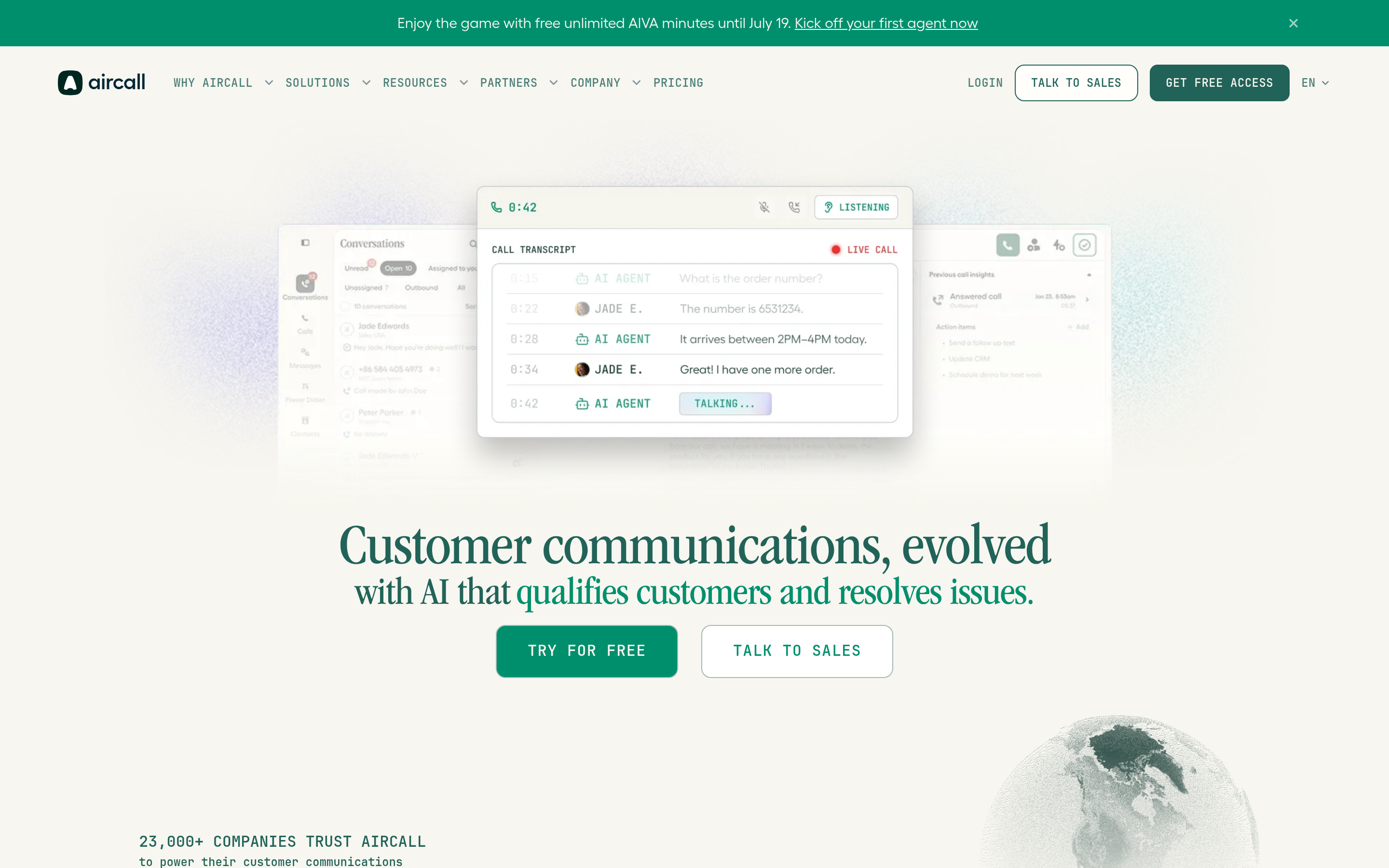
Aircall is a cloud phone system with a power dialer on top. If the same team fields inbound support calls and runs outbound sequences, Aircall's IVR, ring groups, and routing do things a pure sales dialer cannot. It also has the widest integration marketplace in this list. For raw SDR dial volume alone, it is not the fastest option.
JustCall — the closest like-for-like swap#

JustCall covers roughly the same ground as Kixie: dialer, SMS, WhatsApp, AI call scoring, and CRM integrations, often at a lower entry seat price. It offers auto, predictive, and dynamic dialer modes, which gives you a step up in volume without moving to a dedicated parallel dialer. This is the most common apples-to-apples replacement.
Dialpad — best AI transcription and real-time assist#
Dialpad's differentiator is its native voice AI: live transcription, sentiment, and real-time assist cards that surface objection handling while the rep is still talking. Its outbound dialer lives in the Sell tier, which prices above the base communications plan. Choose it if call intelligence matters more to you than dials per hour.
CloudTalk — international number coverage#
If you dial across the EU, LATAM, or APAC, CloudTalk's number inventory and local presence coverage typically beat US-centric tools. Smart dialer, call flow designer, and solid analytics round it out.
Close — when you want one product, not two#
Close is a CRM with a built-in power and predictive dialer. For a 3-15 person team, replacing CRM + dialer with a single product removes an entire integration surface and often lands cheaper than two subscriptions. The cost is CRM flexibility: if you have heavy Salesforce customization, this is not your path.
RingCentral and Salesloft — the enterprise end#
RingCentral covers full UCaaS with dialer add-ons; Salesloft embeds dialing inside a full sales engagement platform with cadences, forecasting, and conversation intelligence. Both are heavier and pricier than Kixie, and both make sense mainly when the buying decision is being made at the org level rather than by a sales manager.
Is a parallel dialer better than a power dialer?#
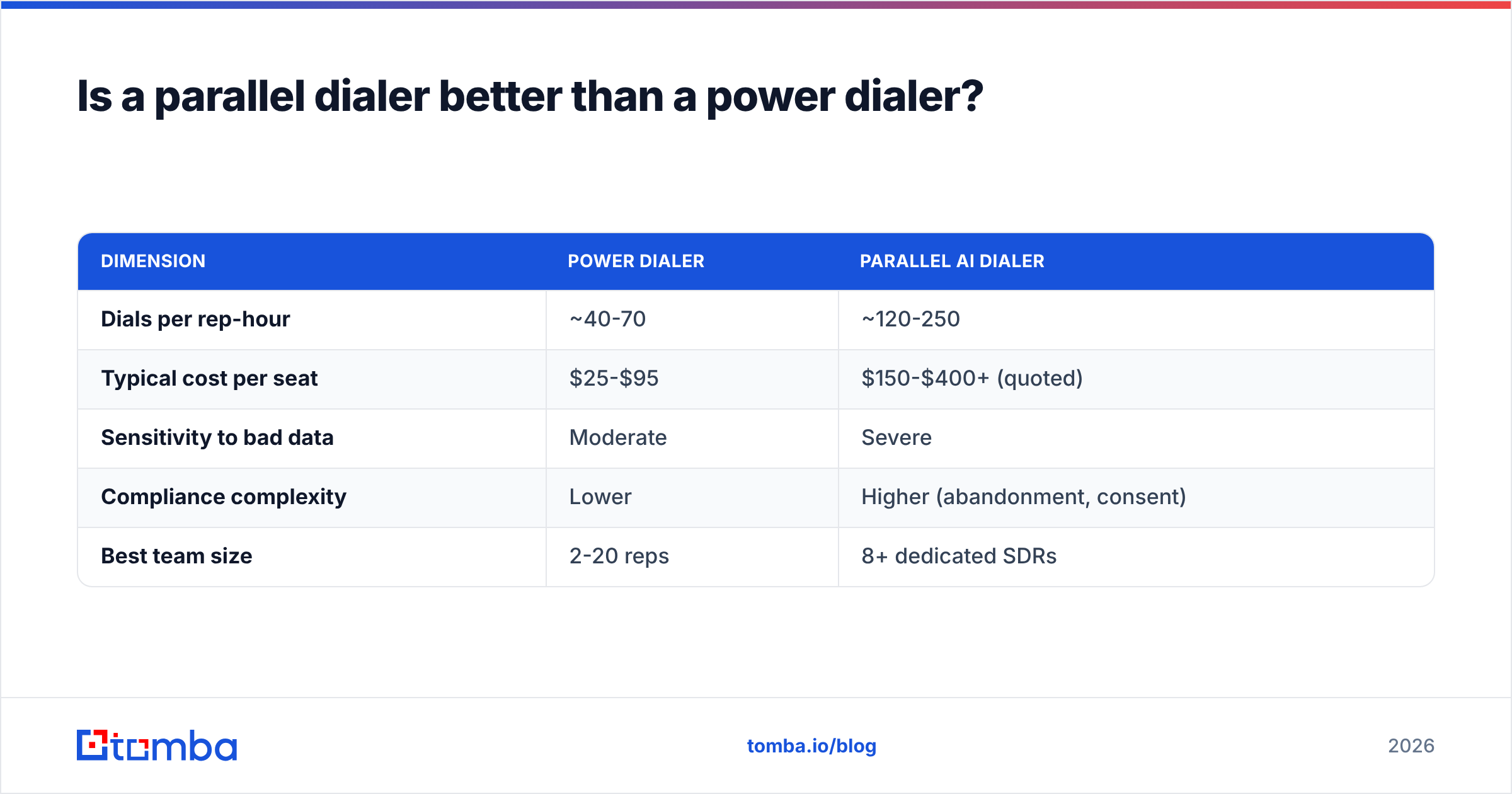
Only if your list quality can support it. Here is the honest trade-off:
| Dimension | Power dialer | Parallel AI dialer |
|---|---|---|
| Dials per rep-hour | ~40-70 | ~120-250 |
| Typical cost per seat | $25-$95 | $150-$400+ (quoted) |
| Sensitivity to bad data | Moderate | Severe |
| Compliance complexity | Lower | Higher (abandonment, consent) |
| Best team size | 2-20 reps | 8+ dedicated SDRs |
Parallel dialing is a multiplier, and multipliers work in both directions. If 30% of your numbers are wrong, a parallel dialer burns through your bad list three times faster and torches your number reputation while doing it. Spam-flagged caller IDs then depress connect rates across every number you own, which is the expensive version of a data problem.
Run the math before you upgrade: if your current connect rate is 4% and your list is 70% accurate, fixing the list to 92% accuracy raises connects more than doubling dial volume, and costs less.
Does your dialer matter more than your data?#
No — and this is the part most switching projects skip.
Every tool on the list above is a distribution mechanism. It takes a phone number and turns it into a conversation attempt. None of them create or validate the number. If the number is a main switchboard, a former employer's line, or a mistyped mobile, the best dialer in the category just fails faster.
Three checks to run before you sign anything:
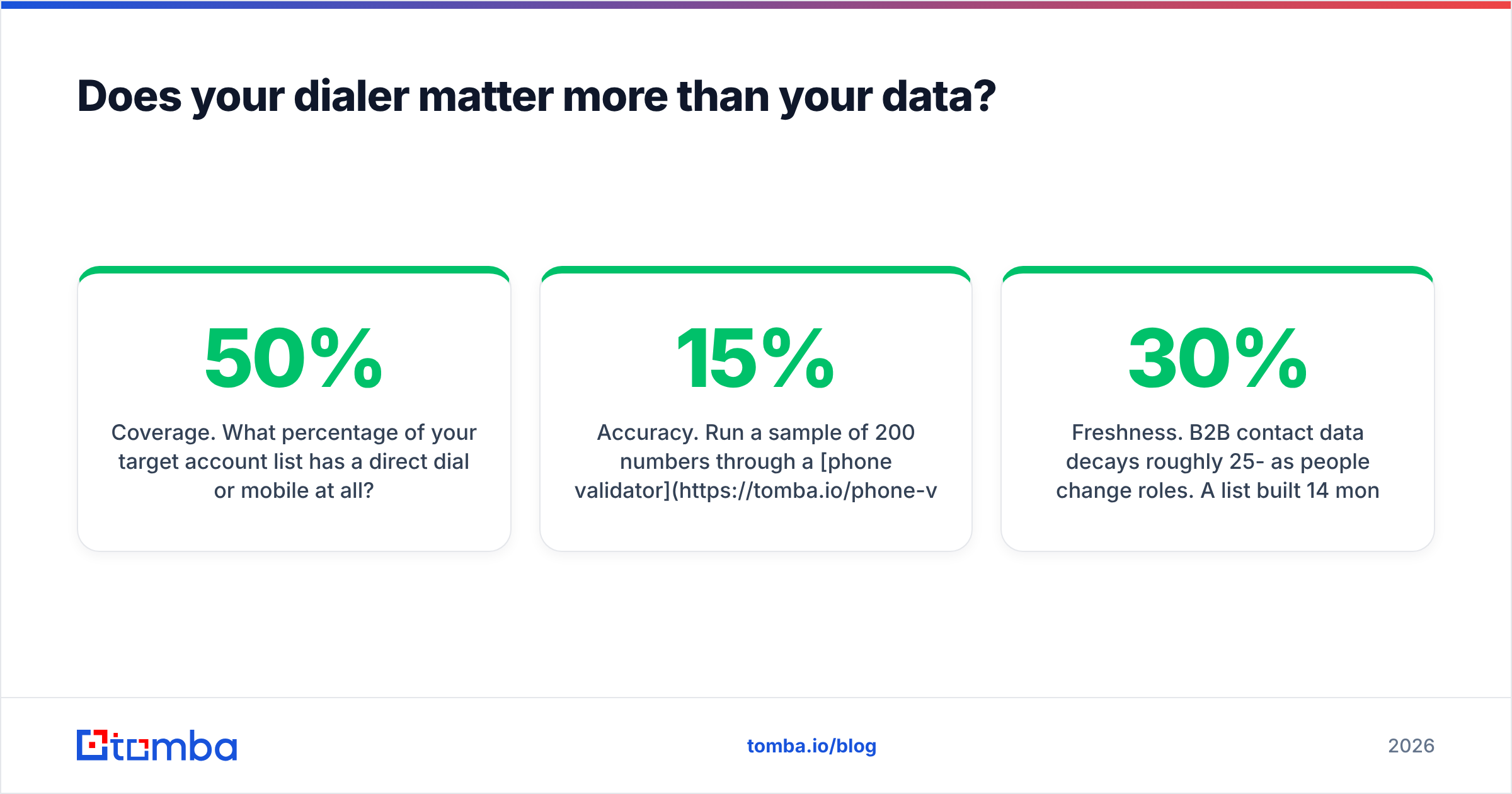
- Coverage. What percentage of your target account list has a direct dial or mobile at all? Under 50% coverage means your reps are idle regardless of dialer speed.
- Accuracy. Run a sample of 200 numbers through a phone validator and measure the invalid rate. Anything over 15% invalid means the dialer is not your bottleneck.
- Freshness. B2B contact data decays roughly 25-30% per year as people change roles. A list built 14 months ago is structurally broken even if it was perfect at the time.
If coverage is thin, a phone finder that resolves direct dials from names and company domains will move your numbers more than any seat upgrade. And because most outbound motions run calls and email together, pairing dials with verified addresses from an email finder gives you a second channel on the same contact record, at a fraction of a dialer seat's cost.
What does switching away from Kixie actually cost?#
Budget for more than the new subscription:
- Number porting: 2-4 weeks lead time in the US, longer internationally. Do not cancel the old plan first.
- CRM re-mapping: dispositions, call outcomes, and custom fields rarely map one-to-one. Plan a week of RevOps time.
- Reputation reset: new numbers start with no calling history. Warm them gradually or you will get spam-flagged in the first month.
- Rep ramp: 1-2 weeks of reduced productivity while muscle memory rebuilds. Parallel dialers need more than that — the rhythm of a live connect landing mid-thought takes real practice.
- Contract overlap: most teams run both tools for 30 days. Price that in.
A realistic total switching cost for a 20-rep team is 4-8 weeks of partial disruption. That is worth it for a 3x volume gain. It is not worth it to save $10 a seat.
Which Kixie alternative should you pick?#
Short answers by situation:
- You want the same thing, cheaper: JustCall.
- You need 3x the dial volume and have 8+ dedicated SDRs: Orum or Nooks.
- You want a flat bill with no per-minute surprises: PhoneBurner.
- You handle inbound support on the same phone system: Aircall or Dialpad.
- You dial outside North America: CloudTalk.
- You have under 15 reps and want one tool instead of two: Close.
- Your connect rate is the real problem: stay on Kixie and fix your data first.
That last one is not a throwaway. In most audits, the dialer is the third-biggest lever behind list quality and call timing. Teams that rebuild their contact data before migrating often discover they did not need to migrate at all.
Fix the input before you change the dialer#
Whichever tool you land on, it only performs as well as the contacts you load into it. Start by rebuilding the list: use Tomba's Email Finder to resolve verified work emails for your target accounts, pair them with direct dials, and run everything through verification before the first dial block. The free tier gives you 25 searches a month to test coverage on your own ICP, and paid plans start at $49/month — see Tomba pricing for the full breakdown, or pull contacts programmatically through the Tomba API so your dialer queue refreshes itself instead of decaying.
Better data, then a better dialer. In that order.
Related guides#
// get started
Find, verify and enrich your first contacts today
Start on the free plan with 25 searches a month, then scale when your team is ready.
Free plan · No credit card required · GDPR & CCPA
// about the author