9 Best KrispCall Alternatives in 2026 (Tested & Priced)
KrispCall is a solid cloud phone system, but it is not the right fit for every outbound team. Here are nine alternatives compared on real pricing, dialer power, CRM depth, and number coverage.
TL;DR
- KrispCall is a competent cloud phone system with cheap international numbers, but teams outgrow it when they need parallel dialing, deep CRM write-back, or contact-center-grade analytics.
- Cheapest credible swaps: OpenPhone and Dialpad. Best for outbound SDR teams: Kixie, JustCall, or CloudTalk. Best for support-plus-sales blends: Aircall. Most flexible: Twilio, if you have engineers.
- Entry pricing across the field clusters between roughly $15 and $50 per user per month, but seat minimums, number fees, and per-minute rates change the real bill by 2-3x.
- Switching dialers rarely fixes a connect-rate problem. Bad phone data does more damage than a mediocre dialer — verify numbers before you load them.
- Pick on three axes only: dialer mode, CRM depth, and total cost per connected conversation — not per seat.
What is KrispCall, and why do teams look for alternatives?#
KrispCall is a cloud telephony platform built around a "unified callbox" — one inbox that merges calls, SMS, MMS, and voicemail across every number your team owns. It sells virtual numbers in a large set of countries (local, toll-free, mobile, and shortcode in some markets), supports call recording and IVR, and connects to mainstream CRMs through native apps and Zapier.
Think of it as a decent apartment in a good neighborhood: everything you need is there, the rent is reasonable, and nothing is luxurious. That is exactly why teams leave. The common triggers, in the order we hear them:
1. Dialer ceiling. KrispCall handles click-to-call and basic auto-dialing well. If your SDRs need multi-line parallel dialing at 3-10 lines with AI voicemail detection, you will hit a wall.
2. CRM write-back depth. Logging a call is not the same as syncing dispositions, call outcomes, recordings, and transcripts back to the right object in HubSpot or Salesforce, with custom field mapping. Teams running strict revenue operations reporting notice the gap fast.
3. Analytics and coaching. Managers who want live call monitoring, whisper/barge, talk-ratio scoring, and conversation intelligence usually end up buying a second tool.
4. Number provisioning friction. Regulatory documentation for certain countries, port-in timelines, and A2P 10DLC registration in the US are pain points across the whole industry — but they are a common reason a team decides to re-evaluate everything at once.
5. Support and uptime expectations. Once telephony is load-bearing for revenue, the tolerance for a dropped-call week goes to zero.
None of these make KrispCall a bad product. They make it the wrong product for a specific stage. That distinction matters when you compare.
What should you actually compare in a KrispCall alternative?#
Most comparison posts list features. Features are table stakes. These six variables are what actually change your pipeline numbers:
- Dialer mode — Click-to-call, power (one line, auto-advance), or parallel (3-10 simultaneous lines). Parallel dialing can triple daily conversations, but it burns list volume just as fast and carries higher spam-flag risk.
- Real cost per seat, all-in — Base seat price, plus number rental, plus per-minute outbound rates, plus SMS credits, plus any minimum seat count. A "$15/user" plan with a 3-seat minimum and $0.02/min outbound is not $15.
- CRM depth — Bidirectional sync, custom object support, field-level mapping, and whether dispositions fire workflows. Shallow logging creates reporting debt you pay for later.
- Local presence and number inventory — How many countries, how fast provisioning is, and whether dynamic caller ID (matching area code to prospect) is included or an upsell.
- Deliverability equivalents for voice — Spam labeling, branded caller ID (CNAM), number rotation, and health monitoring. Voice has a reputation problem that mirrors email deliverability, and it is just as expensive to ignore.
- Conversation intelligence — Transcription, keyword tracking, scorecards, and whether they are native or bolted on through a partner.
Score each candidate 1-5 on all six. The winner is almost never the one with the longest feature list.
What are the best KrispCall alternatives in 2026?#
Pricing below reflects publicly listed entry tiers at the time of writing. Every vendor in this category changes list prices, bundles minutes differently, and discounts annual contracts — verify on the vendor's own pricing page before you budget.
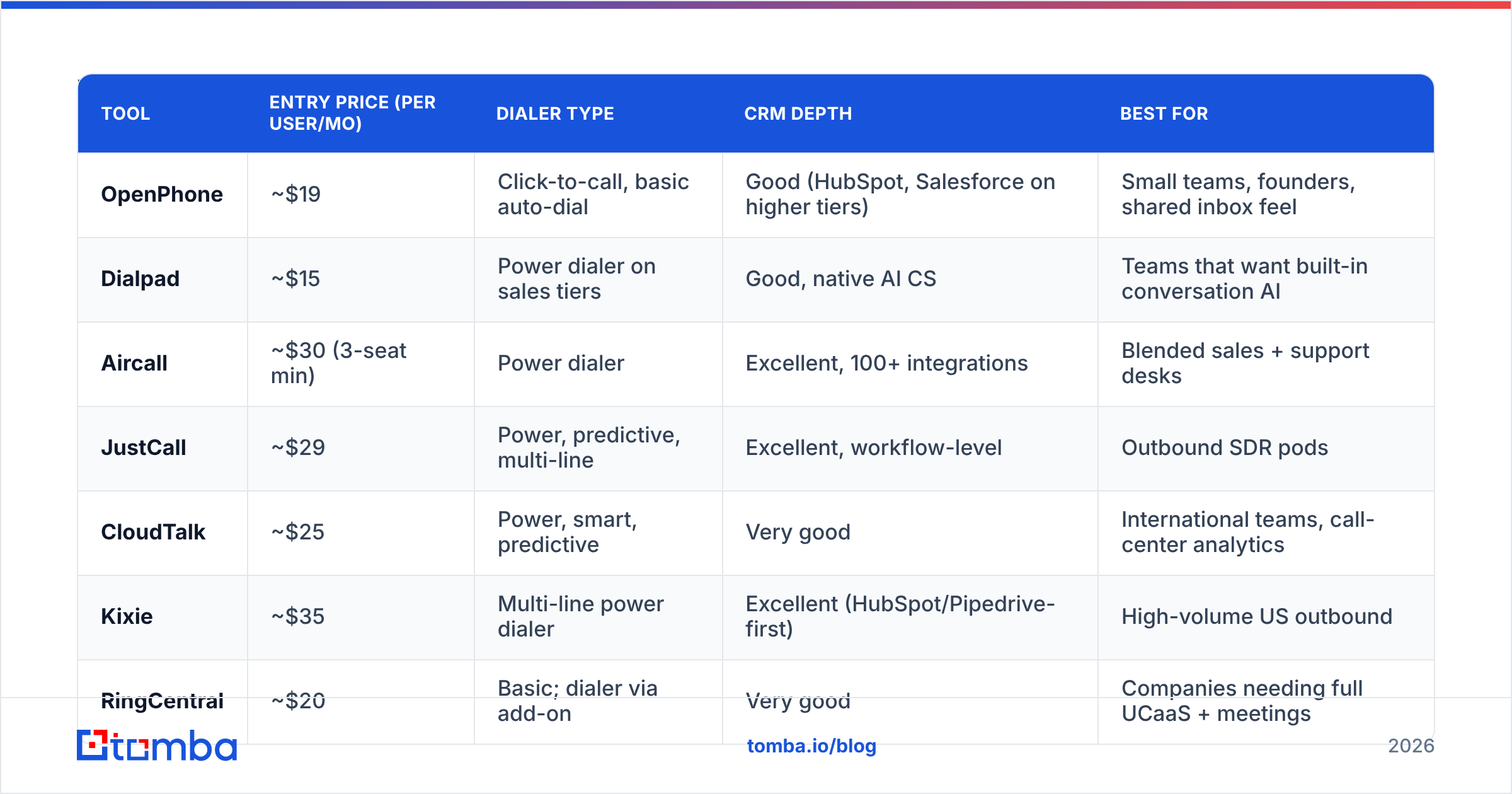
| Tool | Entry price (per user/mo) | Dialer type | CRM depth | Best for |
|---|---|---|---|---|
| OpenPhone | ~$19 | Click-to-call, basic auto-dial | Good (HubSpot, Salesforce on higher tiers) | Small teams, founders, shared inbox feel |
| Dialpad | ~$15 | Power dialer on sales tiers | Good, native AI CS | Teams that want built-in conversation AI |
| Aircall | ~$30 (3-seat min) | Power dialer | Excellent, 100+ integrations | Blended sales + support desks |
| JustCall | ~$29 | Power, predictive, multi-line | Excellent, workflow-level | Outbound SDR pods |
| CloudTalk | ~$25 | Power, smart, predictive | Very good | International teams, call-center analytics |
| Kixie | ~$35 | Multi-line power dialer | Excellent (HubSpot/Pipedrive-first) | High-volume US outbound |
| RingCentral | ~$20 | Basic; dialer via add-on | Very good | Companies needing full UCaaS + meetings |
| Nooks / Orum | ~$100+ | Parallel (up to 10 lines) | Good, sits on top of CRM | Dedicated cold-calling teams |
| Twilio (build) | Usage-based | Whatever you build | Whatever you build | Engineering-led custom stacks |
OpenPhone — the cheapest sane replacement#
If KrispCall's unified callbox is the part you like, OpenPhone is the closest philosophical match: shared numbers, threaded SMS, internal notes on contacts, and a clean mobile app. It is not an outbound dialing machine. Choose it when you have 2-10 people who need a business phone that does not feel like enterprise software.
Dialpad — best native AI on a low entry price#
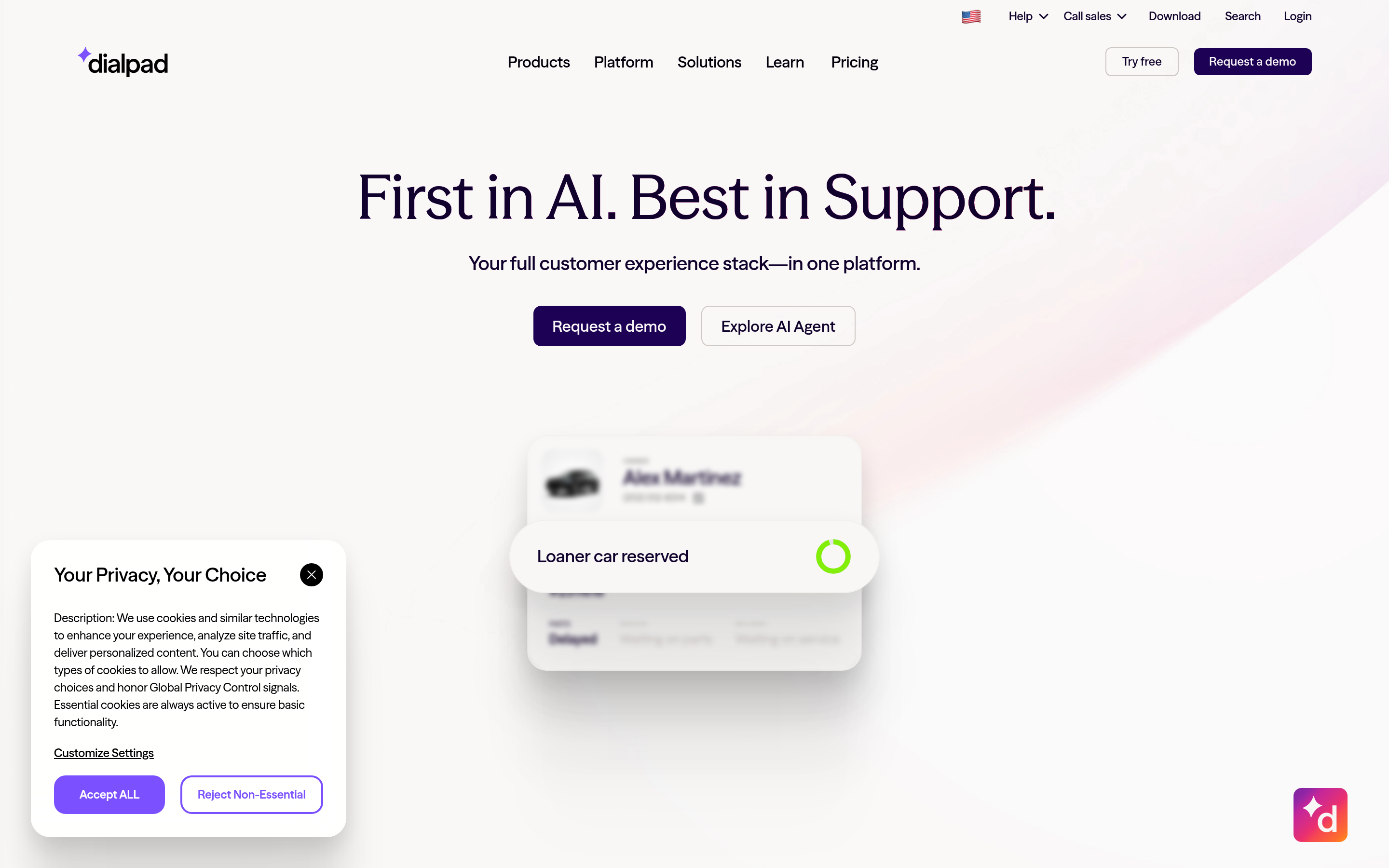
Dialpad's differentiator is built-in transcription and real-time assist rather than a partner integration. Entry pricing is aggressive, and the sales-specific tier adds a power dialer. The trade-off: some advanced routing and analytics live on higher tiers, and the sales plan typically carries a seat minimum.
Aircall — the safe mid-market choice#
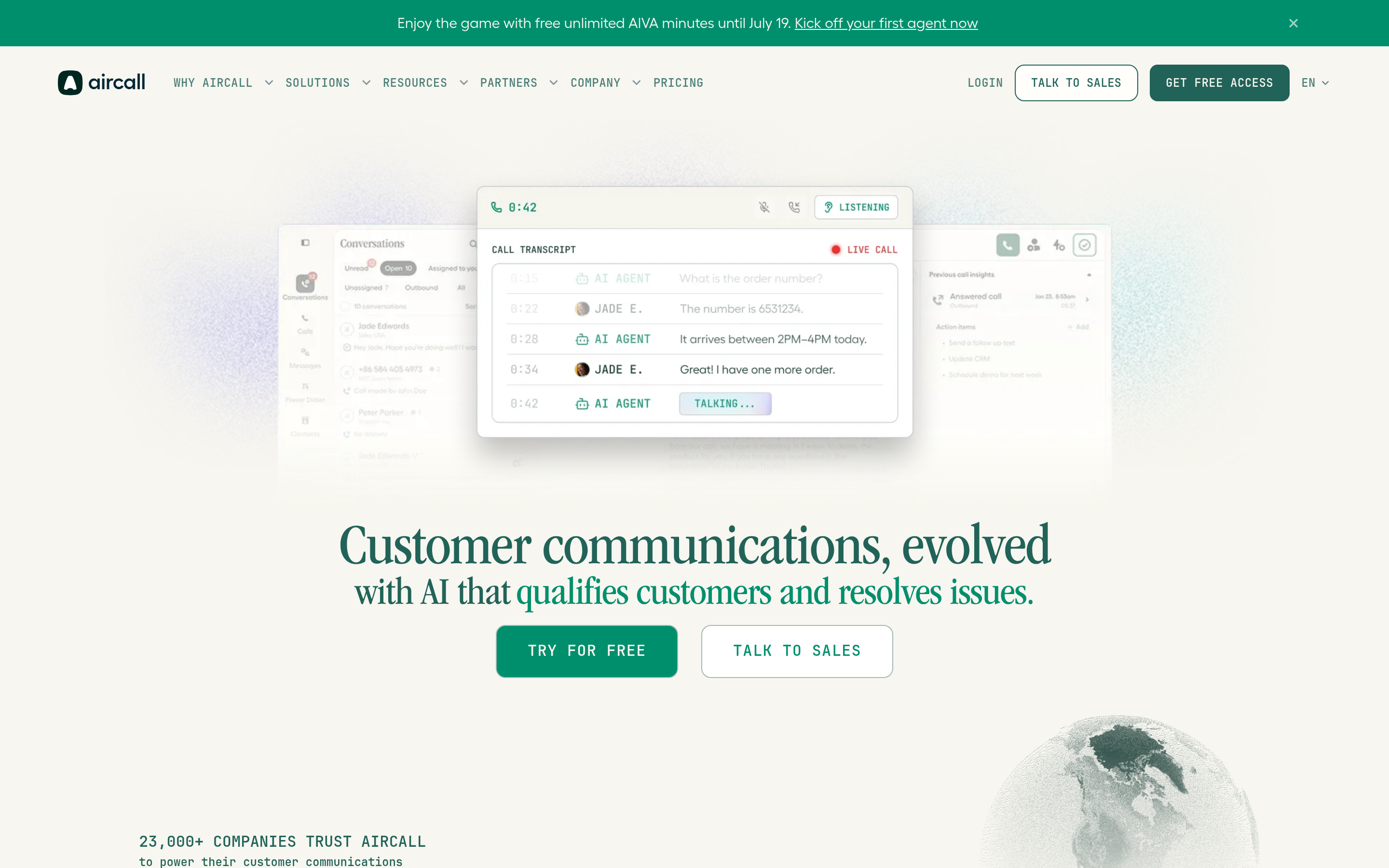
Aircall's integration directory is the deepest in this group, and its admin experience is genuinely good — IVR, routing, and team assignment are all drag-and-drop. Pricing starts higher and carries a three-seat minimum, so it is poor value below five users. See current details on aircall.io before committing.
JustCall — the best all-round outbound upgrade#

JustCall is the alternative most KrispCall teams actually land on, because it covers the exact gaps: multi-line dialing, SMS campaigns, conversation intelligence, and workflow-level CRM sync. It is the "everything, one tier up" answer.
CloudTalk — strongest analytics per dollar#
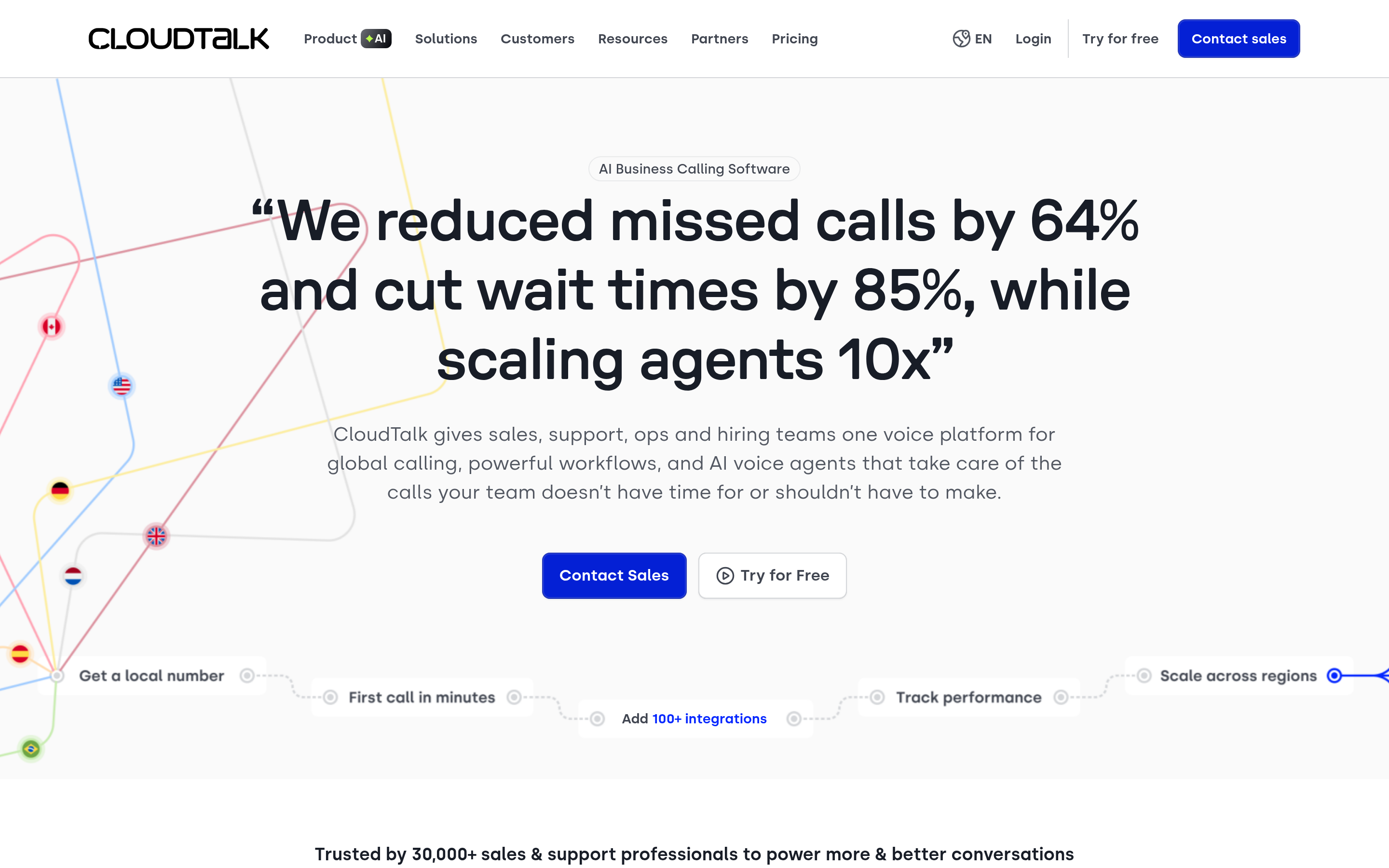
CloudTalk leans call-center: wallboards, service-level reporting, skill-based routing, and a large international number inventory. If your manager lives in dashboards and you sell across multiple countries, it earns its price.
Kixie — built for US high-volume calling#
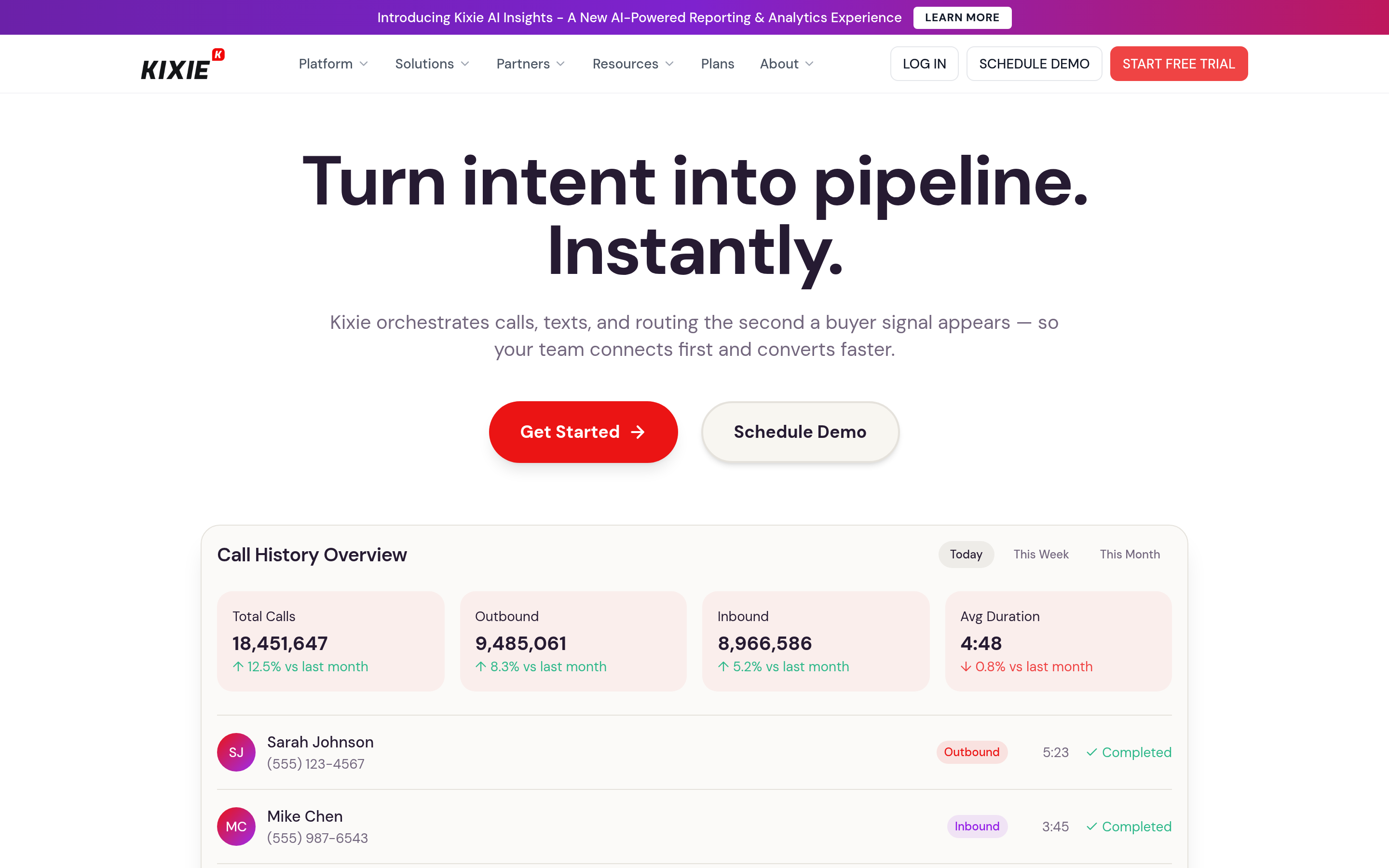
Kixie's multi-line PowerCall dialer, local presence dialing, and connection-rate optimization are purpose-built for SDRs hammering US lists, and its HubSpot and Pipedrive integrations are among the tightest available. Not the choice for heavy international.
RingCentral — when telephony is a company-wide decision#
If IT is buying and the requirement includes meetings, fax, contact center, and compliance, RingCentral is the incumbent answer. For a ten-person sales team it is overkill.
Nooks and Orum — parallel dialing as a category#
These are not phone systems; they are conversation multipliers that sit on top of one. Ten lines dialing simultaneously, AI voicemail drop, and a "huddle" room for reps. Price per seat is 3-5x the field. They only pay back if you have list volume and rep discipline to match — and clean numbers, which we will get to.
Twilio — build it yourself#
Twilio is the raw material behind a lot of this market. If you have one engineer who wants a dialer that matches your exact sales process, the usage-based economics are unbeatable at scale. If you do not, this is a trap.
Which KrispCall alternative is cheapest for a small team?#
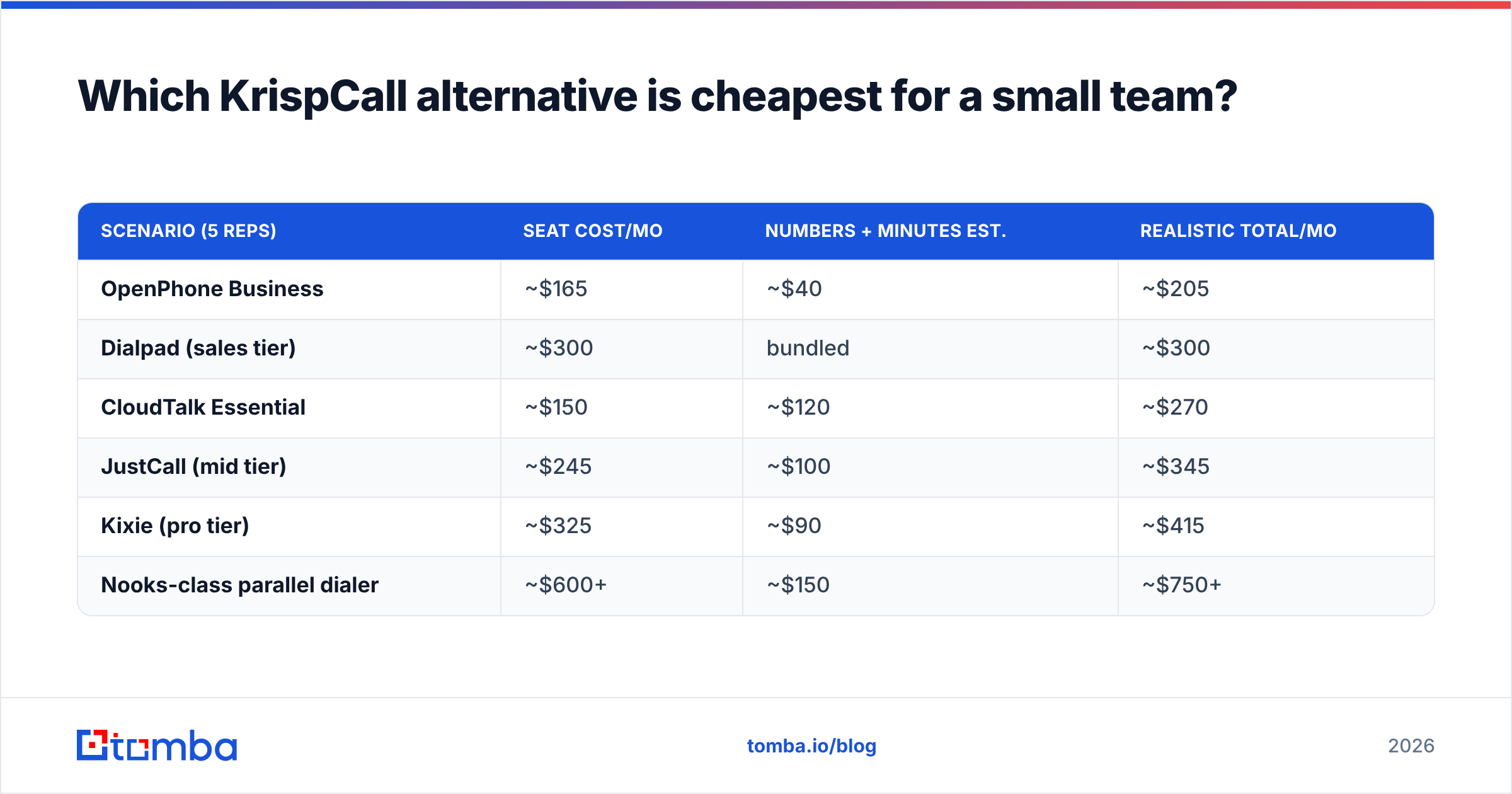
Run the math on a 5-rep team making 60 dials a day each, and the ranking flips from the list price order:
| Scenario (5 reps) | Seat cost/mo | Numbers + minutes est. | Realistic total/mo |
|---|---|---|---|
| OpenPhone Business | ~$165 | ~$40 | ~$205 |
| Dialpad (sales tier) | ~$300 | bundled | ~$300 |
| CloudTalk Essential | ~$150 | ~$120 | ~$270 |
| JustCall (mid tier) | ~$245 | ~$100 | ~$345 |
| Kixie (pro tier) | ~$325 | ~$90 | ~$415 |
| Nooks-class parallel dialer | ~$600+ | ~$150 | ~$750+ |
The spread between cheapest and most expensive is roughly 3.5x. That is defensible only if the expensive option produces 3.5x the connected conversations. Parallel dialers often do — when the phone list is accurate. When it is not, you are paying premium rates to reach disconnected numbers faster.
Does your dialer matter more than your data?#
No. And this is the part most switching decisions get backwards.
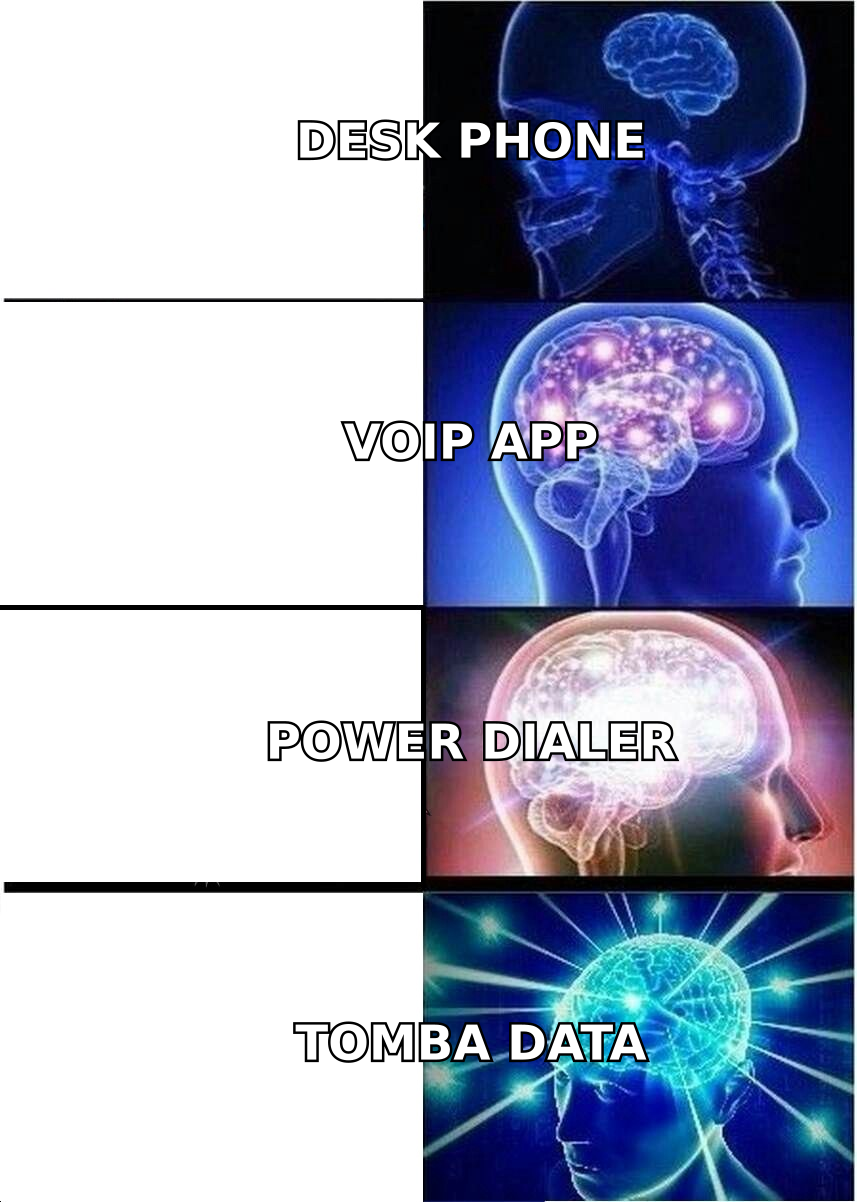
A dialer is a delivery mechanism. Think of it like a delivery van: upgrading from a bicycle to a van triples how many packages you move per hour, but if a third of your addresses are wrong, you have just tripled the speed at which you arrive at empty houses. Industry reviews on G2 consistently show that the complaints about dialers — low connect rates, spam flagging, wasted rep hours — trace back to list quality at least as often as to the software.
Two numbers govern outbound calling economics:
- Reachability rate — what share of the numbers in your list are live, correctly formatted, and belong to the person you think they belong to.
- Connect rate — what share of live numbers actually answer.
Your dialer only affects the second one. The first is a data problem, and it compounds: every dead number costs a dial slot, a rep's attention, and a small hit to the calling number's reputation.
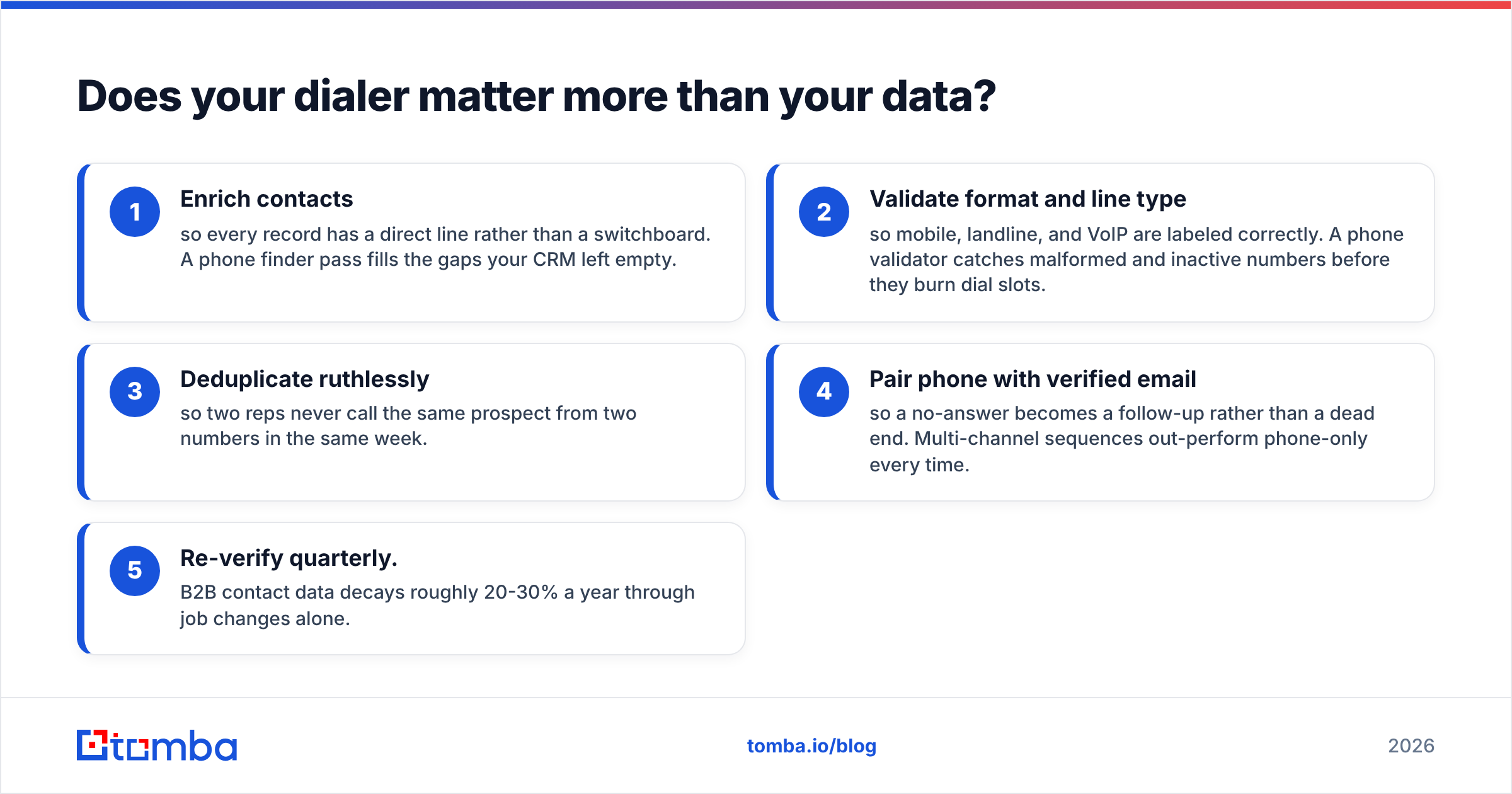
The practical fix is boring and cheap. Before a list ever touches a dialer:
- Enrich contacts so every record has a direct line rather than a switchboard. A phone finder pass fills the gaps your CRM left empty.
- Validate format and line type so mobile, landline, and VoIP are labeled correctly. A phone validator catches malformed and inactive numbers before they burn dial slots.
- Deduplicate ruthlessly so two reps never call the same prospect from two numbers in the same week.
- Pair phone with verified email so a no-answer becomes a follow-up rather than a dead end. Multi-channel sequences out-perform phone-only every time.
- Re-verify quarterly. B2B contact data decays roughly 20-30% a year through job changes alone.
Teams that do this before switching dialers frequently discover they did not need to switch at all.
How do you migrate off KrispCall without breaking anything?#
Port-outs are the risky part. A botched migration means inbound calls to your main line fail silently, which is worse than any feature gap.
- Inventory every number and note which are porting-eligible. Toll-free and international numbers have different rules and timelines.
- Submit the port request before you cancel. Never cancel first — cancelling releases the number and you may lose it permanently.
- Keep both systems live during the overlap. Budget two to four weeks of double payment. It is cheap insurance.
- Re-register A2P 10DLC for US SMS on the new platform. Registration is carrier-side and does not transfer.
- Rebuild CRM sync and test dispositions on ten real calls before you migrate the team. Verify that call outcomes land on the right object and fire the right workflow — check your HubSpot integration mappings explicitly rather than assuming defaults.
- Re-record IVR and voicemail greetings. They never transfer cleanly.
Which one should you actually pick?#
Short version, by team shape:
- Under 10 people, generalist selling: OpenPhone or Dialpad. Lowest total cost, fastest setup.
- Dedicated SDR pod, US-focused: Kixie. Local presence plus multi-line dialing is the whole job.
- SDR pod, international: CloudTalk or JustCall. Number inventory and analytics carry the decision.
- Sales and support sharing one system: Aircall. Routing and integration depth justify the premium.
- 300+ dials per rep per day, mature process: a parallel dialer like Nooks or Orum — but only after your list hygiene is solid.
- Engineering-led, custom process: Twilio.
- Happy with KrispCall's callbox, only want better data: stay put and fix the list instead.
Whatever you choose, the ROI math is the same. A dialer upgrade multiplies output; clean data determines whether that output is worth anything.
Before you sign a new annual contract, run your existing call list through Tomba first. Use Tomba's Email Finder and the phone and enrichment tools alongside it to fill missing direct lines, verify what you already have, and attach a verified email to every prospect so a missed call becomes a follow-up instead of a dead record. The free tier gives you 25 searches a month to test the accuracy on your own accounts; paid plans start at $49/mo — see Tomba pricing for the full breakdown. Fix the list, then pick the dialer.
Related guides#
// get started
Find, verify and enrich your first contacts today
Start on the free plan with 25 searches a month, then scale when your team is ready.
Free plan · No credit card required · GDPR & CCPA
// about the author