La Growth Machine Alternatives: 9 Better Options for 2026
La Growth Machine is one of the slickest multichannel sequencers on the market — and one of the easiest to outgrow once seat costs and data gaps stack up. Here are nine alternatives, priced and scored honestly.
TL;DR#
- La Growth Machine (LGM) is a LinkedIn-first multichannel sequencer. It is excellent at blending LinkedIn touches, email, and (historically) X/Twitter into one campaign — and it charges per identity, which is where most teams' budgets break.
- The three most common reasons people leave: per-seat/per-identity pricing that scales badly past 3-4 users, thin native contact data, and limited control over email-sending infrastructure at volume.
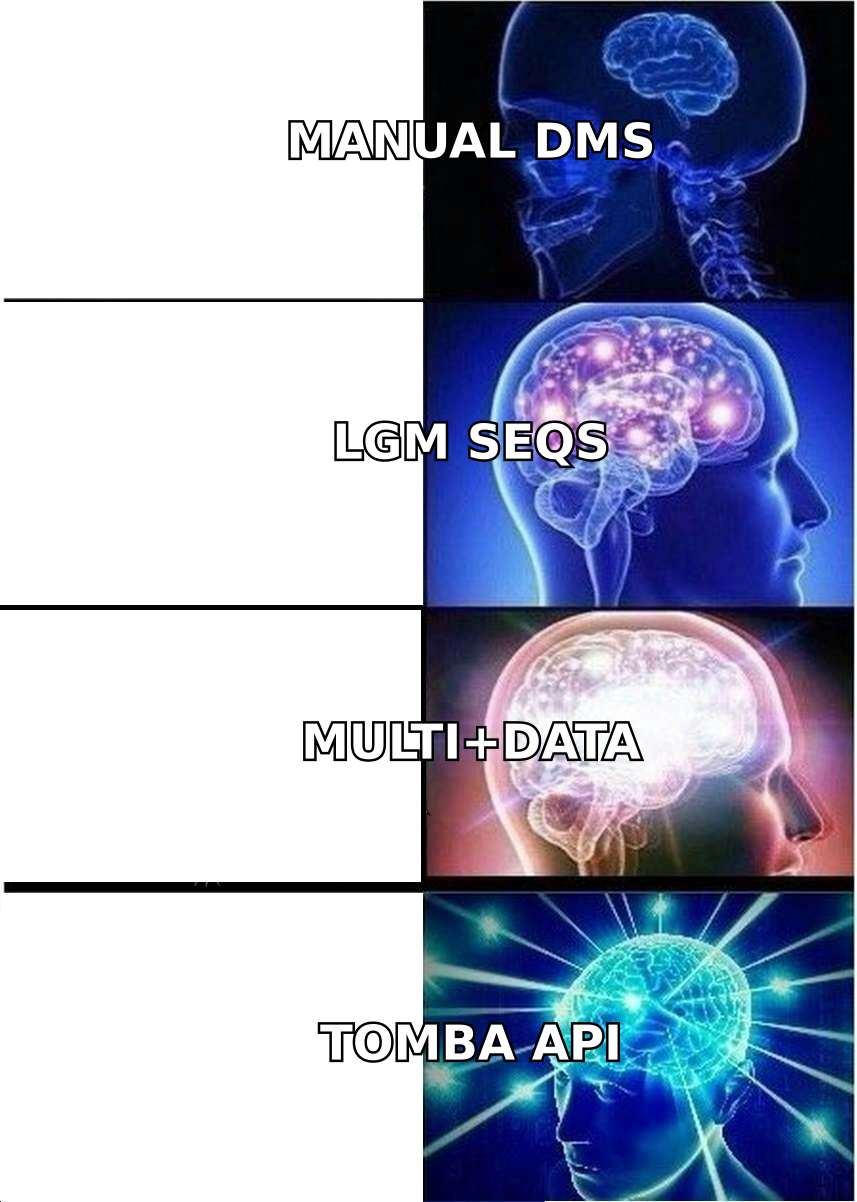
- There is no single 1:1 replacement. The honest move is to split the stack: a data layer (finding and verifying contacts), a sending layer (inboxes and deliverability), and a sequencing layer (LinkedIn + email orchestration).
- Best picks by job: lemlist or Reply.io for like-for-like multichannel, HeyReach or Expandi for LinkedIn at agency scale, Instantly or Smartlead for pure email volume, Waalaxy or Dripify for solo budgets.
- Whatever you pick, the data layer is separate. A sequencer with bad emails just sends bounces faster. Pair your tool of choice with a dedicated email finder and verifier.
What is La Growth Machine, and who is it actually for?#
La Growth Machine is a French multichannel outreach platform built around the idea of a "sequence" that alternates between LinkedIn actions (visit, connect, message, voice note) and email, with conditional branches based on what the prospect does. You can see the current product and plans on the official La Growth Machine site.
Think of it like a smart thermostat for outreach. Instead of you manually deciding "she didn't reply to the email, so I'll DM her Thursday," the tool reads the signal and routes the next touch automatically. That orchestration is genuinely good — LGM's sequence builder, LinkedIn voice messages, and native enrichment are among the reasons it holds strong ratings on review sites like G2.
It fits best when:
- Your ICP lives on LinkedIn and email-only outreach underperforms.
- You run 1-3 sales identities, not 15.
- You want one tool rather than a stitched-together stack.
- Your volume is measured in hundreds of prospects per month, not tens of thousands.
Outside that box, the economics and the data ceiling start to bite — which is why "la growth machine alternatives" is a search a lot of RevOps leads run about nine months into a contract.
Why do teams look for La Growth Machine alternatives?#
Four recurring reasons, in the order they usually show up:
1. Pricing scales per identity, not per usage. LGM bills by identity/seat across its tiers (Basic, Pro, Ultimate — roughly €60, €120, and €240 per identity per month at time of writing; always check their live pricing page, since vendors adjust). For a two-person team that is fine. For an agency running twelve client identities, that number becomes a line item someone in finance circles in red.
2. Native data is a convenience, not a database. LGM enriches contacts as part of the workflow, but it is not a standalone B2B data provider. If your list quality is mediocre going in, the sequence just automates the bouncing. Teams that care about hit rate end up buying a dedicated finder/verifier anyway — at which point part of what they're paying LGM for is redundant.
3. Limited sending-infrastructure control. If you need dozens of rotating mailboxes, custom warmup schedules, and per-domain reputation monitoring, dedicated email platforms give you knobs LGM doesn't expose.
4. LinkedIn risk management at scale. Running many LinkedIn identities safely — proxies, per-account limits, human-like pacing — is a specialist problem. Agency-focused tools have built their whole product around it.
What does a La Growth Machine replacement actually need?#
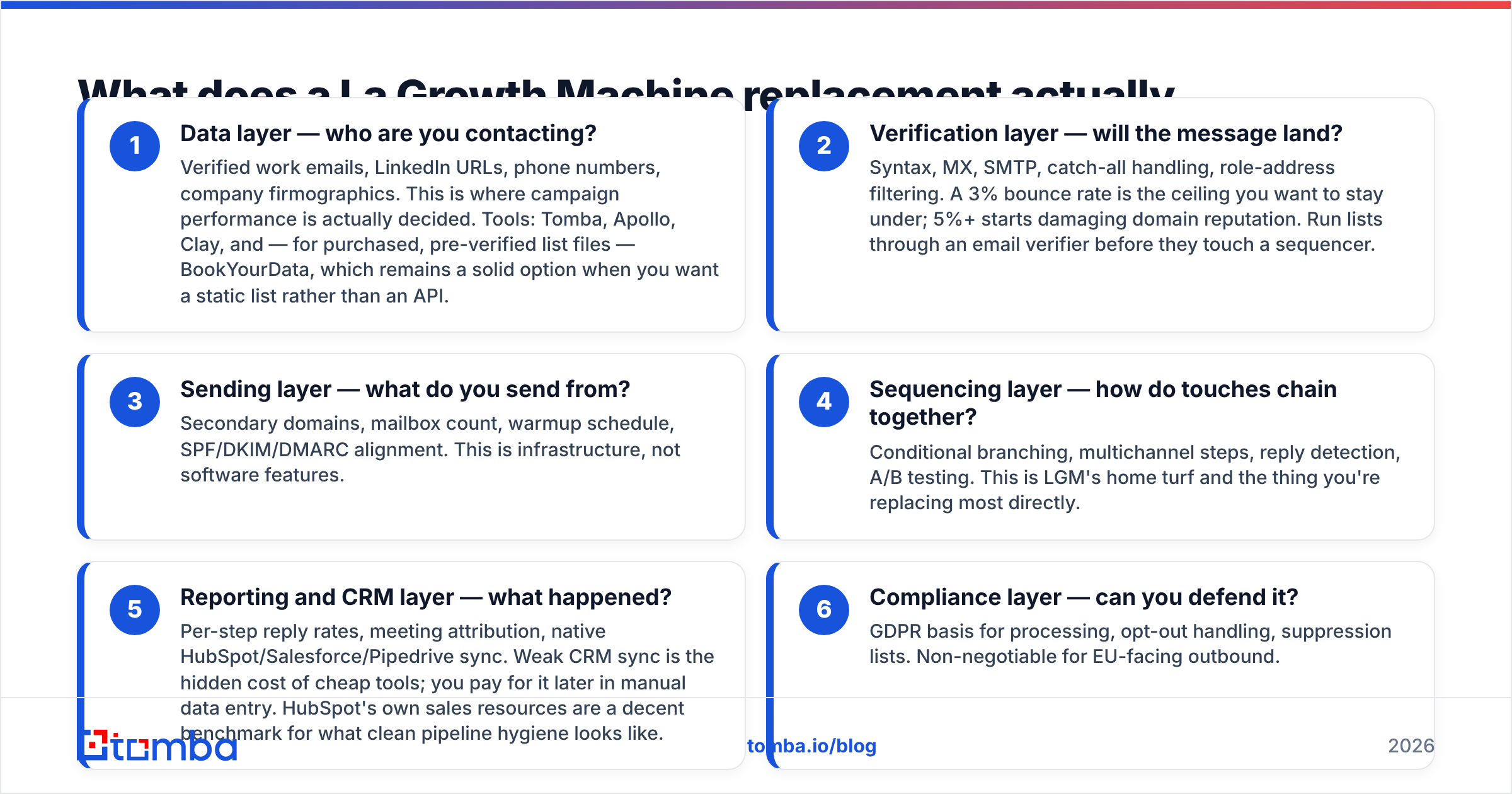
Before you shortlist tools, separate the job into layers. Most bad migrations happen because someone swaps one all-in-one for another all-in-one and inherits a different set of gaps.
- Data layer — who are you contacting? Verified work emails, LinkedIn URLs, phone numbers, company firmographics. This is where campaign performance is actually decided. Tools: Tomba, Apollo, Clay, and — for purchased, pre-verified list files — BookYourData, which remains a solid option when you want a static list rather than an API.
- Verification layer — will the message land? Syntax, MX, SMTP, catch-all handling, role-address filtering. A 3% bounce rate is the ceiling you want to stay under; 5%+ starts damaging domain reputation. Run lists through an email verifier before they touch a sequencer.
- Sending layer — what do you send from? Secondary domains, mailbox count, warmup schedule, SPF/DKIM/DMARC alignment. This is infrastructure, not software features.
- Sequencing layer — how do touches chain together? Conditional branching, multichannel steps, reply detection, A/B testing. This is LGM's home turf and the thing you're replacing most directly.
- Reporting and CRM layer — what happened? Per-step reply rates, meeting attribution, native HubSpot/Salesforce/Pipedrive sync. Weak CRM sync is the hidden cost of cheap tools; you pay for it later in manual data entry. HubSpot's own sales resources are a decent benchmark for what clean pipeline hygiene looks like.
- Compliance layer — can you defend it? GDPR basis for processing, opt-out handling, suppression lists. Non-negotiable for EU-facing outbound.
A tool that nails 4 and 5 but ignores 1 and 2 will look great in a demo and flat in month three.
Which La Growth Machine alternatives are worth testing in 2026?#
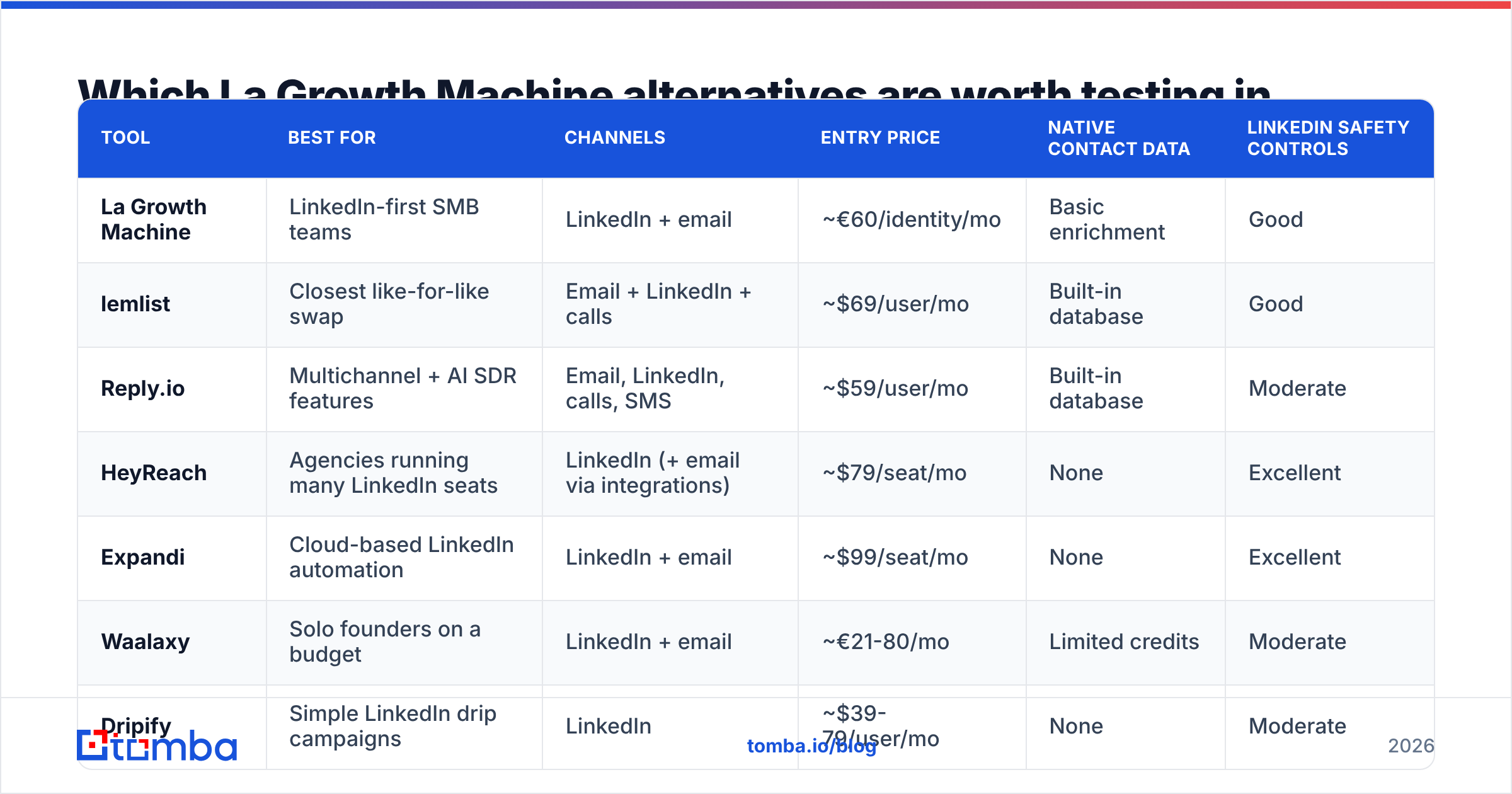
Here is the shortlist, scored on what actually differentiates them. Prices are entry-tier list prices at time of writing and change often — treat them as order-of-magnitude, not quotes.
| Tool | Best for | Channels | Entry price | Native contact data | LinkedIn safety controls |
|---|---|---|---|---|---|
| La Growth Machine | LinkedIn-first SMB teams | LinkedIn + email | ~€60/identity/mo | Basic enrichment | Good |
| lemlist | Closest like-for-like swap | Email + LinkedIn + calls | ~$69/user/mo | Built-in database | Good |
| Reply.io | Multichannel + AI SDR features | Email, LinkedIn, calls, SMS | ~$59/user/mo | Built-in database | Moderate |
| HeyReach | Agencies running many LinkedIn seats | LinkedIn (+ email via integrations) | ~$79/seat/mo | None | Excellent |
| Expandi | Cloud-based LinkedIn automation | LinkedIn + email | ~$99/seat/mo | None | Excellent |
| Waalaxy | Solo founders on a budget | LinkedIn + email | ~€21-80/mo | Limited credits | Moderate |
| Dripify | Simple LinkedIn drip campaigns | ~$39-79/user/mo | None | Moderate | |
| Instantly | High-volume cold email | ~$37/mo | Add-on leads DB | N/A | |
| Smartlead | Email infrastructure at scale | ~$39/mo | None | N/A | |
| Overloop | CRM-flavoured outbound | Email + LinkedIn | ~$58/user/mo | Credit-based | Moderate |
lemlist#
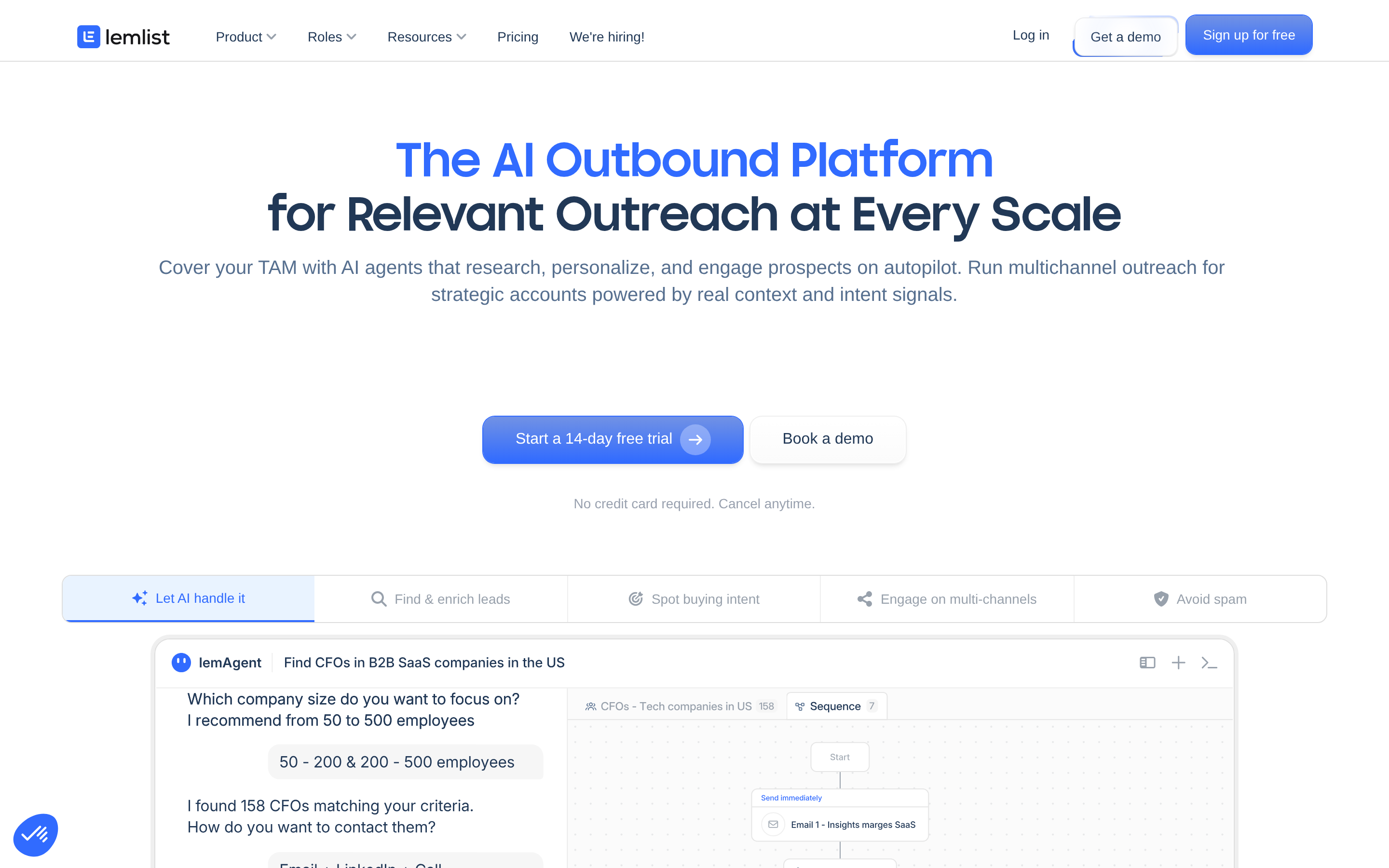
The nearest philosophical cousin to LGM. Multichannel sequences, a built-in lead database, and strong personalization (dynamic images, custom liquid variables). Pricing is per user, so the seat-cost objection doesn't fully disappear, but the included data makes the effective cost per booked meeting competitive. See lemlist for current tiers. Choose it if you liked LGM's model and just want more data and more sending control.
Reply.io#

Broader channel coverage — email, LinkedIn, calls, SMS, WhatsApp — plus AI-assisted sequence generation and an AI SDR layer. Heavier to configure than LGM, and the interface rewards teams with a dedicated ops person. If you're consolidating a sales-engagement stack rather than just replacing a sequencer, this is the one to demo. Tomba's Reply.io alternative page covers where the data layer overlaps.
HeyReach#
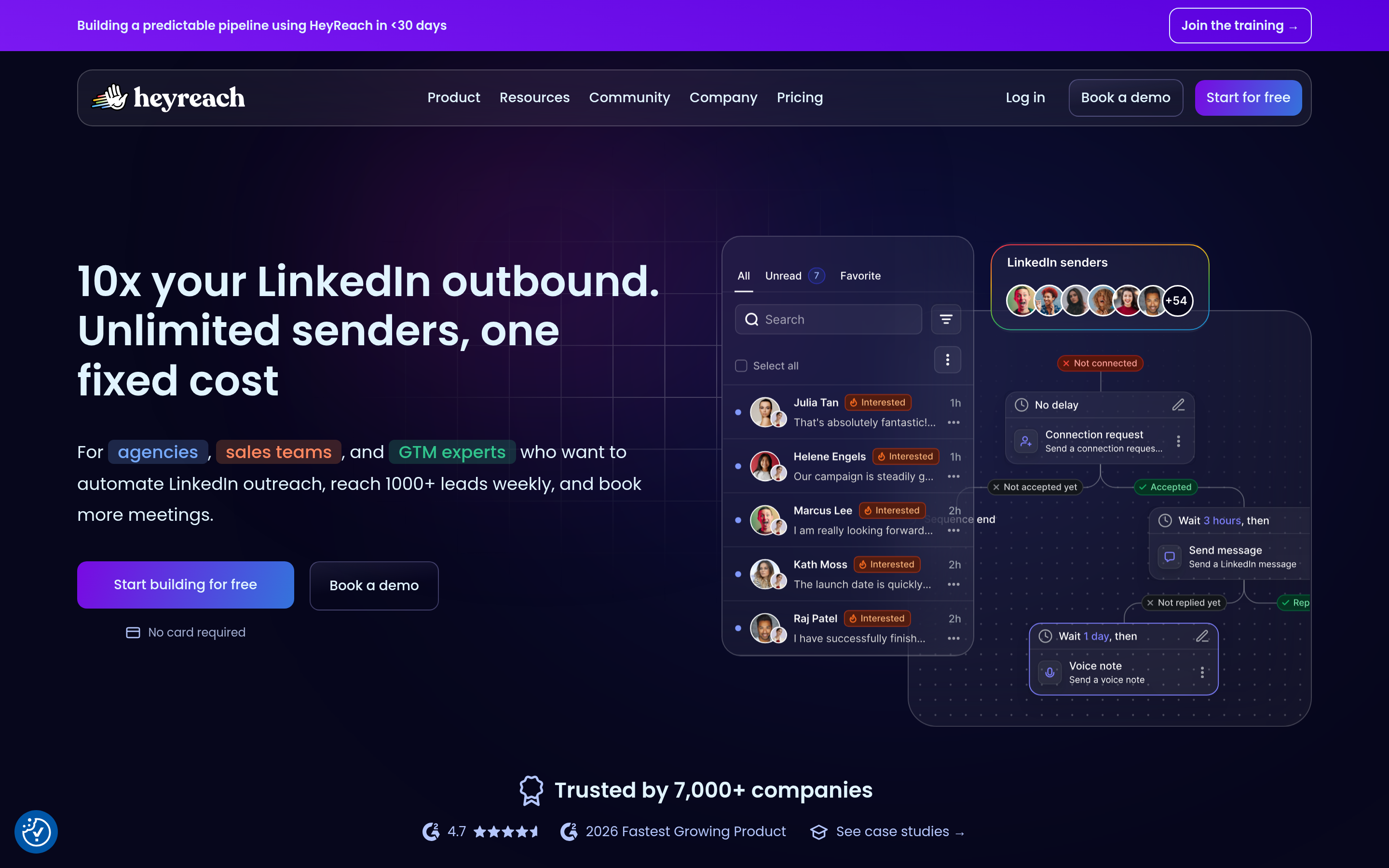
Built specifically for agencies and teams running many LinkedIn accounts. Per-seat pricing drops sharply with volume, unified inbox across all accounts, and sensible per-account limits so you don't get restricted. It is not a full multichannel tool out of the box — you pair it with an email sender. That's a feature, not a bug, if you subscribe to the layered approach above.
Expandi#

Cloud-based LinkedIn automation with dedicated IPs per account and smart limits. Long-standing reputation for account safety, which is what you're really buying. Higher entry price than LGM per seat, so it only makes sense when LinkedIn is the primary channel and account bans would be catastrophic.
Waalaxy#
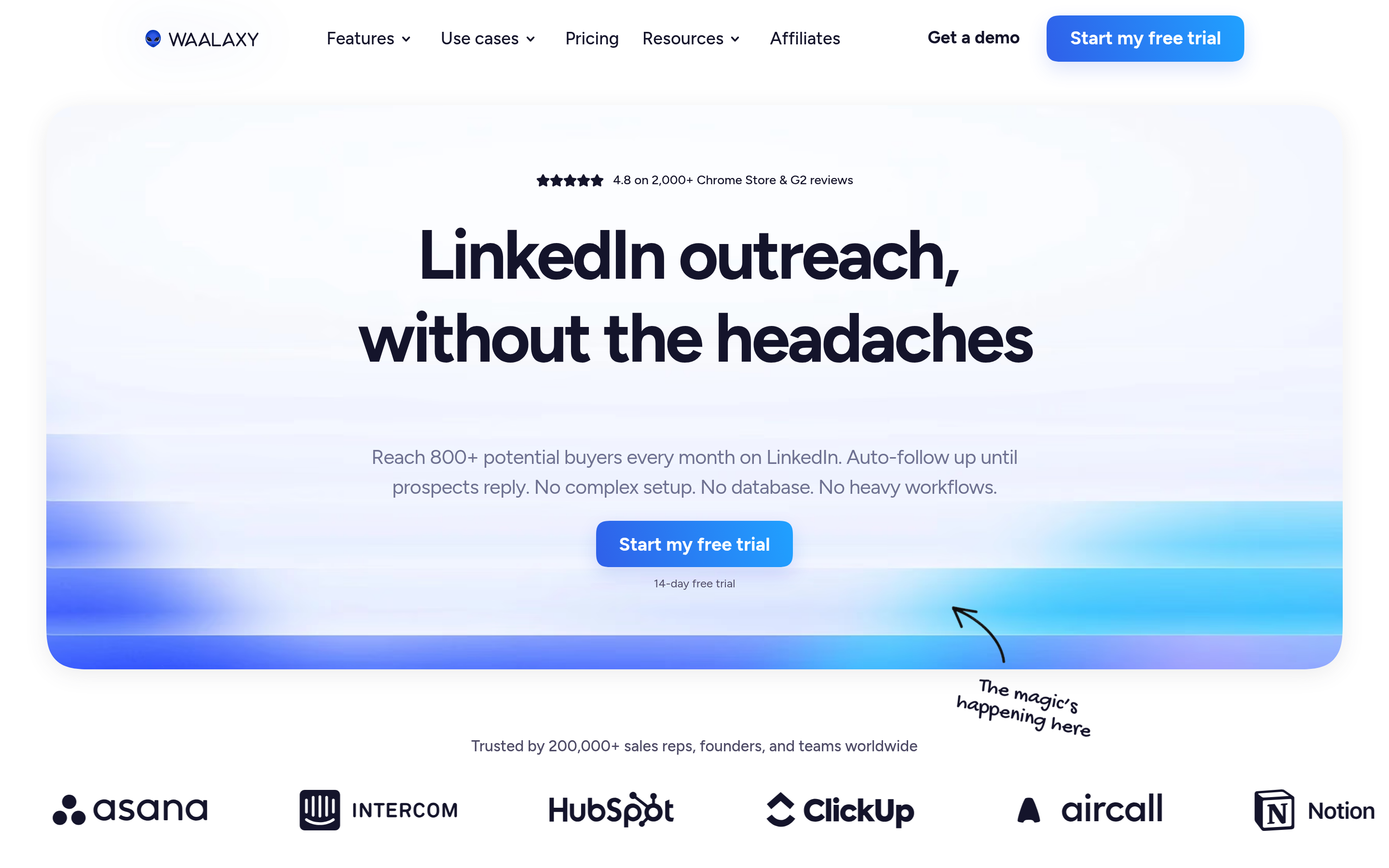
The budget end. LinkedIn-first with an email add-on, freemium tier, very fast to set up. Trade-offs: shallower conditional logic, and email finding is credit-metered. For a solo founder sending 200 invites a month, it is hard to beat on price.
Dripify#
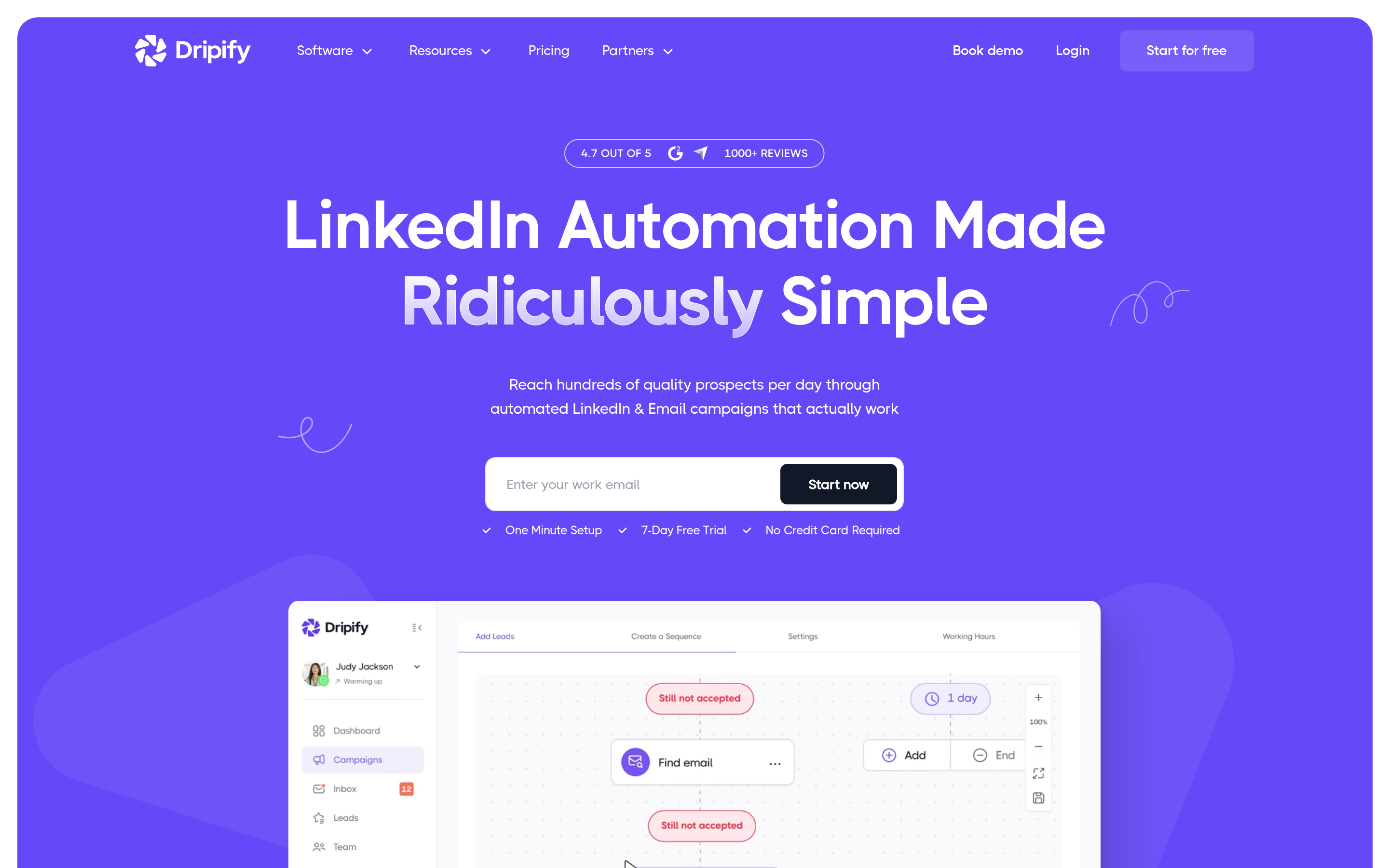
Simple, opinionated LinkedIn drip sequences with clean analytics. No email channel to speak of, so treat it as a component rather than a platform.
Instantly and Smartlead#
Both are email-only, both are built for volume, and both solve the problem LGM doesn't: unlimited mailbox rotation, warmup, and deliverability telemetry. If your actual constraint is "we need to send 20,000 emails a month without torching our domain," neither LGM nor a LinkedIn tool is your answer. Pair either with a LinkedIn tool if you still want multichannel.
Overloop#
Sits between a light CRM and an outbound sequencer. Good for small teams who don't want a separate CRM yet. Weaker on LinkedIn depth than LGM.
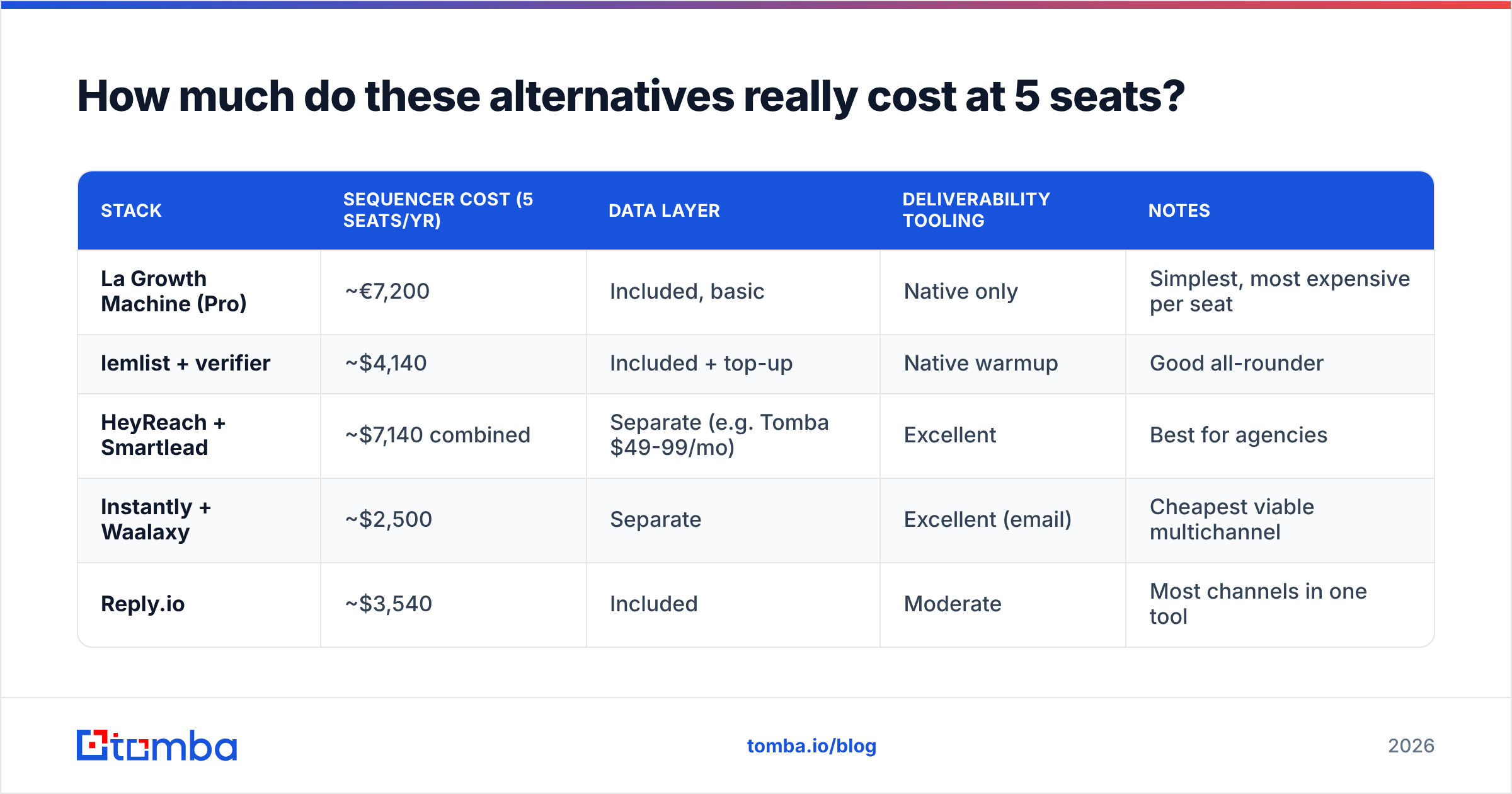
How much do these alternatives really cost at 5 seats?#
List price per seat is the marketing number. Effective cost is what matters. Here is a rough five-seat, one-year comparison including the data layer you will need regardless of which sequencer you choose.
| Stack | Sequencer cost (5 seats/yr) | Data layer | Deliverability tooling | Notes |
|---|---|---|---|---|
| La Growth Machine (Pro) | ~€7,200 | Included, basic | Native only | Simplest, most expensive per seat |
| lemlist + verifier | ~$4,140 | Included + top-up | Native warmup | Good all-rounder |
| HeyReach + Smartlead | ~$7,140 combined | Separate (e.g. Tomba $49-99/mo) | Excellent | Best for agencies |
| Instantly + Waalaxy | ~$2,500 | Separate | Excellent (email) | Cheapest viable multichannel |
| Reply.io | ~$3,540 | Included | Moderate | Most channels in one tool |
Two things fall out of that table. First, the "expensive" agency stack is expensive because it does two specialist jobs properly, not because it's overpriced. Second, in every row the data layer is a separate line — including the rows where it says "included," because bundled enrichment credits run out faster than anyone plans for.

Is a LinkedIn-first or email-first stack better for you?#
Answer three questions honestly:
- Where does your ICP actually respond? Run a 200-prospect test on each channel before committing to a tool built around one. Engineering and finance buyers are frequently email-first; marketing, HR, and founder personas skew LinkedIn.
- How many identities will you run in 12 months? Under four, per-seat pricing is survivable. Over eight, per-seat pricing will dominate your entire tooling budget and agency-oriented tools win outright.
- Who owns deliverability? If nobody on the team can explain your DMARC policy, buy a tool that handles infrastructure for you and budget for email deliverability education before you scale volume.
A useful rule: LinkedIn-first tools get you higher reply rates at lower volume; email-first tools get you more total meetings at lower cost per touch. Multichannel wins when you can afford both — which usually means when the data layer is already solid.
How do you migrate without torching your reply rates?#
Switching sequencers is the moment most teams accidentally tank their numbers. A clean migration looks like this:
- Export everything first. Sequence copy, step timing, reply data, and suppression lists. Your suppression list is the most valuable artifact you own — losing it means messaging people who already said no.
- Re-verify the entire contact base. Data decays roughly 25-30% per year through job changes alone. A list that performed in 2025 is partly fiction in 2026. Run it through a bulk pass before import — bulk verify handles this in one upload.
- Rebuild sequences, don't copy them. New tool, new sending reputation. Start at 20-30% of your previous daily volume and ramp over three weeks.
- Warm the new infrastructure. If you moved to new domains or mailboxes, two to three weeks of warmup before any real send. No exceptions.
- Keep one control group on the old tool. Run both for 30 days with a split audience so you can attribute performance changes to the tool rather than to seasonality or list quality.
- Instrument CRM sync from day one. Backfilling activity data later is a project nobody ever finishes.
Which La Growth Machine alternative should you choose?#
- You liked LGM but need better data and more sending control: lemlist.
- You're consolidating several tools into one sales-engagement platform: Reply.io.
- You're an agency running 8+ LinkedIn identities: HeyReach, with Smartlead or Instantly for the email half.
- LinkedIn account safety is the whole ballgame: Expandi.
- You're solo and cost-sensitive: Waalaxy, plus a free email checker for list hygiene.
- Your real bottleneck is email volume, not orchestration: Instantly or Smartlead — and stop paying for a LinkedIn sequencer you barely use.
- You're happy with LGM's sequencing and the only problem is data: don't switch. Keep LGM and bolt a proper data layer underneath it.
That last option is the one most teams overlook. Sequencers are increasingly commoditized; the differences in reply rate between two well-configured tools are small compared to the difference between a verified contact list and a scraped one.
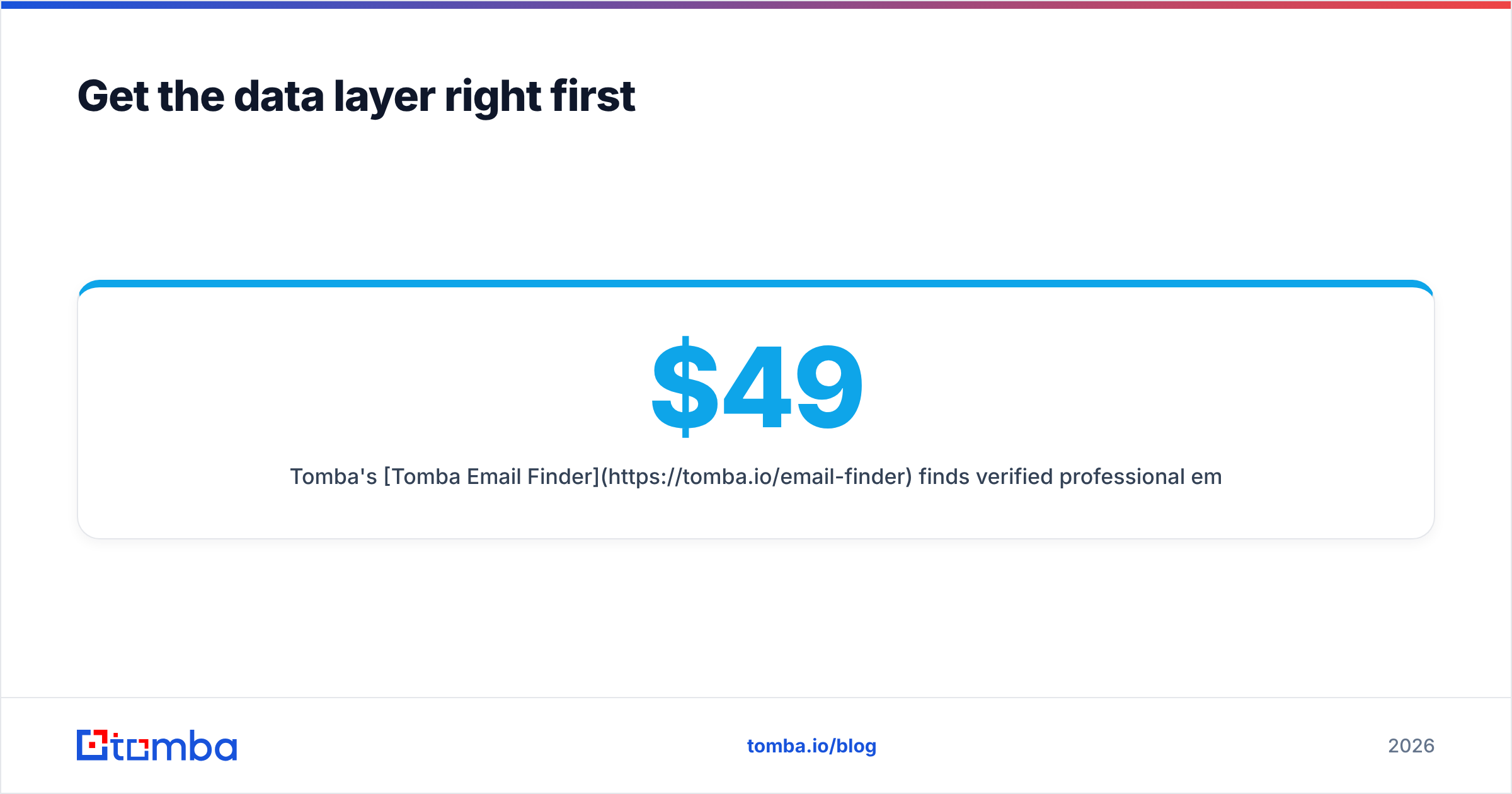
Get the data layer right first#
Every tool on this list sends messages to whatever addresses you feed it. That is the part you control, and it is the cheapest lever you have.
Tomba's Tomba Email Finder finds verified professional emails by domain, name, or company, with a free tier at 25 searches per month and paid plans starting at $49/mo (Growth $99, Pro $249) — flat pricing, not per-seat. It plugs into whichever sequencer you land on via Zapier, HubSpot, Sheets, or the Tomba API, and full Tomba pricing is public so you can model the cost before you commit.
Pick your sequencer for the workflow you actually run. Pick your data source for accuracy. Don't let one vendor's bundle decide both.
Related guides#
// get started
Find, verify and enrich your first contacts today
Start on the free plan with 25 searches a month, then scale when your team is ready.
Free plan · No credit card required · GDPR & CCPA
// about the author