Lead Kahuna vs Tami AI: Local Scraper or B2B Data Platform?
Lead Kahuna scrapes local businesses city by city. Tami AI sells verified B2B contacts from a 150M+ company database. They solve different problems, so here is how to tell which one your pipeline needs.
TL;DR
- Lead Kahuna is a local-business lead scraper. It pulls business listings (name, phone, website, address, sometimes a generic email) city by city. Published plans run from about $97/mo (annual) to $297/mo.
- Tami AI (TAMI) is a UK-based B2B sales intelligence platform. It gives you named decision-makers with verified emails and mobile numbers from a database of 150M+ companies. Plans start at about £39/user/mo.
- Choose Lead Kahuna if you sell to plumbers, dentists, restaurants, and other SMBs that live on Google Maps. Choose Tami AI if you sell to defined roles inside companies (for example, a Head of Ops at a 200-person logistics firm).
- Neither tool fully solves the "who is the decision-maker and what is their verified inbox" problem at scale. Most teams pair either one with a dedicated email finder and verifier.
What is Lead Kahuna?#
Lead Kahuna is a lead generation tool for local businesses. You pick a niche ("roofers") and a location ("Tampa, FL"). The software scrapes public listing sources and returns a spreadsheet of businesses with their phone numbers, websites, addresses, and any contact email it can find on the site.
It is mainly used by agencies selling SEO, web design, reviews management, or marketing services to small local businesses. You can also call or email leads from inside the software, so a solo agency owner can go from search to first touch without leaving it.
Known constraints from public reviews and competitor comparisons:
- One city per scrape. You run location by location, so a national campaign means a lot of runs.
- Proxies are on you. If you want more than roughly 150 leads per day, you need to bring your own proxies, which adds cost.
- Business-level data, not person-level. You usually get
info@orcontact@addresses and a main line, not the owner's direct email.
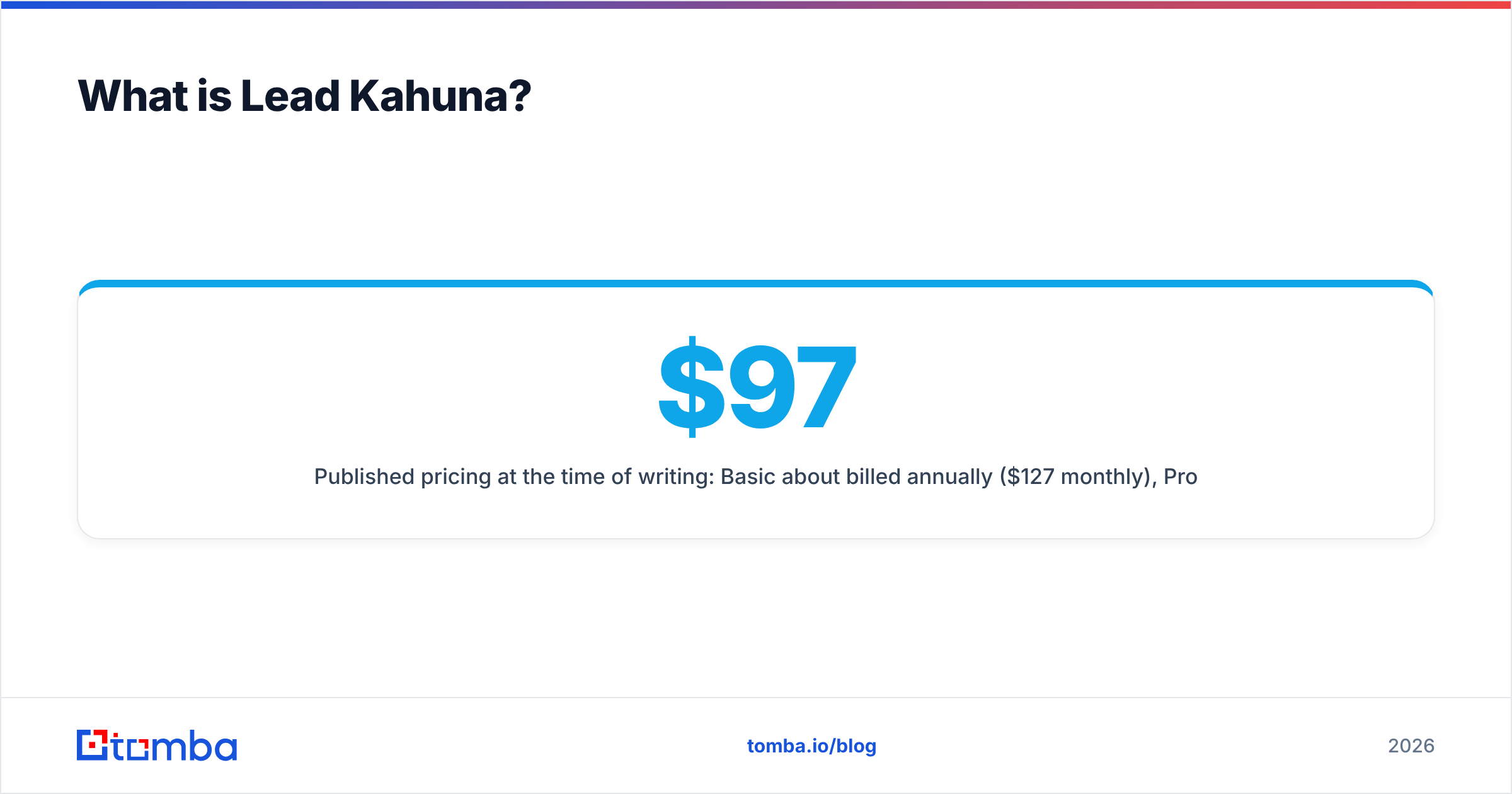
Published pricing at the time of writing: Basic about $97/mo billed annually ($127 monthly), Pro about $197/mo annually ($247 monthly), and Business about $297/mo annually. Treat these as approximate and check the vendor before you buy, because SMB scraping tools change their plans often.
What is Tami AI?#
Tami AI (styled TAMI) is a cloud B2B data and sales intelligence platform. Its pitch is real-time data: a database of 150M+ companies across 190 countries, contact verification, CRM enrichment, technographic filters, and alerts when a contact changes jobs or roles.
The workflow is the familiar Apollo/ZoomInfo pattern. You filter by industry, headcount, location, tech stack, and job title, preview the matching contacts, then spend export credits to reveal verified emails and mobile numbers. A browser companion lets you do the same while you browse LinkedIn or company sites.
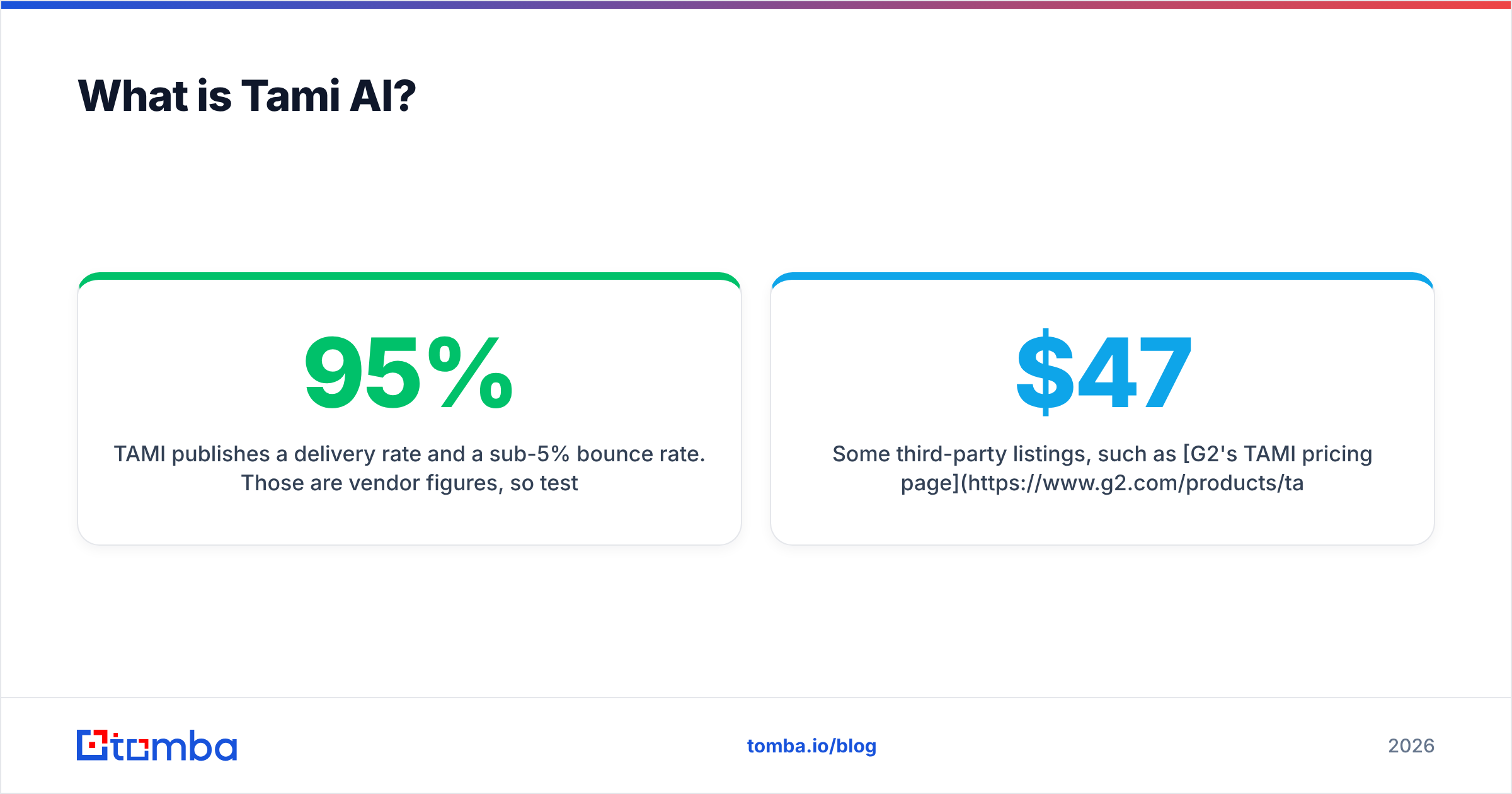
TAMI publishes a 95% delivery rate and a sub-5% bounce rate. Those are vendor figures, so test them on your own list before you rely on them.
Pricing on TAMI's pricing page:
- Free trial: 7 days, 50 export credits, 5 mobile credits
- Basic: about £39/user/mo, 250 export credits, 40 mobile credits, verified emails, browser companion, CRM integration
- Growth: about £59/user/mo, 500 export credits, 80 mobile credits, AI features
- Enterprise: custom, unlimited exports
Some third-party listings, such as G2's TAMI pricing page, show USD figures in the $47–$79 range. That is most likely currency conversion, not a different plan.
How do Lead Kahuna and Tami AI compare side by side?#
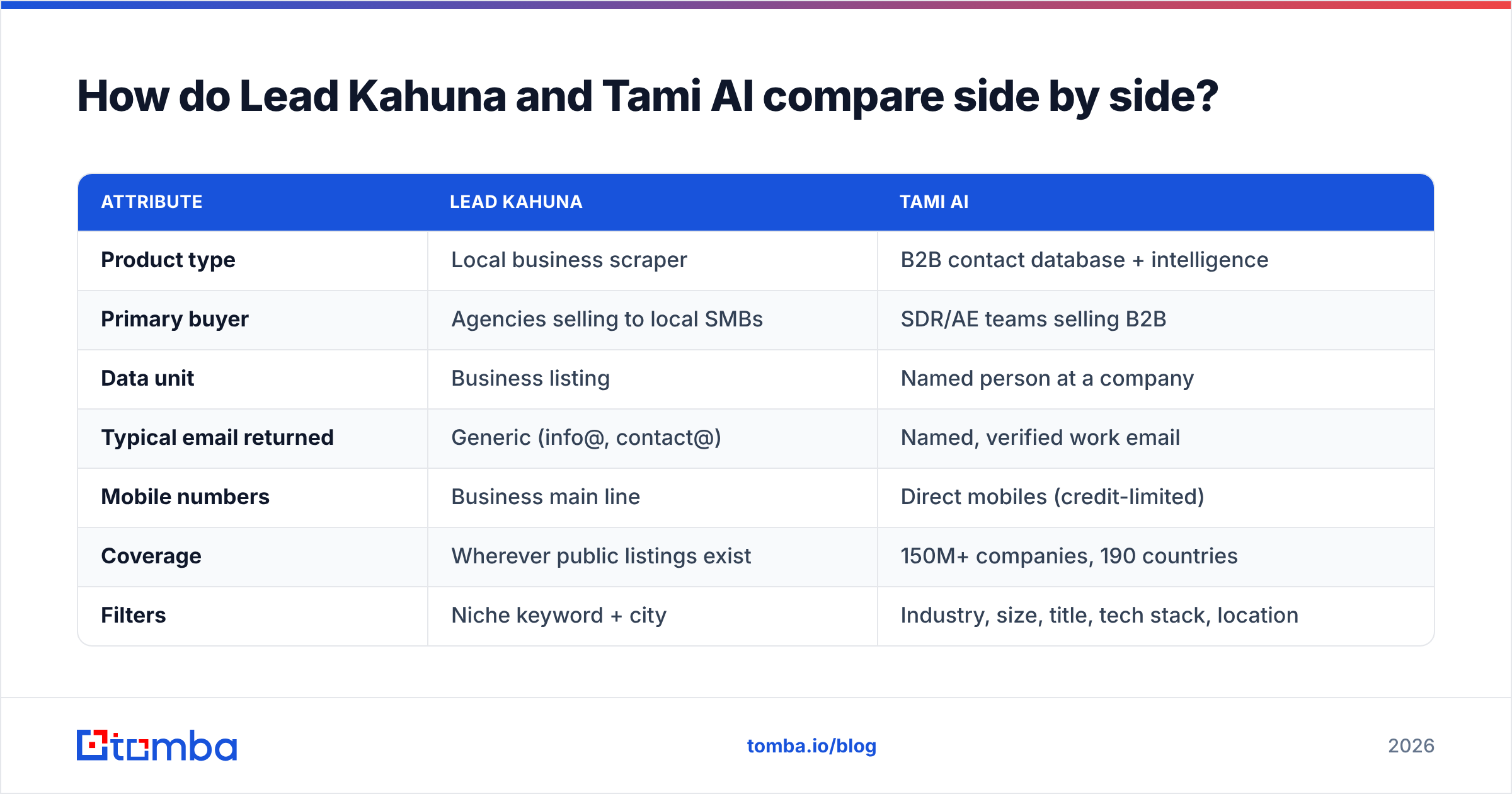
The short answer is that they are not really competitors. Lead Kahuna is a scraper aimed at SMB local markets. Tami AI is a contact database aimed at B2B account-based prospecting. Here is the full breakdown:
| Attribute | Lead Kahuna | Tami AI |
|---|---|---|
| Product type | Local business scraper | B2B contact database + intelligence |
| Primary buyer | Agencies selling to local SMBs | SDR/AE teams selling B2B |
| Data unit | Business listing | Named person at a company |
| Typical email returned | Generic (info@, contact@) | Named, verified work email |
| Mobile numbers | Business main line | Direct mobiles (credit-limited) |
| Coverage | Wherever public listings exist | 150M+ companies, 190 countries |
| Filters | Niche keyword + city | Industry, size, title, tech stack, location |
| Job-change alerts | No | Yes |
| CRM enrichment | Export CSV | Native CRM integration |
| Scale limits | 1 city per scrape; proxies above ~150 leads/day | Export credits per user/month |
| Entry price | ~$97/mo (annual) | ~£39/user/mo |
| Free option | No published free tier | 7-day trial, 50 exports |
| Pricing model | Flat per account | Per seat + credits |
Two things in that table matter more than the rest.
The data unit. Lead Kahuna gives you businesses. Tami AI gives you people. If your offer needs a VP of Finance to sign off, a list of company main lines does not help. If your buyer is "the owner of a 3-person HVAC shop," a B2B database will have thin coverage because those owners rarely have rich LinkedIn profiles.
The pricing model. Lead Kahuna's flat fee can be very cheap per lead if you run a lot of volume, as long as you also budget for proxies. Tami AI's credit model makes cost per contact predictable, but a Basic seat's 250 exports a month runs out fast in a high-volume outbound motion.
Which tool has better data quality?#
This depends on what you mean by quality, so split it into three questions.
- Is the record accurate? Tami AI verifies emails before export and tracks job changes, so a given record is more likely to be current. Lead Kahuna scrapes what is published. If a business closed or its website is stale, you get stale data.
- Is the record reachable? A generic
info@address usually delivers, but it lands in a shared inbox with low reply rates. Tami's named emails reach a person, but they still need checking. The published under-5% bounce figure is good, not zero. - Is the record relevant? Lead Kahuna wins for hyper-local niches, since Google-listed businesses are close to a full census of local SMBs. Tami AI wins for role-based targeting in mid-market and enterprise.
Whichever you pick, run exports through an email verifier before you load them into a sequencer. Scraped generic addresses and aging database records both hurt your sender reputation if you send to them unverified, and a few bad campaigns can undo months of domain warmup.
Is Lead Kahuna or Tami AI cheaper?#
On the sticker price, Tami AI is cheaper to start and Lead Kahuna is cheaper at volume. The real math looks like this:
- Lead Kahuna Basic (~$97/mo annual): unlimited scraping in principle, but around 150 leads/day before you need proxies. Residential proxies usually cost extra each month. At about 3,000 business listings a month, the cost per listing is a few cents. Each listing is a business, not a decision-maker.
- Tami AI Basic (~£39/user/mo): 250 exports, which works out to roughly £0.16 per verified contact. It gets costlier per contact if you also need mobiles, since 40 mobile credits is not many for a phone-heavy SDR.
To compare fairly, estimate the cost per reachable decision-maker, not the cost per row. For local SMB owners, Lead Kahuna plus an enrichment step often wins. For B2B roles, Tami AI's per-contact price is competitive, and you avoid the enrichment step.
Independent reviews on Capterra's TAMI listing are a useful check on how those credits last in real use.
Who should choose Lead Kahuna?#
Lead Kahuna fits you if:
- You sell to local businesses. Web design, SEO, Google Business Profile management, reputation tools, or local lead-gen services.
- Phone is a primary channel. Business main lines are exactly what you want for cold calling SMB owners.
- You work one geography at a time. Territory-based agencies and franchise sellers do not mind the one-city limit.
- You are comfortable with some setup. Proxies, deduping, and cleaning scraped data are part of the job.
Skip it if your buyers are defined by job title rather than by business category, or if you need contact data you can trust across borders at scale.
Who should choose Tami AI?#
Tami AI fits you if:
- You run B2B outbound by persona. Your target list is "CFOs at 50–500 employee logistics firms in the UK and DACH."
- You live in a CRM. Native enrichment and job-change alerts keep records current without manual cleanup.
- You need direct dials. Mobile credits are limited but available, which a scraper cannot offer.
- You are UK or EU-focused. TAMI is UK-based, and its content and verticals (logistics, eCommerce) lean that way.
Skip it if your market is small local businesses with little online presence, or if your volume needs are far beyond what per-seat export credits allow.

What gap do both tools leave open?#
Both tools stop one step short of what most outbound teams actually need: a verified, named email for the specific person you want to reach, at any company you choose.
- Lead Kahuna gives you the company and its website, not the owner's inbox.
- Tami AI gives you named contacts, but only inside its database and only within your monthly credit limit. When you already have a target account list from events, intent data, or your own research, you are paying for a database search you do not need.
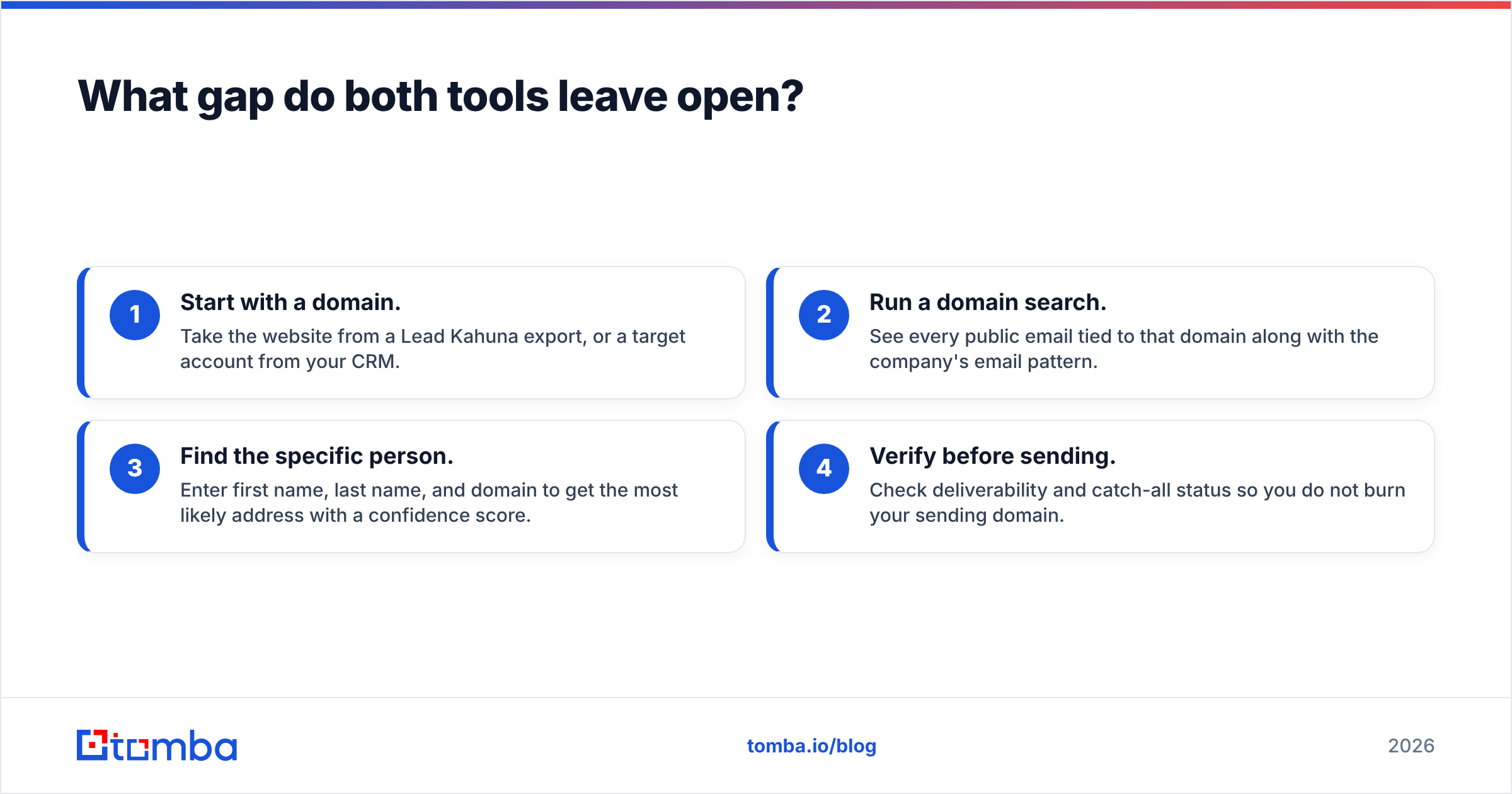
That is where a dedicated email finder helps. The workflow is simple:
- Start with a domain. Take the website from a Lead Kahuna export, or a target account from your CRM.
- Run a domain search. See every public email tied to that domain along with the company's email pattern.
- Find the specific person. Enter first name, last name, and domain to get the most likely address with a confidence score.
- Verify before sending. Check deliverability and catch-all status so you do not burn your sending domain.
For agencies using Lead Kahuna, this turns a list of info@ addresses into owner-level contacts. For teams on Tami AI, it covers accounts that fall outside the database or would use up export credits too fast.
Lead Kahuna vs Tami AI: what is the final verdict?#
There is no single winner, because the two tools answer different questions.
- Pick Lead Kahuna if you want a complete list of the local businesses in a niche and a city, and you plan to call or email them directly. It is the stronger tool for SMB agencies.
- Pick Tami AI if you want named, verified decision-makers at B2B companies filtered by role, size, and industry, delivered into your CRM. It is the stronger tool for SDR teams.
- Pick neither alone if your main bottleneck is getting a verified personal email for a specific person at a specific company. Pair either one with an email finder and verifier.
If you are still unsure, run a two-week test. Take 100 target accounts from your real ICP, pull contacts through each tool, verify everything, send the same sequence, and compare cost per positive reply. That single number will settle the question better than any feature table.
Ready to turn company lists into verified contacts?#
Whether your lists come from a local scraper like Lead Kahuna or a B2B database like Tami AI, the step that drives replies is reaching the right person's real inbox. The Tomba Email Finder takes a name and a domain and returns a professional email with a confidence score. It also includes built-in verification, bulk processing, and a Chrome extension. You can start on the free tier with 25 searches a month, or compare Tomba pricing from Starter at $49/mo up to Pro at $249/mo when you are ready to scale your outbound.
Related guides#
// get started
Find, verify and enrich your first contacts today
Start on the free plan with 25 searches a month, then scale when your team is ready.
Free plan · No credit card required · GDPR & CCPA
// about the author