LeadIQ vs Techsalerator: Prospecting Tool or Data Provider?
LeadIQ helps reps capture contacts one at a time. Techsalerator sells B2B data in bulk. Here's how they differ on coverage, pricing and workflow, and how to pick the one your team needs.
- LeadIQ is a tool for individual reps. It captures contacts from LinkedIn and Sales Navigator, adds emails and phone numbers, and sends them straight to your CRM or sequencer.
- Techsalerator is a data provider. It sells firmographic, technographic and contact data as bulk datasets or through an API, usually priced by quote.
- The deciding question is how you use data. If your reps prospect one account at a time, lean toward LeadIQ. If you need thousands of records for a data warehouse, TAM model or enrichment job, lean toward Techsalerator.
- Neither one replaces verification. Whichever you pick, check emails before you send, especially on catch-all domains.
- If most of what you need is verified work emails, a dedicated email finder like Tomba usually costs less than either option.
What is the real difference between LeadIQ and Techsalerator?#
Most "LeadIQ vs Techsalerator" searches assume the two are direct rivals. They aren't, really. They solve different problems, and they only overlap in one place: both can give you a B2B contact record with an email address on it.
LeadIQ is software for reps. A seller opens a LinkedIn profile or a Sales Navigator list, clicks the LeadIQ Chrome extension, and gets the person's work email and phone number. The contact then goes to Salesforce, HubSpot, Outreach or Salesloft. It also tracks job changes and includes AI help for writing emails. Everything is designed around one person working one account at a time.
Techsalerator is a data company. It collects and sells B2B data: company records, contact records, technographics and related signals. You can buy it as datasets or pull it through an API, and it's also listed on third-party data marketplaces. The buyer is usually an ops, data or growth team, not an individual rep. Nobody uses Techsalerator from a LinkedIn sidebar. They load its files into a warehouse, CRM or enrichment pipeline.
Think of it this way: LeadIQ is a restaurant, and Techsalerator is a wholesale food supplier. Both give you food, but you'd never ask the restaurant for a pallet of flour, and you'd never order one plate of pasta from the supplier.
How do LeadIQ and Techsalerator compare feature by feature?#
Here's the side-by-side on the things that usually decide a purchase. Pricing moves often, so confirm current numbers on each vendor's site before you sign anything.
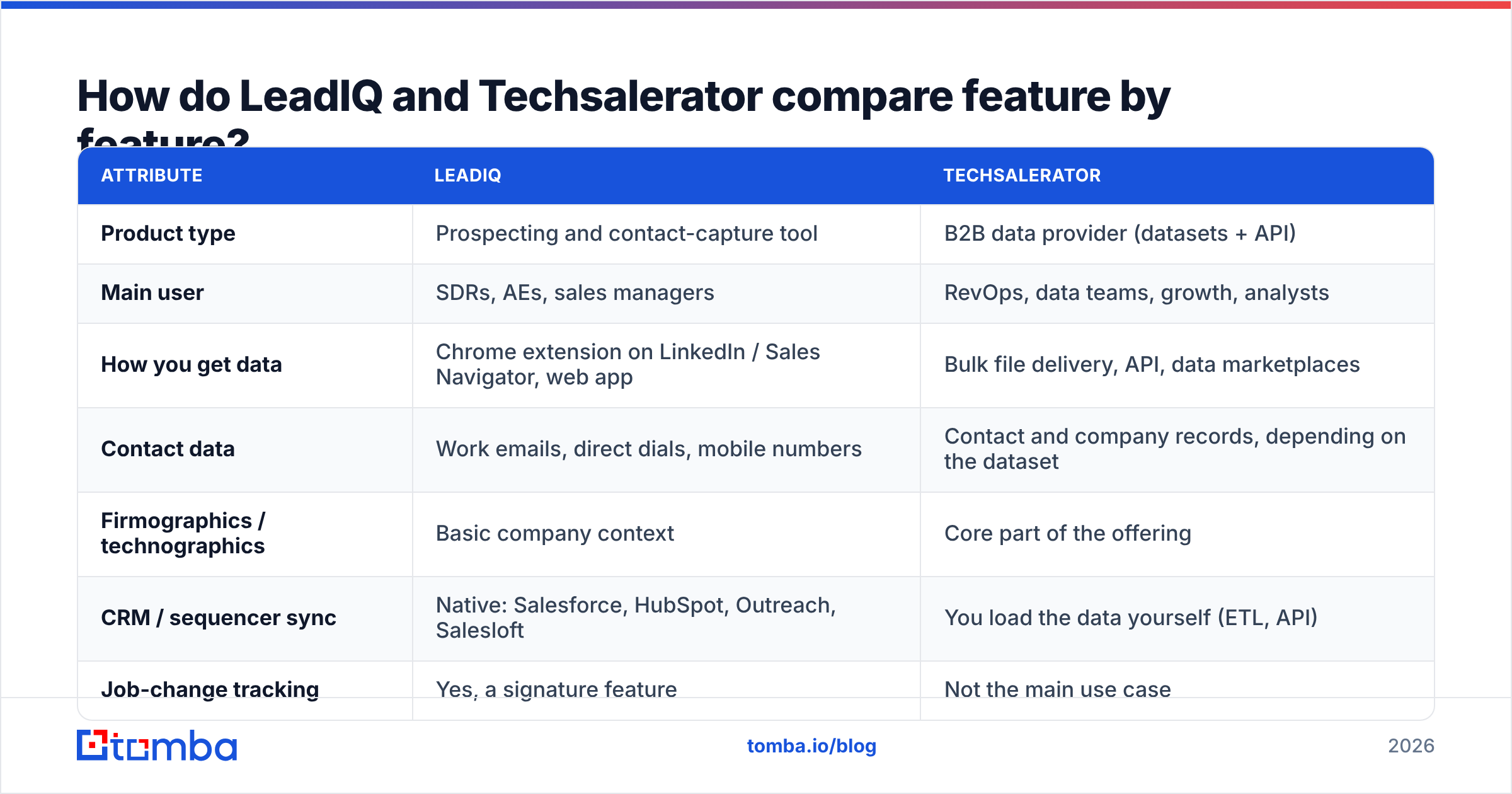
| Attribute | LeadIQ | Techsalerator |
|---|---|---|
| Product type | Prospecting and contact-capture tool | B2B data provider (datasets + API) |
| Main user | SDRs, AEs, sales managers | RevOps, data teams, growth, analysts |
| How you get data | Chrome extension on LinkedIn / Sales Navigator, web app | Bulk file delivery, API, data marketplaces |
| Contact data | Work emails, direct dials, mobile numbers | Contact and company records, depending on the dataset |
| Firmographics / technographics | Basic company context | Core part of the offering |
| CRM / sequencer sync | Native: Salesforce, HubSpot, Outreach, Salesloft | You load the data yourself (ETL, API) |
| Job-change tracking | Yes, a signature feature | Not the main use case |
| AI email writing | Yes (built-in assistant) | No |
| Free option | Free plan with limited credits | Samples usually available on request |
| Paid pricing model | Per seat, per month (published tiers + Enterprise) | Custom quote, based on volume and dataset |
| Best for | Account-by-account outbound | Bulk enrichment, TAM building, data products |
The row that matters most is "How you get data." LeadIQ's value is the workflow: fewer clicks between spotting a prospect and getting them into a sequence. Techsalerator's value is scale: lots of records delivered in a structured format you can use.
You can check user sentiment on both by reading the reviews on G2. You'll see LeadIQ praised mostly for ease of use and CRM sync, and data vendors like Techsalerator judged mostly on coverage and how easy the data is to work with.
Who should use LeadIQ?#
LeadIQ fits best when your bottleneck is rep time, not data volume.
Pick it if:
- Your reps already live in Sales Navigator. The extension lets them capture contacts without leaving LinkedIn, which is where outbound teams spend most of their day.
- You run sequences in Outreach or Salesloft. Pushing a contact straight into a sequence skips the CSV export-and-import step that eats up SDR afternoons.
- Job changes are a major pipeline source. When a champion moves to a new company, that's one of the warmest leads you'll get. LeadIQ's job-change tracking automates something most teams handle with spreadsheets and luck.
- You buy per seat and want predictable costs. Published tiers make budgeting simple: a set price per rep, with credits included.
Where it's weaker:
- Per-seat pricing grows with headcount, not results. A 20-rep team pays for 20 seats even if half of them barely prospect.
- It isn't a bulk data tool. Running LeadIQ over a 50,000-row account list isn't what it's built for.
- Coverage depends on geography and segment. Like every contact-data vendor, match rates drop outside North America and in small companies.
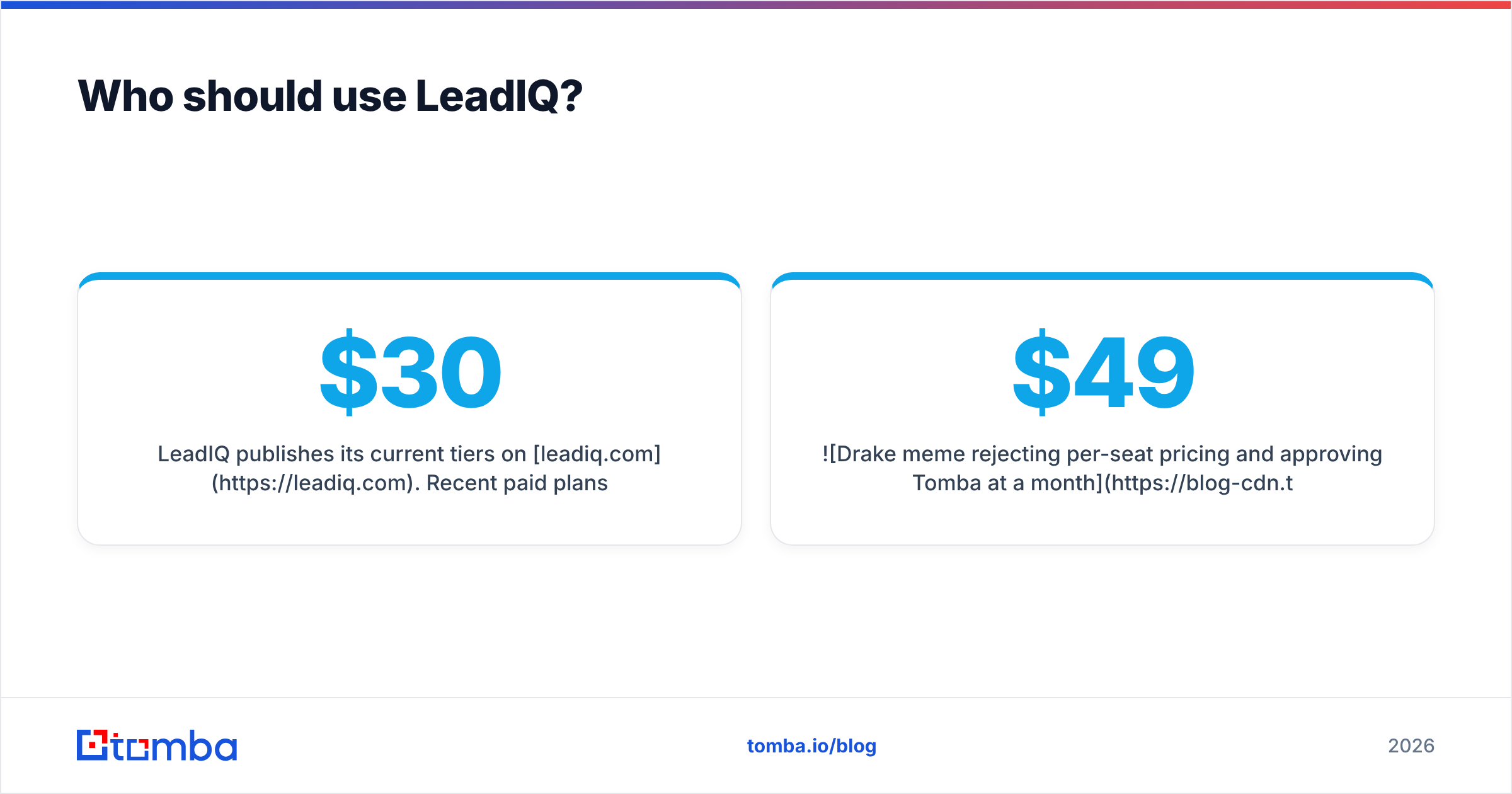
LeadIQ publishes its current tiers on leadiq.com. Recent paid plans have run roughly from the high-$30s to the high-$70s per user per month when billed annually, with Enterprise quoted on request. If LeadIQ fits your process but not your budget, our LeadIQ alternative breakdown compares options at lower price points.

Who should use Techsalerator?#
Techsalerator fits best when your bottleneck is data coverage and structure, not rep workflow.
Pick it if:
- You're building or refreshing a TAM. You need every company that matches your ICP in a region, with firmographic fields to segment on, not 40 contacts captured by hand.
- You enrich data in a warehouse. If your stack is Snowflake or BigQuery plus a reverse-ETL tool, a dataset or API feed fits in more naturally than a browser extension.
- You sell or analyze data yourself. Analysts, investors, market-research teams and product teams building data features often need raw records, not a sales UI.
- You need international or niche coverage. Techsalerator sells data broken down by country and segment, which can help teams expanding outside the usual US-heavy databases. Ask for a sample in your target countries before you commit.
Where it's weaker:
- No rep-facing workflow. Your SDRs won't open Techsalerator on a LinkedIn profile. Someone has to turn the data into lists, sync it to the CRM and keep it up to date.
- Quote-based pricing is harder to compare. You'll negotiate by volume and scope, which is fine for data teams but slow for a sales manager who wants a credit card checkout.
- Freshness is on you. Any static dataset starts going stale the day it's delivered. B2B contact data decays quickly because people change jobs, companies rebrand and domains move. Plan for refresh cycles and verification.
You can request samples and see dataset scope on techsalerator.com.
Which one has better data quality?#
No one can give you an honest universal answer, and anyone who claims to have one is guessing. Data quality depends on your ICP: region, company size, industry and job level.
What you can do is run a test:
| Test step | What to do | What it tells you |
|---|---|---|
| Build a sample | Pull 200 contacts that match your real ICP, split across regions and company sizes | Keeps the test representative, not cherry-picked |
| Run both vendors | Ask LeadIQ (trial credits) and Techsalerator (sample file) for the same contacts or accounts | Match rate: how many records each can fill |
| Verify every email | Run all returned emails through an independent email verifier | Valid rate: how many are deliverable |
| Check catch-alls | Separate out "accept-all" domains and treat them as unknown, not valid | Stops you from overcounting accuracy |
| Spot-check titles | Compare 30 random records against current LinkedIn profiles | Freshness: is the person still in that role? |
| Price it | Divide total cost by verified, correct records | Your real cost per usable contact |
The last row is the one that matters. A vendor that fills 80% of records at a 70% valid rate delivers fewer usable contacts than one that fills 65% at a 92% valid rate. Always compare on cost per verified record, not cost per credit.
How does pricing compare in practice?#
The two vendors charge in different ways, so comparing sticker prices can mislead you.
- LeadIQ charges per seat with a monthly credit allowance. Your cost follows headcount. A five-rep team gets a predictable bill. A 40-rep team gets a large one, whether or not every rep uses up their credits.
- Techsalerator charges by quote, based on dataset scope, volume and delivery method. Your cost follows data volume. One large purchase can be cheap per record but expensive up front, and you pay again for refreshes.
A quick rule of thumb:
- Under ~10 reps, prospecting account by account: a per-seat tool (or a cheaper credit-based email finder) usually wins.
- Enriching tens of thousands of records at once: a data provider or a bulk API usually wins on unit cost.
- Somewhere in between: you're often better served by a credit-based tool with both a browser extension and bulk/API access, so you're not paying for two separate products.
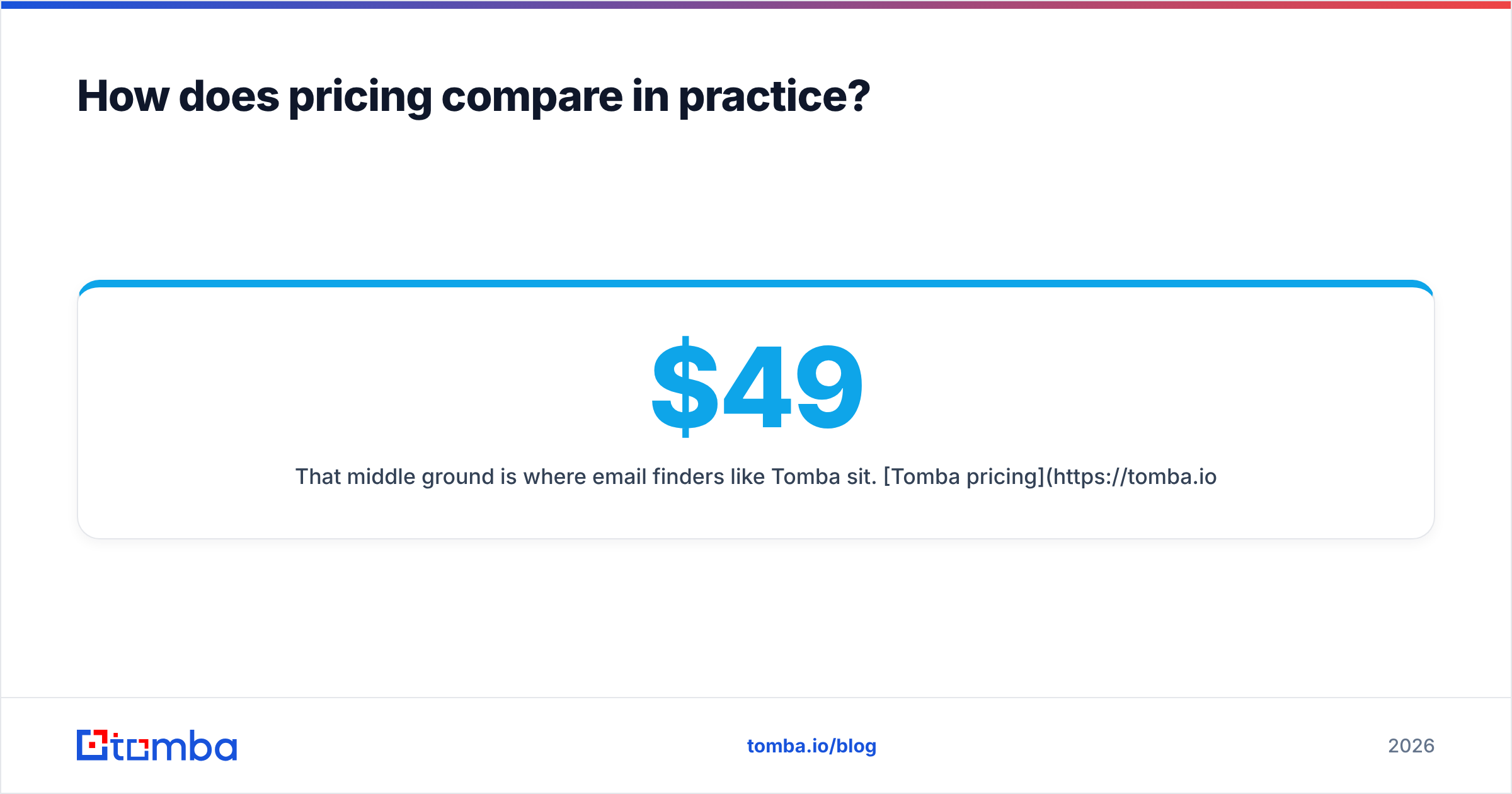
That middle ground is where email finders like Tomba sit. Tomba pricing starts with a free tier (25 searches a month), then Starter at $49/mo, Growth at $99/mo and Pro at $249/mo, with Enterprise on request. Plans aren't per seat, and the same credits work in the extension, bulk uploads and the API.
Can you use LeadIQ and Techsalerator together?#
Yes, and some mid-market teams do. The usual split:
- Techsalerator (or another bulk provider) defines the market. Ops loads company-level data into the CRM, scores accounts and assigns territories.
- LeadIQ handles the last step. Reps work their assigned accounts, capture the specific buyers on LinkedIn and push them into sequences.
- A verification layer sits between data and sending. Every email, from either source, gets checked before it goes into Outreach or Salesloft.
This works, but look at the cost honestly. You're paying for a data contract, a set of seats and usually a separate verifier. For many teams under 50 reps, a single tool that does domain search, email finding, verification and data enrichment covers 80% of the job at a lower combined price.

What are the pros and cons at a glance?#
LeadIQ
- Pro: Fastest path from LinkedIn to sequence. Capture, enrich and sync in a couple of clicks.
- Pro: Job-change tracking. Turns champion moves into pipeline automatically.
- Pro: Strong native integrations. Salesforce, HubSpot, Outreach and Salesloft work out of the box.
- Con: Per-seat pricing grows with headcount. Costly for large or low-activity teams.
- Con: Not built for bulk. Enriching a large list means extra work or another tool.
Techsalerator
- Pro: Data at scale. Datasets and API access fit warehouse and enrichment workflows.
- Pro: Firmographic and technographic depth. Useful for TAM, segmentation and market analysis.
- Pro: Country-level scope. Worth testing if you sell outside the core US market.
- Con: No rep workflow. Someone has to turn data into lists and keep it fresh.
- Con: Quote-based pricing. Slower to buy and harder to compare side by side.
So, LeadIQ vs Techsalerator: which should you pick?#
Decide based on how your team works, not on which brand you've heard of:
- Choose LeadIQ if you have an outbound team working named accounts on LinkedIn, you use Outreach or Salesloft, and saving rep time is worth a per-seat fee.
- Choose Techsalerator if you have a data or ops function that needs structured company and contact records in bulk, you're comfortable loading data yourself, and you want coverage by country.
- Choose neither (yet) if what you actually need is verified work emails for a few hundred to a few thousand prospects a month. In that case you're paying for workflow or dataset features you won't use.
Whichever way you go, run the 200-contact test above before you sign an annual contract. An afternoon of testing can save you a year of poor-quality data.
Frequently asked questions#
Is LeadIQ a competitor to Techsalerator?#
Only partly. Both provide B2B contact data, but LeadIQ is a rep-facing prospecting tool and Techsalerator is a bulk data provider. Most buyers are choosing between LeadIQ and other prospecting tools, or between Techsalerator and other data vendors, not between these two.
Does LeadIQ have a free plan?#
LeadIQ has offered a free plan with a limited monthly credit allowance. Check leadiq.com for the current limits, as they change from time to time.
How is Techsalerator priced?#
Techsalerator generally prices by quote, depending on the dataset, the volume and the delivery method (file or API). Ask for a sample in your target segment before you negotiate.
Do I still need an email verifier with either tool?#
Yes. Any contact database decays over time, and catch-all domains accept every address during a server-side check. Verify emails before you send to protect your sender reputation and bounce rate.
Need verified emails without a per-seat contract or a data deal?#
If this comparison made you realize you mostly need accurate work emails, not a sales platform or a data warehouse feed, start with the Tomba Email Finder. Search by name and company, run a domain search, or upload a list in bulk. Every result comes with a verification status, and the same credits work in the Chrome extension, Google Sheets and the API. The free plan includes 25 searches a month, and paid plans start at $49/mo. That's enough to run the 200-contact test above against your own ICP before you commit to anything.
Related guides#
// get started
Find, verify and enrich your first contacts today
Start on the free plan with 25 searches a month, then scale when your team is ready.
Free plan · No credit card required · GDPR & CCPA
// about the author