Leadrocks vs The Data City: Contact Data or Sector Intelligence?
Leadrocks and The Data City both sell B2B data, but they answer different questions. One tells you who to email. The other tells you which companies belong to an emerging sector. Here is how to pick.
TL;DR
- Leadrocks is a people-level B2B contact database with a LinkedIn-friendly browser extension. It is built for SDRs and recruiters who need names, titles, and emails.
- The Data City is a UK company-intelligence platform. It classifies businesses into emerging sectors using web data and machine learning, and it is built for economic development teams, investors, and market analysts.
- They rarely compete head-to-head. The real question is whether your bottleneck is which companies to target or who to contact inside them.
- Many UK-focused teams would do best with both layers: The Data City (or a similar tool) to size and segment the market, plus a contact tool to reach people.
- Whichever contact source you use, verify emails before you send. Unverified exports are the fastest way to damage your sender reputation.
What is Leadrocks?#
Leadrocks is a B2B lead database and prospecting tool. You search by job title, seniority, industry, location, and company size, then reveal contact details (mainly business emails) for the people who match. Most users work in one of two ways:
- Database search: build a filtered list inside the web app and export it to CSV or your CRM.
- Browser extension: open a LinkedIn profile or search results page and pull contact details from there.
The product targets outbound sales teams, agencies, and recruiters who want a self-serve tool without a six-figure data contract. You pay for access and credits, not for a custom research engagement.
What Leadrocks doesn't do matters too. It doesn't try to explain why a company belongs in your market, how fast a sector is growing, or where a cluster of businesses sits geographically. It gives you people and their contact details. How you choose accounts is up to you.
You can see the current feature set and plans on the official Leadrocks site.
What is The Data City?#
The Data City is a UK company that builds company-level intelligence by reading business websites and other public sources, then applying machine learning to classify firms. Its best-known idea is Real-Time Industrial Classifications (RTICs). These are custom sector definitions such as "net zero," "cybersecurity," "space economy," or "immersive tech" that the official code lists handle poorly.
Why does this matter? Most UK company data still relies on Standard Industrial Classification (SIC) codes, which companies choose for themselves when they register. The codes are coarse and often outdated. A drone-software startup might file under "other information technology service activities," which is the same bucket as a two-person IT support shop. The Data City's pitch is that classifying firms by what their websites actually say produces a much more accurate map of the economy.
Its typical customers are:
- Local and regional government bodies mapping their economic clusters
- Innovation agencies and universities running sector programmes
- Investors and corporate strategy teams sizing emerging markets
- Consultancies writing sector reports
The Data City is sales-led. Expect a demo and a quote rather than a checkout page. More detail is on The Data City's website.
How do Leadrocks and The Data City compare side by side?#
Think of it like planning a road trip. The Data City is the map, showing you which towns exist, how big they are, and which ones are growing. Leadrocks is the phone book, giving you the number of the person you want to meet in each town. A map full of towns doesn't get you any meetings, and a phone book without a map means you're calling at random.
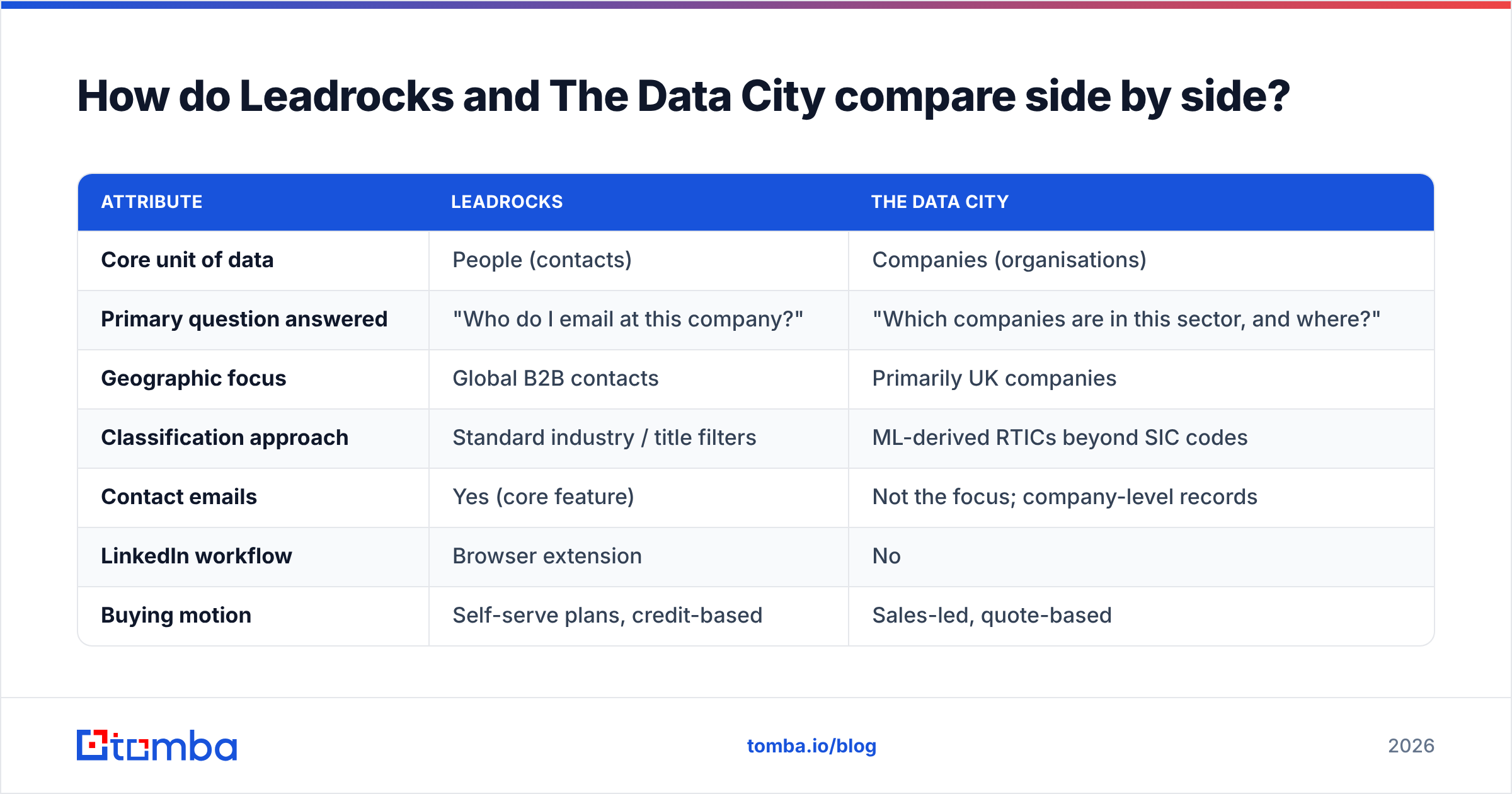
| Attribute | Leadrocks | The Data City |
|---|---|---|
| Core unit of data | People (contacts) | Companies (organisations) |
| Primary question answered | "Who do I email at this company?" | "Which companies are in this sector, and where?" |
| Geographic focus | Global B2B contacts | Primarily UK companies |
| Classification approach | Standard industry / title filters | ML-derived RTICs beyond SIC codes |
| Contact emails | Yes (core feature) | Not the focus; company-level records |
| LinkedIn workflow | Browser extension | No |
| Buying motion | Self-serve plans, credit-based | Sales-led, quote-based |
| Typical buyer | SDRs, agencies, recruiters | Economic development, investors, analysts |
| Output format | CSV / CRM-ready contact lists | Sector maps, dashboards, company lists, reports |
| Best for | Filling sequences with named contacts | Market sizing, cluster analysis, account universe building |
The table shows that most of their attributes don't overlap. Two tools can both be called "B2B data" and still solve completely different problems.

Which problems does each tool actually solve?#
Before you compare feature lists, decide which job you're hiring the tool to do. These are the jobs we see most often in B2B data evaluations:
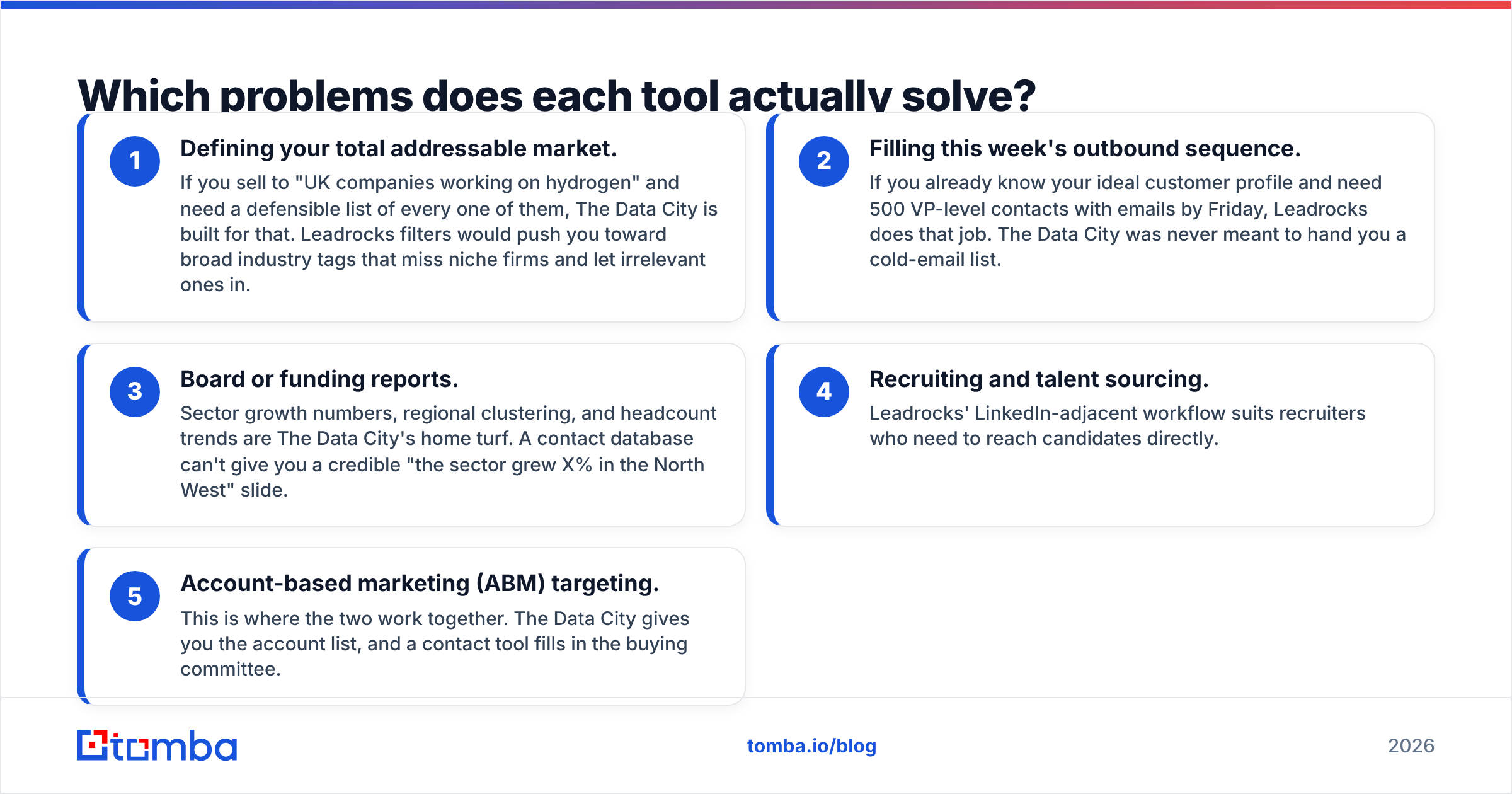
- Defining your total addressable market. If you sell to "UK companies working on hydrogen" and need a defensible list of every one of them, The Data City is built for that. Leadrocks filters would push you toward broad industry tags that miss niche firms and let irrelevant ones in.
- Filling this week's outbound sequence. If you already know your ideal customer profile and need 500 VP-level contacts with emails by Friday, Leadrocks does that job. The Data City was never meant to hand you a cold-email list.
- Board or funding reports. Sector growth numbers, regional clustering, and headcount trends are The Data City's home turf. A contact database can't give you a credible "the sector grew X% in the North West" slide.
- Recruiting and talent sourcing. Leadrocks' LinkedIn-adjacent workflow suits recruiters who need to reach candidates directly.
- Account-based marketing (ABM) targeting. This is where the two work together. The Data City gives you the account list, and a contact tool fills in the buying committee.
If your use case is mostly #1 or #3, you're shopping for company intelligence. If it's mostly #2 or #4, you're shopping for contact data. If it's #5, you probably need both layers.
How does data quality differ between them?#
Quality means different things for each product, so measure each on its own terms.
For Leadrocks, quality comes down to email accuracy and freshness. A contact database is only as good as its bounce rate. People change jobs often, so any static database decays over time. Ask these questions during a trial:
- What share of exported emails come back as valid when run through an independent verifier?
- How are catch-all domains handled? Are they flagged, or quietly marked as "valid"?
- How often are records re-checked?
Run a sample of a few hundred exported contacts through an independent email verifier before you commit. The number you get is the best predictor of how your first campaign will go.
For The Data City, quality comes down to classification precision and coverage. The questions change:
- If you define a sector, what share of the returned companies actually belong in it? Spot-check 50.
- Which firms that you know are in the sector are missing?
- How does it treat companies with thin or no websites, which describes a large part of the UK micro-business population?
Web-derived classification is powerful but not magic. Companies with sparse websites are harder to classify, and results depend on how carefully the sector definition is built. Get a sample for a sector you know well and check it yourself.
How does pricing compare?#
Neither vendor makes this a like-for-like comparison, because they sell in very different ways.
- Leadrocks sells self-serve plans with credits for revealing contacts. Small teams can usually start with a card and scale up. Check the vendor's pricing page for current tiers. Contact databases change their credit models often, and a price printed in a blog post goes stale quickly.
- The Data City is quote-based. Pricing typically depends on the number of users, the sectors or geographies covered, and whether you need custom RTIC work or reports. Budget for an annual contract and a procurement process, especially in the public sector.
A useful rule: if you can't answer "what will this cost per useful record?", you aren't ready to buy. For a contact tool, that means cost per verified email. For an intelligence platform, it means cost per decision the data supports, such as a funding bid, a market entry, or a territory plan.
Is Leadrocks better than The Data City?#
No, and The Data City isn't better than Leadrocks either. That's the honest answer. Each tool does better at its own job:
- Choose Leadrocks if your team measures success in meetings booked and replies received, and you need named contacts at scale without an enterprise contract.
- Choose The Data City if your team measures success in how accurate your market map is, meaning sector sizing, cluster identification, and building a defensible account list for the UK.
Where teams go wrong is buying one and expecting it to do the other's job. An economic development team that buys a contact database ends up with lots of emails and no sector map. A sales team that buys a sector-intelligence platform ends up with a beautiful market map and nobody to email.

Can you combine company intelligence with a contact tool?#
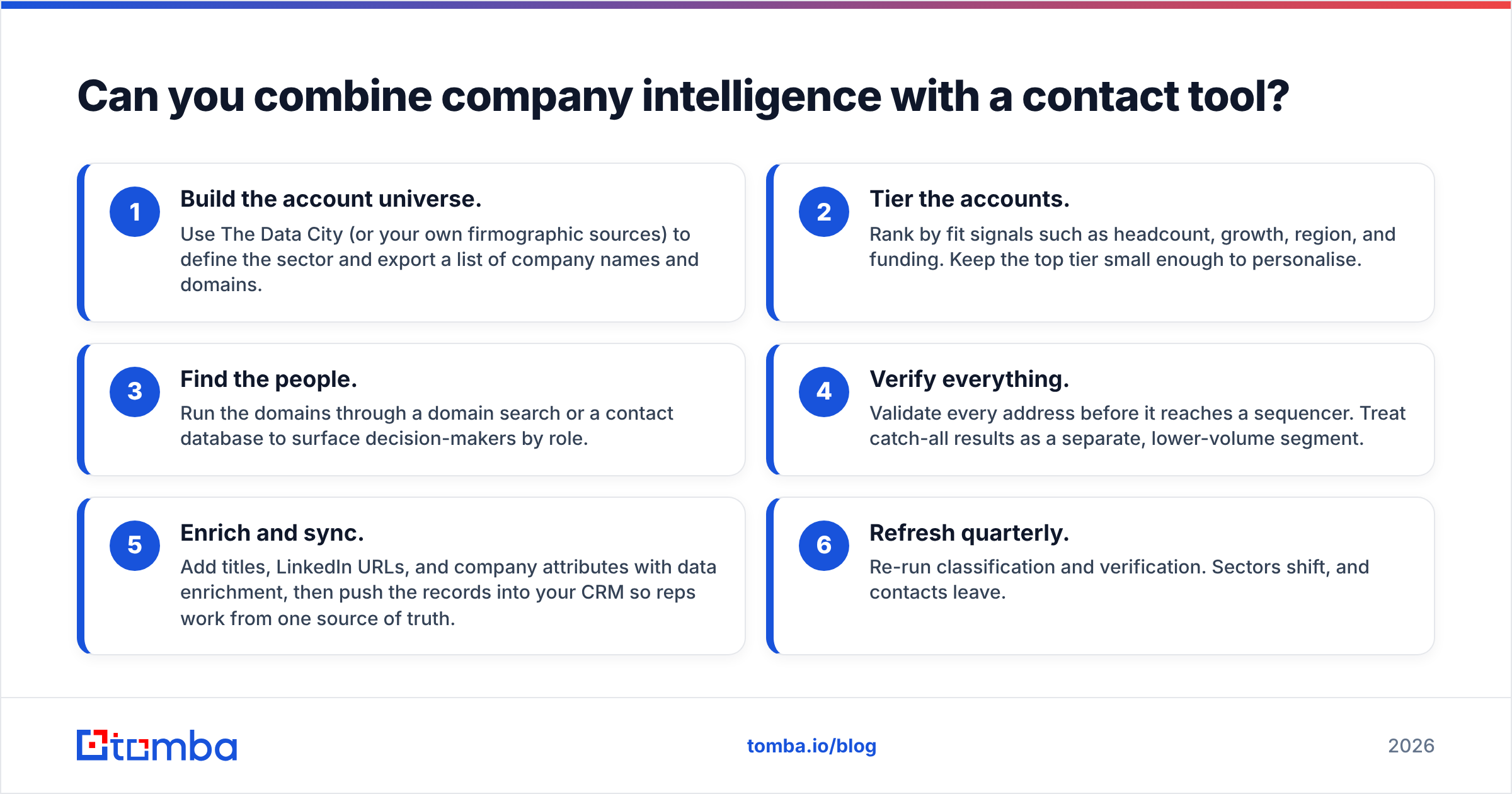
Yes, and for UK-focused ABM this combined setup often works best. A practical workflow:
- Build the account universe. Use The Data City (or your own firmographic sources) to define the sector and export a list of company names and domains.
- Tier the accounts. Rank by fit signals such as headcount, growth, region, and funding. Keep the top tier small enough to personalise.
- Find the people. Run the domains through a domain search or a contact database to surface decision-makers by role.
- Verify everything. Validate every address before it reaches a sequencer. Treat catch-all results as a separate, lower-volume segment.
- Enrich and sync. Add titles, LinkedIn URLs, and company attributes with data enrichment, then push the records into your CRM so reps work from one source of truth.
- Refresh quarterly. Re-run classification and verification. Sectors shift, and contacts leave.
This division of labour avoids the most common B2B data mistake: using a contact tool's generic industry filter as your market definition. Generic filters are fine for broad targeting. They fail for niche or emerging sectors, which is exactly where the best outbound opportunities tend to be.
What are the pros and cons of each?#
Leadrocks, pros
- Fast route from a search to a list of named contacts
- Browser extension fits LinkedIn-heavy prospecting
- Self-serve buying with no long procurement cycle
- Useful for sales and recruiting teams alike
Leadrocks, cons
- Industry filters are only as precise as the underlying tags
- Like every contact database, records decay and need independent verification
- Offers no market sizing or sector analytics
The Data City, pros
- Sector classification that goes well beyond SIC codes
- Strong for UK cluster mapping, policy work, and market sizing
- Produces outputs that stand up in reports and funding bids
The Data City, cons
- UK-centric, so less useful for global prospecting
- Sales-led pricing with a longer buying process
- Doesn't hand you contact lists ready for outbound
Which should you choose in 2026?#
Use this quick decision filter:
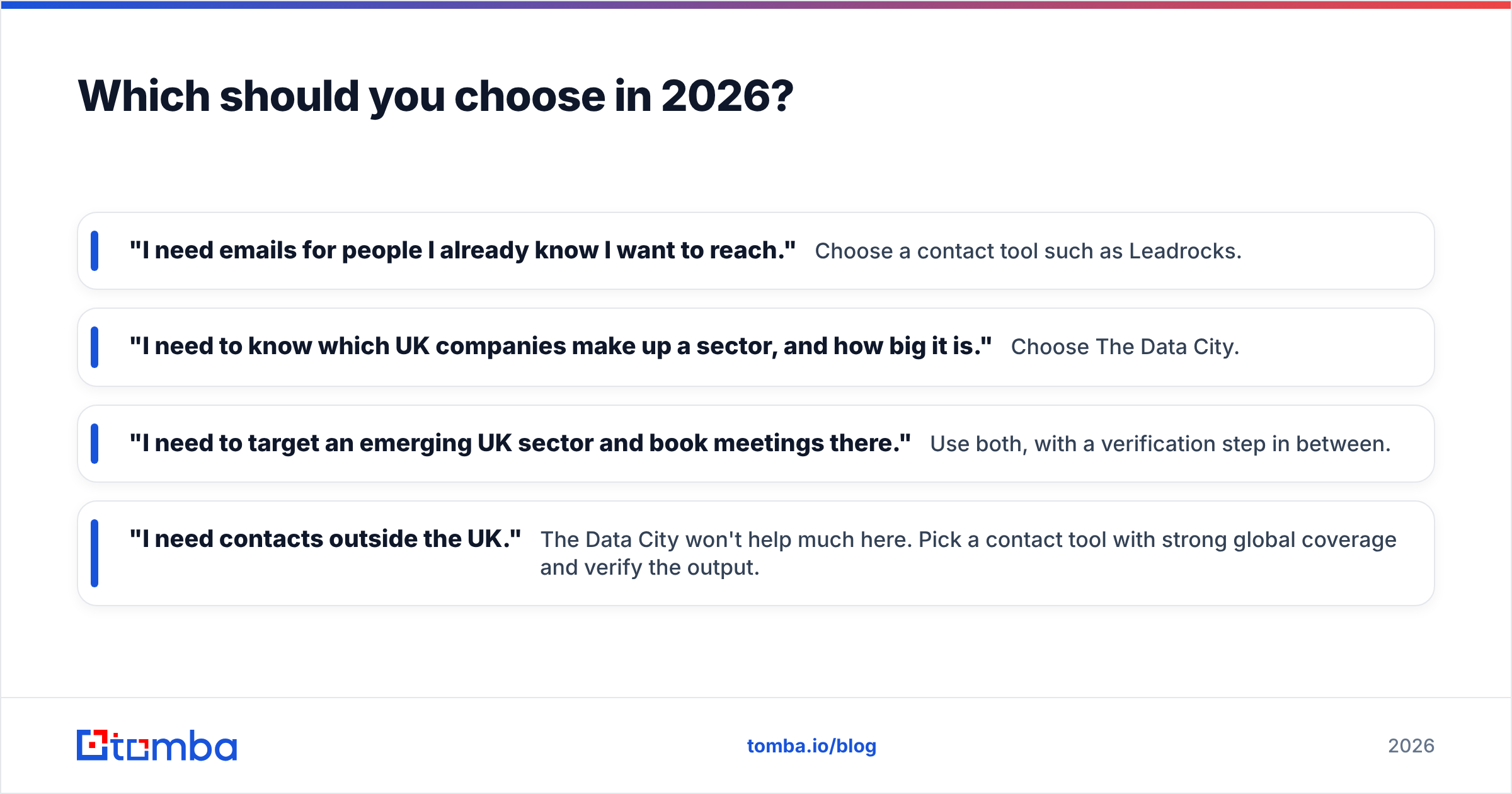
- "I need emails for people I already know I want to reach." Choose a contact tool such as Leadrocks.
- "I need to know which UK companies make up a sector, and how big it is." Choose The Data City.
- "I need to target an emerging UK sector and book meetings there." Use both, with a verification step in between.
- "I need contacts outside the UK." The Data City won't help much here. Pick a contact tool with strong global coverage and verify the output.
Also think about who will use the tool every day. The Data City suits analysts and strategists who work in dashboards and reports. Leadrocks suits reps who work in CSVs, extensions, and sequencers. A tool nobody on the team opens is the most expensive one you can buy, whatever its price.
Where does Tomba fit into this stack?#
If your main need is the contact layer (turning a list of companies into verified email addresses), a dedicated email finder is often a cleaner fit than a full contact database. That's especially true when your account list comes from a company-intelligence source like The Data City. You already know the domains. You just need the right people behind them and emails you can trust.
The Tomba Email Finder finds professional email addresses by name, domain, or company, and it has built-in verification, catch-all handling, and enrichment. That lets you take a sector list, pull decision-makers per domain, and send only to addresses that pass verification. You can start on the free tier (25 searches a month) and move to Starter at $49/mo or Growth at $99/mo as volume grows. The full breakdown is in Tomba pricing. Pair it with whichever company-intelligence source you trust, and your outbound starts from a real market map and a clean contact list.
Related guides#
// get started
Find, verify and enrich your first contacts today
Start on the free plan with 25 searches a month, then scale when your team is ready.
Free plan · No credit card required · GDPR & CCPA
// about the author