Leadsforge vs Null Bounce: Lead Finder or Email Verifier in 2026?
Leadsforge builds lead lists from a chat prompt. Null Bounce checks whether the emails on those lists will actually deliver. Here's how the two compare, where each one fits in an outbound stack, and when you need both.
TL;DR
- Leadsforge and Null Bounce do different jobs. Leadsforge is an AI lead-generation tool that builds contact lists from plain-English prompts. Null Bounce is an email verification service that checks whether addresses you already have will deliver.
- Choose Leadsforge if you don't have a list yet and want enriched contacts that flow into the Forge ecosystem (Salesforge, Warmforge).
- Choose Null Bounce if you already have contacts from a CRM, a scrape, an event, or another data vendor and need to cut bounces before you send.
- Plenty of teams run both: Leadsforge to source, Null Bounce as an independent second check before a big send. That works, but it means two bills and two credit systems.
- If you want finding and verification in one place, an all-in-one tool like Tomba covers both steps from one account.
What is the real difference between Leadsforge and Null Bounce?#
Comparing Leadsforge and Null Bounce is a bit like comparing a fishing boat with a fish inspector. One brings the catch in. The other checks whether it's safe to sell. Both belong in the supply chain, but they don't compete for the same job.
Leadsforge (leadsforge.ai) is the prospecting product in the Forge family, next to Salesforge (sequencing), Warmforge (warmup), and Agent Frank (the AI SDR). You describe your ideal customer in a chat box, for example "Series A fintech companies in the UK with 50–200 employees, heads of finance." Leadsforge turns that into filters, returns matching companies and people, and enriches them with emails and, on some records, phone numbers.
Null Bounce (nullbounce.com) sits one step later. It doesn't find anyone. You upload a CSV or call its API with addresses, and it tells you whether each one is valid, invalid, risky, disposable, or on a catch-all domain. Its whole pitch is lowering your bounce rate so you protect your sender reputation.
So when people search "Leadsforge vs Null Bounce," the question underneath is usually one of these:
- "I need leads. Does Leadsforge's built-in verification mean I can skip a separate verifier?"
- "I already have leads. Do I need Leadsforge at all, or just a verifier like Null Bounce?"
- "What's the cheapest stack that gets me from zero to a clean, sendable list?"
The rest of this post answers all three.
How do Leadsforge and Null Bounce compare feature by feature?#
Here's the side-by-side. Pricing structures change often, so check each vendor's current pricing page before you buy.
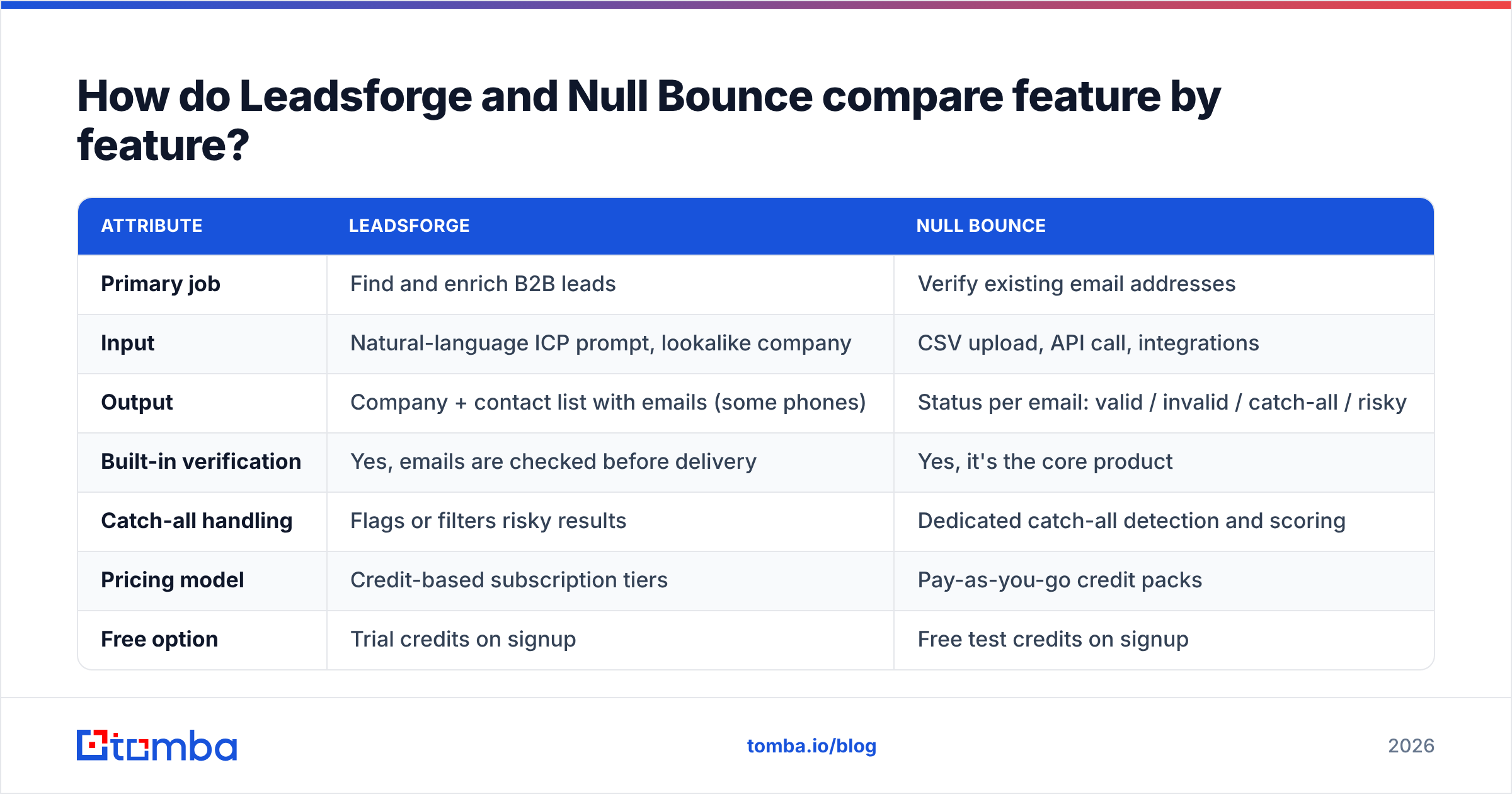
| Attribute | Leadsforge | Null Bounce |
|---|---|---|
| Primary job | Find and enrich B2B leads | Verify existing email addresses |
| Input | Natural-language ICP prompt, lookalike company | CSV upload, API call, integrations |
| Output | Company + contact list with emails (some phones) | Status per email: valid / invalid / catch-all / risky |
| Built-in verification | Yes, emails are checked before delivery | Yes, it's the core product |
| Catch-all handling | Flags or filters risky results | Dedicated catch-all detection and scoring |
| Pricing model | Credit-based subscription tiers | Pay-as-you-go credit packs |
| Free option | Trial credits on signup | Free test credits on signup |
| Best integration | Salesforge and the Forge stack, CSV export | API, bulk upload, common ESP/CRM connectors |
| Ideal user | Founder or SDR starting from zero | Ops, marketer, or agency cleaning existing lists |
| Weak spot | Coverage thins out in niche and non-English markets | Can't create leads, only judge them |
The table shows the main point: these tools overlap on only one step, which is verification. Leadsforge verifies because a lead tool that hands you bouncing emails won't keep customers. Null Bounce verifies because that's all it does, and that focus usually buys more depth on edge cases like catch-all domains and temporary server errors.
How does Leadsforge actually work?#
Leadsforge's main feature is the conversational search. Most B2B databases (Apollo, ZoomInfo, and the rest) expect you to set 15 filters by hand. Leadsforge lets you type what you want and then adjust the filters it produced.
What you get in practice:
- Prompt-to-list search. Describe the ICP and the AI maps it to industry, headcount, geography, job titles, and seniority.
- Lookalike search. Give it one of your best customers' domains and it finds similar companies.
- Enrichment on export. You spend credits to unlock contact details: emails first, phone numbers where available.
- Native handoff to Salesforge. If you already sequence in Salesforge, leads move over without a CSV round trip, and Warmforge covers inbox health.
Where Leadsforge fits best is the "I have an idea for a campaign by Tuesday and no list" situation. A founder doing their own outbound can get from ICP to sequenced contacts inside one vendor's ecosystem.
Where it falls short is common to every AI list builder: the AI can only return what's in the database behind it. If your market is regional, very small, or outside North America and Western Europe, expect thinner results and more records without a direct email.
How does Null Bounce actually work?#
Null Bounce is a single-purpose verification engine. A typical run looks like this:
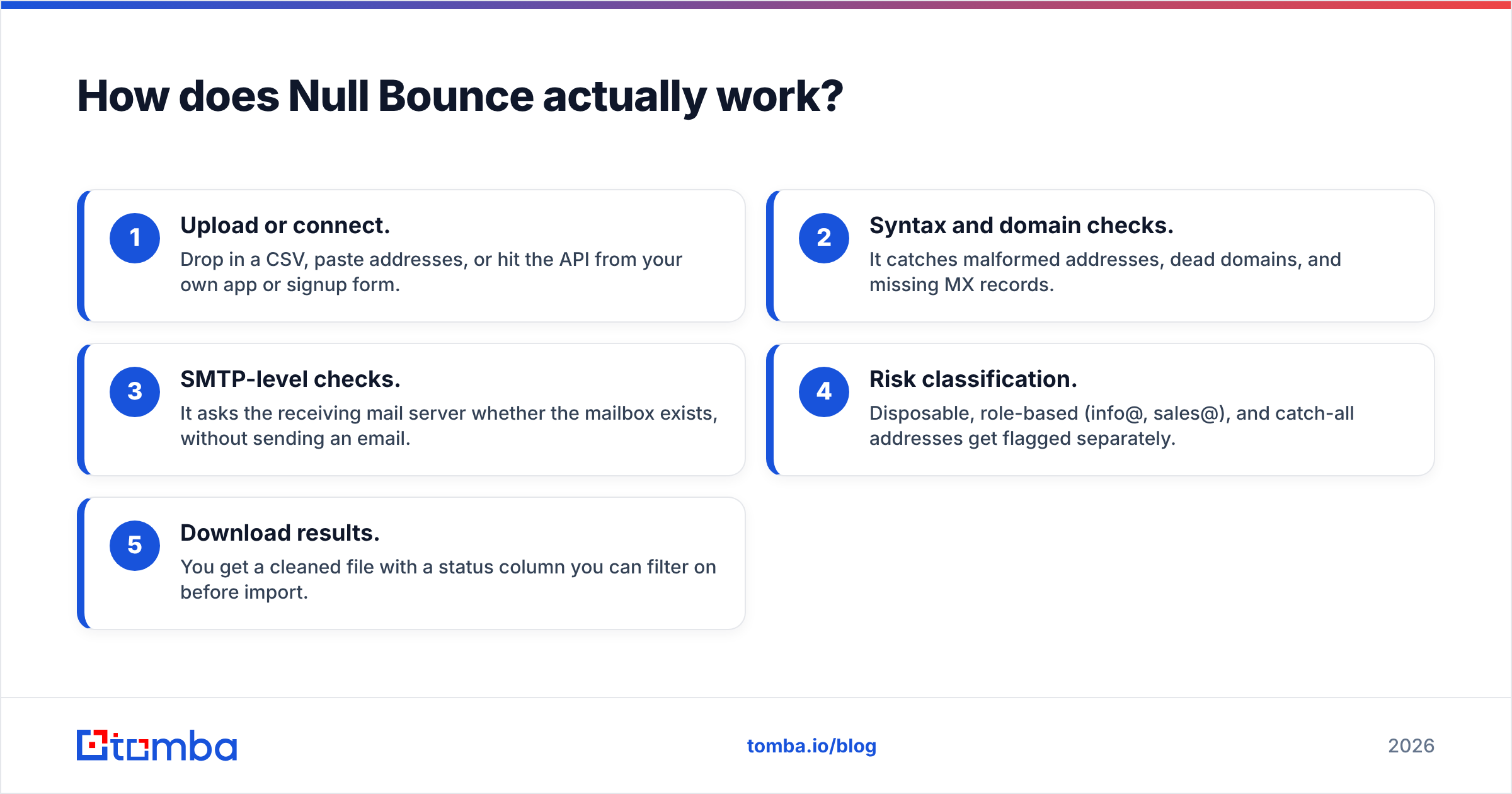
- Upload or connect. Drop in a CSV, paste addresses, or hit the API from your own app or signup form.
- Syntax and domain checks. It catches malformed addresses, dead domains, and missing MX records.
- SMTP-level checks. It asks the receiving mail server whether the mailbox exists, without sending an email.
- Risk classification. Disposable, role-based (info@, sales@), and catch-all addresses get flagged separately.
- Download results. You get a cleaned file with a status column you can filter on before import.
Its value is independence. When your leads come from five places (a scraped conference list, an old HubSpot export, a Leadsforge pull, a partner's spreadsheet, inbound form fills), one neutral verifier gives you a single standard to hold all of them to. That matters more than people expect. Each data vendor's "verified" label means something a bit different, and data decays by roughly 2–3% a month as people change jobs.

Is Leadsforge's built-in verification good enough on its own?#
For most small outbound campaigns, yes. For large or high-stakes sends, run a second check.
Here's why. Verification is a snapshot. An email that passed when Leadsforge enriched it on Monday can bounce three weeks later if the person left the company. If you pull leads and send within a few days, the built-in check is usually enough. If you build a list, park it in your CRM for a month, and then send, re-verify first. That applies no matter which vendor you sourced from.
The second reason is catch-all domains. Many mid-market and enterprise companies set their mail servers to accept every address, so standard SMTP checks can't tell whether "jane.doe@company.com" really exists. Lead tools tend to handle these by excluding them, which shrinks your list, or by marking them "risky" and leaving the decision to you. Dedicated verifiers put more work into scoring catch-all addresses. That's the gap a tool like Null Bounce, or a dedicated catch-all verifier, is built to fill.
A practical rule:
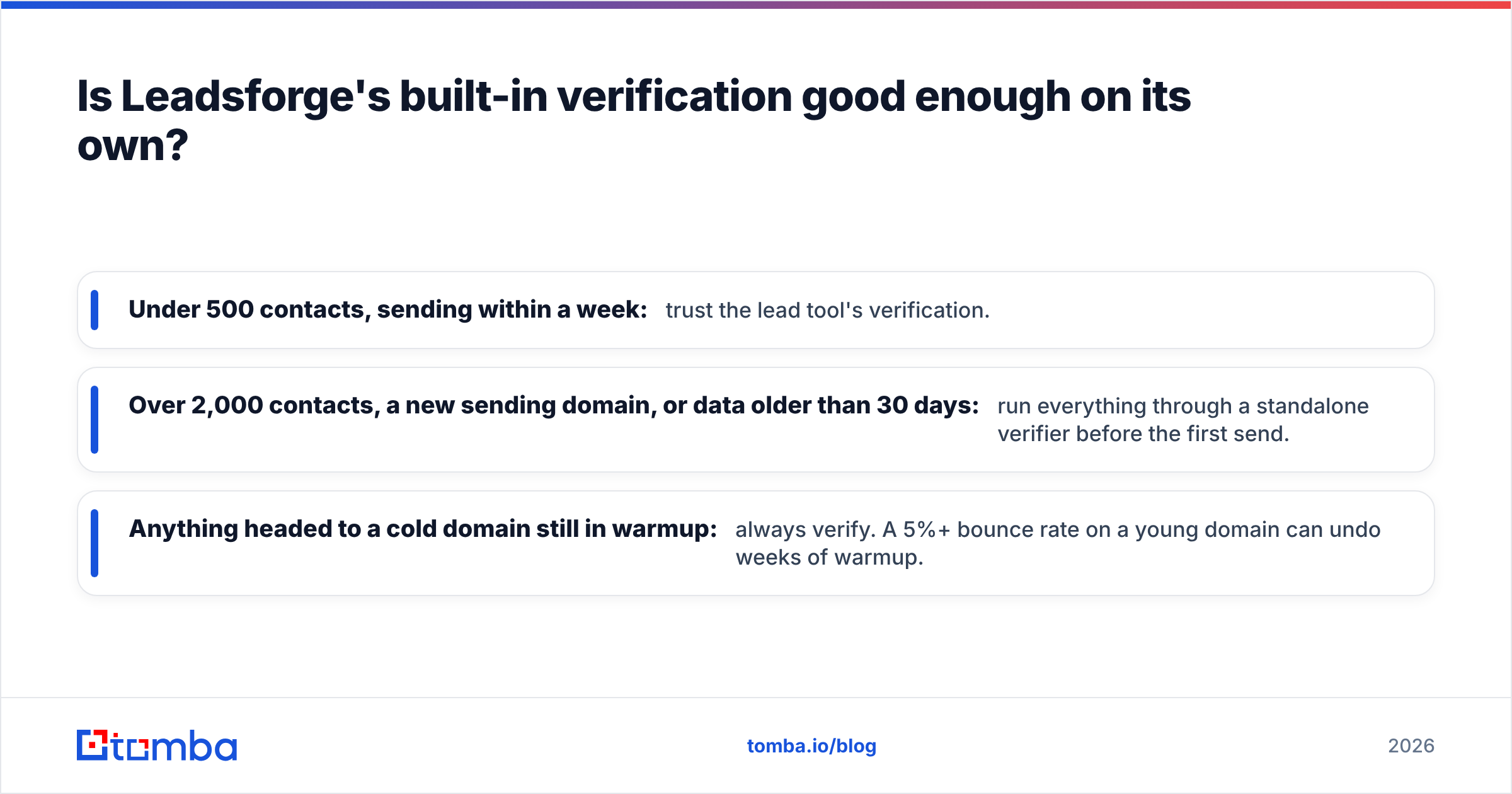
- Under 500 contacts, sending within a week: trust the lead tool's verification.
- Over 2,000 contacts, a new sending domain, or data older than 30 days: run everything through a standalone verifier before the first send.
- Anything headed to a cold domain still in warmup: always verify. A 5%+ bounce rate on a young domain can undo weeks of warmup.
Google's and Yahoo's bulk-sender requirements (in force since 2024) made this stricter. High bounce and complaint rates now hurt inbox placement faster. For background, see HubSpot's guide to email deliverability, or read our explainer on email deliverability.
How do pricing models compare?#
The two pricing models match the two jobs, and that affects which one feels cheaper.
Leadsforge uses subscription credits. You pay monthly for a pool of credits and spend them to unlock contacts. That suits you if you prospect every month. Credits you don't use in a quiet month are money you've already spent, so check the rollover rules on your plan.
Null Bounce uses pay-as-you-go credit packs. You buy a block of verifications and use them when you need them. That suits spiky usage, like cleaning a 20,000-row list once a quarter, and it's the model most verification vendors have settled on.
The mistake to avoid is comparing cost per credit directly. A Leadsforge credit buys a new contact. A Null Bounce credit buys a yes/no on a contact you already have. Those aren't the same unit. The real number to compute is cost per deliverable, correctly targeted email:
(Lead sourcing cost + verification cost) ÷ number of valid, on-ICP contacts that actually reach an inbox
Run that math on your last campaign. Most teams find that the verification line item is small. What really drives cost is wasted sourcing credits (off-ICP leads, duplicates) and the reputation damage from bounces.
When should you pick Leadsforge?#
Leadsforge is the better fit when:
- You're starting from zero. No list, no database subscription, and a campaign to launch this week.
- You already run Salesforge. The native integration removes CSV handling and duplicate-management headaches.
- Your team doesn't want to learn filter logic. Prompt-based search lowers the skill needed to build a decent list.
- You prospect every month. A subscription credit pool pays off when you use it regularly.
It's a weaker fit if you mainly need to clean data you already own, or if your ICP sits in markets its underlying database covers thinly.
When should you pick Null Bounce?#
Null Bounce is the better fit when:
- You have contacts from mixed sources. CRM exports, events, scraped lists, partner data. You need one neutral quality gate.
- You run email marketing, not just cold outbound. Newsletter and lifecycle lists need periodic cleaning too.
- You want to verify at signup. Its API can check addresses in real time on forms and keep junk out of your CRM.
- Your usage is spiky. Pay-as-you-go beats a subscription when you verify big batches a few times a year.
It's the wrong tool if your actual problem is "I don't know who to email." Verification can't fix an empty or poorly targeted list.

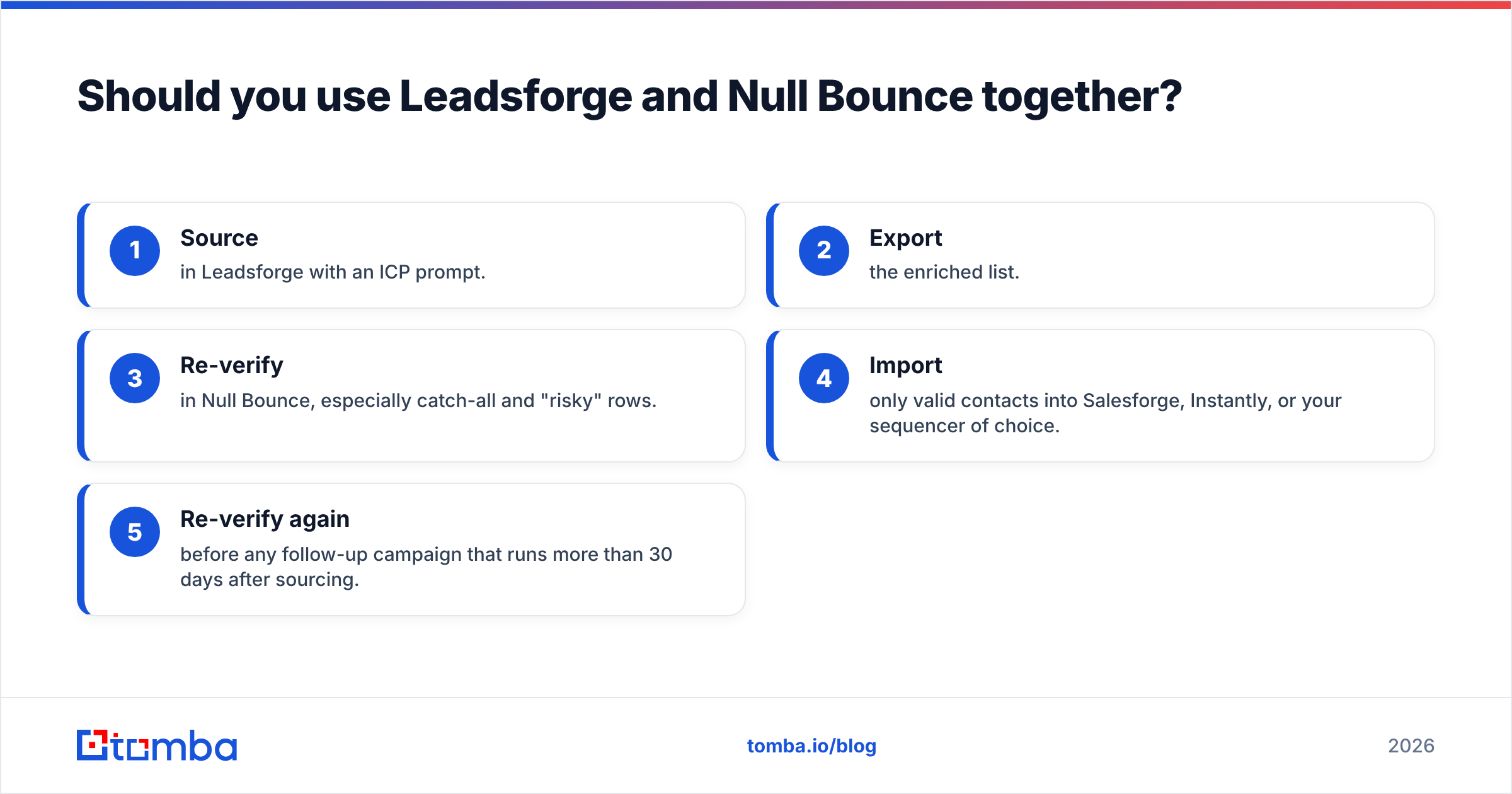
Should you use Leadsforge and Null Bounce together?#
You can, and some agencies do. The stack looks like this:
- Source in Leadsforge with an ICP prompt.
- Export the enriched list.
- Re-verify in Null Bounce, especially catch-all and "risky" rows.
- Import only valid contacts into Salesforge, Instantly, or your sequencer of choice.
- Re-verify again before any follow-up campaign that runs more than 30 days after sourcing.
The benefit is a second opinion: two independent systems have to agree before an email goes out. The costs are two vendors, two billing cycles, two credit balances to watch, and an extra export/import step where duplicates and formatting errors creep in.
Whether that trade is worth it depends on volume. A two-person team sending 1,000 emails a month usually won't see a return on the second tool. An agency sending 50,000 emails across client domains usually will, because one burned domain costs more than a year of verification credits.
Is there a simpler option that does both?#
If running two tools feels like overhead, the alternative is a platform that handles finding and verification in the same workflow, so every contact gets checked the moment you find it and re-checked on demand.
That's where Tomba fits. The core product is the email finder: search by name and company, by domain, or through the Chrome extension on LinkedIn. The email verifier and catch-all verifier run alongside it, so you can source a list and then re-verify an older batch without switching vendors or reformatting CSVs.
To be fair about the trade-offs: Tomba doesn't offer Leadsforge's conversational, prompt-to-list ICP builder or its native Salesforge handoff. If that AI-first search is the main thing you want, Leadsforge does it well. If you want a neutral verifier with no stake in where your data came from, Null Bounce is a clean single-purpose choice. Tomba makes the most sense when you want one account, one credit system, and one API for both jobs.
| Need | Best fit |
|---|---|
| AI prompt-based list building inside the Forge stack | Leadsforge |
| Independent verification of mixed-source lists | Null Bounce |
| Finding + verifying in one account and API | Tomba |
| Enterprise-scale intent data and org charts | A full data platform (ZoomInfo, Apollo) |
For third-party reviews of any of these tools, G2's email verification category is a useful place to check recent user feedback on accuracy and support.
What's the verdict: Leadsforge or Null Bounce?#
Pick Leadsforge if you need new leads and like the idea of describing your ICP instead of setting filters by hand, especially if you already run Salesforge.
Pick Null Bounce if you already have contacts and need an independent, pay-as-you-go quality check before sending.
Pick both if you send high volume across several domains and a second verification pass is cheaper than a burned domain.
For everyone else, the question to ask is how many tools you want between an idea and a clean send. If the answer is "one," look at an all-in-one option.
Ready to find and verify emails without the tool juggling?#
If you want to source contacts and confirm they'll deliver without exporting between vendors, try the Tomba Email Finder. You can find professional addresses by name, company, or domain, verify them in the same workflow, and push clean contacts to your CRM or sequencer. The free plan includes 25 searches a month so you can test accuracy on your own ICP, and paid plans start at $49/mo. See the full Tomba pricing to pick a tier that matches your volume.
Related guides#
// get started
Find, verify and enrich your first contacts today
Start on the free plan with 25 searches a month, then scale when your team is ready.
Free plan · No credit card required · GDPR & CCPA
// about the author