Leadsforge vs The Data City: Which B2B Data Tool Fits You in 2026?
Leadsforge builds AI lead lists of contacts you can email today. The Data City maps UK companies and emerging sectors. They solve different problems. Here's how to pick the right one, or both.
TL;DR
- Leadsforge is an AI lead-generation tool. You describe your ideal customer in plain English and get back a list of people with contact data, ready for outbound.
- The Data City is a UK company-intelligence platform. It classifies businesses into emerging sectors using web data and machine learning, which goes well beyond what official SIC codes can tell you.
- These aren't really direct competitors. Leadsforge answers "who do I email this week?" The Data City answers "which companies and sectors should we care about, and how are they growing?"
- Sales teams running outbound usually want Leadsforge. Economic development agencies, investors and UK market strategists usually want The Data City.
- With either tool, verify contact data before you send. A good list is still a deliverability risk if the emails bounce.
What is the real difference between Leadsforge and The Data City?#
In one line, Leadsforge gives you people and The Data City gives you markets.
The two tools often land in the same shortlist because both get filed under "B2B data." They work at different levels, though. Leadsforge is built for outbound sellers. It returns individual contacts: names, job titles, companies and (depending on plan and availability) email addresses you can load into a sequencer. The Data City is built for people who need to understand whole industries. It returns company-level data such as sector classification, location, growth signals and financials, mostly for the UK economy.
If you choose based on a feature checklist alone, you'll probably end up with the wrong tool. So the first question isn't "which is better?" It's "what decision am I trying to make with this data?"
What is Leadsforge?#
Leadsforge belongs to the Forge ecosystem, the same family as Salesforge, Mailforge and Warmforge. Its main idea is conversational list-building. You don't have to stack twenty filters in a database UI. You type something like "Heads of RevOps at Series B SaaS companies in Germany with 50–200 employees," and the AI turns that into a search and returns matching leads.
Features you'll use most:
- Natural-language ICP search. You describe the buyer in a chat box and refine the results conversationally.
- Lookalike search. You start from a company you already sell to and find similar ones.
- Contact data with verification. Leads come with emails that are checked before export, so you're not shipping raw guesses.
- Native handoff to Salesforge. Lists go straight into sequences if you already use the Forge stack. CSV export covers everything else.
- Credit-based pricing. You pay for the leads you pull, with monthly plans at SMB-friendly price points. Check the current tiers on their site, because credit bundles change often.
Leadsforge is designed for SDRs, founders doing their own outbound, and agencies building lists for clients. It aims to cut the time from "we should target X" to "the sequence is live."
What is The Data City?#
The Data City is a UK-based data company. It's best known for Real-Time Industrial Classifications (RTICs), a taxonomy of emerging sectors such as net zero, cybersecurity, immersive tech, AgriTech and space. Standard SIC codes can't describe these well.
This matters because the official UK SIC framework was last revised in 2007. Many companies register under vague codes like "62090 – Other information technology service activities," so a battery-recycling startup and a legacy IT reseller can end up in the same category. The Data City gets around this by reading company websites, combining that with Companies House filings and other sources, and using machine learning to classify each business by what it actually does.
Features you'll use most:
- RTIC sector classification. This covers dozens of emerging-industry verticals, each with sub-sectors.
- Company search and mapping. You can filter by region, sector, size and growth, and see where clusters form geographically.
- Growth and financial signals. These come from filings, hiring activity and web changes over time.
- Custom sector builds. You can define a new sector with keywords and example companies, and the model finds the rest.
- Reports and exports. These are built for policy teams, local authorities, investors and consultants.
The main users are economic development agencies, government departments, universities, VCs and corporate strategy teams. It isn't a contact-level email tool.

How do Leadsforge and The Data City compare side by side?#
The table below compares what matters most when you're choosing between them.
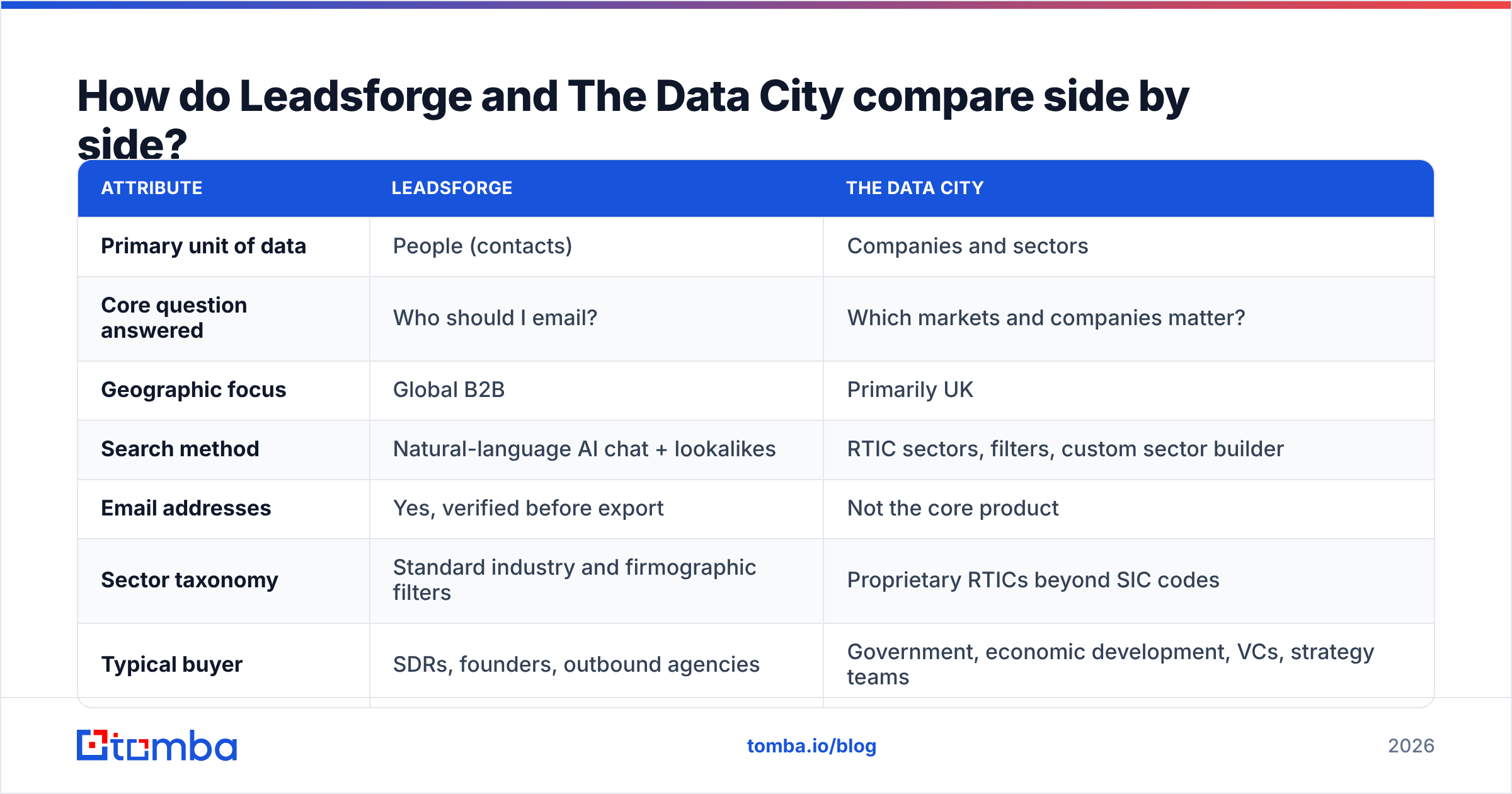
| Attribute | Leadsforge | The Data City |
|---|---|---|
| Primary unit of data | People (contacts) | Companies and sectors |
| Core question answered | Who should I email? | Which markets and companies matter? |
| Geographic focus | Global B2B | Primarily UK |
| Search method | Natural-language AI chat + lookalikes | RTIC sectors, filters, custom sector builder |
| Email addresses | Yes, verified before export | Not the core product |
| Sector taxonomy | Standard industry and firmographic filters | Proprietary RTICs beyond SIC codes |
| Typical buyer | SDRs, founders, outbound agencies | Government, economic development, VCs, strategy teams |
| Pricing model | Self-serve monthly credit plans | Subscription/licence, typically sales-led |
| Workflow fit | Salesforge sequences, CSV, CRM | Reports, dashboards, research exports |
| Best for | Filling a sequencer fast | Market sizing, cluster mapping, policy evidence |
In short, Leadsforge sits at the end of the funnel, where you're about to act, and The Data City sits at the start, where you're working out where to play.
When should you choose Leadsforge?#
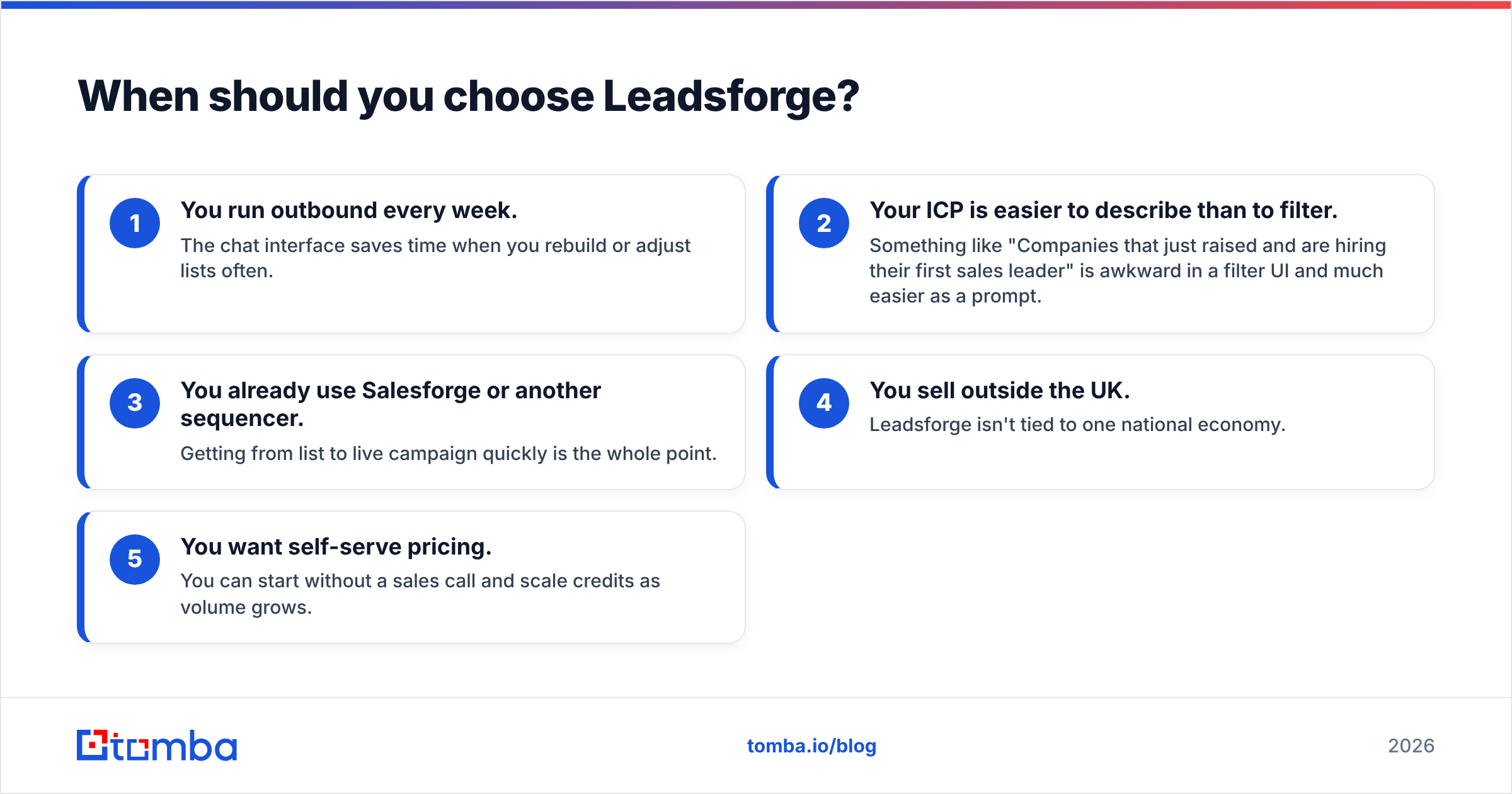
Choose Leadsforge when the output you need is a list of named people you'll contact within days. These signals point that way:
- You run outbound every week. The chat interface saves time when you rebuild or adjust lists often.
- Your ICP is easier to describe than to filter. Something like "Companies that just raised and are hiring their first sales leader" is awkward in a filter UI and much easier as a prompt.
- You already use Salesforge or another sequencer. Getting from list to live campaign quickly is the whole point.
- You sell outside the UK. Leadsforge isn't tied to one national economy.
- You want self-serve pricing. You can start without a sales call and scale credits as volume grows.
Where it's weaker: you won't get deep sector intelligence, regional cluster analysis or the "why this market, why now" context. Like every AI list builder, it depends on the data underneath it. You should still spot-check niche segments, and run a second email verification pass on anything that has sat in a spreadsheet for weeks before you send.
When should you choose The Data City?#
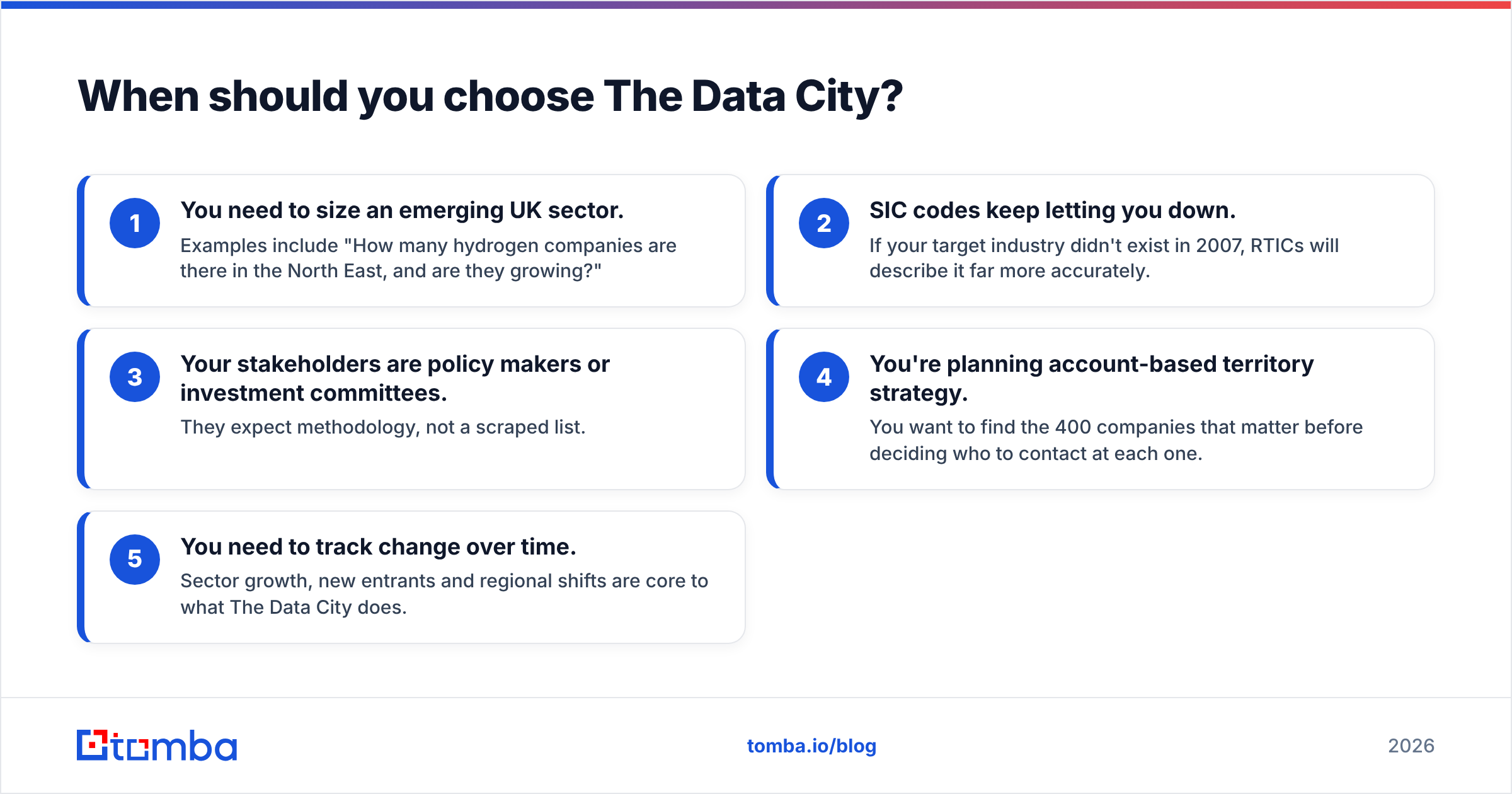
Choose The Data City when the output you need is a defensible view of a market, with companies grouped, counted, mapped and tracked over time. These signals point that way:
- You need to size an emerging UK sector. Examples include "How many hydrogen companies are there in the North East, and are they growing?"
- SIC codes keep letting you down. If your target industry didn't exist in 2007, RTICs will describe it far more accurately.
- Your stakeholders are policy makers or investment committees. They expect methodology, not a scraped list.
- You're planning account-based territory strategy. You want to find the 400 companies that matter before deciding who to contact at each one.
- You need to track change over time. Sector growth, new entrants and regional shifts are core to what The Data City does.
Where it's weaker: it isn't an outbound tool. You won't get a sequencer-ready list of decision-maker emails. Coverage outside the UK is limited compared with global contact databases. Pricing is also aimed at organisations, not solo founders.
Can you use Leadsforge and The Data City together?#
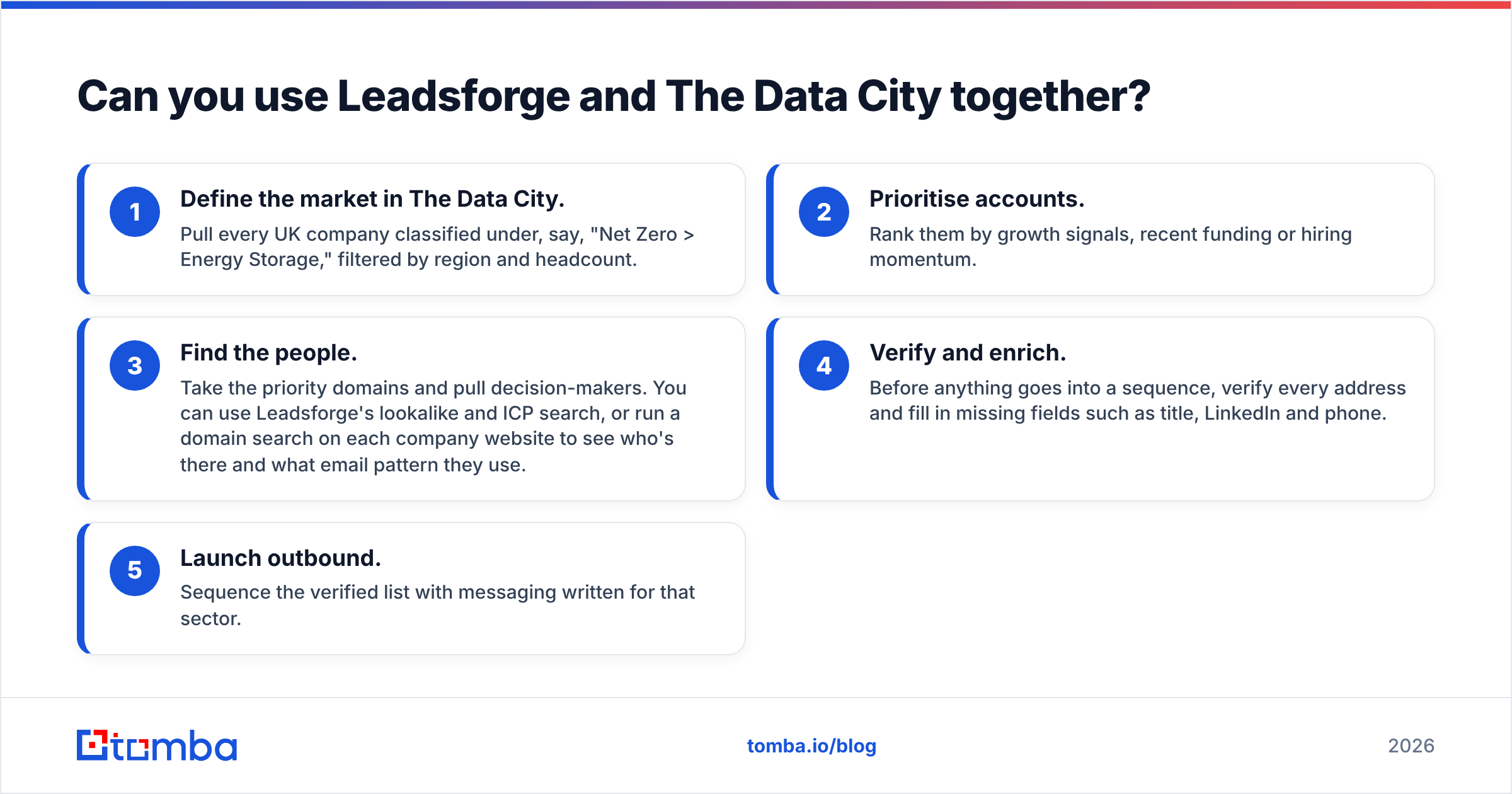
Yes. For some teams, especially UK-focused sellers in emerging sectors, using both is the smartest setup. Here's how the workflow typically goes:
- Define the market in The Data City. Pull every UK company classified under, say, "Net Zero > Energy Storage," filtered by region and headcount.
- Prioritise accounts. Rank them by growth signals, recent funding or hiring momentum.
- Find the people. Take the priority domains and pull decision-makers. You can use Leadsforge's lookalike and ICP search, or run a domain search on each company website to see who's there and what email pattern they use.
- Verify and enrich. Before anything goes into a sequence, verify every address and fill in missing fields such as title, LinkedIn and phone.
- Launch outbound. Sequence the verified list with messaging written for that sector.
This setup combines account selection based on market data with contact data you can act on. Neither tool does the whole job alone.
How does pricing compare?#
The pricing models are so different that a direct price comparison is mostly meaningless, so here's what to expect from each:
- Leadsforge uses self-serve monthly plans built on lead credits. Entry tiers are priced for individual SDRs and small teams, and higher tiers add volume. Your cost per lead drops as you commit to more credits. Check their pricing page for current numbers, because credit-based vendors revise tiers frequently.
- The Data City sells subscriptions and licences, usually through a sales conversation. Public-sector and enterprise contracts are common. Expect a price in organisation-level software territory, not a credit card swipe. That makes sense for a research platform, but it's a hard sell for a two-person startup.
For an independent view of ratings and user feedback, G2 lists reviews for sales-intelligence tools. Check review volume and recency before you rely heavily on any single score.
What about data accuracy and freshness?#
Accuracy means something different for each tool.
For Leadsforge, accuracy is about the contact: whether this person still works there, whether the email is deliverable, and whether the title is current. People change jobs often, so any contact database decays over time. Verification at export time helps. If you wait before sending, re-verify.
For The Data City, accuracy is about the classification: whether this company really belongs in the sector, and whether the growth trend is real. Machine-learning classification from website text is far richer than SIC codes, but it can still misread a company that describes itself vaguely or has changed direction. Good analysts sample and sanity-check the edge cases.
In both cases, the tool gives you a strong starting dataset, and the discipline you apply afterwards decides the final quality.

Which tool should you pick? Our verdict#
Pick Leadsforge if you're a sales team, founder or agency that needs contactable leads quickly, your market goes beyond the UK, and you want to move from ICP to live sequence in one afternoon.
Pick The Data City if you're a strategy, research, investment or public-sector team that needs to understand UK industries accurately, especially emerging sectors that SIC codes can't describe.
Pick both if you sell into UK emerging sectors and want account selection backed by market data, plus contact data your SDRs can act on.
A quick way to decide: if the person using the tool is judged on meetings booked, choose Leadsforge. If they're judged on reports, investment memos or policy decisions, choose The Data City.
What gaps will you still need to fill?#
Neither tool covers the whole workflow on its own, so check for these gaps before you commit:
- Contact coverage for company-level lists. A Data City export gives you companies and domains, and you still need a way to reach the people at them.
- Independent verification. Even with Leadsforge's built-in checks, a second verification pass before you send protects your sender reputation, especially on catch-all domains.
- Enrichment for CRM hygiene. Titles, phone numbers and social profiles keep records useful after the first campaign. Data enrichment on inbound and existing CRM records keeps them from going stale.
- Budget predictability. Credit-based and licence-based pricing behave very differently at scale, so model both against the volume you actually expect.
Ready to turn company lists into contacts you can email?#
Whichever way you go, the last step is the same: turn a company or domain into a verified person you can reach. Tomba Email Finder does that. You enter a name and company or a domain, and you get a professional email address along with a confidence score, with verification and enrichment available in the same account. It works well next to The Data City exports, and as a second source when you want to double-check any AI-built list before it goes into your sequencer. You can start on the free tier (25 searches a month) and move to paid plans from $49/month as your volume grows. Compare options on the Tomba pricing page.
Related guides#
// get started
Find, verify and enrich your first contacts today
Start on the free plan with 25 searches a month, then scale when your team is ready.
Free plan · No credit card required · GDPR & CCPA
// about the author