LeadSwift Reviews 2026: Is This Local Lead Scraper Worth It?
LeadSwift promises unlimited local business leads from Google Maps, Yelp and more, plus built-in outreach. We look at what users praise, what they complain about, and where the data runs thin.
TL;DR
- LeadSwift is a local-business lead scraper. It pulls businesses from sources like Google Maps, Yelp, Facebook and YellowPages, then adds website audits, tech stack and ad signals to each record.
- Most LeadSwift reviews praise the same things: it's cheap, it's fast, and the "website problem" filters (no SSL, weak SEO, no pixel) suit agencies that sell web and marketing services.
- The complaints repeat too. Paid tiers differ only in daily search caps, many contacts are generic inboxes (info@, contact@), and you'll want to verify emails before sending at volume.
- It's a strong fit for agencies selling to SMBs. It's a weak fit for B2B teams that need named decision-makers at mid-market or enterprise companies.
- A common setup is to use LeadSwift for local discovery, then a dedicated email finder and verifier for decision-maker contacts and bounce protection.
What is LeadSwift?#
LeadSwift is a web-based lead generation platform built around local businesses. You enter a niche and a location, for example "dentists in Austin" or "roofers in Leeds." LeadSwift scans live directories and maps listings and returns every business it finds, along with contact details and a set of diagnostic data points.
The diagnostics are what set it apart. Each lead can include:
- Google rating and review count
- Website SEO score and flagged issues
- Detected website technologies
- Whether the business runs ads or has a tracking pixel installed
- Linked social profiles
- Email addresses and phone numbers found on the site or listings
Put another way, LeadSwift is a lead source with a sales-angle generator attached. If you run a web design shop, "restaurants in Denver with no SSL certificate and under 4 stars" is more than a list. It's a list plus an opening line.
LeadSwift has also moved into outreach. Current listings describe AI personalization, A/B testing, scheduled sends, automated follow-ups, a unified inbox ("Unibox"), dedicated sender IP support and a built-in email verification suite. That turns it from a scraper into a small prospect-to-send stack.
You can see the current feature list on the official LeadSwift site, and verified user feedback on Capterra's LeadSwift listing.
How does LeadSwift actually work?#
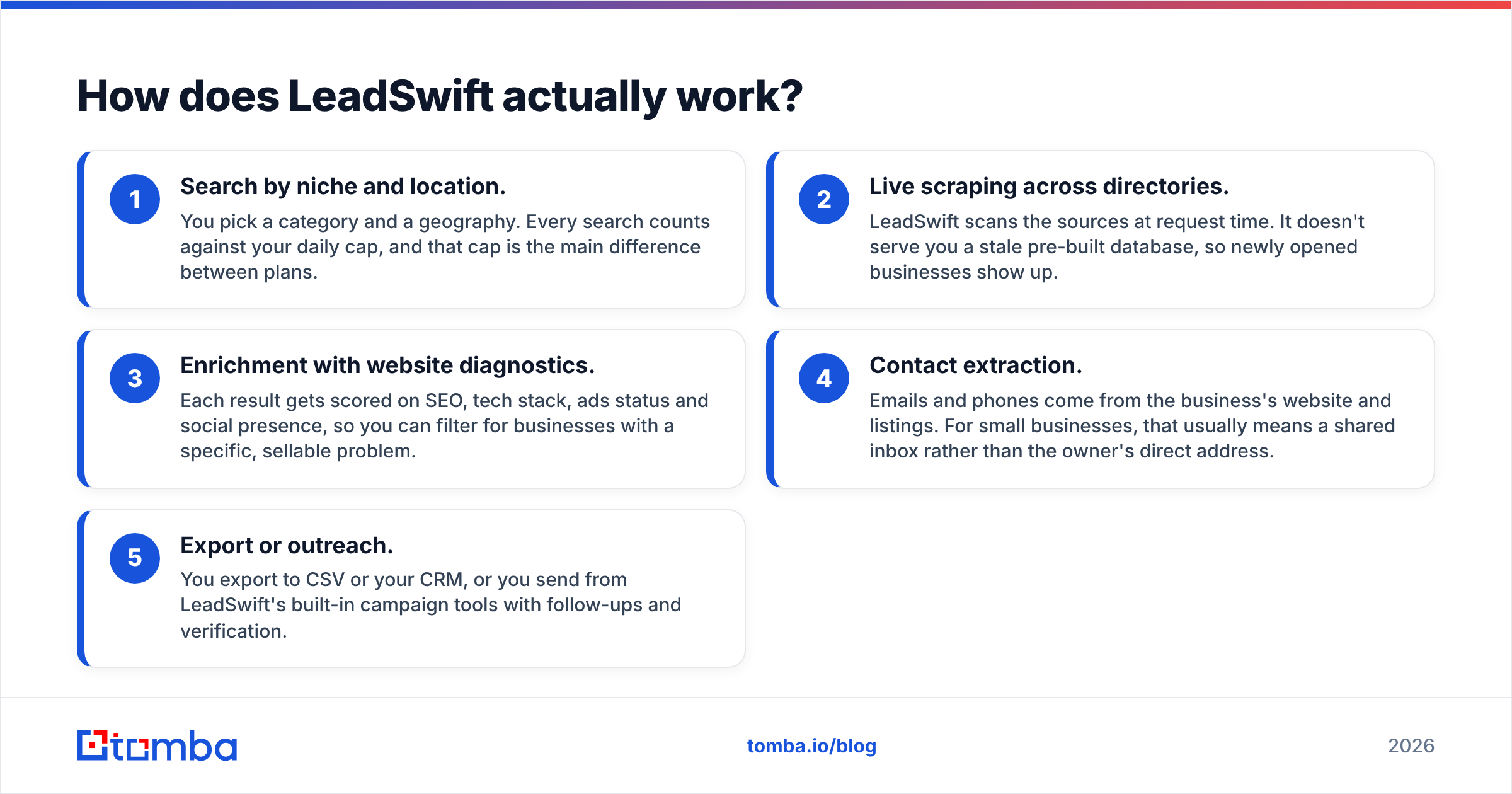
The workflow has five stages. Each one maps to a decision you'll make as a buyer:
- Search by niche and location. You pick a category and a geography. Every search counts against your daily cap, and that cap is the main difference between plans.
- Live scraping across directories. LeadSwift scans the sources at request time. It doesn't serve you a stale pre-built database, so newly opened businesses show up.
- Enrichment with website diagnostics. Each result gets scored on SEO, tech stack, ads status and social presence, so you can filter for businesses with a specific, sellable problem.
- Contact extraction. Emails and phones come from the business's website and listings. For small businesses, that usually means a shared inbox rather than the owner's direct address.
- Export or outreach. You export to CSV or your CRM, or you send from LeadSwift's built-in campaign tools with follow-ups and verification.
Stages 2 and 4 are where most of the praise and most of the frustration in LeadSwift reviews come from.
What do LeadSwift reviews say users like?#
Reviews on Capterra, Software Advice and Trustpilot (where leadswift.com has several hundred reviews) keep landing on the same themes.
Price-to-volume ratio. Every plan includes unlimited leads, contacts, exports and email accounts. You don't pay per record. For agencies that burn through thousands of local leads a month, this is the headline benefit. Credit-based tools get expensive fast at that volume.
Freshness. Because LeadSwift scrapes live, you're less likely to pitch a business that closed last year. Local SMB data decays quickly, since phone numbers change and websites lapse, so live scraping is a real advantage here.
The audit data is a pitch. Agencies say the "no SSL / slow site / no pixel / low reviews" filters are why they bought it. You're not just finding businesses. You're finding businesses with a reason to talk to you this week.
All features on every tier. You don't have to upgrade to unlock a filter. The Starter plan gets the same data points as the top tier.
Support responsiveness. Several reviewers mention quick replies from the team, which matters for a tool you'll use daily.
What do LeadSwift reviews complain about?#
The criticisms are just as consistent, and most of them follow from what LeadSwift is designed to do.
Daily search caps bite. "Unlimited leads" is true within a search. The number of searches per day is limited by plan, and at the time of writing public listings show the entry tier at about one search per day. If you prospect across many niches or cities, you'll hit that ceiling on day one.
Generic inboxes. Scraped contacts from local business sites are mostly info@, hello@, office@ or a Gmail address. That's fine for a three-person plumbing company where the owner reads the shared inbox. It's a problem if you need the marketing director at a 200-person regional chain.
Email quality varies. Scraped addresses can be outdated, role-based or on catch-all domains. LeadSwift now includes verification, which helps, but reviewers still recommend a proper verification pass before you send at scale. That advice holds for every scraping tool, not just this one.
Not built for traditional B2B. If your ICP is "VP of Sales at SaaS companies with 50–500 employees," LeadSwift's model (directories plus website scraping) won't find that person. It's a local-SMB tool, and its data sources reflect that.
Learning curve on outreach. Teams that already run a dedicated sequencer sometimes find the built-in campaign features redundant. Others find them lighter than specialist tools.
How much does LeadSwift cost?#
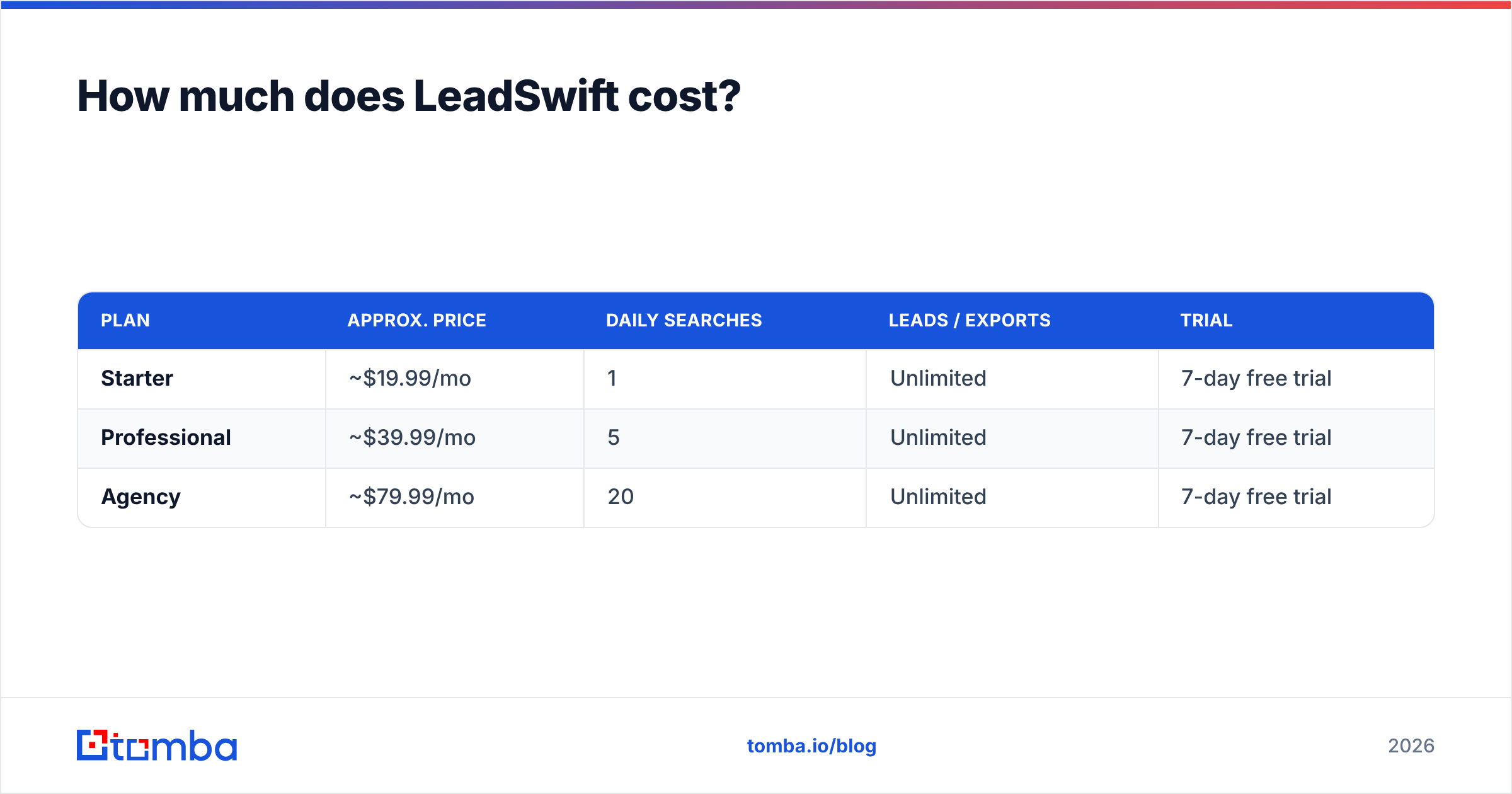
LeadSwift's pricing model is simple: all features on every plan, with tiers separated only by daily searches. Third-party listings in 2026 show approximately:
| Plan | Approx. price | Daily searches | Leads / exports | Trial |
|---|---|---|---|---|
| Starter | ~$19.99/mo | 1 | Unlimited | 7-day free trial |
| Professional | ~$39.99/mo | 5 | Unlimited | 7-day free trial |
| Agency | ~$79.99/mo | 20 | Unlimited | 7-day free trial |
Prices vary slightly between review sites and change over time, so confirm on LeadSwift's pricing page before you commit. The structure is the part that matters. If your prospecting is narrow (one niche, one metro area), Starter is extremely cheap. If you run multi-city campaigns for several clients, plan on Agency.
The hidden cost isn't in LeadSwift's price. It's in what happens after export: verifying emails, finding decision-makers behind generic inboxes, and protecting your sending domain.
Is LeadSwift accurate enough for cold email?#
The discovery layer is reliable. The contact layer needs checking before you send.
LeadSwift finds the businesses. Because it scrapes live listings, the business names, addresses, phones, ratings and website diagnostics tend to be current. What it can't promise is that every scraped email reaches a person who makes buying decisions, or that every address will accept mail.
Three issues come up again and again:
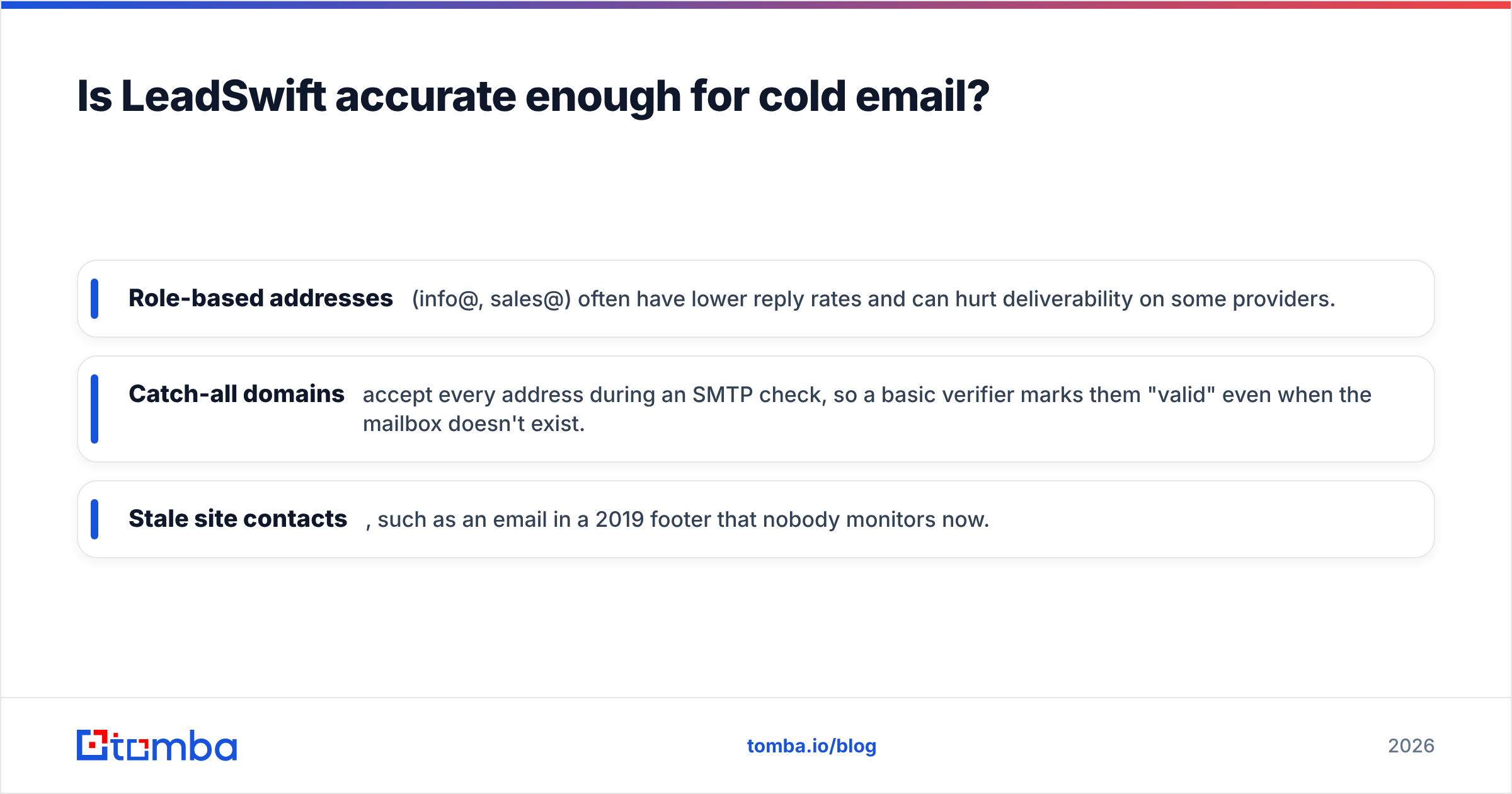
- Role-based addresses (info@, sales@) often have lower reply rates and can hurt deliverability on some providers.
- Catch-all domains accept every address during an SMTP check, so a basic verifier marks them "valid" even when the mailbox doesn't exist.
- Stale site contacts, such as an email in a 2019 footer that nobody monitors now.
A practical workflow many agencies use:
- Pull local businesses and audit signals in LeadSwift.
- For higher-value accounts, look up the owner or decision-maker by name and domain with an email finder, or use domain search to see every public address on the company domain.
- Run the full list through an email verifier before it reaches your sequencer, and handle catch-all domains separately.
That extra pass costs little and protects your sender reputation, which is the part of cold email that's hard to rebuild.
How does LeadSwift compare to Tomba?#
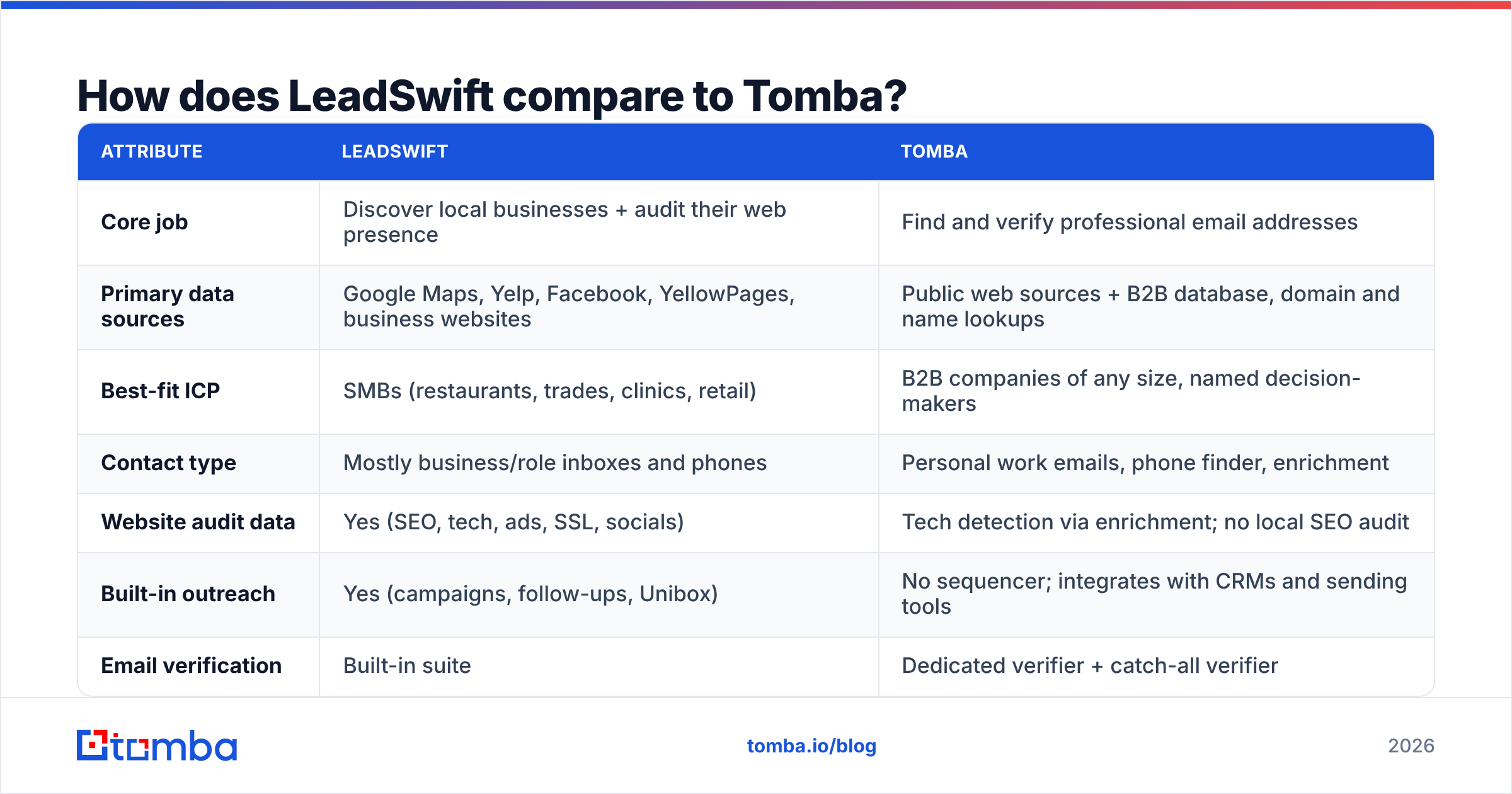
These tools overlap less than you might expect. LeadSwift answers "which local businesses should I pitch?" Tomba answers "what's the right person's verified email at this company?"
| Attribute | LeadSwift | Tomba |
|---|---|---|
| Core job | Discover local businesses + audit their web presence | Find and verify professional email addresses |
| Primary data sources | Google Maps, Yelp, Facebook, YellowPages, business websites | Public web sources + B2B database, domain and name lookups |
| Best-fit ICP | SMBs (restaurants, trades, clinics, retail) | B2B companies of any size, named decision-makers |
| Contact type | Mostly business/role inboxes and phones | Personal work emails, phone finder, enrichment |
| Website audit data | Yes (SEO, tech, ads, SSL, socials) | Tech detection via enrichment; no local SEO audit |
| Built-in outreach | Yes (campaigns, follow-ups, Unibox) | No sequencer; integrates with CRMs and sending tools |
| Email verification | Built-in suite | Dedicated verifier + catch-all verifier |
| Pricing model | Flat monthly, capped by searches/day | Free (25 searches/mo), Starter $49, Growth $99, Pro $249, Enterprise custom |
| Free option | 7-day trial | Permanent free tier |
| API | Limited public info | Full REST API, CLI, MCP, Sheets/Excel add-ins |
Choose LeadSwift if you're an agency or freelancer selling websites, SEO, ads or reviews management to local businesses. In that case the audit data is the product.
Choose Tomba if you sell to companies where the buyer has a title and a personal work email, or if you need an email verification and catch-all layer for lists from any source, including LeadSwift exports.
Use both if you prospect local businesses at volume but want owner-level contacts and clean lists for your best accounts.
Who should (and shouldn't) buy LeadSwift?#
Good fit:
- Web design and SEO agencies. "No SSL," "not mobile-friendly" and "low SEO score" filters give you a list and an opening line in one step.
- Reputation and review-management services. Filter by rating and review count to find businesses that need help on Google.
- Paid-ads freelancers. Target businesses without a pixel or with no active ads.
- Solo operators on tight budgets. Flat pricing with no per-lead fees beats credit-based tools at SMB volume.
Poor fit:
- SaaS and B2B sales teams selling to departments inside mid-size companies.
- Account-based marketing programs that need org charts, titles and direct dials.
- Teams that need API-first pipelines feeding a warehouse or CRM automatically at scale.
What are the main risks of relying on a scraper alone?#
The biggest risk isn't the tool. It's sending straight from a scraped export.
Scraped local lists usually carry some mix of dead inboxes, role accounts and catch-all domains. If you load that into a new sending domain without cleaning it, bounce rates climb, mailbox providers take notice, and your reply rates fall across every campaign, including your good ones. Google's and Yahoo's bulk-sender requirements have made this stricter since 2024, not looser.
Build the pipeline so that verification is a required step and nobody has to remember to do it. LeadSwift's built-in verifier is a solid first filter. For catch-all-heavy niches (many small businesses run on Google Workspace or cPanel hosting configured as catch-all), a dedicated catch-all verifier catches what standard SMTP checks miss.
What's the verdict on LeadSwift?#
LeadSwift is a specialist tool, and it does its specialty well. Taken together, LeadSwift reviews describe a fast, affordable, live-data scraper whose website-audit layer gives local-service agencies ready-made sales angles. The flat pricing and all-features-on-every-plan model are honest and easy to reason about.
The limits are structural. Daily search caps constrain lower tiers. Contacts skew toward generic inboxes. And it isn't designed to find named decision-makers at traditional B2B companies. None of that makes it a bad tool. It means you should buy it for local SMB discovery and not expect it to replace an email finder or a dedicated verification step.
Score summary (our assessment):
- Local business discovery: strong
- Website audit / sales-angle data: strong, best in its niche
- Decision-maker contact coverage: limited
- Value for money: very good at SMB volume
- B2B / enterprise suitability: low
Where does Tomba fit in your LeadSwift workflow?#
If LeadSwift finds your local targets, the Tomba Email Finder finds the person behind the generic inbox. Enter a name and domain, or a company, and get a professional email address you can verify before it reaches your sequencer. You can start on the free tier (25 searches a month) to test it against your own LeadSwift exports, then move to a paid plan (Starter is $49/mo) when it earns its place. Full pricing details are on the site.
Related guides#
// get started
Find, verify and enrich your first contacts today
Start on the free plan with 25 searches a month, then scale when your team is ready.
Free plan · No credit card required · GDPR & CCPA
// about the author