Leap AI Alternatives: 7 AI Workflow Tools Compared for 2026
Leap AI makes AI workflows easy to start, but many teams outgrow it. Here are 7 Leap AI alternatives compared on price, control and GTM fit, and which one fits your stack.
TL;DR
- Leap AI is a no-code builder for AI workflows. It is quick to start with, but teams often outgrow it when they need more integrations, self-hosting, or tighter cost control.
- n8n is the strongest pick if you want control and self-hosting. Zapier wins on integration breadth. Make gives you the most visual logic per dollar.
- For go-to-market work, Clay and Gumloop do the most out of the box. Relevance AI and Lindy are better when you want autonomous agents rather than fixed flows.
- None of these tools creates contact data. They move and transform it. If your workflow feeds outbound, you still need a verified email finder as the data layer.
- Pricing changes often in this category. Treat the numbers below as starting points and check each vendor's pricing page before you commit.
What is Leap AI, and why do teams look for alternatives?#
Leap AI (tryleap.ai) started as an API for generating AI images and later became a no-code platform for AI workflows. You chain steps like "scrape a URL", "summarize with an LLM", "write to a sheet" on a visual canvas, then trigger the flow from a schedule, a webhook, or an API call. Marketing and ops teams use it to produce content, research prospects, and handle repetitive AI tasks without writing code.
That makes it a good first automation tool. The reasons people start searching for Leap AI alternatives tend to come up after a few months of real use:
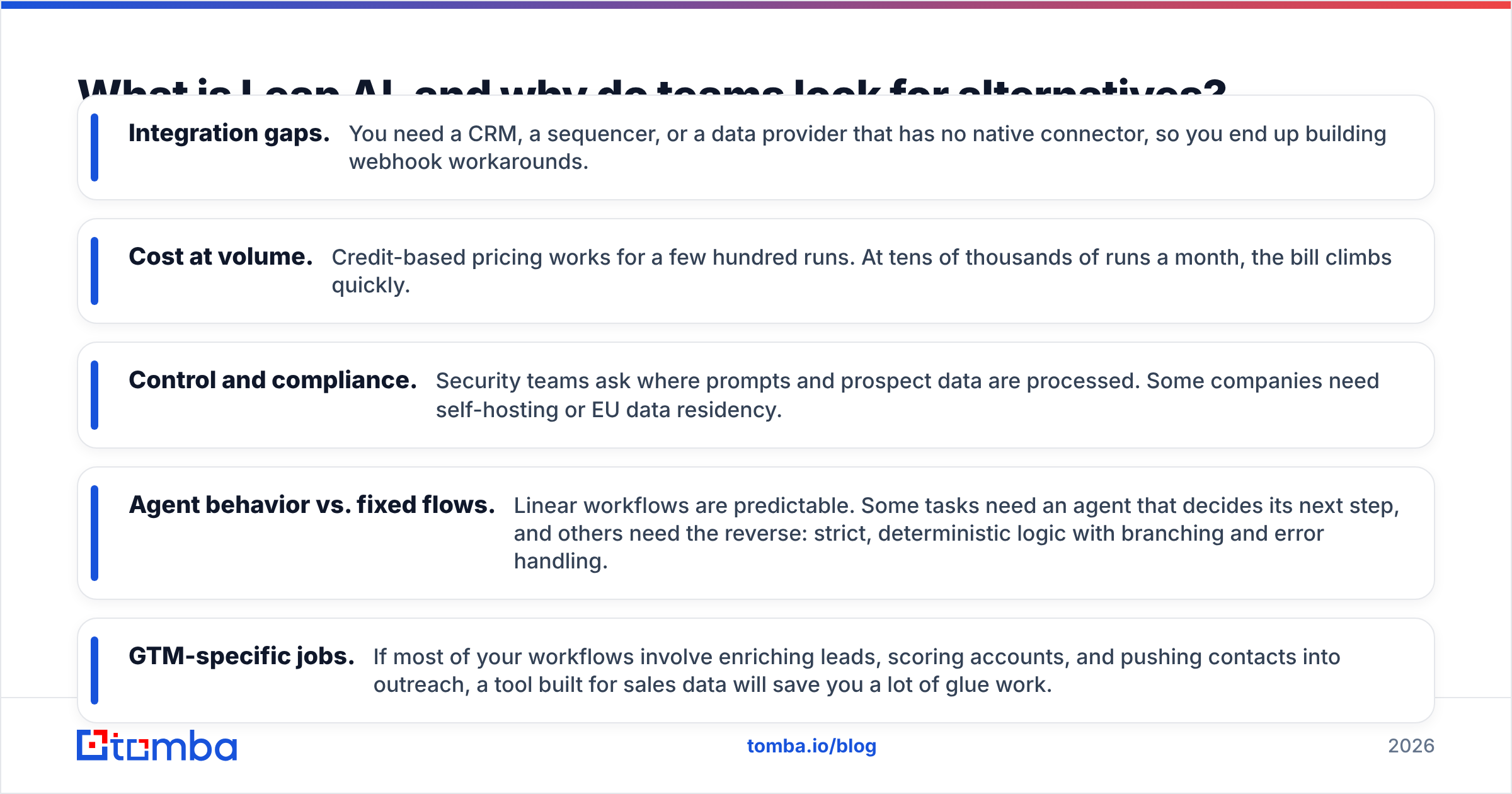
- Integration gaps. You need a CRM, a sequencer, or a data provider that has no native connector, so you end up building webhook workarounds.
- Cost at volume. Credit-based pricing works for a few hundred runs. At tens of thousands of runs a month, the bill climbs quickly.
- Control and compliance. Security teams ask where prompts and prospect data are processed. Some companies need self-hosting or EU data residency.
- Agent behavior vs. fixed flows. Linear workflows are predictable. Some tasks need an agent that decides its next step, and others need the reverse: strict, deterministic logic with branching and error handling.
- GTM-specific jobs. If most of your workflows involve enriching leads, scoring accounts, and pushing contacts into outreach, a tool built for sales data will save you a lot of glue work.
Before you pick a replacement, work out which of these is actually your problem. The right alternative for "we need self-hosting" is almost never the right one for "we need better lead enrichment."
How should you evaluate Leap AI alternatives?#
Score every tool on the same five criteria. It keeps demo excitement from making the decision for you.
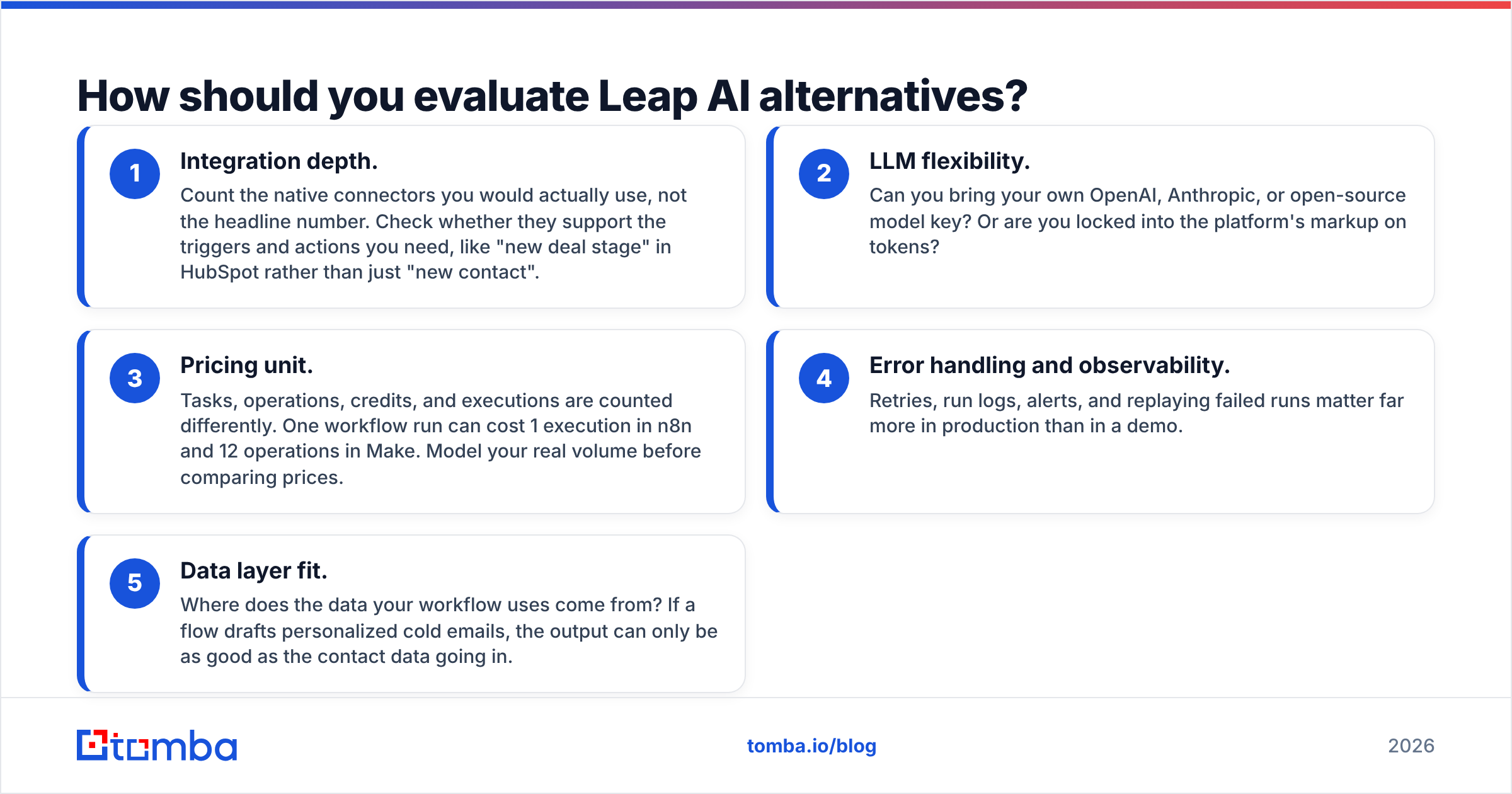
- Integration depth. Count the native connectors you would actually use, not the headline number. Check whether they support the triggers and actions you need, like "new deal stage" in HubSpot rather than just "new contact".
- LLM flexibility. Can you bring your own OpenAI, Anthropic, or open-source model key? Or are you locked into the platform's markup on tokens?
- Pricing unit. Tasks, operations, credits, and executions are counted differently. One workflow run can cost 1 execution in n8n and 12 operations in Make. Model your real volume before comparing prices.
- Error handling and observability. Retries, run logs, alerts, and replaying failed runs matter far more in production than in a demo.
- Data layer fit. Where does the data your workflow uses come from? If a flow drafts personalized cold emails, the output can only be as good as the contact data going in.
The fifth point is the one people skip. An AI workflow that personalizes 1,000 emails to addresses that bounce is just a fast way to damage your sender reputation.

Which Leap AI alternatives are worth considering in 2026?#
These seven cover the realistic range, from general-purpose automation to agent platforms to GTM-native tools.
1. n8n: best for control and self-hosting#
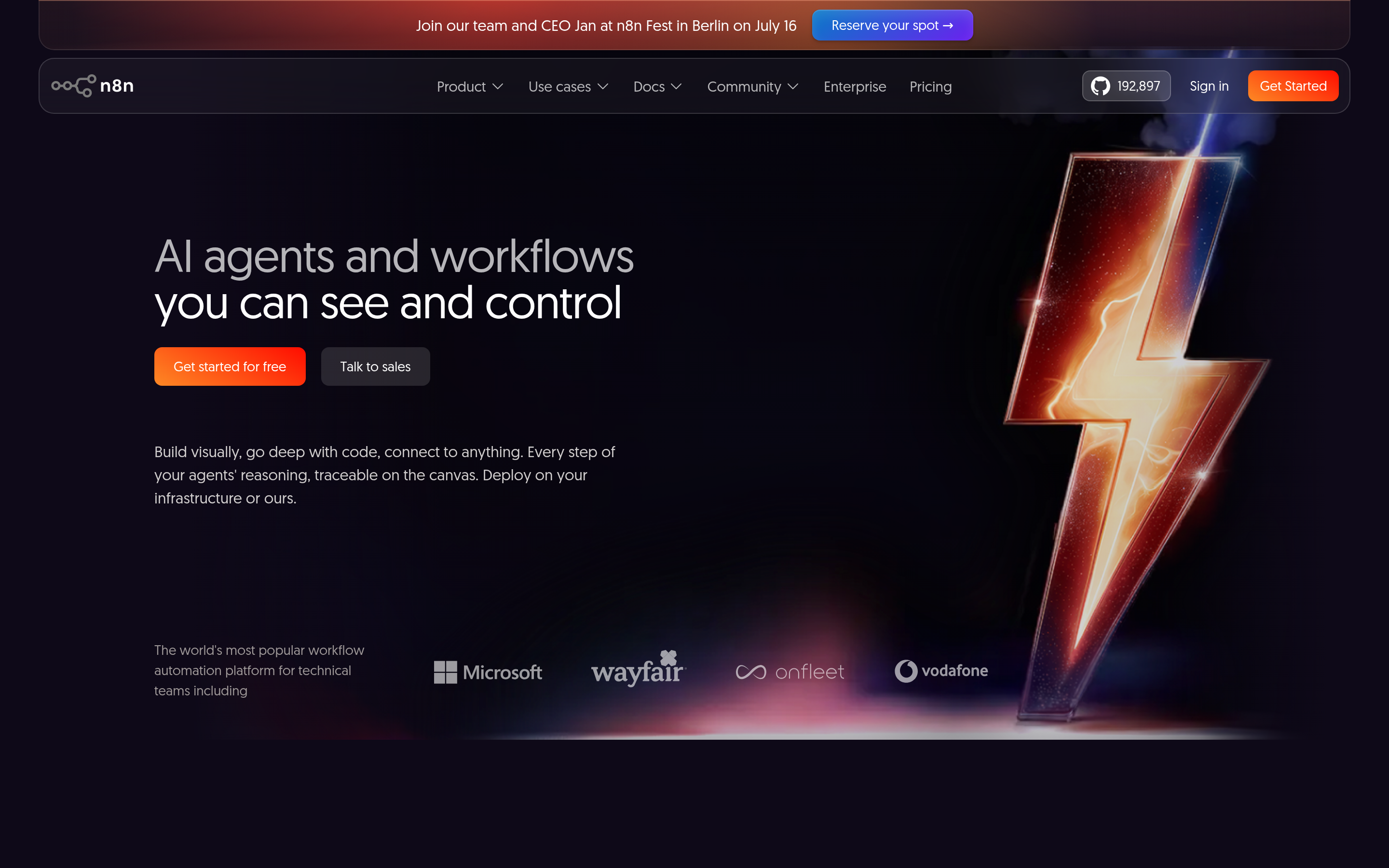
n8n is a workflow automation platform available under a fair-code license. You can self-host it for free or use their cloud. It has native AI nodes, including LangChain-based agent nodes, memory, and vector store connectors, so you can build simple LLM chains or multi-step agents on one canvas.
Why teams switch from Leap AI: self-hosting keeps prospect data inside your own infrastructure, and pricing is per workflow execution rather than per step. That is much cheaper for long flows.
Watch out for: a steeper learning curve. Non-technical users will need help with JSON, expressions, and debugging.
2. Zapier: best for integration breadth#
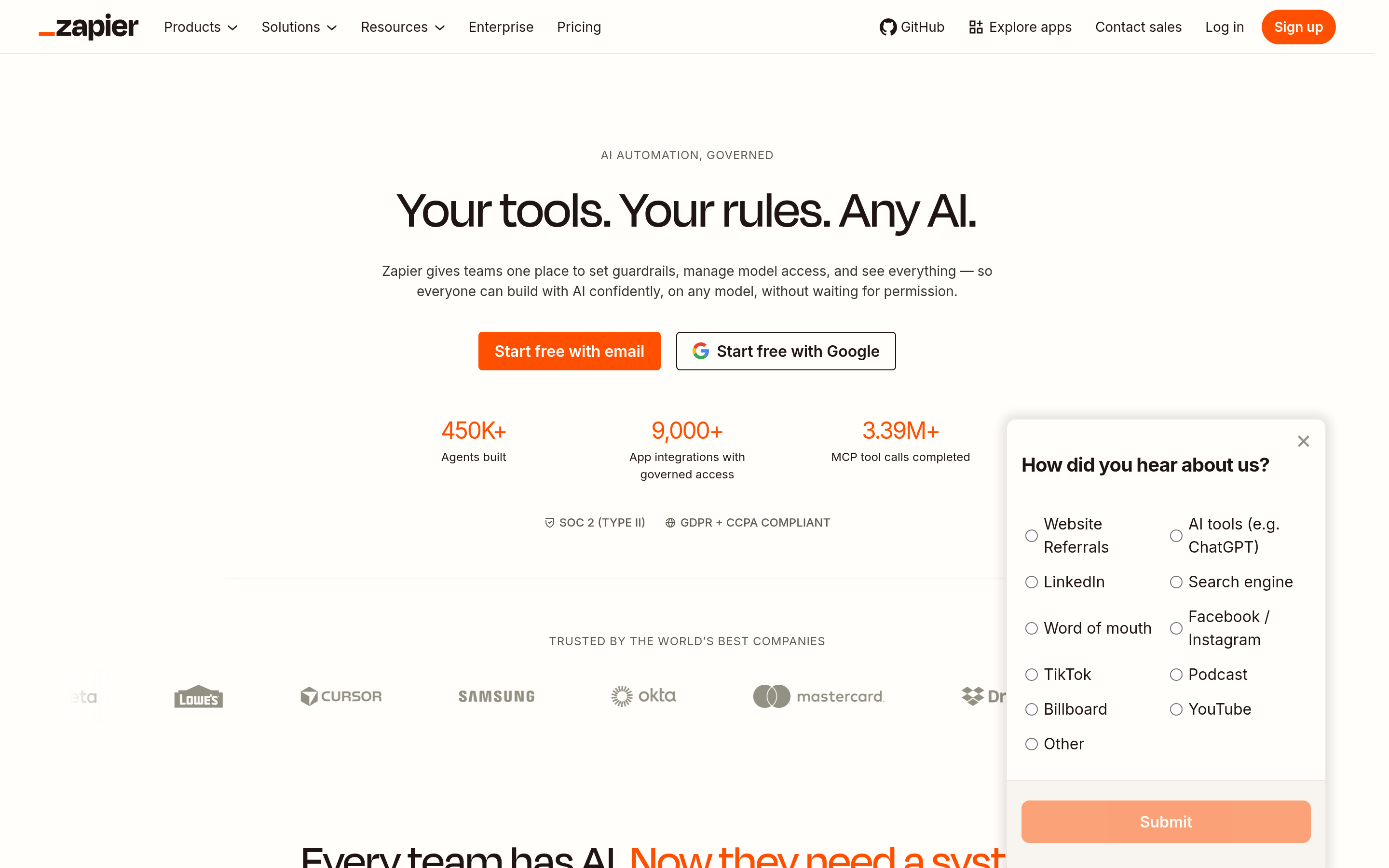
Zapier connects to more apps than any other tool on this list, and its AI features (Zapier Agents, AI steps, Copilot for building Zaps) have matured. If your main problem with Leap AI is "it doesn't connect to X", Zapier almost certainly does.
Why teams switch: the fastest time-to-value for non-technical teams, plus an enormous library of templates.
Watch out for: task-based pricing. Every action step counts as a task, so multi-step AI flows at high volume get expensive.
3. Make: best visual logic per dollar#

Make (formerly Integromat) has a canvas that handles branching, iterators, aggregators, and error routes better than most. It also has AI modules and an AI agents feature.
Why teams switch: complex conditional logic is easy to see and cheap to run at mid-volume.
Watch out for: operation counting. Iterating over a 500-row list uses 500+ operations, so estimate carefully.
4. Gumloop: best Leap-like experience with more GTM depth#
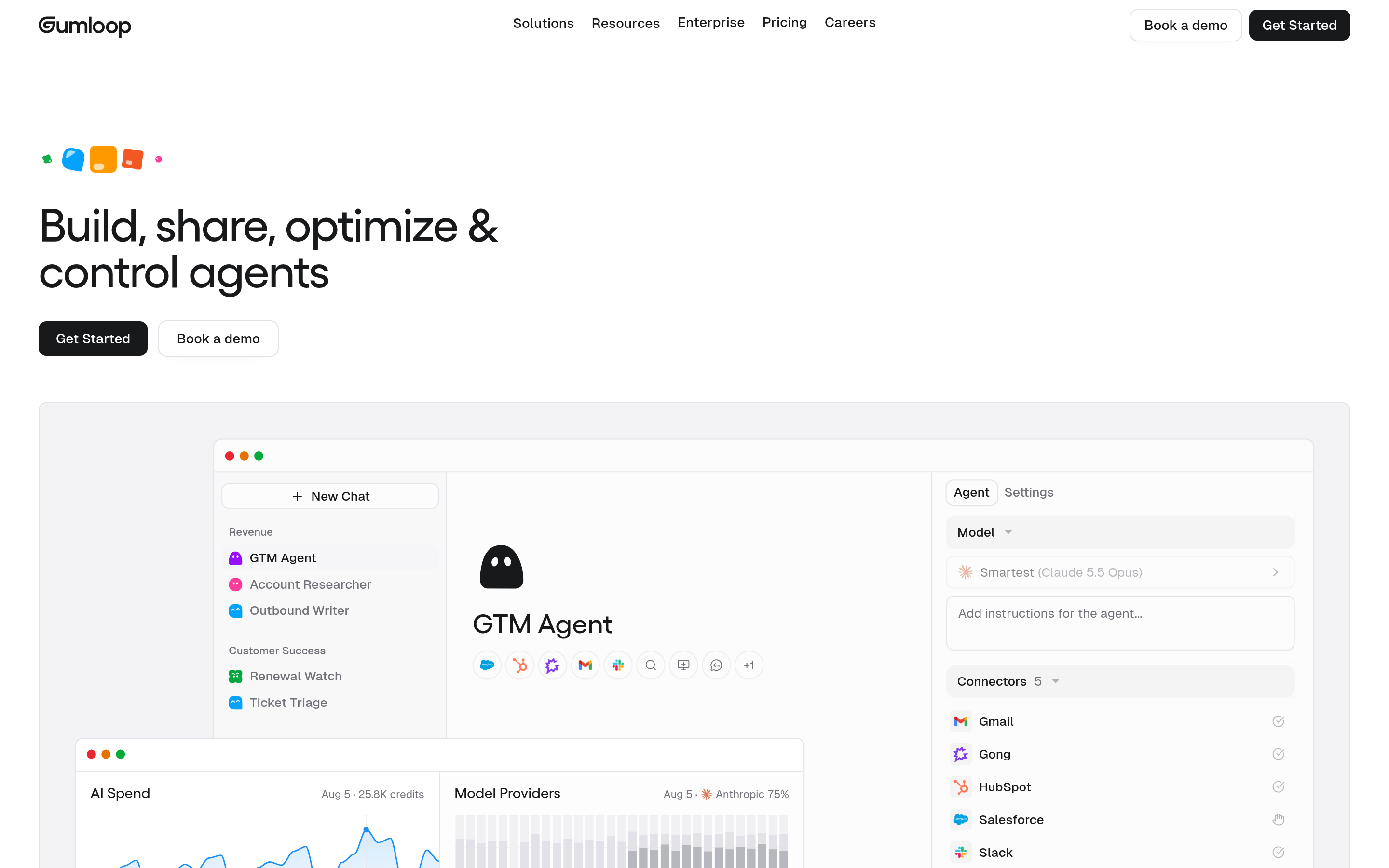
Gumloop is the closest in spirit to Leap AI: a no-code, AI-first canvas. It goes further on web scraping, LinkedIn and SEO research, and building internal AI tools. Growth and marketing teams like it for prospect research and content operations.
Why teams switch: a similar ease of use with more prebuilt nodes for real GTM tasks.
Watch out for: a credit system that is simple to start with but needs monitoring as flows get heavier.
5. Clay: best for lead enrichment workflows#
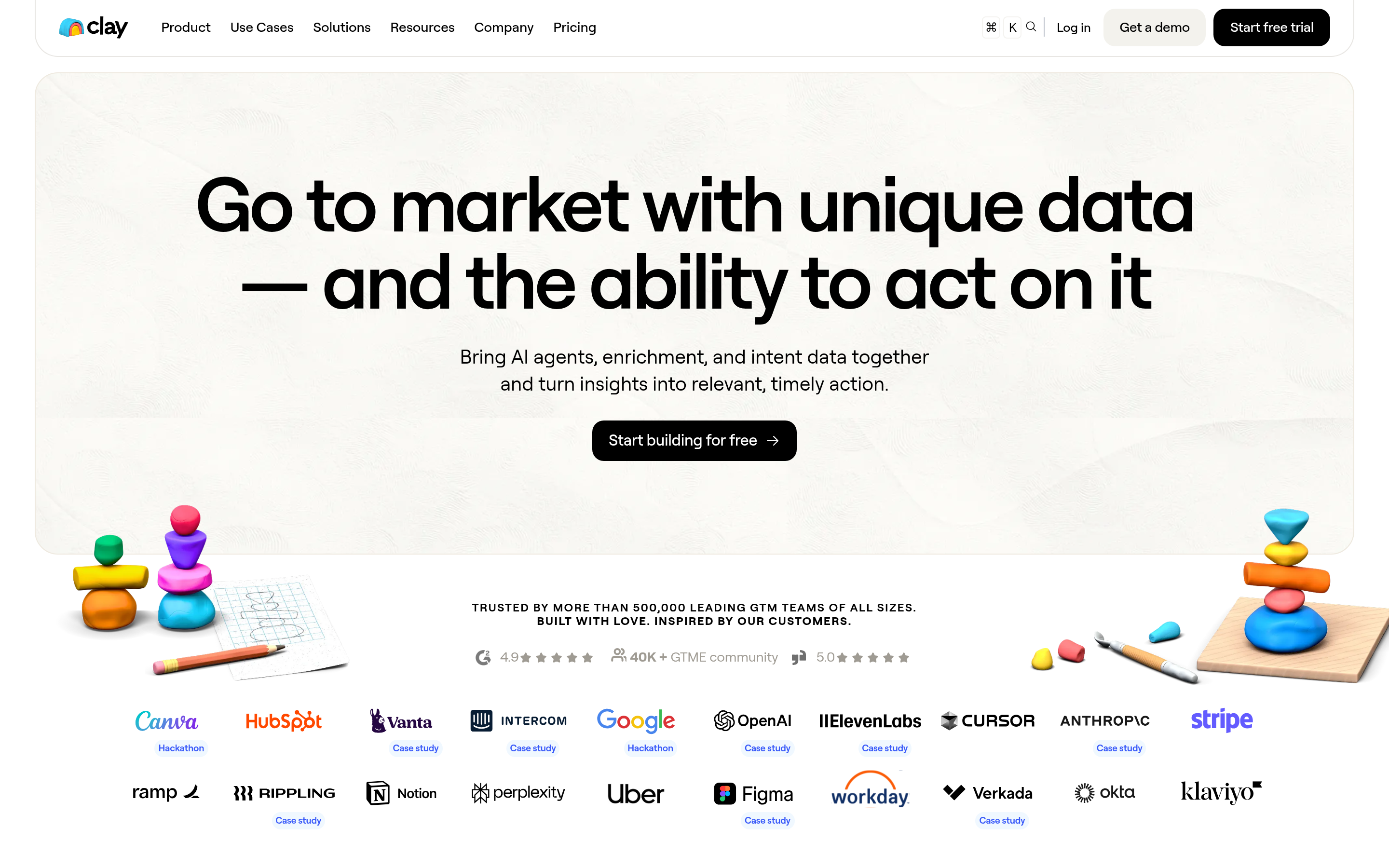
Clay is not a general automation tool. It is a spreadsheet-style workspace that combines dozens of data providers with AI research agents ("Claygent"). You build a table of accounts or people, enrich them from several sources, write AI-personalized lines, and push the results to your sequencer.
Why teams switch: if 80% of your Leap AI flows were "research this company and write a first line", Clay was designed for exactly that.
Watch out for: price. Clay is powerful but expensive for small teams, and credits run out quickly with waterfall enrichment.
6. Relevance AI: best for building AI agent teams#
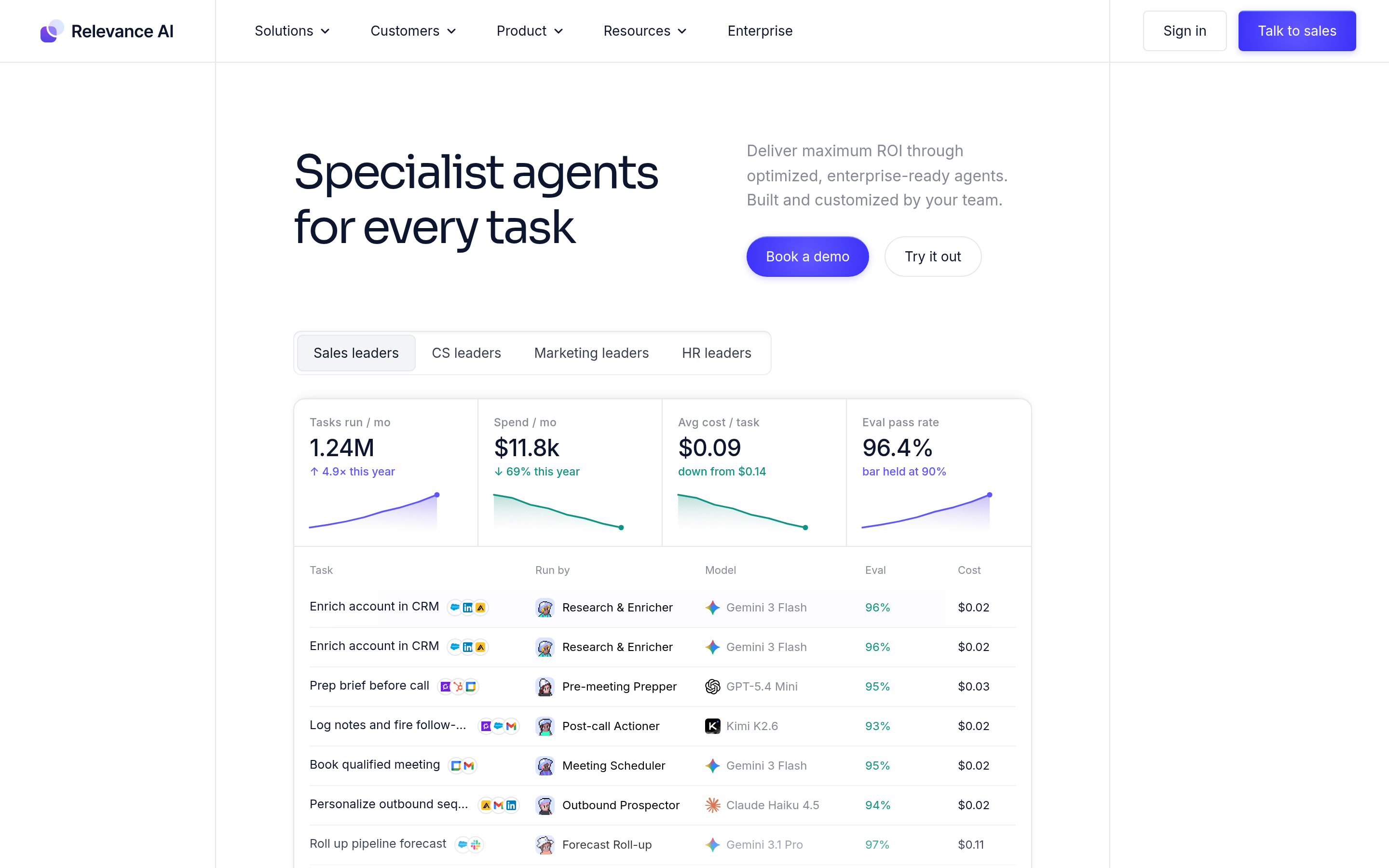
Relevance AI focuses on autonomous agents, such as an "AI BDR" that researches, qualifies, and drafts outreach, rather than fixed workflows. You give agents tools and instructions and let them decide which steps to take.
Why teams switch: when your tasks don't fit linear flows and you want agents that reason through them.
Watch out for: agents are less predictable than flows. You need review steps and guardrails before anything reaches a prospect's inbox.
7. Lindy: best for personal and inbox-centric agents#

Lindy builds AI assistants that live in email, calendar, and meetings: triaging the inbox, drafting replies, scheduling, taking meeting notes, and running simple follow-up tasks.
Why teams switch: for individual reps or founders who want an assistant, not a workflow engine.
Watch out for: it is less suited to bulk data processing or complex multi-system pipelines.
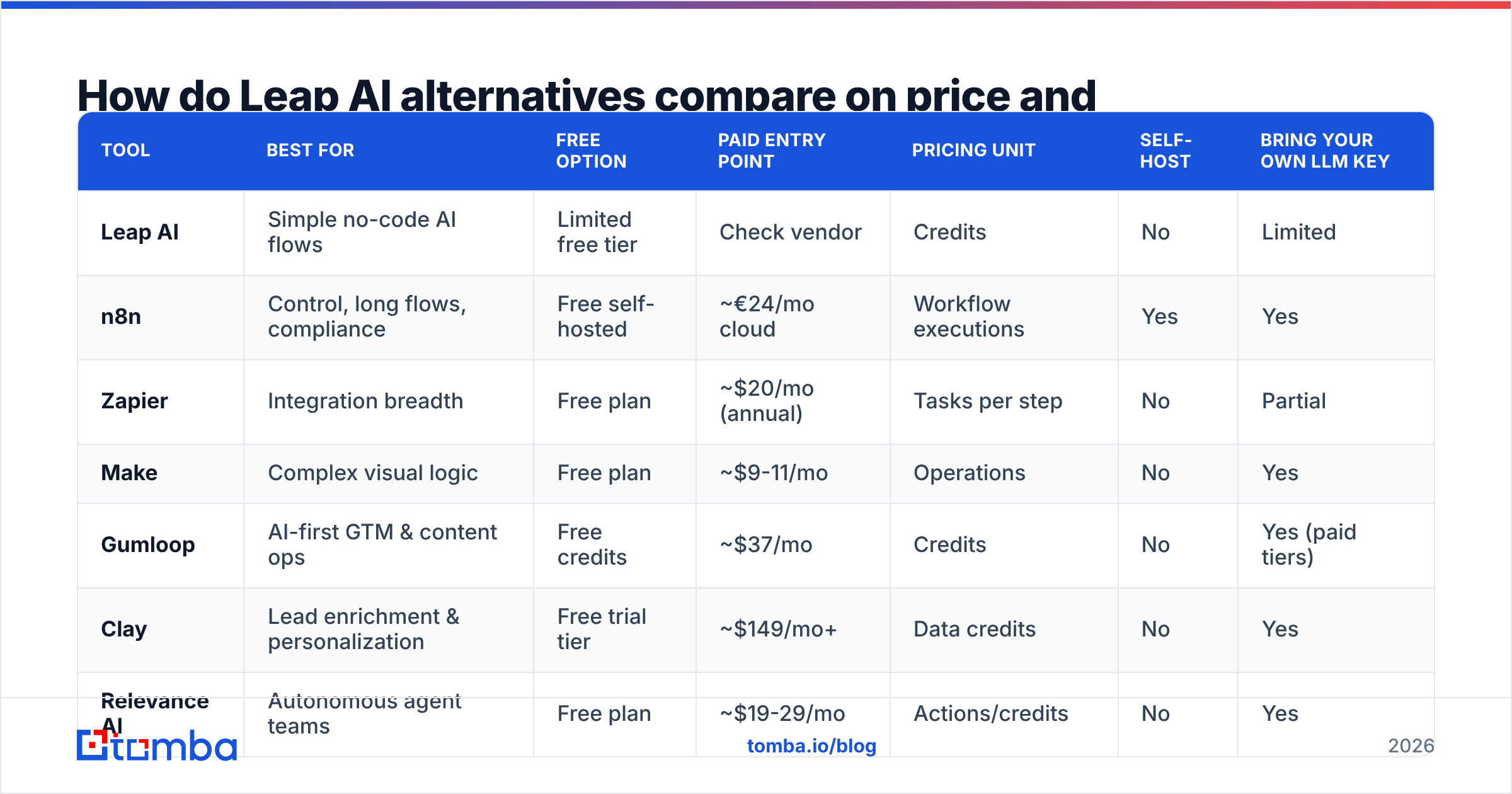
How do Leap AI alternatives compare on price and features?#
Numbers reflect publicly listed entry pricing at the time of writing. All of these vendors update pricing regularly, so confirm on their sites and cross-check user reviews on G2 before buying.
| Tool | Best for | Free option | Paid entry point | Pricing unit | Self-host | Bring your own LLM key |
|---|---|---|---|---|---|---|
| Leap AI | Simple no-code AI flows | Limited free tier | Check vendor | Credits | No | Limited |
| n8n | Control, long flows, compliance | Free self-hosted | ~€24/mo cloud | Workflow executions | Yes | Yes |
| Zapier | Integration breadth | Free plan | ~$20/mo (annual) | Tasks per step | No | Partial |
| Make | Complex visual logic | Free plan | ~$9-11/mo | Operations | No | Yes |
| Gumloop | AI-first GTM & content ops | Free credits | ~$37/mo | Credits | No | Yes (paid tiers) |
| Clay | Lead enrichment & personalization | Free trial tier | ~$149/mo+ | Data credits | No | Yes |
| Relevance AI | Autonomous agent teams | Free plan | ~$19-29/mo | Actions/credits | No | Yes |
| Lindy | Inbox & calendar assistants | Free credits | ~$50/mo | Credits | No | No |
Three patterns come out of the table:
- High volume, long flows: n8n's per-execution pricing wins by a wide margin.
- Many shallow flows across many apps: Zapier's connector library usually justifies the price.
- Sales data work: Clay is the most complete, but you pay for convenience. Many teams recreate 70% of it with n8n or Make plus direct API calls to data providers.
What about the data your AI workflows depend on?#
This is where most AI workflow projects in sales quietly fail. Every tool above can scrape a website, call an LLM, and write a personalized opener. None of them owns accurate B2B contact data. They either call third-party providers or expect you to bring the data.
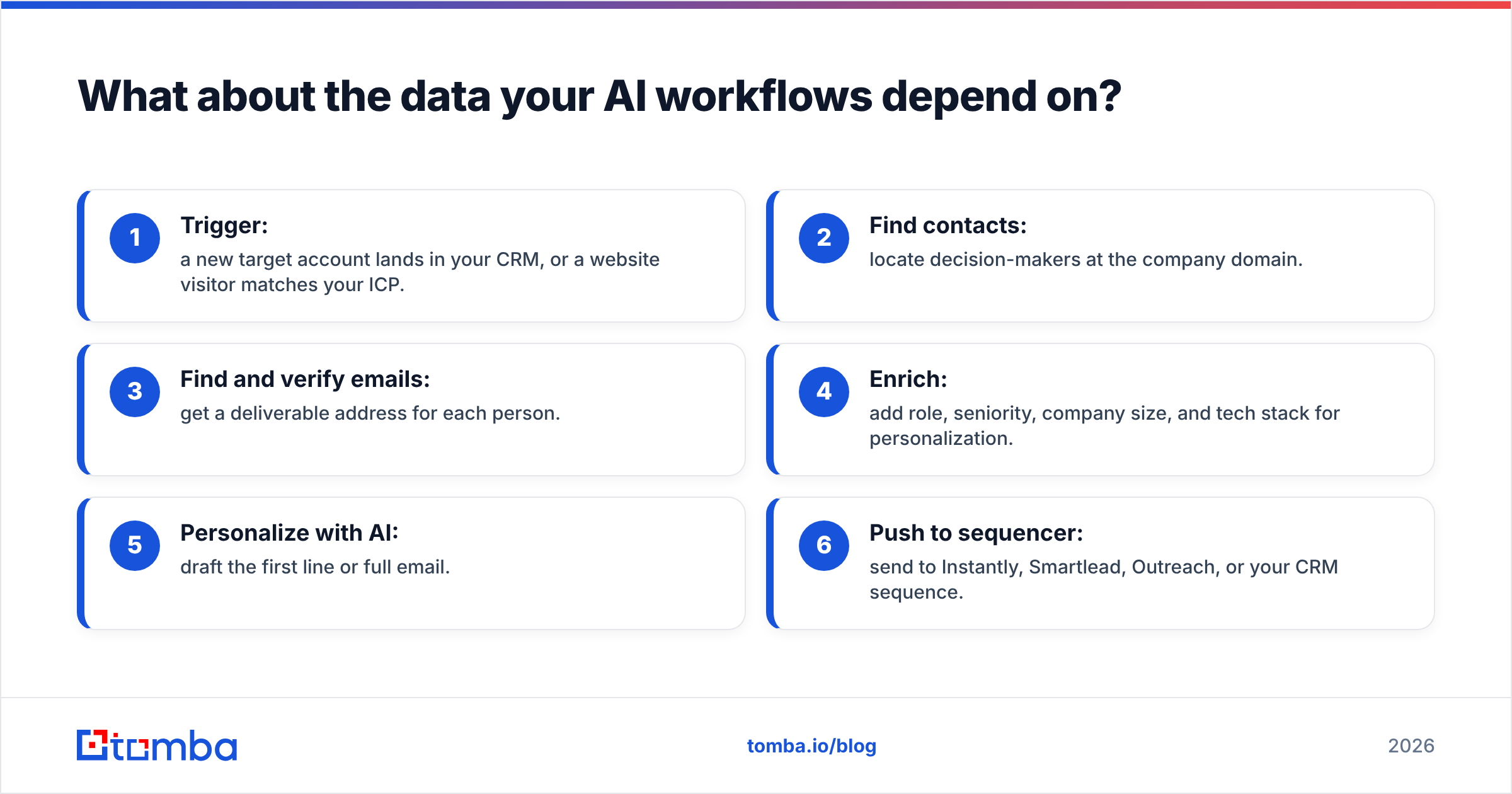
A typical outbound flow looks like this:
- Trigger: a new target account lands in your CRM, or a website visitor matches your ICP.
- Find contacts: locate decision-makers at the company domain.
- Find and verify emails: get a deliverable address for each person.
- Enrich: add role, seniority, company size, and tech stack for personalization.
- Personalize with AI: draft the first line or full email.
- Push to sequencer: send to Instantly, Smartlead, Outreach, or your CRM sequence.
Steps 2 to 4 decide whether steps 5 and 6 are worth running. If you are rebuilding a Leap AI workflow in n8n, Make, or Zapier, wire in a dedicated data provider through its API rather than relying on whatever the automation platform bundles. Tomba, for example, has a Tomba API for domain search, email finding, and verification, plus a native Zapier integration, so steps 2 to 4 become one or two nodes in whatever tool you choose.
Also run every generated address through an email verifier before it reaches your sequencer. AI-written emails sent to unverified addresses are the most common way these projects damage a domain's reputation in their first month.

Which Leap AI alternative should you choose?#
Match the tool to your constraint, not to the feature list:
- "We need data to stay in our infrastructure." Choose n8n, self-hosted. Nothing else here gives you that.
- "Our team isn't technical and we connect lots of SaaS tools." Choose Zapier. Accept the higher per-task cost in exchange for speed.
- "Our flows have lots of branching and we're price-sensitive." Choose Make.
- "We liked Leap AI's simplicity but want more GTM-ready nodes." Choose Gumloop.
- "Most of our workflows are lead research and enrichment." Choose Clay if the budget allows. Otherwise use n8n or Make with direct calls to an email finder and enrichment API.
- "We want agents that decide what to do next." Choose Relevance AI for team-wide agents, Lindy for personal assistants.
Two practical tips for migrating:
- Audit before you rebuild. Export a list of every active Leap AI workflow with its monthly run count and business owner. You will usually find that 20-30% of flows can simply be switched off.
- Rebuild your top three flows first. Run them in parallel with Leap AI for two weeks, compare outputs and cost per run, then migrate the rest.
Is Leap AI still a good choice for some teams?#
Yes. If you run a small number of AI content or research flows, don't need deep CRM integration, and value getting started quickly over fine-grained control, Leap AI is still a reasonable tool. Switching platforms costs real time: rebuilding flows, retraining users, and re-testing outputs. Don't migrate just because a competitor has a better landing page.
The case for switching is strongest when you hit one of the hard walls described above: a missing integration you can't work around, costs growing faster than output, compliance requirements, or a GTM workload that needs a proper data layer.
Frequently asked questions#
What is the best free Leap AI alternative?#
Self-hosted n8n is the most capable free option, because you only pay for your own server and LLM usage. Make and Zapier both have free plans that work for testing, but their limits are tight for production use.
Can I use Leap AI alternatives for cold email personalization?#
Yes. Clay, Gumloop, n8n, Make, and Zapier can all generate personalized first lines with an LLM. The quality of your contact data matters more than the tool. Pair any of them with a verified email source and a verification step before sending.
Do these tools include B2B contact data?#
Mostly no. Clay aggregates third-party providers inside its platform. The others expect you to connect a data provider through a native integration or an API call.
Which alternative is closest to Leap AI in how it works?#
Gumloop is the closest match: a no-code, AI-first visual canvas. It has a broader set of prebuilt nodes for scraping and GTM research.
Ready to give your AI workflows better data?#
Whichever Leap AI alternative you choose, your automations can only personalize and send to the contacts you feed them. Tomba Email Finder finds professional email addresses by name, domain, or company, and plugs into n8n, Make, Zapier, or your own code through the API. Start on the free tier with 25 searches a month to test it inside your new workflow, then check Tomba pricing (Starter from $49/mo) when you're ready to scale.
Related guides#
// get started
Find, verify and enrich your first contacts today
Start on the free plan with 25 searches a month, then scale when your team is ready.
Free plan · No credit card required · GDPR & CCPA
// about the author