Lemlist vs Woodpecker: Which Cold Email Platform Fits Your Team?
Lemlist sells multichannel personalization. Woodpecker sells safe, steady deliverability. We compare pricing models, warmup, sequences, and agency features so you can pick the right cold email tool.
Lemlist vs Woodpecker comes down to one trade-off: multichannel personalization or hands-off deliverability. Here's the short version, then the full comparison.
TL;DR
- Pick Lemlist if you want email, LinkedIn, and call steps in one tool. It also offers image and video personalization and a built-in lead database. Budget for per-seat pricing.
- Pick Woodpecker if deliverability comes first and you run many mailboxes or client accounts. It charges by contacted prospects, not seats. That usually makes it cheaper for agencies and small teams that send from lots of inboxes.
- Both include warmup. Lemlist has lemwarm, and Woodpecker includes warmup and recovery on its plans.
- Neither tool can fix a bad list. If around 5% of your contacts bounce, you'll lose sender reputation on either platform. Verify every address before you import it.
- Our overall pick: Lemlist for small sales teams running multichannel outbound, Woodpecker for agencies and teams that care most about deliverability.
What are Lemlist and Woodpecker, in one paragraph each?#
Lemlist is a French sales engagement platform. It's best known for personalized images, custom landing pages, and "liquid syntax" conditional text in cold emails. Over time it grew into a multichannel tool. One sequence can include email, LinkedIn visits and messages, calls, and tasks. It also comes with a B2B lead database and lemwarm, its warmup network. The pitch: run all of outbound from one tab.
Woodpecker is a Polish cold email platform built to keep you out of spam. Adaptive sending adjusts volume to how each mailbox is doing. It also offers bounce protection, built-in warmup and recovery, and campaigns that branch on opens, clicks, or replies. Its agency panel is a big reason lead-gen agencies choose it. The pitch: your emails keep landing in the inbox at scale.
The two tools overlap on basic cold email sequences. But they were built with different priorities, and that's the key thing to understand before comparing them.
Lemlist vs Woodpecker: how do they compare feature by feature?#
Here's the Lemlist vs Woodpecker breakdown on the points that usually decide the purchase. Pricing and limits change often, so check both pricing pages before you buy. The figures below reflect public plans at the time of writing.
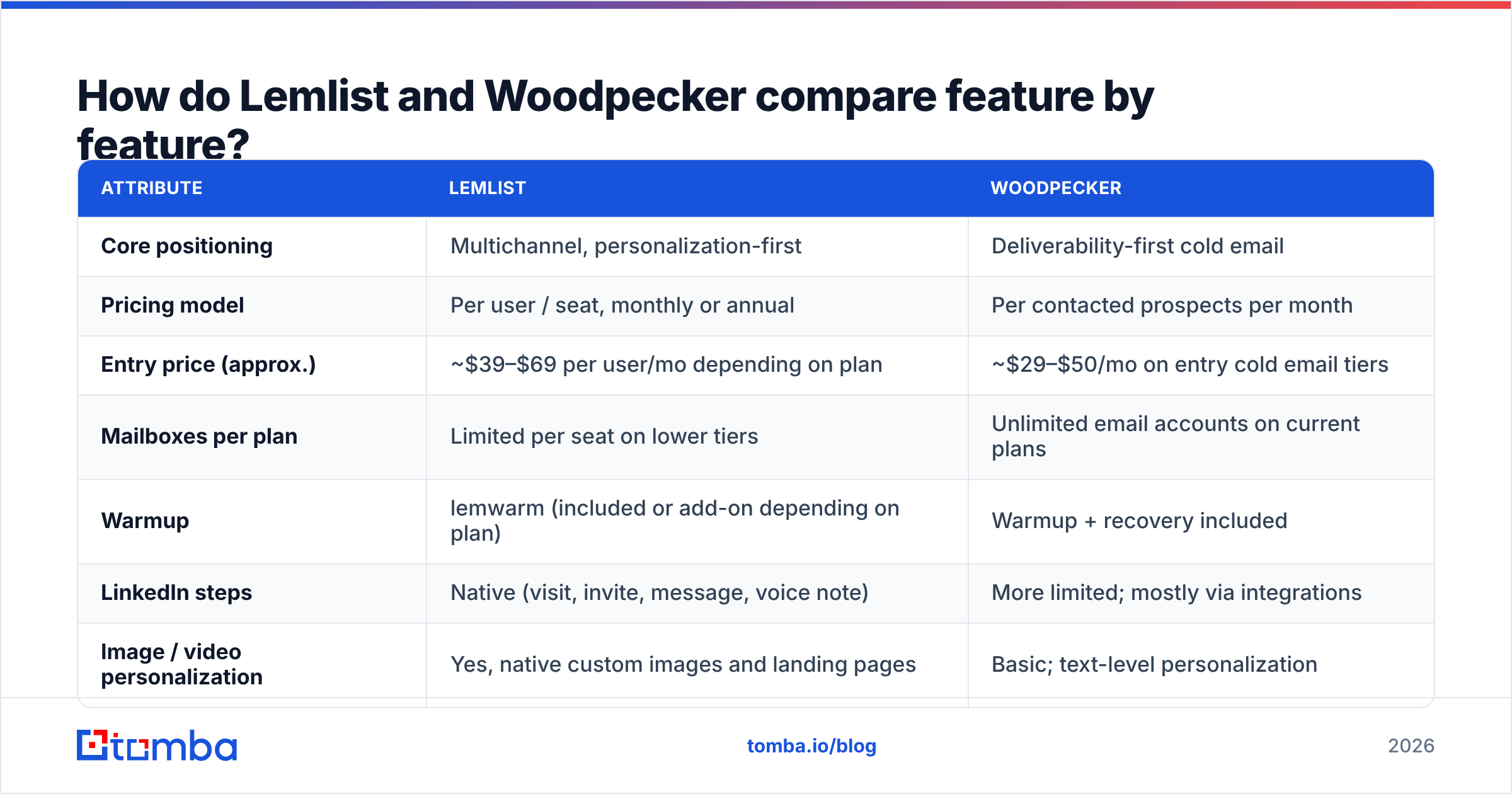
| Attribute | Lemlist | Woodpecker |
|---|---|---|
| Core positioning | Multichannel, personalization-first | Deliverability-first cold email |
| Pricing model | Per user / seat, monthly or annual | Per contacted prospects per month |
| Entry price (approx.) | ~$39–$69 per user/mo depending on plan | ~$29–$50/mo on entry cold email tiers |
| Mailboxes per plan | Limited per seat on lower tiers | Unlimited email accounts on current plans |
| Warmup | lemwarm (included or add-on depending on plan) | Warmup + recovery included |
| LinkedIn steps | Native (visit, invite, message, voice note) | More limited; mostly via integrations |
| Image / video personalization | Yes, native custom images and landing pages | Basic; text-level personalization |
| Built-in lead database | Yes, with credits | No native database; bring your own list |
| Email verification | Credits-based finder and verifier | Built-in verification add-on, bounce shield |
| Agency features | Workspaces; not agency-first | Dedicated agency panel, client reporting |
| A/B testing | Yes, per step | Yes, per step |
| Free trial | 14 days | 7–14 days depending on offer |
| Best for | SDR teams, founders doing multichannel | Agencies, high-mailbox senders, deliverability-sensitive teams |
For peer reviews, the G2 cold email category lists both tools. Reviewers tend to praise Lemlist's personalization. They criticize its price and learning curve. Woodpecker usually gets credit for reliability and support, though some find its UI plain.
What actually separates the two tools?#
Most comparisons stop at a feature list. The real difference comes from what each company chose to focus on. These five differences affect your results the most:
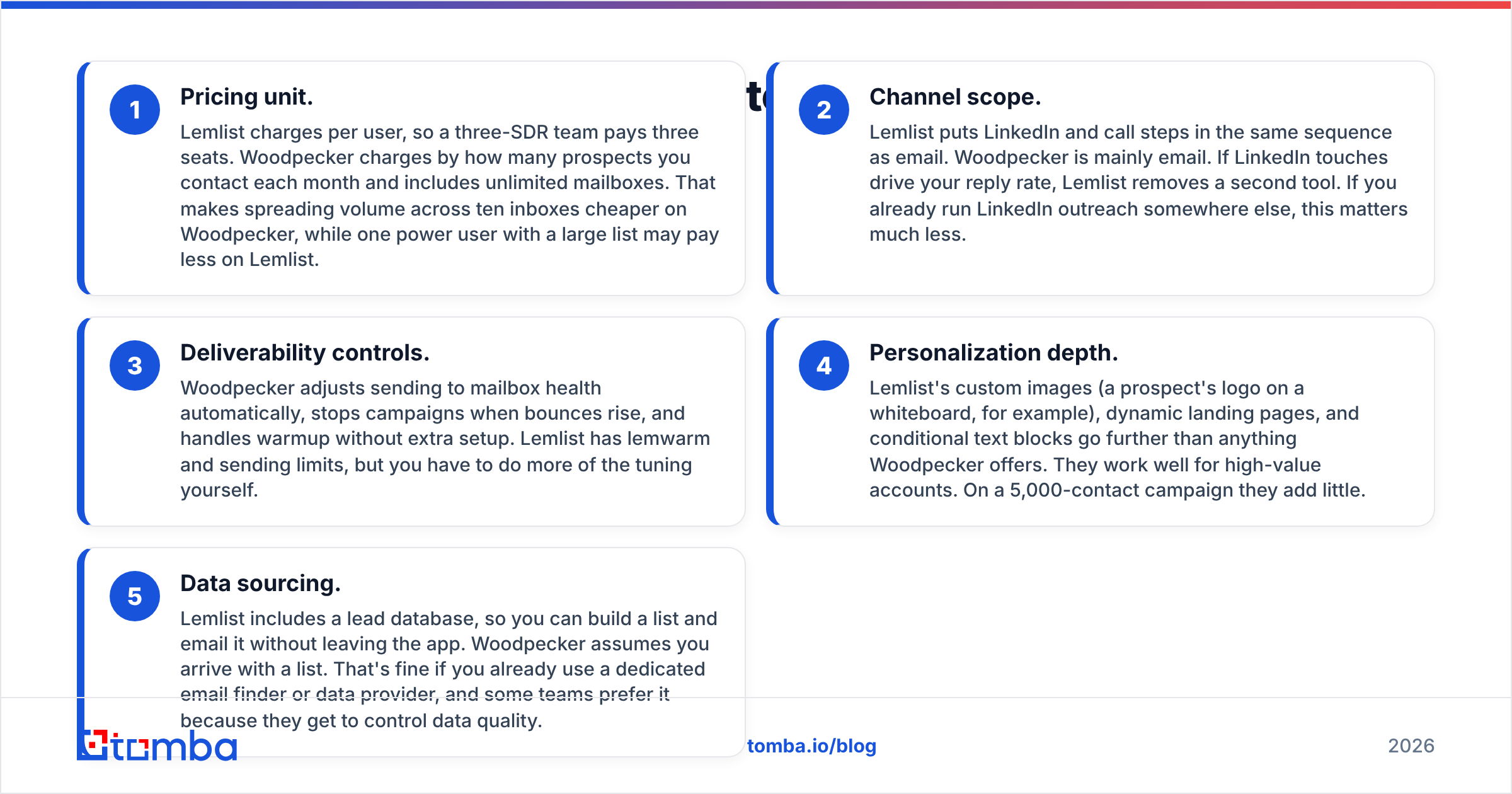
Pricing unit. Lemlist charges per user, so three SDRs pay for three seats. Woodpecker charges by prospects contacted each month and includes unlimited mailboxes. Spreading volume across ten inboxes is cheaper on Woodpecker. One power user with a large list may pay less on Lemlist.
Channel scope. Lemlist puts LinkedIn and call steps in the same sequence as email. Woodpecker is mainly email. If LinkedIn touches drive your replies, Lemlist saves you a second tool. If you already run LinkedIn outreach elsewhere, this matters much less.
Deliverability controls. Woodpecker adjusts sending to mailbox health on its own. It stops campaigns when bounces rise and handles warmup without extra setup. Lemlist has lemwarm and sending limits, but you do more of the adjusting yourself.
Personalization depth. Lemlist offers custom images (say, a prospect's logo on a whiteboard), dynamic landing pages, and conditional text. Woodpecker has nothing close. These work well for high-value accounts. On a 5,000-contact campaign they add little.
Data sourcing. Lemlist includes a lead database, so you can build a list and email it in one app. Woodpecker assumes you bring your own list. That's fine if you already use an email finder or data provider. Some teams prefer it because they control data quality.

Which tool has better deliverability?#
Woodpecker, when the list and setup are the same. Lemlist can reach the inbox too. In most Lemlist vs Woodpecker setups, though, Woodpecker needs less effort to get there.
Woodpecker's edge comes from its defaults:
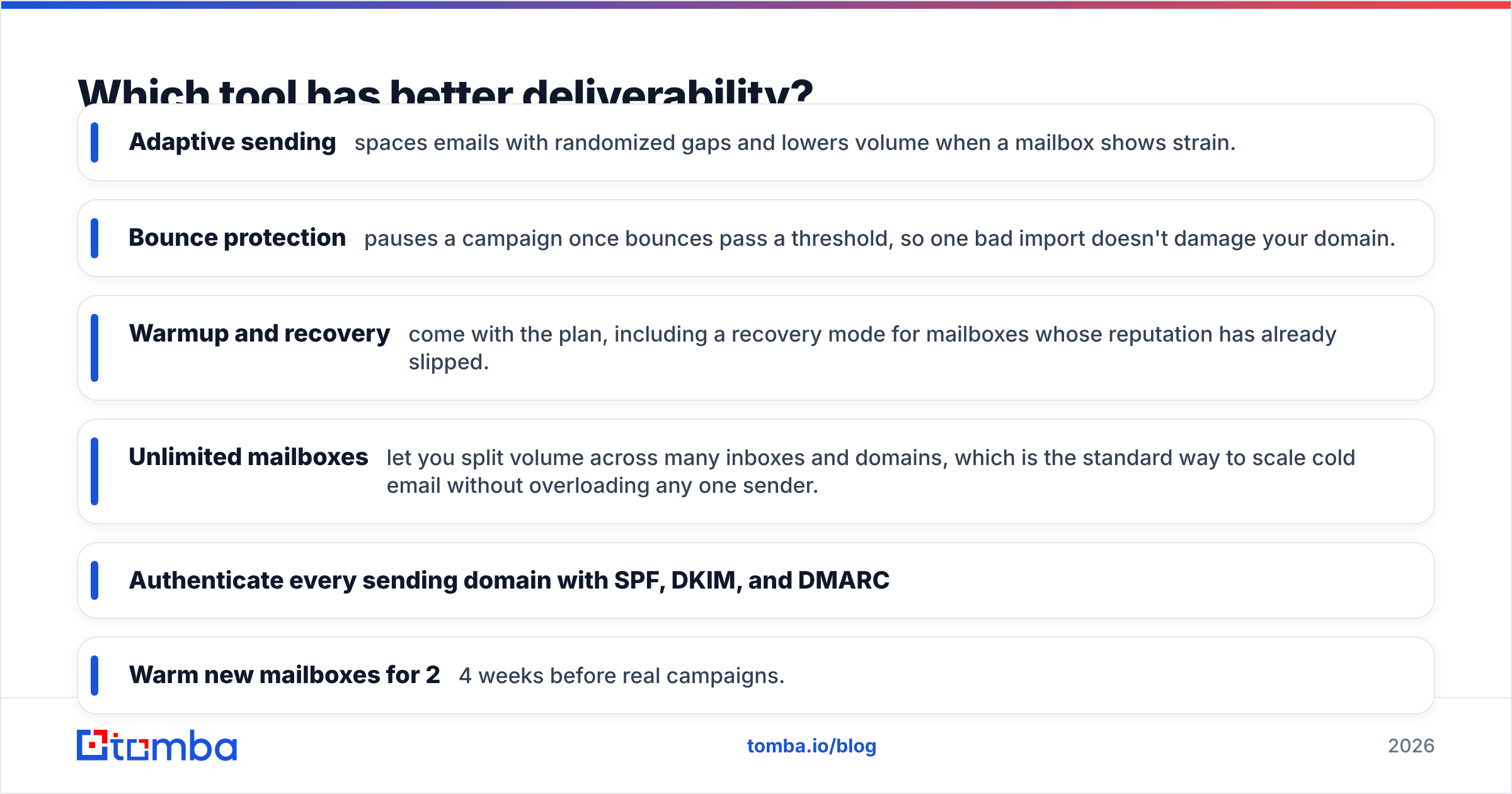
- Adaptive sending spaces emails with random gaps and lowers volume when a mailbox shows strain.
- Bounce protection pauses a campaign once bounces pass a limit. One bad import won't damage your domain.
- Warmup and recovery come with the plan. Recovery mode helps mailboxes whose reputation has already slipped.
- Unlimited mailboxes let you split volume across many inboxes and domains. That's the standard way to scale cold email without overloading one sender.
Lemlist's answer is lemwarm, deliverability monitoring, and sending caps. It works, but you'll set daily limits, spacing, and warmup yourself. That suits an experienced operator. It can go badly for a founder who uploads a 3,000-row CSV on day one.
No platform setting makes up for a bad list. Google and Microsoft now enforce sender rules: authentication, one-click unsubscribe, and low spam complaint rates (see Google's email sender guidelines). Every hard bounce hurts your sender reputation. Before a list reaches either tool, run it through an email verifier. Remove invalid and risky catch-all addresses.
A simple pre-send routine for either platform:
- Authenticate every sending domain with SPF, DKIM, and DMARC.
- Warm new mailboxes for 2–4 weeks before real campaigns.
- Keep each mailbox under roughly 30–50 cold emails per day.
- Verify every contact, and hold catch-all addresses in a separate low-volume segment.
- Watch reply and bounce rates weekly, and don't rely on open rates.
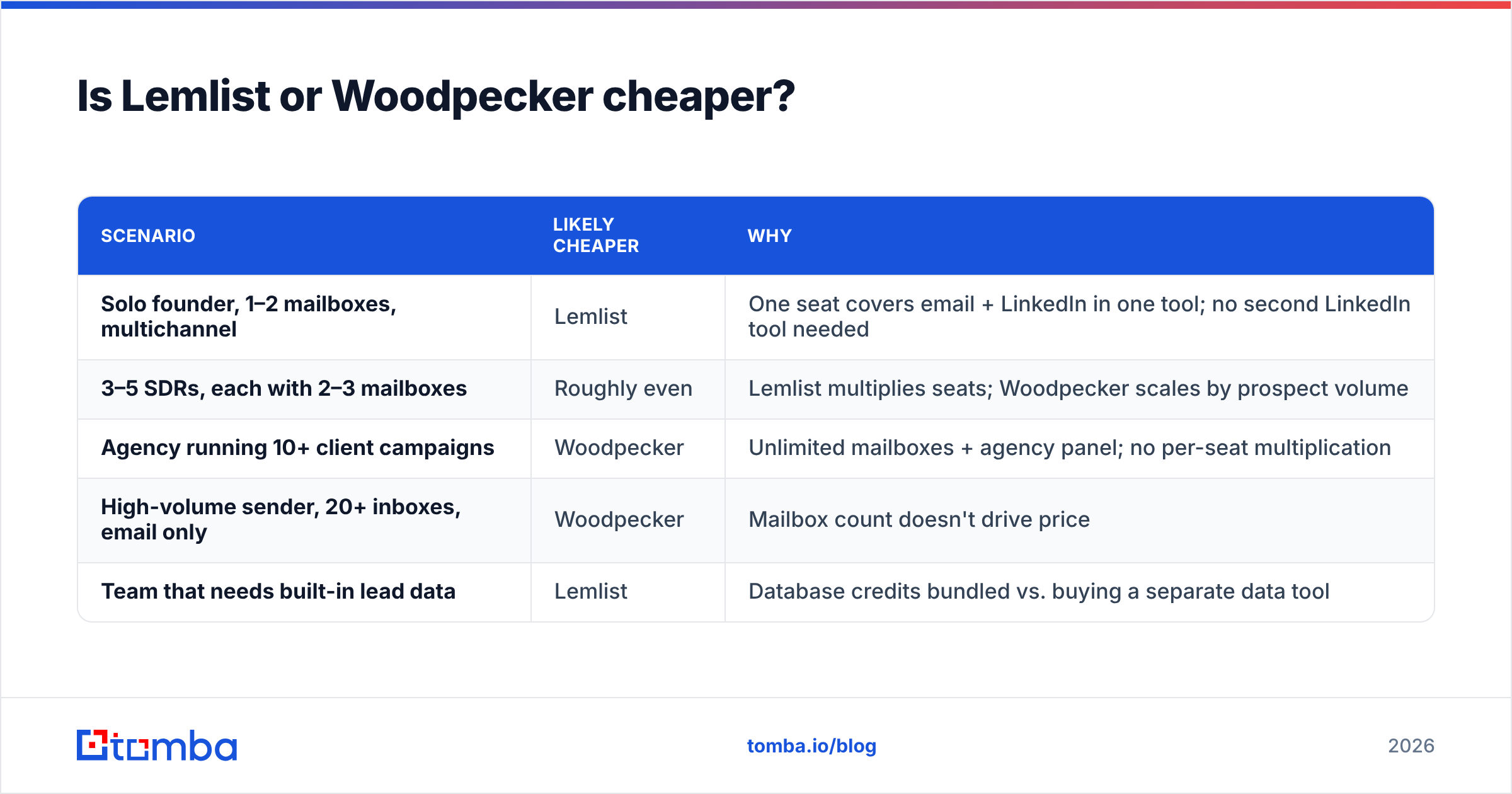
Lemlist vs Woodpecker pricing: which is cheaper?#
It depends on your team's shape, not the list price. Per-user and per-prospect pricing favor different setups.
| Scenario | Likely cheaper | Why |
|---|---|---|
| Solo founder, 1–2 mailboxes, multichannel | Lemlist | One seat covers email + LinkedIn in one tool; no second LinkedIn tool needed |
| 3–5 SDRs, each with 2–3 mailboxes | Roughly even | Lemlist multiplies seats; Woodpecker scales by prospect volume |
| Agency running 10+ client campaigns | Woodpecker | Unlimited mailboxes + agency panel; no per-seat multiplication |
| High-volume sender, 20+ inboxes, email only | Woodpecker | Mailbox count doesn't drive price |
| Team that needs built-in lead data | Lemlist | Database credits bundled vs. buying a separate data tool |
Remember the costs outside the platform. Woodpecker users usually pay separately for lead data. Lemlist users often buy extra credits once they outgrow the bundle. Domains, mailboxes (Google Workspace or Microsoft 365 seats), and verification cost money on both.
On data, compare the cost per verified contact, not per credit. A cheap source with high bounce rates costs more once you count the damage to your domains. Price a dedicated finder-and-verifier stack against Lemlist's bundled credits before you commit. The Tomba plans start at $49/mo for Starter, with a free tier of 25 searches/month.
Which is easier to set up and use?#
Woodpecker is quicker to learn, and Lemlist does more once you've learned it.
Woodpecker's interface is simple. You connect mailboxes, import a CSV, write steps, add conditions, and launch. Most people have a first campaign running within an hour. Some reviewers call the UI dated, but it rarely confuses anyone.
Lemlist packs in much more: multichannel steps, image templates, the lead database, AI writing help, and CRM sync. That takes longer to learn. Plan on a few sessions before you use the personalization features well. The upside is that one tool replaces two or three.
Both connect to the major CRMs. Lemlist has native HubSpot, Salesforce, and Pipedrive integrations. Woodpecker covers the main CRMs plus Zapier and an API. If your CRM is your source of truth, test two-way reply sync during the trial.
How do sequences and personalization compare in practice?#
Here's a practical Lemlist vs Woodpecker test: the same campaign built in each tool, aimed at VP-level buyers at 200 SaaS companies.
In Lemlist:
- Step 1: Email with a custom image showing the prospect's website on a laptop mockup.
- Step 2 (day 2): LinkedIn profile visit, then a connection request with a short note.
- Step 3 (day 5): Follow-up email with conditional text. One line goes to prospects who accepted the LinkedIn invite, another to those who didn't.
- Step 4 (day 8): Manual call task for engaged prospects.
In Woodpecker:
- Step 1: Plain-text email with a company-specific first line.
- Condition: if the prospect clicked, send a shorter, more direct follow-up. If not, send the standard one.
- Step 2 (day 4): Follow-up email, with adaptive sending managing timing across mailboxes.
- Step 3 (day 9): Breakup email.
For 200 high-value accounts, the Lemlist version usually gets more replies. It covers two channels and feels more personal. For 5,000 mid-market contacts, the Woodpecker version is easier to run, safer for your domains, and simpler to A/B test. Your offer and list matter more than the tool. But the tool decides which kind of sequence runs smoothly.

Which one should agencies choose?#
Woodpecker, in most cases. For agencies, the Lemlist vs Woodpecker choice is fairly clear, because Woodpecker was built with them in mind:
- An agency panel manages client accounts from one login.
- Unlimited mailboxes mean a client's five inboxes don't raise your bill the way seats would.
- Client-level reporting makes monthly reports easy.
- Its deliverability defaults protect client domains, even when a junior team member launches the campaign.
Lemlist does support multiple workspaces. Some agencies pick it to sell multichannel and image campaigns as a premium service. If that's your angle, you can pass the extra cost to clients. For volume-based lead-gen retainers, Woodpecker's pricing usually works better.
What are the pros and cons of each?#
Lemlist pros
- Native multichannel sequences (email, LinkedIn, calls, tasks)
- The strongest image and landing-page personalization in the category
- A built-in lead database means you can start without a separate data tool
- An active community and a large library of templates and playbooks
Lemlist cons
- Per-seat pricing adds up quickly for larger teams
- You manage more deliverability settings yourself
- Steeper learning curve
- Database credits can run out faster than expected at higher volume
Woodpecker pros
- Deliverability-first defaults: adaptive sending, bounce protection, warmup and recovery
- Unlimited mailboxes and prospect-based pricing that suit agencies
- Simple to learn
- Condition-based campaigns without much complexity
Woodpecker cons
- Mainly email, with weaker native LinkedIn steps
- Only basic visual personalization
- No native lead database, so you need a separate data source
- The UI feels plainer than newer tools
Lemlist vs Woodpecker: what's the final verdict?#
Pick based on your main constraint, not your favorite features.
- Your constraint is channels and personalization. You sell to a few high-value accounts, and LinkedIn is part of how you reach them. Choose Lemlist.
- Your constraint is deliverability and mailbox scale. You run many inboxes, many clients, or high email volume. Choose Woodpecker.
- Your constraint is budget. You're a solo sender who only needs email. Price both trials against your real mailbox count. Woodpecker often comes out cheaper, unless Lemlist's bundled data replaces a tool you'd otherwise buy.
If neither fits, look at wider alternatives. Our Instantly alternative breakdown covers high-volume email-only senders.
Frequently asked questions#
Can I use Lemlist and Woodpecker together? Yes, but it's rarely worth paying for both. A more common setup pairs one sequencer with a separate data and verification tool.
Does Woodpecker support LinkedIn automation? Its LinkedIn features are limited compared with Lemlist's native steps. Teams that rely on LinkedIn usually add a LinkedIn tool or choose Lemlist.
Is lemwarm better than Woodpecker's warmup? Both do the core job of building positive engagement on new mailboxes. The difference is what surrounds warmup. Woodpecker pairs it with adaptive sending and bounce protection by default. Lemlist leaves more of that setup to you.
Do I need to verify emails if the tool has bounce protection? Yes. Bounce protection limits the damage after bounces happen. Verification prevents them in the first place. Verify before import on either platform.
Where does your list come from?#
Lemlist and Woodpecker can only send to the contacts you give them. Whatever your Lemlist vs Woodpecker verdict, reply rates and domain health depend on list quality. You need real decision-makers with verified addresses, and catch-alls flagged before they enter a sequence. Tomba Email Finder finds professional emails by name, domain, or company. It checks them against Tomba's verifier and exports clean CSVs that import straight into Lemlist or Woodpecker. The free tier includes 25 searches a month, so you can test it on your next campaign first.
Related guides#
// get started
Find, verify and enrich your first contacts today
Start on the free plan with 25 searches a month, then scale when your team is ready.
Free plan · No credit card required · GDPR & CCPA
// about the author