LFBBD Lead For Business Alternatives: 7 Better Options for 2026
LFBBD (Lead for Business) delivers hand-researched lead lists in 24-48 hours. Here are 7 alternatives for when you need live lookups, APIs, or ongoing enrichment instead of one-off CSV orders.
TL;DR
- LFBBD (Lead for Business Ltd) is a done-for-you lead list service. You send targeting criteria, and a team manually researches and delivers a CSV with emails and direct dials, usually within 24-48 hours.
- Look for an alternative when you need self-serve, on-demand lookups: finding one contact in seconds, enriching a CRM continuously, or plugging data into an API or workflow.
- Tomba is the best fit for domain- and name-based email finding plus verification, starting with a free tier of 25 searches/mo and paid plans from $49/mo.
- BookYourData is the closest like-for-like swap if you still want to buy pre-built, filtered lists but prefer pay-as-you-go self-service.
- Apollo, ZoomInfo, Lusha, UpLead and Cognism cover the range from cheap all-in-one prospecting up to enterprise intelligence. The right pick depends on seat count, budget and how much phone data you need.
What is LFBBD (Lead for Business)?#
Lead for Business Ltd, which operates at lfbbd.com, is a lead-generation and data vendor. It sells B2B contact lists, eCommerce store data and Amazon seller data, and each record includes a contact's email and, where available, a direct dial or mobile number. The company says it has more than 250M business contacts on file and positions itself on three promises: manually researched records, real-time verification before delivery, and 24-48 hour turnaround.
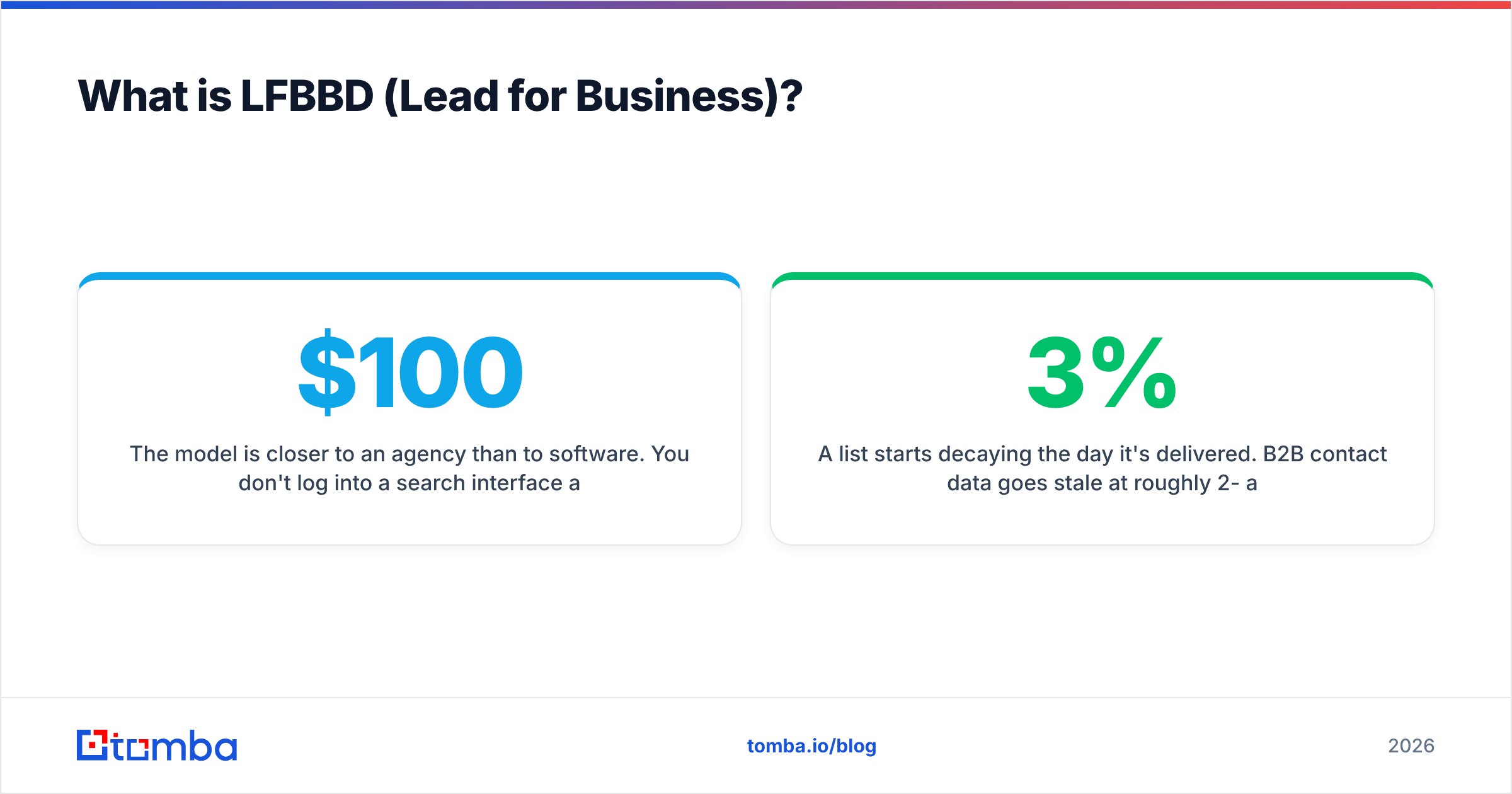
The model is closer to an agency than to software. You don't log into a search interface and filter a live database. You brief the team on industry, geography, job titles and company size, agree on a price, and get a file back. Data marketplaces such as Datarade list its products at anywhere from about $100 to $40,000 per purchase, depending on volume and complexity. Free samples are available.
This setup works well for one-off campaigns. If you're launching into a new vertical and need 2,000 verified contacts by Friday, having a human build the list saves your SDRs a week of research.
The weaknesses show up when your needs are continuous:
- A list starts decaying the day it's delivered. B2B contact data goes stale at roughly 2-3% per month as people change jobs.
- You can't look up a single contact in the moment, for example when a lead books a demo or an account suddenly shows intent.
- There's no API, no browser extension and no CRM sync to keep records fresh without placing another order.
- Every new segment means another brief, another quote and another wait.
That's where self-serve tools come in.
How should you evaluate an LFBBD alternative?#
Before you compare vendors, decide which job you're hiring the tool to do. Most teams moving away from a done-for-you list vendor care about five things:
- Delivery model. Do you want to buy finished lists (done-for-you or self-serve export), or look contacts up on demand? This question narrows the field more than any other.
- Data freshness and verification. Does the tool verify emails at the moment of lookup, or only at the point of export? Can you re-verify old records? A built-in email verifier matters more than raw database size.
- Phone coverage. LFBBD's selling point is direct dials. If cold calling is central to your motion, weight mobile-number accuracy heavily. If your motion is email-first, you can pay less.
- Pricing shape. Per-order, per-credit, per-seat and custom annual contracts produce very different bills at 500 contacts/month than at 50,000.
- Workflow fit. An API, a Chrome extension, Google Sheets add-ons and native HubSpot or Salesforce sync decide whether the data actually gets used or sits in a Downloads folder.

What are the best LFBBD Lead For Business alternatives in 2026?#
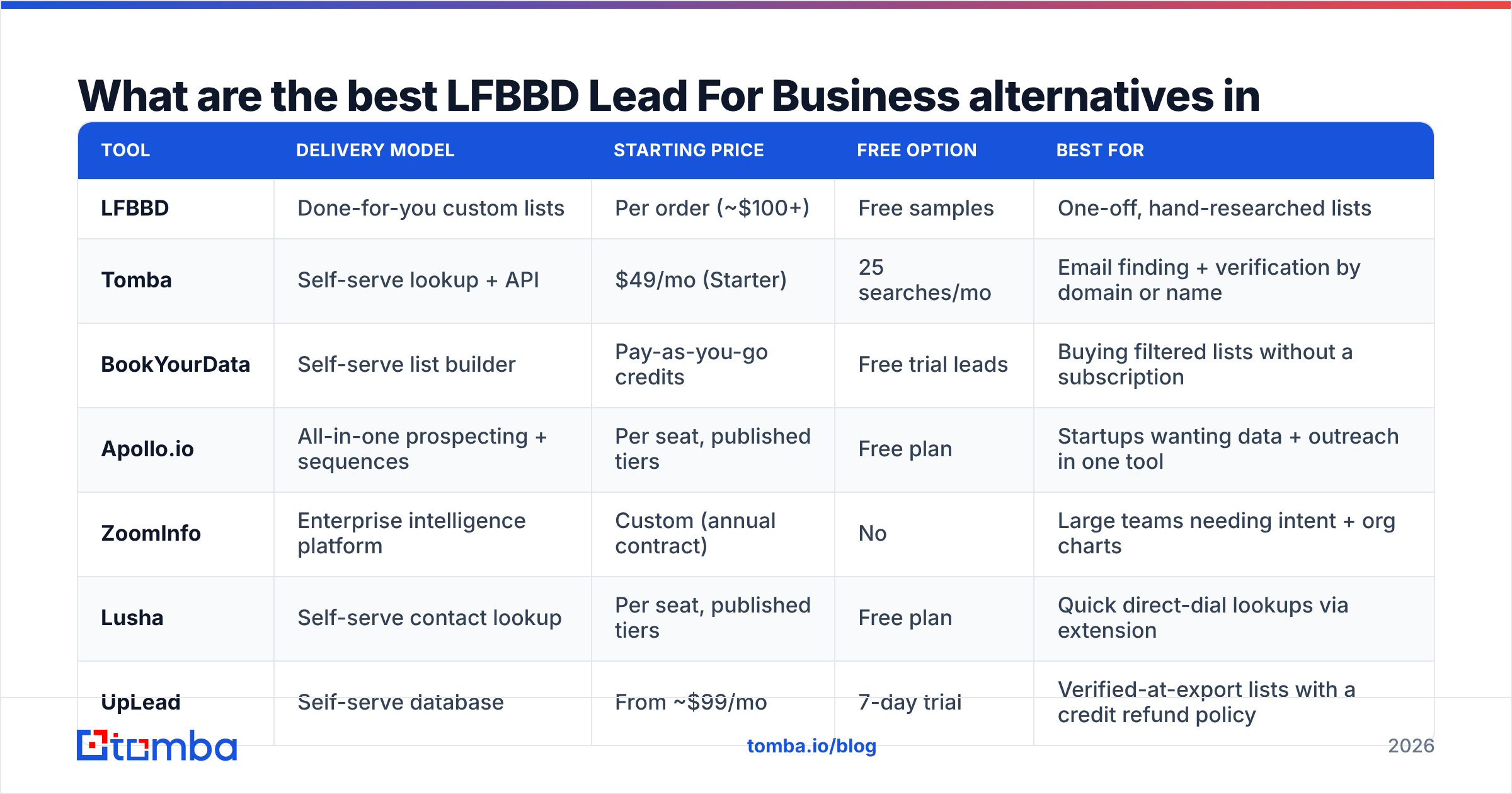
Here's the side-by-side view before the individual reviews. Prices are public list prices where vendors publish them. Always confirm current pricing on the vendor's site, because seat-based tools change their tiers often.
| Tool | Delivery model | Starting price | Free option | Best for |
|---|---|---|---|---|
| LFBBD | Done-for-you custom lists | Per order (~$100+) | Free samples | One-off, hand-researched lists |
| Tomba | Self-serve lookup + API | $49/mo (Starter) | 25 searches/mo | Email finding + verification by domain or name |
| BookYourData | Self-serve list builder | Pay-as-you-go credits | Free trial leads | Buying filtered lists without a subscription |
| Apollo.io | All-in-one prospecting + sequences | Per seat, published tiers | Free plan | Startups wanting data + outreach in one tool |
| ZoomInfo | Enterprise intelligence platform | Custom (annual contract) | No | Large teams needing intent + org charts |
| Lusha | Self-serve contact lookup | Per seat, published tiers | Free plan | Quick direct-dial lookups via extension |
| UpLead | Self-serve database | From ~$99/mo | 7-day trial | Verified-at-export lists with a credit refund policy |
| Cognism | Enterprise sales intelligence | Custom | No | EMEA coverage and phone-verified mobiles |
1. Tomba: best for on-demand email finding and verification#
Tomba covers the gap LFBBD leaves: finding a specific person's email in seconds, whenever you need it. The core product is the email finder. Enter a first name, last name and company domain, and it returns the most likely professional address with a confidence score and the public sources it found. Around that core sit domain search (every public email tied to a company), an email verifier, a catch-all verifier, a phone finder and data enrichment for filling gaps in existing CRM records.
Why it works as an LFBBD replacement:
- You control freshness. Every lookup and verification runs at the moment you use it, not when a list was compiled weeks ago.
- Many ways in. There's a web app, bulk CSV upload, a Chrome extension, Google Sheets and Excel add-ons, native HubSpot, Salesforce, Pipedrive and Zapier integrations, a REST API, a CLI and an MCP server for AI agents.
- Predictable pricing. There's a free tier (25 searches/mo), then Starter at $49/mo, Growth at $99/mo, Pro at $249/mo and custom Enterprise. See Tomba pricing for credit allowances.
Where it's weaker: Tomba is email-first. Its phone finder is useful, but if you need a large volume of verified mobile numbers for a calling-heavy team, pair it with a phone-specialist tool or compare against Cognism or Lusha. It also isn't a done-for-you service. Someone on your team still defines the target accounts.
2. BookYourData: best for self-serve list buying#
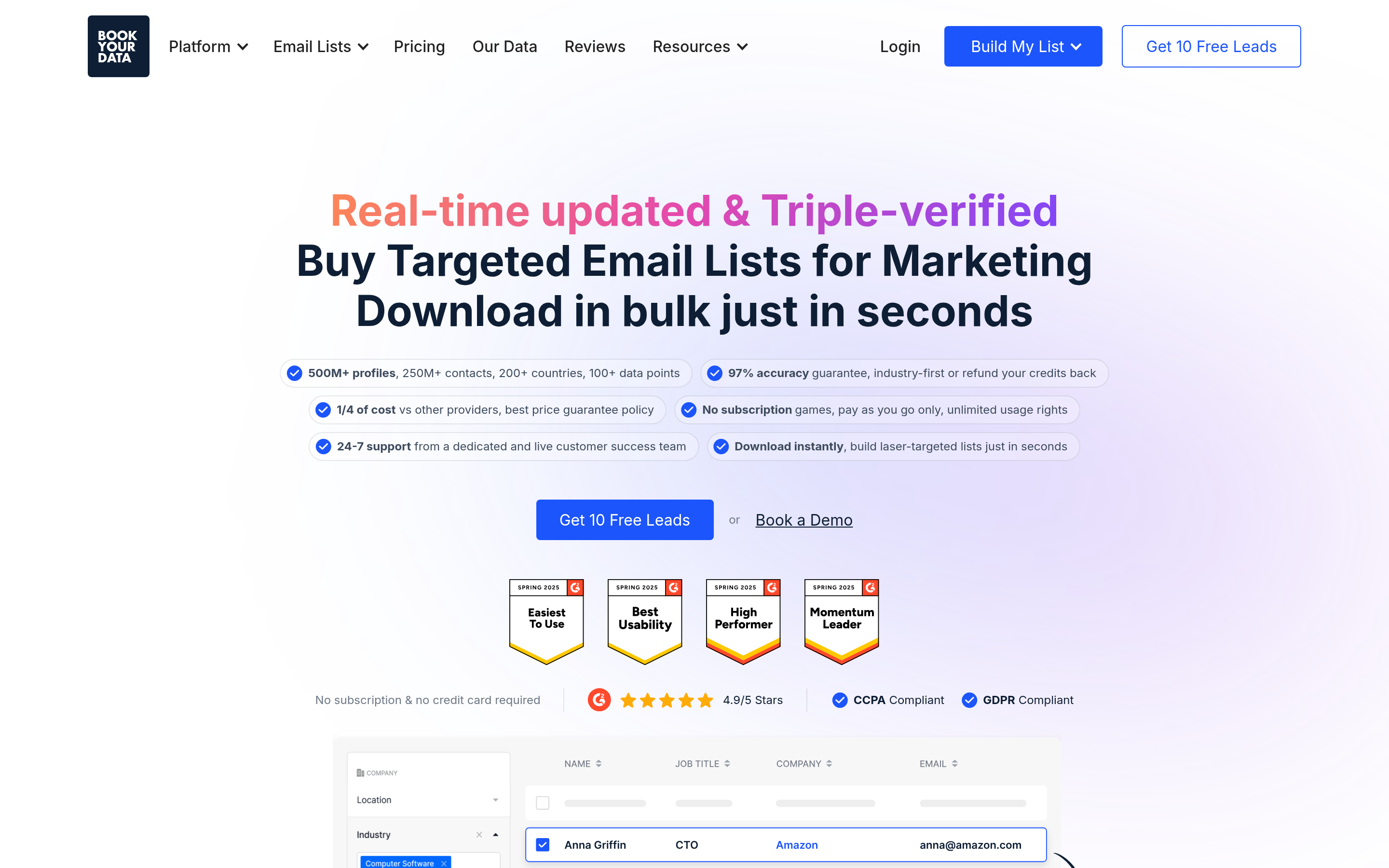
If you like LFBBD's list-based model but want to build and download lists yourself, BookYourData is the most natural next step. You filter by industry, title, location and company size, preview the counts and pay only for the records you export. It uses a credit-based, pay-as-you-go model instead of a mandatory subscription, which suits teams with irregular volume.
Strengths: you skip the briefing step, you see results immediately, and emails are verified before export. It fits agencies and marketers who run campaign-by-campaign outreach and want list economics without a monthly commitment.
Consider: like any list product, what you export starts aging once it's downloaded. Plan periodic re-verification if a list will be worked for more than a few weeks.
3. Apollo.io: best all-in-one for startups#

Apollo.io combines a large contact database with sequencing, a dialer and basic deal tracking. The free plan is generous enough to test, and paid seats unlock more export credits and automation.
Strengths: one login covers search, enrichment and outreach, and the Chrome extension works on LinkedIn and Gmail. Watch out for credit consumption on mobile numbers, and for data accuracy that varies by region and seniority. Many teams run a separate verifier over Apollo exports before sending. If you want to go deeper on this trade-off, Tomba keeps a breakdown of Apollo.io alternatives.
4. ZoomInfo: best for enterprise sales intelligence#

ZoomInfo is the heavyweight of this list. It offers org charts, intent signals, technographics, website visitor tracking and deep US coverage. Pricing is custom and typically sold as an annual contract, so it's aimed at mid-market and enterprise teams with RevOps support.
Choose it when you need account-level intelligence across a big sales org, not just contact rows. Skip it if you're a small team replacing a few LFBBD orders a quarter, because you'd be paying for far more platform than you'll use.
5. Lusha: best for fast direct-dial lookups#
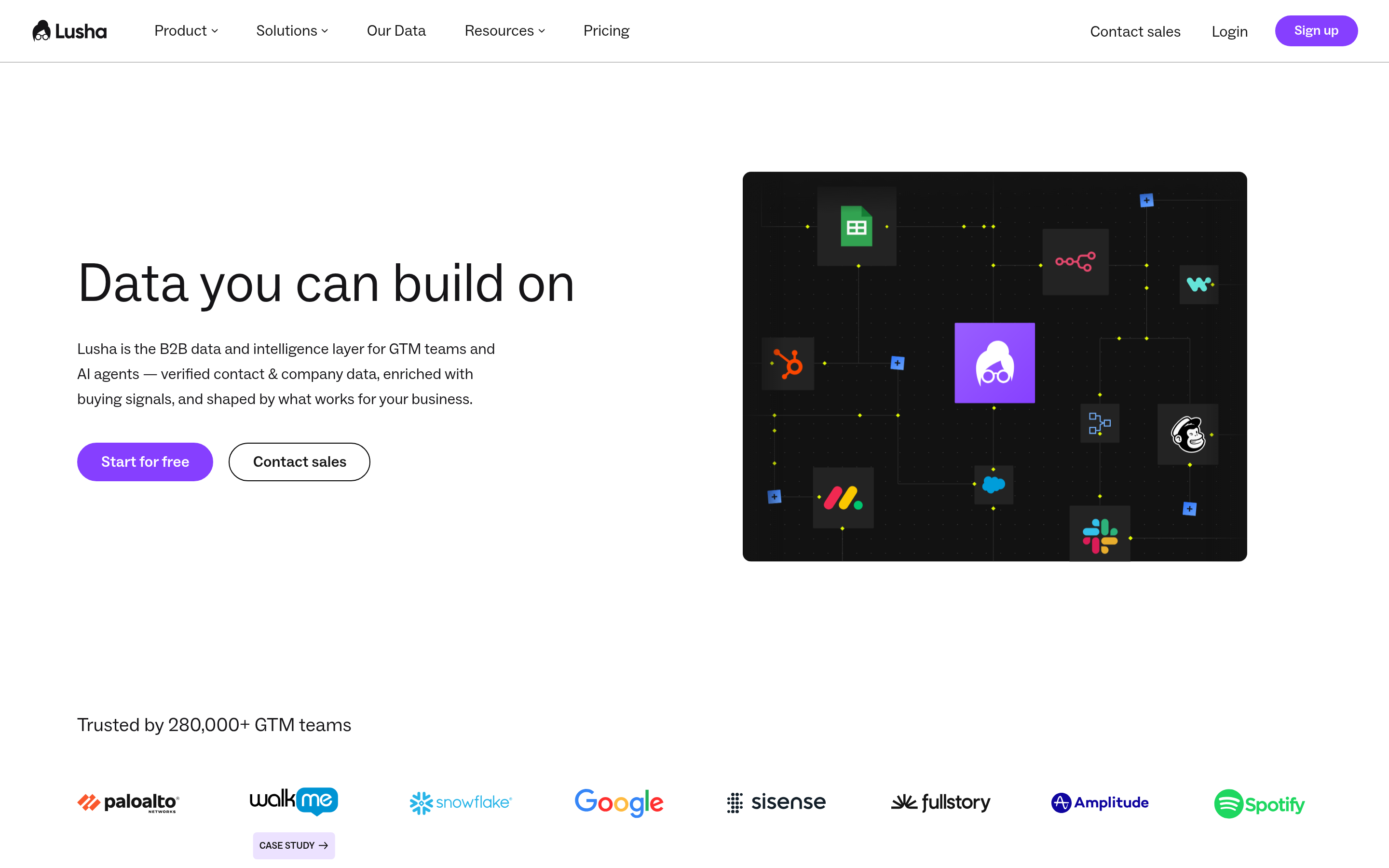
Lusha built its reputation on a browser extension that reveals emails and phone numbers from LinkedIn profiles and company websites. It has a free plan and published per-seat tiers, and it's quick to roll out to a handful of reps.
Strengths: phone numbers and ease of use. Limitations: credits run out quickly on phone reveals, and bulk list building is less flexible than dedicated database tools.
6. UpLead: best for verified-at-export lists#
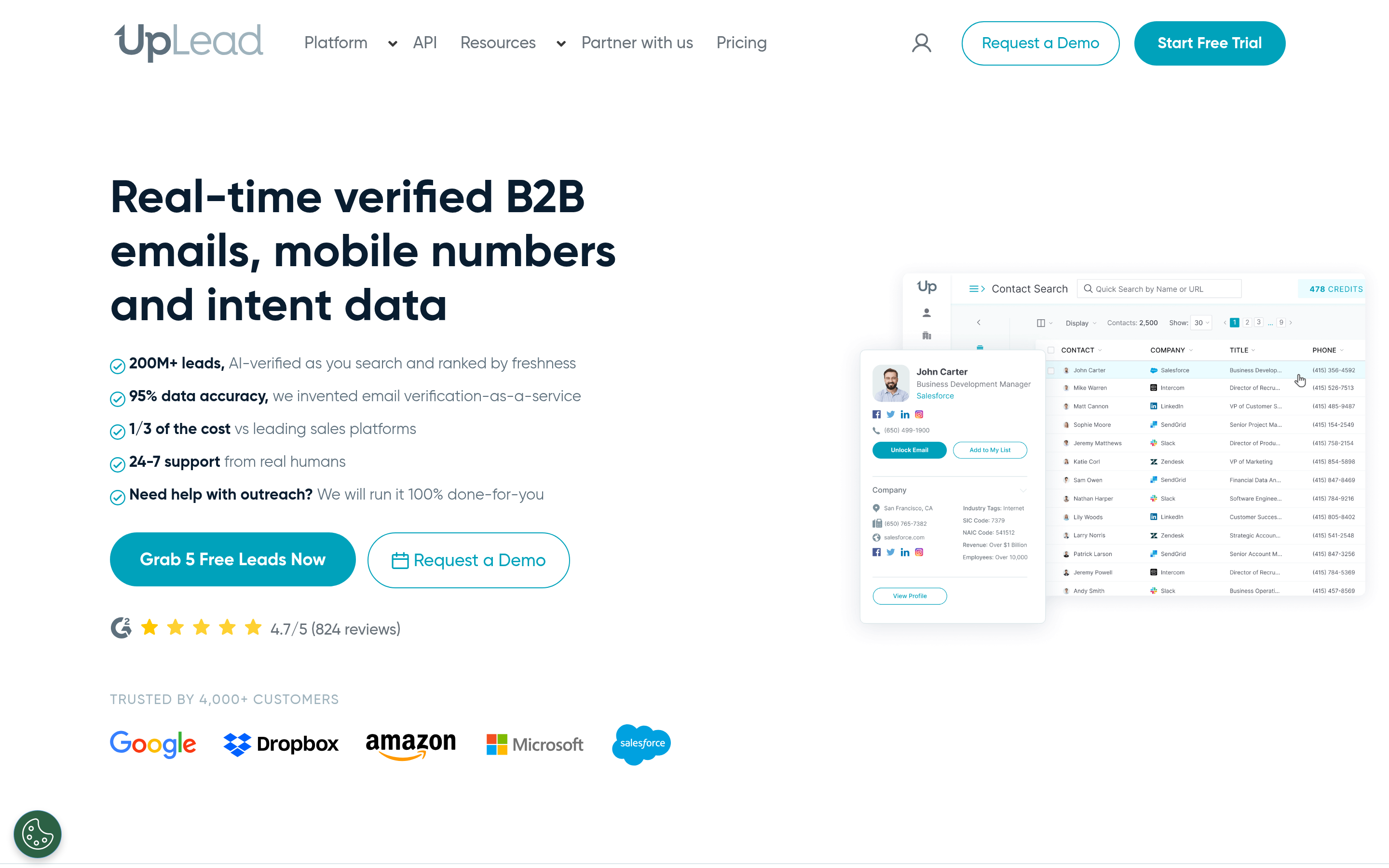
UpLead is a self-serve B2B database that verifies emails in real time when you export and refunds credits for bounces. Plans start around $99/mo with a 7-day trial, and filters include technographics.
It's a sensible middle ground if you want LFBBD-style verified lists without per-order negotiation. Coverage outside North America is thinner than some competitors.
7. Cognism: best for EMEA and phone-verified mobiles#
Cognism focuses on GDPR-conscious data, strong European coverage and "Diamond" phone-verified mobile numbers. Pricing is custom. Pick it if you run a calling-heavy team selling into the UK and EU and need mobiles you can trust. Skip it if you're email-first and cost-sensitive.
For independent user ratings on any of these tools, G2's sales intelligence category is a useful cross-check against vendor claims.
Is a done-for-you list better than a self-serve tool?#
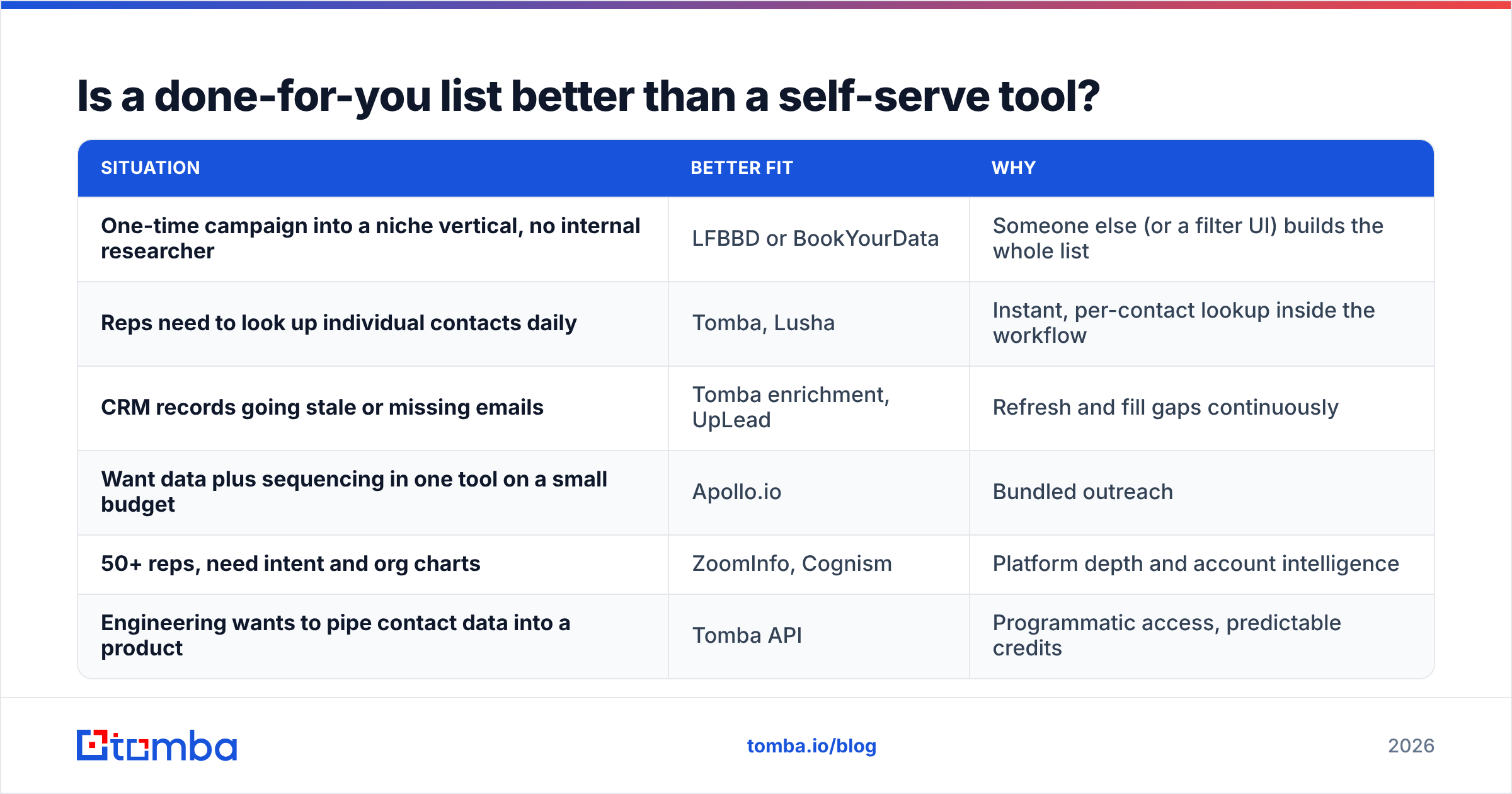
Neither is better across the board. They solve different problems. A quick decision guide:
| Situation | Better fit | Why |
|---|---|---|
| One-time campaign into a niche vertical, no internal researcher | LFBBD or BookYourData | Someone else (or a filter UI) builds the whole list |
| Reps need to look up individual contacts daily | Tomba, Lusha | Instant, per-contact lookup inside the workflow |
| CRM records going stale or missing emails | Tomba enrichment, UpLead | Refresh and fill gaps continuously |
| Want data plus sequencing in one tool on a small budget | Apollo.io | Bundled outreach |
| 50+ reps, need intent and org charts | ZoomInfo, Cognism | Platform depth and account intelligence |
| Engineering wants to pipe contact data into a product | Tomba API | Programmatic access, predictable credits |
The hidden cost of the order-a-list model is decay plus re-work. Say you buy 5,000 contacts and work them over three months. By the end, a noticeable slice will have moved roles, and you're paying bounce costs to your sending domain's reputation. Self-serve tools let you verify right before each send instead. In practice, many teams run both: a purchased list for the initial push, then a self-serve finder and verifier to keep it clean.

How do you migrate from LFBBD to a self-serve tool without losing momentum?#
You don't have to rip anything out. A practical sequence:
- Audit what you already bought. Run your existing LFBBD files through a bulk verifier. Keep the valid rows, drop the invalid ones, and flag catch-all addresses for careful sending.
- Define your ICP as filters, not a brief. Turn the targeting you used to email to a vendor into saved searches: industry, headcount, geography, titles. This is what you'll run in the new tool.
- Start with domain-level search. For your top 100 target accounts, use domain search to pull every public contact per company. Then shortlist by role.
- Fill named gaps with an email finder. When a rep knows the person (say, from LinkedIn or an event list) but not the address, a name + domain lookup is faster than any list order.
- Wire it into your CRM. Connect HubSpot, Salesforce or Pipedrive so new leads are enriched automatically, and schedule re-verification before big sends.
- Keep a list vendor for bursts. For a sudden new-market launch, a done-for-you or self-serve list product still earns its keep.
What do LFBBD alternatives cost at different volumes?#
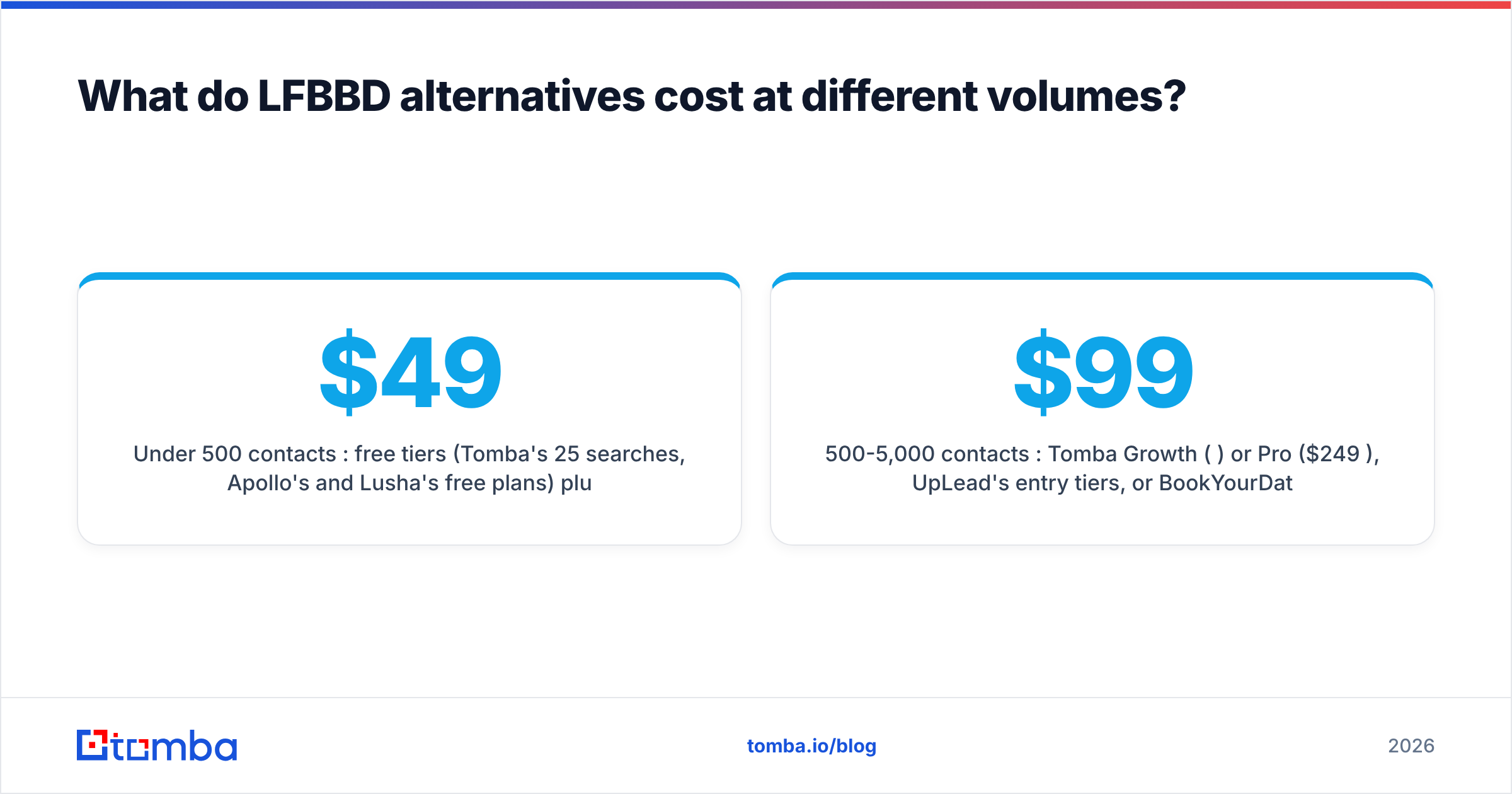
Rough monthly cost patterns, based on each model's pricing shape rather than exact quotes:
- Under 500 contacts/month: free tiers (Tomba's 25 searches, Apollo's and Lusha's free plans) plus a $49/mo Tomba Starter plan usually cover it. Ordering a custom list at this volume is rarely cost-efficient.
- 500-5,000 contacts/month: Tomba Growth ($99/mo) or Pro ($249/mo), UpLead's entry tiers, or BookYourData credits. Seat-based tools get pricier as you add reps.
- 5,000+ contacts/month or 20+ reps: it's worth comparing Tomba Enterprise and API pricing against ZoomInfo or Cognism contracts. At this scale, integration depth and data governance matter as much as unit price.
Per-order vendors like LFBBD stay competitive for infrequent, large, highly custom pulls, such as Amazon seller data or eCommerce store owners, where general B2B databases have weaker coverage. That niche is a real strength, and it's worth keeping in mind before you cancel entirely.
Which LFBBD alternative should you choose?#
- Choose Tomba if your team works email-first and needs accurate, verified addresses on demand through a web app, extension, Sheets, CRM or API.
- Choose BookYourData if you want to keep buying lists but on your own schedule, with pay-as-you-go pricing.
- Choose Apollo.io if you're an early-stage team that wants data and sequencing in one inexpensive tool.
- Choose Lusha or Cognism if direct dials and mobiles drive your pipeline.
- Choose UpLead for verified-at-export lists with bounce refunds.
- Choose ZoomInfo if you need enterprise-grade intent and org data across a large sales org.
- Stick with LFBBD for one-off, niche, hand-researched pulls (eCommerce and Amazon seller data especially) where self-serve databases fall short.
Ready to stop waiting on list orders?#
If your main frustration with LFBBD is the brief-quote-wait cycle, Tomba Email Finder lets you look up a professional email address by name and domain in seconds, check it with built-in verification, and push it straight into your CRM or spreadsheet. Start on the free tier with 25 searches a month, then move to Starter at $49/mo once it's part of your team's daily workflow.
Related guides#
// get started
Find, verify and enrich your first contacts today
Start on the free plan with 25 searches a month, then scale when your team is ready.
Free plan · No credit card required · GDPR & CCPA
// about the author